
Dark Energy Combat Sequence
An intense action-oriented video prompt for a supernatural combat scene featuring dark energy bursts, teleportation, and gravity distortions.
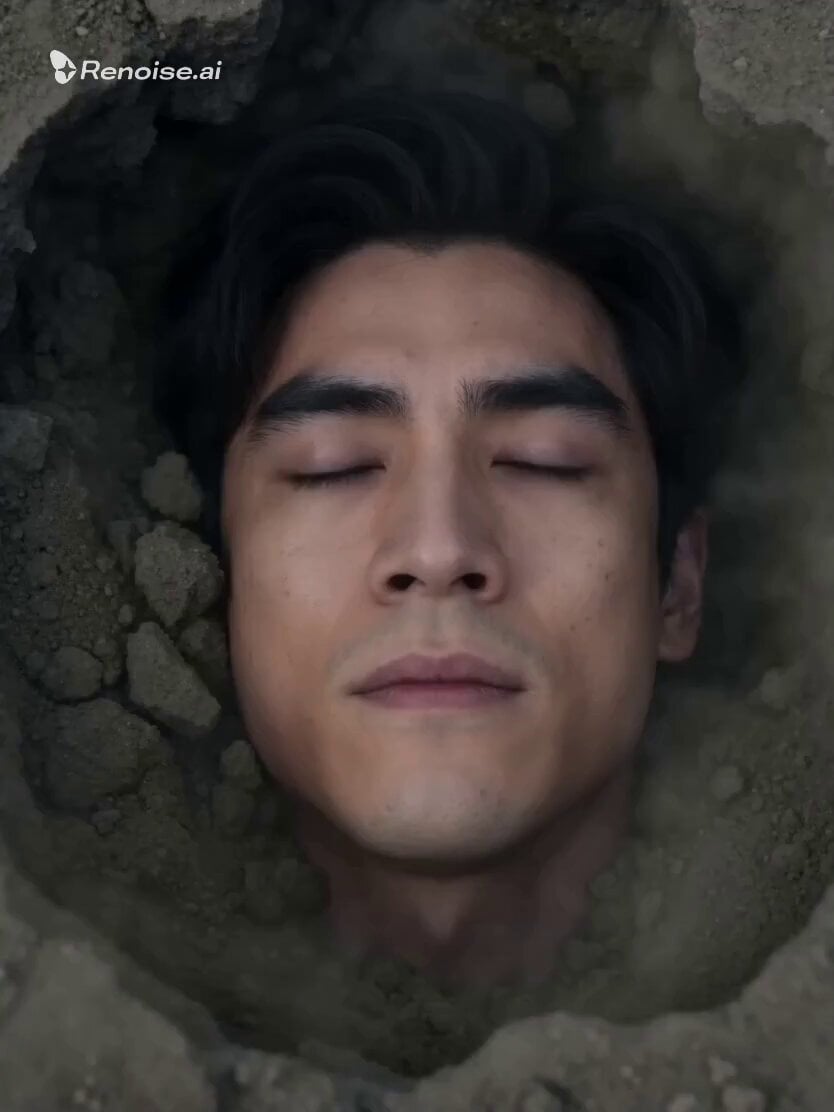
- Prompt included
- Model and format preset
- Free template
The prompt behind this video
Copy the exact prompt behind Dark Energy Combat Sequence, or open it in the studio and make it yours.
**[0s-5s]** Close-up on the man’s face as he lies in the crater; his eyes snap open, glowing with a hollow, void-like black light. He erupts upward in a **violent burst of dark energy**, instantly clearing the smoke. The camera executes a **rapid whip-pan** to follow him as he teleports—appearing as a black blur—behind the woman. She reacts with a spinning back-kick, but he catches her ankle mid-air, the dark energy "corroding" the air around his hand. **[5s-10s]** High-speed tracking shot. The man swings the woman with superhuman force, slamming her through a series of **rotting wooden shoji screens**. The camera follows her through the debris in a single, continuous lateral move. She flips mid-air to recover, but he is already there, delivering a **brutal flurry of palm strikes** infused with black lightning. Each hit creates a localized gravity distortion, warping the light around them. **[10s-15s]** The camera switches to a **shaky, handheld POV** from the woman’s perspective as she is driven back toward a stone lantern. He charges a final, massive sphere of dark energy between his palms and thrusts it forward. The shot cuts to a **wide overhead view** as the courtyard floor shatters completely, the lantern disintegrating into dust. 4K ultra HD, high-contrast lighting, intense particle effects. **Audio:** Distorted electronic screeches, the sound of glass shattering, deep-frequency "void" hums, and a deafening, bass-boosted explosion as the energy connects.
How to use Dark Energy Combat Sequence in 3 steps
- 1
Open
The prompt is already in the box next to the preview, with the template's model and format selected.
- 2…a portrait of your subject in softgolden-hour light, 85mm…
Personalize
Edit the subject and creative details for your destination.
- 3Generate
Generate
Press Generate — your video is created in PicX Studio, so you can compare it with the original and refine one variable at a time.
More like this
Templates with the same subject, style or setup. Open one to see its prompt.

Dark Tokusatsu Transformation - Seedance 2.5
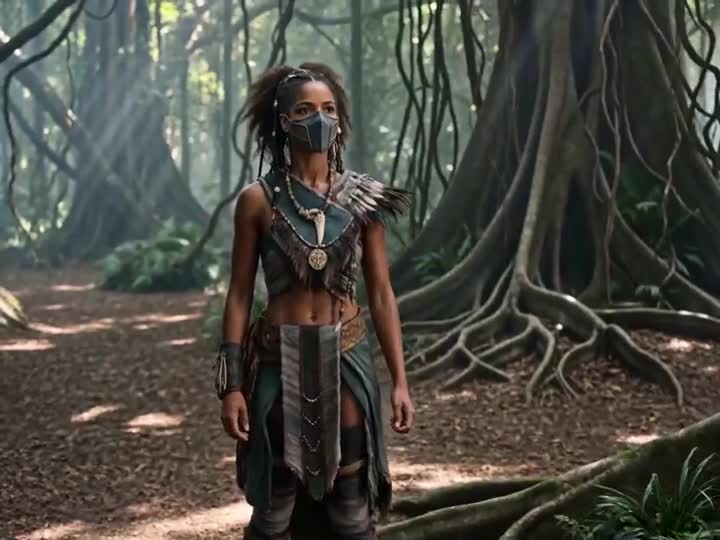
Energy Bow Jungle Edit
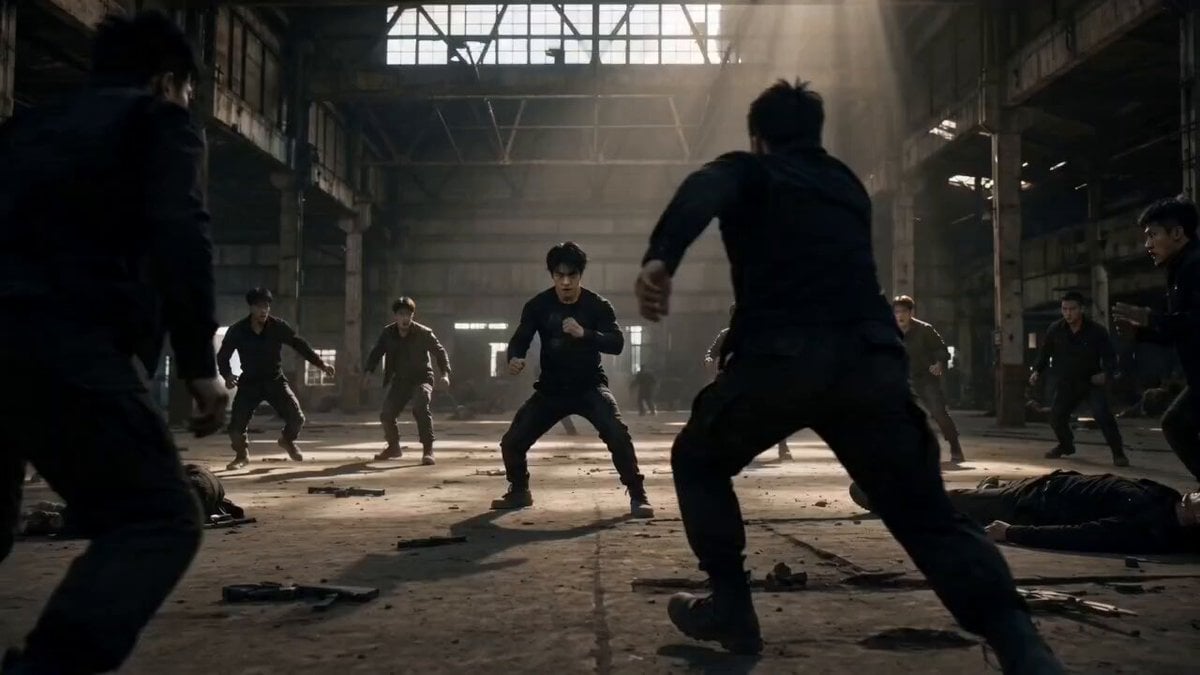
Martial Arts Warehouse Combat Sequence
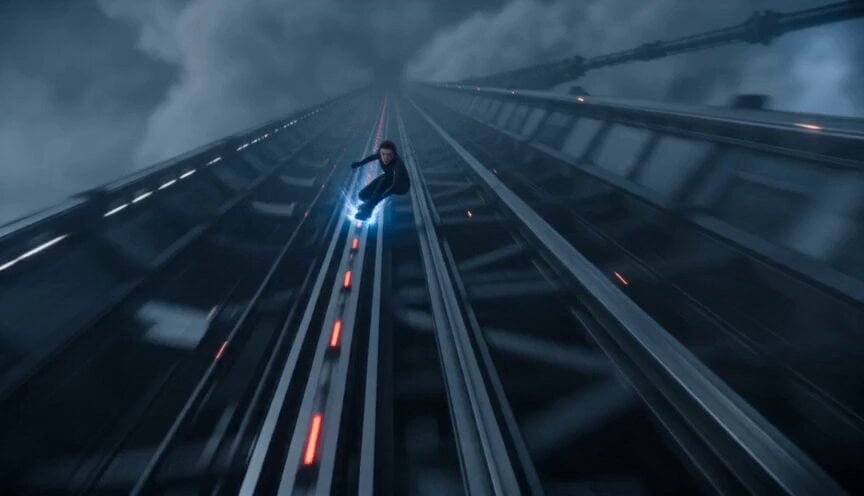
Orbital Elevator Combat Sequence
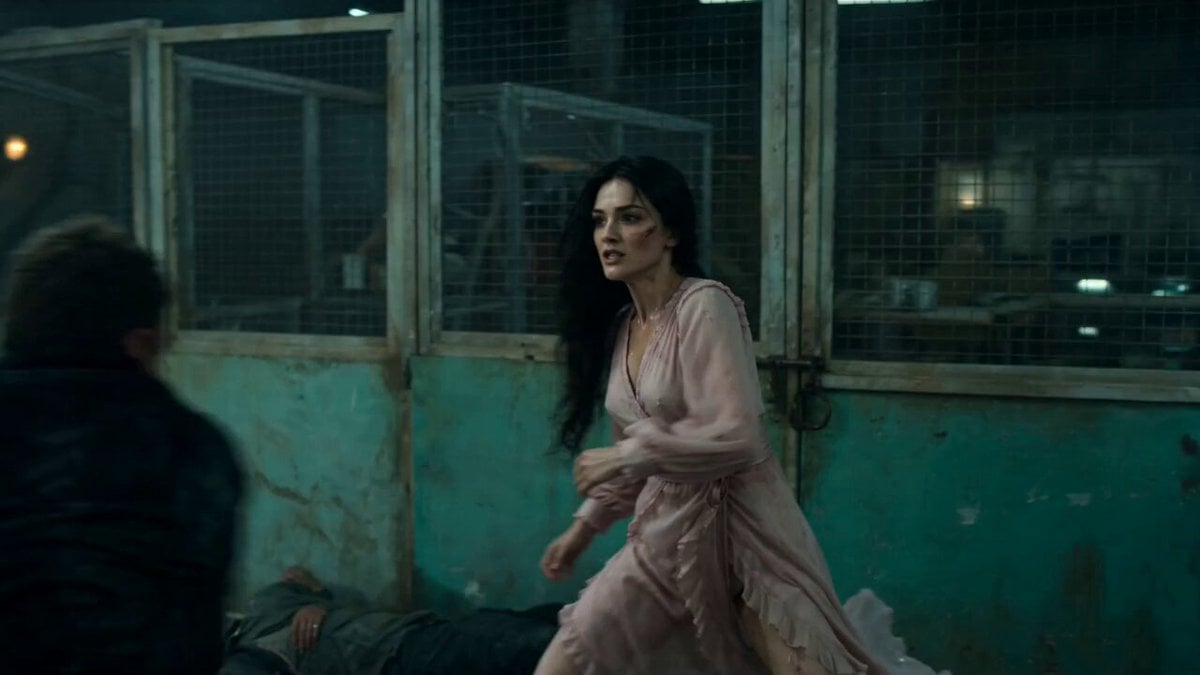
Warehouse Combat Video Sequence
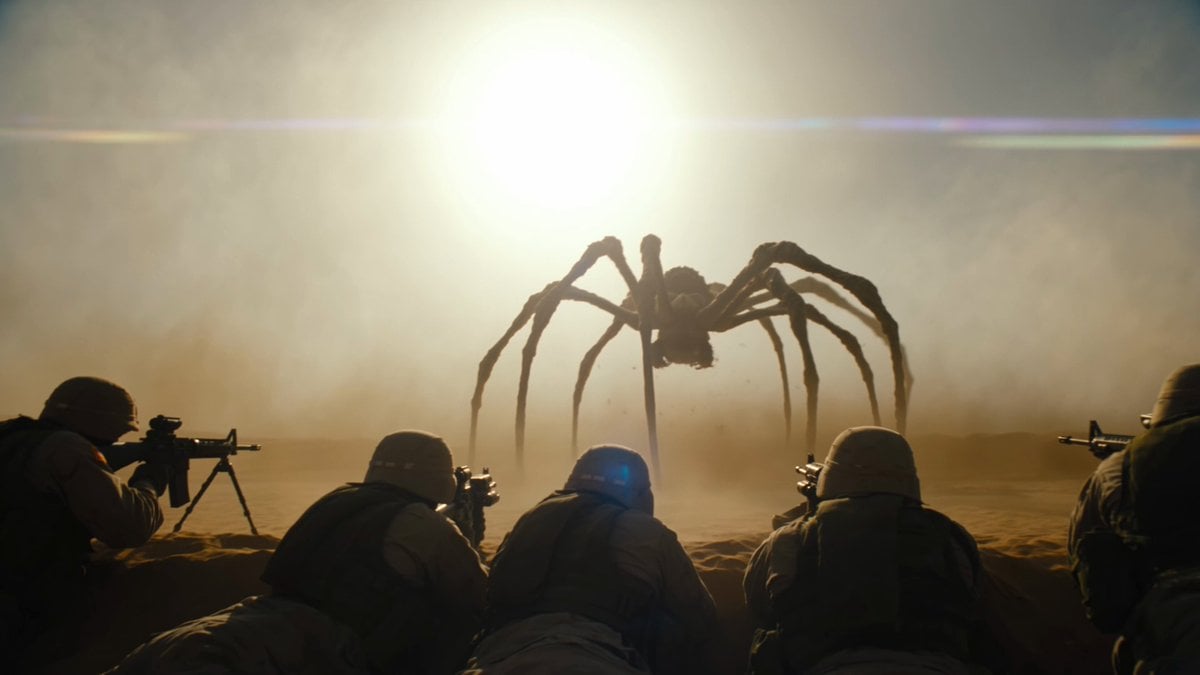
Cinematic Desert Combat Sequence
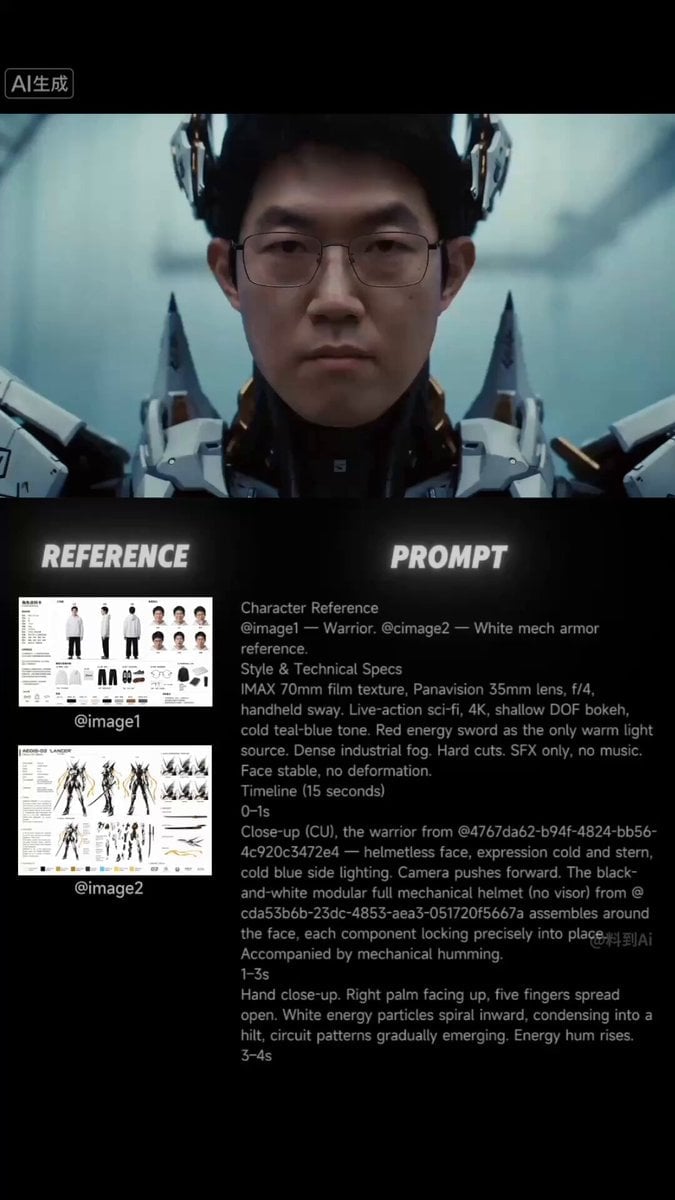
Sci-Fi Samurai Combat Sequence
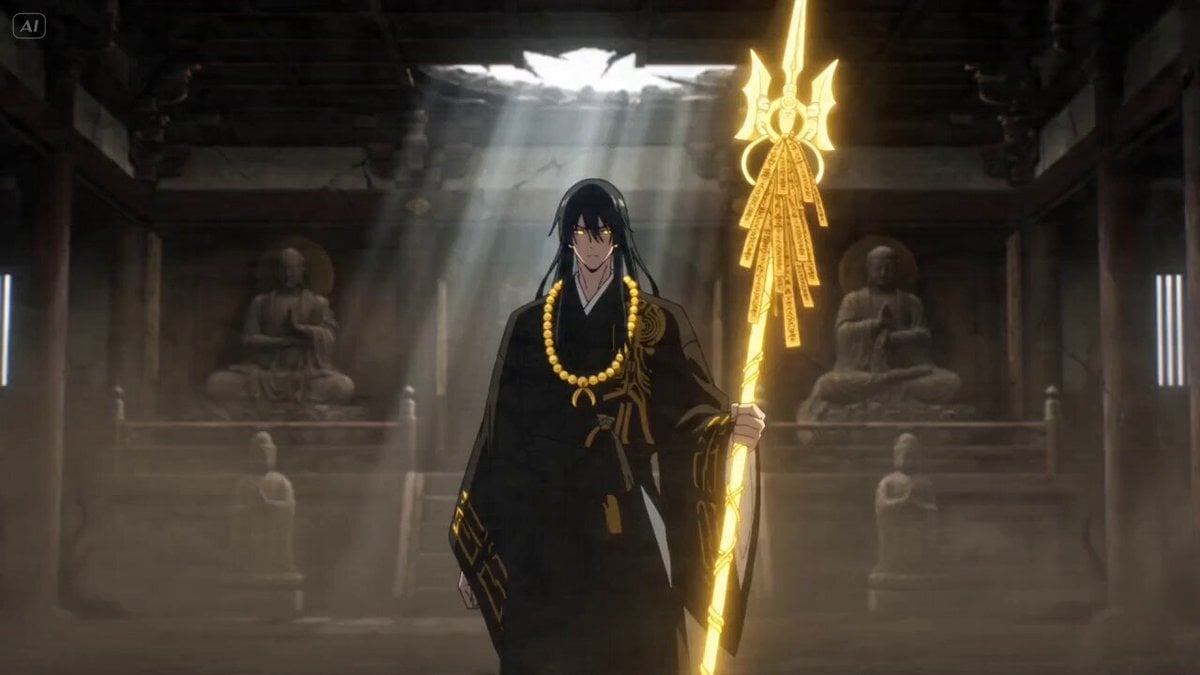
Dark Anime Exorcist Combat Scene
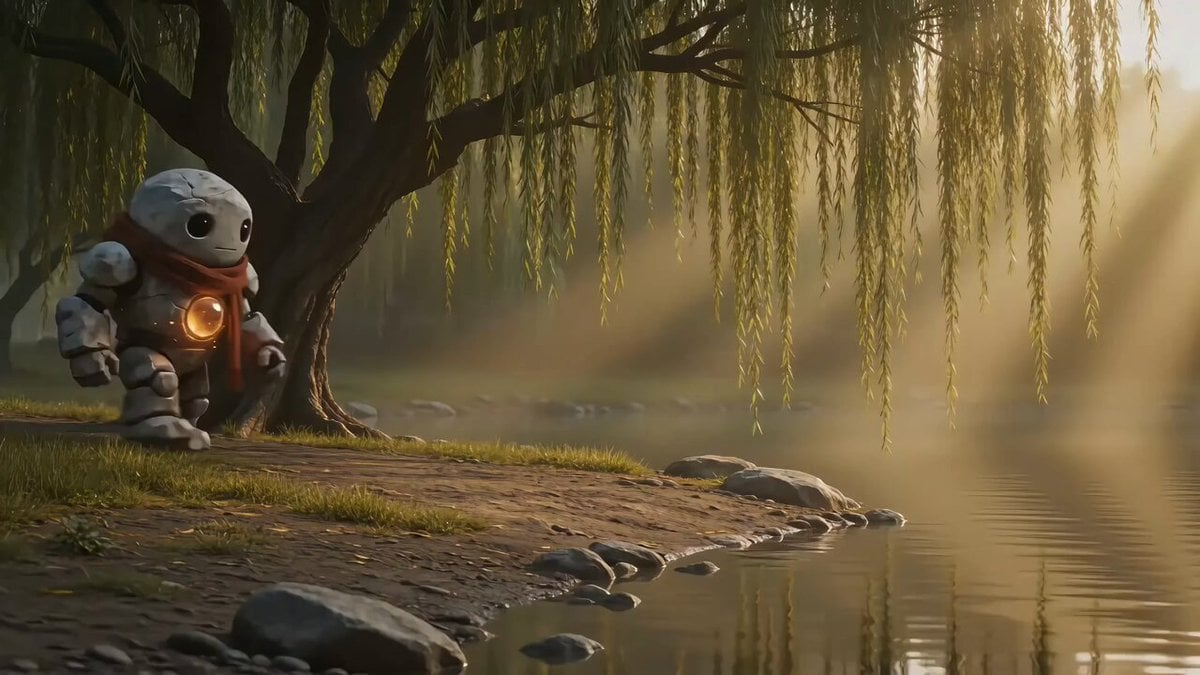
Dark Fantasy Golem and Fairy Cinematic Sequence

Anime Energy Clash Fight Sequence
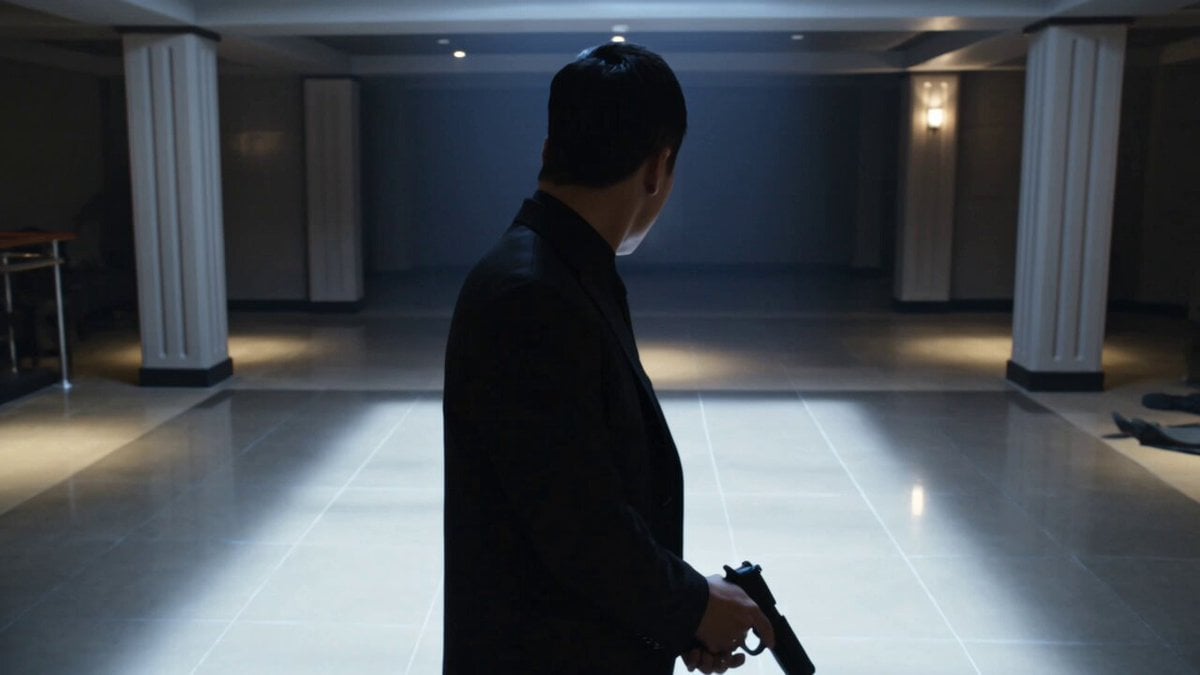
Complex Close Combat Sequence
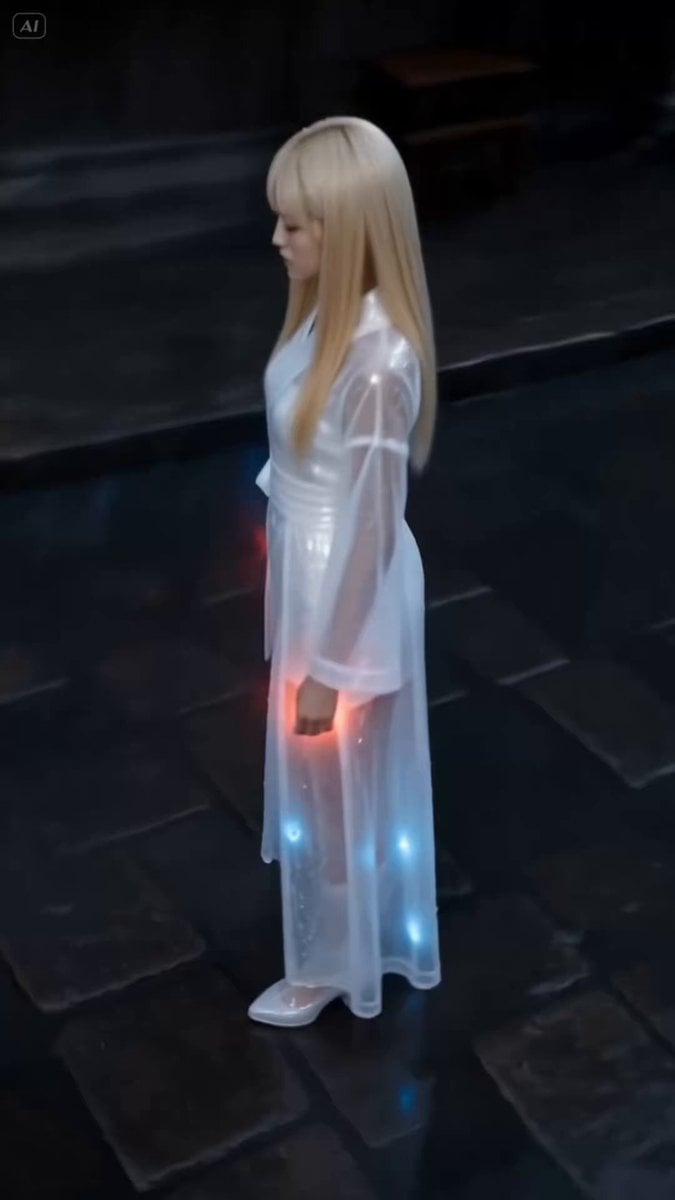
Dark Stormy Town Action Sequence
Make it yours
Dark Energy Combat Sequence works as-is. These are the safest ways to change it without losing the look.
Change one field
Copy a single group, rewrite it, and generate again so you can see what that field is doing.
Keep the frame, change the subject
Hold the composition and light of Dark Energy Combat Sequence, then swap wardrobe, props or the person for a new take.
| If the result… | Why | Fix |
|---|---|---|
| The result drifts from the preview | Too many fields changed at once. | Reuse Dark Energy Combat Sequence as-is first, then change one group — subject, light, or setting. |
| The model over-stylizes the scene | The prose prompt leaves finish and camera underspecified. | Add one camera or lighting sentence and stay on Seedance 2.0. |
More Seedance 2.0 templates
Other prompts made for Seedance 2.0.

Comical Martial Arts Punch Scene

Wuxia Protection and Trust Script

Vintage Korean Arcade MiniDV Vlog

Mercedes 190 SL Luxury Ad

Rainy Night Supernatural Reverse Comedy Video Script

Amazon Civilization Discovery

Futuristic South Asian City Transformation

Cozy Luxury Cafe Commercial

Cyber Ronin Nanotech Transformation Video

Desert Courier and Sandstorm Leviathan Chase
More video prompts
Fresh picks from across the catalog.
Sci-Fi Cyborg Sports Sequence
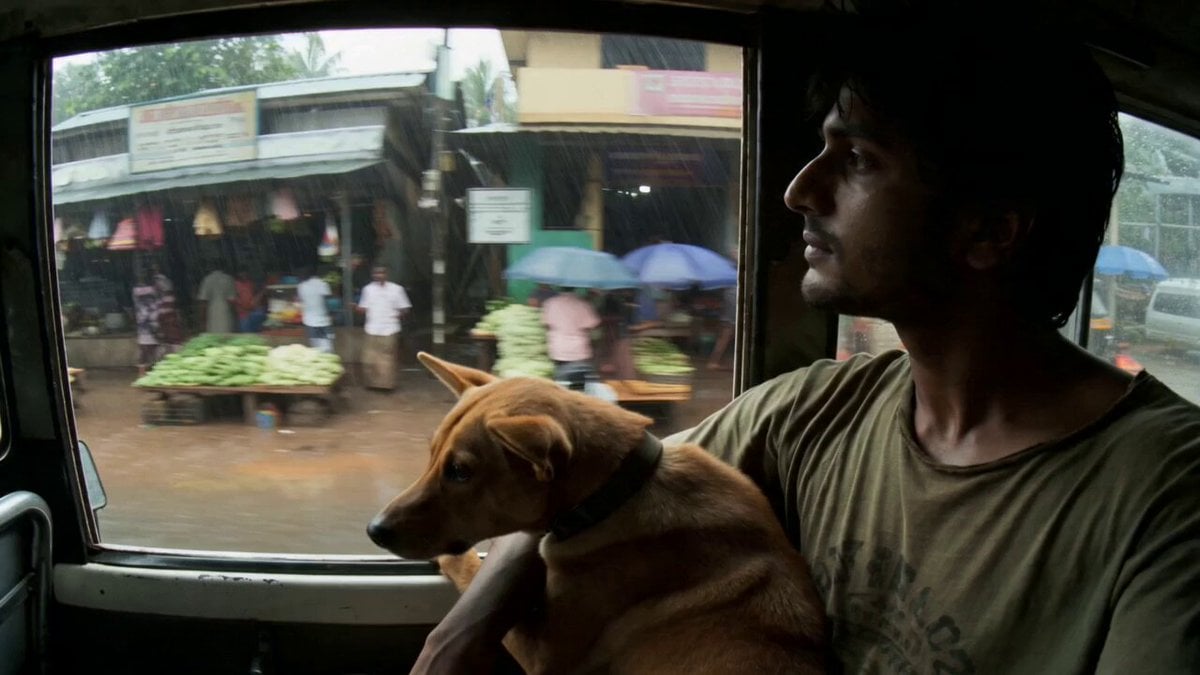
Rural Kerala Monsoon Journey
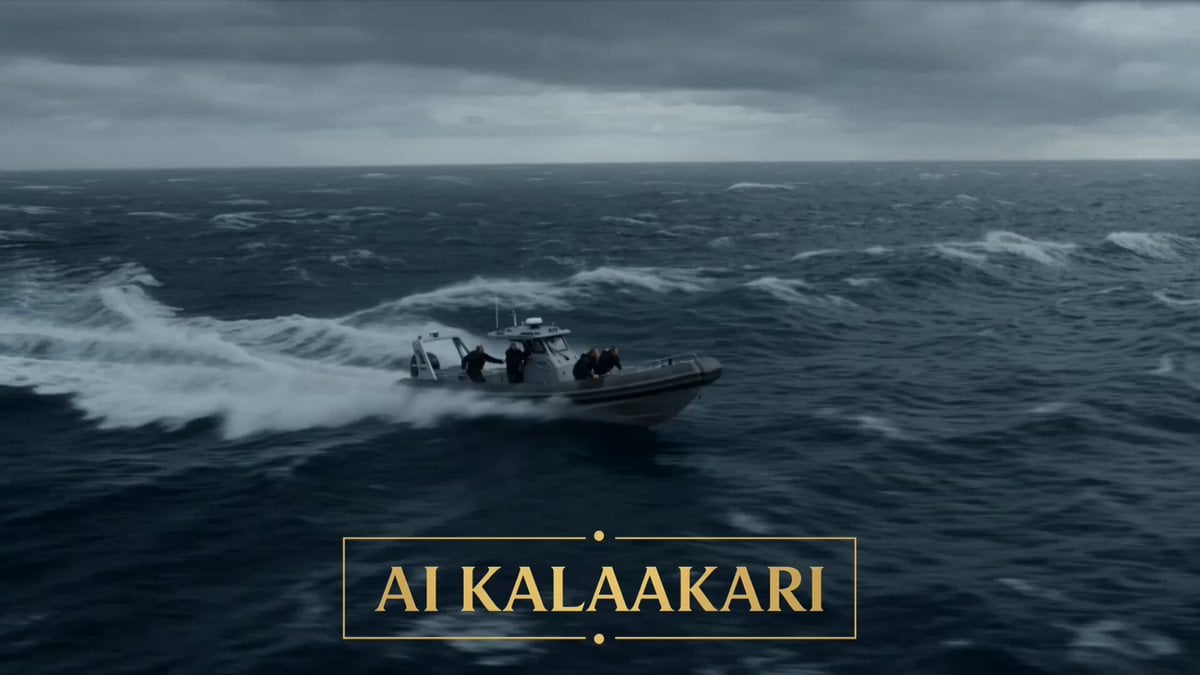
Torpedo vs Megalodon Ocean Chase
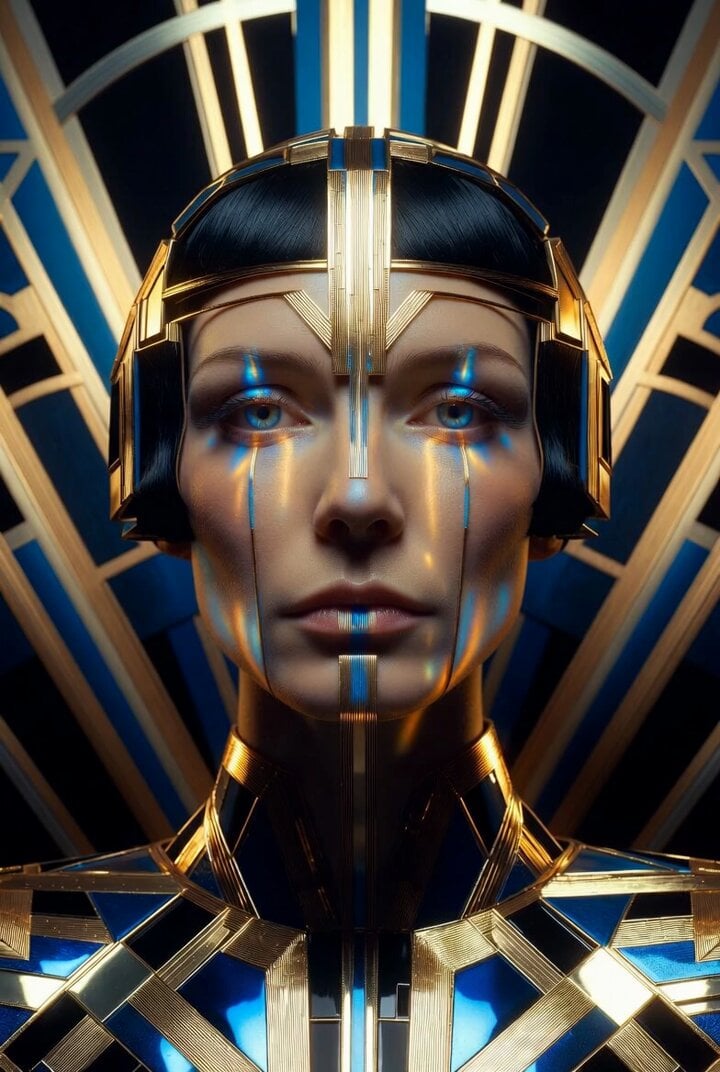
Ultra Sharp Close-up Portrait of an Art Deco Queen
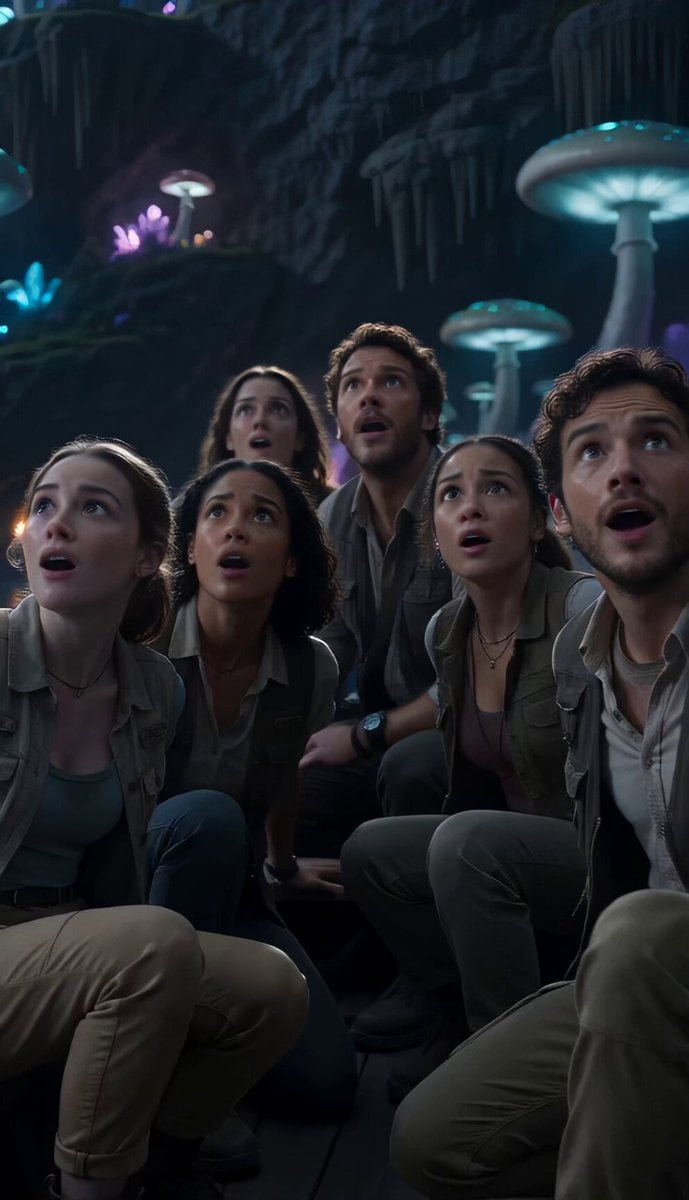
Underground Ocean Fantasy Journey
Dark Fantasy Calligraphy Ink Dragon
European Street Dance Sequence
Elegant Beauty Parlour Commercial
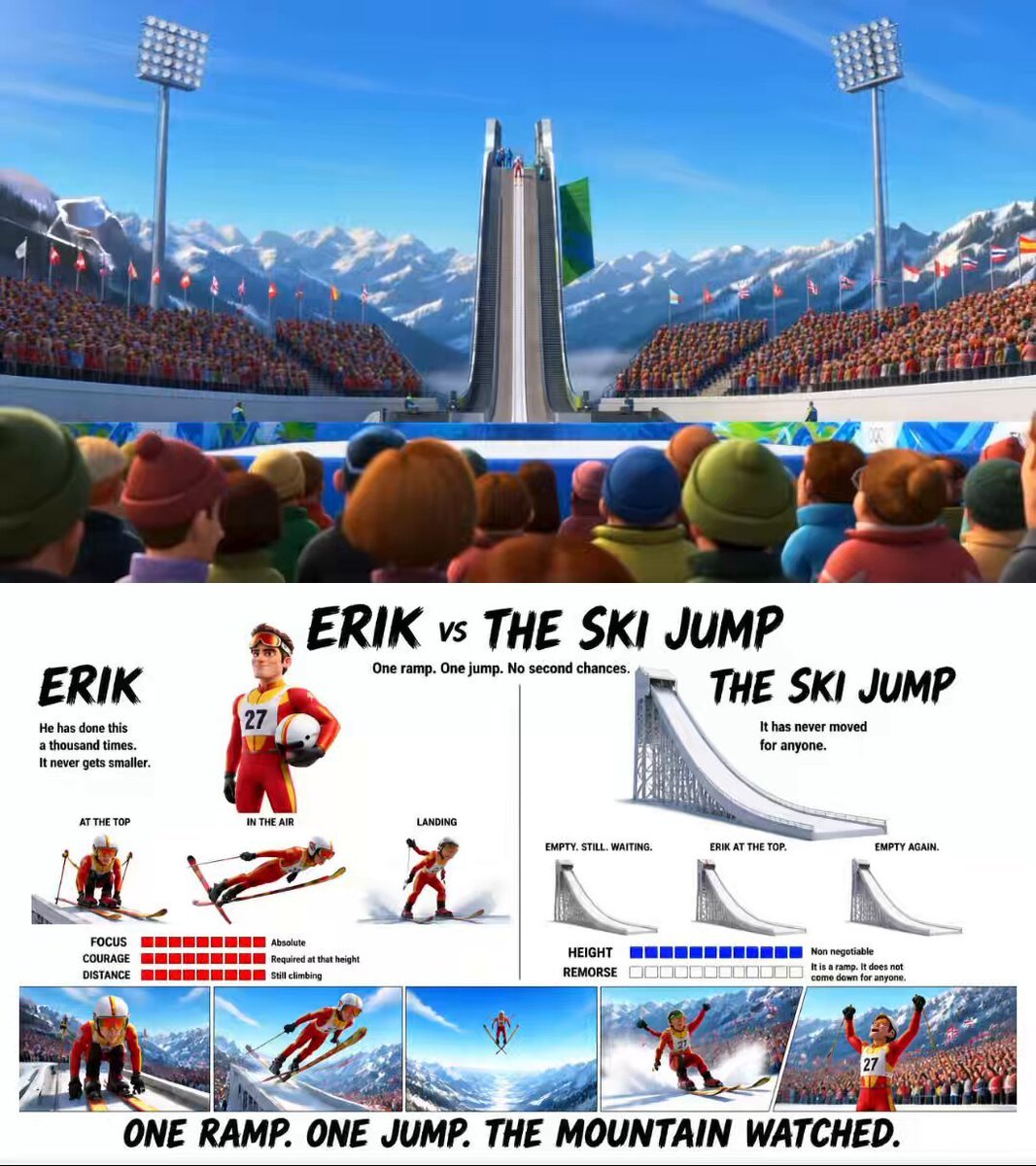
Pixar Style Ski Jump Animation
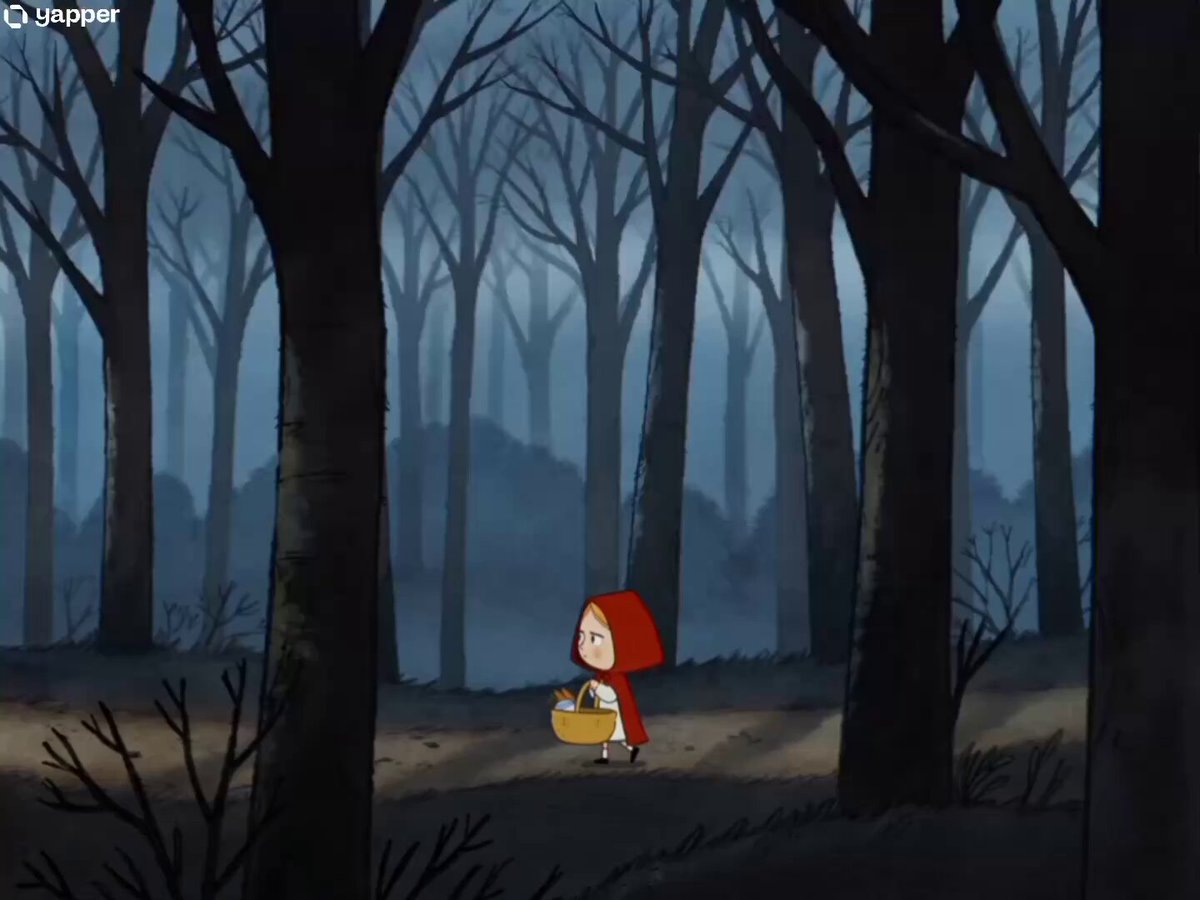
90s Cartoon Horror Story
Browse template categories
Dark Energy Combat Sequence questions
How do I use the Dark Energy Combat Sequence template?
Add your photo if the template asks for one, edit the prompt if you like — the template's model and format are already selected — and press Generate. Your version opens in PicX Studio.
Can I customize the Dark Energy Combat Sequence template?
Yes. You can change the subject, setting, lighting, mood, format, and available model controls before creating your video.
Is the Dark Energy Combat Sequence template free?
Opening and editing this template is free. Generating uses credits, shown on the Generate button when you are signed in.
Which AI model should I use?
Start with Seedance 2.0, which is the model associated with this template. You can compare another compatible model for a different finish.
Looking for something else? Browse all templates.

Your photo, any look
Thousands of ready templates for every top image and video model, from one credit balance.