How do I use the First-Person POV Sword Flying template?
Edit the prompt in the box under the preview — the template's model and format are already selected — and press Generate. Your version appears right on this page.
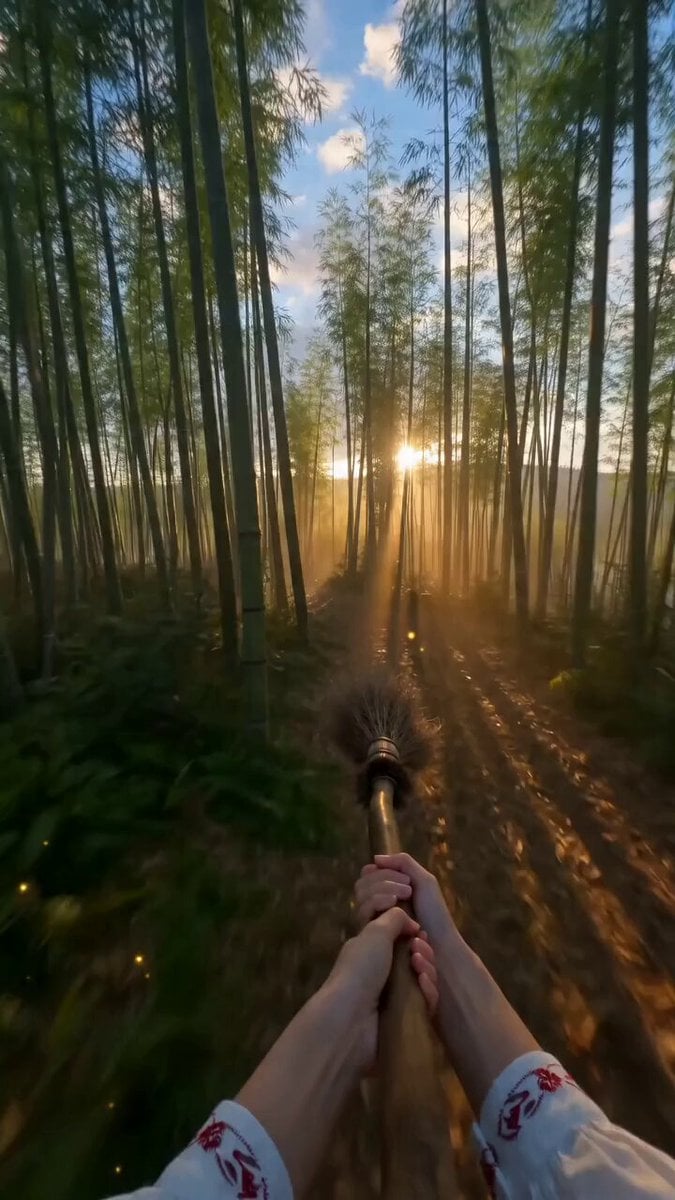
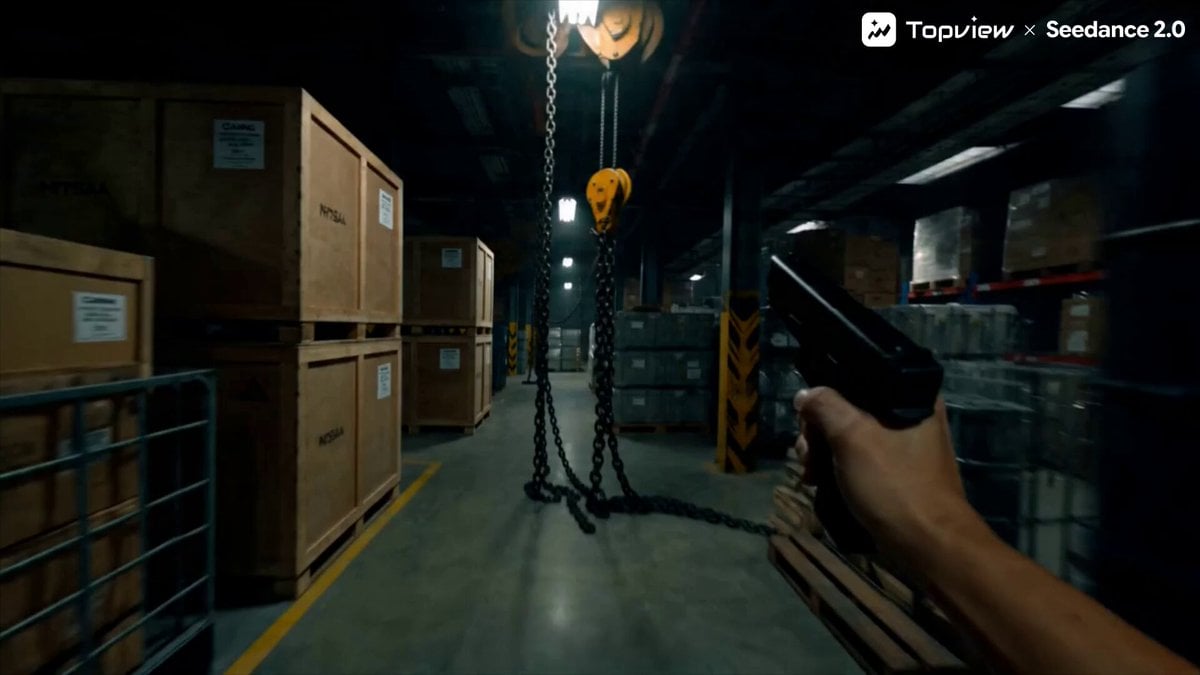
A first-person perspective (POV) video prompt of a character flying on a sword through mountains, emphasizing camera shake and high-speed motion.
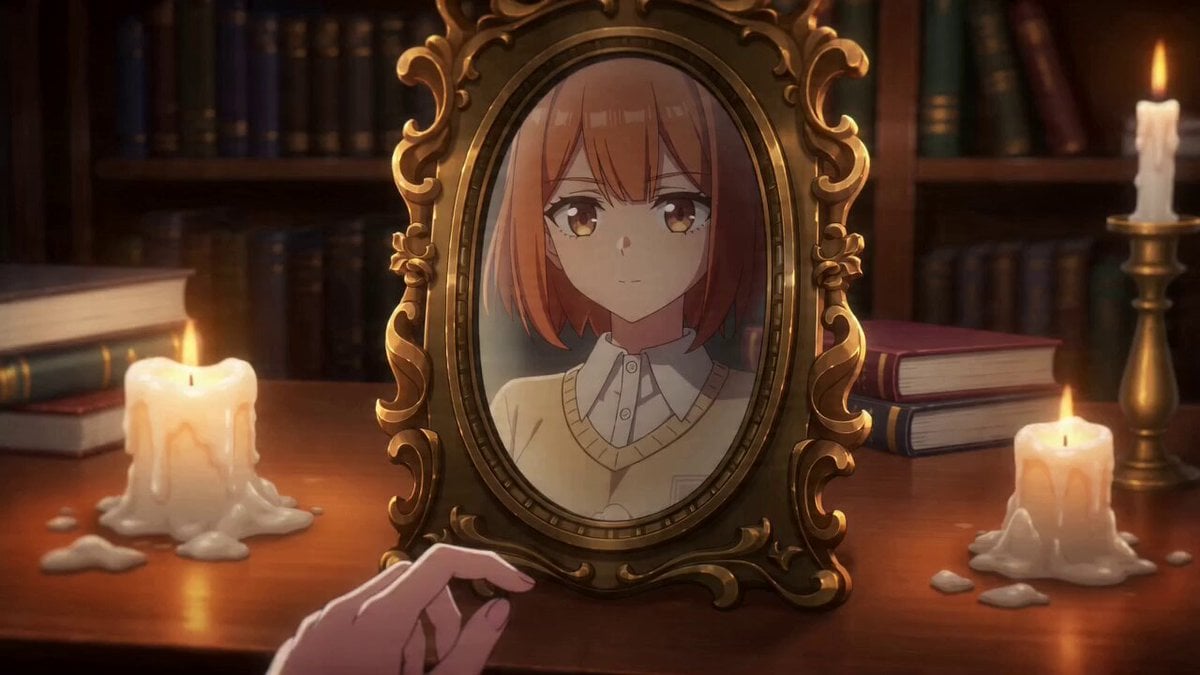
Generate a first-person point-of-view (POV) video of a woman in blue robes, image 1, flying rapidly through the mountains on a sword; the footage is in first-person POV from beginning to end. Live-action, cinematic realistic style. The camera simulates the character's eyes, a surreal POV view (the character's body and face never appear, only the sword appears), imitating the feeling of the character's eyes looking down and then gazing into the distance. The camera has an extreme sense of shakiness and fast flight. Shot one: the camera imitates the character looking down, seeing her shoes and clothing. Shot two: the camera imitates the character looking straight ahead, with the camera height simulating a human eye-level viewpoint (no feet, shoes, clothing, or other parts of the character appear), looking forward at the sword-flight scene. Overall, create an extremely striking wuxia/fantasy atmosphere. The footage should be smooth throughout, one continuous shot, generating only ambient environmental sound effects — do not add background music. Make sure the size of the sword is in normal, harmonious proportion to the surrounding environment; the mountains on either side are very large, and the character is tiny. Only reference the elements and environment from the image — this is not a first-and-last-frame mode. The sword must keep the same length throughout. Only change the viewing angle through the camera tilting up and down. The camera position must remain fixed, and it must imitate the character's first-person POV.
Generate a first-person point-of-view (POV) video of a woman in blue robes, image 1, flying rapidly through the mountains on a sword; the footage is in first-person POV from beginning to end. Live-action, cinematic realistic style. The camera simulates the character's eyes, a surreal POV view (the character's body and face never appear, only the sword appears), imitating the feeling of the character's eyes looking down and then gazing into the distance. The camera has an extreme sense of shakiness and fast flight. Shot one: the camera imitates the character looking down, seeing her shoes and clothing. Shot two: the camera imitates the character looking straight ahead, with the camera height simulating a human eye-level viewpoint (no feet, shoes, clothing, or other parts of the character appear), looking forward at the sword-flight scene. Overall, create an extremely striking wuxia/fantasy atmosphere. The footage should be smooth throughout, one continuous shot, generating only ambient environmental sound effects — do not add background music. Make sure the size of the sword is in normal, harmonious proportion to the surrounding environment; the mountains on either side are very large, and the character is tiny. Only reference the elements and environment from the image — this is not a first-and-last-frame mode. The sword must keep the same length throughout. Only change the viewing angle through the camera tilting up and down. The camera position must remain fixed, and it must imitate the character's first-person POV.
Edit the prompt in the box under the preview — the template's model and format are already selected — and press Generate. Your version appears right on this page.
Yes. You can change the subject, setting, lighting, mood, format, and available model controls before creating your video.
Opening and editing this template is free. Generating uses credits, shown on the Generate button when you are signed in.
Start with Seedance 2.0, which is the model associated with this template. You can compare another compatible model for a different finish.
Follow a topic to a crawlable collection of related PicX Studio templates.