How do I use the First-Person POV Kitchen Scene with Dialogue template?
Edit the prompt in the box under the preview — the template's model and format are already selected — and press Generate. Your version appears right on this page.
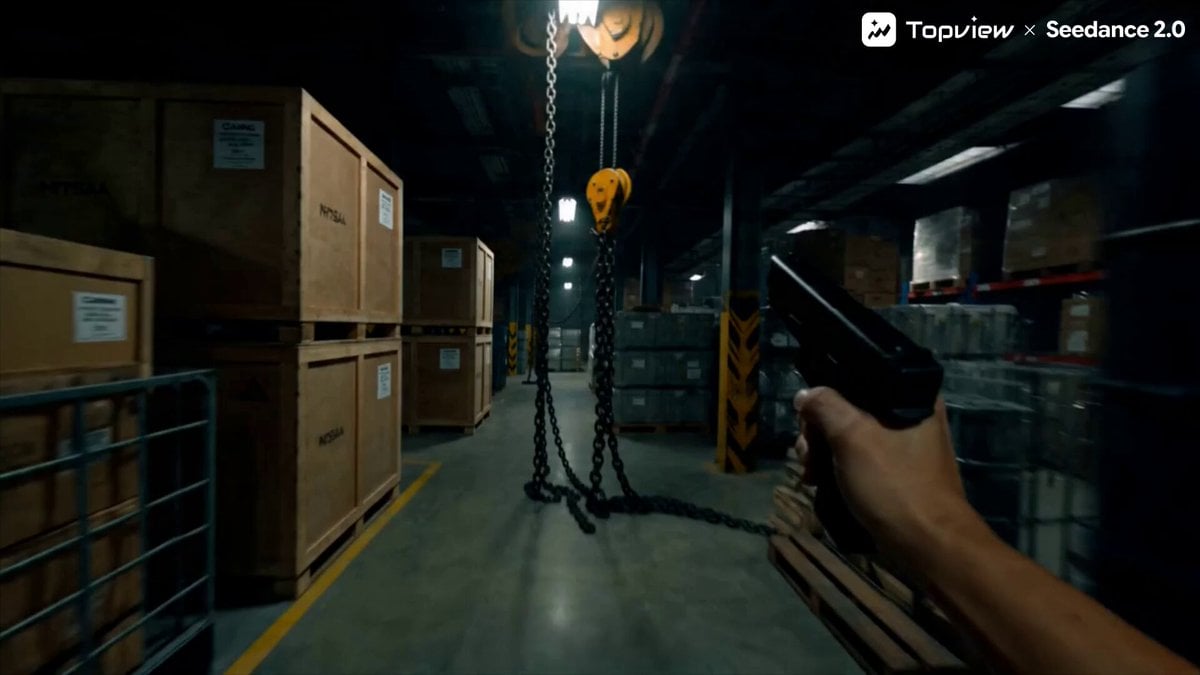
A structured 10-second prompt for a first-person POV video set in a kitchen, featuring a woman cooking.
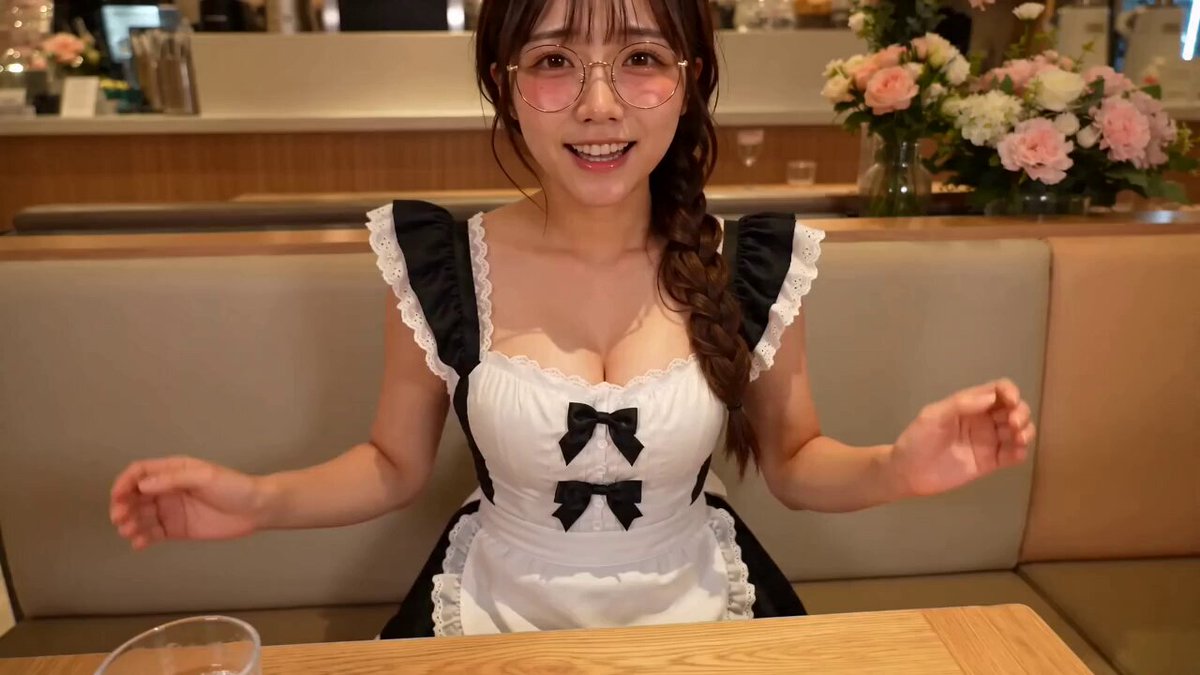
global_settings: style: "Realistic kitchen scene, high-fidelity" perspective: "First-person POV (18-year-old male)" character: "21-year-old elegant woman (strictly maintain Image 1 features/art style)" audio: voice: "Mature/Onee-san female voice, gentle tone" dialogue: "好吃~ (Haochi~)" ambient: "Sizzling frying pan, soft natural laughter" music: "None (Silence except environment)" technical: "Continuous POV, no cuts, no watermarks, no text, 10 seconds" scene_setup: location: "Kitchen, standing by the stove" action: "Woman in an apron is frying an egg; I approach her from behind" storyboard_sequence: 0_3s: "Camera moves closer to her back as she cooks. A hand enters from the bottom frame, picks a fruit from a bowl, and holds it to her lips." 3_6s: "She glances sideways, smiles, bites the fruit, and says '好吃~' (Haochi~) with a satisfied, mature tone." 6_8s: "She turns fully to the lens (looking at 'me'). A hand reaches out to wipe a droplet of juice from her lip. Her eyes curve into warm crescent moons." 8_10s: "She turns back to the stove to flip the egg. Shot lingers on her busy back and the rising steam from the pan." negative_constraints: - "Low quality, blurry, laggy, clipping, deformed anatomy" - "Immature appearance, non-POV, background music, text overlays" - "Missing feeding action, robotic movements"
global_settings: style: "Realistic kitchen scene, high-fidelity" perspective: "First-person POV (18-year-old male)" character: "21-year-old elegant woman (strictly maintain Image 1 features/art style)" audio: voice: "Mature/Onee-san female voice, gentle tone" dialogue: "好吃~ (Haochi~)" ambient: "Sizzling frying pan, soft natural laughter" music: "None (Silence except environment)" technical: "Continuous POV, no cuts, no watermarks, no text, 10 seconds" scene_setup: location: "Kitchen, standing by the stove" action: "Woman in an apron is frying an egg; I approach her from behind" storyboard_sequence: 0_3s: "Camera moves closer to her back as she cooks. A hand enters from the bottom frame, picks a fruit from a bowl, and holds it to her lips." 3_6s: "She glances sideways, smiles, bites the fruit, and says '好吃~' (Haochi~) with a satisfied, mature tone." 6_8s: "She turns fully to the lens (looking at 'me'). A hand reaches out to wipe a droplet of juice from her lip. Her eyes curve into warm crescent moons." 8_10s: "She turns back to the stove to flip the egg. Shot lingers on her busy back and the rising steam from the pan." negative_constraints: - "Low quality, blurry, laggy, clipping, deformed anatomy" - "Immature appearance, non-POV, background music, text overlays" - "Missing feeding action, robotic movements"
Edit the prompt in the box under the preview — the template's model and format are already selected — and press Generate. Your version appears right on this page.
Yes. You can change the subject, setting, lighting, mood, format, and available model controls before creating your video.
Opening and editing this template is free. Generating uses credits, shown on the Generate button when you are signed in.
Start with Seedance 2.0, which is the model associated with this template. You can compare another compatible model for a different finish.
Follow a topic to a crawlable collection of related PicX Studio templates.