
Desert Canyon FPV Rally Race
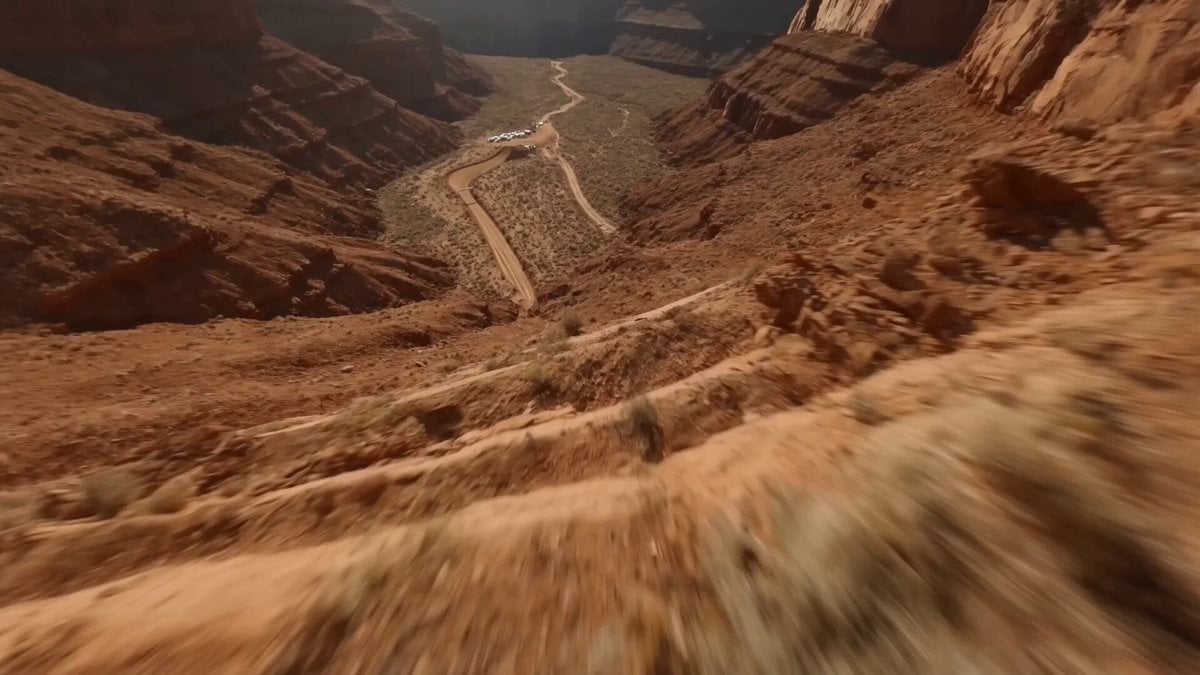
A high-speed racing prompt featuring a vertical canyon drop transitioning into an aggressive FPV drone chase during a desert rally.
- Prompt included
- Model and format preset
- Premium template
The prompt behind this video
Copy the exact prompt behind Desert Canyon FPV Rally Race, or open it in the studio and make it yours.
[0–5s]: The Canyon Plunge A blistering vertical drop down the sheer, sun-baked red rock face of a massive desert canyon. The camera plummets like a stone past jutting sandstone ledges and swirling dust devils. Intense camera shake mimics the harsh aerodynamic downdraft, with grit and loose pebbles streaking past the lens to emphasize the blinding downward speed against a harsh mid-day sun. [5–10s]: The Apex Weave Inches before smashing into the heavily rutted dirt track, the camera aggressively pulls up, instantly stabilizing into a buttery-smooth, high-speed FPV drone glide. It threads the needle through a chaotic, high-stakes WRC rally drift corner. The camera ducks under a swinging course marker, weaves tightly between two aggressively tuned Audi R8s trading paint mid-slide, and dodges a massive, blinding spray of gravel kicked up by spinning tires. [10–15s]: The Drift and Whip-Pan The camera executes a low, dust-spraying powerslide beneath the crest of a massive dirt jump just as a neon-wrapped rally car launches directly overhead, its roaring exhaust flames scorching the air. Using the bright orange flash of the exhaust backfire as a transition, the camera executes a vicious, motion-blurred whip-pan 180 degrees to the right—snapping perfectly onto a pit crew chief in a sponsor-heavy fire suit, capturing the exact frame she throws a checkered flag down and points a gloved finger directly at the lens.
How to use Desert Canyon FPV Rally Race in 3 steps
- 1
Open
The prompt is already in the box next to the preview, with the template's model and format selected.
- 2…a portrait of your subject in softgolden-hour light, 85mm…
Personalize
Edit the subject and creative details for your destination.
- 3Generate
Generate
Press Generate — your video is created in PicX Studio, so you can compare it with the original and refine one variable at a time.
More like this
Templates with the same subject, style or setup. Open one to see its prompt.
Moroccan Desert Rally Race
Futuristic Ice Canyon Racer Sequence
FPV Drone Skier Tracking — Kling 3.0 O3 Pro
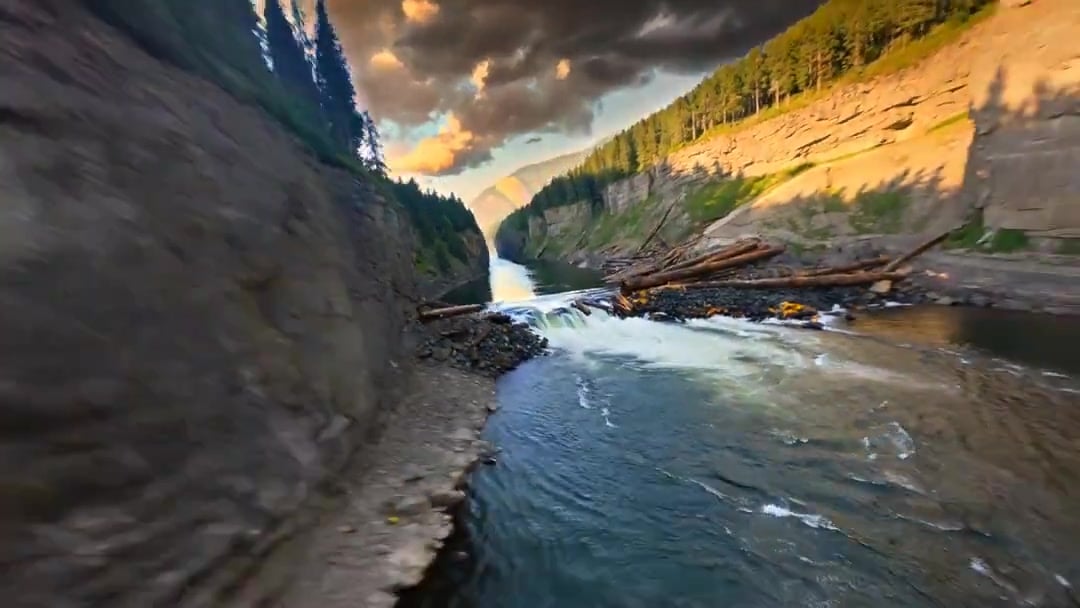
Cinematic Drone Specs Canyon — Kling 3.0 v3 Pro
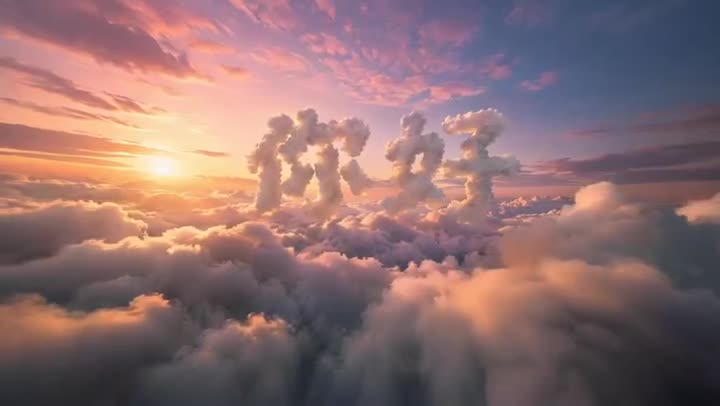
FPV Multilingual Landscape Flight
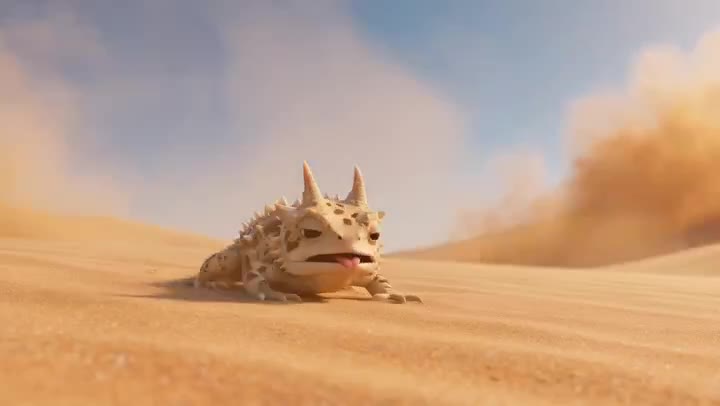
Desert Horned Lizard Grapefruit Ad

Floating Desert Museum Cinematic Film
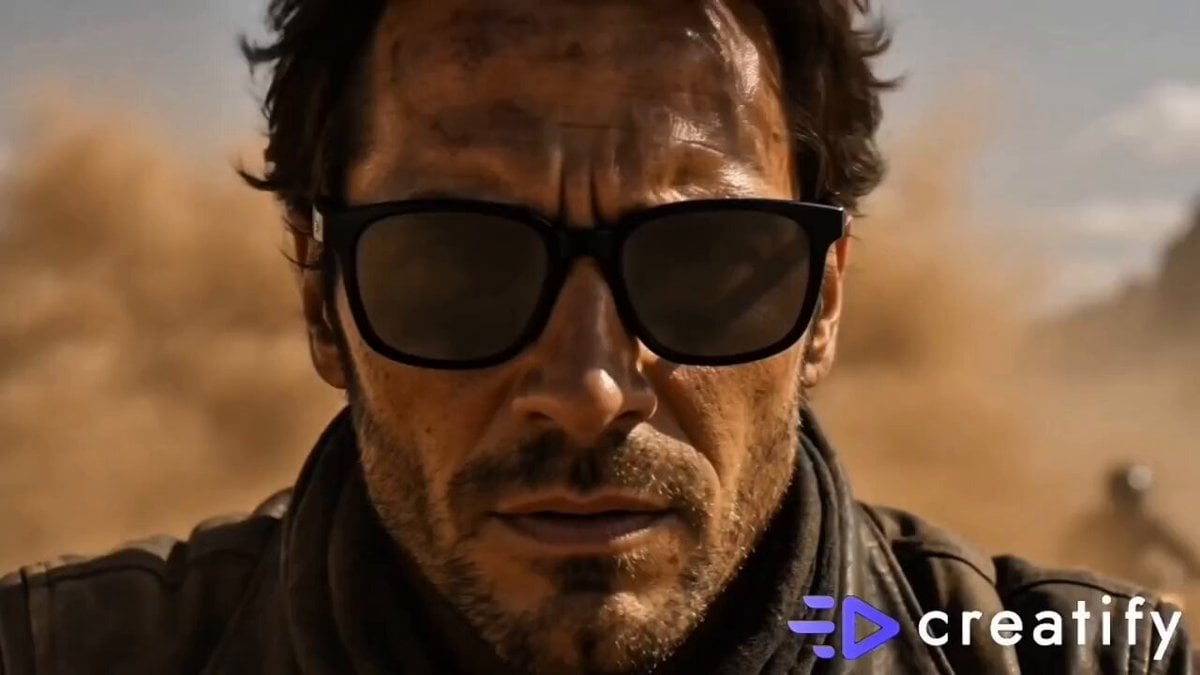
Cinematic Desert Sandstorm Motorcycle Race
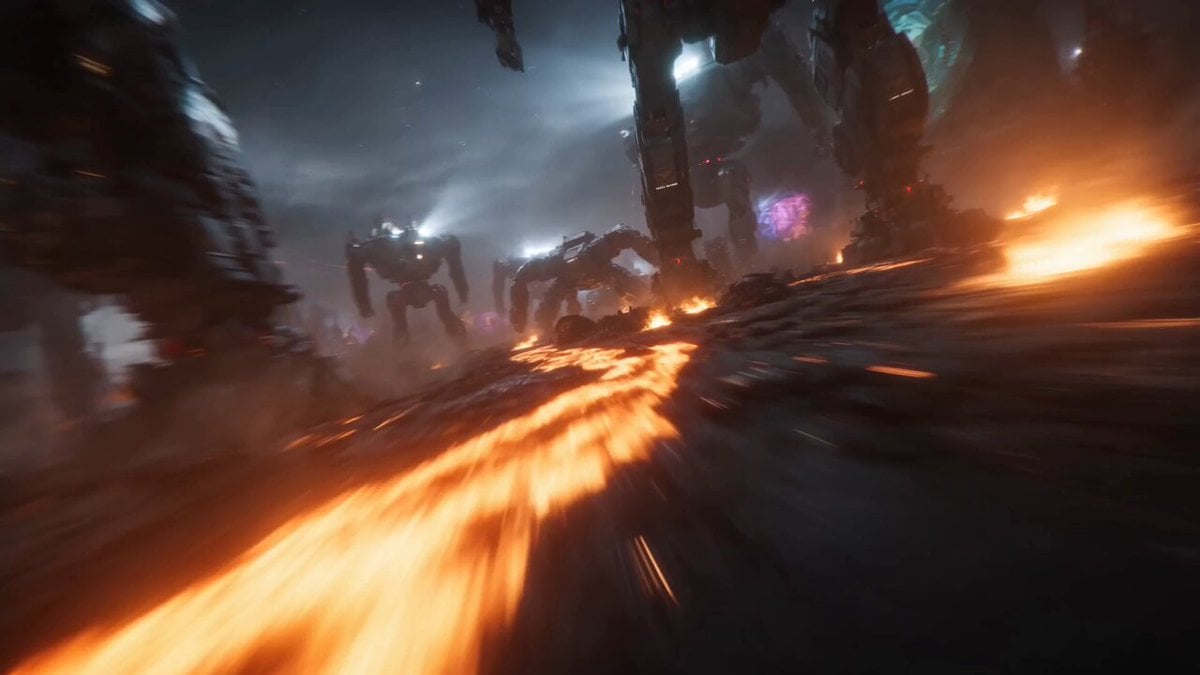
Dystopian Cyborg FPV Race
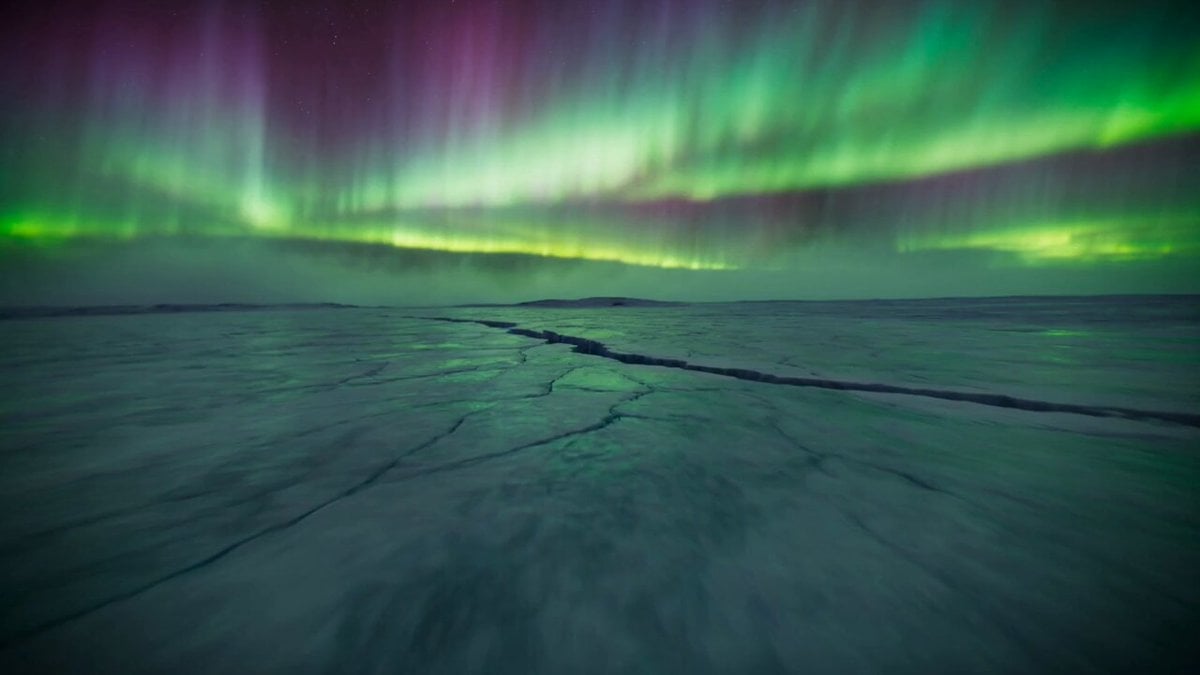
Arctic Canyon Aurora FPV Dive

Walking Factory with Rebel on Hoverbike - Wasteland
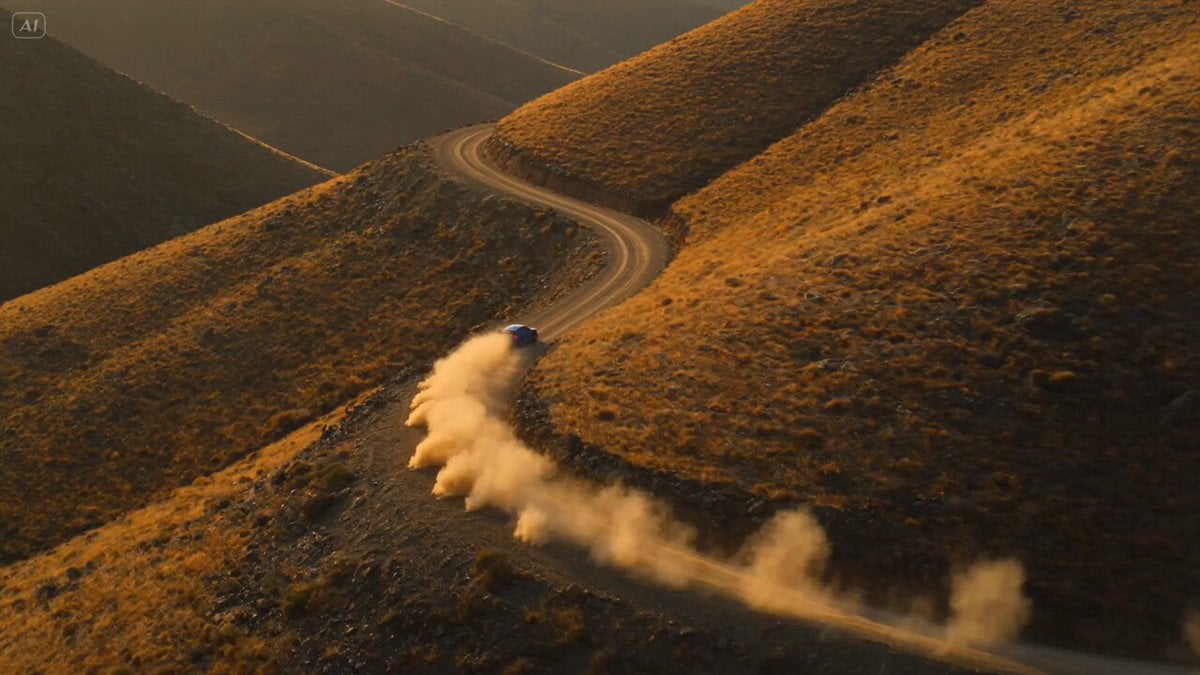
Rally Car Race Mountain Road
Make it yours
Desert Canyon FPV Rally Race works as-is. These are the safest ways to change it without losing the look.
Change one field
Copy a single group, rewrite it, and generate again so you can see what that field is doing.
Keep the frame, change the subject
Hold the composition and light of Desert Canyon FPV Rally Race, then swap wardrobe, props or the person for a new take.
| If the result… | Why | Fix |
|---|---|---|
| The result drifts from the preview | Too many fields changed at once. | Reuse Desert Canyon FPV Rally Race as-is first, then change one group — subject, light, or setting. |
| The model over-stylizes the scene | The prose prompt leaves finish and camera underspecified. | Add one camera or lighting sentence and stay on Seedance 2.0. |
More Seedance 2.0 templates
Other prompts made for Seedance 2.0.

Comical Martial Arts Punch Scene

Maglev Train Action Sequence

Martial Arts Fight Sequence

Wuxia Protection and Trust Script

Vintage Korean Arcade MiniDV Vlog

Mercedes 190 SL Luxury Ad

Rainy Night Supernatural Reverse Comedy Video Script

Amazon Civilization Discovery

Futuristic South Asian City Transformation

Cozy Luxury Cafe Commercial
More video prompts
Fresh picks from across the catalog.
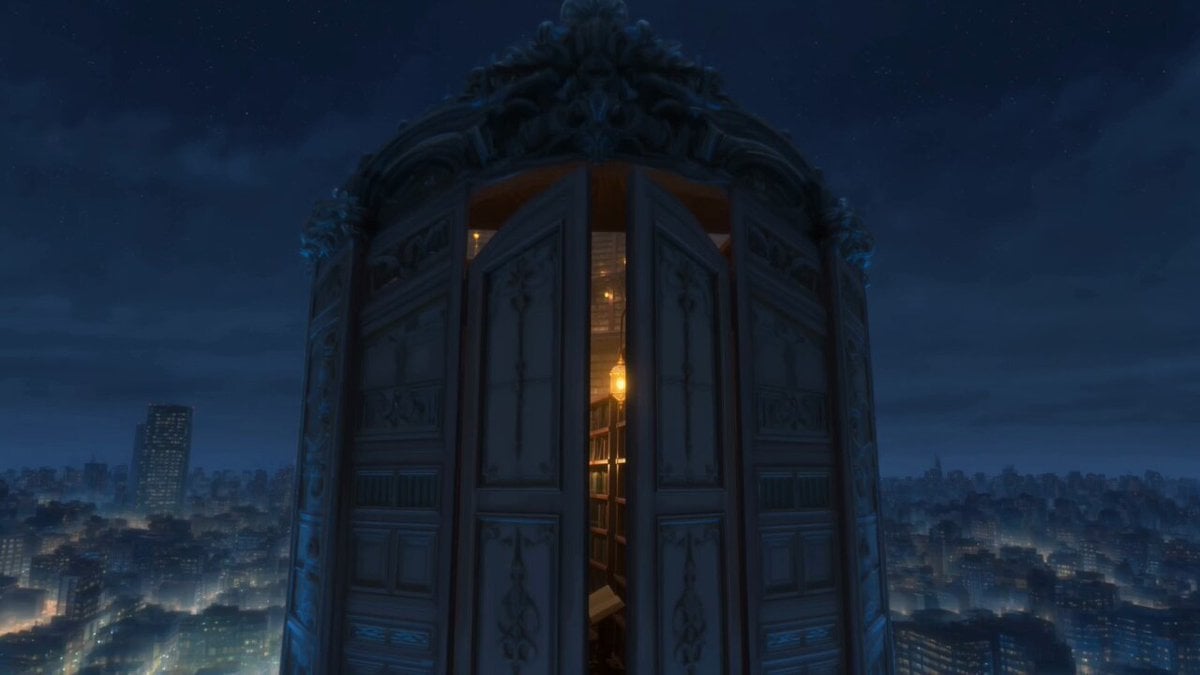
Infinite Magical Bookstore Anime Sequence
360 orbit camera movement prompt
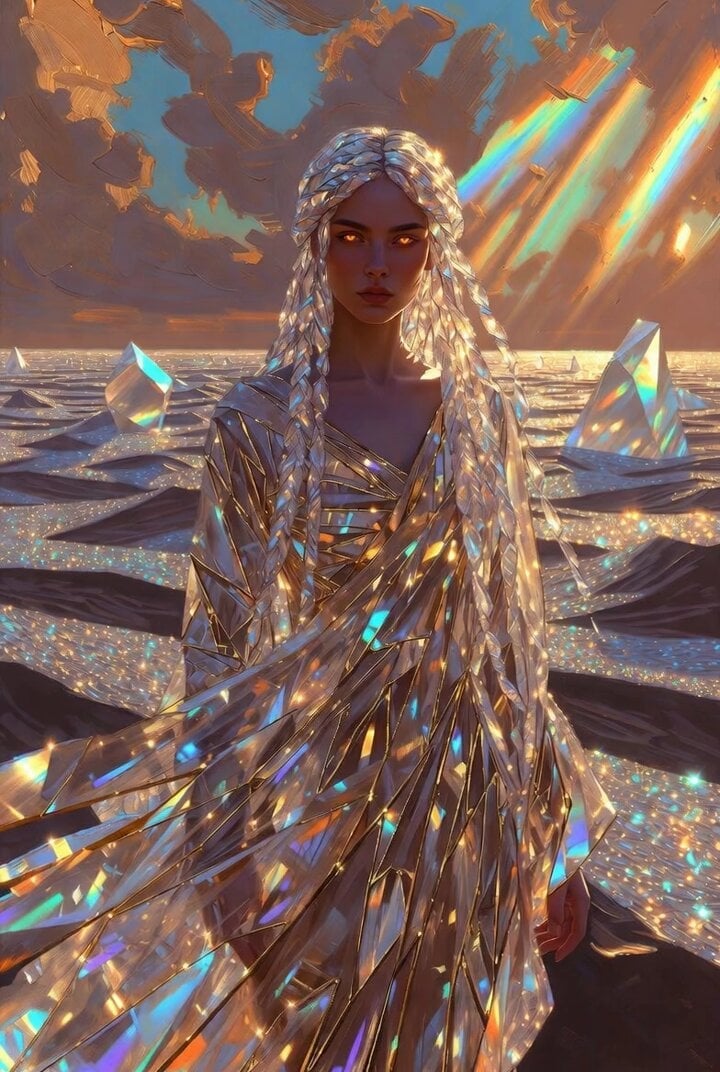
Crystal Desert Empress
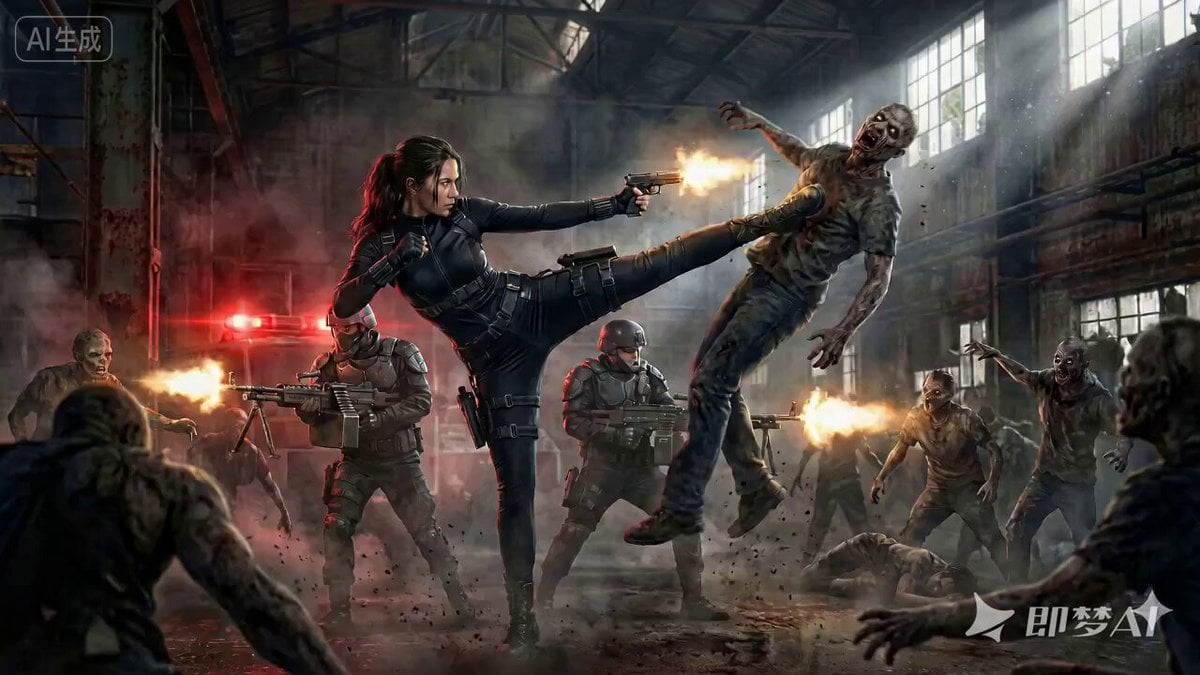
Cinematic Action Movie Scene Prompt

Cinematic Portrait Study 3

Blonde Woman Driving Green 1960s Mustang Golden Hour
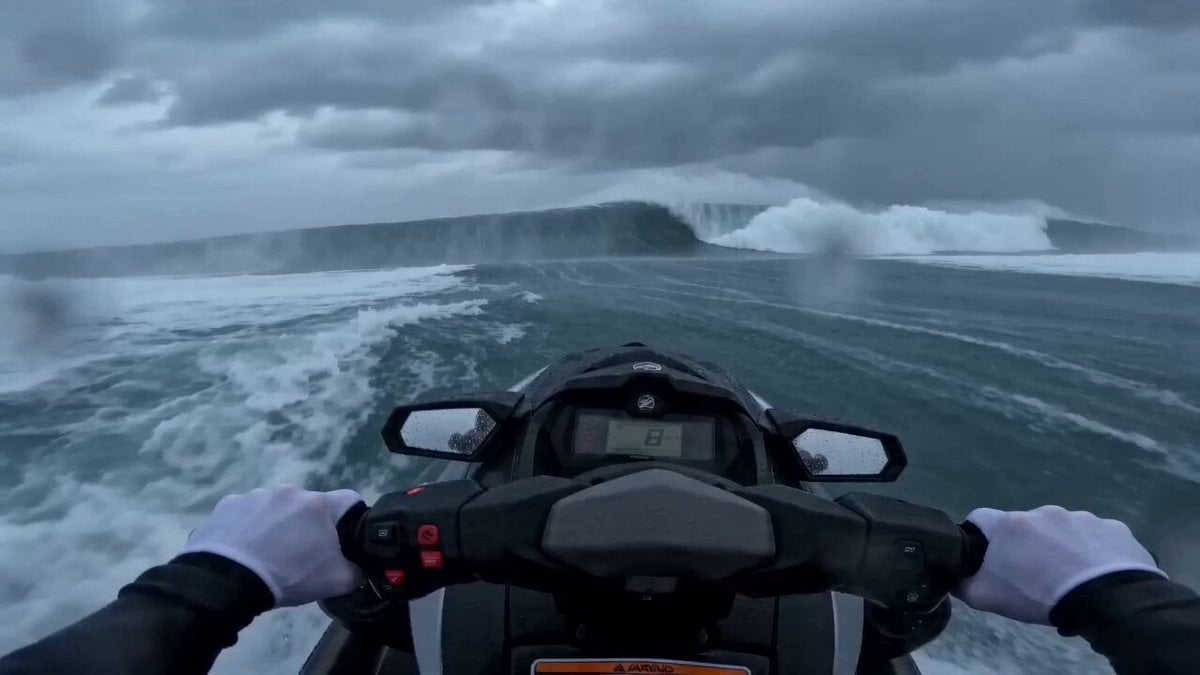
Seedance 2.0 Extreme POV Jet Ski Video Prompt
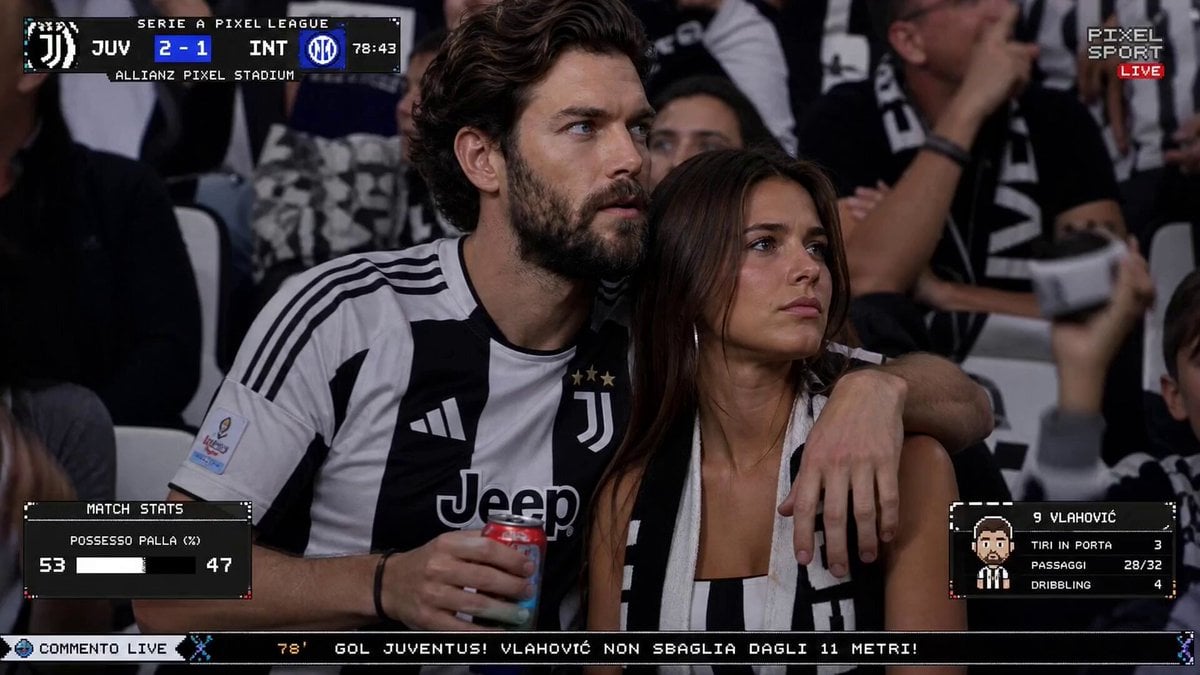
Live TV Football Broadcast Crowd Reaction
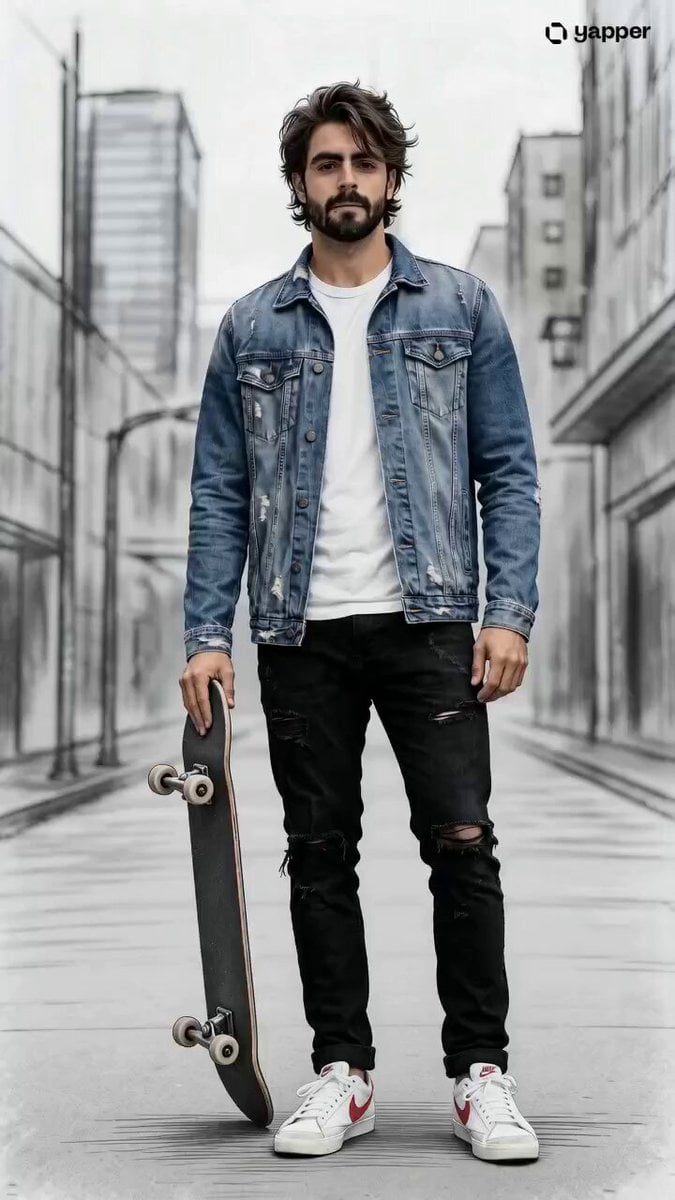
Urban Skateboarder Cinematic Sequence
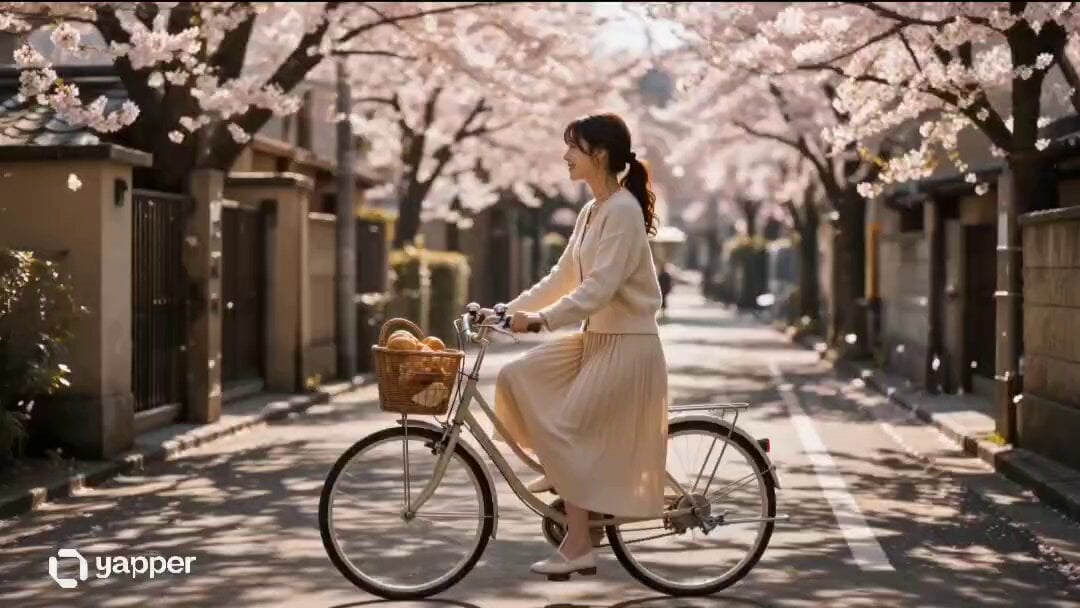
Japanese Bakery Lifestyle Commercial Storyboard
Browse template categories
Desert Canyon FPV Rally Race questions
How do I use the Desert Canyon FPV Rally Race template?
Add your photo if the template asks for one, edit the prompt if you like — the template's model and format are already selected — and press Generate. Your version opens in PicX Studio.
Can I customize the Desert Canyon FPV Rally Race template?
Yes. You can change the subject, setting, lighting, mood, format, and available model controls before creating your video.
Is the Desert Canyon FPV Rally Race template free?
Opening and editing this template is free. Generating uses credits, shown on the Generate button when you are signed in.
Which AI model should I use?
Start with Seedance 2.0, which is the model associated with this template. You can compare another compatible model for a different finish.
Looking for something else? Browse all templates.

Your photo, any look
Thousands of ready templates for every top image and video model, from one credit balance.