How do I use the Rally Car Race Mountain Road template?
Edit the prompt in the box under the preview — the template's model and format are already selected — and press Generate. Your version appears right on this page.
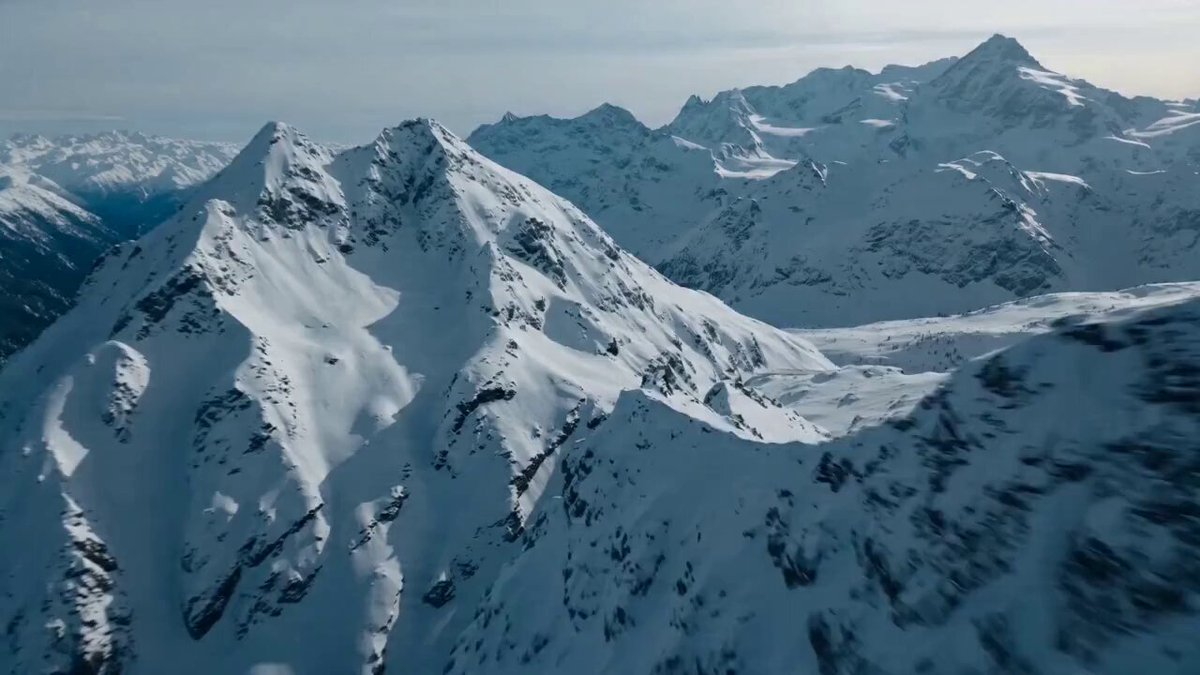
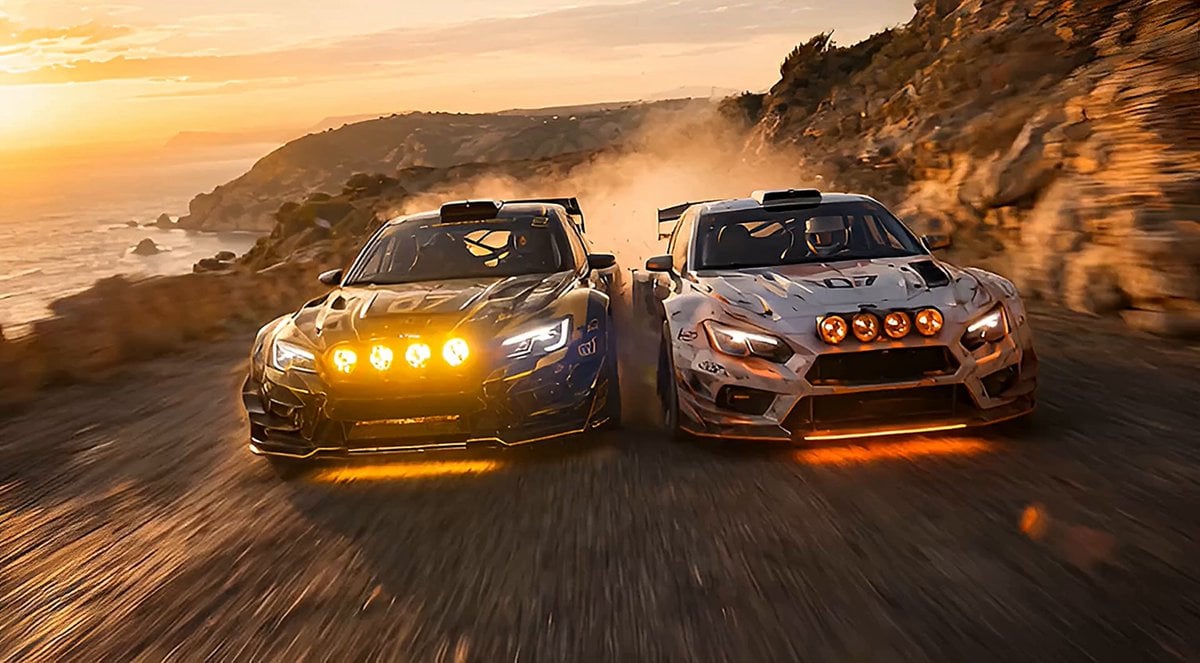
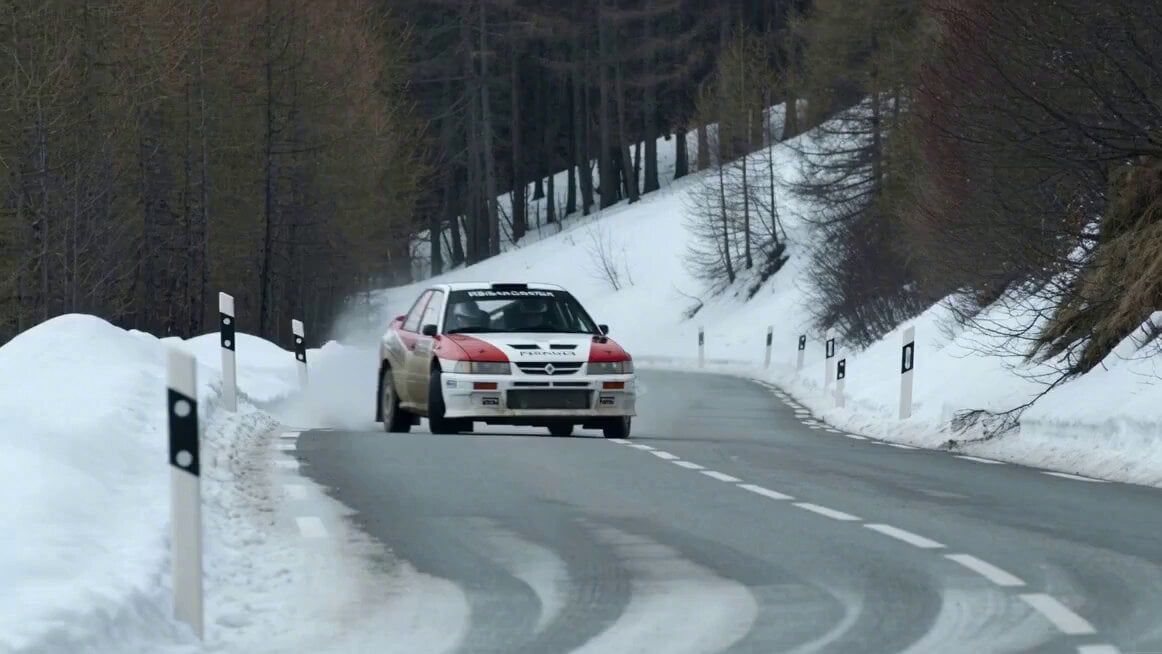
An ultra-cinematic 15-second rally car race through rugged mountain terrain during golden hour with detailed physics and camera movements.
Ultra-cinematic 15-second rally car race through a rugged mountain dirt road during golden hour, dust and gravel dominating the scene. 0–2s: Wide aerial shot — rally car speeds along a winding dirt road carved into the mountains, dust trail stretching far behind. 2–4s: Low tracking shot — wheels tearing through gravel, rocks flying outward, suspension compressing over uneven terrain. 4–6s: Side angle — car drifts aggressively around a sharp corner, rear sliding wide, thick dust cloud expanding. 6–8s: Front tracking shot — car charges toward camera, headlights flickering through dust, driver barely visible inside. 8–10s: Close-up — tires gripping and slipping, gravel spraying in bursts, strong sense of traction fighting. 10–12s: High-speed section — car accelerates on a straight dirt stretch, slight fishtail corrected instantly. 12–13.5s: Jump moment — car hits a bump and lifts slightly off the ground, suspension extending mid-air. 13.5–15s: Landing + exit — car lands hard, kicks up a massive dust cloud, continues accelerating into the distance. Camera: dynamic tracking, low angles, aerial + ground mix, slight handheld vibration for realism. Environment: mountain dirt road, rocks, dust clouds, dry terrain, open landscape. Lighting: warm golden hour sunlight, long shadows, dust glowing in light. Style: ultra-cinematic realism, rally physics, aggressive drifting, heavy particle effects (dust, gravel), no text, no overlays, stable proportions without stretch.
Ultra-cinematic 15-second rally car race through a rugged mountain dirt road during golden hour, dust and gravel dominating the scene. 0–2s: Wide aerial shot — rally car speeds along a winding dirt road carved into the mountains, dust trail stretching far behind. 2–4s: Low tracking shot — wheels tearing through gravel, rocks flying outward, suspension compressing over uneven terrain. 4–6s: Side angle — car drifts aggressively around a sharp corner, rear sliding wide, thick dust cloud expanding. 6–8s: Front tracking shot — car charges toward camera, headlights flickering through dust, driver barely visible inside. 8–10s: Close-up — tires gripping and slipping, gravel spraying in bursts, strong sense of traction fighting. 10–12s: High-speed section — car accelerates on a straight dirt stretch, slight fishtail corrected instantly. 12–13.5s: Jump moment — car hits a bump and lifts slightly off the ground, suspension extending mid-air. 13.5–15s: Landing + exit — car lands hard, kicks up a massive dust cloud, continues accelerating into the distance. Camera: dynamic tracking, low angles, aerial + ground mix, slight handheld vibration for realism. Environment: mountain dirt road, rocks, dust clouds, dry terrain, open landscape. Lighting: warm golden hour sunlight, long shadows, dust glowing in light. Style: ultra-cinematic realism, rally physics, aggressive drifting, heavy particle effects (dust, gravel), no text, no overlays, stable proportions without stretch.
Edit the prompt in the box under the preview — the template's model and format are already selected — and press Generate. Your version appears right on this page.
Yes. You can change the subject, setting, lighting, mood, format, and available model controls before creating your video.
Opening and editing this template is free. Generating uses credits, shown on the Generate button when you are signed in.
Start with Seedance 2.0, which is the model associated with this template. You can compare another compatible model for a different finish.
Follow a topic to a crawlable collection of related PicX Studio templates.