
High-Speed Supercar Night Race
A cinematic high-octane prompt for a street race between a yellow Lamborghini and red Ferrari on a wet highway at night.
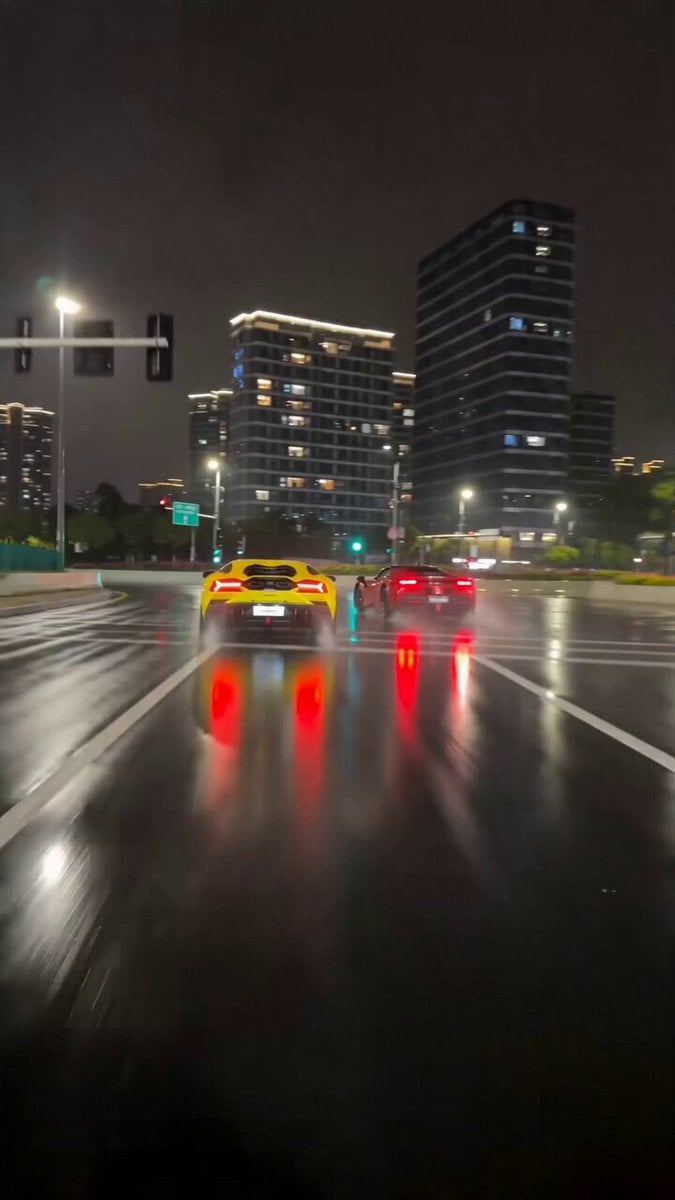
- Prompt included
- Model and format preset
- Free template
The prompt behind this video
Copy the exact prompt behind High-Speed Supercar Night Race, or open it in the studio and make it yours.
[Cinematography]: Cinematic low-angle chase camera from a pursuit vehicle, handheld street cameraman style with authentic camera vibration and realistic motion blur. Single continuous shot, documentary-style real-life footage, shot in 4K resolution with a raw, non-CGI aesthetic. [Subject]: A vibrant yellow Lamborghini Aventador and a sleek red Ferrari SF90, featuring true-to-life vehicle physics, authentic tire grip, and dynamic suspension movement. [Action]: The two supercars engage in a realistic high-speed race, executing smooth drifts around corners with subtle tire smoke, and experiencing thrilling near-miss moments as civilian traffic naturally moves aside. [Context]: A sprawling modern city highway at night, featuring wet asphalt that creates sharp, realistic reflections of the city lights and glowing taillights. [Style & Ambiance]: Ultra-realistic, high-octane street racing aesthetic. Dramatic yet natural street lighting illuminates the slick road, creating an adrenaline-fueled, immersive atmosphere with authentic nighttime urban grit.
How to use High-Speed Supercar Night Race in 3 steps
- 1
Open
The prompt is already in the box next to the preview, with the template's model and format selected.
- 2…a portrait of your subject in softgolden-hour light, 85mm…
Personalize
Edit the subject and creative details for your destination.
- 3Generate
Generate
Press Generate — your video is created in PicX Studio, so you can compare it with the original and refine one variable at a time.
More like this
Templates with the same subject, style or setup. Open one to see its prompt.
Porsche 911 GT3 RS Night Racing — Neon City Streets

Cinematic Istanbul Night Fight - Seedance 2.5
Late Night Kitchen Phone Recording - Seedance 2.5

Korean Night Market Bullet-Time Scene - Seedance 2.5

Forest Fantasy Girl Short Film

Live-Action Firefighter Rescue Night Scene

Supercar Spec Ad: Speed is Easy, Control is Everything
Porsche 911 GT3 RS Night Street Race
Out of Control — Seedance 2.0
Crystal Cavern Mag-Lev Race — Seedance 2.0
Highway Biker — Aggressive Lane Split (PixVerse C1)
Rainforest Thriller — Searching the Unseen
Make it yours
High-Speed Supercar Night Race works as-is. These are the safest ways to change it without losing the look.
Change one field
Copy a single group, rewrite it, and generate again so you can see what that field is doing.
Keep the frame, change the subject
Hold the composition and light of High-Speed Supercar Night Race, then swap wardrobe, props or the person for a new take.
| If the result… | Why | Fix |
|---|---|---|
| The result drifts from the preview | Too many fields changed at once. | Reuse High-Speed Supercar Night Race as-is first, then change one group — subject, light, or setting. |
| The model over-stylizes the scene | The prose prompt leaves finish and camera underspecified. | Add one camera or lighting sentence and stay on Seedance 2.0. |
More Seedance 2.0 templates
Other prompts made for Seedance 2.0.

Comical Martial Arts Punch Scene

Maglev Train Action Sequence

Martial Arts Fight Sequence

Wuxia Protection and Trust Script

Vintage Korean Arcade MiniDV Vlog

Mercedes 190 SL Luxury Ad

Amazon Civilization Discovery

Futuristic South Asian City Transformation

Cozy Luxury Cafe Commercial

Cyber Ronin Nanotech Transformation Video
More video prompts
Fresh picks from across the catalog.

bit Pixel Art Ethereal Fairy Animation
Ghibli Style Dragon vs Monkey Wrestling Match
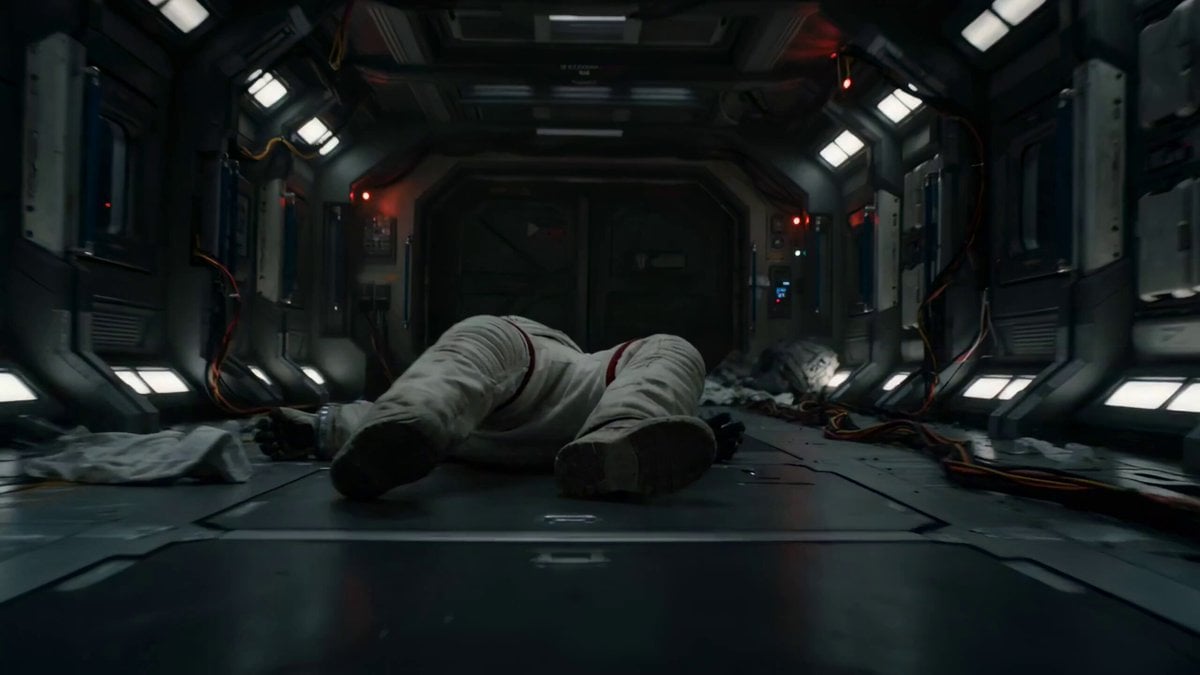
Astronaut Zero-Gravity Escape Scene

Nostalgic MiniDV Convenience Store Vlog - Seedance 2.5
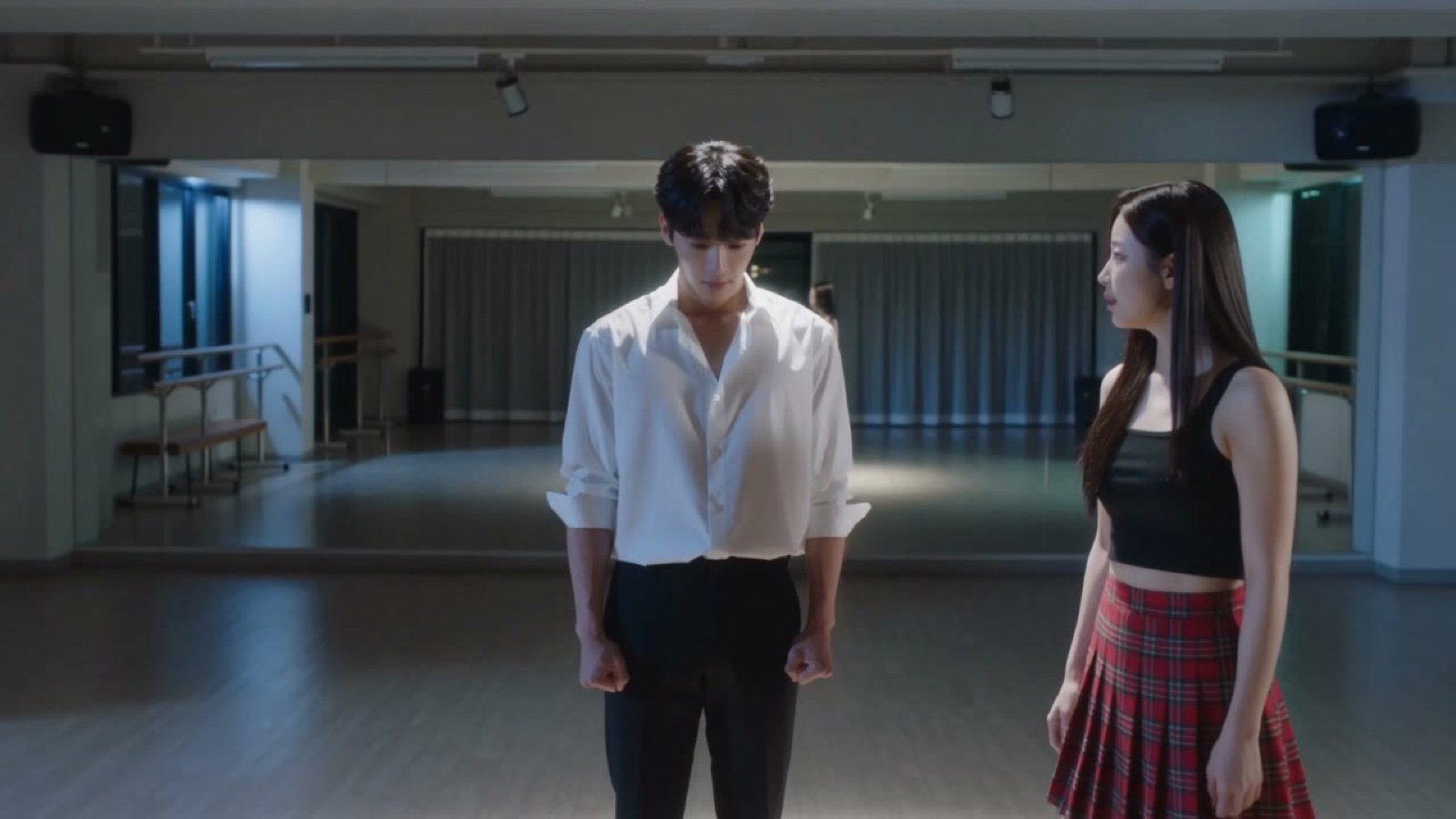
Seedance V2 One Minute K Drama Omni
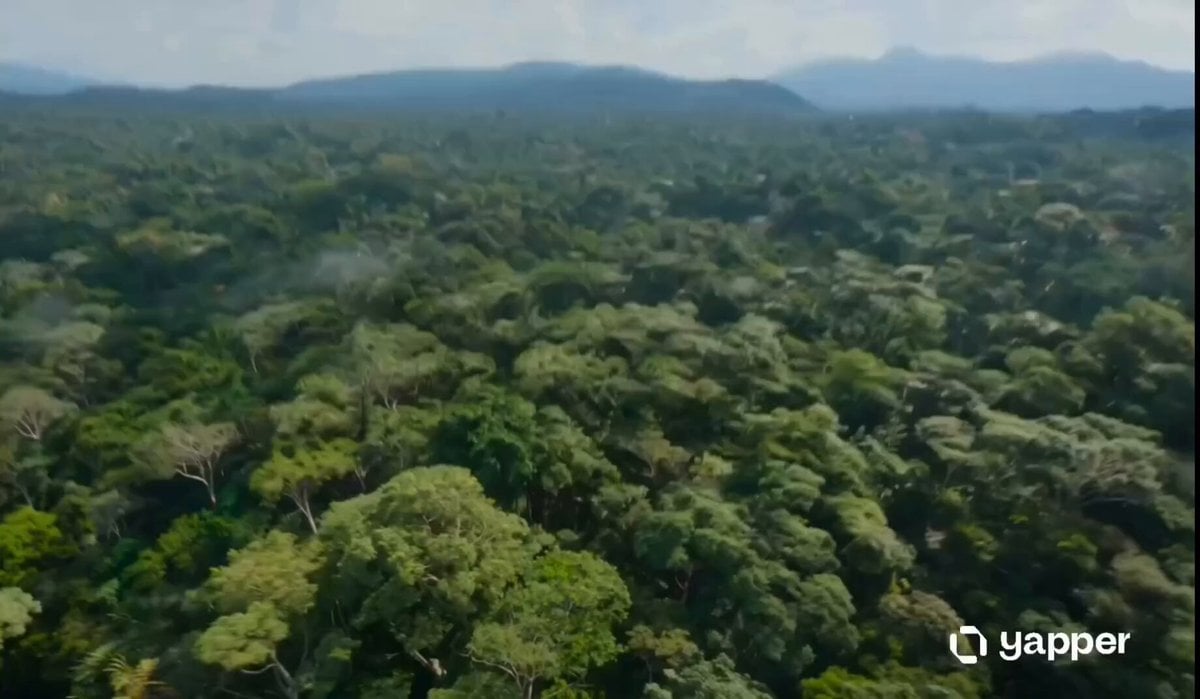
Amazon Jungle Insectoid Drone Flight
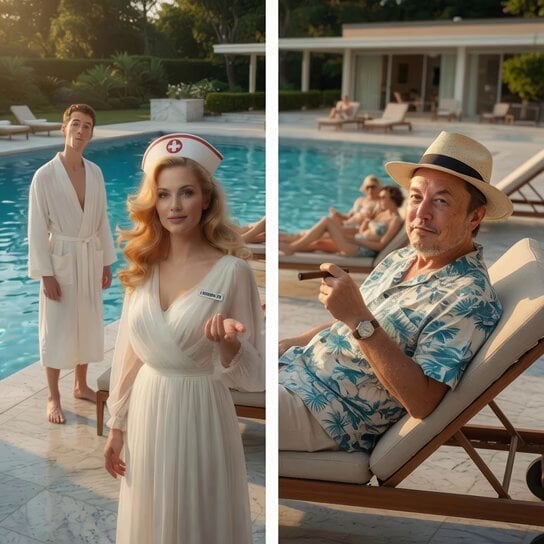
Stranger in a Strange Land Story Scene
Cinematic Scale-Shifting Sequence
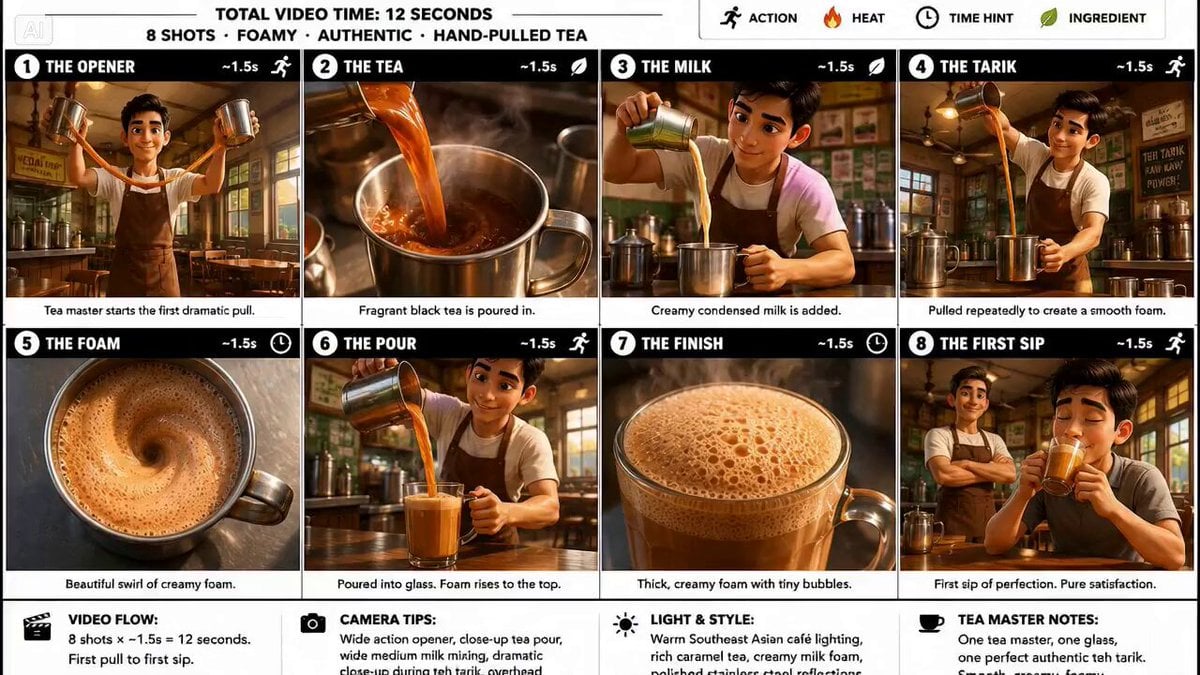
Traditional Tea Master Pixar Animation

Explorer discovering a hidden valley in the snow
Browse template categories
High-Speed Supercar Night Race questions
How do I use the High-Speed Supercar Night Race template?
Add your photo if the template asks for one, edit the prompt if you like — the template's model and format are already selected — and press Generate. Your version opens in PicX Studio.
Can I customize the High-Speed Supercar Night Race template?
Yes. You can change the subject, setting, lighting, mood, format, and available model controls before creating your video.
Is the High-Speed Supercar Night Race template free?
Opening and editing this template is free. Generating uses credits, shown on the Generate button when you are signed in.
Which AI model should I use?
Start with Seedance 2.0, which is the model associated with this template. You can compare another compatible model for a different finish.
Looking for something else? Browse all templates.

Your photo, any look
Thousands of ready templates for every top image and video model, from one credit balance.