How do I use the Explorer discovering a hidden valley in the snow template?
Edit the prompt in the box under the preview — the template's model and format are already selected — and press Generate. Your version appears right on this page.
A highly detailed, multi-shot cinematic prompt for Seedance 2.0 describing an explorer's journey through a vast, silent snowscape, culminating in the discovery of a hidden, warm valley, utilizing specific camera cuts…
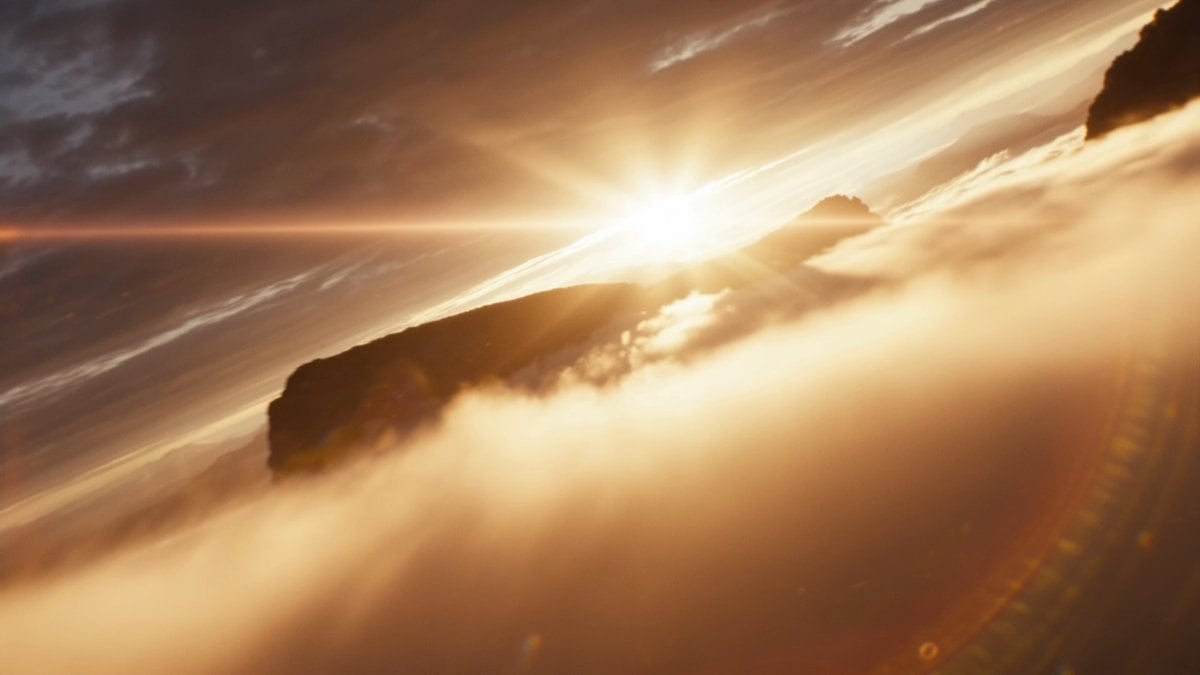
Live-action cinematic sequence in real time. Aerial wide shot: a vast white mountain range, completely silent and endless. Cut to close-up of a compass in a gloved hand, needle spinning then settling. Cut to medium shot of a lone explorer trudging through deep snow, wind whipping around her. Cut to insert shot of footprints in the snow being erased by the wind almost immediately. Cut to extreme close-up of her face behind snow goggles — determined. Cut to wide shot of her stopping at the edge of a cliff, looking out. Cut to POV shot: an enormous hidden valley below, completely untouched, green and warm despite the snow above. Cut to tracking shot circling her slowly as she takes in the view. Cut to close-up of her hand pulling out a weathered journal and opening it. Cut to insert shot of a sketch in the journal — the exact valley she is now looking at, drawn decades ago. Cut to extreme close-up of her eyes: disbelief turning into triumph. Cut to final aerial wide shot pulling back slowly: she stands tiny at the cliff edge, the hidden valley vast and glowing below her.
Live-action cinematic sequence in real time. Aerial wide shot: a vast white mountain range, completely silent and endless. Cut to close-up of a compass in a gloved hand, needle spinning then settling. Cut to medium shot of a lone explorer trudging through deep snow, wind whipping around her. Cut to insert shot of footprints in the snow being erased by the wind almost immediately. Cut to extreme close-up of her face behind snow goggles — determined. Cut to wide shot of her stopping at the edge of a cliff, looking out. Cut to POV shot: an enormous hidden valley below, completely untouched, green and warm despite the snow above. Cut to tracking shot circling her slowly as she takes in the view. Cut to close-up of her hand pulling out a weathered journal and opening it. Cut to insert shot of a sketch in the journal — the exact valley she is now looking at, drawn decades ago. Cut to extreme close-up of her eyes: disbelief turning into triumph. Cut to final aerial wide shot pulling back slowly: she stands tiny at the cliff edge, the hidden valley vast and glowing below her.
Edit the prompt in the box under the preview — the template's model and format are already selected — and press Generate. Your version appears right on this page.
Yes. You can change the subject, setting, lighting, mood, format, and available model controls before creating your video.
Opening and editing this template is free. Generating uses credits, shown on the Generate button when you are signed in.
Start with Seedance 2.0, which is the model associated with this template. You can compare another compatible model for a different finish.
Follow a topic to a crawlable collection of related PicX Studio templates.