
Dystopian Urban Explorer Underground Chase
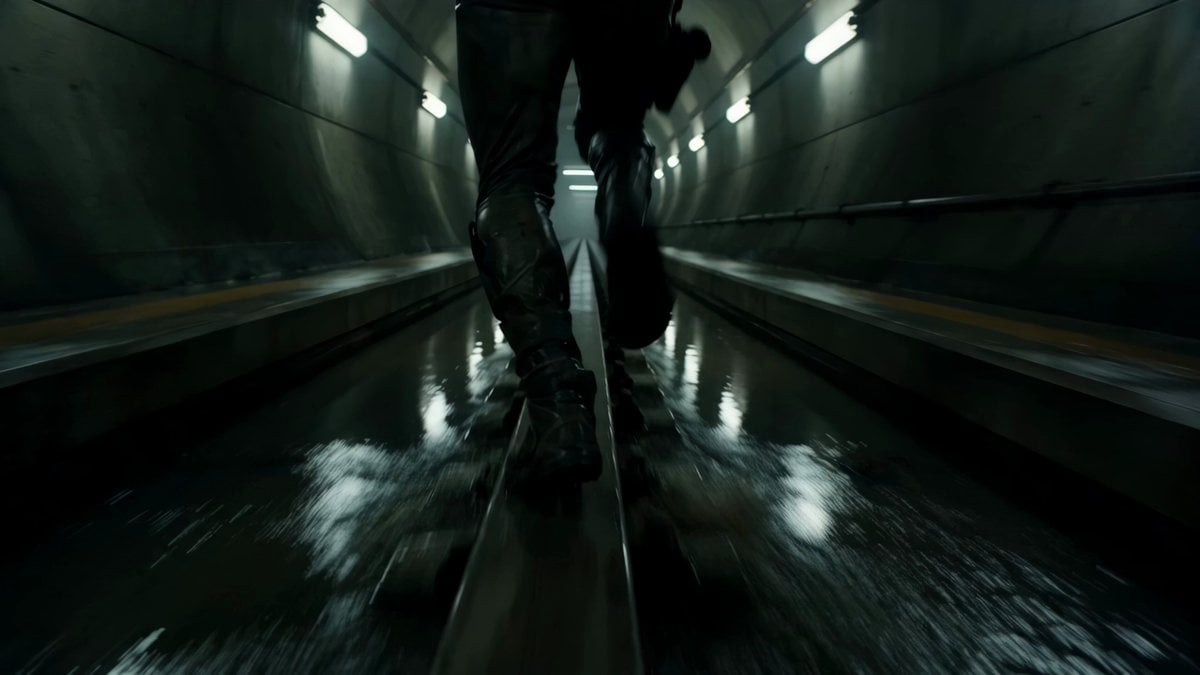
A multi-shot cinematic prompt for a high-intensity urban explorer chase sequence through abandoned megacity transit tunnels.
- Prompt included
- Model and format preset
- Premium template
The prompt behind this video
Copy the exact prompt behind Dystopian Urban Explorer Underground Chase, or open it in the studio and make it yours.
A hyper-athletic urban explorer with shaved sides, sweat-soaked hair, and lightweight tactical running gear covered in dust and grease stains. Gigantic abandoned underground transit tunnels beneath a megacity. Endless maintenance corridors, flooded rail systems, giant ventilation fans, flickering emergency lights, electrical arcs, and collapsing concrete passageways. Dark pulsating techno with aggressive low-end rhythm. Echoing footsteps, dripping water, electrical crackling, metallic reverberation, and heavy breathing dominate the audio. Ultra-realistic chase cinematography mixed with dystopian thriller energy and underground documentary realism. SHOT 1: Ground-level tracking shot sprinting inches above flooded rails while tunnel lights streak overhead. SHOT 2: Whip pan into a dangerous slide beneath a closing blast door. SHOT 3: Wide shot revealing gigantic tunnel scale while maintenance trains race past dangerously close. SHOT 4: Long-lens compressed shot capturing a massive leap across an electrified rail gap. SHOT 5: Rotating handheld tracking shot around unstable scaffolding traversal above deep tunnel shafts. SHOT 6: Final impossible sprint through collapsing maintenance corridors as sparks rain from the ceiling. The runner bursts into daylight covered in dust and steam while distant sirens echo behind them. Music cuts instantly.
How to use Dystopian Urban Explorer Underground Chase in 3 steps
- 1
Open
The prompt is already in the box next to the preview, with the template's model and format selected.
- 2…a portrait of your subject in softgolden-hour light, 85mm…
Personalize
Edit the subject and creative details for your destination.
- 3Generate
Generate
Press Generate — your video is created in PicX Studio, so you can compare it with the original and refine one variable at a time.
More like this
Templates with the same subject, style or setup. Open one to see its prompt.
Underground Temple Escape — Seedance 2.0
Urban Fantasy RPG Car Chase
Urban Fantasy RPG Car Chase

Cartoon Donut Heist Bakery Chase

Walking Factory with Rebel on Hoverbike - Wasteland
Cinematic Tracking Shot of Explorer Chased by Mummy
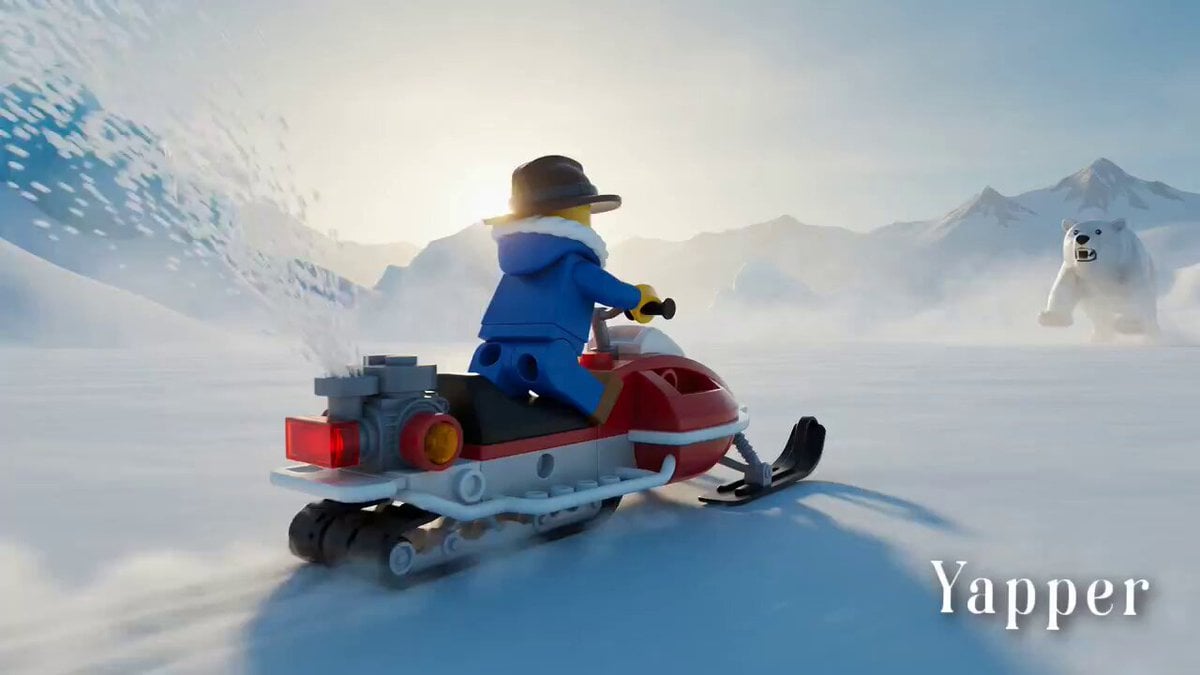
Lego Explorer Chased by Polar Bear
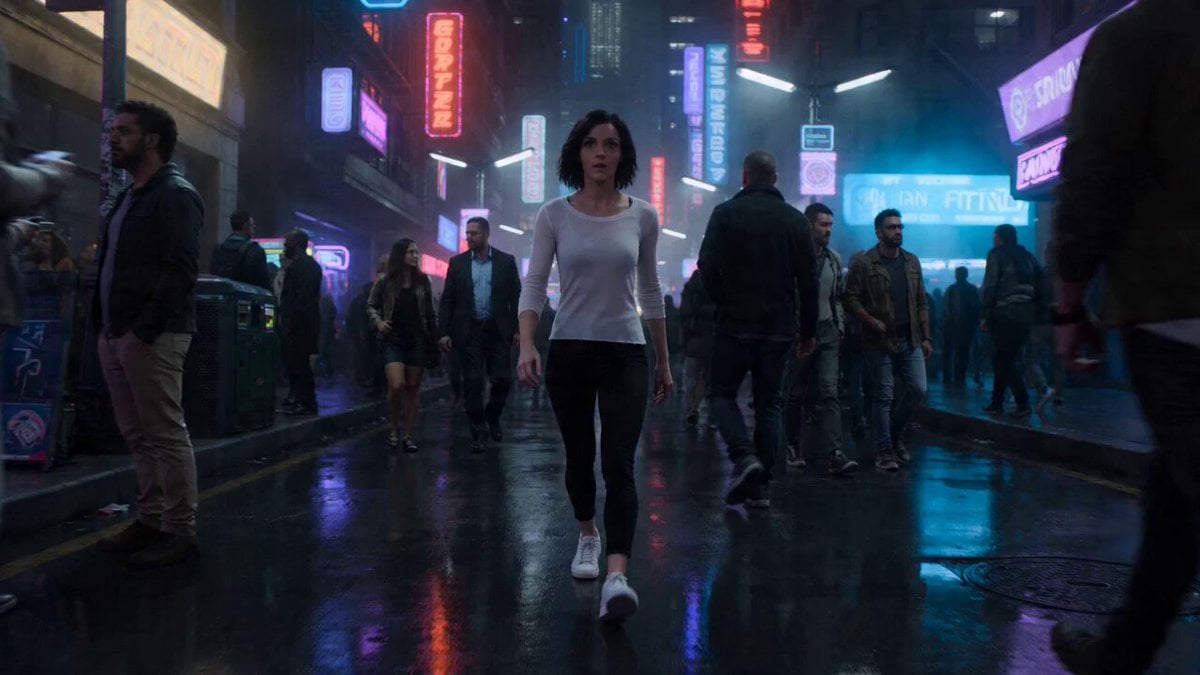
High-Speed Urban Chase and Transformation
Out of Control — Seedance 2.0
Crystal Cavern Mag-Lev Race — Seedance 2.0
Amazon FPV Drone Chase — Seedance 2.0
Whale in the Sky — City Shadows (Kling AI)
Make it yours
Dystopian Urban Explorer Underground Chase works as-is. These are the safest ways to change it without losing the look.
Change one field
Copy a single group, rewrite it, and generate again so you can see what that field is doing.
Keep the frame, change the subject
Hold the composition and light of Dystopian Urban Explorer Underground Chase, then swap wardrobe, props or the person for a new take.
| If the result… | Why | Fix |
|---|---|---|
| The result drifts from the preview | Too many fields changed at once. | Reuse Dystopian Urban Explorer Underground Chase as-is first, then change one group — subject, light, or setting. |
| The model over-stylizes the scene | The prose prompt leaves finish and camera underspecified. | Add one camera or lighting sentence and stay on Seedance 2.0. |
More Seedance 2.0 templates
Other prompts made for Seedance 2.0.

Comical Martial Arts Punch Scene

Maglev Train Action Sequence

Martial Arts Fight Sequence

Wuxia Protection and Trust Script

Vintage Korean Arcade MiniDV Vlog

Mercedes 190 SL Luxury Ad

Rainy Night Supernatural Reverse Comedy Video Script

Amazon Civilization Discovery

Futuristic South Asian City Transformation

Cozy Luxury Cafe Commercial
More video prompts
Fresh picks from across the catalog.
Cyberpunk Mecha Action Scene
Handheld Skincare Vlog Camcorder Aesthetic

Goku Punching a Buy Button and Going Super Saiyan
Extreme Snowboarder FPV Avalanche Chase
High-Speed Muscle Car Chase
Olympic Gymnastics Beam Final
Cinematic Time-Freeze Thriller
Harbor Break Run Cinematic Pursuit
Golden Hour Cinematic Bicycle Ride

Grok Imagine prompt for cosmic fight video
Browse template categories
Dystopian Urban Explorer Underground Chase questions
How do I use the Dystopian Urban Explorer Underground Chase template?
Add your photo if the template asks for one, edit the prompt if you like — the template's model and format are already selected — and press Generate. Your version opens in PicX Studio.
Can I customize the Dystopian Urban Explorer Underground Chase template?
Yes. You can change the subject, setting, lighting, mood, format, and available model controls before creating your video.
Is the Dystopian Urban Explorer Underground Chase template free?
Opening and editing this template is free. Generating uses credits, shown on the Generate button when you are signed in.
Which AI model should I use?
Start with Seedance 2.0, which is the model associated with this template. You can compare another compatible model for a different finish.
Looking for something else? Browse all templates.

Your photo, any look
Thousands of ready templates for every top image and video model, from one credit balance.