
Golden Hour Cinematic Bicycle Ride
A multi-angle cinematic sequence prompt for a bicycle ride through a sunny residential street during the golden hour.
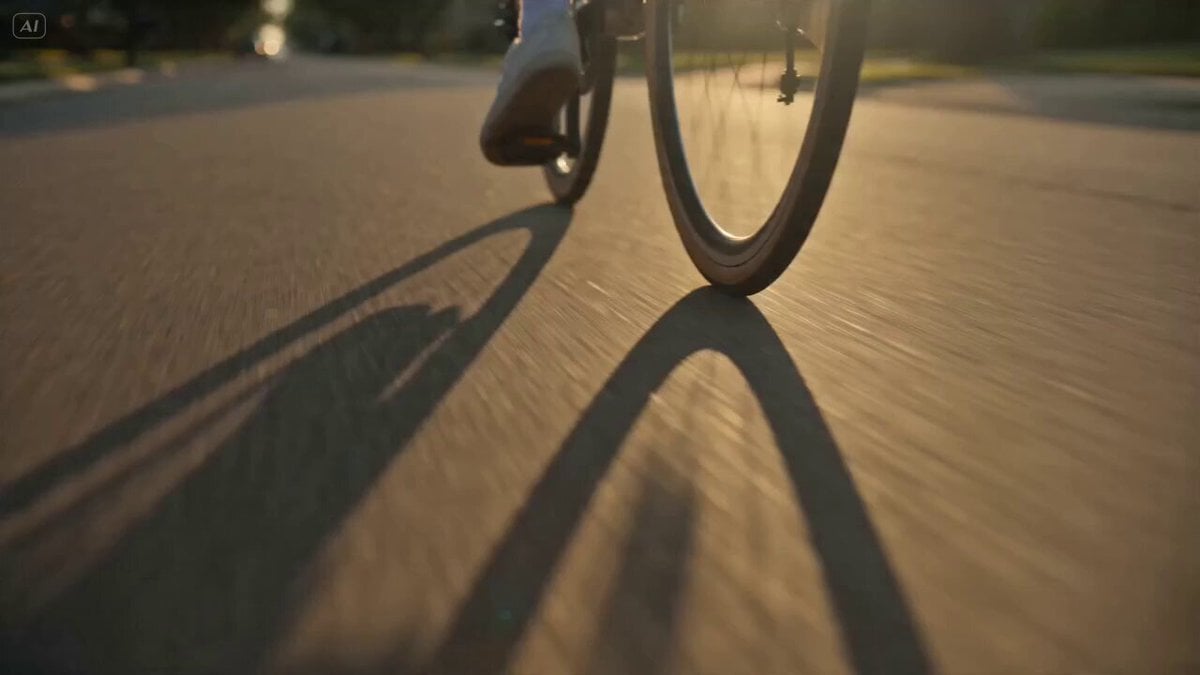
- Prompt included
- Model and format preset
- Free template
The prompt behind this video
Copy the exact prompt behind Golden Hour Cinematic Bicycle Ride, or open it in the studio and make it yours.
Cinematic bicycle sequence on a sunny residential street during golden hour. Opening low-angle close-up of bicycle wheels rolling on clean pavement. Smooth side-tracking shot following the cyclist. Wide aerial drone shot revealing tree-lined streets and warm sunlight. Front-facing gimbal shot moving backward as the cyclist rides toward the camera. Dynamic side profile shot with natural motion blur. Handlebar POV shot showing the road ahead. Close-up portrait shot capturing a relaxed expression. Cinematic depth of field, realistic environment, warm natural lighting, subtle lens flares, smooth camera transitions, professional cinematography, ultra-realistic details, HDR, 4K, film-quality color grading, natural movement, clean background, wholesome outdoor atmosphere. Final crane shot rising above the street as the cyclist rides into the distance. NEGATIVE PROMPT. dialogue, speech, voice, singing, lyrics, microphone, crowd noise, shouting, crying, text overlays, captions, watermark, logo, low quality, blurry, distorted anatomy, flickering, jittery motion, extra limbs, deformed bicycle, unrealistic movement
How to use Golden Hour Cinematic Bicycle Ride in 3 steps
- 1
Open
The prompt is already in the box next to the preview, with the template's model and format selected.
- 2…a portrait of your subject in softgolden-hour light, 85mm…
Personalize
Edit the subject and creative details for your destination.
- 3Generate
Generate
Press Generate — your video is created in PicX Studio, so you can compare it with the original and refine one variable at a time.
More like this
Templates with the same subject, style or setup. Open one to see its prompt.
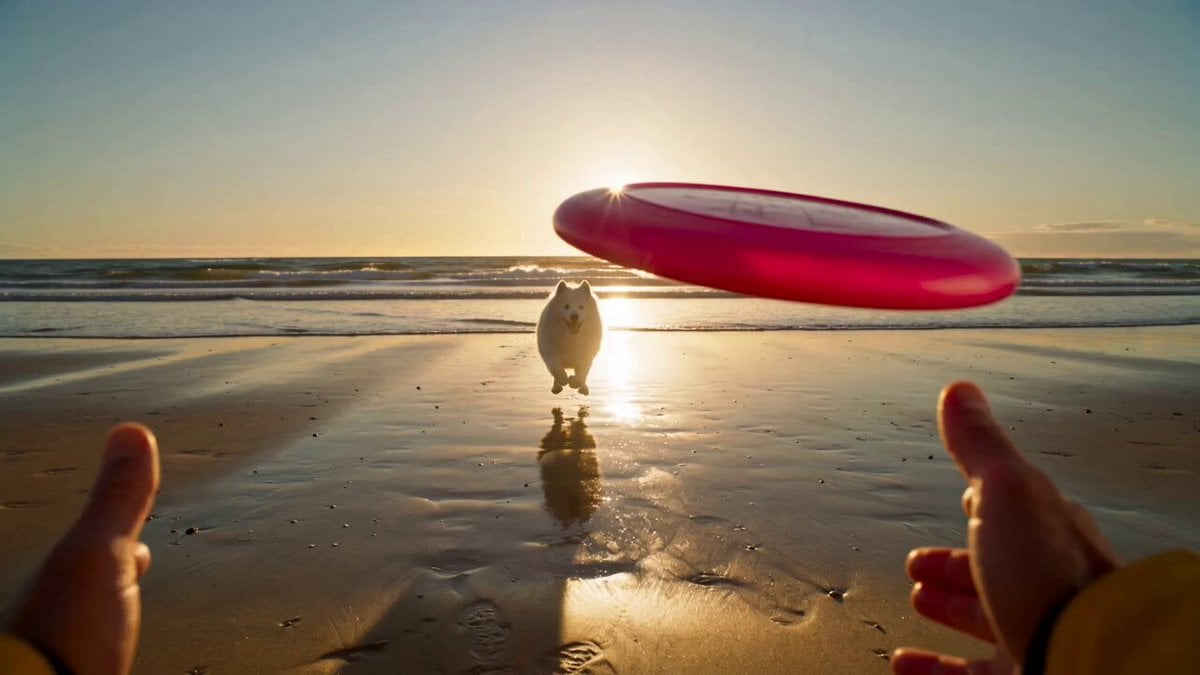
Golden Hour Beach Dog POV
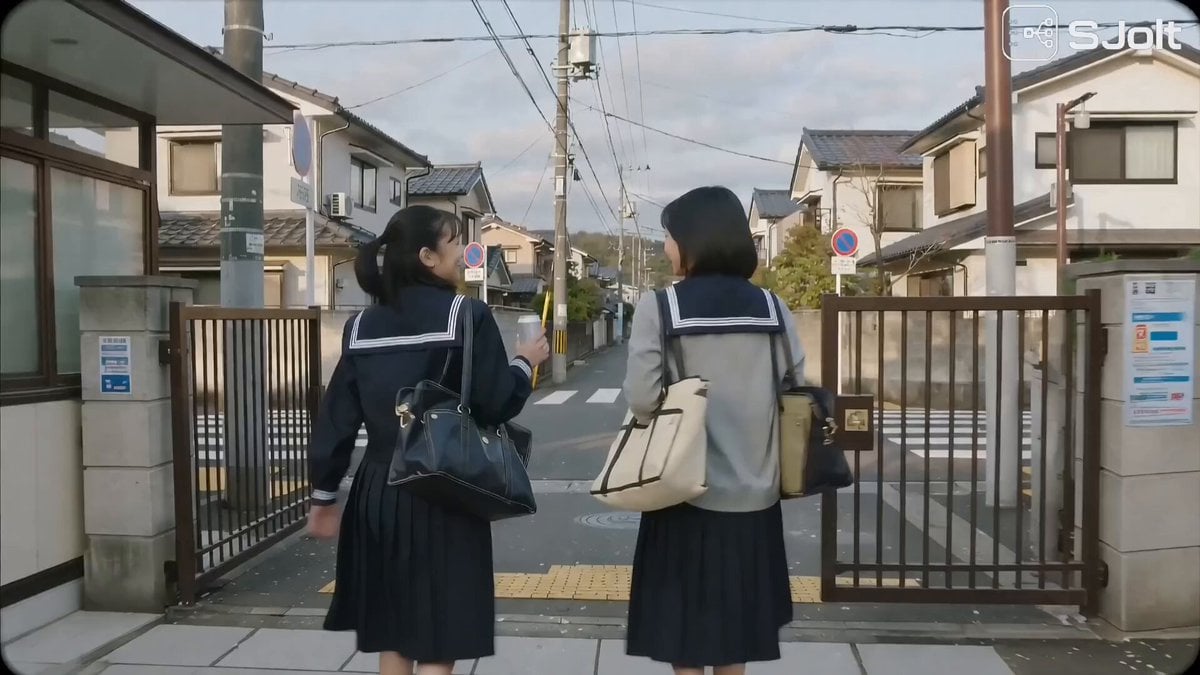
Japanese High School Golden Hour Walk
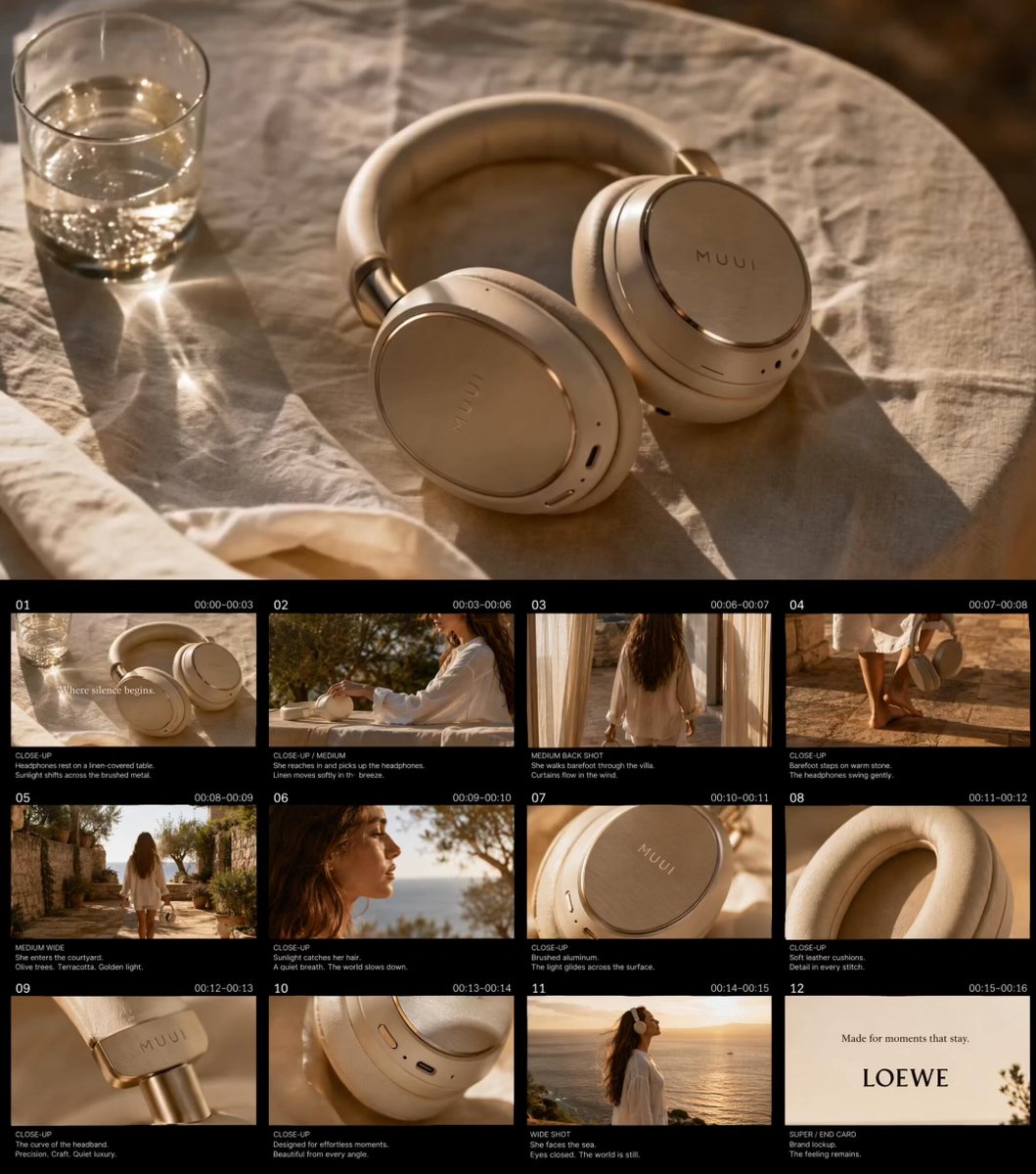
Golden Hour Luxury TVC
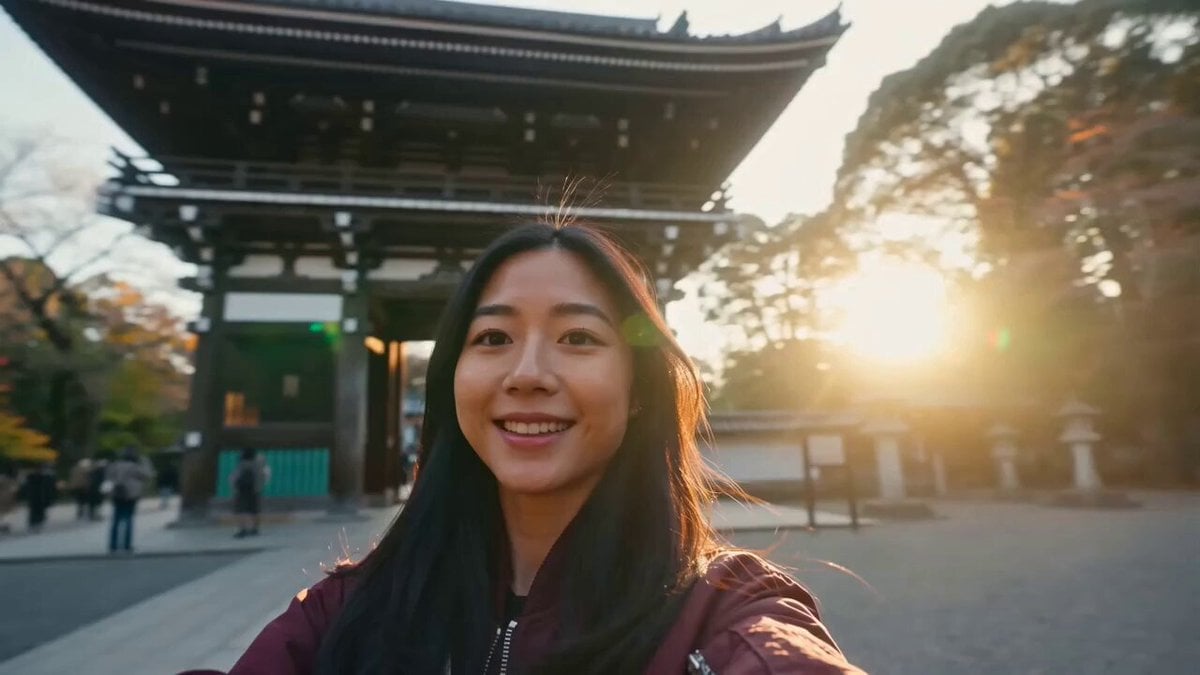
Japan Travel Vlog Golden Hour
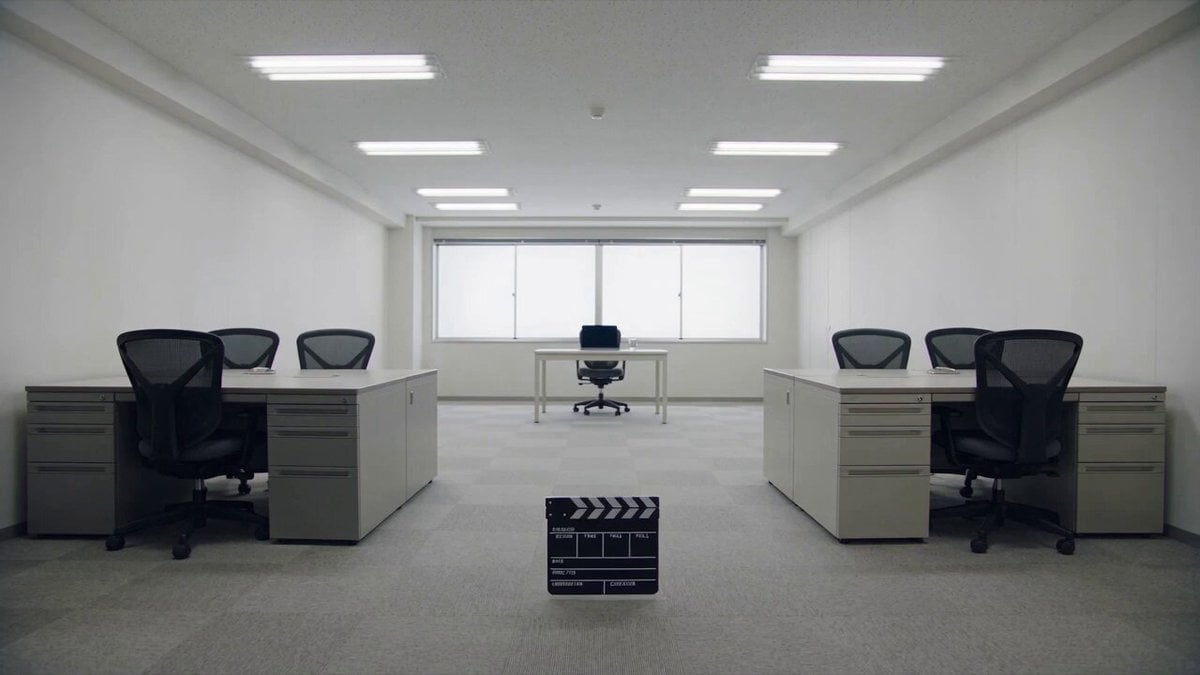
Minimalist Photography Studio Golden Hour
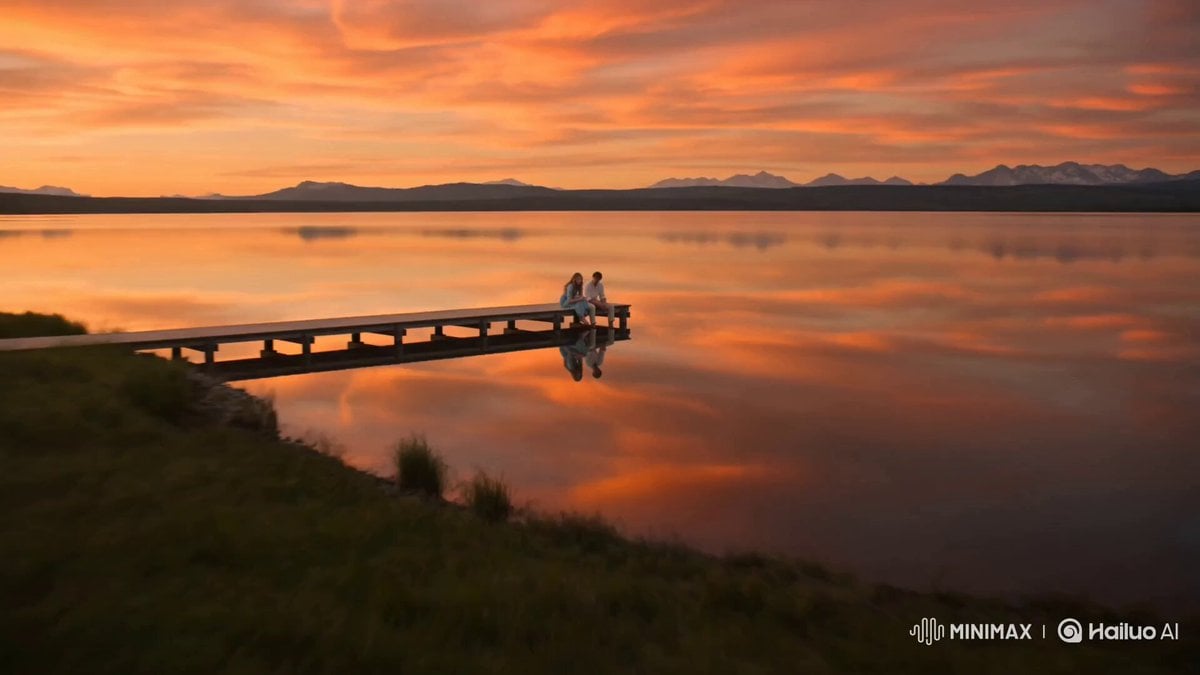
Alpine Lake Golden Hour Couple
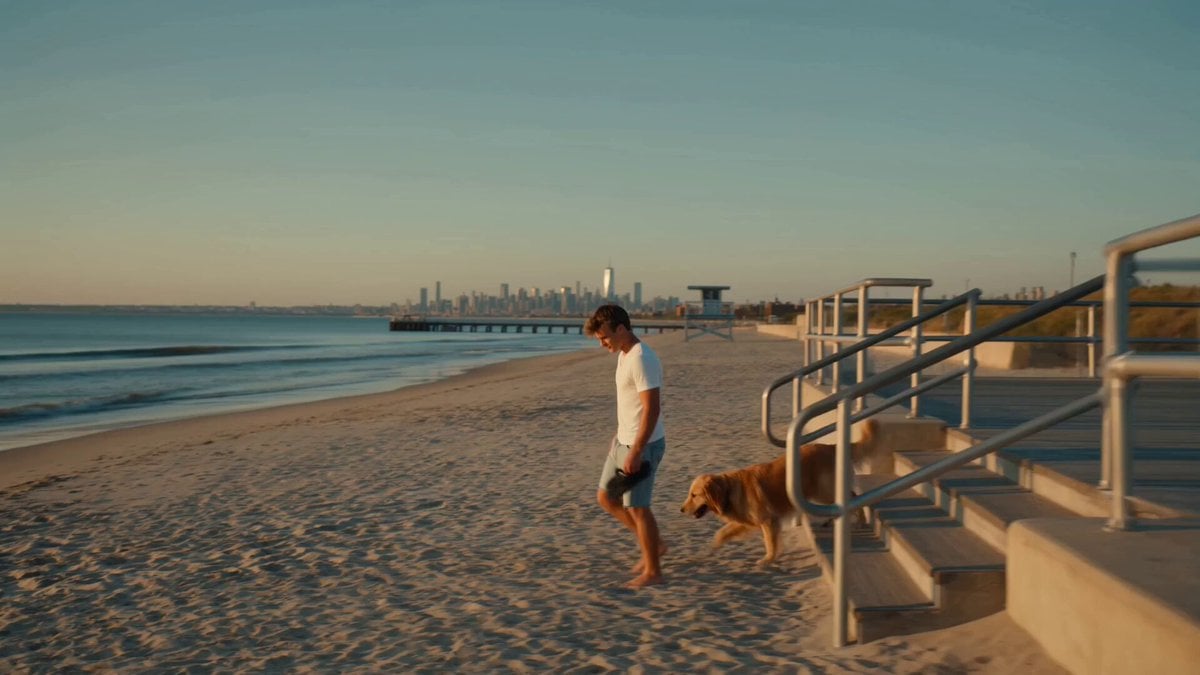
Golden Hour NYC Beach Stroll

Blonde Woman Driving Green 1960s Mustang Golden Hour

Golden Hour Golf Course Comedy
Cinematic Golden Hour Badminton Commercial
Serene Beach Golden Hour

Golden Hour Desert Adventure
Make it yours
Golden Hour Cinematic Bicycle Ride works as-is. These are the safest ways to change it without losing the look.
Change one field
Copy a single group, rewrite it, and generate again so you can see what that field is doing.
Keep the frame, change the subject
Hold the composition and light of Golden Hour Cinematic Bicycle Ride, then swap wardrobe, props or the person for a new take.
| If the result… | Why | Fix |
|---|---|---|
| The result drifts from the preview | Too many fields changed at once. | Reuse Golden Hour Cinematic Bicycle Ride as-is first, then change one group — subject, light, or setting. |
| The model over-stylizes the scene | The prose prompt leaves finish and camera underspecified. | Add one camera or lighting sentence and stay on Seedance 2.0. |
More Seedance 2.0 templates
Other prompts made for Seedance 2.0.

Comical Martial Arts Punch Scene

Maglev Train Action Sequence

Martial Arts Fight Sequence

Wuxia Protection and Trust Script

Vintage Korean Arcade MiniDV Vlog

Mercedes 190 SL Luxury Ad

Rainy Night Supernatural Reverse Comedy Video Script

Amazon Civilization Discovery

Futuristic South Asian City Transformation

Cozy Luxury Cafe Commercial
More video prompts
Fresh picks from across the catalog.
Time Stealer — Seedance 2.0
Grok Imagine prompt for ethereal lake scene
The Black Blight City Sealing

Dragon Fire Boxing Desert Combat
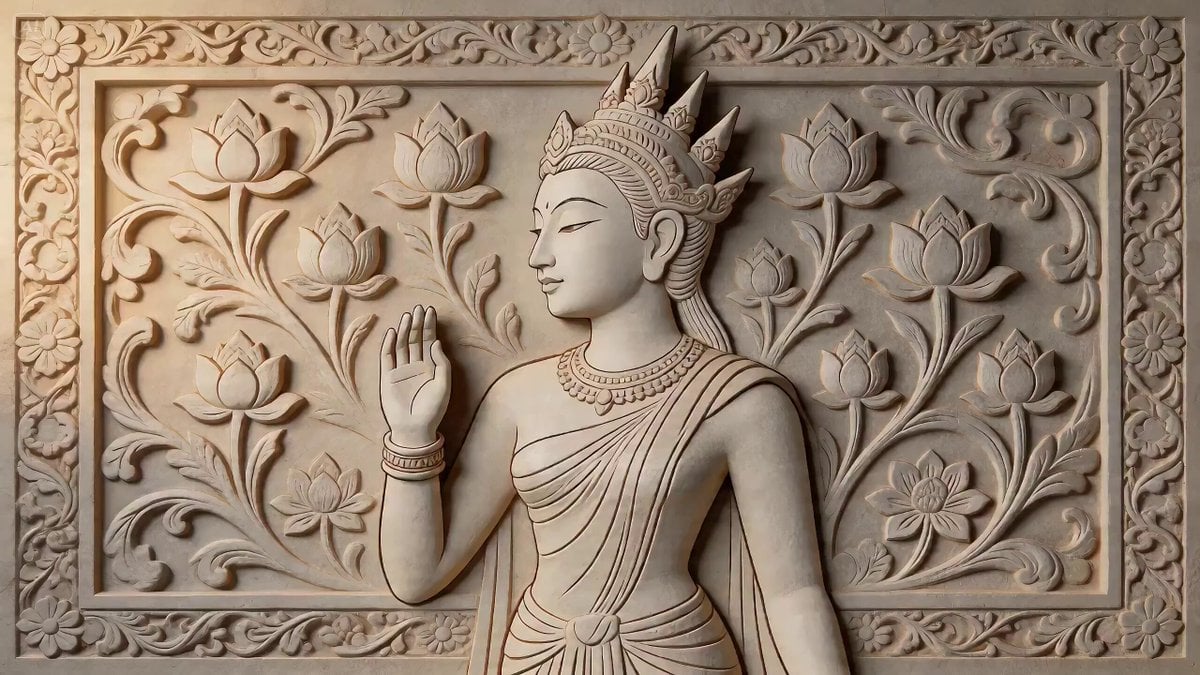
2D Carving Morphing into Human Woman
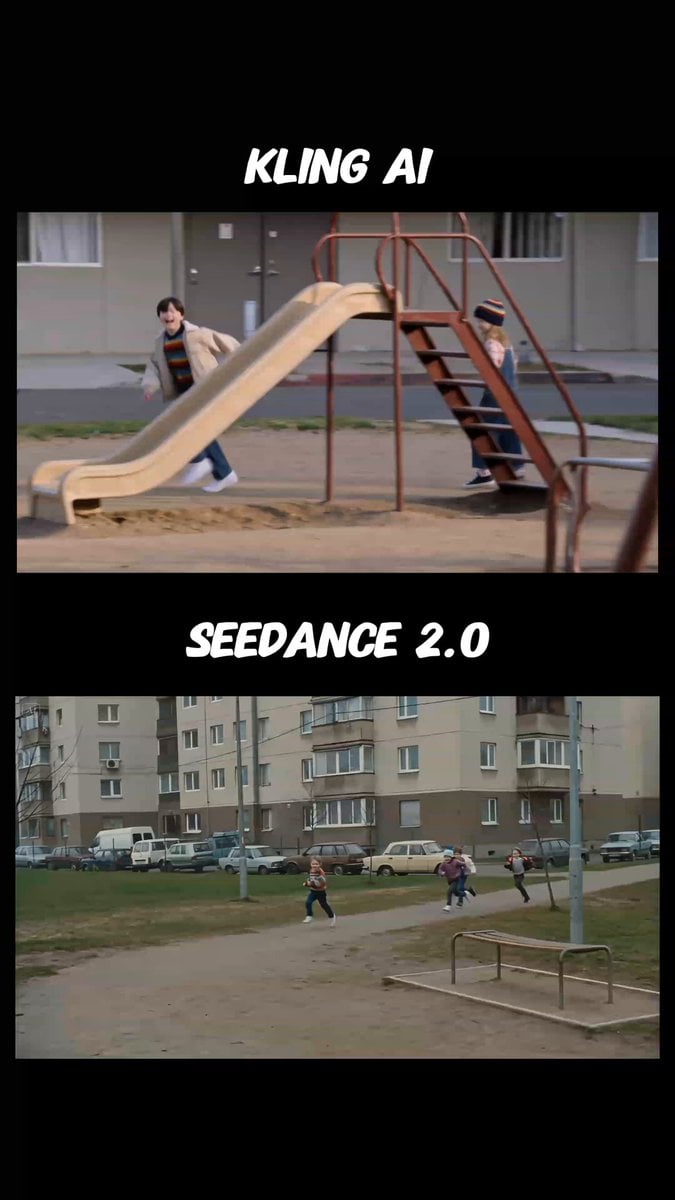
1990s VHS Home Video Style
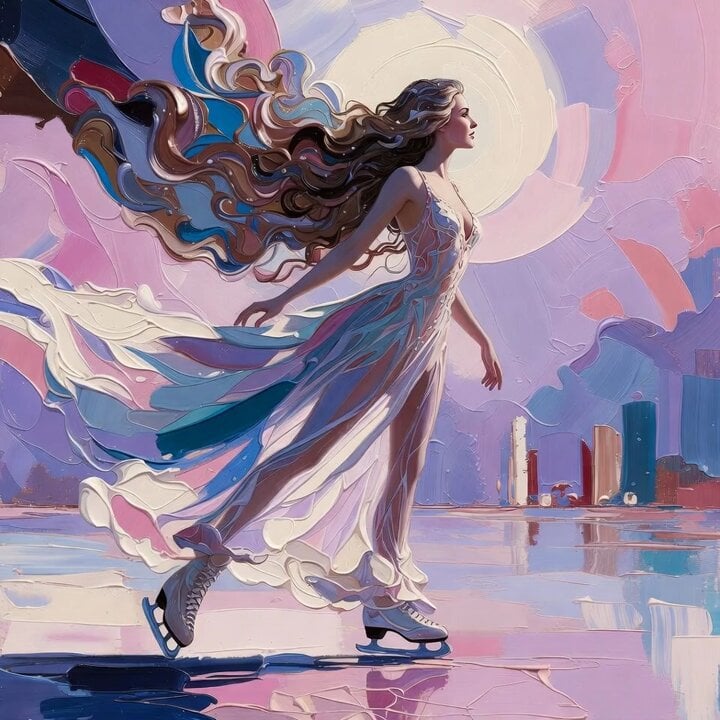
Grok Imagine Prompt: Ethereal 70s skating woman
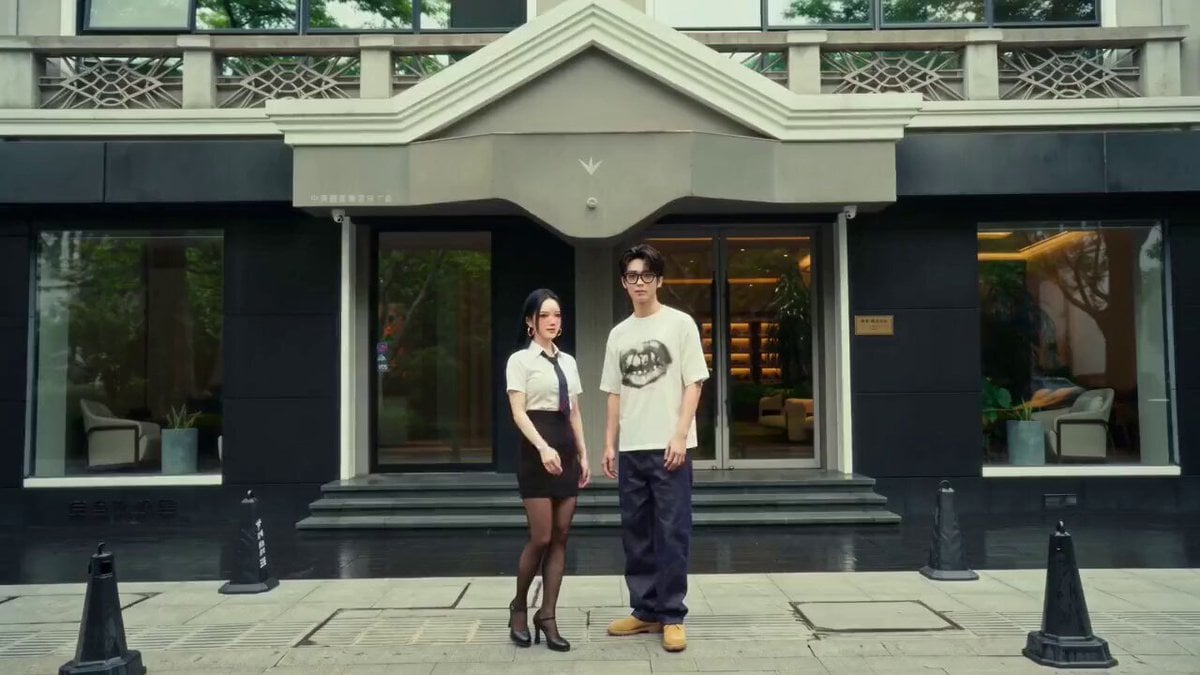
Wes Anderson Style Global Travel Video Prompt for Seedance 2.0
Emily Seedance Tokusatsu Sisters
Elegant Red Dress Romantic Date Scene
Browse template categories
Golden Hour Cinematic Bicycle Ride questions
How do I use the Golden Hour Cinematic Bicycle Ride template?
Add your photo if the template asks for one, edit the prompt if you like — the template's model and format are already selected — and press Generate. Your version opens in PicX Studio.
Can I customize the Golden Hour Cinematic Bicycle Ride template?
Yes. You can change the subject, setting, lighting, mood, format, and available model controls before creating your video.
Is the Golden Hour Cinematic Bicycle Ride template free?
Opening and editing this template is free. Generating uses credits, shown on the Generate button when you are signed in.
Which AI model should I use?
Start with Seedance 2.0, which is the model associated with this template. You can compare another compatible model for a different finish.
Looking for something else? Browse all templates.

Your photo, any look
Thousands of ready templates for every top image and video model, from one credit balance.