
High-Speed Muscle Car Chase
A cinematic prompt for a high-speed muscle car chase through a collapsing highway, featuring intense lighting and explosive action.
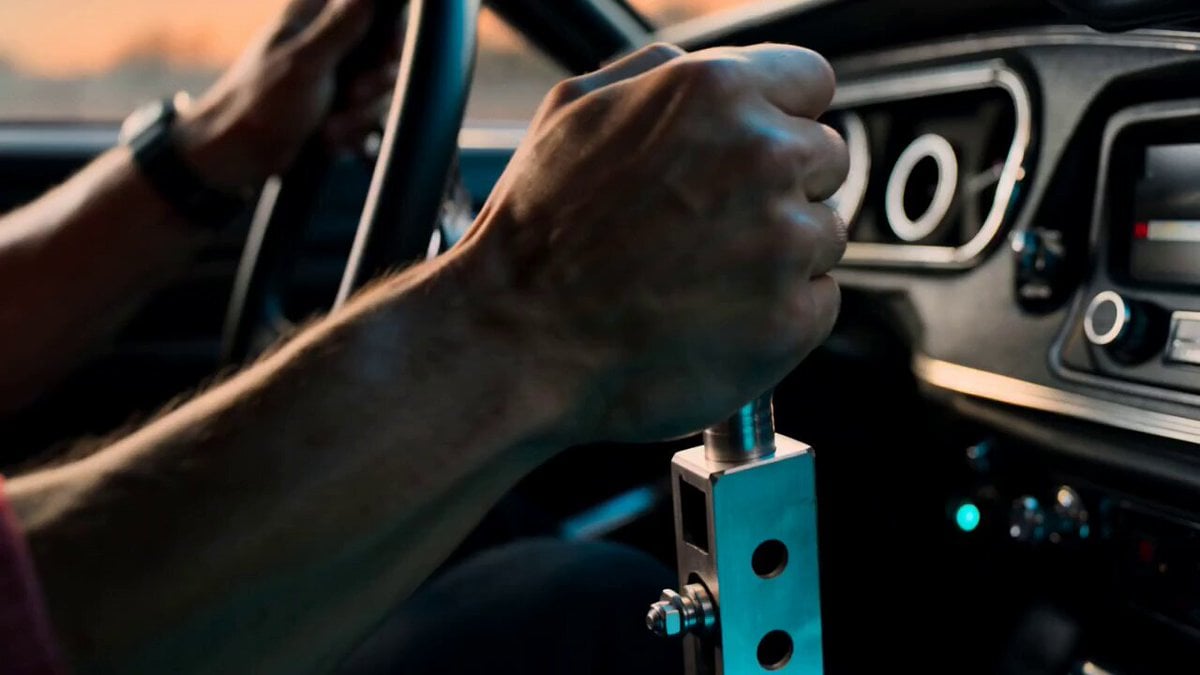
- Prompt included
- Model and format preset
- Free template
The prompt behind this video
Copy the exact prompt behind High-Speed Muscle Car Chase, or open it in the studio and make it yours.
A heavily modified black muscle car with glowing underlights, engine vibrating violently, flames bursting from exhaust pipes, driven by a fearless street racer with intense eyes, hands gripping the wheel aggressively Launches through a collapsing highway while being chased by armored vehicles firing explosives, drifting between traffic and smashing through obstacles at insane speed Massive urban freeway at sunset, explosions tearing through lanes, cars flipping, smoke and sparks filling the air Starts with cockpit close-up showing shifting gears and reflections of fire in the driver’s eyes, crash zoom through windshield into ultra-low tracking shot beside spinning wheels, speed ramp during aggressive drift, whip pans following explosions and near misses, FPV-style chase through collapsing traffic, debris and sparks slamming into lens, intense orange-blue blockbuster lighting, ending with the car bursting through a wall of fire and launching off the destroyed highway in slow motion while the entire convoy explodes behind, camera rotating around the airborne vehicle before cutting to black at peak explosion
How to use High-Speed Muscle Car Chase in 3 steps
- 1
Open
The prompt is already in the box next to the preview, with the template's model and format selected.
- 2…a portrait of your subject in softgolden-hour light, 85mm…
Personalize
Edit the subject and creative details for your destination.
- 3Generate
Generate
Press Generate — your video is created in PicX Studio, so you can compare it with the original and refine one variable at a time.
More like this
Templates with the same subject, style or setup. Open one to see its prompt.

Cartoon Donut Heist Bakery Chase
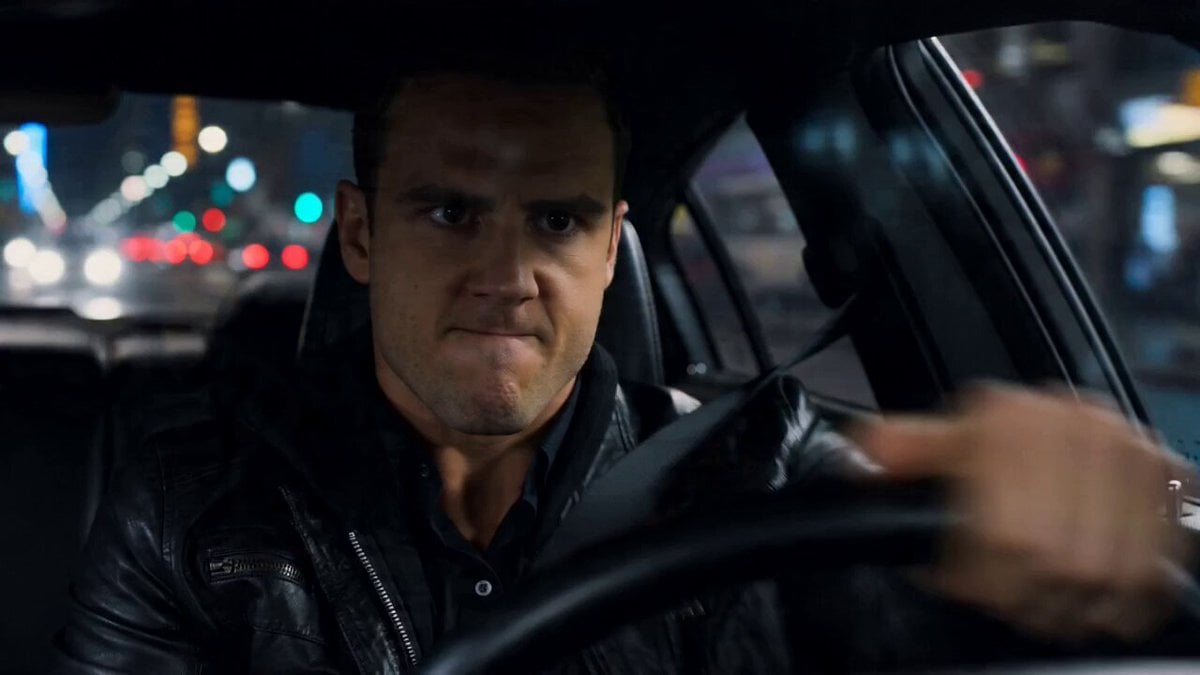
High-Speed Car Chase Gear Shift Video
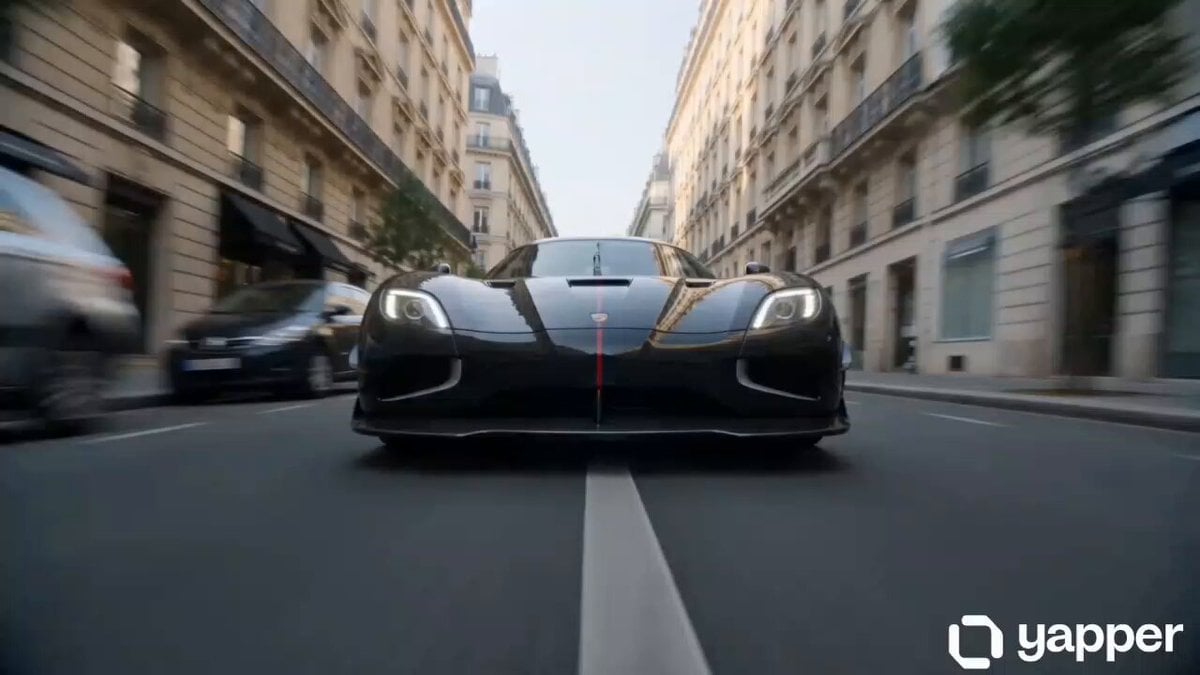
Multi-Shot High Speed Car Chase
Speeder Chase Across a Cliff City
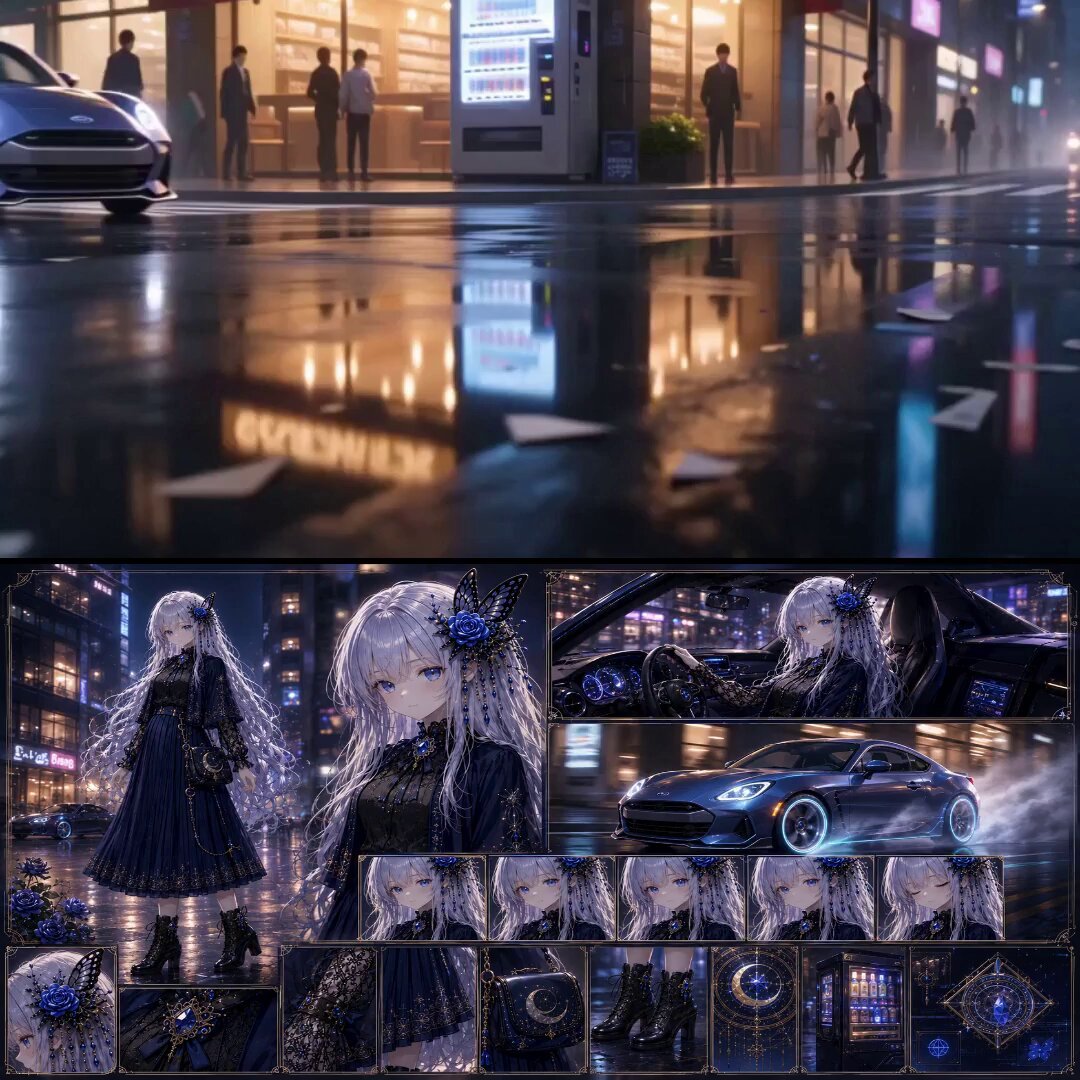
Urban Fantasy RPG Car Chase
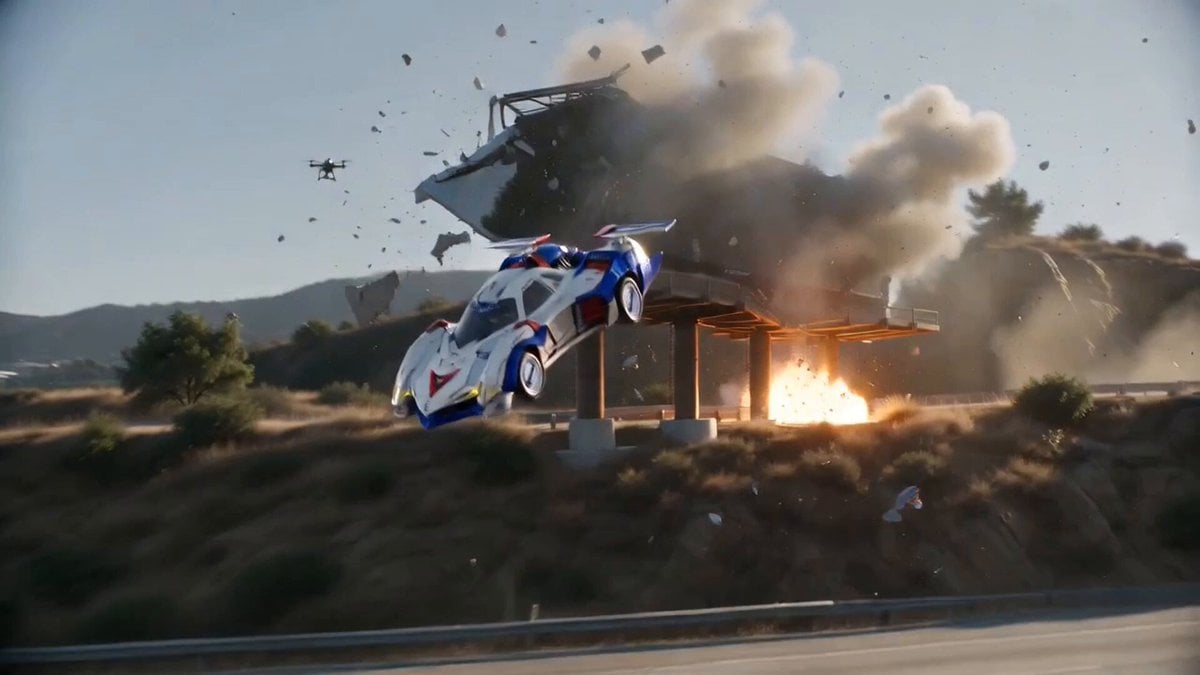
Hollywood Blockbuster Car Chase Sequence
Urban Fantasy RPG Car Chase
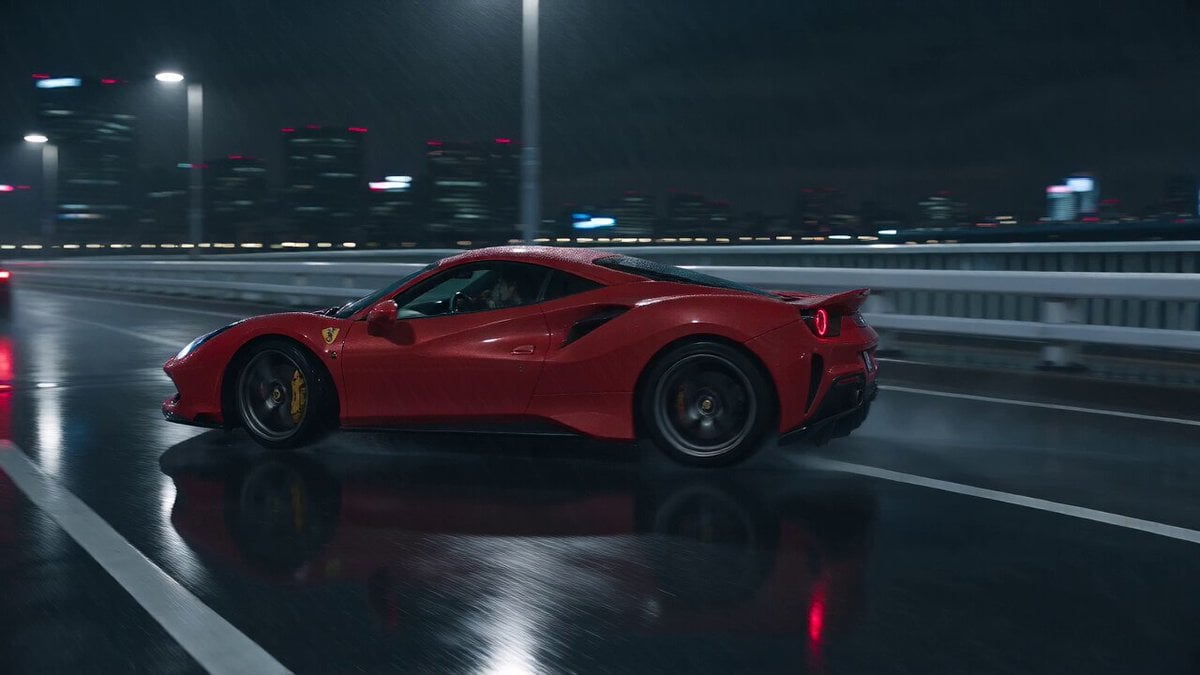
Cyberpunk Tokyo Rainy Car Chase
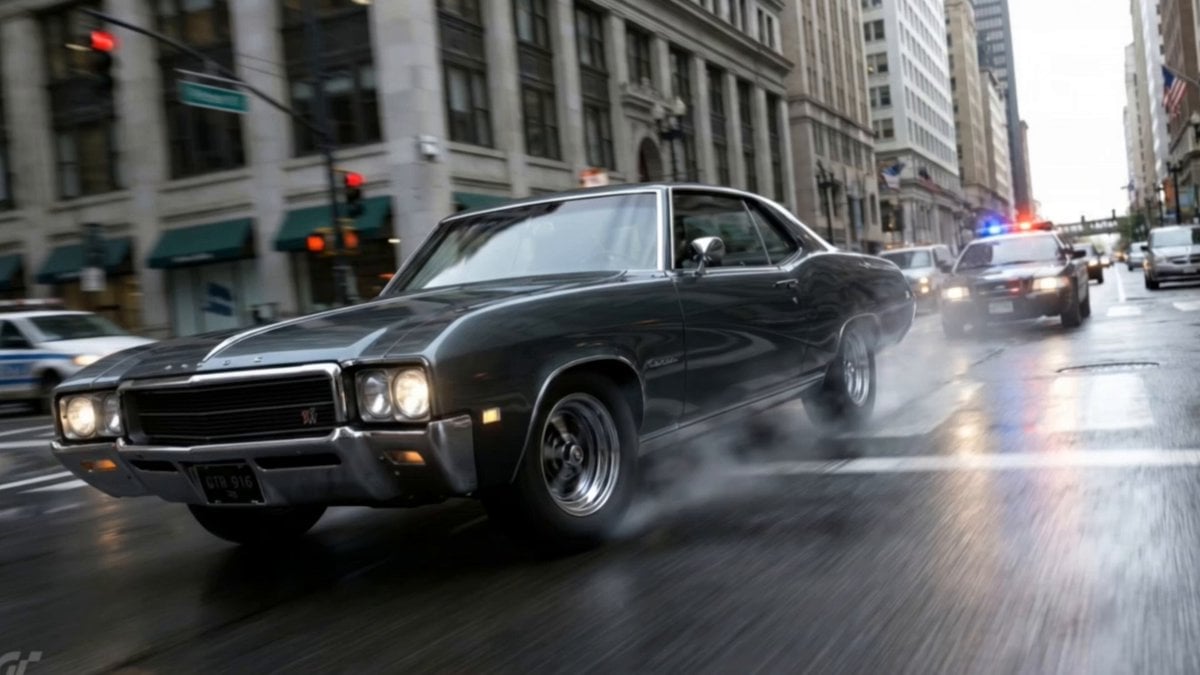
Action Movie Car Chase Sequence
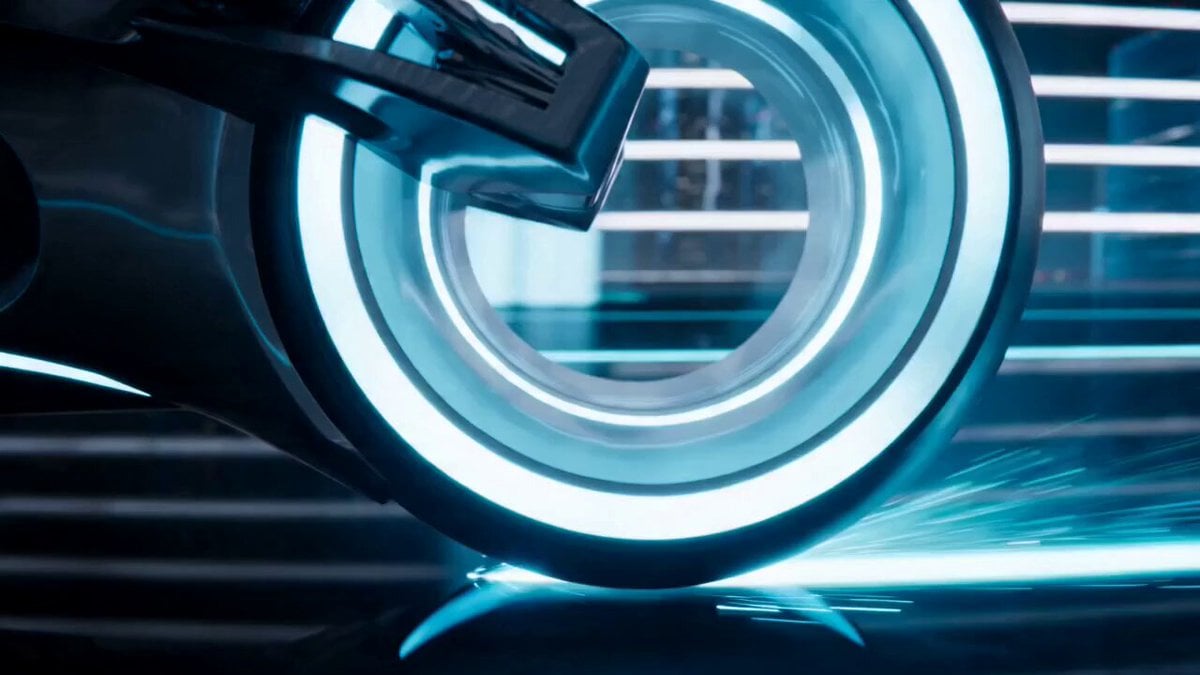
Tron-Inspired Speed Chase
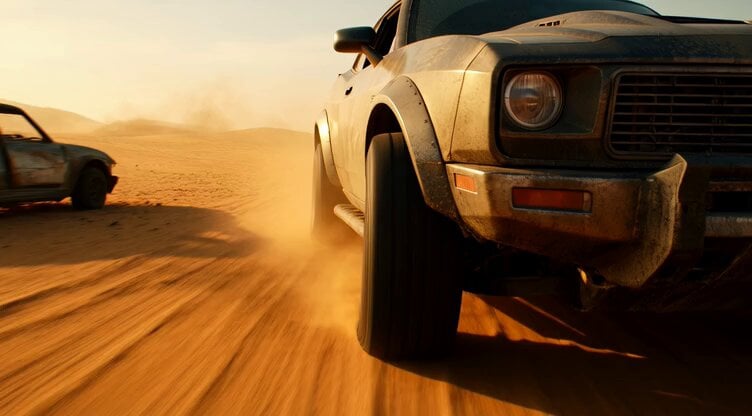
Tracking shot of armored muscle car in desert

Walking Factory with Rebel on Hoverbike - Wasteland
Make it yours
High-Speed Muscle Car Chase works as-is. These are the safest ways to change it without losing the look.
Change one field
Copy a single group, rewrite it, and generate again so you can see what that field is doing.
Keep the frame, change the subject
Hold the composition and light of High-Speed Muscle Car Chase, then swap wardrobe, props or the person for a new take.
| If the result… | Why | Fix |
|---|---|---|
| The result drifts from the preview | Too many fields changed at once. | Reuse High-Speed Muscle Car Chase as-is first, then change one group — subject, light, or setting. |
| The model over-stylizes the scene | The prose prompt leaves finish and camera underspecified. | Add one camera or lighting sentence and stay on Seedance 2.0. |
More Seedance 2.0 templates
Other prompts made for Seedance 2.0.

Comical Martial Arts Punch Scene

Maglev Train Action Sequence

Martial Arts Fight Sequence

Wuxia Protection and Trust Script

Vintage Korean Arcade MiniDV Vlog

Mercedes 190 SL Luxury Ad

Rainy Night Supernatural Reverse Comedy Video Script

Amazon Civilization Discovery

Futuristic South Asian City Transformation

Cozy Luxury Cafe Commercial
More video prompts
Fresh picks from across the catalog.

God of Mars Battle Scene
Cinematic Bicycle Array Comedy Video Prompt

Cyberpunk Magical Girl Anime Video Prompt
Arc Shot Frozen Woman Snow — Kling 3.0 v3 Pro
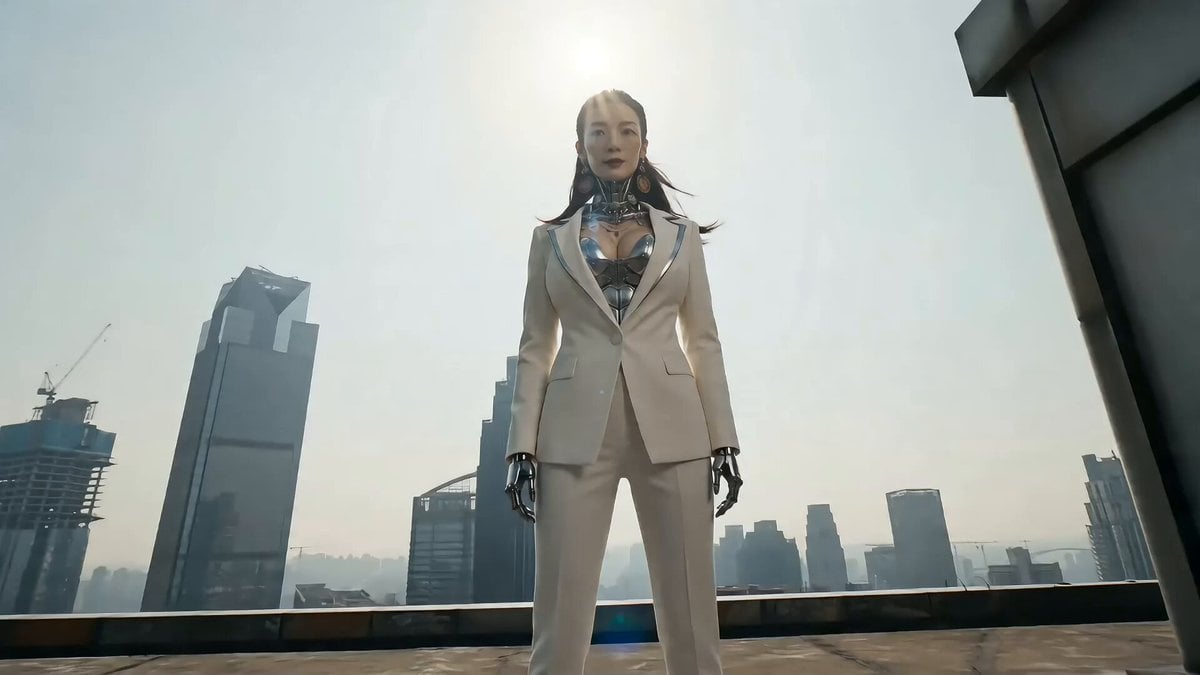
Cyberpunk Action Sequence: Elegant Female Agent Jumps from Skyscraper to Moving Car
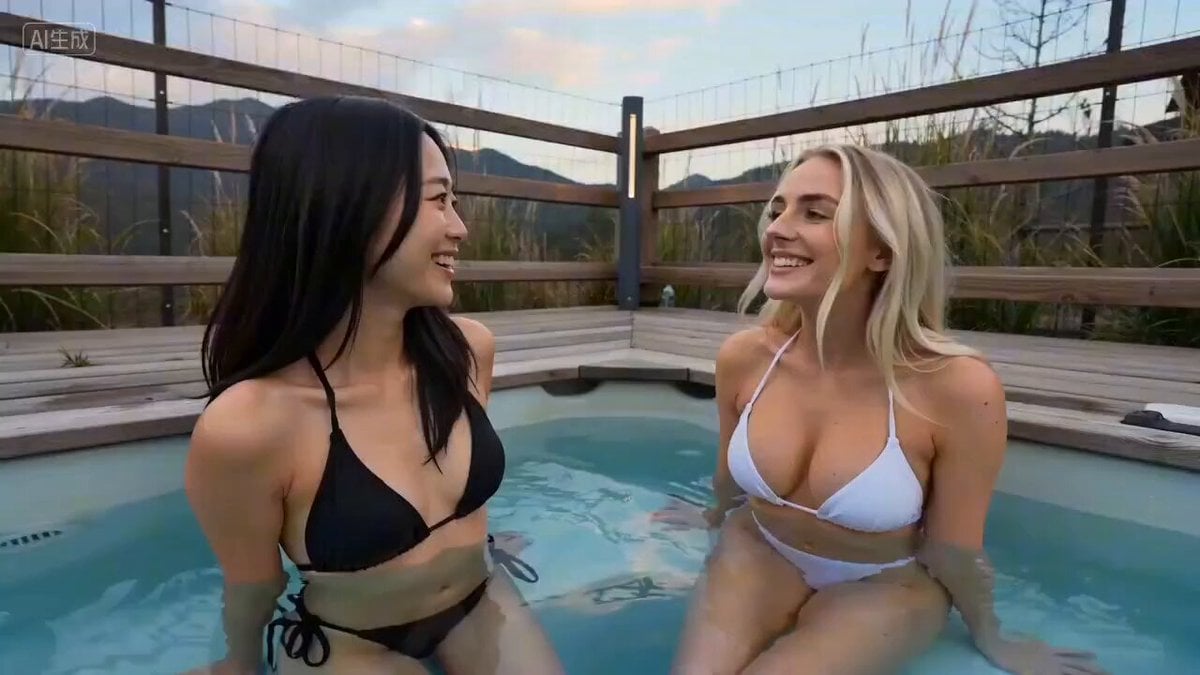
Seedance 2.0 Prompt for Time Stop Scenario in Hot Spring

🎨 SEEDANCE 2 🎨 Prompt : 15-second ultra-cinem

Italian Old-Town Time-Freeze Walk
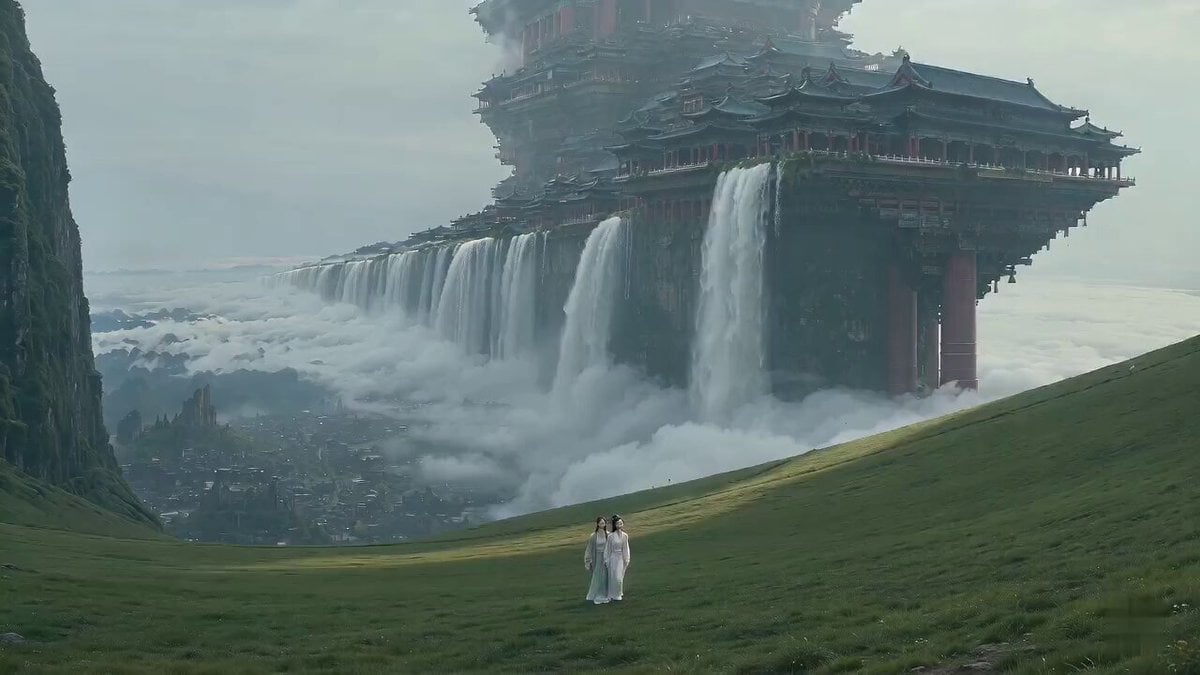
Surreal Immortal Mountain Environment Awakening
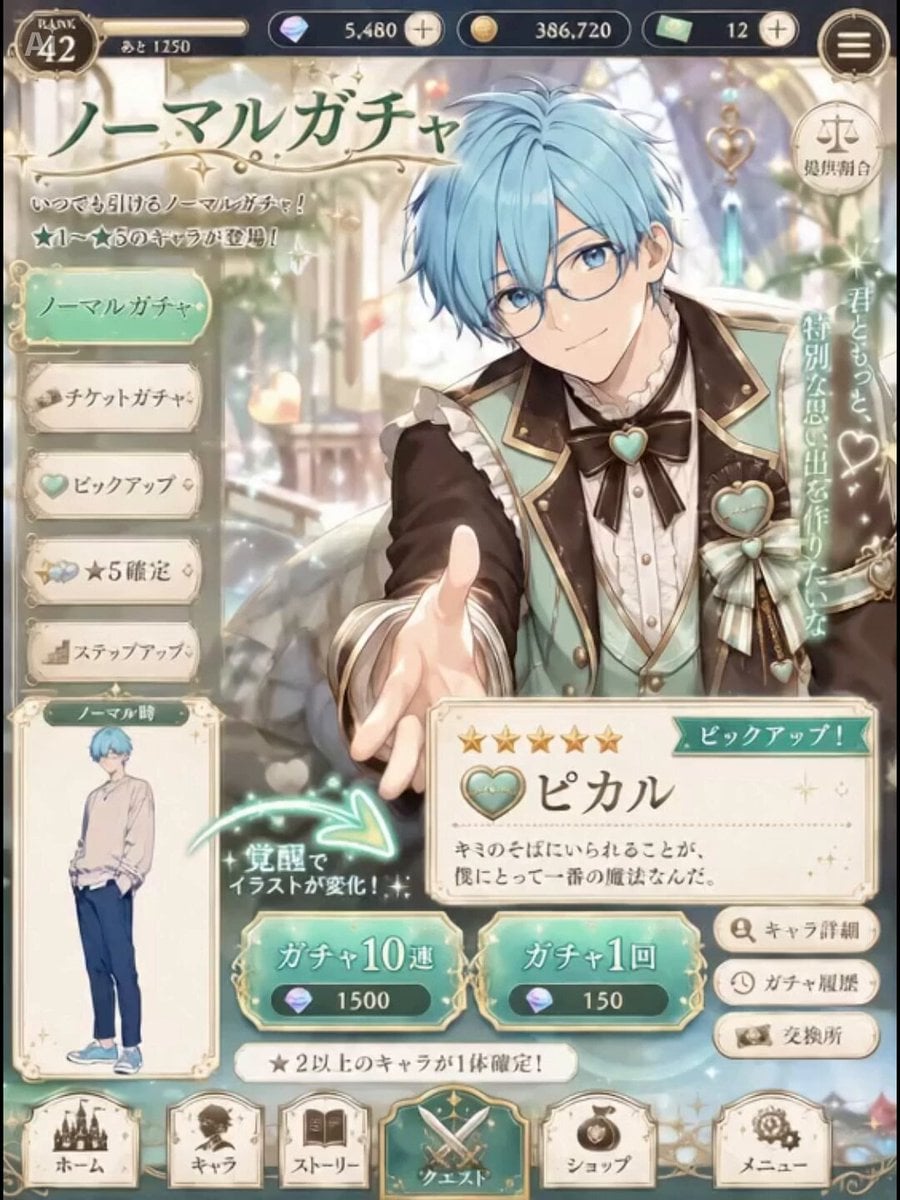
Live2D Style Gacha Game Interface
Browse template categories
High-Speed Muscle Car Chase questions
How do I use the High-Speed Muscle Car Chase template?
Add your photo if the template asks for one, edit the prompt if you like — the template's model and format are already selected — and press Generate. Your version opens in PicX Studio.
Can I customize the High-Speed Muscle Car Chase template?
Yes. You can change the subject, setting, lighting, mood, format, and available model controls before creating your video.
Is the High-Speed Muscle Car Chase template free?
Opening and editing this template is free. Generating uses credits, shown on the Generate button when you are signed in.
Which AI model should I use?
Start with Seedance 2.0, which is the model associated with this template. You can compare another compatible model for a different finish.
Looking for something else? Browse all templates.

Your photo, any look
Thousands of ready templates for every top image and video model, from one credit balance.