
Seedance 2.0 Prompt for Time Stop Scenario in Hot Spring
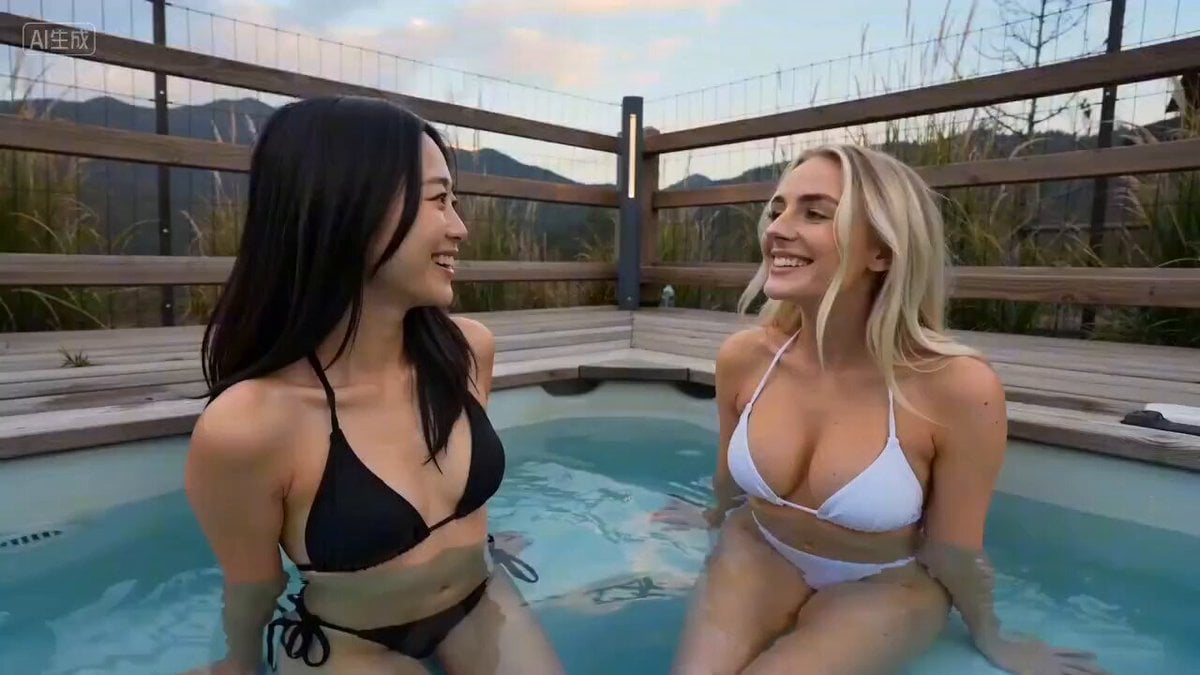
A Seedance 2.0 prompt describing a scenario where the user activates a time-stopping device while two attractive women (one Asian, one Caucasian) are talking in a hot spring.
- Prompt included
- Model and format preset
- Premium template
The prompt behind this video
Copy the exact prompt behind Seedance 2.0 Prompt for Time Stop Scenario in Hot Spring, or open it in the studio and make it yours.
温泉池里,两个美丽且身材很好的女生,一个黑发东亚女生,一个金发蓝眼的欧美女生,她俩穿着比基尼,边泡着温泉边跟我说话,我发动时间停止,两个女生一动不动,我伸手一个捏东亚女生的脸,再捏欧美女生的手臂,最后又拿出遥控器将时间恢复,两个女生继续说话。
How to use Seedance 2.0 Prompt for Time Stop Scenario in Hot Spring in 3 steps
- 1
Open
The prompt is already in the box next to the preview, with the template's model and format selected.
- 2…a portrait of your subject in softgolden-hour light, 85mm…
Personalize
Edit the subject and creative details for your destination.
- 3Generate
Generate
Press Generate — your video is created in PicX Studio, so you can compare it with the original and refine one variable at a time.
More like this
Templates with the same subject, style or setup. Open one to see its prompt.
Civilization Timelapse — Centuries in One Shot
Time Stealer — Seedance 2.0
NYC Wingsuit Hot Dog Landing
City Timelapse Growth — Seedance 2.0
Nano Banana Seedance Time Control Streets
Ice Queen — Frozen Battlefield Time Control (Seedance)
Bullet Time Selfie — Modular Parameter Template (Seedance)

Wholesome Puppy and Kitten Story - Seedance 2.5

Mysterious Home Exploration Vlog - Seedance 2.5

Dark Tokusatsu Transformation - Seedance 2.5

Cinematic Xinjiang Drone Landscapes - Seedance 2.5

Late Night Kitchen Phone Recording - Seedance 2.5
Make it yours
Seedance 2.0 Prompt for Time Stop Scenario in Hot Spring works as-is. These are the safest ways to change it without losing the look.
Change one field
Copy a single group, rewrite it, and generate again so you can see what that field is doing.
Keep the frame, change the subject
Hold the composition and light of Seedance 2.0 Prompt for Time Stop Scenario in Hot Spring, then swap wardrobe, props or the person for a new take.
| If the result… | Why | Fix |
|---|---|---|
| The result drifts from the preview | Too many fields changed at once. | Reuse Seedance 2.0 Prompt for Time Stop Scenario in Hot Spring as-is first, then change one group — subject, light, or setting. |
| The model over-stylizes the scene | The prose prompt leaves finish and camera underspecified. | Add one camera or lighting sentence and stay on Seedance 2.0. |
More Seedance 2.0 templates
Other prompts made for Seedance 2.0.

Comical Martial Arts Punch Scene

Maglev Train Action Sequence

Martial Arts Fight Sequence

Wuxia Protection and Trust Script

Vintage Korean Arcade MiniDV Vlog

Mercedes 190 SL Luxury Ad

Rainy Night Supernatural Reverse Comedy Video Script

Amazon Civilization Discovery

Futuristic South Asian City Transformation

Cozy Luxury Cafe Commercial
More video prompts
Fresh picks from across the catalog.
Lillyli Time Freeze Avatar

Futuristic Warrior Playing Grand Piano

Gothic Vampire Lord Video Prompt

Cats on Money Stacks

Audience POV Cinema Video
Miniature Sprite Can House Construction
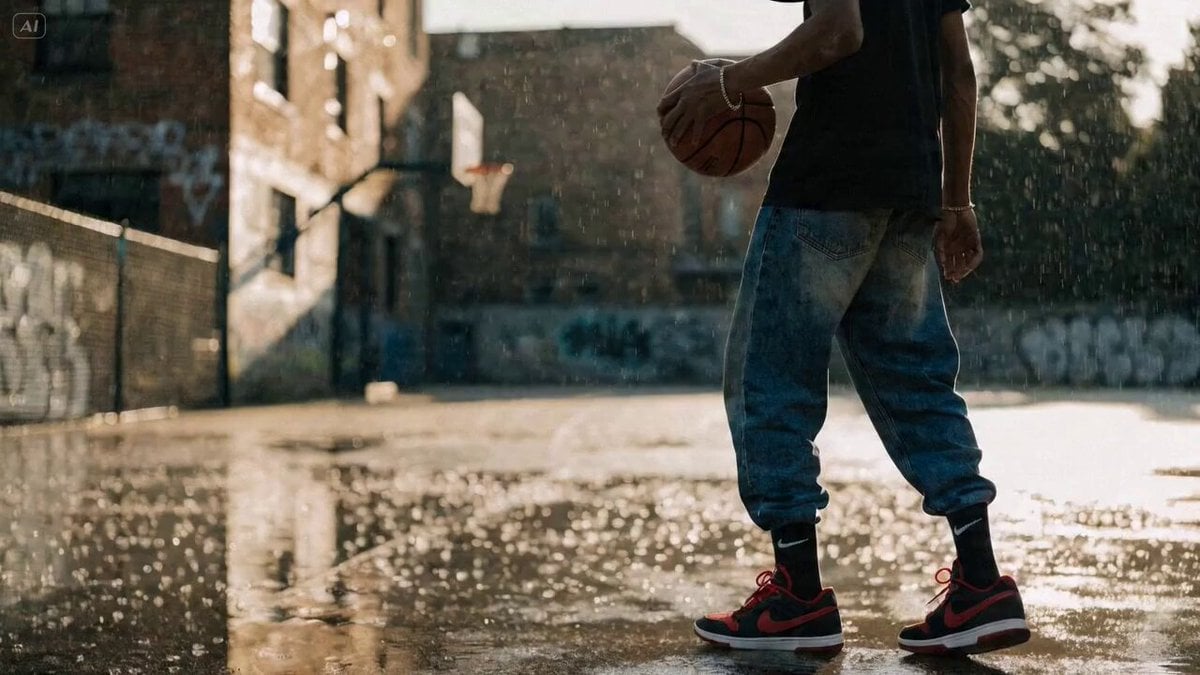
Nike Basketball Sprint Video Prompt
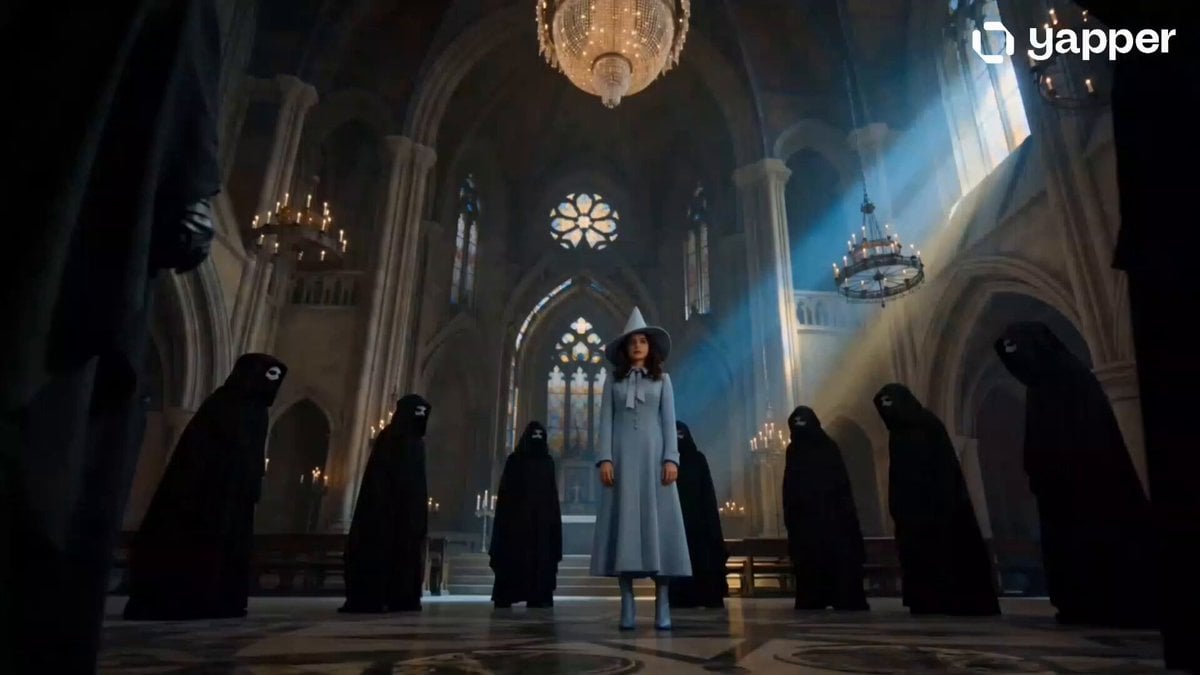
Beauxbatons Witch Magic Vortex Animation

Lone Wanderer on a Floating Citadel Above a Nebula Storm
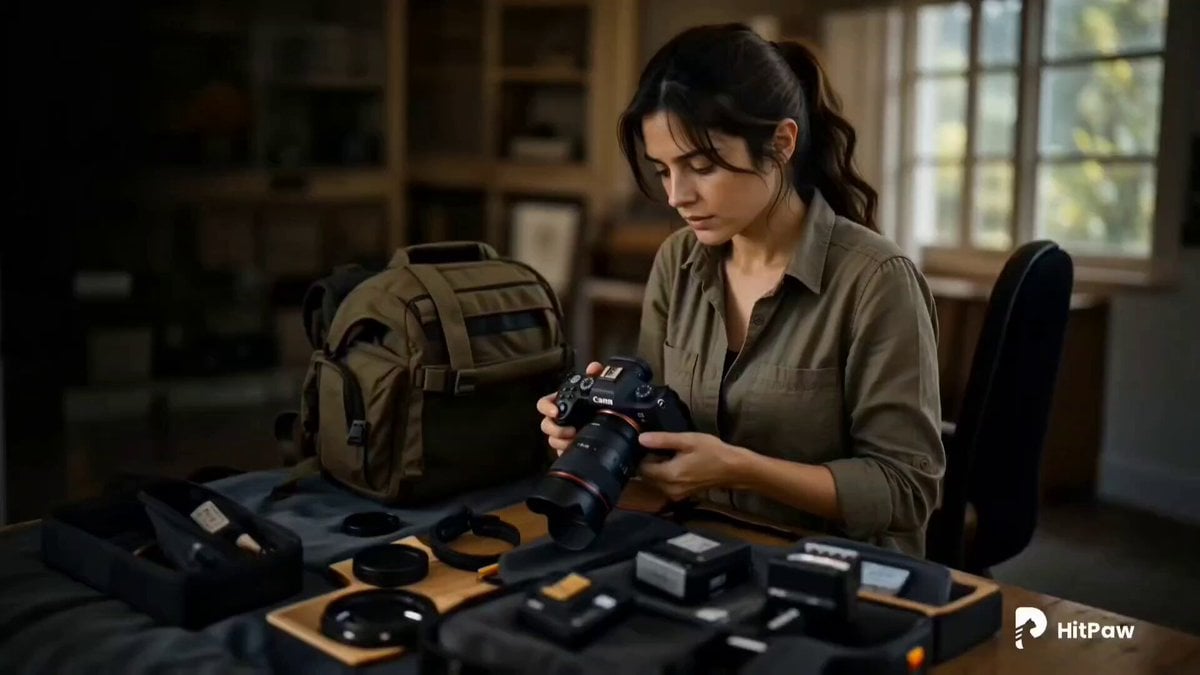
Cinematic Wildlife Adventure Video Prompt
Browse template categories
Seedance 2.0 Prompt for Time Stop Scenario in Hot Spring questions
How do I use the Seedance 2.0 Prompt for Time Stop Scenario in Hot Spring template?
Add your photo if the template asks for one, edit the prompt if you like — the template's model and format are already selected — and press Generate. Your version opens in PicX Studio.
Can I customize the Seedance 2.0 Prompt for Time Stop Scenario in Hot Spring template?
Yes. You can change the subject, setting, lighting, mood, format, and available model controls before creating your video.
Is the Seedance 2.0 Prompt for Time Stop Scenario in Hot Spring template free?
Opening and editing this template is free. Generating uses credits, shown on the Generate button when you are signed in.
Which AI model should I use?
Start with Seedance 2.0, which is the model associated with this template. You can compare another compatible model for a different finish.
Looking for something else? Browse all templates.

Your photo, any look
Thousands of ready templates for every top image and video model, from one credit balance.