
Amazon Jungle Insectoid Drone Flight
An extremely detailed 14-second video prompt describing an insectoid drone's high-speed flight through the Amazonian jungle, featuring specific timestamps for scene transitions and camera work.
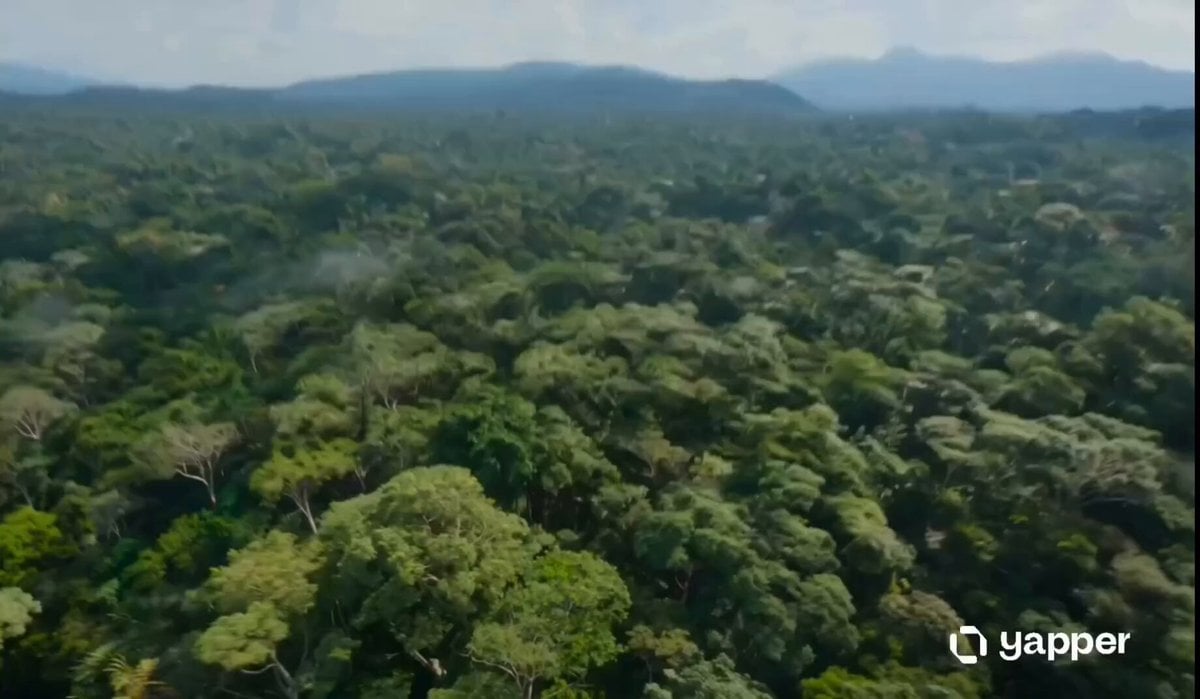
- Prompt included
- Model and format preset
- Free template
The prompt behind this video
Copy the exact prompt behind Amazon Jungle Insectoid Drone Flight, or open it in the studio and make it yours.
A hyper-realistic, cinematic 14-second vertical video (9:16 aspect ratio) shot at 60fps with intense motion blur and dynamic tracking camera work. The main subject is a sleek, futuristic insectoid drone with an iridescent metallic blue-green exoskeleton that shifts in the light like a beetle shell. It has two large glowing orange compound eyes that pulse with energy, spinning translucent propeller-wings that blur into discs during high-speed flight, thin black mechanical legs/tendrils, and long antennae. The drone is highly agile, fast, and organic in its movements, like a living cybernetic dragonfly. Scene sequence (timed for precise 14-second duration): 0–2s: Extreme high-angle aerial shot racing over a vast, endless emerald-green Amazonian jungle canopy under bright daylight. The drone bursts into frame from the top, flying directly toward camera at breakneck speed before diving sharply downward into the dense forest. 2–8s: Chaotic, high-speed first-person and close third-person chase through the thick jungle interior. The drone weaves aggressively between massive moss-covered tree trunks, hanging vines, and dense ferns at dizzying speed. Volumetric god rays pierce the misty air. Brightly colored macaws (vivid red, blue, and yellow) scatter and fly chaotically around it, some nearly colliding with the drone. Camera follows tightly with whip pans, Dutch angles, and rapid tilts to convey extreme velocity and danger. Heavy motion blur on background foliage. The drone tilts, rolls, and banks sharply to avoid branches, its orange eyes glowing brighter during maneuvers. 8–11s: Tight, dramatic close-ups of the drone as it navigates deeper into darker, mistier sections of the jungle. Sunlight shafts cut through the canopy. The drone’s propellers spin furiously, occasionally clipping leaves and sending small debris flying. Its iridescent body reflects greens and golds from the environment. Camera orbits and pushes in close for mechanical detail. 11–14s: The drone bursts out of the dense jungle into a breathtaking open clearing. It flies straight toward a massive, powerful waterfall cascading dramatically into a turquoise lagoon far below. Thick white mist fills the air, creating a perfect rainbow arching across the scene. The drone hovers briefly in the center of frame, backlit by the waterfall and rainbow, its glowing orange eyes and iridescent shell catching the light dramatically. Final shot slowly pulls back to reveal the full majestic scale of the waterfall and rainbow as the drone holds position.
How to use Amazon Jungle Insectoid Drone Flight in 3 steps
- 1
Open
The prompt is already in the box next to the preview, with the template's model and format selected.
- 2…a portrait of your subject in softgolden-hour light, 85mm…
Personalize
Edit the subject and creative details for your destination.
- 3Generate
Generate
Press Generate — your video is created in PicX Studio, so you can compare it with the original and refine one variable at a time.
More like this
Templates with the same subject, style or setup. Open one to see its prompt.
Amazon FPV Drone Chase — Seedance 2.0
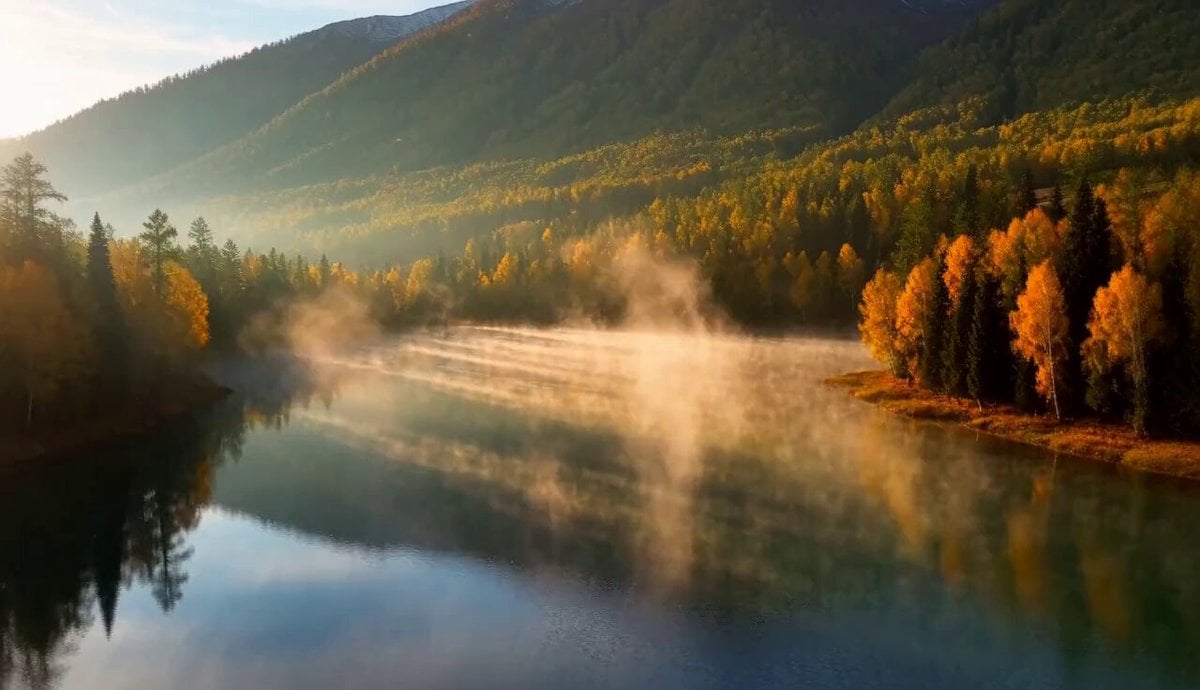
Cinematic Xinjiang Drone Landscapes - Seedance 2.5
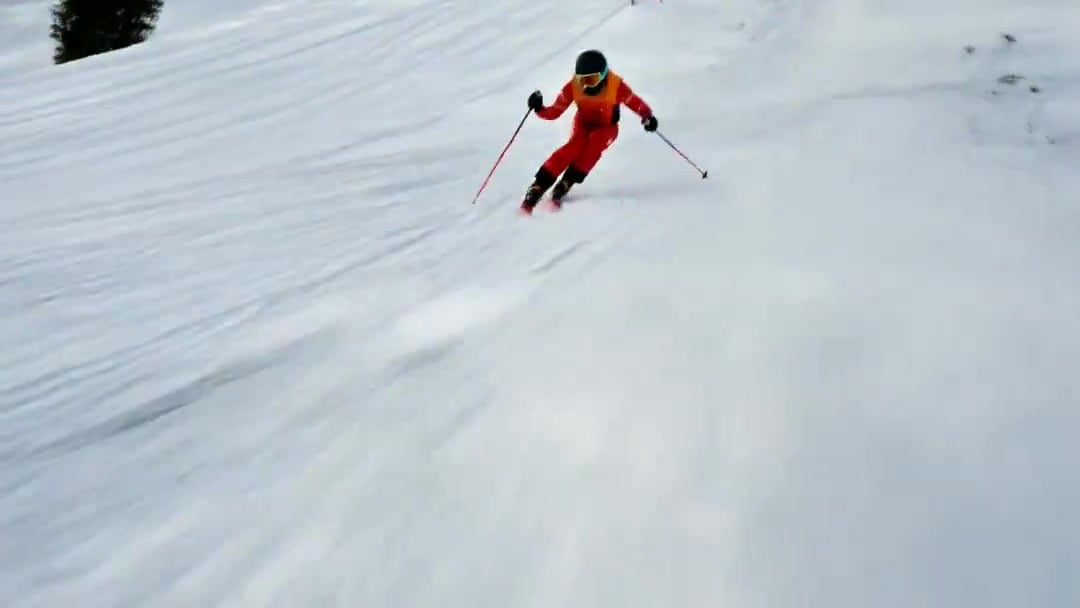
FPV Drone Skier Tracking — Kling 3.0 O3 Pro
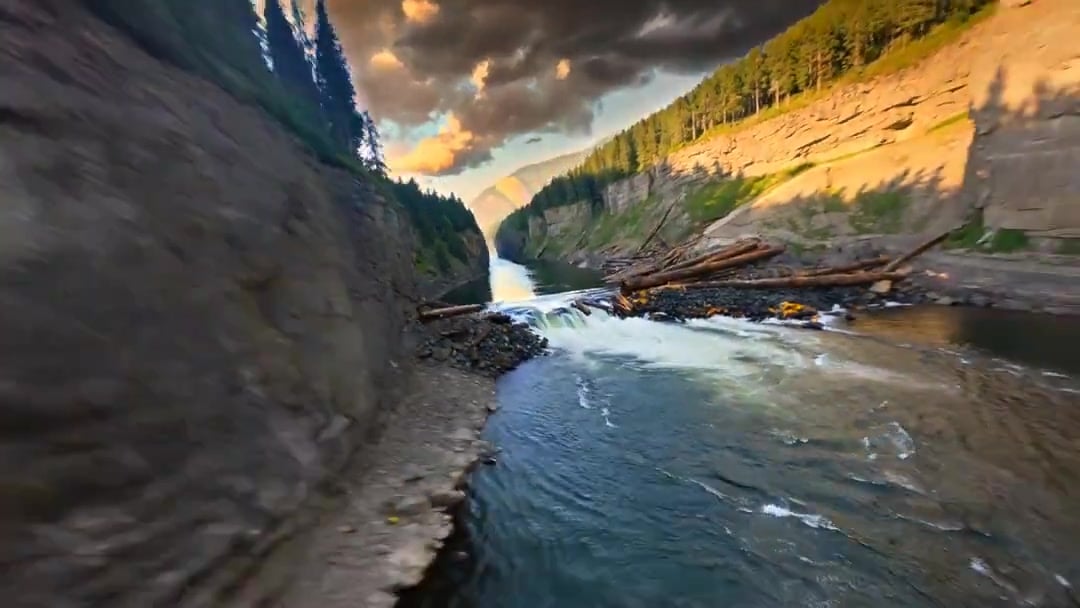
Cinematic Drone Specs Canyon — Kling 3.0 v3 Pro
Drone Removal Safari Cleanup
Energy Bow Jungle Edit
FPV Multilingual Landscape Flight

Luxury Lifestyle Day Vlog
Himalayan FPV Drone Flight
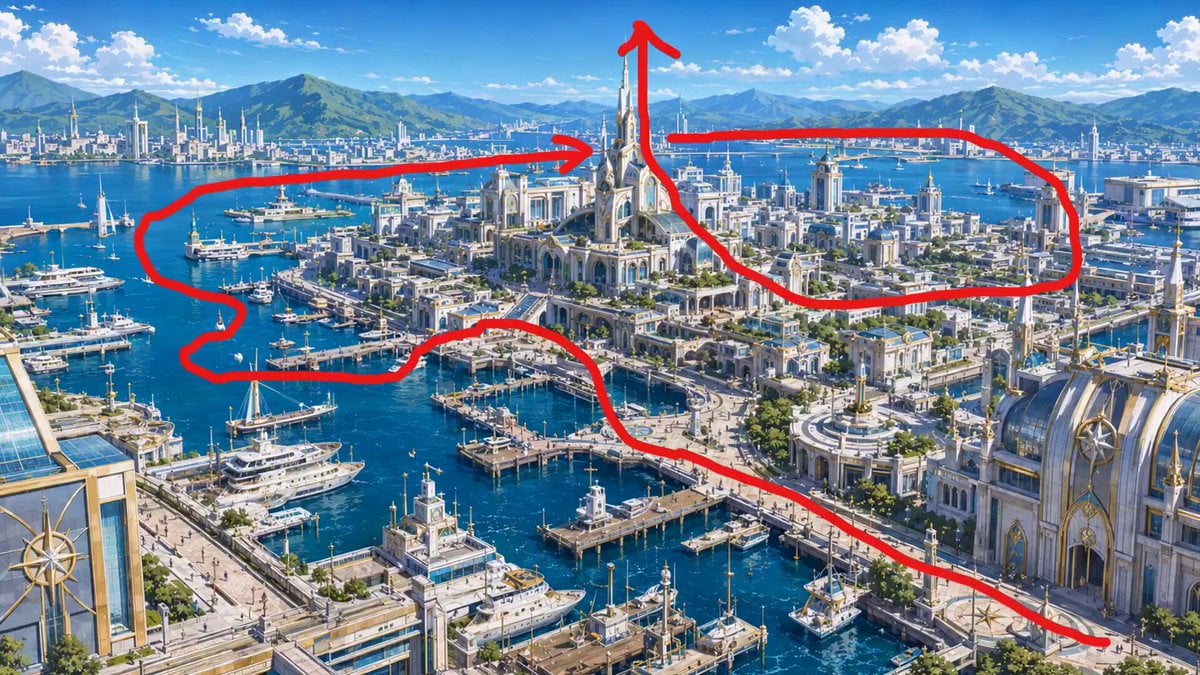
FPV Drone Flight Over Fantasy Port
Rainforest Thriller — Searching the Unseen
Yellow Seaplane Coastal Dive — Aerial Drone Shot
Make it yours
Amazon Jungle Insectoid Drone Flight works as-is. These are the safest ways to change it without losing the look.
Change one field
Copy a single group, rewrite it, and generate again so you can see what that field is doing.
Keep the frame, change the subject
Hold the composition and light of Amazon Jungle Insectoid Drone Flight, then swap wardrobe, props or the person for a new take.
| If the result… | Why | Fix |
|---|---|---|
| The result drifts from the preview | Too many fields changed at once. | Reuse Amazon Jungle Insectoid Drone Flight as-is first, then change one group — subject, light, or setting. |
| The model over-stylizes the scene | The prose prompt leaves finish and camera underspecified. | Add one camera or lighting sentence and stay on Seedance 2.0. |
More Seedance 2.0 templates
Other prompts made for Seedance 2.0.

Comical Martial Arts Punch Scene

Maglev Train Action Sequence

Martial Arts Fight Sequence

Wuxia Protection and Trust Script

Vintage Korean Arcade MiniDV Vlog

Mercedes 190 SL Luxury Ad

Rainy Night Supernatural Reverse Comedy Video Script

Amazon Civilization Discovery

Futuristic South Asian City Transformation

Cozy Luxury Cafe Commercial
More video prompts
Fresh picks from across the catalog.
Floating Magic City Aerial Combat
Cinematic Night Scene with Giant Bioluminescent Jellyfish
Melancholic Subject on Spinning Playground Wheel
Cinematic Narrative Conflict Scene
Desert Leviathan and Shamanic Belly Dancer

Anime Character Transformation with Ethereal Glow
The Alien Donut Animation
Gym Workout POV by Lisa

Nostalgic Disney Family Conversation
Futuristic Hovercraft on Savanna Hardpack
Browse template categories
Amazon Jungle Insectoid Drone Flight questions
How do I use the Amazon Jungle Insectoid Drone Flight template?
Add your photo if the template asks for one, edit the prompt if you like — the template's model and format are already selected — and press Generate. Your version opens in PicX Studio.
Can I customize the Amazon Jungle Insectoid Drone Flight template?
Yes. You can change the subject, setting, lighting, mood, format, and available model controls before creating your video.
Is the Amazon Jungle Insectoid Drone Flight template free?
Opening and editing this template is free. Generating uses credits, shown on the Generate button when you are signed in.
Which AI model should I use?
Start with Seedance 2.0, which is the model associated with this template. You can compare another compatible model for a different finish.
Looking for something else? Browse all templates.

Your photo, any look
Thousands of ready templates for every top image and video model, from one credit balance.