
The Alien Donut Animation
A detailed storyboard prompt for a hyper-expressive 3D animation featuring an alien courier and a giant glowing donut in a futuristic setting.
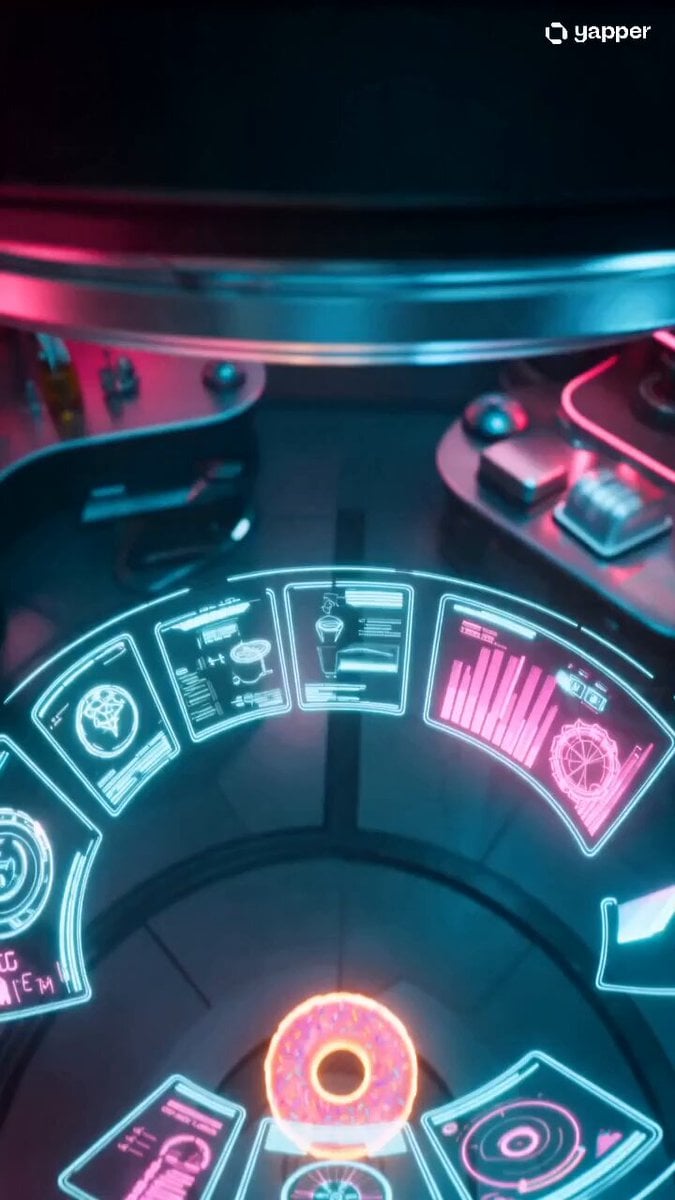
- Prompt included
- Model and format preset
- Free template
The prompt behind this video
Copy the exact prompt behind The Alien Donut Animation, or open it in the studio and make it yours.
Style: Hyper-expressive stylized 3D animation, neon sci-fi lighting, volumetric fog, exaggerated squash-and-stretch physics, cinematic motion blur, vibrant colors (teal, magenta, electric blue), shallow depth of field. 0-3s: A tiny overconfident alien courier wearing a glowing jetpack suit descends through a circular hatch inside a futuristic spaceship kitchen. Below floats a giant glowing energy donut emitting soft neon light. The alien’s visor reflects the donut as his eyes widen with excitement. Camera: Smooth crane-down from above, passing holographic UI elements, ending with a slight snap-zoom toward the donut. 3-6s: The alien lands on the floating donut. Everything pauses. Suddenly, a massive robotic guard drone drops into frame upside down, its red eye activating and scanning. The alien squashes into a cube shape from fear, then pops back. Camera: Fast whip-pan into a 180-degree orbit, ending with the drone towering in the background. 6-9s: The alien grabs the oversized donut (it wobbles like jelly) and rockets forward. His jetpack sputters, leaving zig-zag trails. He hits a floating metal tray that bends like rubber and launches him forward like a slingshot. The drone fires a slow laser that narrowly misses. Camera: Fast side-tracking shot with motion blur, then tilt upward as he launches. 9-12s: Mid-air, the alien spins, then deploys a holographic parachute shaped like a pizza slice. It glitches briefly, then stabilizes. He glides forward, wobbling. Behind him, the drone stretches unnaturally, its limbs extending to grab him. Camera: Dynamic follow shot from behind with slight rolling motion. 12-15s: The alien crashes into a narrow maintenance hatch, bounces off the walls, then sticks a superhero landing inside. He takes a huge bite of the glowing donut, sending sparks and crumbs in slow motion. The hatch slams shut as a robotic claw reaches in. Camera: Rapid push-in on the bite, slow-motion particles, then quick iris-out to black.
How to use The Alien Donut Animation in 3 steps
- 1
Open
The prompt is already in the box next to the preview, with the template's model and format selected.
- 2…a portrait of your subject in softgolden-hour light, 85mm…
Personalize
Edit the subject and creative details for your destination.
- 3Generate
Generate
Press Generate — your video is created in PicX Studio, so you can compare it with the original and refine one variable at a time.
More like this
Templates with the same subject, style or setup. Open one to see its prompt.

3D Glossy Fairy Animation - Seedance 2.5

Silk Road Pomegranate Folk Animation

Multilingual Creative Typography Loop

Cartoon Donut Heist Bakery Chase

Walking Factory with Rebel on Hoverbike - Wasteland
Cartoon Bullfight Arena — Girl vs Bull (Seedance)
Dim Sum Chase — Shrimp Dumpling Monster
Alien Invasion City Chase Cinematic Video
Astronaut and Alien Megastructure
Deadpan Alien Bedroom Comedy

Magic City Fantasy Battle Animation
Seasonal Path Transition Animation
Make it yours
The Alien Donut Animation works as-is. These are the safest ways to change it without losing the look.
Change one field
Copy a single group, rewrite it, and generate again so you can see what that field is doing.
Keep the frame, change the subject
Hold the composition and light of The Alien Donut Animation, then swap wardrobe, props or the person for a new take.
| If the result… | Why | Fix |
|---|---|---|
| The result drifts from the preview | Too many fields changed at once. | Reuse The Alien Donut Animation as-is first, then change one group — subject, light, or setting. |
| The model over-stylizes the scene | The prose prompt leaves finish and camera underspecified. | Add one camera or lighting sentence and stay on Seedance 2.0. |
More Seedance 2.0 templates
Other prompts made for Seedance 2.0.

Comical Martial Arts Punch Scene

Maglev Train Action Sequence

Martial Arts Fight Sequence

Wuxia Protection and Trust Script

Vintage Korean Arcade MiniDV Vlog

Mercedes 190 SL Luxury Ad

Rainy Night Supernatural Reverse Comedy Video Script

Amazon Civilization Discovery

Futuristic South Asian City Transformation

Cozy Luxury Cafe Commercial
More video prompts
Fresh picks from across the catalog.
Anime Style Philippine Street Scene
Blueberry Pie Baking Storyboard
Urban Survival Street Chase Short

Childhood Toys Conversation Prompt

Award Winning Actor Moment
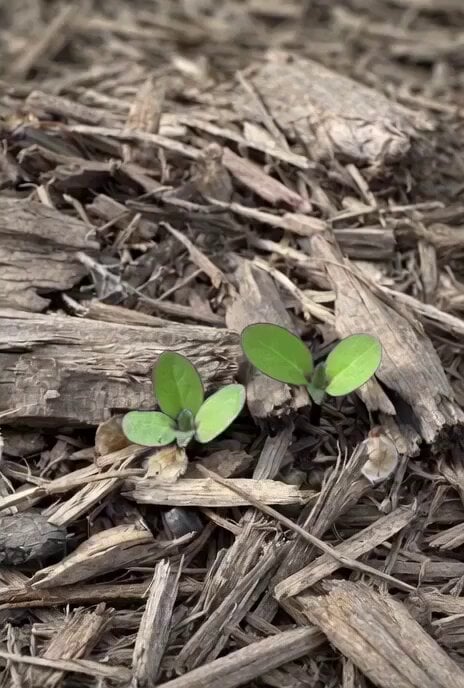
Time-lapse of black cherry sunflowers growing

Cinematic Wuxia Identity Reversal Comedy
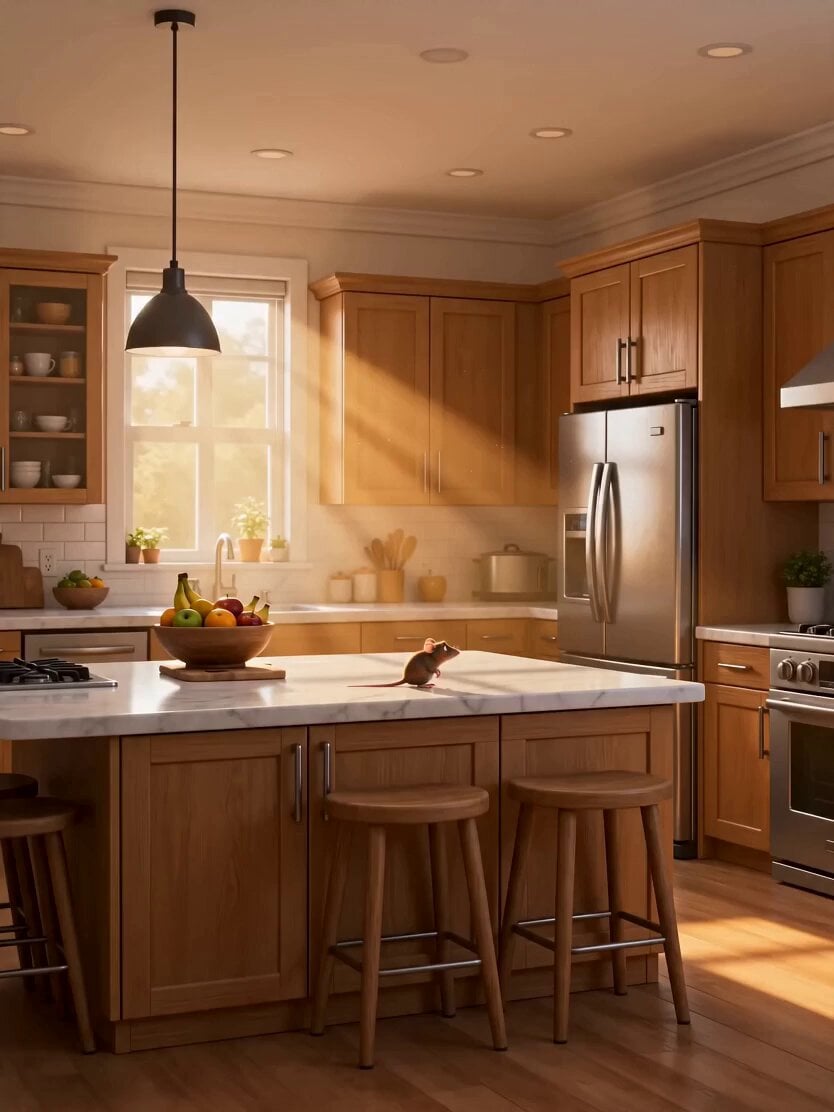
Pixar-Style Cat and Mouse Kitchen Friendship
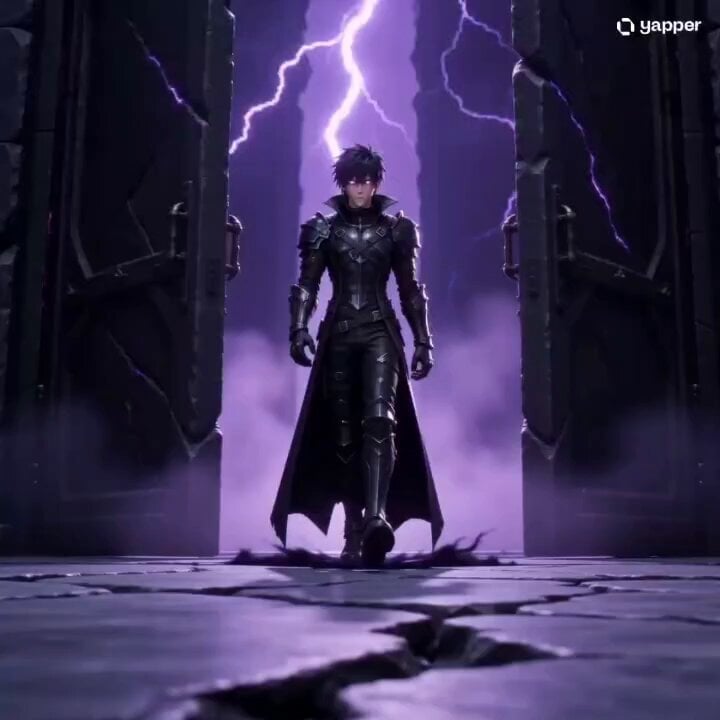
Solo Leveling Cinematic Script Prompt
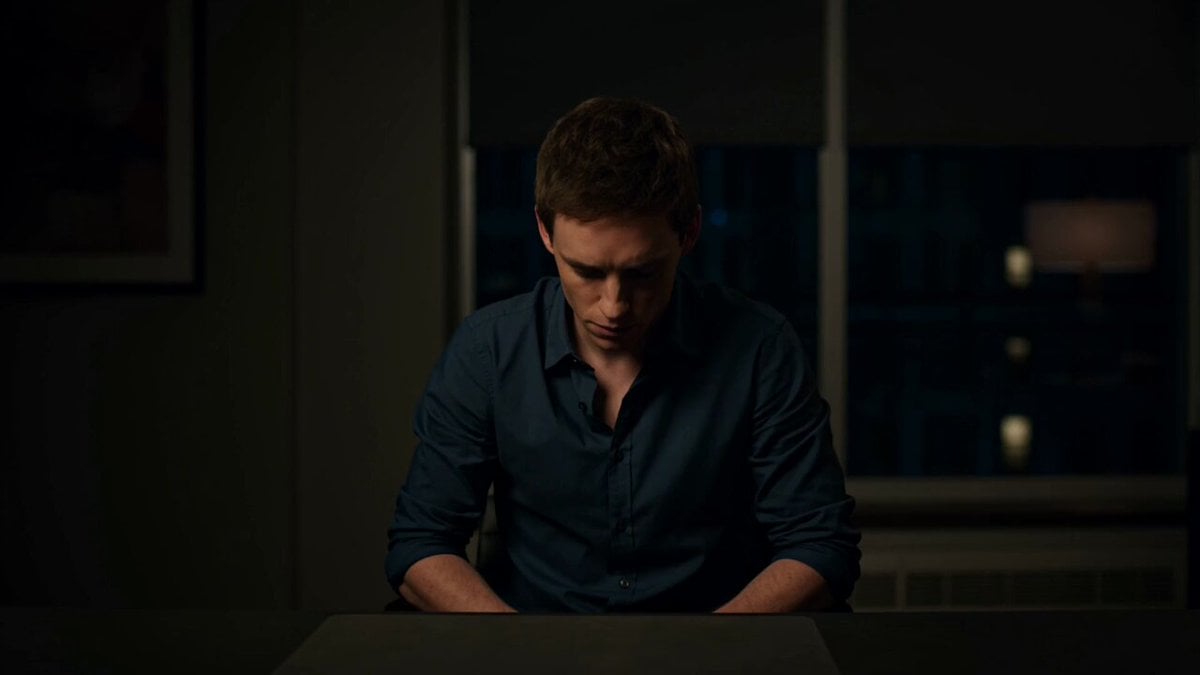
Materializing Thoughts Metaphor
Browse template categories
The Alien Donut Animation questions
How do I use the The Alien Donut Animation template?
Add your photo if the template asks for one, edit the prompt if you like — the template's model and format are already selected — and press Generate. Your version opens in PicX Studio.
Can I customize the The Alien Donut Animation template?
Yes. You can change the subject, setting, lighting, mood, format, and available model controls before creating your video.
Is the The Alien Donut Animation template free?
Opening and editing this template is free. Generating uses credits, shown on the Generate button when you are signed in.
Which AI model should I use?
Start with Seedance 2.0, which is the model associated with this template. You can compare another compatible model for a different finish.
Looking for something else? Browse all templates.

Your photo, any look
Thousands of ready templates for every top image and video model, from one credit balance.