
Award Winning Actor Moment
A multi-scene cinematic prompt designed for Seedance 2 to create a high-quality video sequence of a character winning an award on stage.

- Prompt included
- Model and format preset
- Premium template
The prompt behind this video
Copy the exact prompt behind Award Winning Actor Moment, or open it in the studio and make it yours.
Large-format cinema camera, anamorphic lenses, 23.976fps, shallow depth of field, horizontal lens flares, ISO 1600 film grain, warm champagne highlights, deep cool shadows, tungsten cinematic color grade. Hyper-realistic skin — pores, subsurface scattering, perspiration under spotlights, individual hair strands, natural fabric drape. Asymmetric faces, micro-expressions, no CGI smoothing. All lighting from practical in-frame sources. 0–3s: Broadcast close-up, female host at podium, 5600K spotlight. Opens envelope, paper crinkle, hand tension. Leans into mic, says: "And the winner is… [YOUR NAME]." Room reverb, crowd inhale. 3–6s: Hard cut. Handheld low-angle pushing through audience. Spotlight locks on [YOUR NAME] — black suit, white shirt. 0.5s freeze, eyes widen with moisture, asymmetric smile breaks naturally. Neighbors rise, hands on shoulders. Crowd erupts. 6–9s: Documentary handheld follows from left through aisle. Camera breathing, micro-shake, shallow focus. Deliberate steps, shoe heels on hard floor. Face lit by passing aisle practicals — emotional, composed, processing. 9–12s: Tracks him up polished wood stage steps, rack focus to stage. 3200K golden follow-spot hits — specular bloom on suit, warm wrap on face. Host extends brushed metal and glass award plaque. Real handshake, genuine eye contact. Behind them: curved LED wall displays his portrait — bold elegant text: [YOUR NAME] — [YOUR TITLE] — celebratory pulse, LED pixels visible. 12–15s: Crane descends revealing full venue — thousands of attendees, orchestra pit, confetti falling, anamorphic lens flare sweeps frame. Stereo crowd roar, orchestral swell, cascading applause. Every human reaction has 0.3–0.8s natural delay. No over-acting. Clothing reacts to gravity. Cinematic continuity across all cuts. Broadcast-realistic footage quality.
How to use Award Winning Actor Moment in 3 steps
- 1
Open
The prompt is already in the box next to the preview, with the template's model and format selected.
- 2…a portrait of your subject in softgolden-hour light, 85mm…
Personalize
Edit the subject and creative details for your destination.
- 3Generate
Generate
Press Generate — your video is created in PicX Studio, so you can compare it with the original and refine one variable at a time.
More like this
Templates with the same subject, style or setup. Open one to see its prompt.
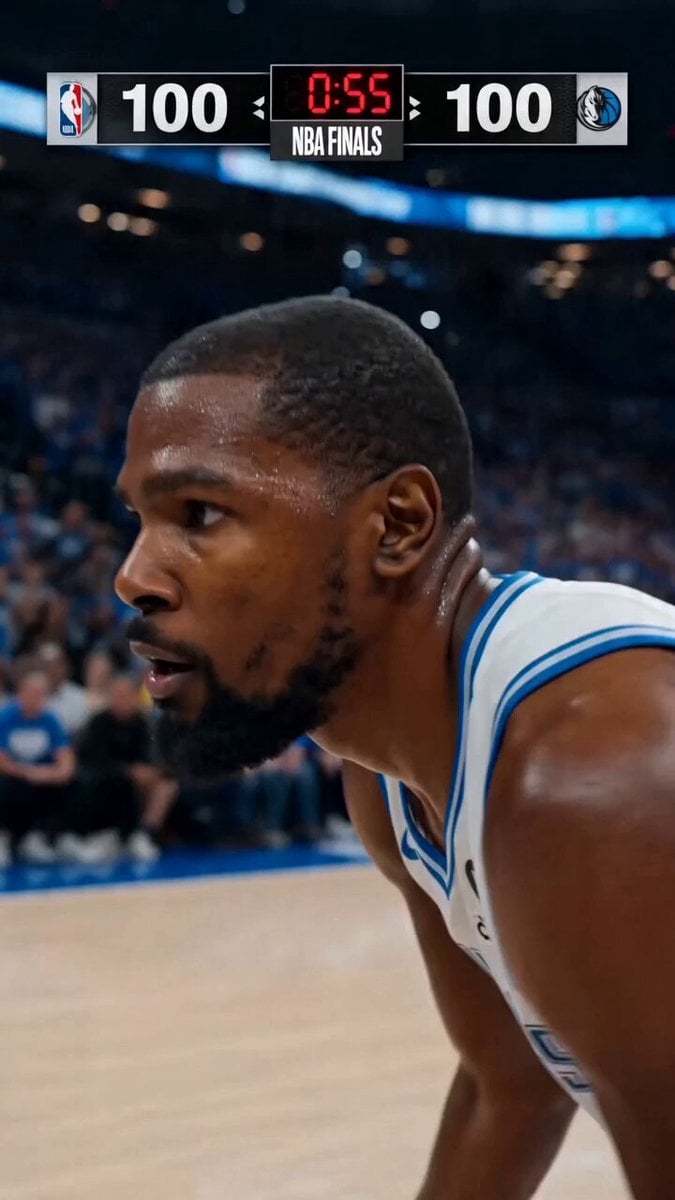
NBA Finals Game-Winning Moment
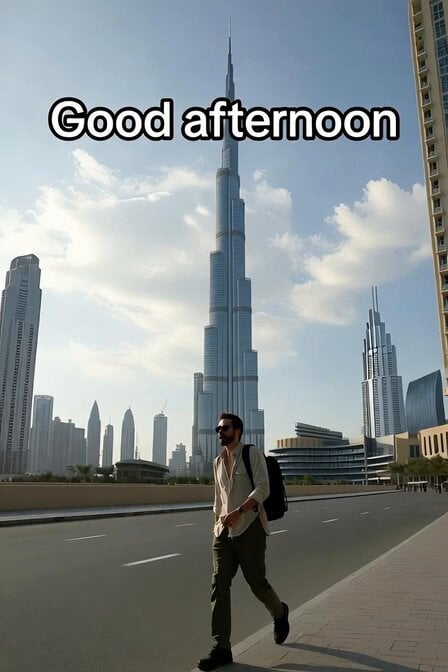
Hollywood Actor Near Burj Khalifa
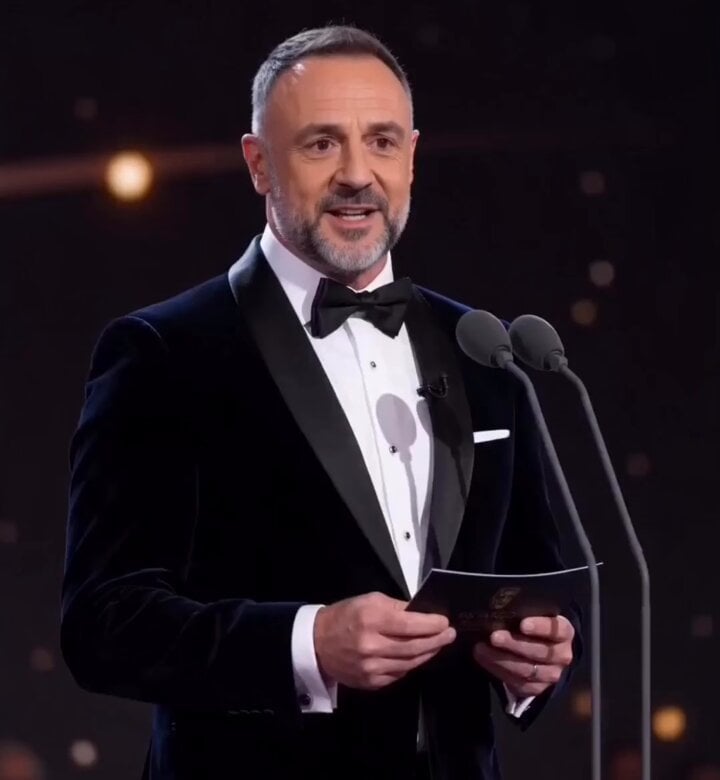
Grand Award Show Environment
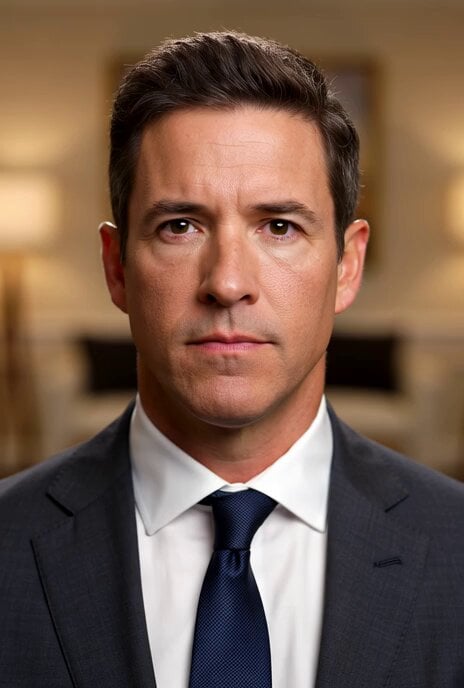
Winning the War Statement
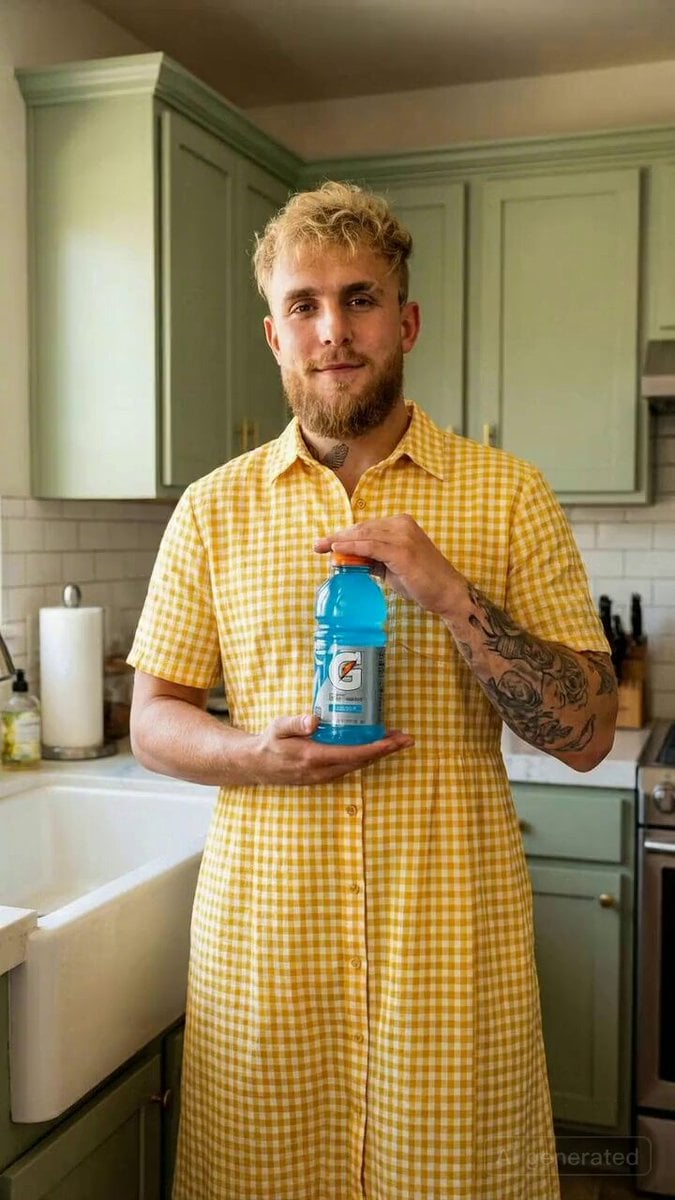
Actor Drinking and Giving Review
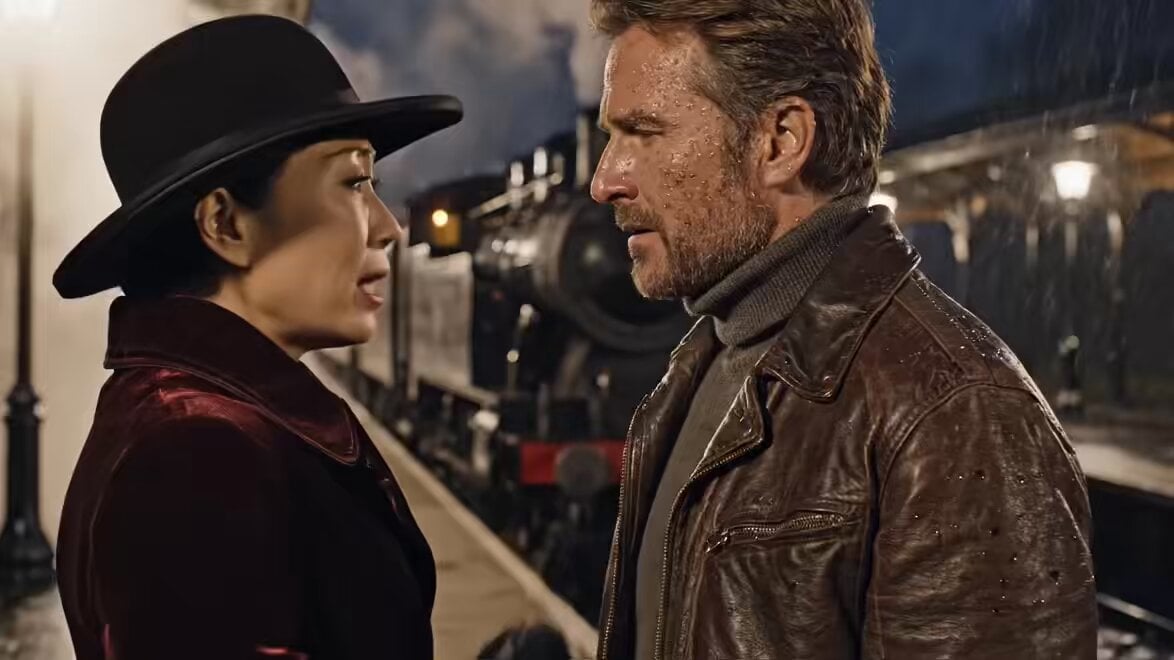
Oscar-Winning Scene Generation Prompt
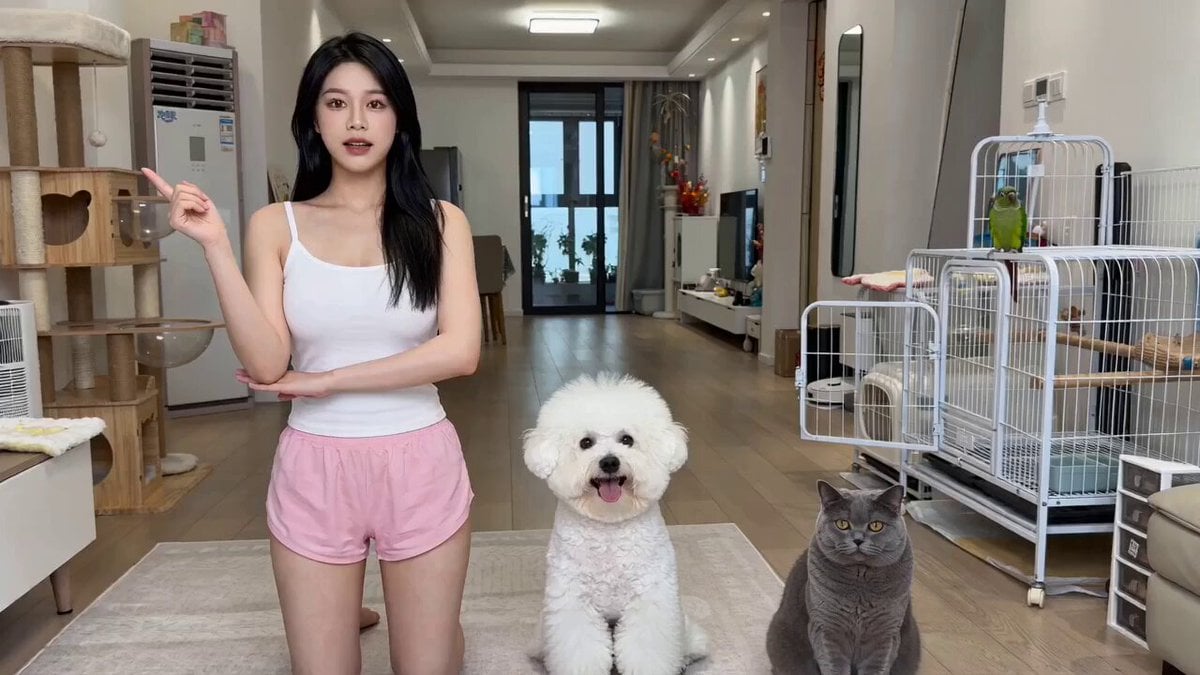
The Actor's Self-Cultivation Skit Video Prompt
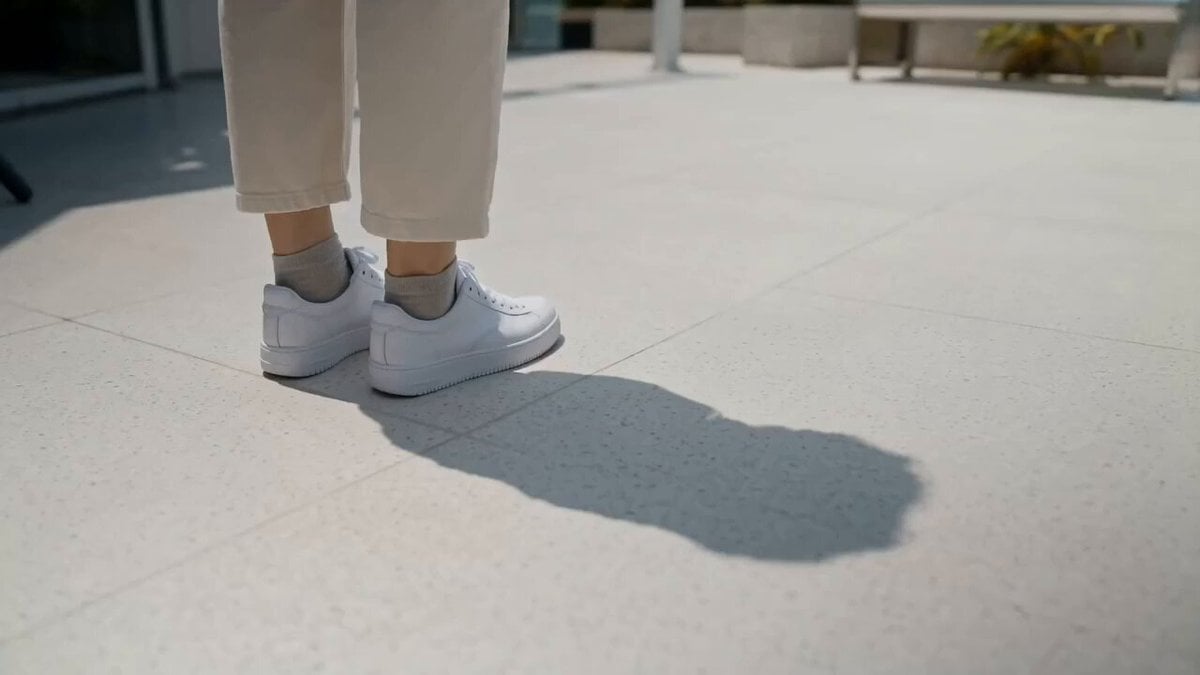
Rooftop Garden Scorching Bench Moment
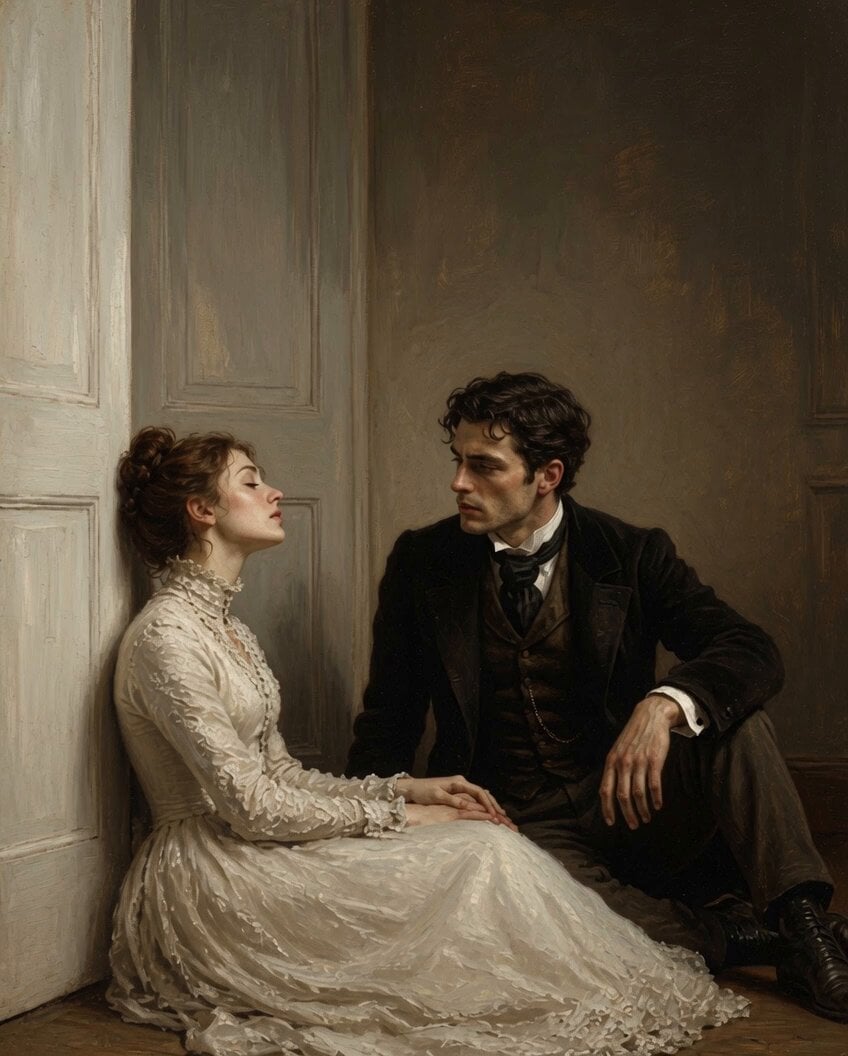
Gentle Romantic Moment Video
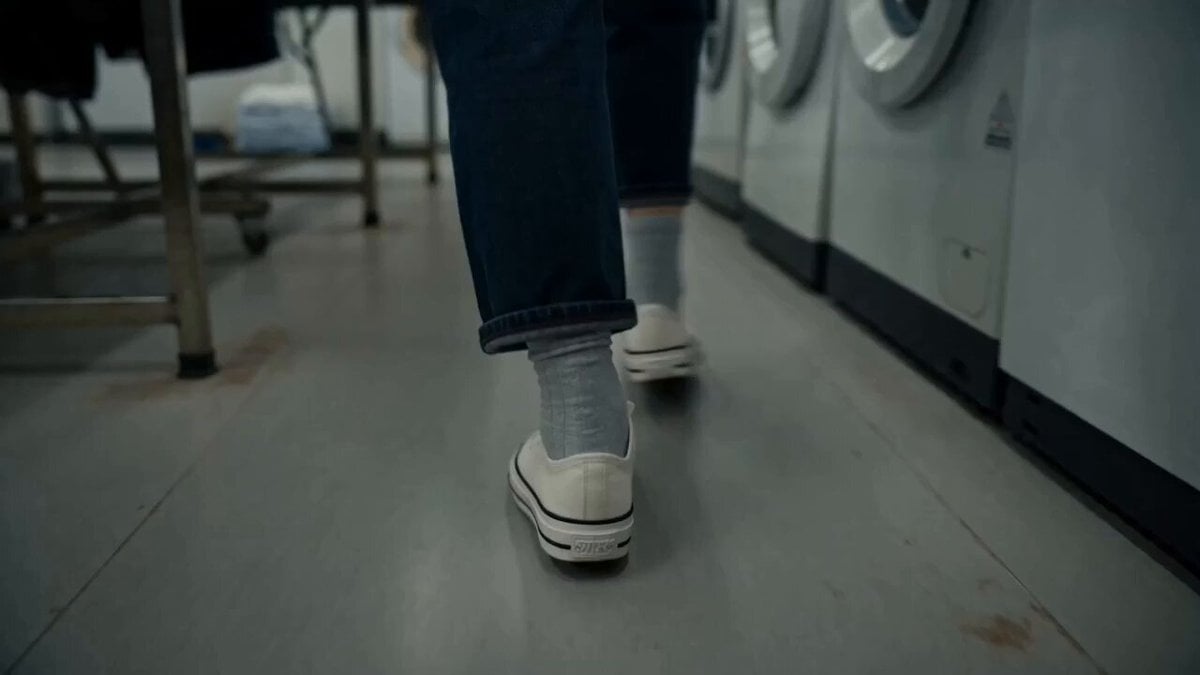
MiniDV Laundromat Life Moment
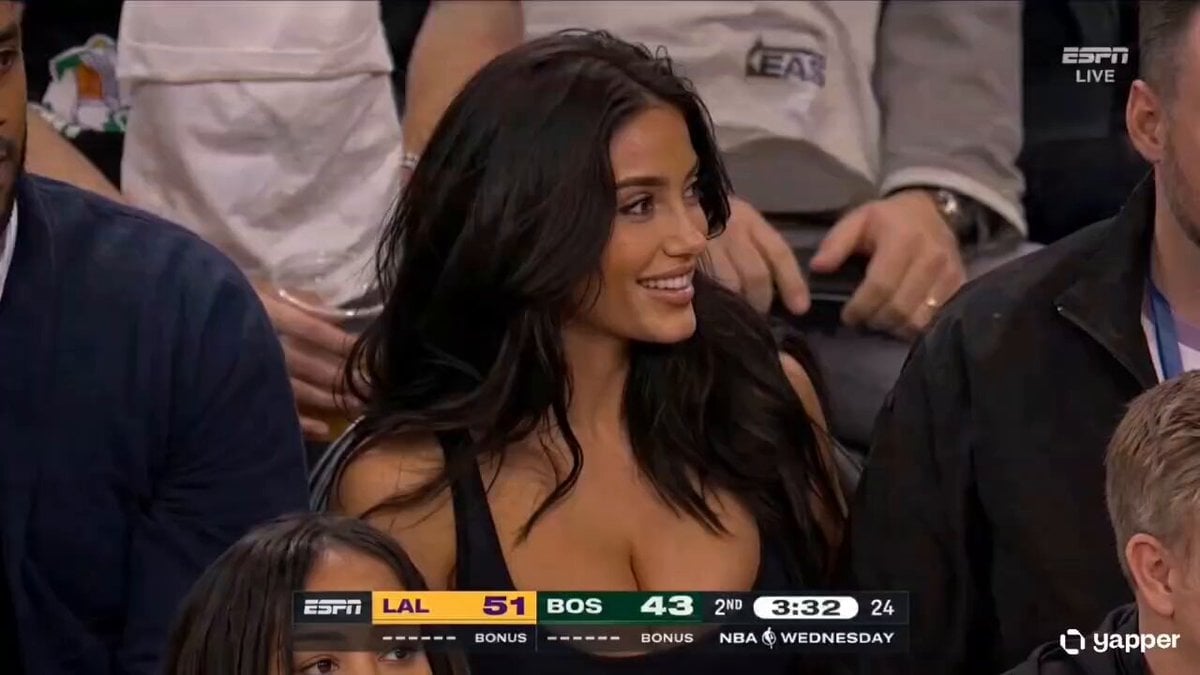
NBA Courtside Broadcast Moment
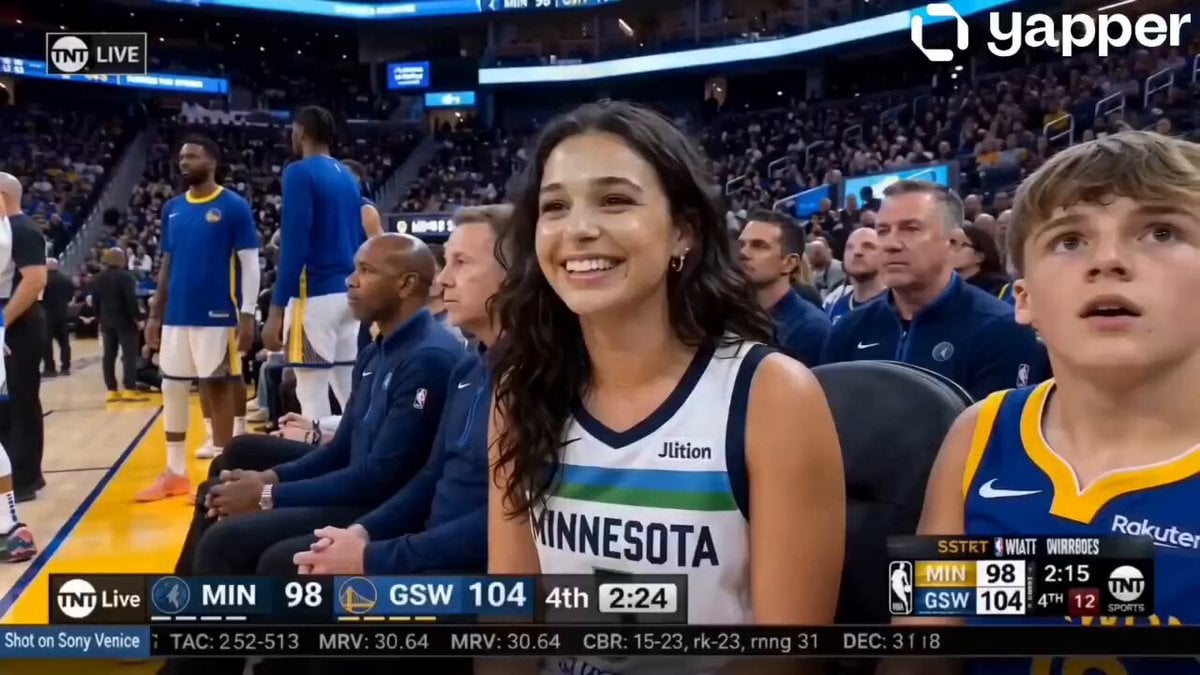
NBA Courtside Broadcast Moment
Make it yours
Award Winning Actor Moment works as-is. These are the safest ways to change it without losing the look.
Change one field
Copy a single group, rewrite it, and generate again so you can see what that field is doing.
Keep the frame, change the subject
Hold the composition and light of Award Winning Actor Moment, then swap wardrobe, props or the person for a new take.
| If the result… | Why | Fix |
|---|---|---|
| The result drifts from the preview | Too many fields changed at once. | Reuse Award Winning Actor Moment as-is first, then change one group — subject, light, or setting. |
| The model over-stylizes the scene | The prose prompt leaves finish and camera underspecified. | Add one camera or lighting sentence and stay on Seedance 2.0. |
More Seedance 2.0 templates
Other prompts made for Seedance 2.0.

Comical Martial Arts Punch Scene

Maglev Train Action Sequence

Martial Arts Fight Sequence

Wuxia Protection and Trust Script

Vintage Korean Arcade MiniDV Vlog

Mercedes 190 SL Luxury Ad

Rainy Night Supernatural Reverse Comedy Video Script

Amazon Civilization Discovery

Futuristic South Asian City Transformation

Cozy Luxury Cafe Commercial
More video prompts
Fresh picks from across the catalog.
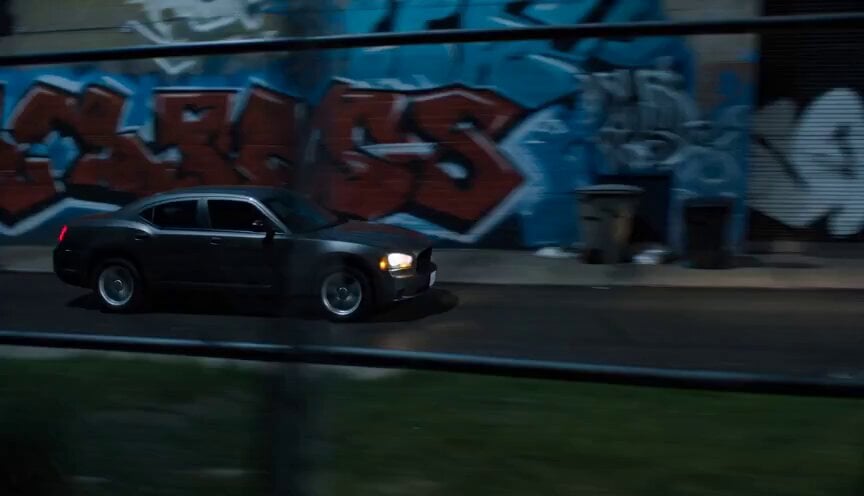
Gritty Night Alleyway Getaway Car

Prompt Engineering for Vehicles

Relaxed Woman Eating Food
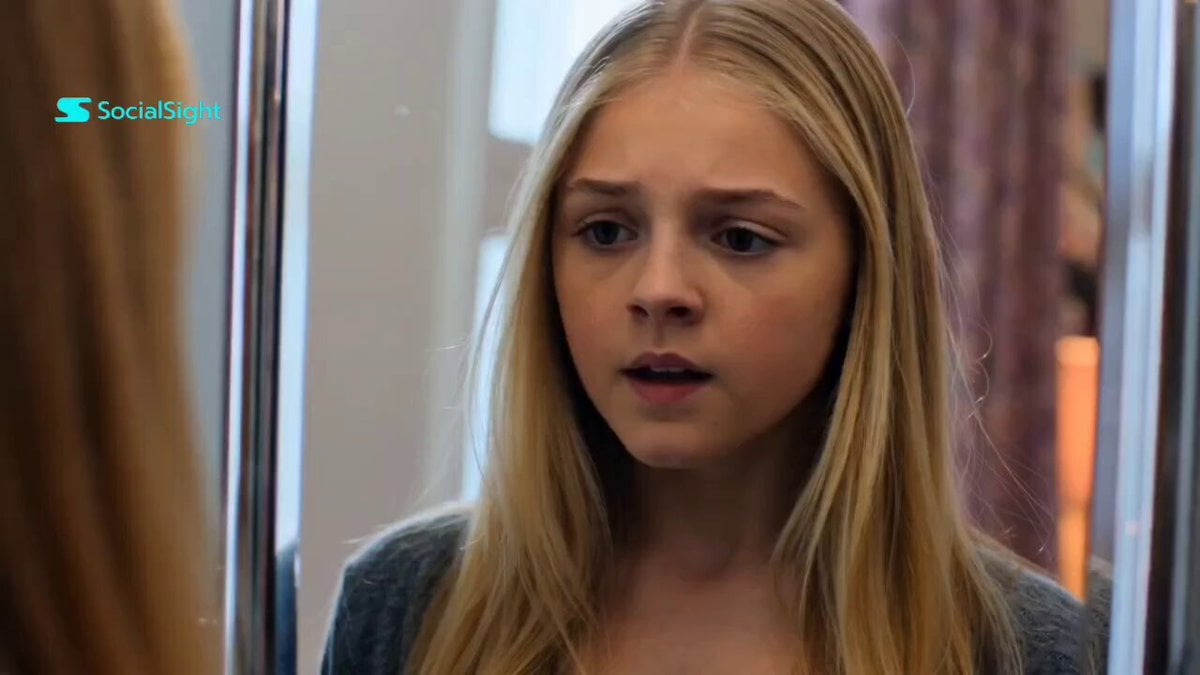
Dance Studio Narrative Progress Sequence
Godlike Voice and Time Portal Video
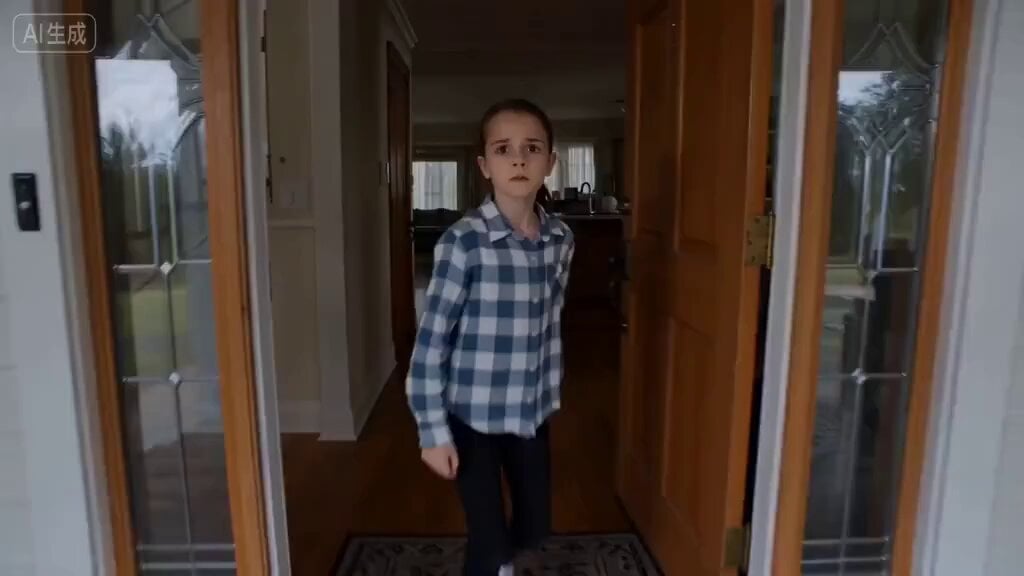
Single-Take Horror Sequence Prompt
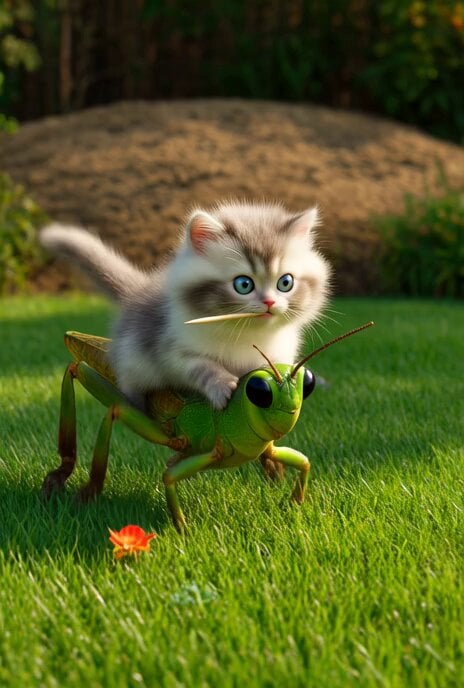
Epic kitten fantasy adventure
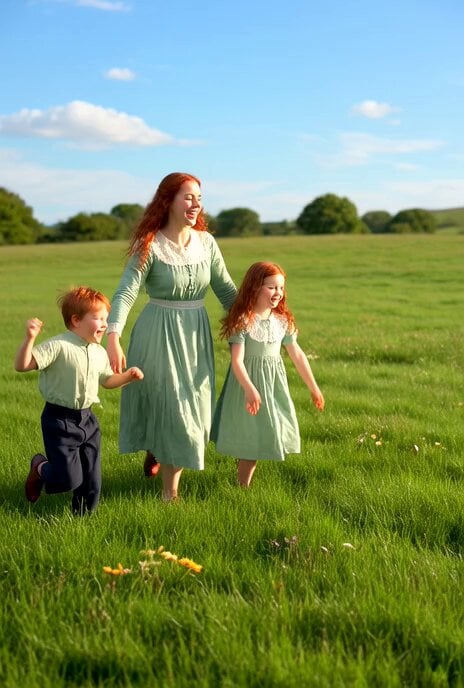
Irish Dance in a Glistening Field
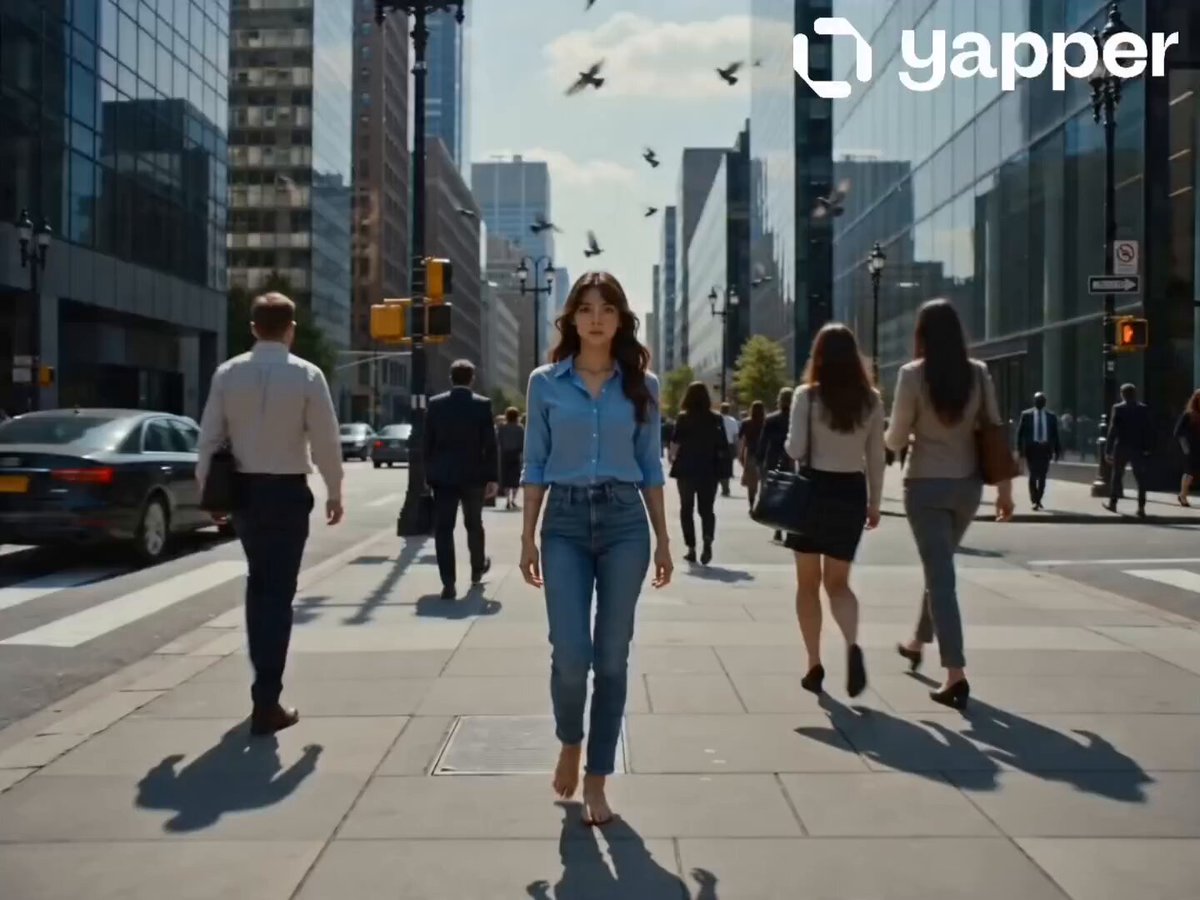
City Sidewalk Time Freeze Sequence
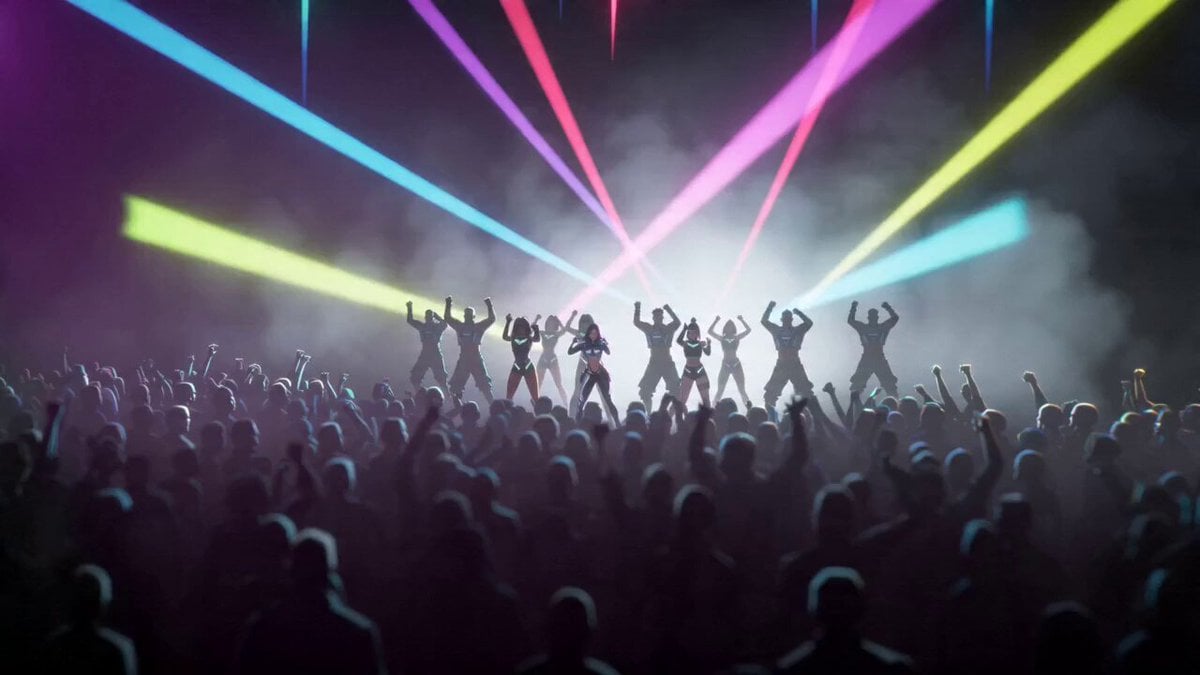
Cyberpunk K-Pop Animation
Browse template categories
Award Winning Actor Moment questions
How do I use the Award Winning Actor Moment template?
Add your photo if the template asks for one, edit the prompt if you like — the template's model and format are already selected — and press Generate. Your version opens in PicX Studio.
Can I customize the Award Winning Actor Moment template?
Yes. You can change the subject, setting, lighting, mood, format, and available model controls before creating your video.
Is the Award Winning Actor Moment template free?
Opening and editing this template is free. Generating uses credits, shown on the Generate button when you are signed in.
Which AI model should I use?
Start with Seedance 2.0, which is the model associated with this template. You can compare another compatible model for a different finish.
Looking for something else? Browse all templates.

Your photo, any look
Thousands of ready templates for every top image and video model, from one credit balance.