
City Sidewalk Time Freeze Sequence
An intricate prompt for a 15-second ultra-photorealistic sequence where a character freezes time on a busy sidewalk with a finger snap.
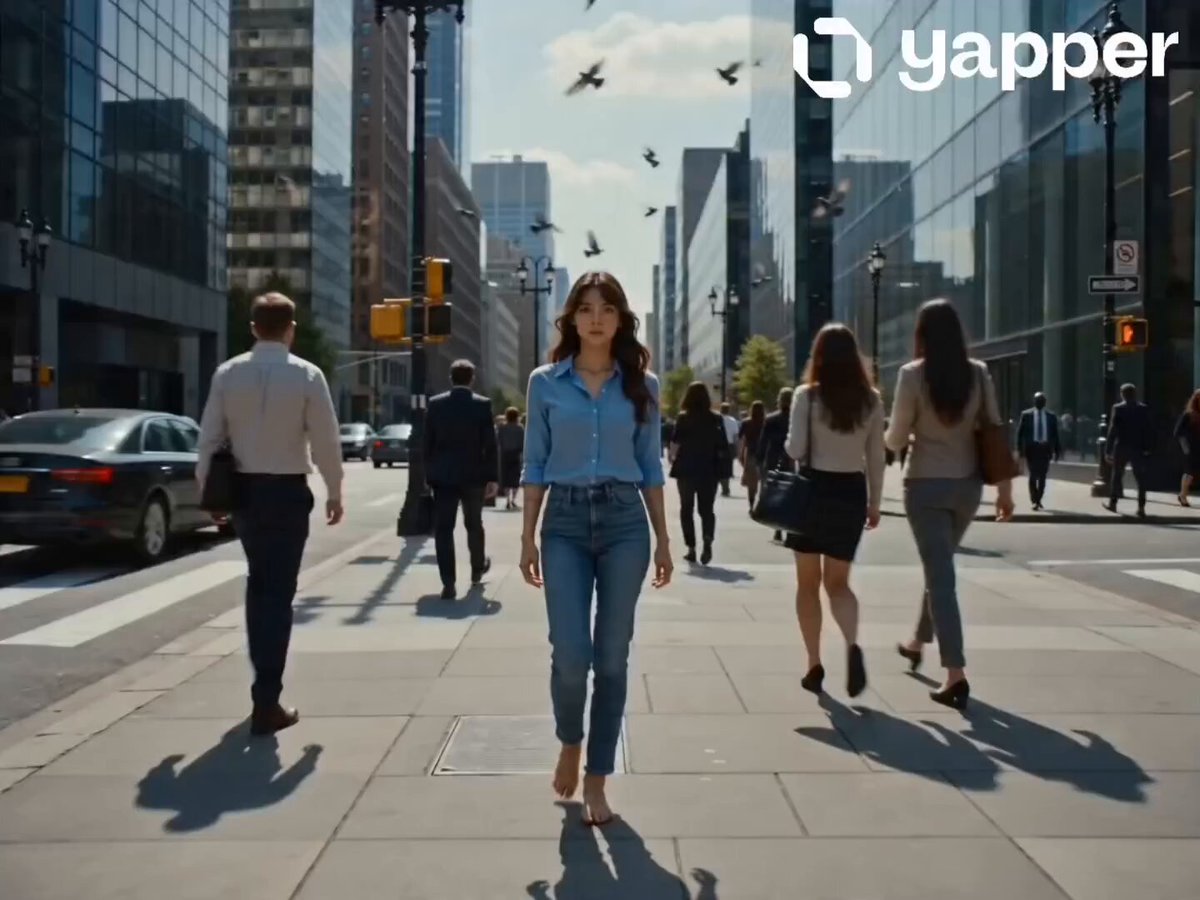
- Prompt included
- Model and format preset
- Premium template
The prompt behind this video
Copy the exact prompt behind City Sidewalk Time Freeze Sequence, or open it in the studio and make it yours.
@image1 is the lead character - maintain identical facial features, proportions, and identity throughout. Create a 15-second ultra-photorealistic cinematic time-freeze sequence with an ARRI Alexa Mini look, 50mm lens, natural daylight, strong shadows, shallow depth of field, and subtle film grain. The scene opens on a busy city sidewalk in full motion, captured in a front-facing steadicam shot tracking backward as he walks calmly toward camera through a natural flow of pedestrians while pigeons cross the bright sky above; without breaking stride, he casually raises his hand and snaps his fingers. Instantly, a bright spherical shockwave erupts from his hand, with visible air distortion and refracted light, expanding rapidly across the environment, freezing dust and debris mid-air, locking pedestrians in place mid-motion, and suspending pigeons mid-flight as reflections ripple across surrounding glass buildings before everything falls into complete stillness and silence, with fine particles hanging in the sunlight. The camera continues gliding backward as he walks through the frozen world, his footsteps the only sound, subtly observing his surroundings before approaching a frozen woman with striking red hair in a flowing green dress, her hair suspended mid-motion as she holds a takeaway coffee. He steps in, briefly studies the moment, removes the cup from her hand, takes a síp, then carefully places it back exactly as it was. He then turns his attention to the camera, raises his hand again, and snaps his fingers, releasing a more powerful shockwave that rapidly spreads outward, reversing the effect as motion instantly resumés - pedestrians continue walking, pigeons scatter into flight, the woman carries on unaware still holding her coffee, and debris drops naturally to the ground as full city sound returns. He pauses for a brief moment, then continues walking forward, gradually blending into the crowd while the camera keeps tracking backward, maintaining distance as he disappears into the flow, ending in a smooth fade out. Sound design follows the sequence: city ambience, sharp snap, deep expanding shockwave rumble, complete silence, isolated footsteps, subtle ambient echo, sip, second snap, stronger reverse shockwave, city noise returning, brief pause, then footsteps continuing
How to use City Sidewalk Time Freeze Sequence in 3 steps
- 1
Open
The prompt is already in the box next to the preview, with the template's model and format selected.
- 2…a portrait of your subject in softgolden-hour light, 85mm…
Personalize
Edit the subject and creative details for your destination.
- 3Generate
Generate
Press Generate — your video is created in PicX Studio, so you can compare it with the original and refine one variable at a time.
More like this
Templates with the same subject, style or setup. Open one to see its prompt.
Time Freeze — Snap Shockwave Scene Seedance
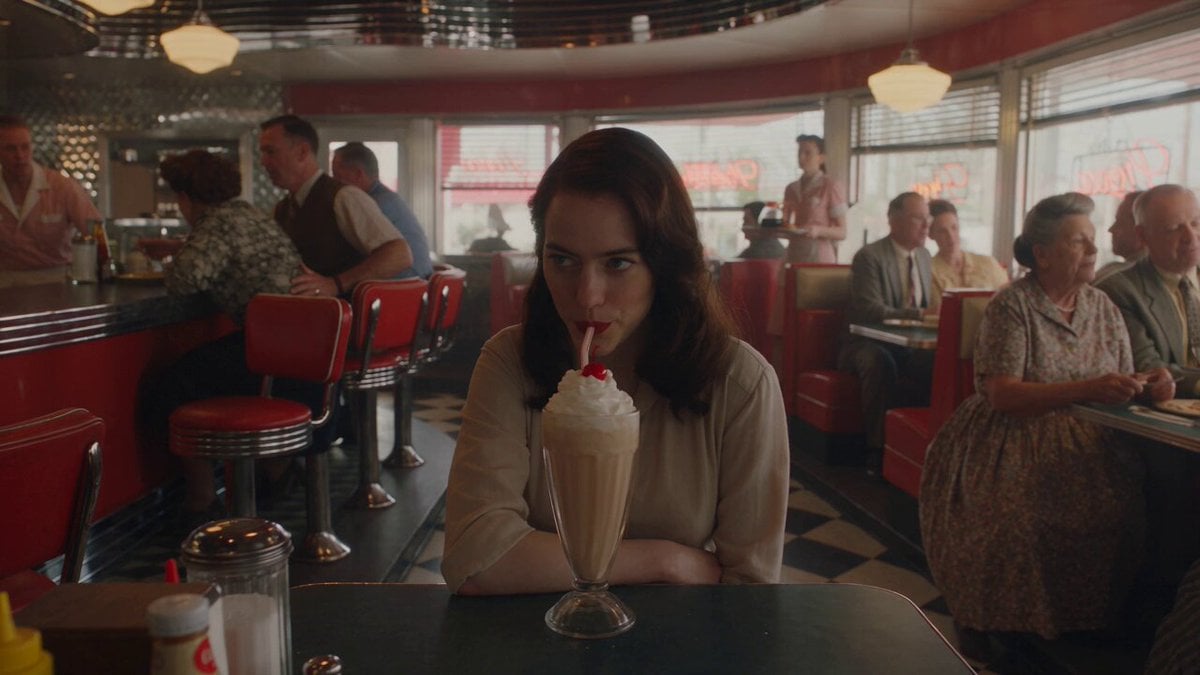
1950s Diner Time Freeze Rewind - Seedance 2.5

Italian Old-Town Time-Freeze Walk
City Time Freeze Cinematic Sequence
Urban Time-Freeze Sequence
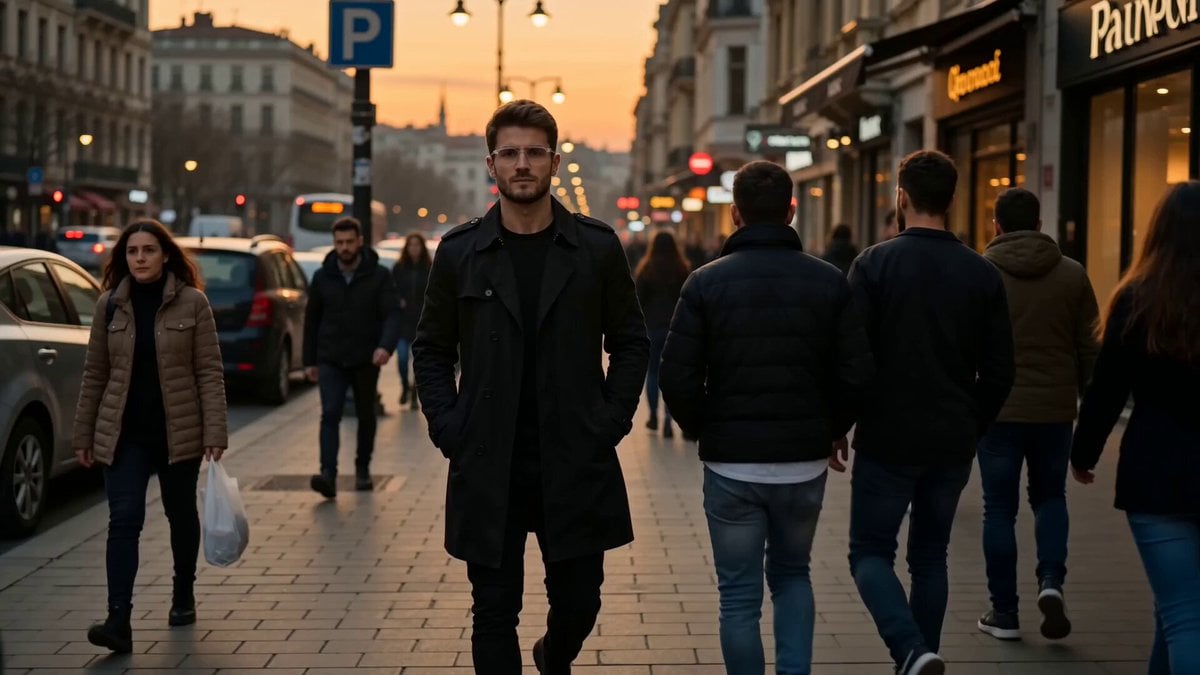
Istanbul sidewalk time-stealing sequence
City Timelapse Growth — Seedance 2.0
Ice Queen — Frozen Battlefield Time Control (Seedance)
Bullet Time Selfie — Modular Parameter Template (Seedance)

Scarlet Priestess Time Freeze Fantasy

Realistic City Street Story Cinematic Video - Seedance

Korean Night Market Bullet-Time Scene - Seedance 2.5
Make it yours
City Sidewalk Time Freeze Sequence works as-is. These are the safest ways to change it without losing the look.
Change one field
Copy a single group, rewrite it, and generate again so you can see what that field is doing.
Keep the frame, change the subject
Hold the composition and light of City Sidewalk Time Freeze Sequence, then swap wardrobe, props or the person for a new take.
| If the result… | Why | Fix |
|---|---|---|
| The result drifts from the preview | Too many fields changed at once. | Reuse City Sidewalk Time Freeze Sequence as-is first, then change one group — subject, light, or setting. |
| The model over-stylizes the scene | The prose prompt leaves finish and camera underspecified. | Add one camera or lighting sentence and stay on Seedance 2.0. |
More Seedance 2.0 templates
Other prompts made for Seedance 2.0.

Comical Martial Arts Punch Scene

Maglev Train Action Sequence

Martial Arts Fight Sequence

Wuxia Protection and Trust Script

Vintage Korean Arcade MiniDV Vlog

Mercedes 190 SL Luxury Ad

Rainy Night Supernatural Reverse Comedy Video Script

Amazon Civilization Discovery

Futuristic South Asian City Transformation

Cozy Luxury Cafe Commercial
More video prompts
Fresh picks from across the catalog.
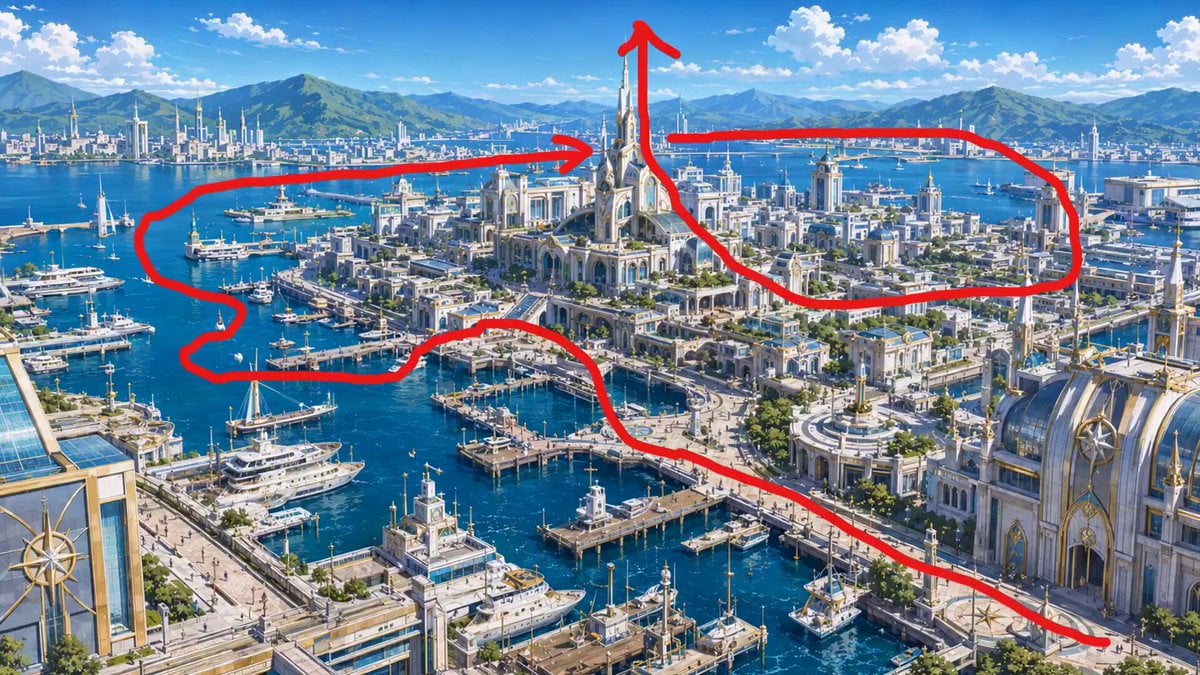
FPV Drone Flight Over Fantasy Port
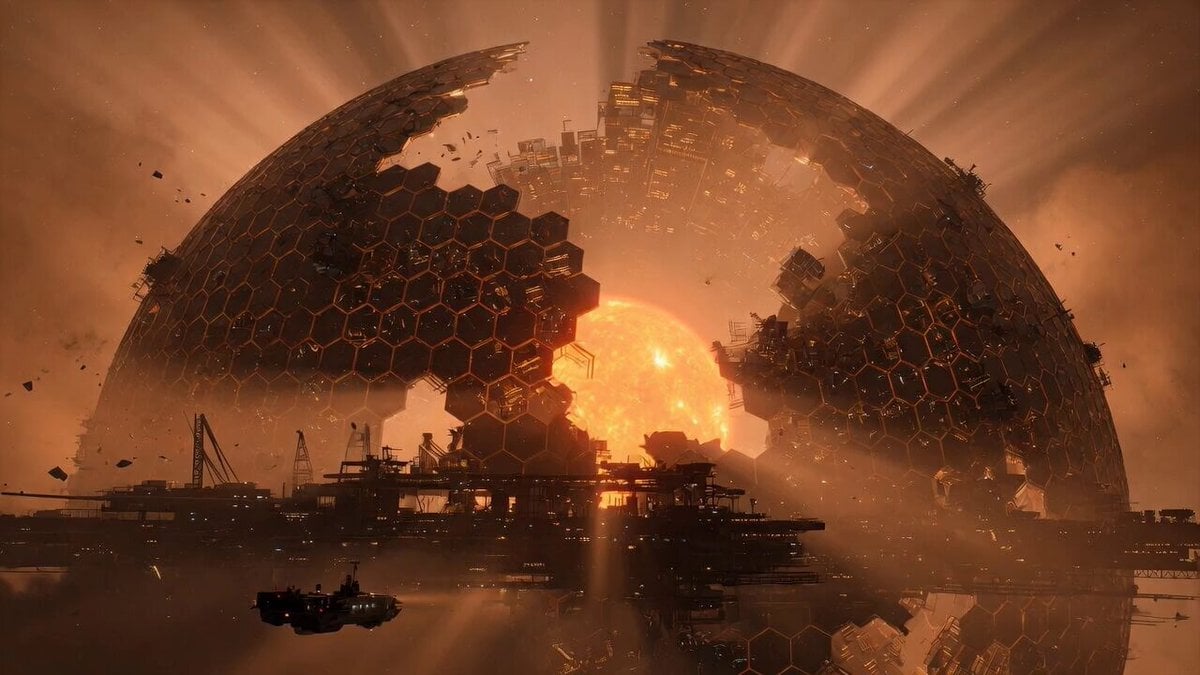
Grok Imagine Prompt: Mysterious Cosmic Dyson Sphere
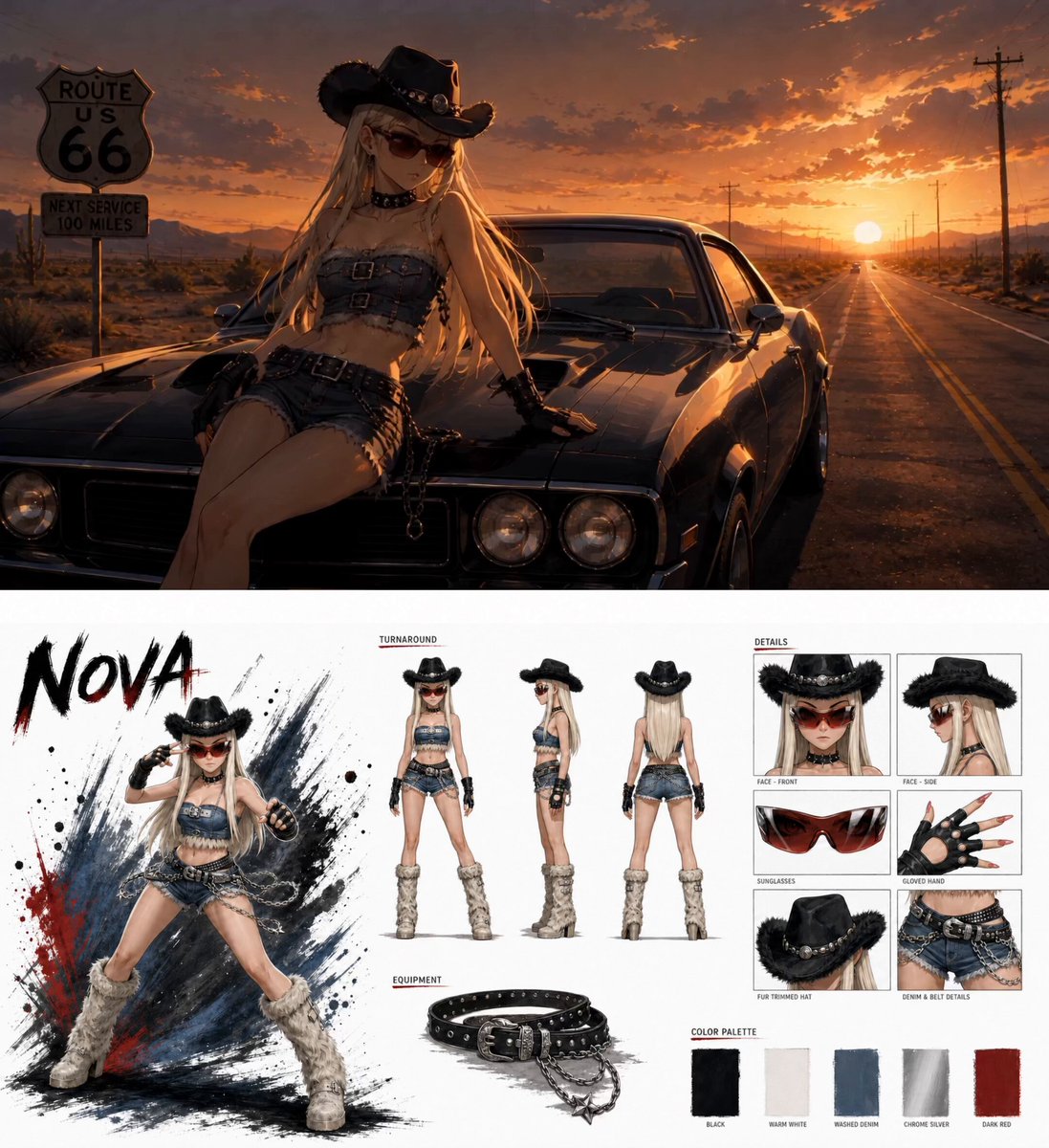
Anime Fashion Short on Route 66
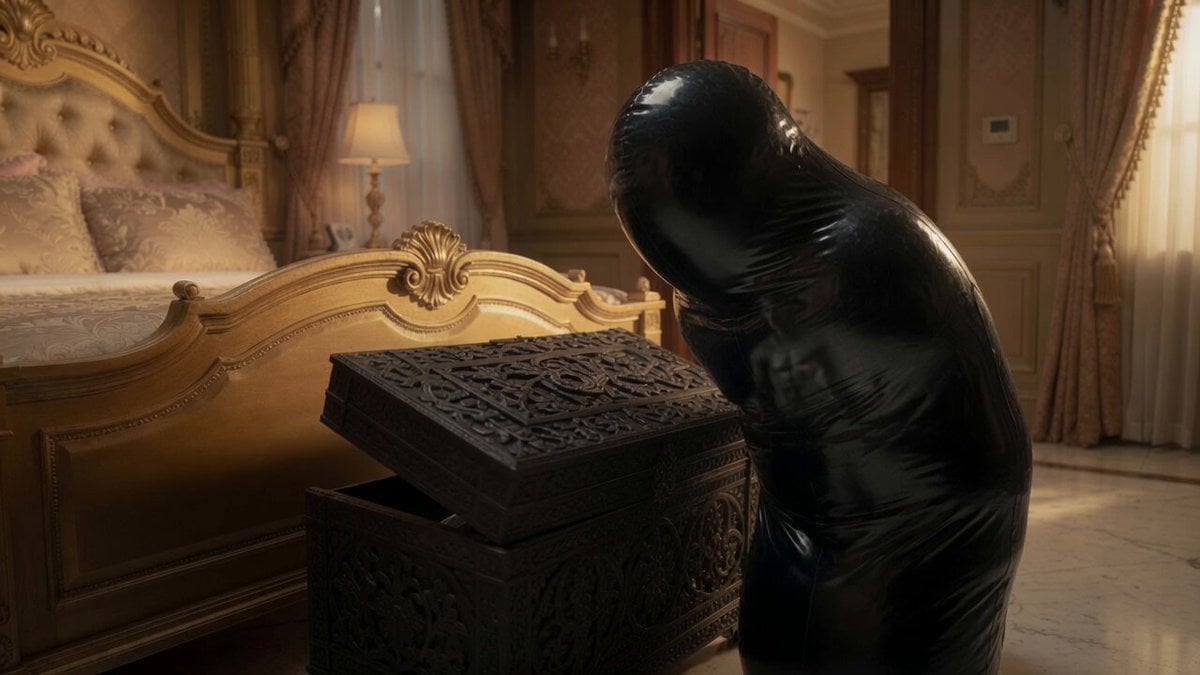
Sci-Fi Horror Cocoon Motion

Ethereal Woods Fairy Video Prompt
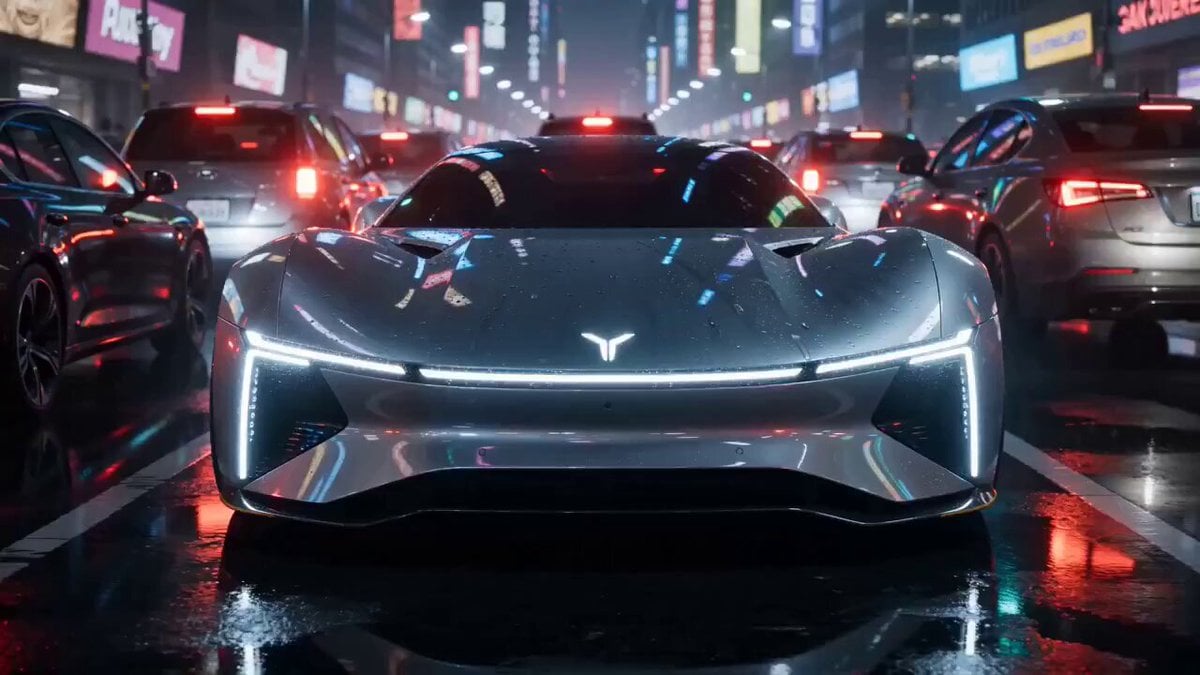
High-end car commercial concept: Transformation and Vertical Takeoff
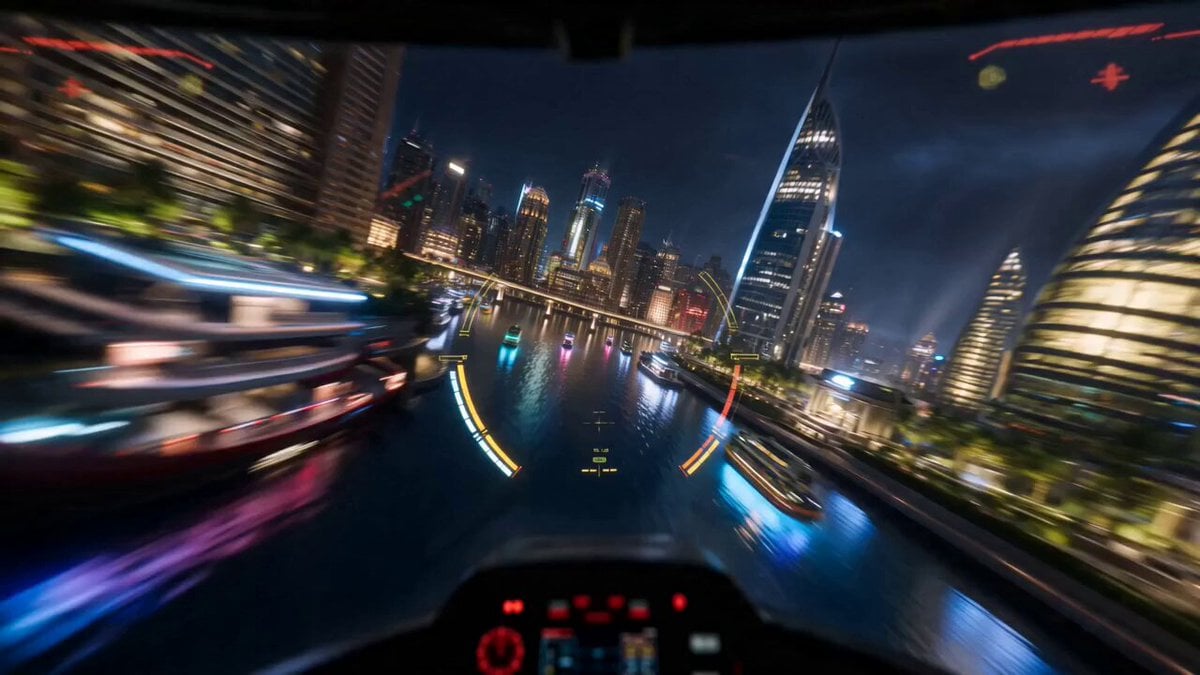
Cyberpunk Starfighter Cockpit POV Assault
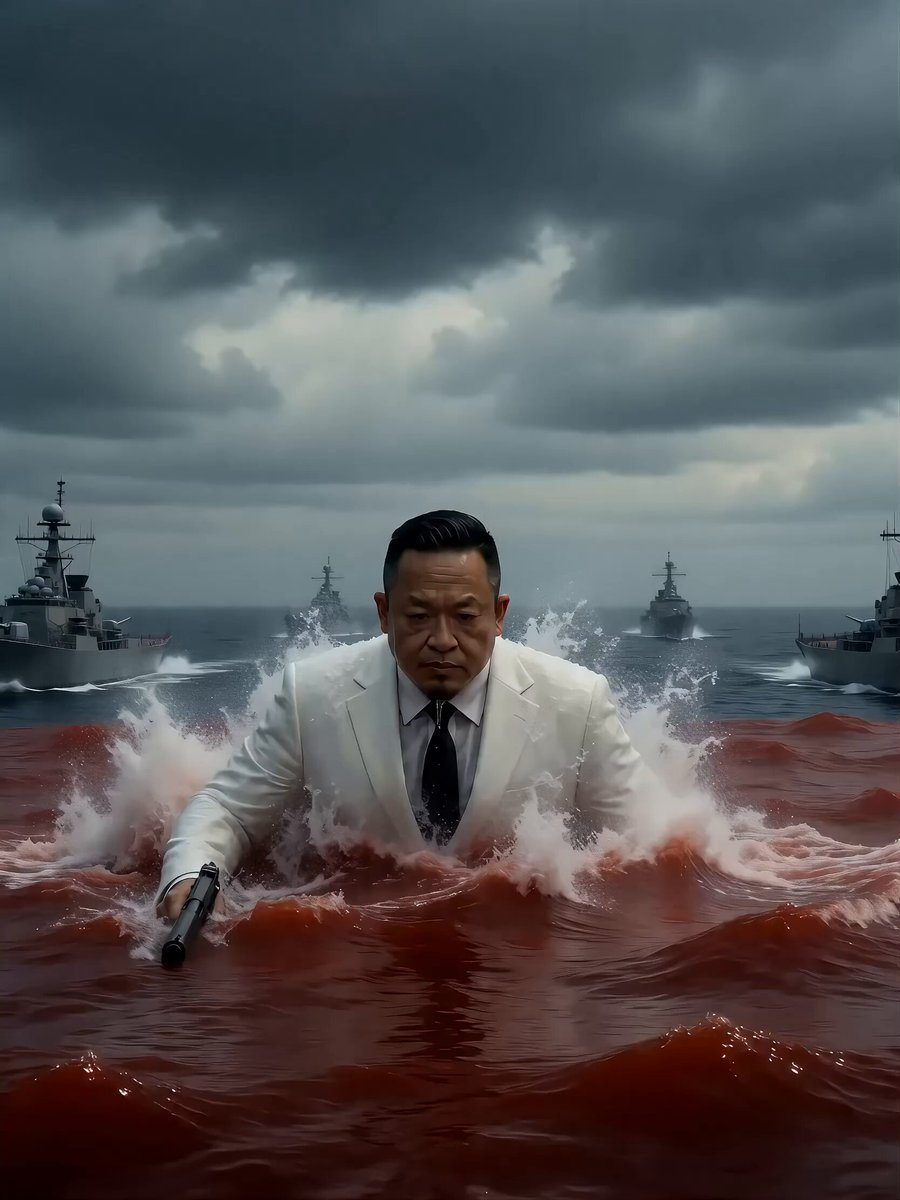
Seedance 2.0 Video Prompt: Giant Asian Man Destroying Warships
Warrior's Devastating Strike
Cinematic Rapunzel Video Prompt
Browse template categories
City Sidewalk Time Freeze Sequence questions
How do I use the City Sidewalk Time Freeze Sequence template?
Add your photo if the template asks for one, edit the prompt if you like — the template's model and format are already selected — and press Generate. Your version opens in PicX Studio.
Can I customize the City Sidewalk Time Freeze Sequence template?
Yes. You can change the subject, setting, lighting, mood, format, and available model controls before creating your video.
Is the City Sidewalk Time Freeze Sequence template free?
Opening and editing this template is free. Generating uses credits, shown on the Generate button when you are signed in.
Which AI model should I use?
Start with Seedance 2.0, which is the model associated with this template. You can compare another compatible model for a different finish.
Looking for something else? Browse all templates.

Your photo, any look
Thousands of ready templates for every top image and video model, from one credit balance.