
Warrior's Devastating Strike
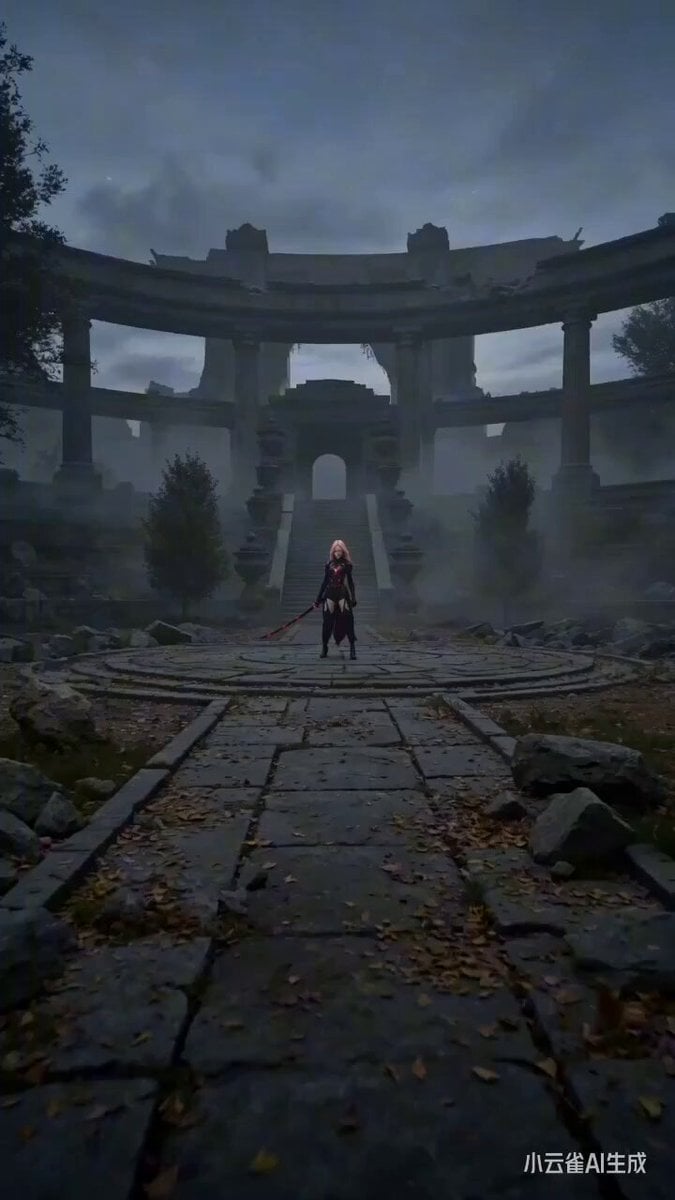
A detailed, multi-shot prompt for Seedance 2.0 generating an intense cinematic action sequence where a warrior unleashes an ultimate technique, creating a massive red energy vortex that collapses into light particles.
- Prompt included
- Model and format preset
- Free template
The prompt behind this video
Copy the exact prompt behind Warrior's Devastating Strike, or open it in the studio and make it yours.
Subject/Character: A warrior wearing a sleek black combat outfit with subtle crimson accents, gripping an elegant black katana that emits a faint red energy glow. Environment/Setting: A wide stone courtyard at dusk with drifting fog, scattered debris, and loose objects such as leaves, dust, and small fragments across the ground. The atmosphere feels tense and charged with energy. Action: The warrior unleashes an ultimate technique with intense and fast cinematic motion. The katana rises upward as powerful red energy rapidly forms a spinning tornado-like vortex. The vortex grows stronger and pulls surrounding debris into a violent spiral of energy and wind. With a swift and powerful motion, the warrior swings the katana directly toward the camera, causing the massive vortex to collapse instantly into explosive red light particles that fade into the air. No graphic violence, no blood, no injury detail. Shot Breakdown: Shot 1 (5s): Wide cinematic establishing shot. Wind begins to surge across the courtyard as dust and debris lift from the ground. Red energy starts gathering around the black katana, crackling with intensity. Shot 2 (6s): Fast dynamic rotating tracking shot. The katana is raised high as a massive red energy tornado erupts around the warrior. Leaves, stones, and fragments spiral upward while the vortex grows larger and more chaotic with powerful CGI energy streams. Shot 3 (4s): Aggressive forward camera push as the katana is swung toward the camera in a decisive motion. The giant vortex instantly collapses into a burst of glowing red particles and fading shockwave ripples, leaving the environment suddenly calm. Lighting: Strong crimson energy lighting from the vortex combined with dark cinematic dusk tones, glowing particles, energy trails, and dramatic highlights on the blade. Style: cinematic, ultra high detail, intense pacing, fast motion, dynamic composition, film-like motion, high-end CGI energy effects, atmospheric particles Duration: 15 seconds Audio Note: Deep cinematic bass buildup, powerful wind vortex sounds, rising energy pulses, followed by a sharp energy release and fading ambient wind. No spoken dialogue.
How to use Warrior's Devastating Strike in 3 steps
- 1
Open
The prompt is already in the box next to the preview, with the template's model and format selected.
- 2…a portrait of your subject in softgolden-hour light, 85mm…
Personalize
Edit the subject and creative details for your destination.
- 3Generate
Generate
Press Generate — your video is created in PicX Studio, so you can compare it with the original and refine one variable at a time.
More like this
Templates with the same subject, style or setup. Open one to see its prompt.
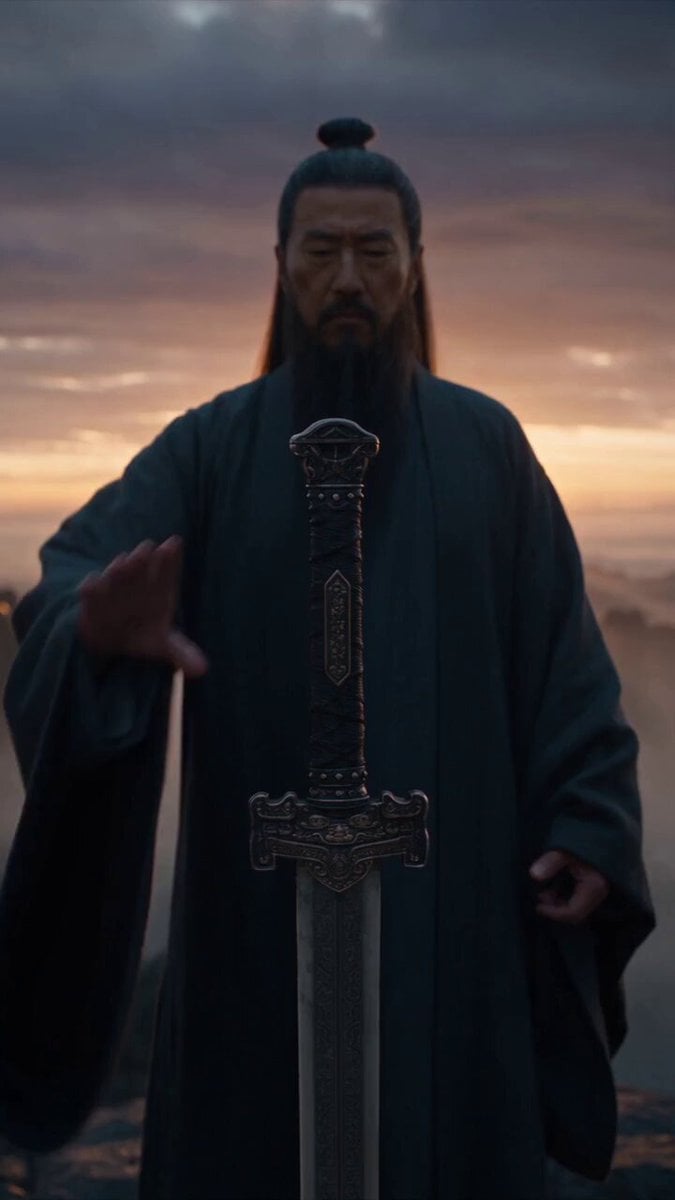
Immortal Swordmaster Spectral Dragon Strike
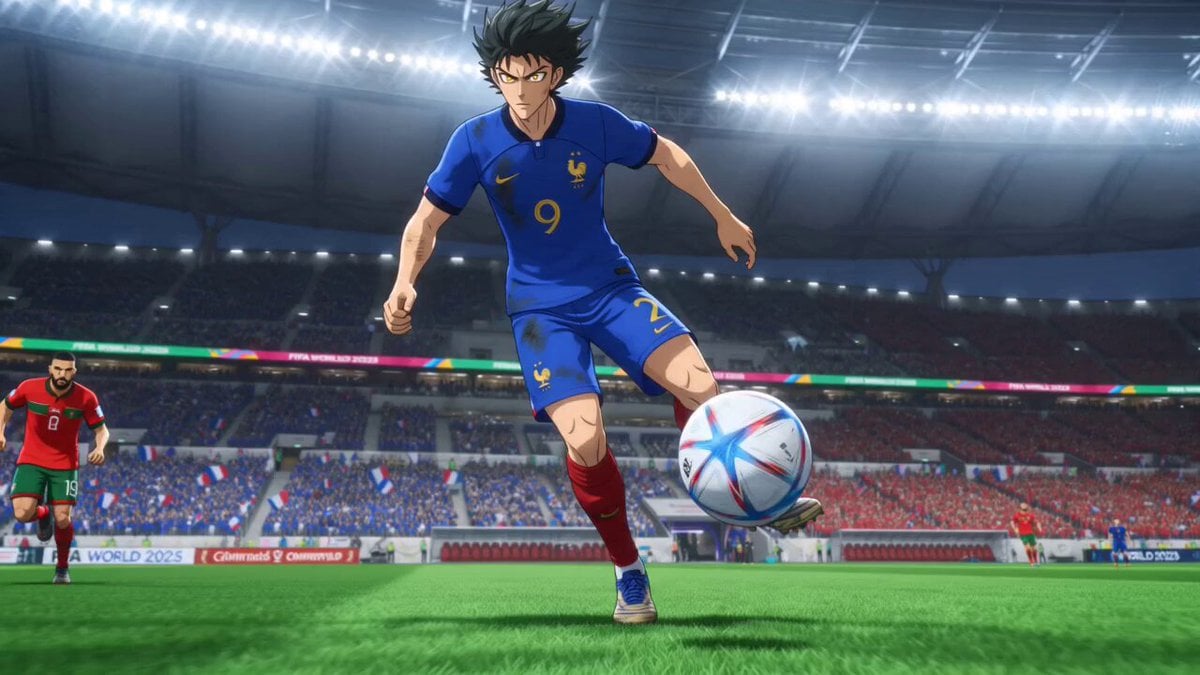
Anime Football Striker Dragon Strike
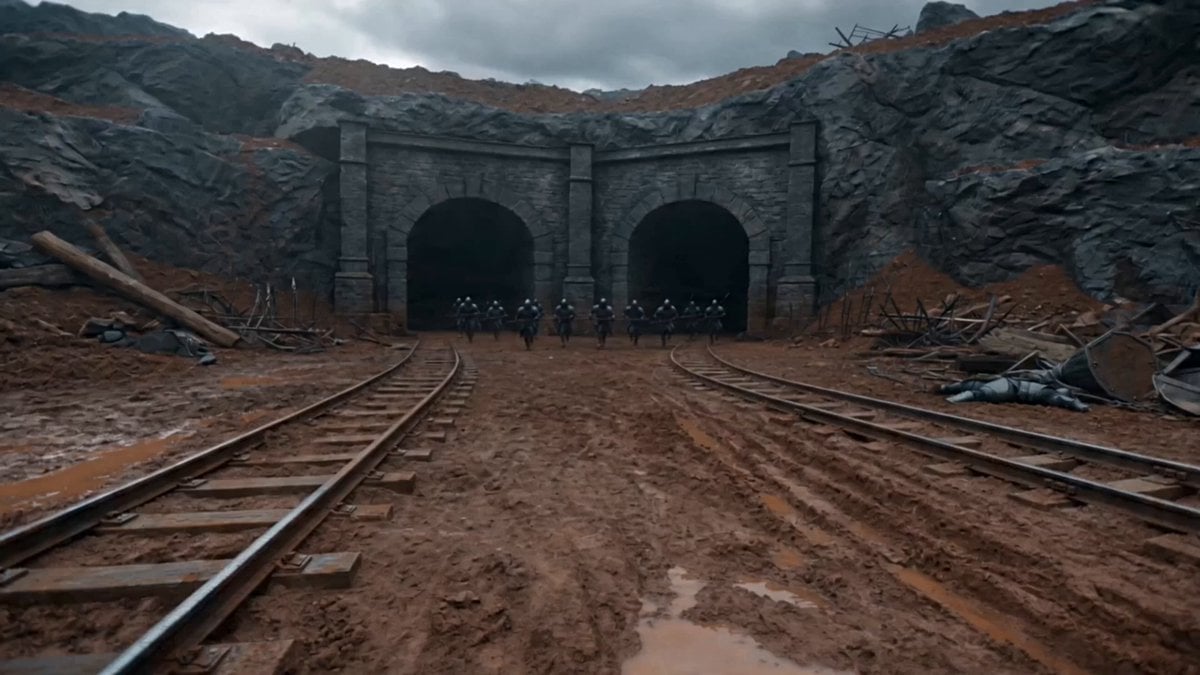
First-Person Magic Combat Strike
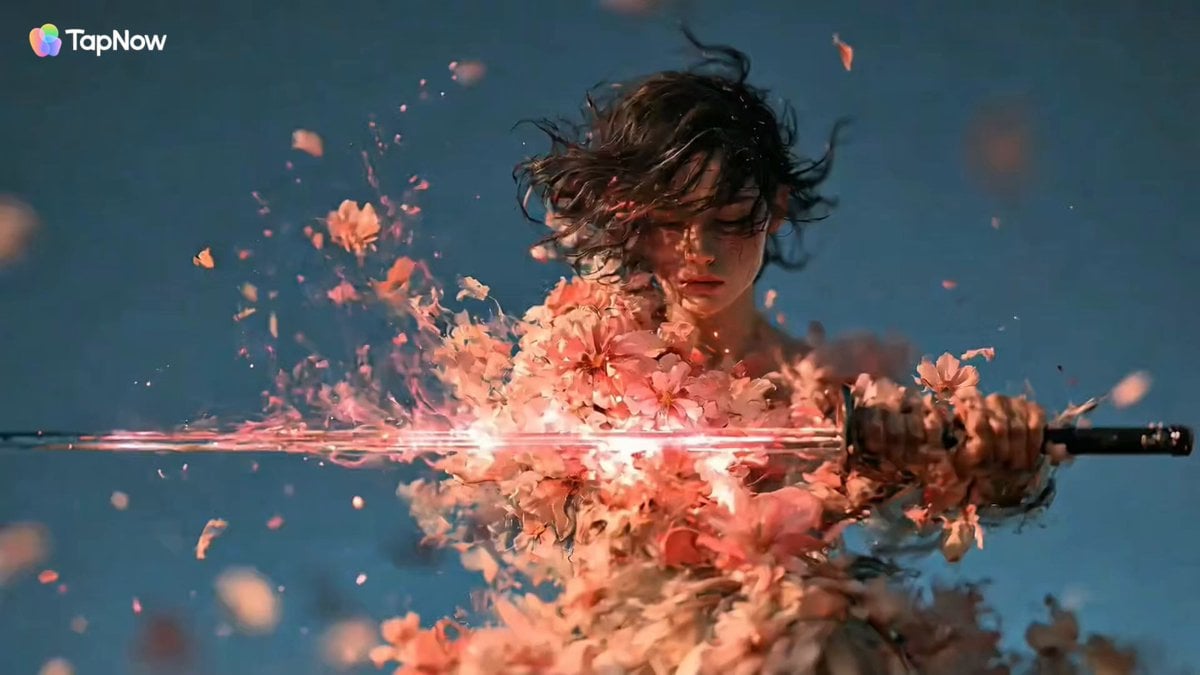
Swordswoman Cherry Blossom Strike
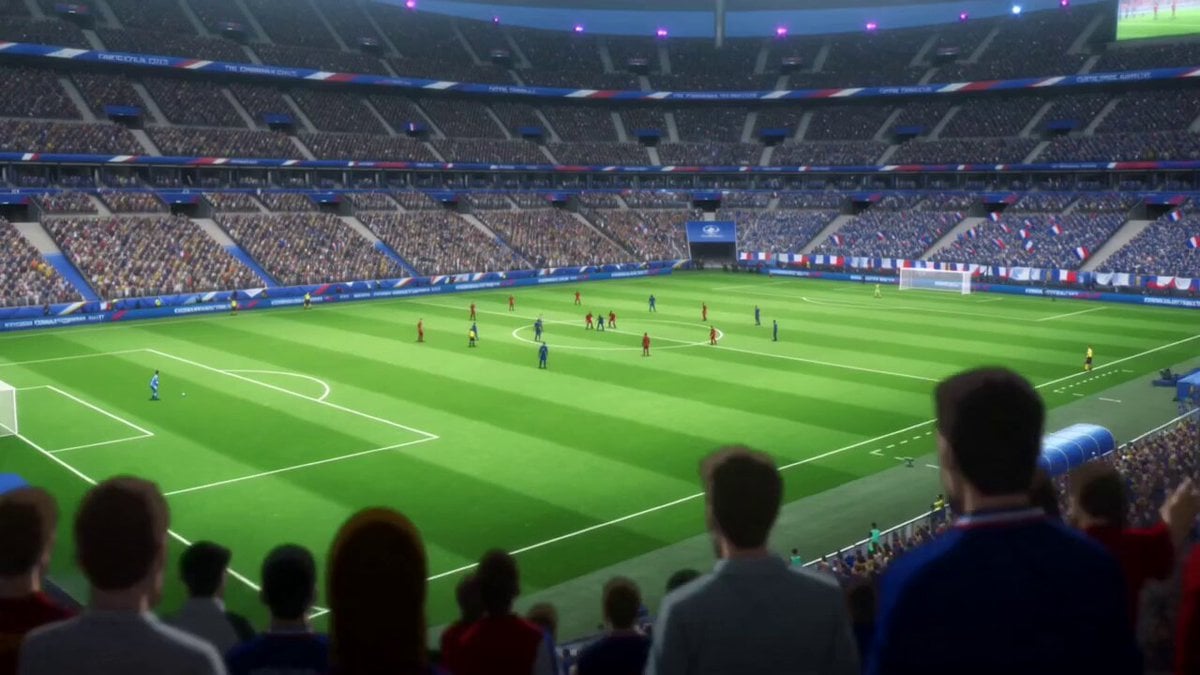
Anime Style Football Striker Cinematic Action
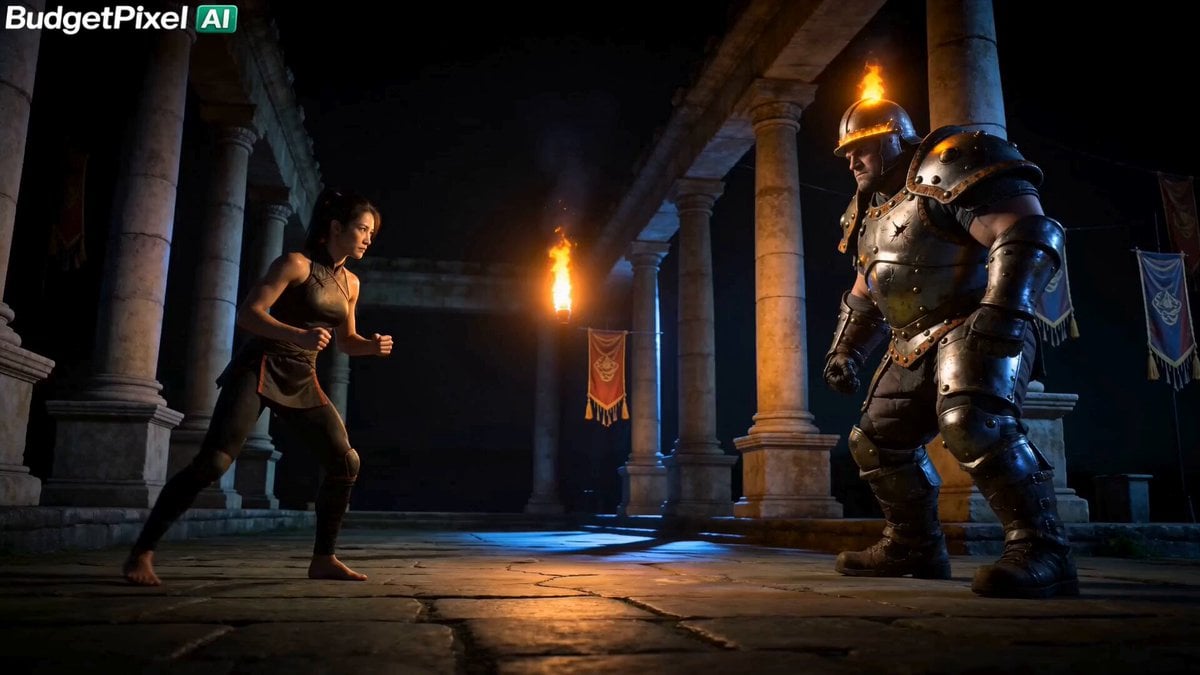
Iron Lotus Strike Combat Scene
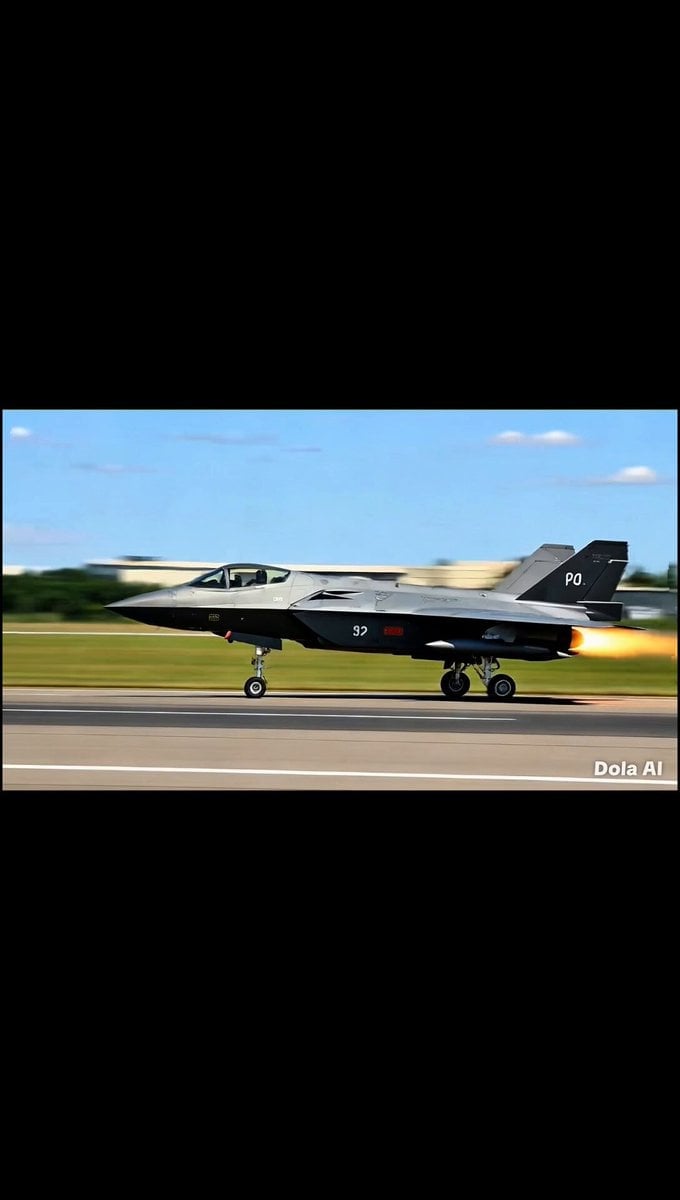
Fighter Jet Combat Strike Mission
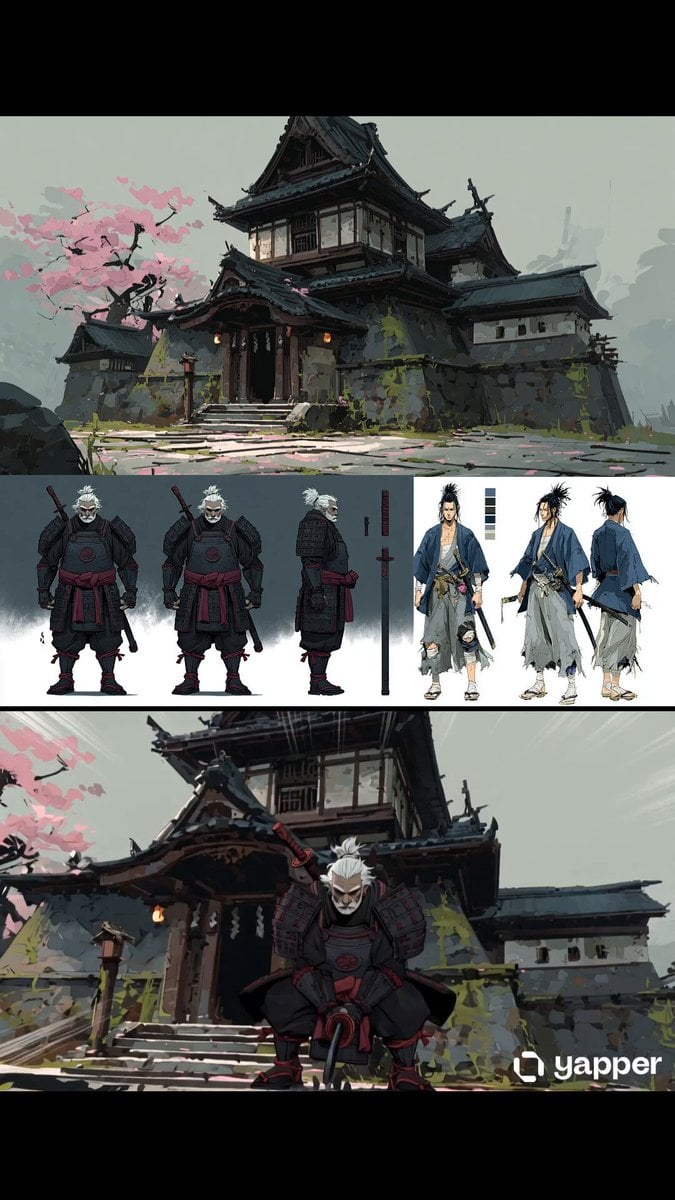
Samurai Odachi Overhead Strike
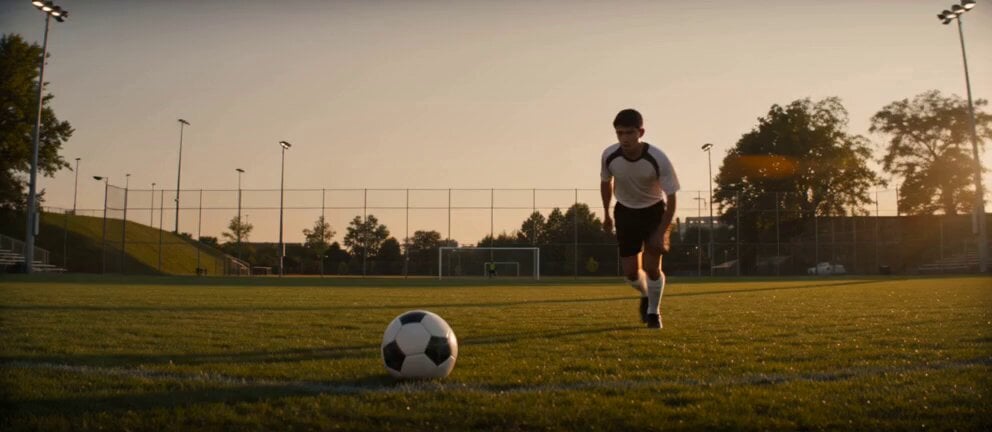
Soccer Strike and Window Smash Action
High Voltage Cinematic Lightning Strike
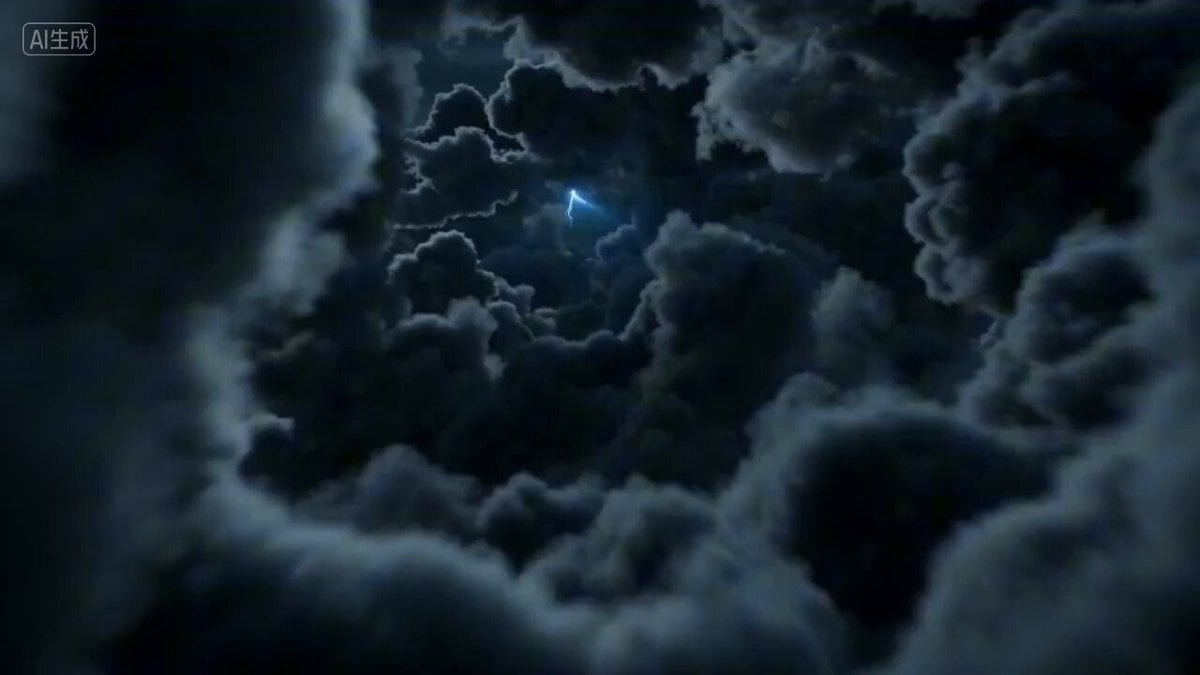
First-person POV of a lightning strike descent
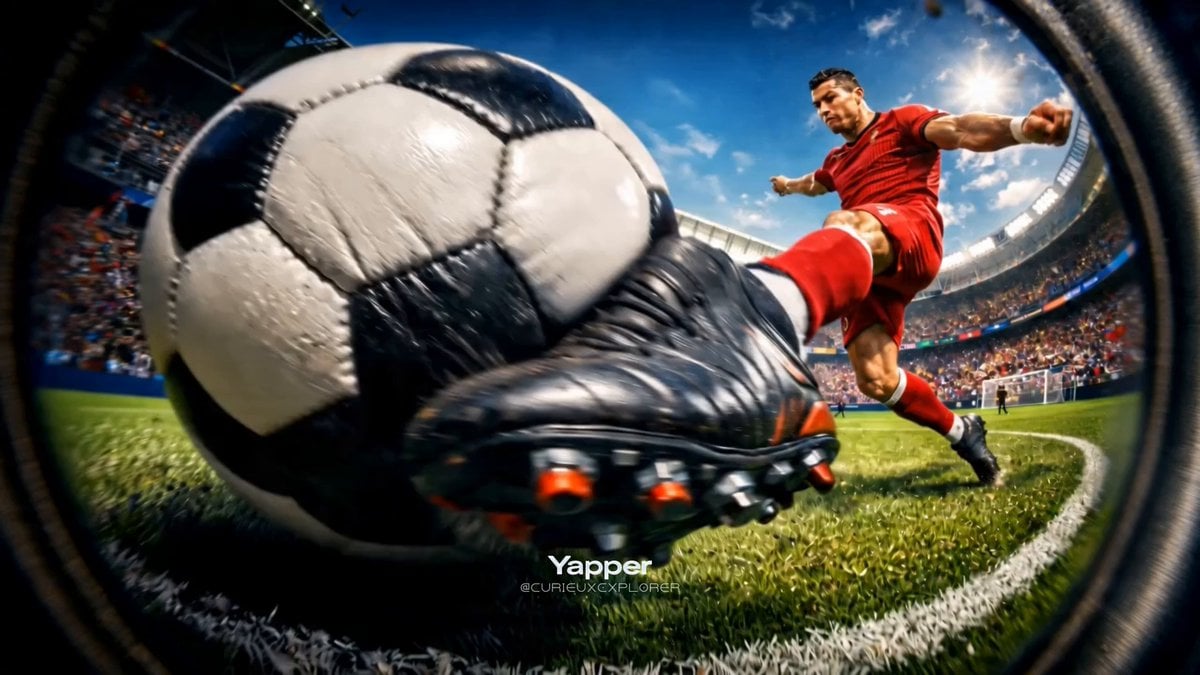
Hyper-Realistic Football Strike Sequence
Make it yours
Warrior's Devastating Strike works as-is. These are the safest ways to change it without losing the look.
Change one field
Copy a single group, rewrite it, and generate again so you can see what that field is doing.
Keep the frame, change the subject
Hold the composition and light of Warrior's Devastating Strike, then swap wardrobe, props or the person for a new take.
| If the result… | Why | Fix |
|---|---|---|
| The result drifts from the preview | Too many fields changed at once. | Reuse Warrior's Devastating Strike as-is first, then change one group — subject, light, or setting. |
| The model over-stylizes the scene | The prose prompt leaves finish and camera underspecified. | Add one camera or lighting sentence and stay on Seedance 2.0. |
More Seedance 2.0 templates
Other prompts made for Seedance 2.0.

Comical Martial Arts Punch Scene

Maglev Train Action Sequence

Martial Arts Fight Sequence

Wuxia Protection and Trust Script

Vintage Korean Arcade MiniDV Vlog

Mercedes 190 SL Luxury Ad

Rainy Night Supernatural Reverse Comedy Video Script

Amazon Civilization Discovery

Futuristic South Asian City Transformation

Cozy Luxury Cafe Commercial
More video prompts
Fresh picks from across the catalog.
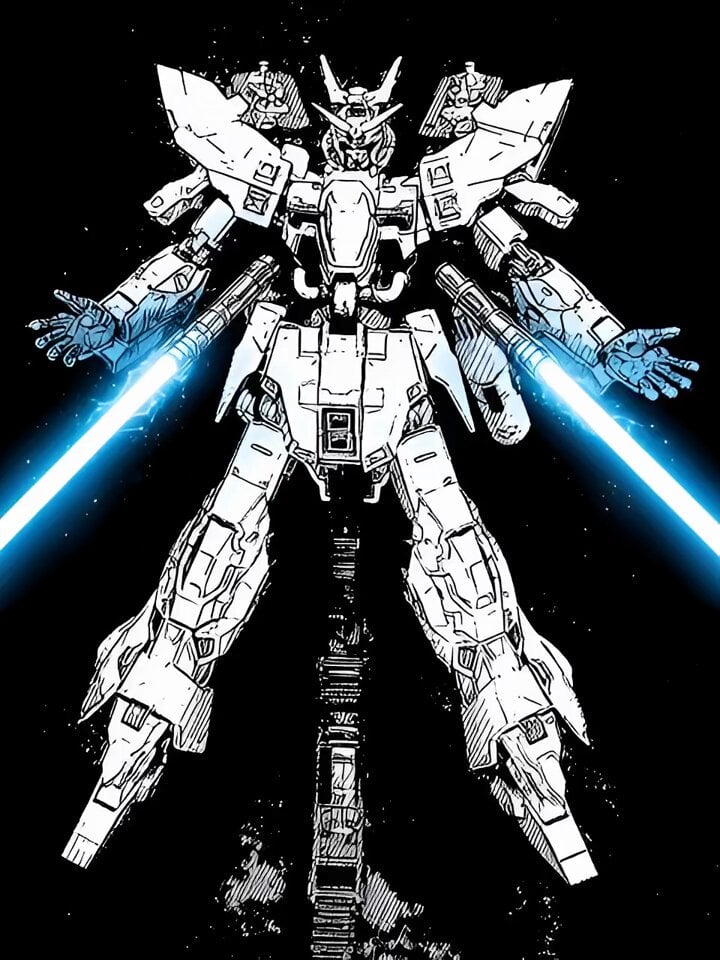
Lightsaber Fight in Cinematic Darkness Video Prompt

Tokyo Café Barista Latte Art Close-up
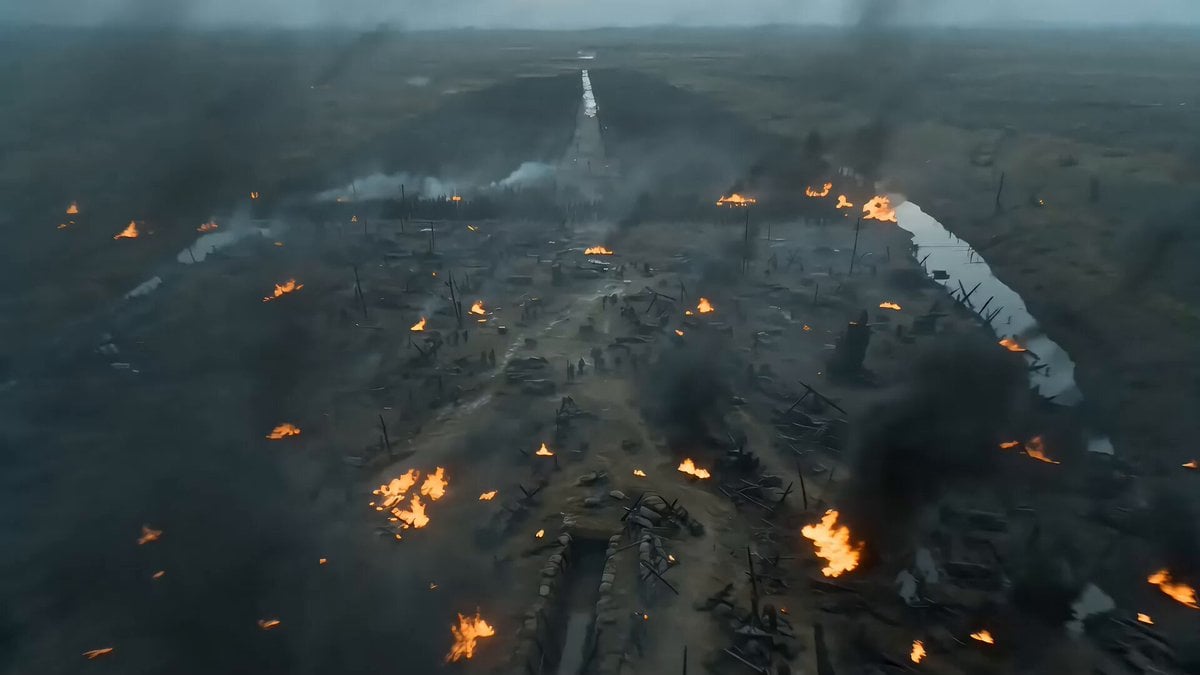
Seedance 2.0 Video Prompt: Cyberpunk Heroine in War and Desert
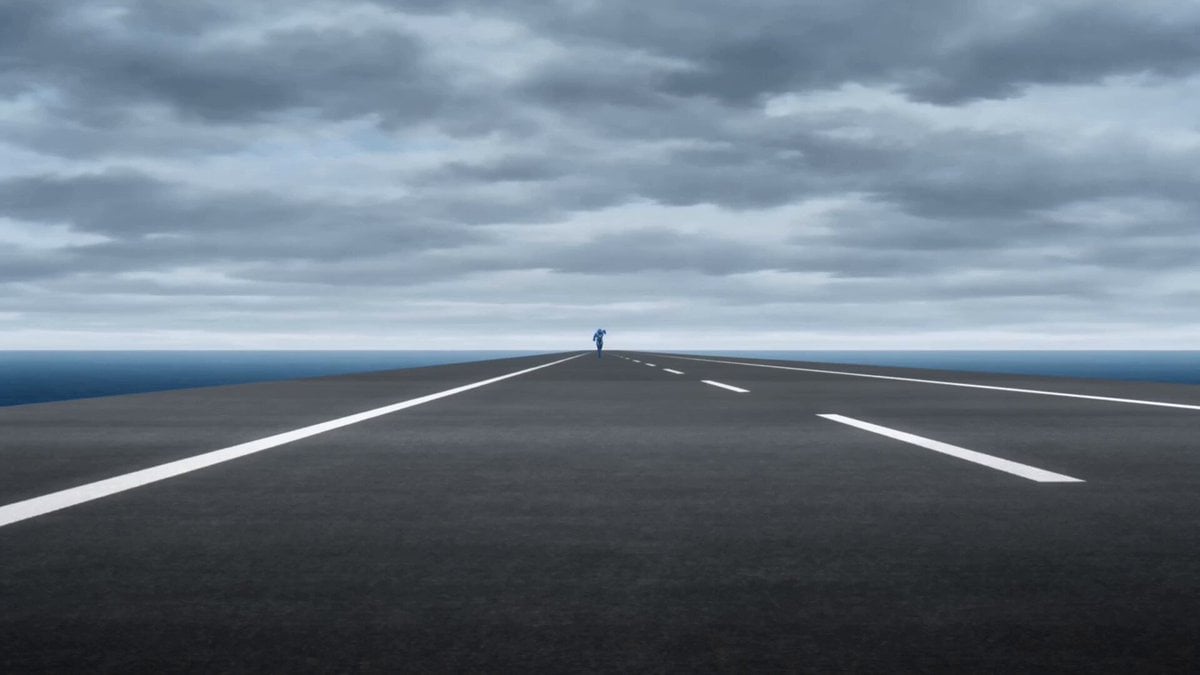
Speedster Superhuman Run
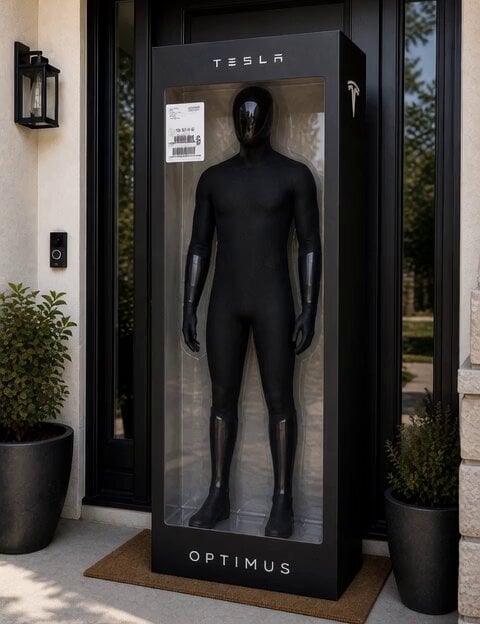
C-3PO Style Humanoid Transformation
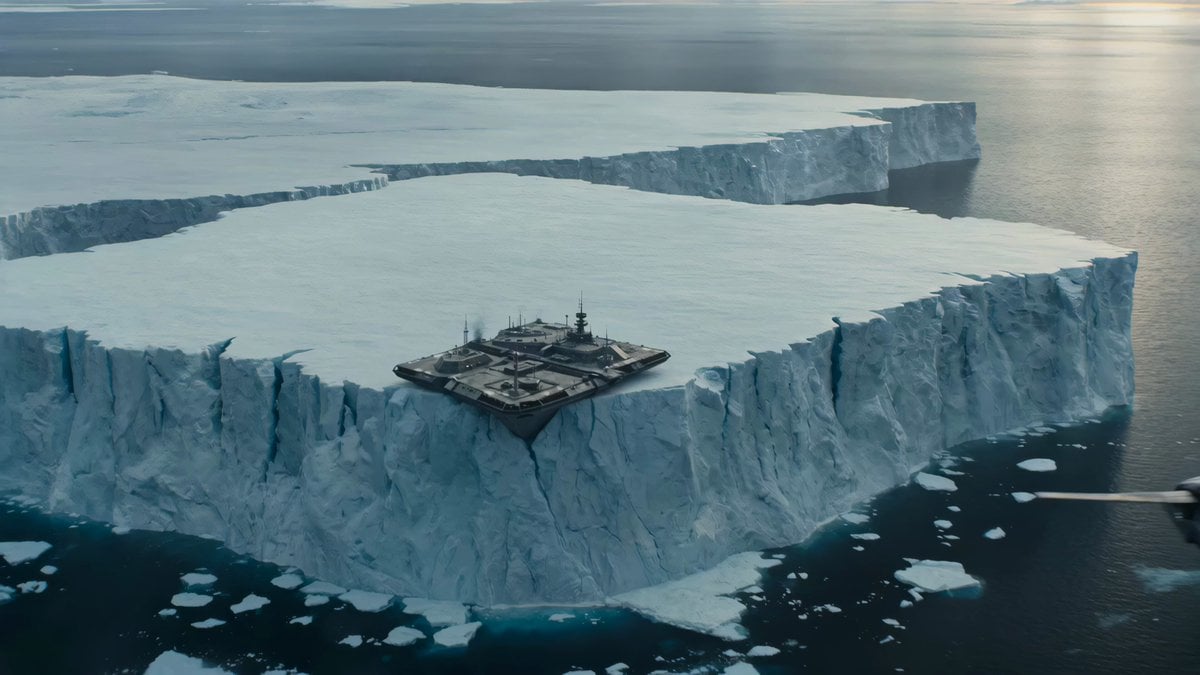
Iceberg Military Base Collapse

Mafia Cat Meeting

Rainy Day Solitude Cinematic

Seedance 2.5 Tech Launch Commercial
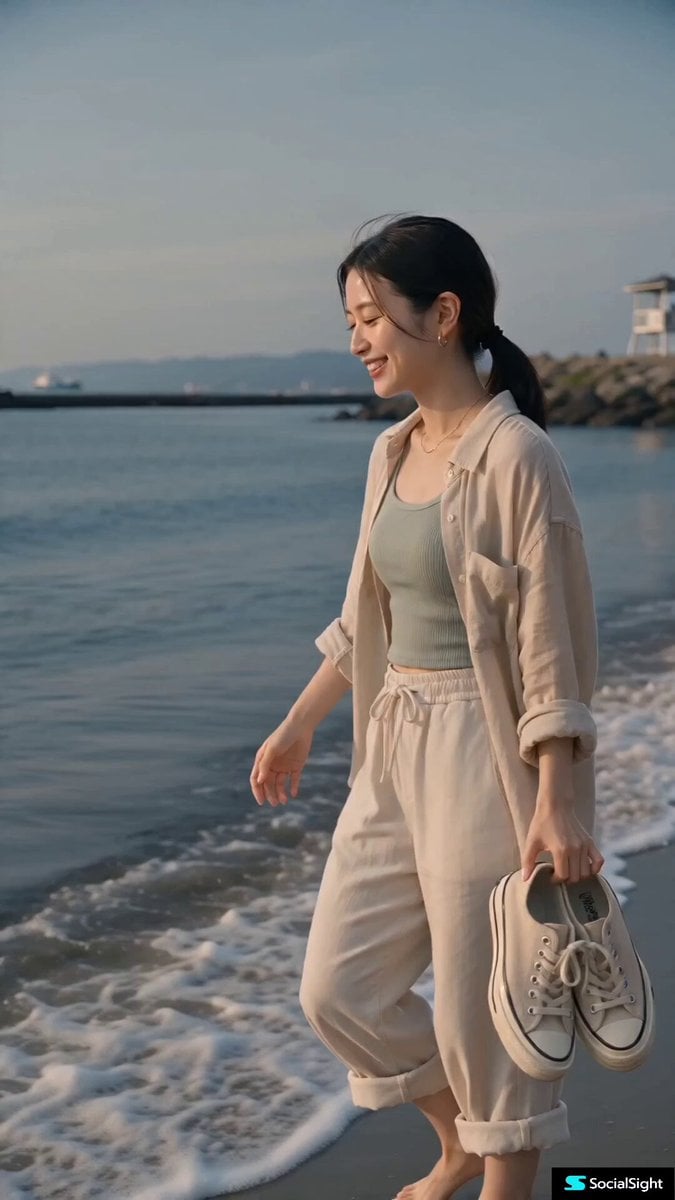
Contemporary Japanese Beach Vacation Vlog
Browse template categories
Warrior's Devastating Strike questions
How do I use the Warrior's Devastating Strike template?
Add your photo if the template asks for one, edit the prompt if you like — the template's model and format are already selected — and press Generate. Your version opens in PicX Studio.
Can I customize the Warrior's Devastating Strike template?
Yes. You can change the subject, setting, lighting, mood, format, and available model controls before creating your video.
Is the Warrior's Devastating Strike template free?
Opening and editing this template is free. Generating uses credits, shown on the Generate button when you are signed in.
Which AI model should I use?
Start with Seedance 2.0, which is the model associated with this template. You can compare another compatible model for a different finish.
Looking for something else? Browse all templates.

Your photo, any look
Thousands of ready templates for every top image and video model, from one credit balance.