
Soccer Strike and Window Smash Action
A dynamic action-packed prompt for a continuous soccer sequence that tracks a ball from kick until impact with a glass window.
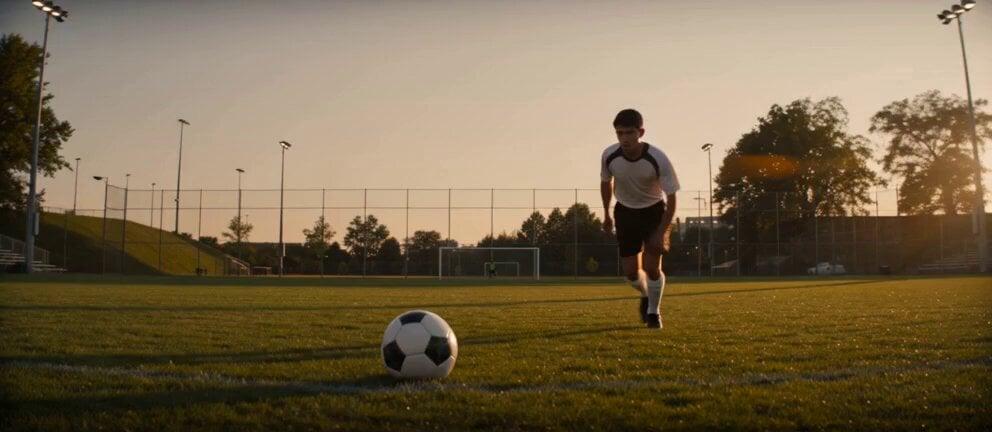
- Prompt included
- Model and format preset
- Free template
The prompt behind this video
Copy the exact prompt behind Soccer Strike and Window Smash Action, or open it in the studio and make it yours.
Cinematic realistic soccer sequence, continuous action shot. On an outdoor urban soccer field at late afternoon, a skilled soccer player runs toward a stationary ball and delivers a powerful strike. The instant his foot connects with the ball, the camera locks onto the ball and tracks it closely for the rest of the shot, flying alongside it in a fast, smooth, dynamic chase-camera movement. The ball spins rapidly through the air with realistic motion blur, passing above the field, over a low fence, and toward a nearby building. Reflections flash across the ball as it approaches a large glass window. In the final moment, the ball smashes directly through the window with a sharp explosive impact, sending glass shards flying inward in dramatic realistic detail. End on the ball entering the room as glittering fragments fall around it. Camera: begins with a low cinematic angle on the player and ball, then instantly becomes an intense ball-tracking flying camera after the kick, staying centered on the spinning ball until impact. Style: ultra-realistic, cinematic action, natural lighting, strong sense of speed, believable physics, detailed glass break, high tension, smooth continuous motion. Important controls: one soccer player only, one ball only, no cuts after the kick, camera must follow the ball continuously, ball must break the window at the end, no text, no logos, no exaggerated cartoon physics
How to use Soccer Strike and Window Smash Action in 3 steps
- 1
Open
The prompt is already in the box next to the preview, with the template's model and format selected.
- 2…a portrait of your subject in softgolden-hour light, 85mm…
Personalize
Edit the subject and creative details for your destination.
- 3Generate
Generate
Press Generate — your video is created in PicX Studio, so you can compare it with the original and refine one variable at a time.
More like this
Templates with the same subject, style or setup. Open one to see its prompt.
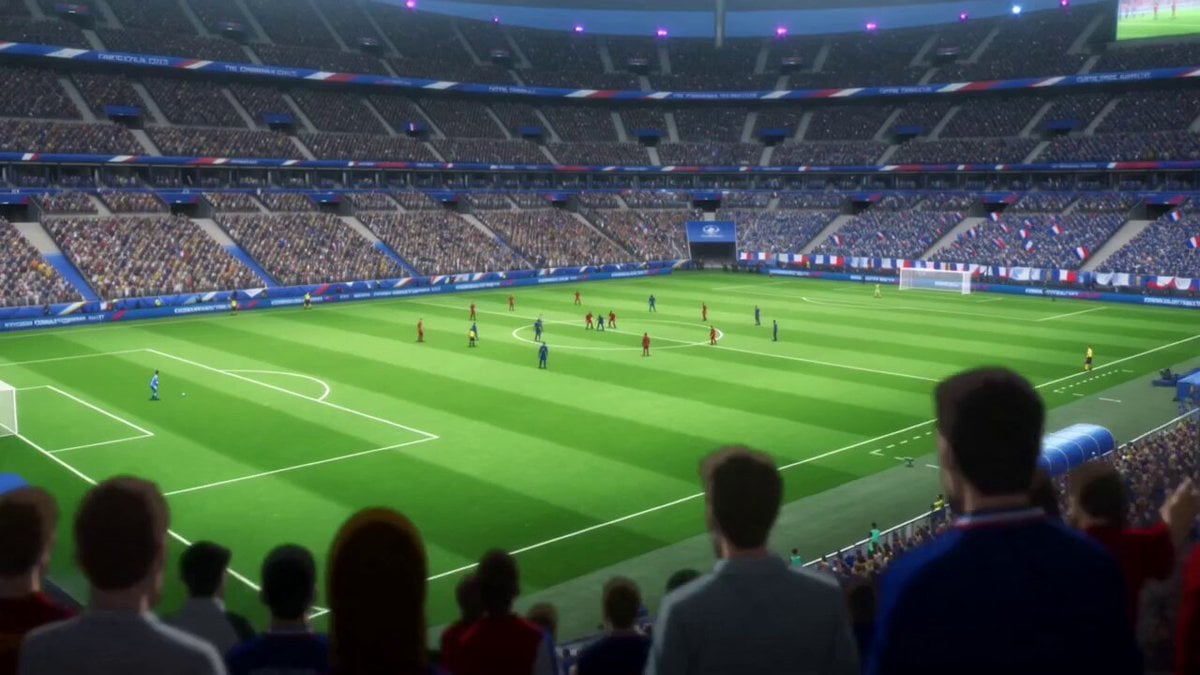
Anime Style Football Striker Cinematic Action
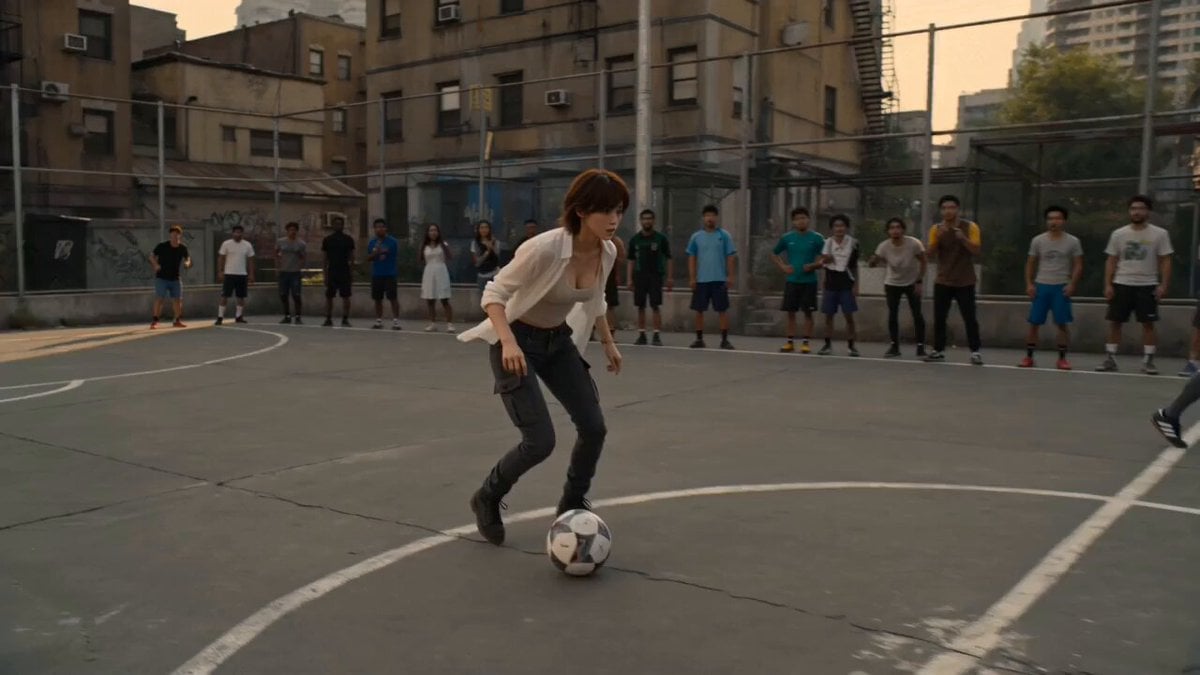
Street Soccer Bicycle Kick Action Sequence
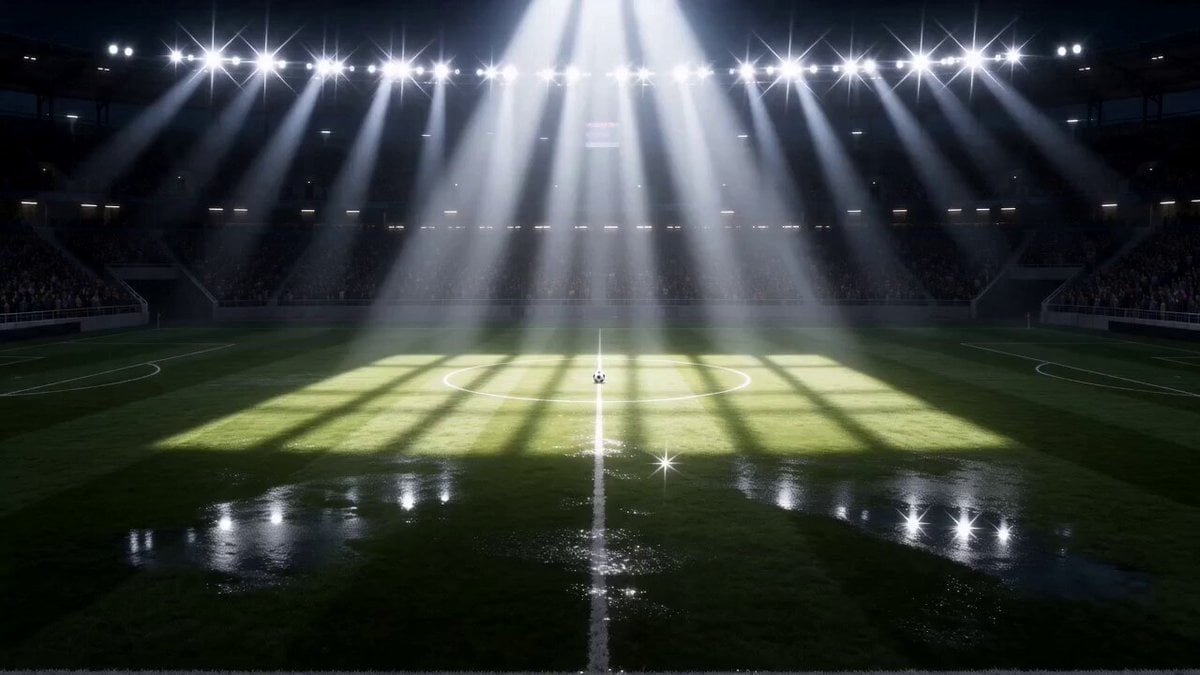
Super-Dimensional AI Soccer Action

Walking Factory with Rebel on Hoverbike - Wasteland
Thornmaw Monarch — Crimson Glass Desert Beast
Warhorse Sprint on Cliff Aqueduct
Parametric Fight Scenes Seedance

Nano Banana Seedance Time Control Streets
Colossal Sea Creature — Stormy Shore Charge (Seedance)
Skybridge Rescue — Supertall Tower Collapse (Seedance)
Highway Biker — Aggressive Lane Split (PixVerse C1)
Bullet Time Selfie — Modular Parameter Template (Seedance)
Make it yours
Soccer Strike and Window Smash Action works as-is. These are the safest ways to change it without losing the look.
Change one field
Copy a single group, rewrite it, and generate again so you can see what that field is doing.
Keep the frame, change the subject
Hold the composition and light of Soccer Strike and Window Smash Action, then swap wardrobe, props or the person for a new take.
| If the result… | Why | Fix |
|---|---|---|
| The result drifts from the preview | Too many fields changed at once. | Reuse Soccer Strike and Window Smash Action as-is first, then change one group — subject, light, or setting. |
| The model over-stylizes the scene | The prose prompt leaves finish and camera underspecified. | Add one camera or lighting sentence and stay on Seedance 2.0. |
More Seedance 2.0 templates
Other prompts made for Seedance 2.0.

Comical Martial Arts Punch Scene

Maglev Train Action Sequence

Martial Arts Fight Sequence

Wuxia Protection and Trust Script

Vintage Korean Arcade MiniDV Vlog

Mercedes 190 SL Luxury Ad

Rainy Night Supernatural Reverse Comedy Video Script

Amazon Civilization Discovery

Futuristic South Asian City Transformation

Cozy Luxury Cafe Commercial
More video prompts
Fresh picks from across the catalog.
Cinematic Futuristic Anime Sword Fight
Kaleidoscope Cat Motion Control Prompt
Dark Fantasy Frozen Wolf Hunt
Anime Drama Character Interaction Script
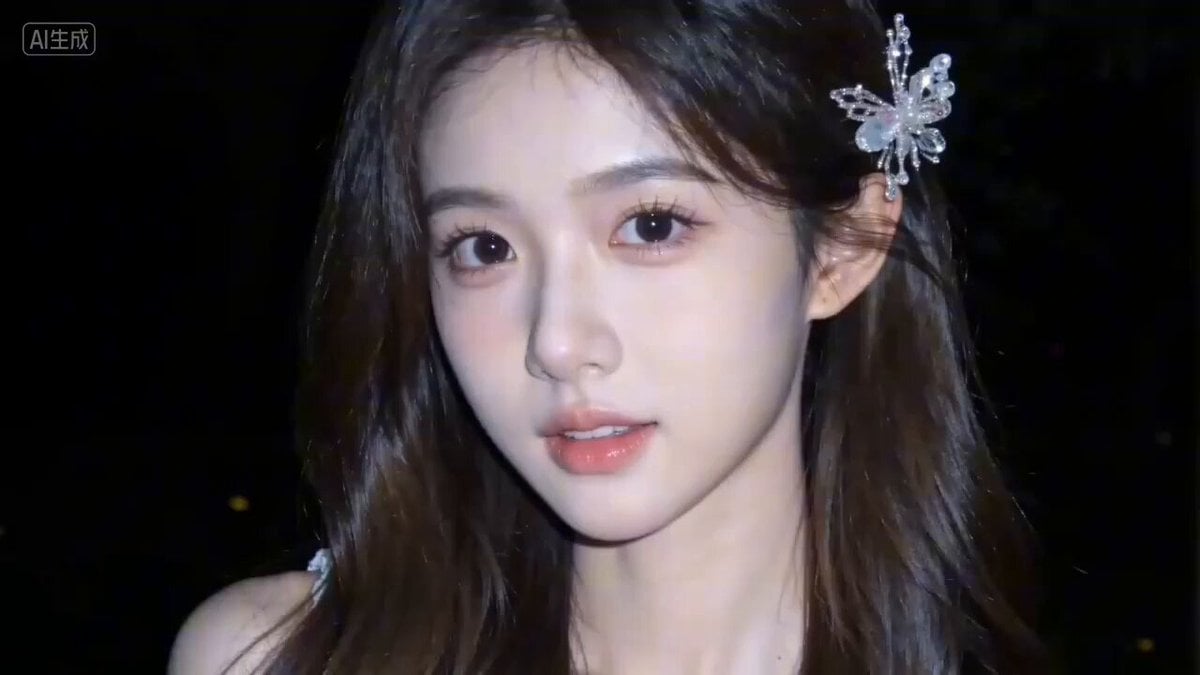
Seedance 2.0 Video Prompt: 'What are you looking at?'
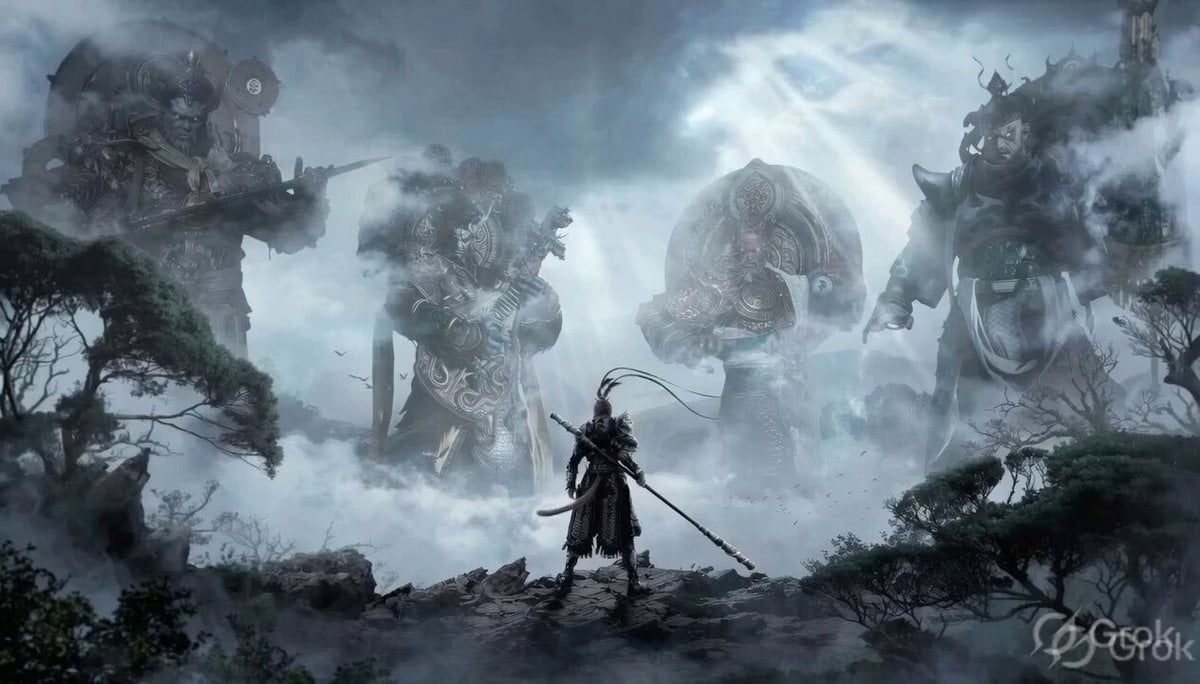
Black Myth Wukong Warrior Scene
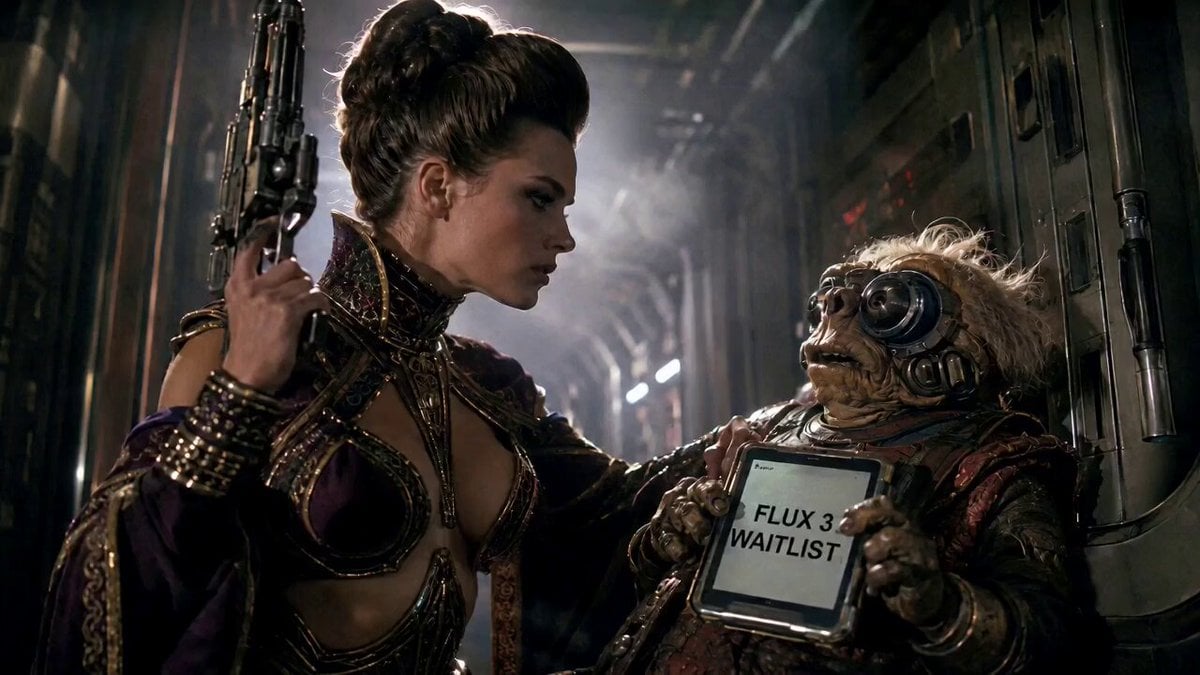
80s Sci-Fi Practical Effects Scene Prompt
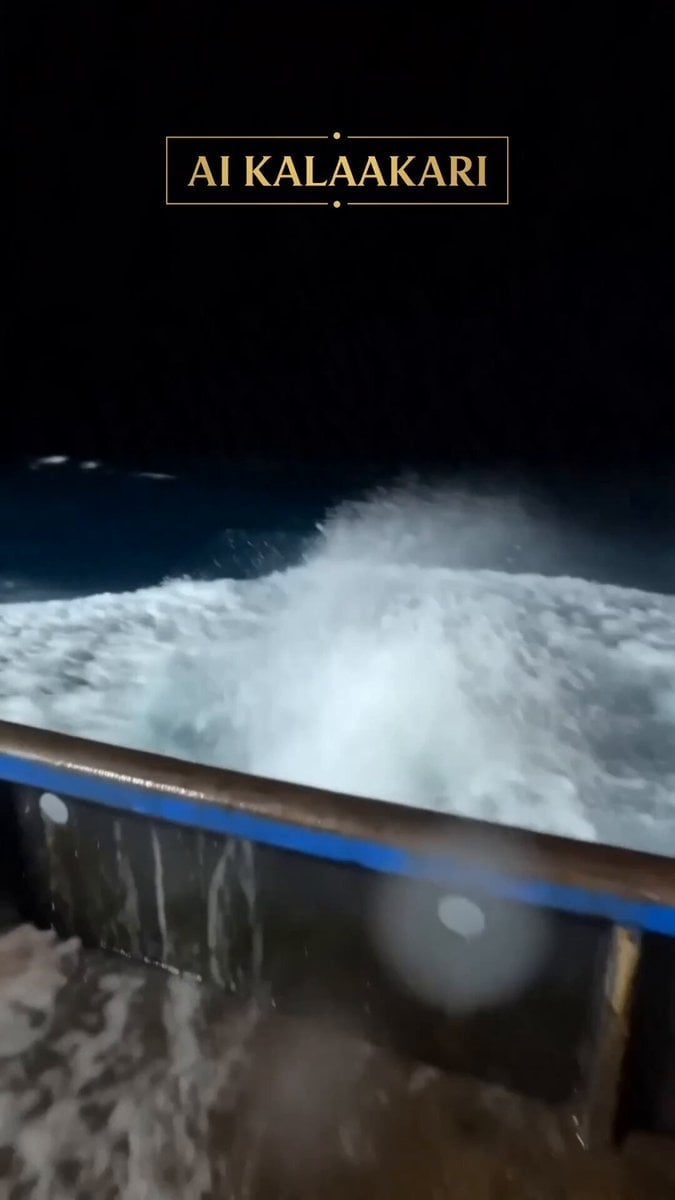
Viral Shark Attack Fishing Boat
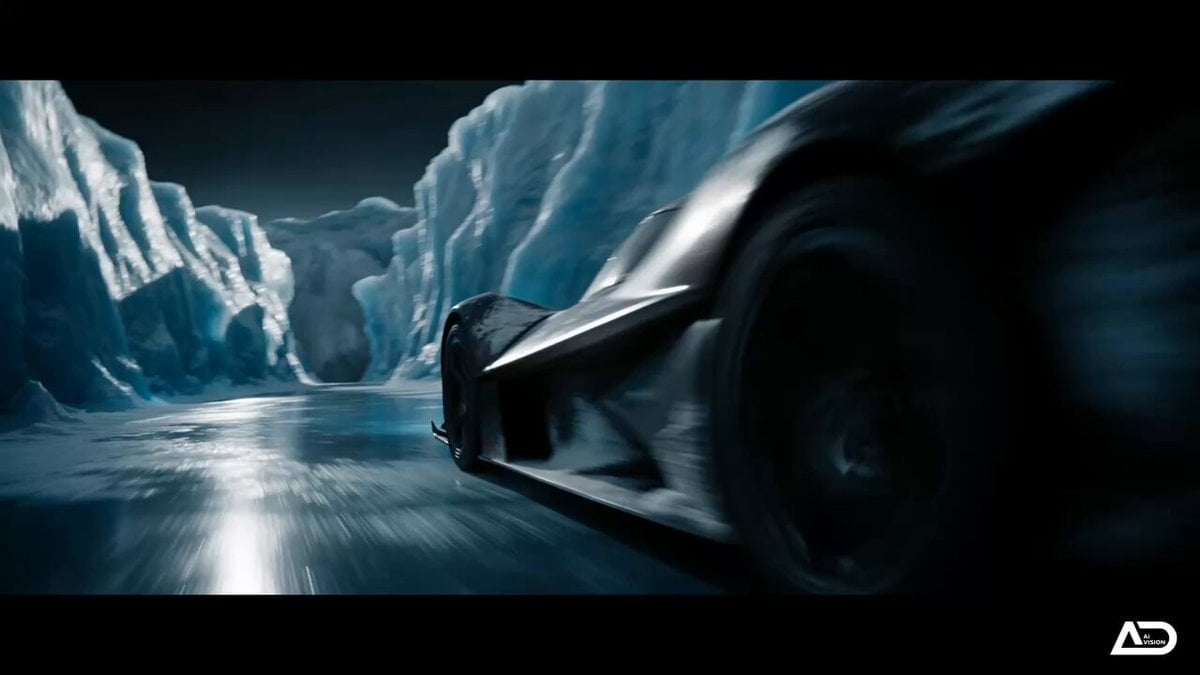
Futuristic Ice Canyon Racer Sequence
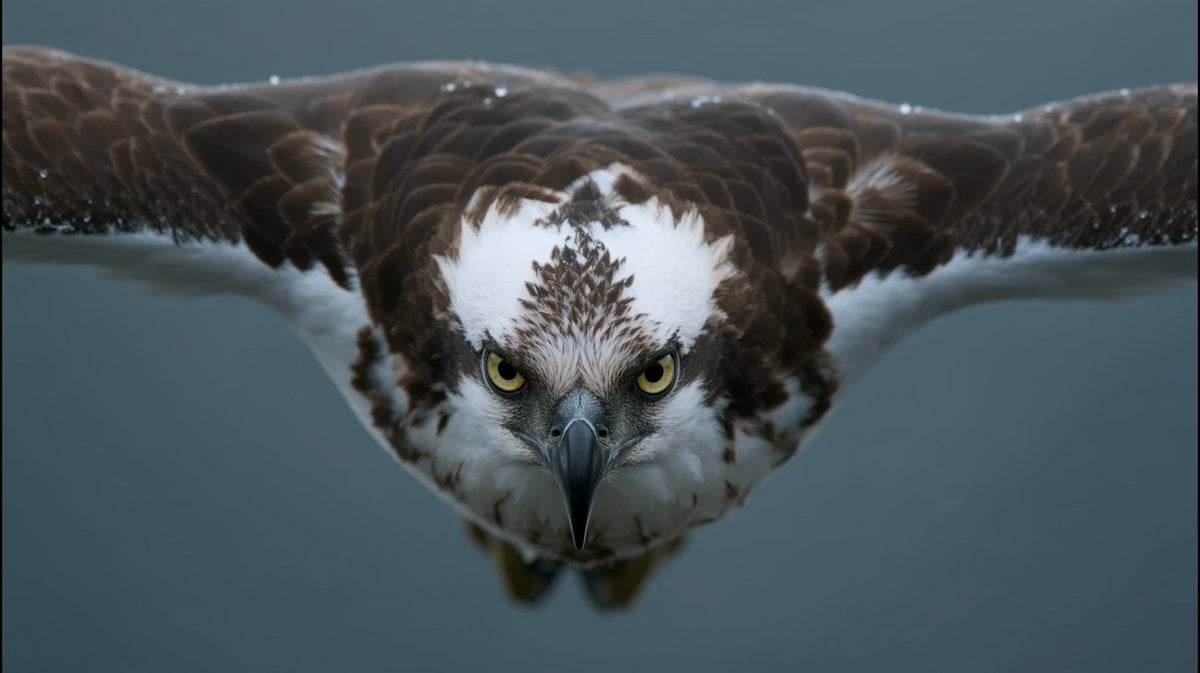
Osprey Plunge Wildlife Documentary
Browse template categories
Soccer Strike and Window Smash Action questions
How do I use the Soccer Strike and Window Smash Action template?
Add your photo if the template asks for one, edit the prompt if you like — the template's model and format are already selected — and press Generate. Your version opens in PicX Studio.
Can I customize the Soccer Strike and Window Smash Action template?
Yes. You can change the subject, setting, lighting, mood, format, and available model controls before creating your video.
Is the Soccer Strike and Window Smash Action template free?
Opening and editing this template is free. Generating uses credits, shown on the Generate button when you are signed in.
Which AI model should I use?
Start with Seedance 2.0, which is the model associated with this template. You can compare another compatible model for a different finish.
Looking for something else? Browse all templates.

Your photo, any look
Thousands of ready templates for every top image and video model, from one credit balance.