
Super-Dimensional AI Soccer Action
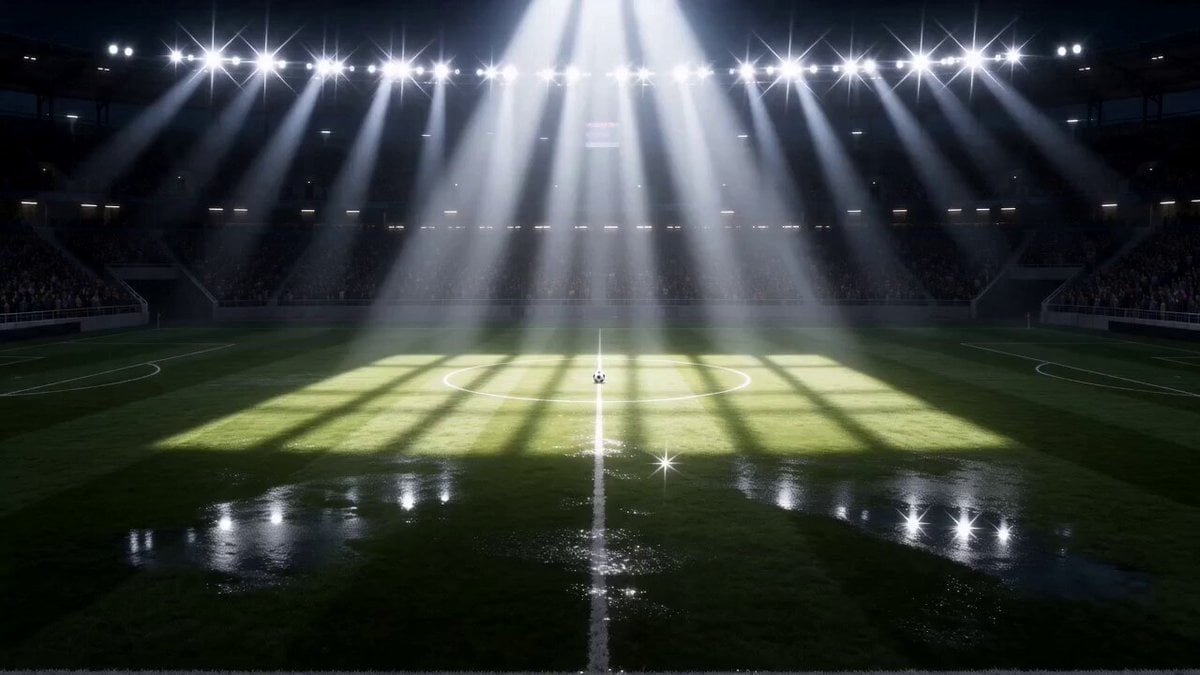
A high-octane 15-second anime soccer short focusing on a central spinning ball and two rival players with cinematic lightning effects.
- Prompt included
- Model and format preset
- Premium template
The prompt behind this video
Copy the exact prompt behind Super-Dimensional AI Soccer Action, or open it in the studio and make it yours.
A 15-second anime soccer action short. Night stadium, floodlights, cheering crowd. THE SPINNING SOCCER BALL IS THE CENTRAL OBJECT OF EVERY SHOT — it must remain visible on screen at all times from start to finish. Two rivals, defined once: RIVAL A = long wild black hair, black uniform. RIVAL B = short black hair, navy uniform number 7. Full-body action shots only, wide and medium angles showing the pitch. 0–4s: Kick-off. Both players strike the ball simultaneously. The ball spins violently between their boots, then the shockwave knocks both players backward — the ball stays at center, still spinning on the grass. 4–9s: RIVAL B recovers and dribbles the spinning ball downfield at high speed. Low wide tracking shot: his feet, the ball, and the turf always in frame together. 9–12s: RIVAL A slides in from behind. RIVAL B flicks the same ball up into the air to dodge the tackle. The ball arcs upward in clear view. 12–15s: RIVAL B leaps and strikes the airborne ball with a lightning-charged mid-air volley. The ball rockets toward the goal trailing blue electricity. Final frame: the ball hitting the net. Continuity rule: one single ball exists for the entire video and never disappears between cuts. Negative: no character portrait close-ups, no sparkles or glitter effects, no standing still poses, no talking scenes, no scene without the ball. [Night stadium. Floodlights blaze. The soccer ball rests at center circle, spinning slowly on the grass. The roar of the crowd fills the air.] [RIVAL A — long wild black hair, black uniform — plants his boot. RIVAL B — short black hair, navy uniform number 7 — plants his opposite boot. Both strike the ball simultaneously. The ball spins violently between their colliding boots, a shockwave rippling outward. Both players are blasted backward. The ball stays at center, still spinning on the grass.] [RIVAL B surges upright. Low wide tracking shot — his boots, the spinning ball, and the turf locked together in one frame. He drives forward at full sprint, the ball rolling and spinning off his feet as he cuts downfield at high speed.] [RIVAL A launches into a slide tackle from behind, cleats tearing through the turf. RIVAL B catches the ball on his toe and flicks it upward in the same motion. The ball arcs high and clear above the sliding boot.] [RIVAL B leaps. The ball hangs airborne. His right leg coils and fires — a volley strike crackling with blue electricity. The ball rockets toward goal, a trail of lightning behind it. The net erupts backward as the ball hits. Crowd detonates.]
How to use Super-Dimensional AI Soccer Action in 3 steps
- 1
Open
The prompt is already in the box next to the preview, with the template's model and format selected.
- 2…a portrait of your subject in softgolden-hour light, 85mm…
Personalize
Edit the subject and creative details for your destination.
- 3Generate
Generate
Press Generate — your video is created in PicX Studio, so you can compare it with the original and refine one variable at a time.
More like this
Templates with the same subject, style or setup. Open one to see its prompt.
Skybridge Rescue — Supertall Tower Collapse (Seedance)
Paris Superhero Action Script
Super-Speed Kitchen Action Comedy Prompt
Soccer Strike and Window Smash Action
Orbital Super Dimension Soccer
Street Soccer Bicycle Kick Action Sequence

Walking Factory with Rebel on Hoverbike - Wasteland
Thornmaw Monarch — Crimson Glass Desert Beast
Warhorse Sprint on Cliff Aqueduct
Parametric Fight Scenes Seedance

Nano Banana Seedance Time Control Streets
Colossal Sea Creature — Stormy Shore Charge (Seedance)
Make it yours
Super-Dimensional AI Soccer Action works as-is. These are the safest ways to change it without losing the look.
Change one field
Copy a single group, rewrite it, and generate again so you can see what that field is doing.
Keep the frame, change the subject
Hold the composition and light of Super-Dimensional AI Soccer Action, then swap wardrobe, props or the person for a new take.
| If the result… | Why | Fix |
|---|---|---|
| The result drifts from the preview | Too many fields changed at once. | Reuse Super-Dimensional AI Soccer Action as-is first, then change one group — subject, light, or setting. |
| The model over-stylizes the scene | The prose prompt leaves finish and camera underspecified. | Add one camera or lighting sentence and stay on Seedance 2.0. |
More Seedance 2.0 templates
Other prompts made for Seedance 2.0.

Comical Martial Arts Punch Scene

Maglev Train Action Sequence

Martial Arts Fight Sequence

Wuxia Protection and Trust Script

Vintage Korean Arcade MiniDV Vlog

Mercedes 190 SL Luxury Ad

Rainy Night Supernatural Reverse Comedy Video Script

Amazon Civilization Discovery

Futuristic South Asian City Transformation

Cozy Luxury Cafe Commercial
More video prompts
Fresh picks from across the catalog.
Monochrome Text City Surreal Transformation
Bioluminescent Holographic Flowers
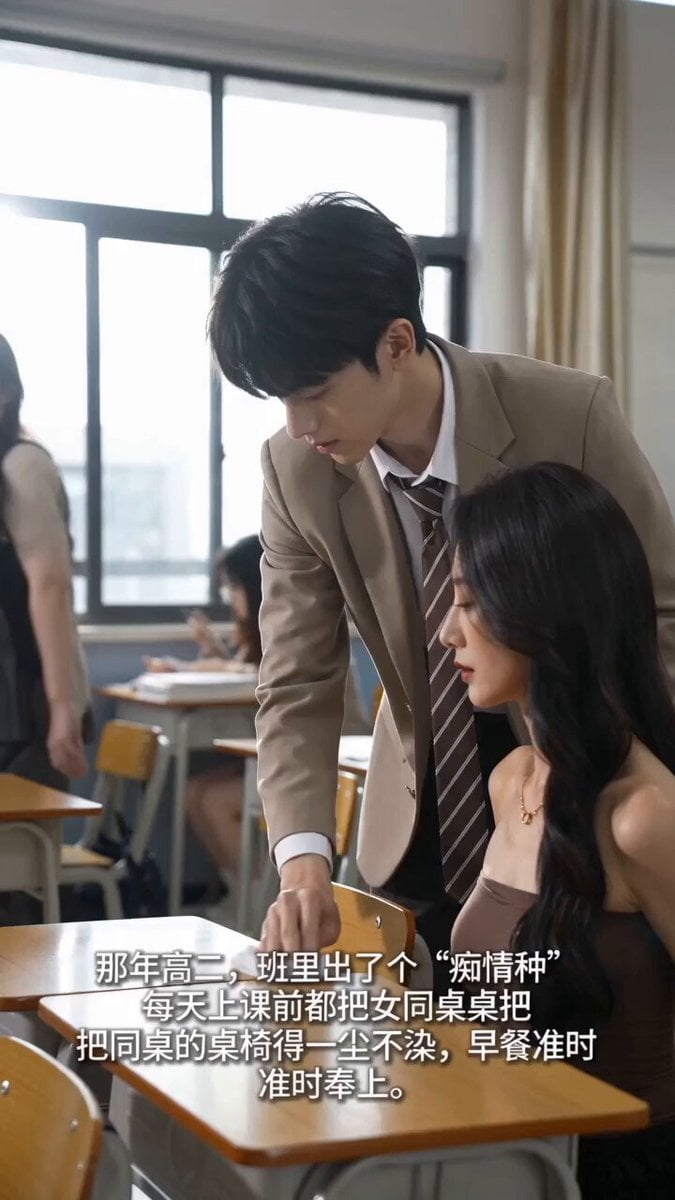
Handheld iPhone Style School Romance
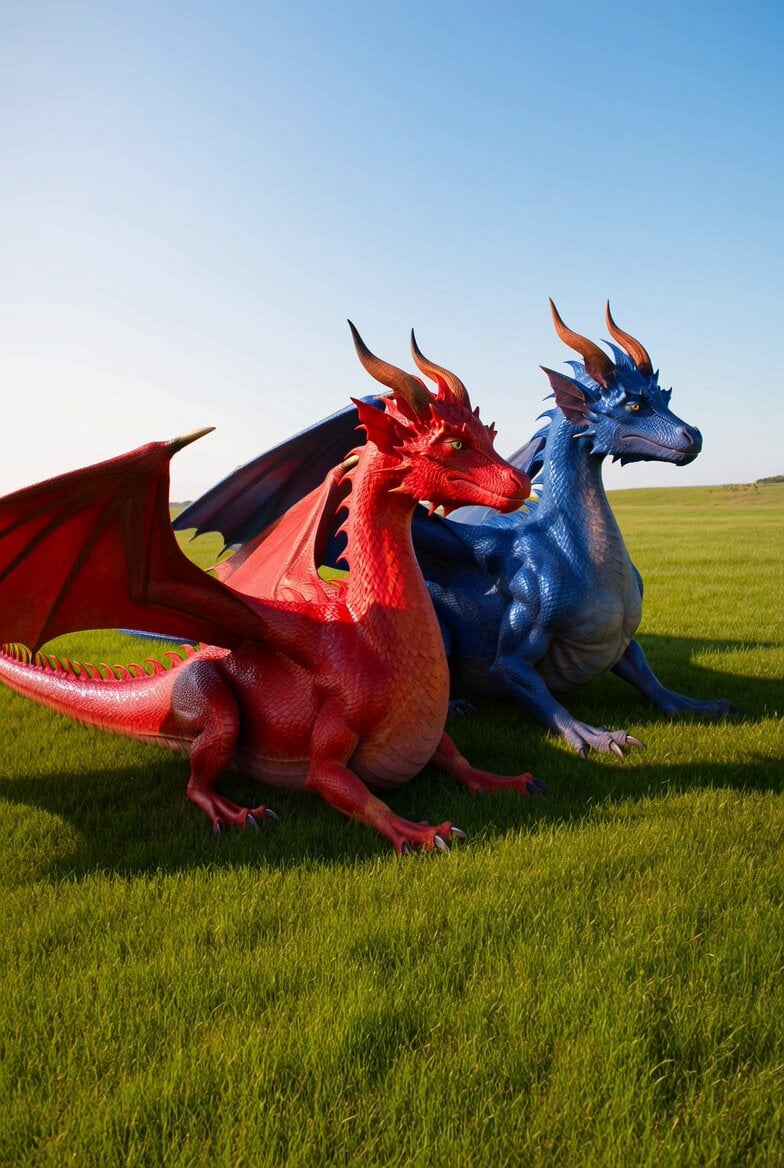
Dragons in the Sun Video
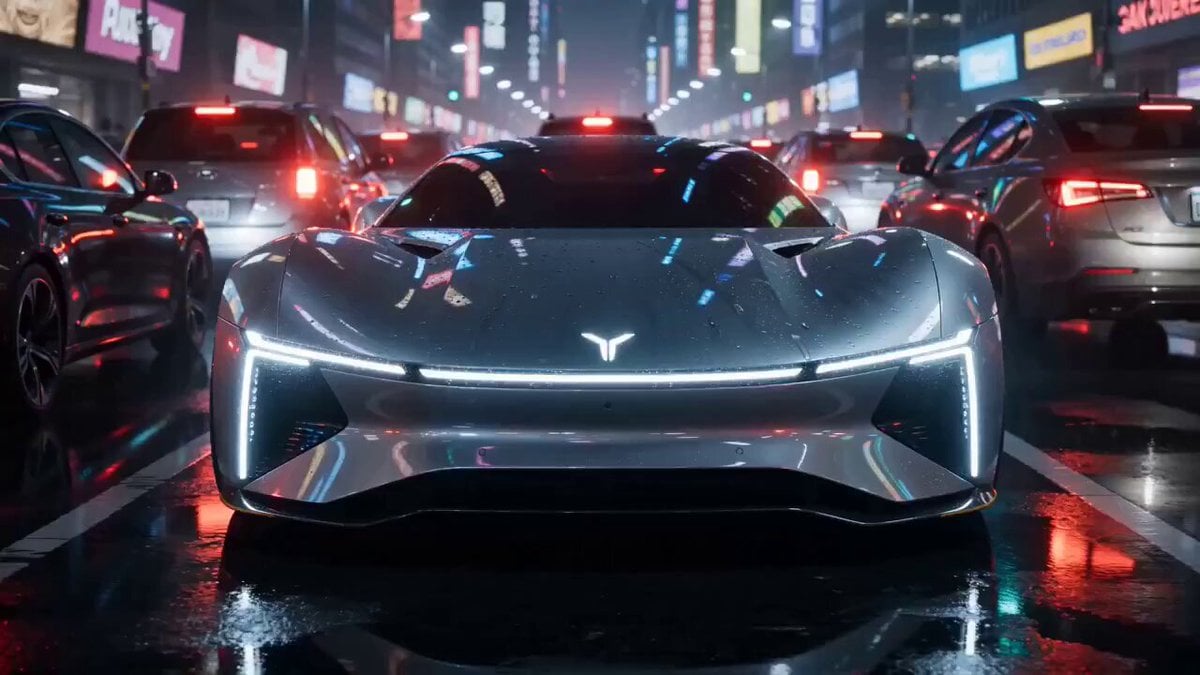
High-end car commercial concept: Transformation and Vertical Takeoff
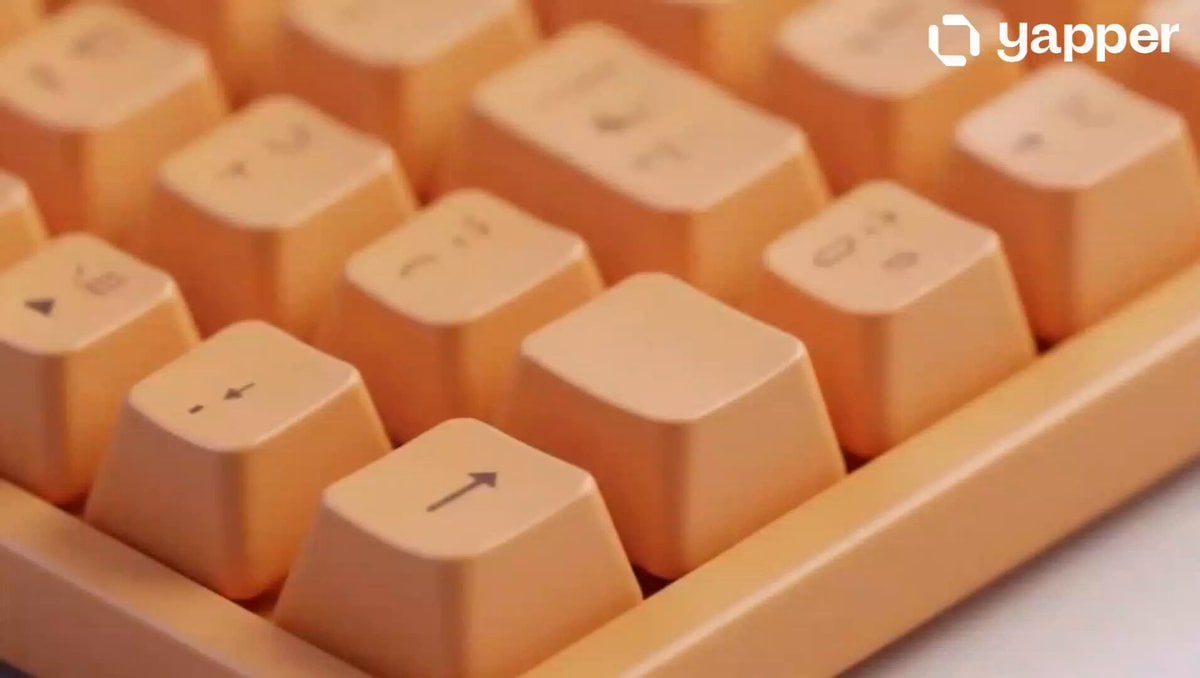
Mechanical Keyboard Hidden Miniature World
Supernatural Martial Arts Sakuga Duel
World Cup Penalty Kick Celebration
90s Hong Kong Cinema Aesthetic Video
Japanese Couple in Parked Car During Heavy Rain
Browse template categories
Super-Dimensional AI Soccer Action questions
How do I use the Super-Dimensional AI Soccer Action template?
Add your photo if the template asks for one, edit the prompt if you like — the template's model and format are already selected — and press Generate. Your version opens in PicX Studio.
Can I customize the Super-Dimensional AI Soccer Action template?
Yes. You can change the subject, setting, lighting, mood, format, and available model controls before creating your video.
Is the Super-Dimensional AI Soccer Action template free?
Opening and editing this template is free. Generating uses credits, shown on the Generate button when you are signed in.
Which AI model should I use?
Start with Seedance 2.0, which is the model associated with this template. You can compare another compatible model for a different finish.
Looking for something else? Browse all templates.

Your photo, any look
Thousands of ready templates for every top image and video model, from one credit balance.