
Monochrome Text City Surreal Transformation
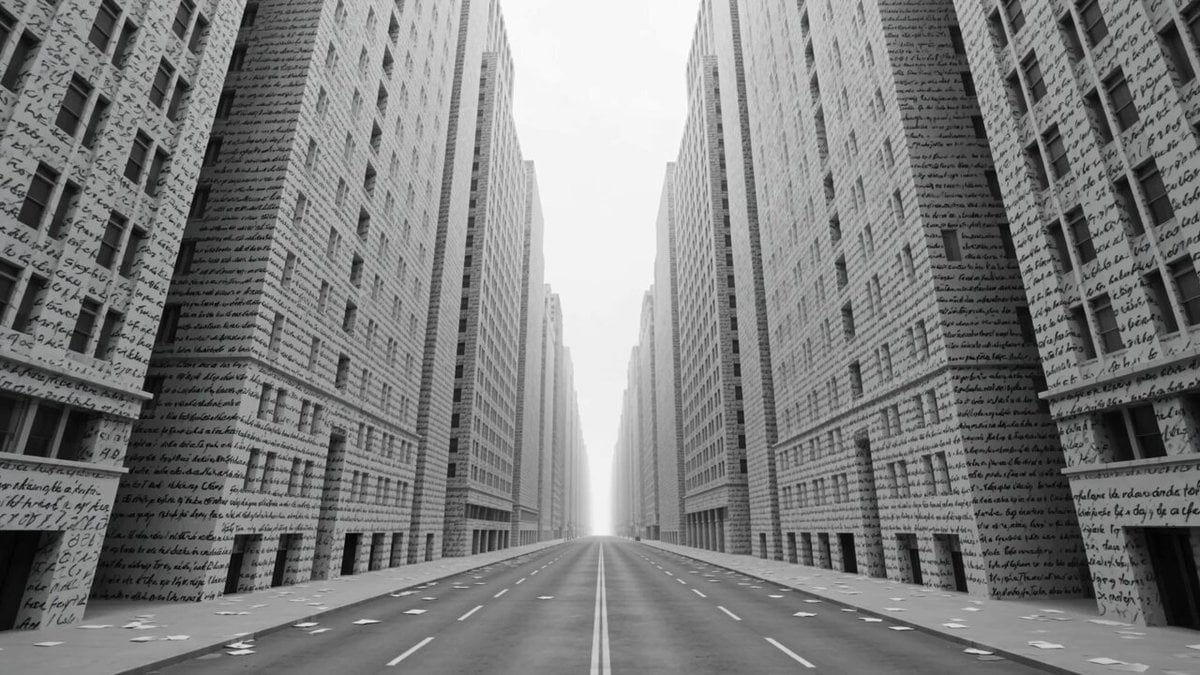
A surreal monochrome art-film prompt where city buildings are covered in handwritten text that detaches and transforms into weather phenomena like lightning and birds.
- Prompt included
- Model and format preset
- Free template
The prompt behind this video
Copy the exact prompt behind Monochrome Text City Surreal Transformation, or open it in the studio and make it yours.
A vast monochrome city under a blank white sky. Every building facade is covered with handwritten words in black ink poems, warnings, names, unfinished sentences. The streets are empty except for loose paper drifting across the pavement. Opening frame: the camera glides down a silent boulevard between towering buildings covered in text. The ink moves slightly, as if breathing. At the 2-second mark, one word detaches from a wall. It floats into the air and becomes a cloud. Then thousands of words peel away from buildings, rising into the sky. Some become rain, some become birds, some become lightning, some become black snow. Sentences unravel into long ribbon storms that whip through the streets. The camera follows a single phrase as it transforms into a tornado of letters, pulling street signs, papers, and window reflections into its spiral. VFX escalation: the weather becomes linguistic. Rain falls as tiny punctuation marks. Thunder appears as giant words flashing across the sky. Fog forms from erased sentences. Velocity ramp: a lightning bolt made of handwritten text strikes the street , individual letters suspended in mid-impact, glowing white against the monochrome city. Final moment: all text vanishes from the buildings, leaving the city completely blank. A single new word appears on the ground beneath the camera: REMEMBER. Experimental typographic surrealism, monochrome art-film aesthetic, ink particle simulation, atmospheric word-weather VFX, cinematic minimalism, 4K.
How to use Monochrome Text City Surreal Transformation in 3 steps
- 1
Open
The prompt is already in the box next to the preview, with the template's model and format selected.
- 2…a portrait of your subject in softgolden-hour light, 85mm…
Personalize
Edit the subject and creative details for your destination.
- 3Generate
Generate
Press Generate — your video is created in PicX Studio, so you can compare it with the original and refine one variable at a time.
More like this
Templates with the same subject, style or setup. Open one to see its prompt.
Nano Banana Seedance Environment Render Walk
Whale in the Sky — City Shadows (Kling AI)
Giant Seahorse City Destruction — Flova AI

Magical Room Transformation - Seedance 2.5

Dark Tokusatsu Transformation - Seedance 2.5

Realistic City Street Story Cinematic Video - Seedance

RX-7 to Mech Transformation Cyberpunk

Luxury Lifestyle Day Vlog

NYC Wingsuit Hot Dog Landing

Luxury Airport Travel Vlog

Iced Coffee Dog Good-News Montage

Italian Old-Town Time-Freeze Walk
Make it yours
Monochrome Text City Surreal Transformation works as-is. These are the safest ways to change it without losing the look.
Change one field
Copy a single group, rewrite it, and generate again so you can see what that field is doing.
Keep the frame, change the subject
Hold the composition and light of Monochrome Text City Surreal Transformation, then swap wardrobe, props or the person for a new take.
| If the result… | Why | Fix |
|---|---|---|
| The result drifts from the preview | Too many fields changed at once. | Reuse Monochrome Text City Surreal Transformation as-is first, then change one group — subject, light, or setting. |
| The model over-stylizes the scene | The prose prompt leaves finish and camera underspecified. | Add one camera or lighting sentence and stay on Seedance 2.0. |
More Seedance 2.0 templates
Other prompts made for Seedance 2.0.

Comical Martial Arts Punch Scene

Maglev Train Action Sequence

Martial Arts Fight Sequence

Wuxia Protection and Trust Script

Vintage Korean Arcade MiniDV Vlog

Mercedes 190 SL Luxury Ad

Rainy Night Supernatural Reverse Comedy Video Script

Amazon Civilization Discovery

Cozy Luxury Cafe Commercial

Cyber Ronin Nanotech Transformation Video
More video prompts
Fresh picks from across the catalog.
The Cinematic Master Prompt (Image and Video)
Cosmic Zoom to Café One-Take
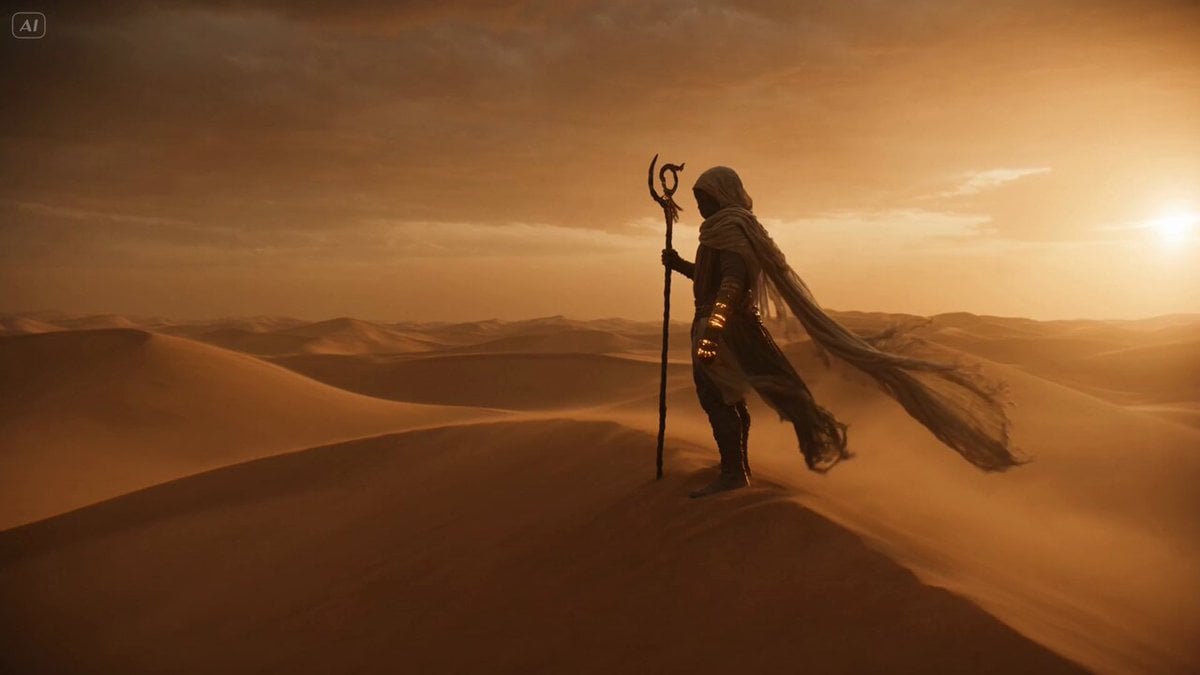
Desert Nomad and Sand Dragon Sequence
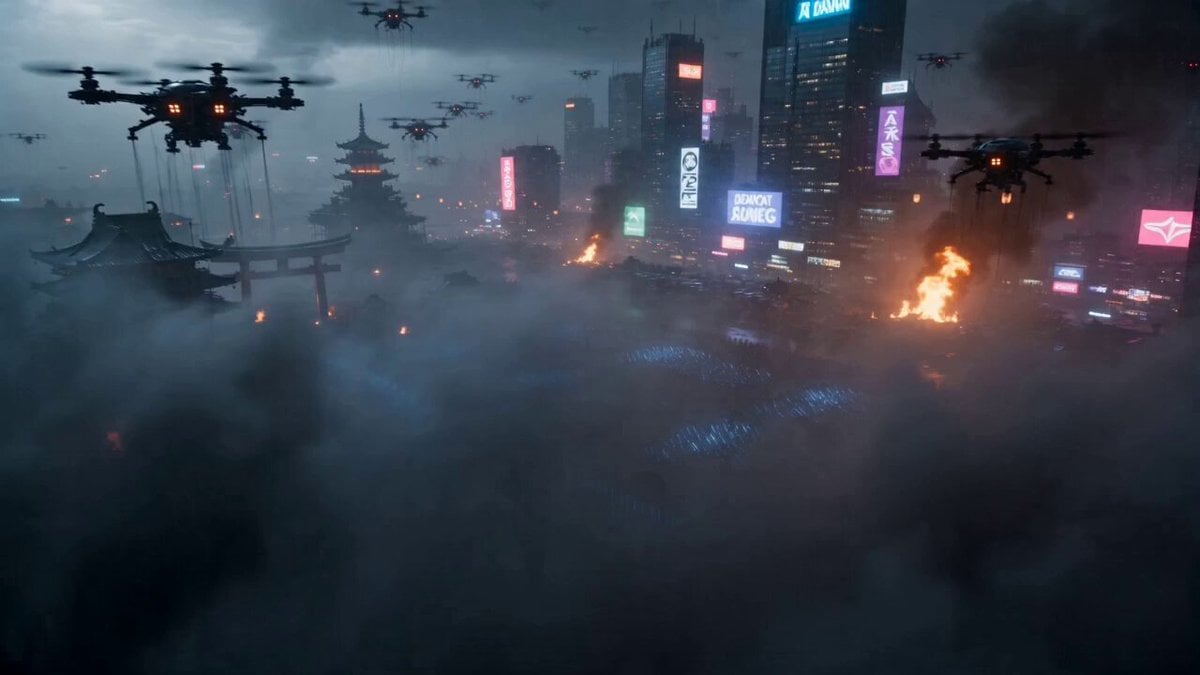
Cyberpunk Samurai Battle Video Prompt
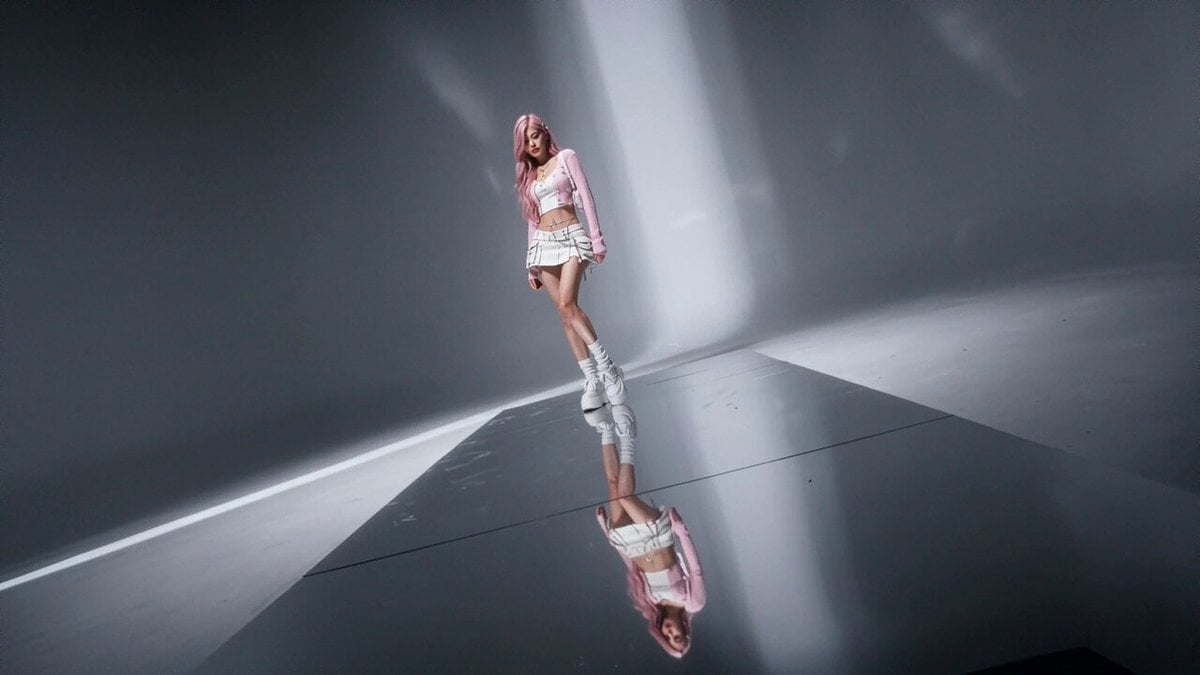
High Fashion Editorial Video
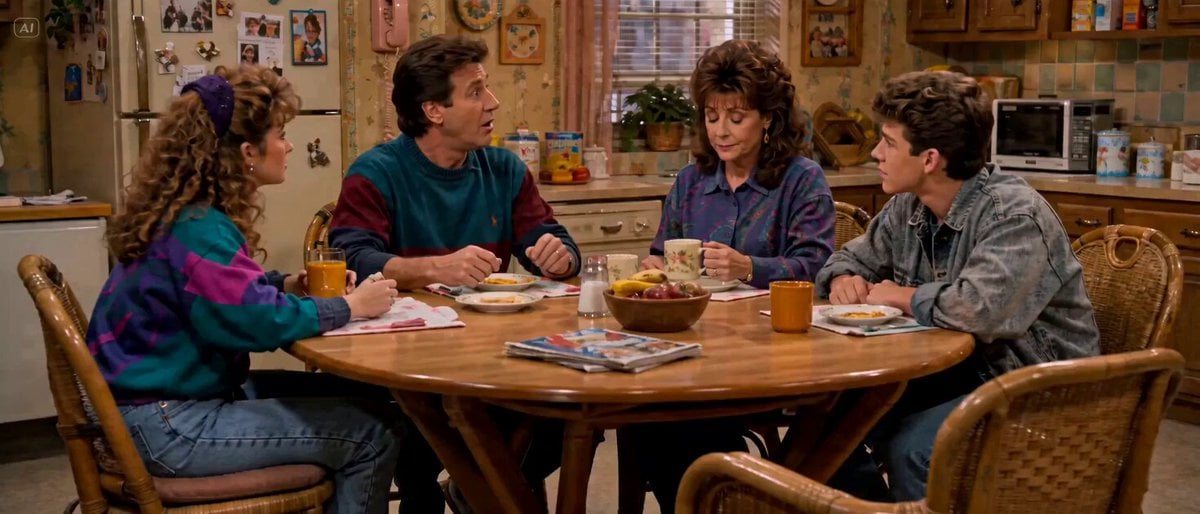
Sitcom Kitchen Empty Milk
Wind Blows Paper, Camera Follows
Nostalgic Korean DV Aesthetic Video Prompt
Doves in White Stripes music video style
Stylized 3D Tea Ceremony Video Prompt
Browse template categories
Monochrome Text City Surreal Transformation questions
How do I use the Monochrome Text City Surreal Transformation template?
Add your photo if the template asks for one, edit the prompt if you like — the template's model and format are already selected — and press Generate. Your version opens in PicX Studio.
Can I customize the Monochrome Text City Surreal Transformation template?
Yes. You can change the subject, setting, lighting, mood, format, and available model controls before creating your video.
Is the Monochrome Text City Surreal Transformation template free?
Opening and editing this template is free. Generating uses credits, shown on the Generate button when you are signed in.
Which AI model should I use?
Start with Seedance 2.0, which is the model associated with this template. You can compare another compatible model for a different finish.
Looking for something else? Browse all templates.

Your photo, any look
Thousands of ready templates for every top image and video model, from one credit balance.