
Cosmic Zoom to Café One-Take
An elaborate Seedance 2.0 prompt for a 15-second one-take shot transitioning from deep space, through atmospheric entry, to a street-level café scene.
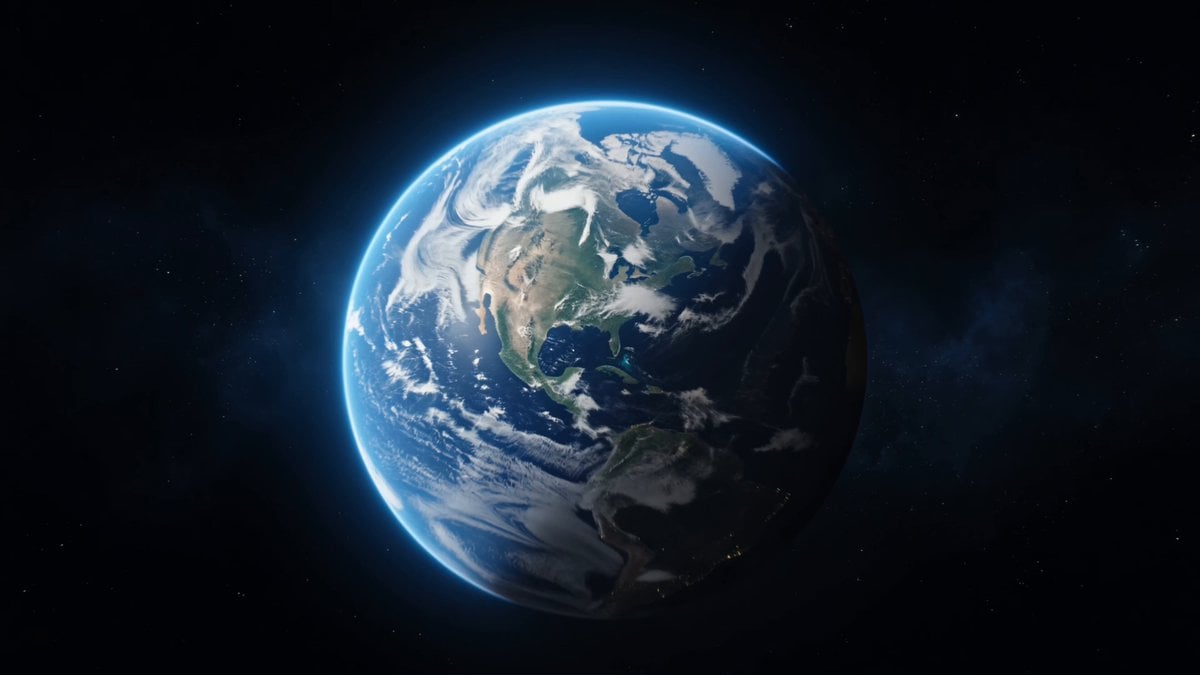
- Prompt included
- Model and format preset
- Premium template
The prompt behind this video
Copy the exact prompt behind Cosmic Zoom to Café One-Take, or open it in the studio and make it yours.
Scene: A seamless ultra-cinematic one-take shot starting from deep space and ending in an intimate café moment. The sequence emphasizes speed, scale, and immersive transition from cosmic to human scale. Subject / Character: Final subject is @img1 — a young woman sitting in an open-air café named “LUMOS”, wearing denim shorts and a white shirt, casually eating a hamburger with a drink beside her. Action Timeline (TOTAL: 15s): 0–4s (Space → Earth Approach): Wide cinematic shot of Earth in deep space. Camera accelerates forward smoothly. Earth rapidly grows in frame. Subtle light streaks, atmospheric glow becomes visible. Motion builds gradually but feels grand. 4–8s (Atmospheric Entry → Fast Descent): Camera pierces atmosphere with intense glow and motion blur. Clouds rush past. Continents and terrain sweep underneath at high speed. Strong sense of acceleration. 8–11s (City Dive → Street Flow): Camera locks onto a city and dives sharply. Skyscrapers rise fast. Transition into street-level movement — fluid glide through streets, passing buildings, corners, and urban elements with dynamic motion. 11–12s (Café Target Lock): Camera spots outdoor café with large “LUMOS” sign. Rapid but smooth deceleration begins. Focus tightens. 12–15s (Final Scene – Character): Camera settles into a medium shot of @img1. She sits casually, eating a hamburger, drink on table. Natural motion (taking a bite, relaxed posture). Warm, calm contrast to previous high-speed sequence. Camera: One continuous shot, no cuts. Extreme speed ramping: slow → ultra-fast → controlled slowdown. Wide lens in space → natural cinematic lens at final shot. Smooth stabilization with slight handheld realism at the end. Audio: Cinematic rise from deep space ambience → intense whooshing during descent → city ambience → soft café sounds (light chatter, ambient noise). Style: Cinematic color grading: cool tones in space/descent → gradually warmer tones at street/café. High contrast, subtle film grain, volumetric lighting, atmospheric particles, ultra-detailed, 8K, photorealistic.
How to use Cosmic Zoom to Café One-Take in 3 steps
- 1
Open
The prompt is already in the box next to the preview, with the template's model and format selected.
- 2…a portrait of your subject in softgolden-hour light, 85mm…
Personalize
Edit the subject and creative details for your destination.
- 3Generate
Generate
Press Generate — your video is created in PicX Studio, so you can compare it with the original and refine one variable at a time.
More like this
Templates with the same subject, style or setup. Open one to see its prompt.
90s Nostalgic One-Take Video
Lonely Astronaut in Flower Field Under Cosmic Sky
Video generation prompt for a cosmic zoom
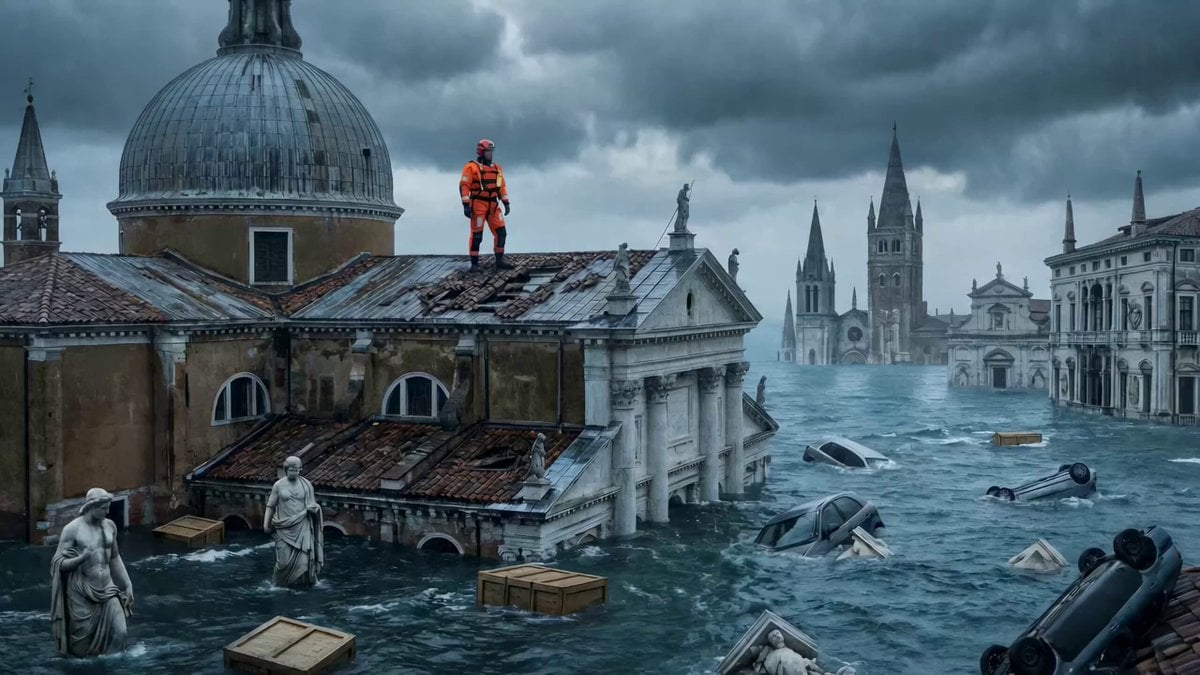
Continuous One-Take Disaster Film Realism
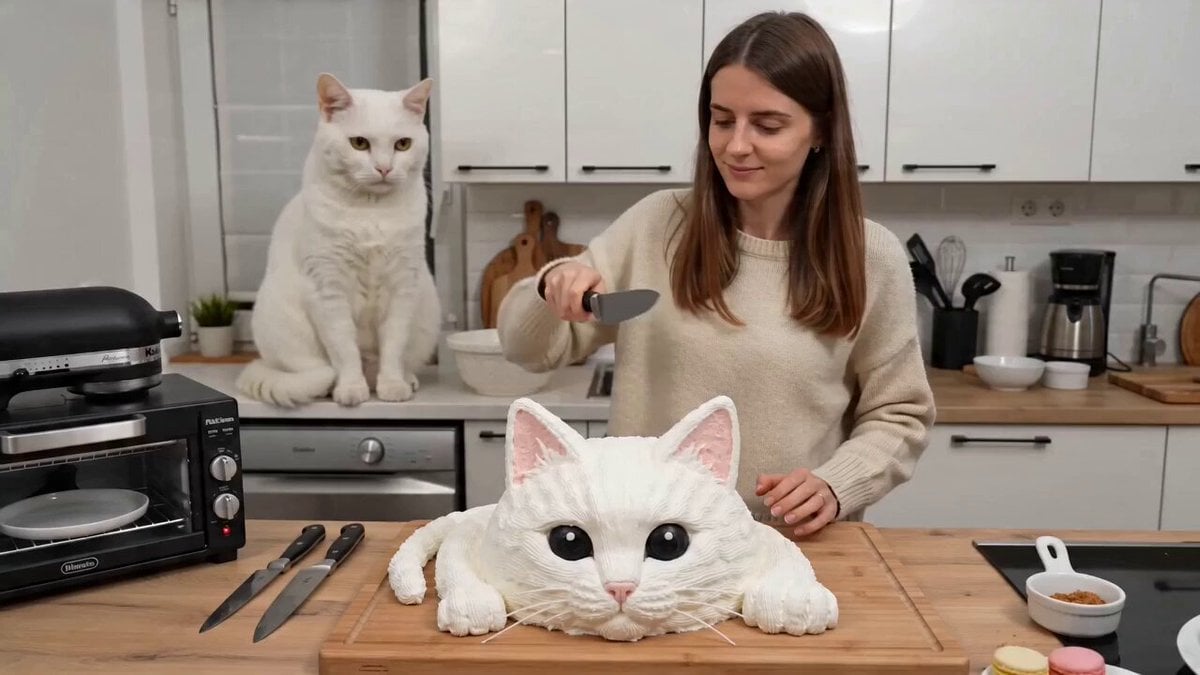
One-take UGC video of a woman cutting a cake and a cat screaming
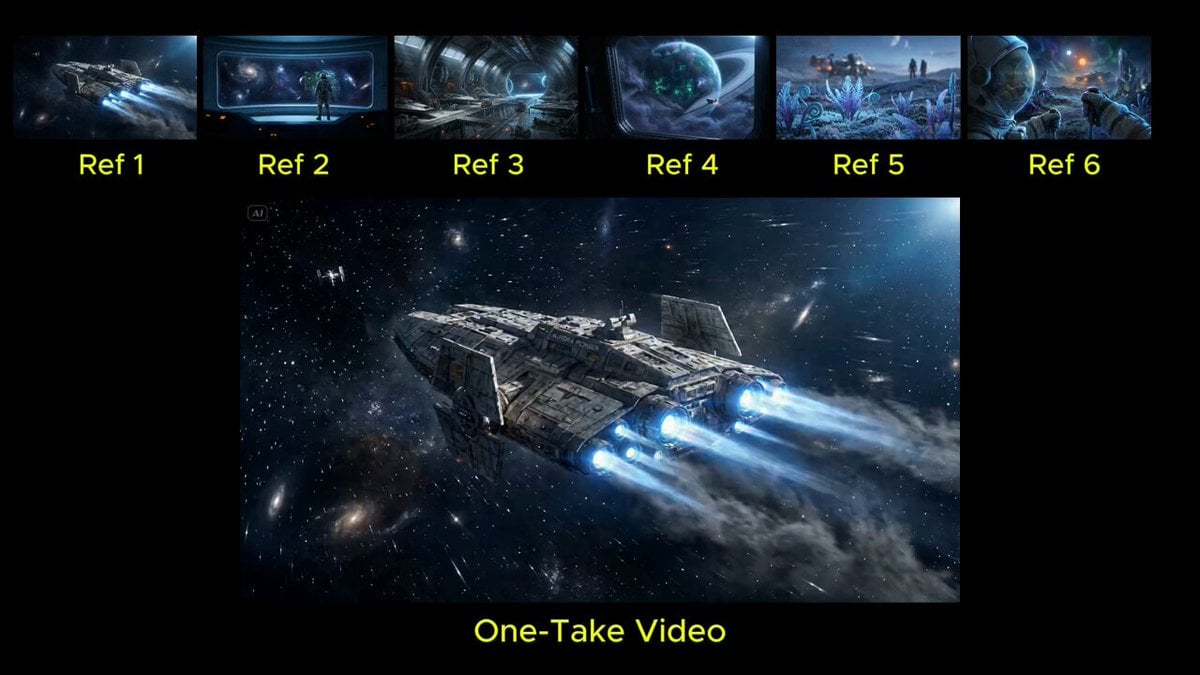
Seamless Continuous One-Take Video Prompt
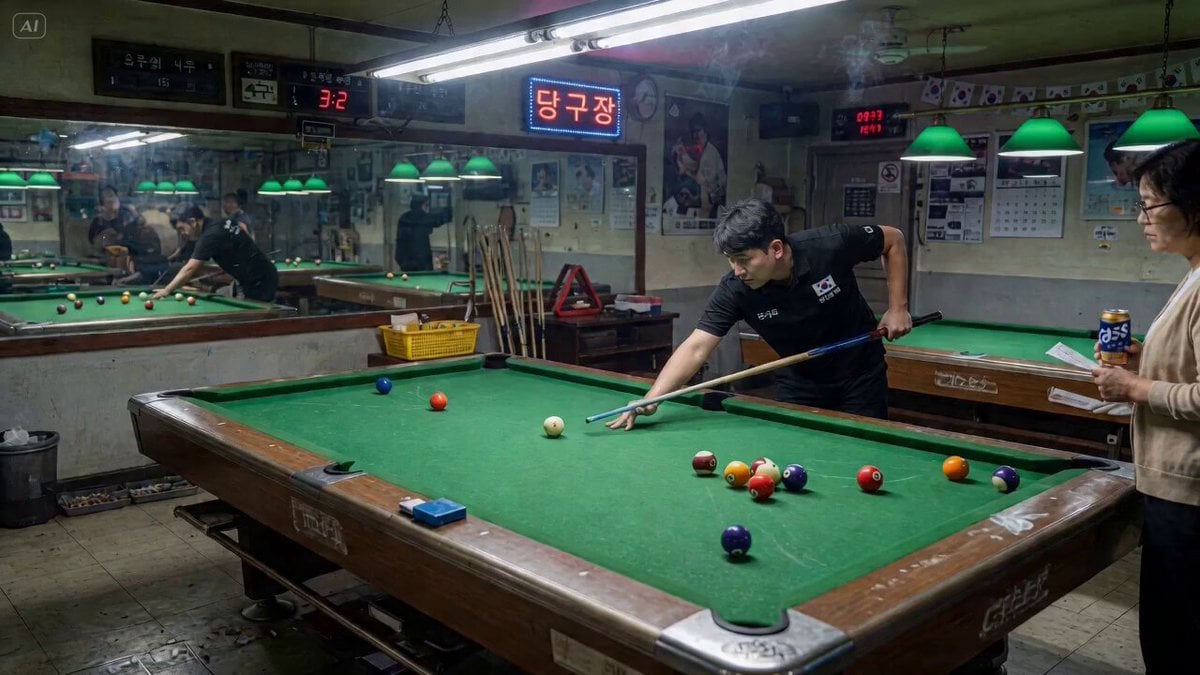
second seamless one-take transition video
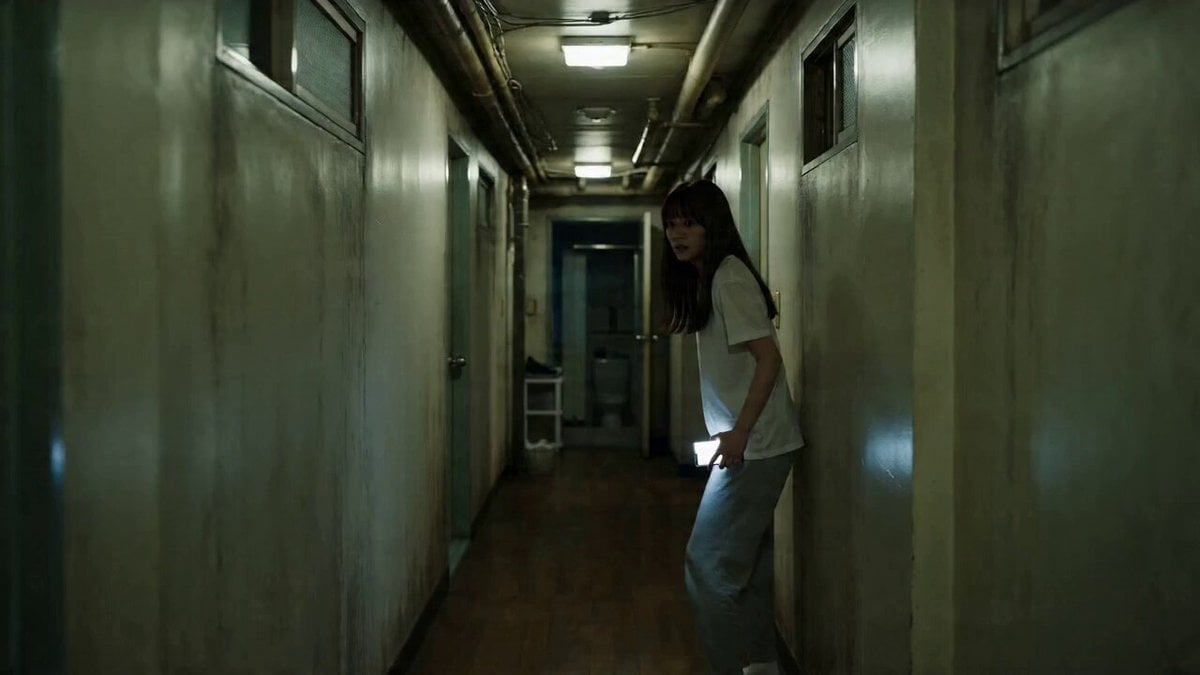
One-Take Cinematic Horror Scene
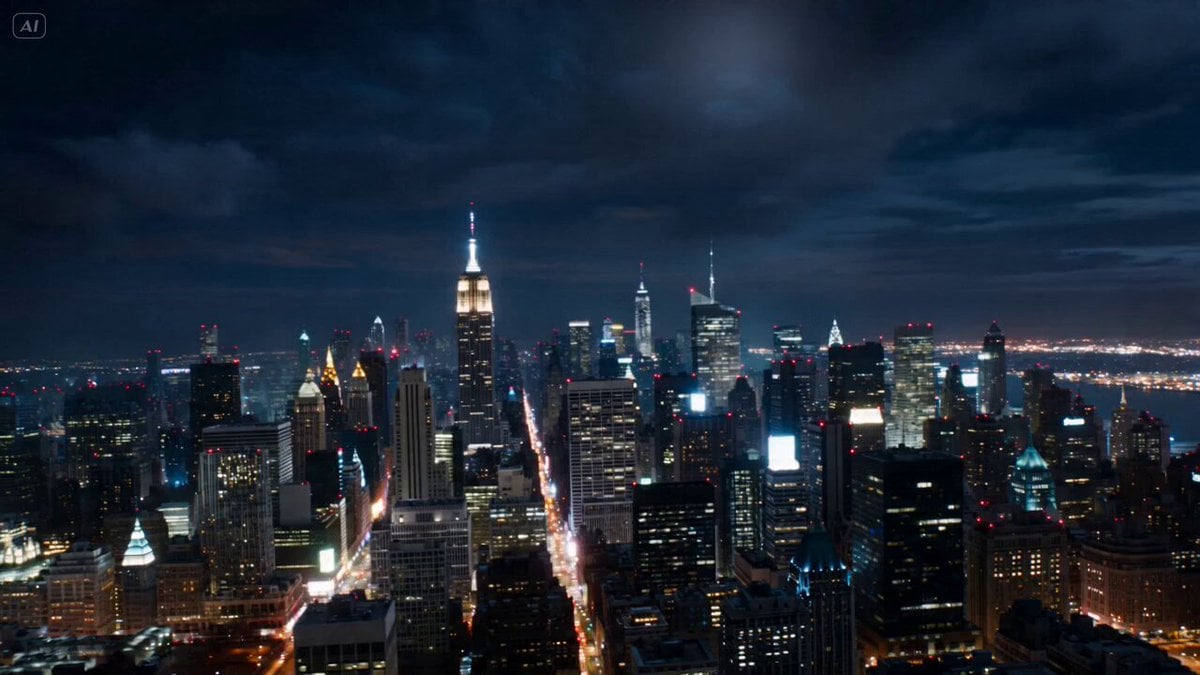
Cinematic Reality Collapse One-Take

Continuous Long Take Combat Camera
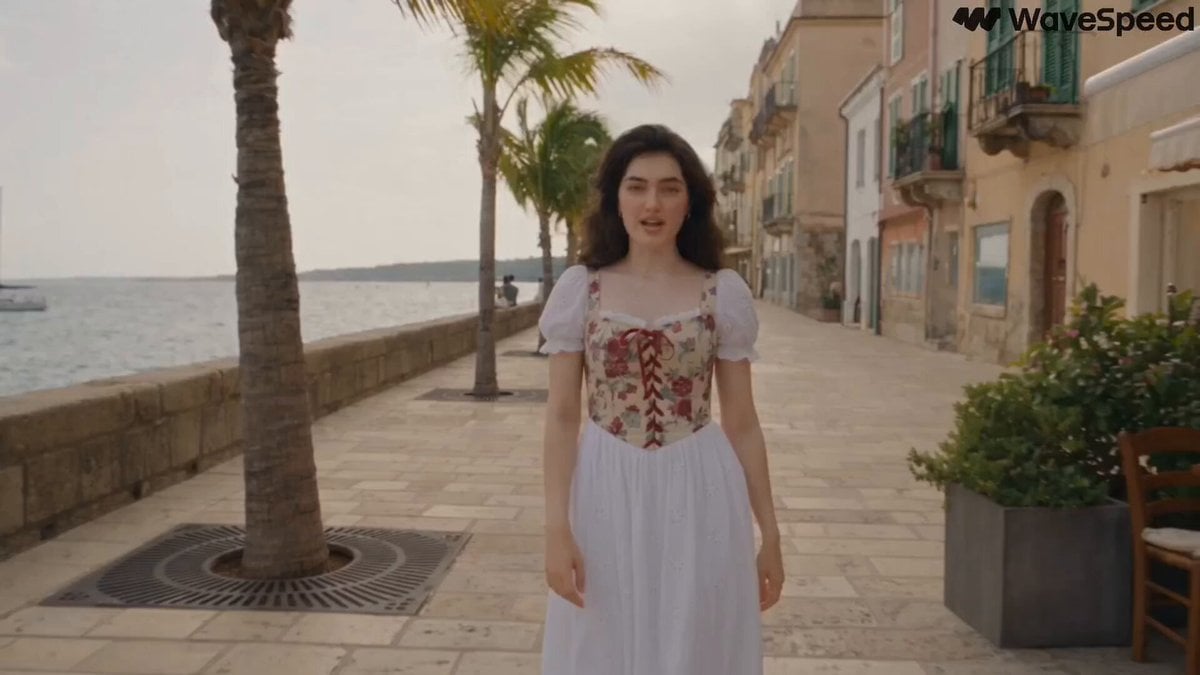
Mediterranean Musical Scene Long Take
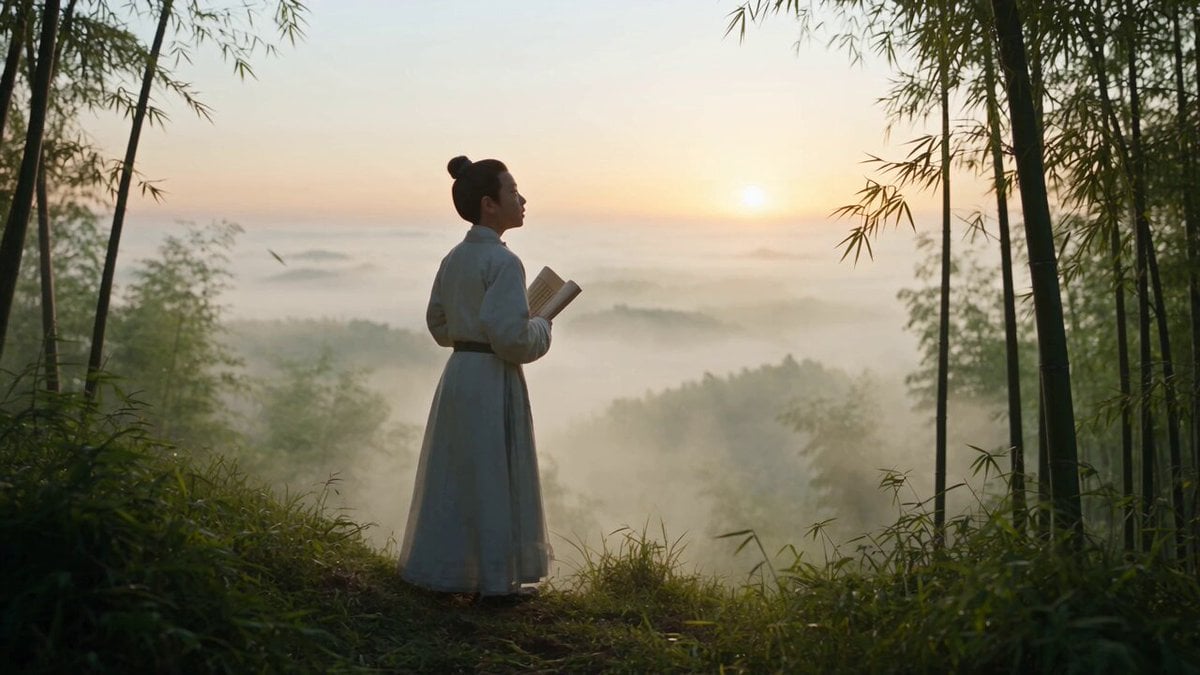
Cinematic One-Shot Biography of Su Shi
Make it yours
Cosmic Zoom to Café One-Take works as-is. These are the safest ways to change it without losing the look.
Change one field
Copy a single group, rewrite it, and generate again so you can see what that field is doing.
Keep the frame, change the subject
Hold the composition and light of Cosmic Zoom to Café One-Take, then swap wardrobe, props or the person for a new take.
| If the result… | Why | Fix |
|---|---|---|
| The result drifts from the preview | Too many fields changed at once. | Reuse Cosmic Zoom to Café One-Take as-is first, then change one group — subject, light, or setting. |
| The model over-stylizes the scene | The prose prompt leaves finish and camera underspecified. | Add one camera or lighting sentence and stay on Seedance 2.0. |
More Seedance 2.0 templates
Other prompts made for Seedance 2.0.

Comical Martial Arts Punch Scene

Maglev Train Action Sequence

Martial Arts Fight Sequence

Wuxia Protection and Trust Script

Vintage Korean Arcade MiniDV Vlog

Mercedes 190 SL Luxury Ad

Rainy Night Supernatural Reverse Comedy Video Script

Amazon Civilization Discovery

Futuristic South Asian City Transformation

Cozy Luxury Cafe Commercial
More video prompts
Fresh picks from across the catalog.
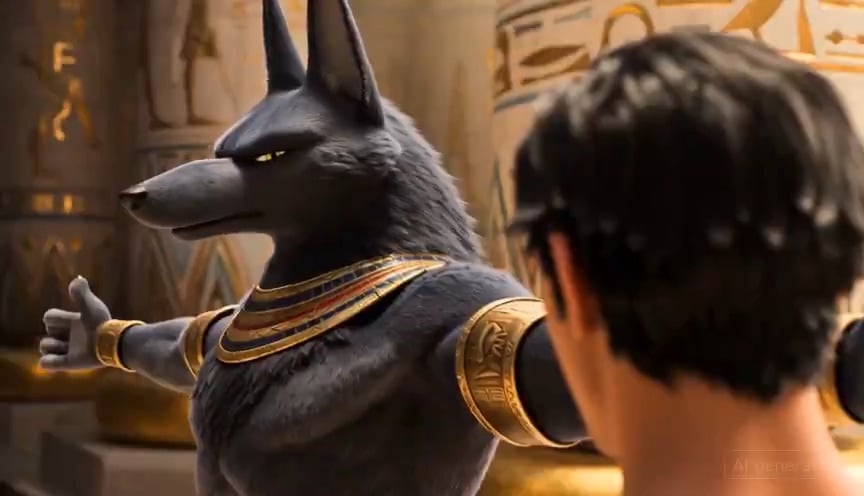
Egyptian God Anubis Animation Prompt

School Uniform to Starry Gown Dissolve Transition
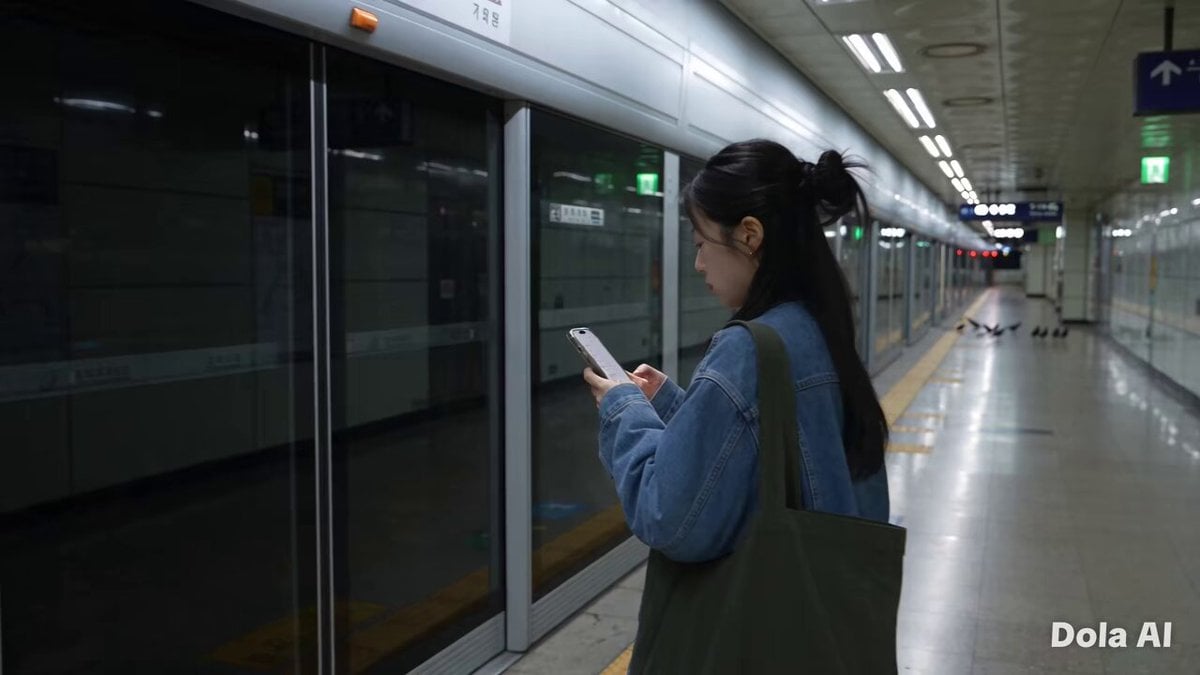
Seoul Morning Vlog Commute
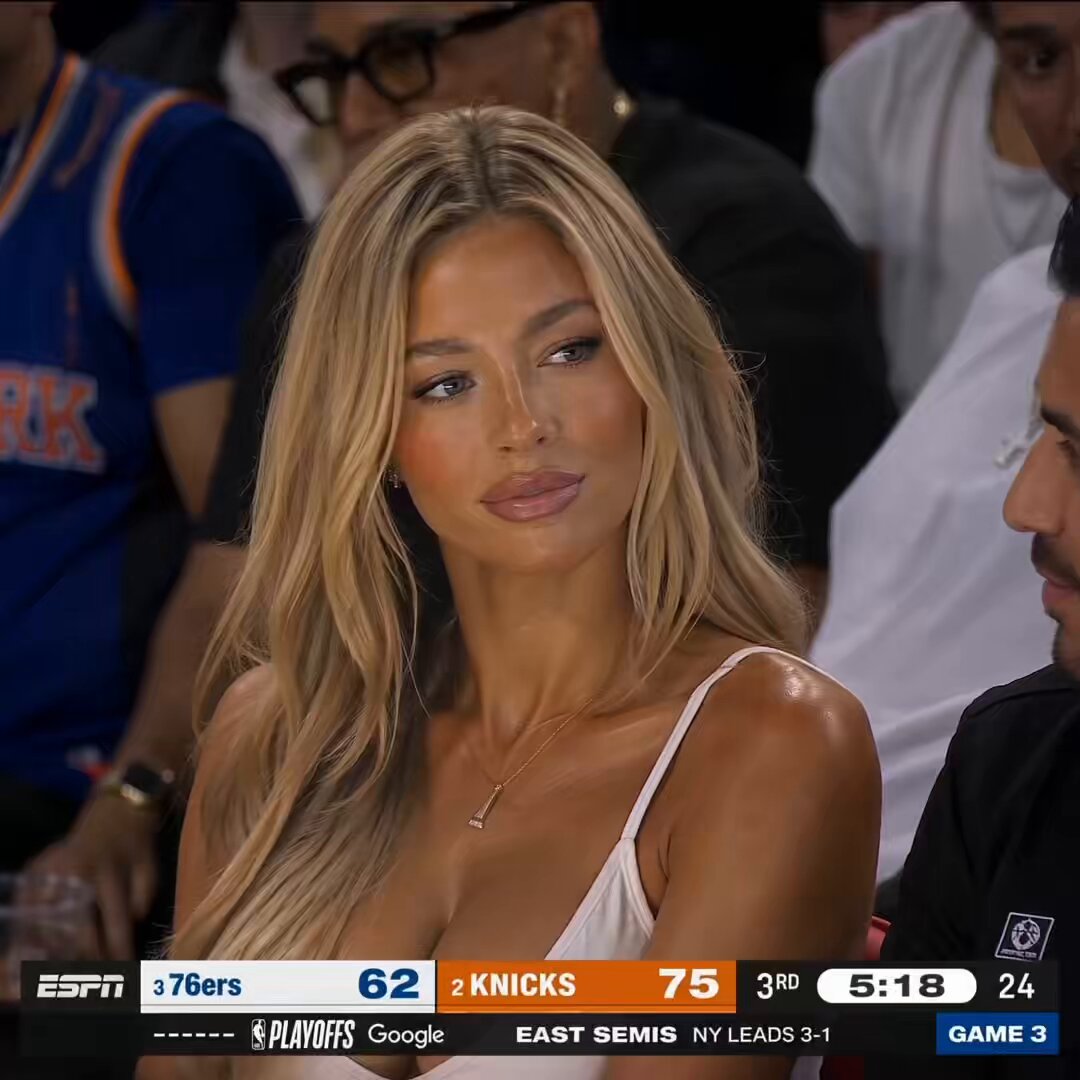
NBA Courtside Live Broadcast
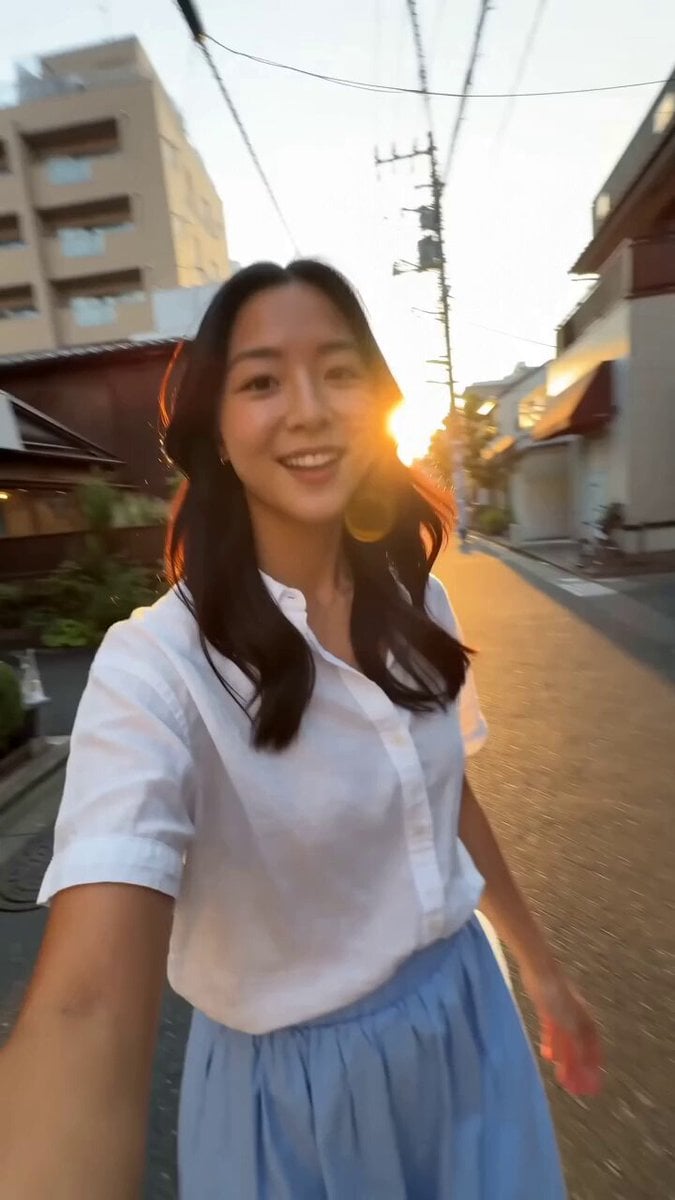
Tokyo Morning Coffee Smartphone Vlog
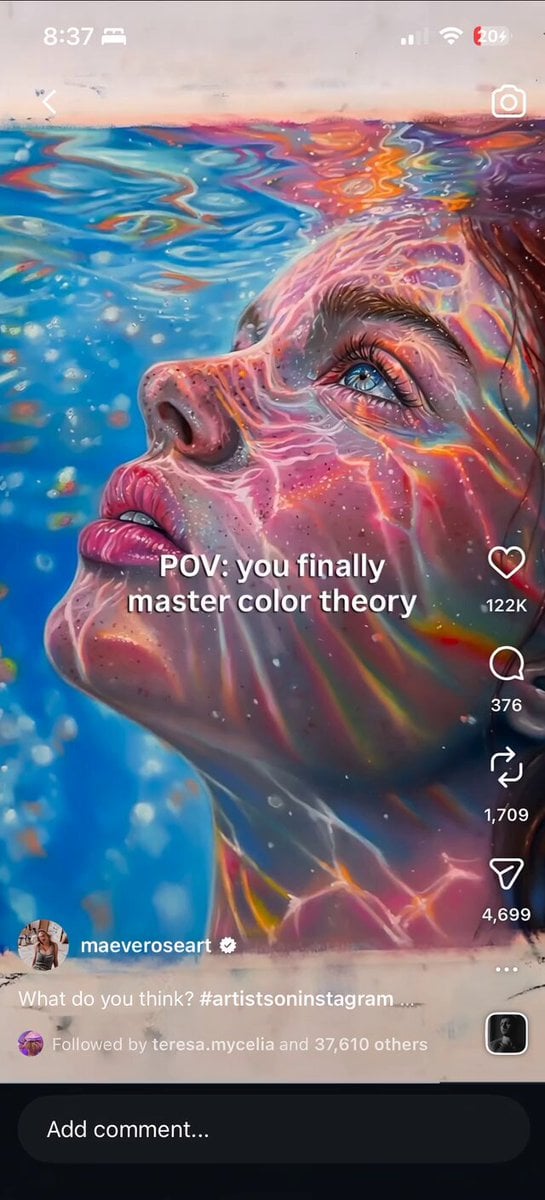
Iridescent Water Face Animation
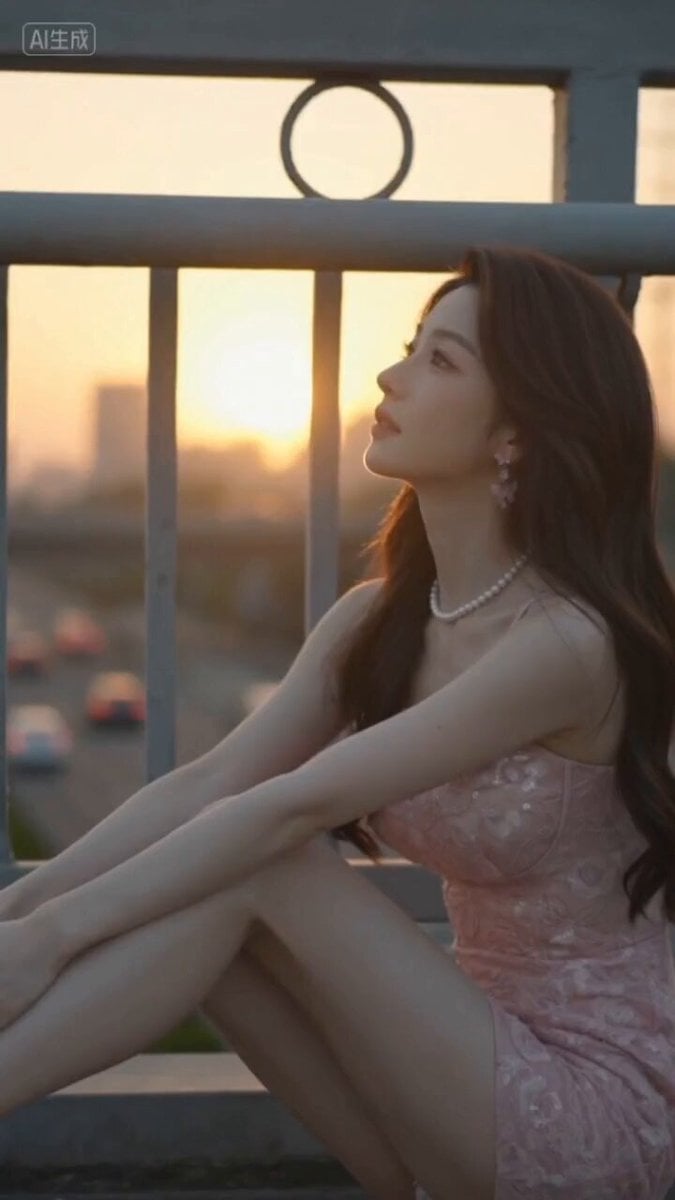
Japanese Cinematic Style Video Montage

Anime Storm Emperor Awakening Ritual
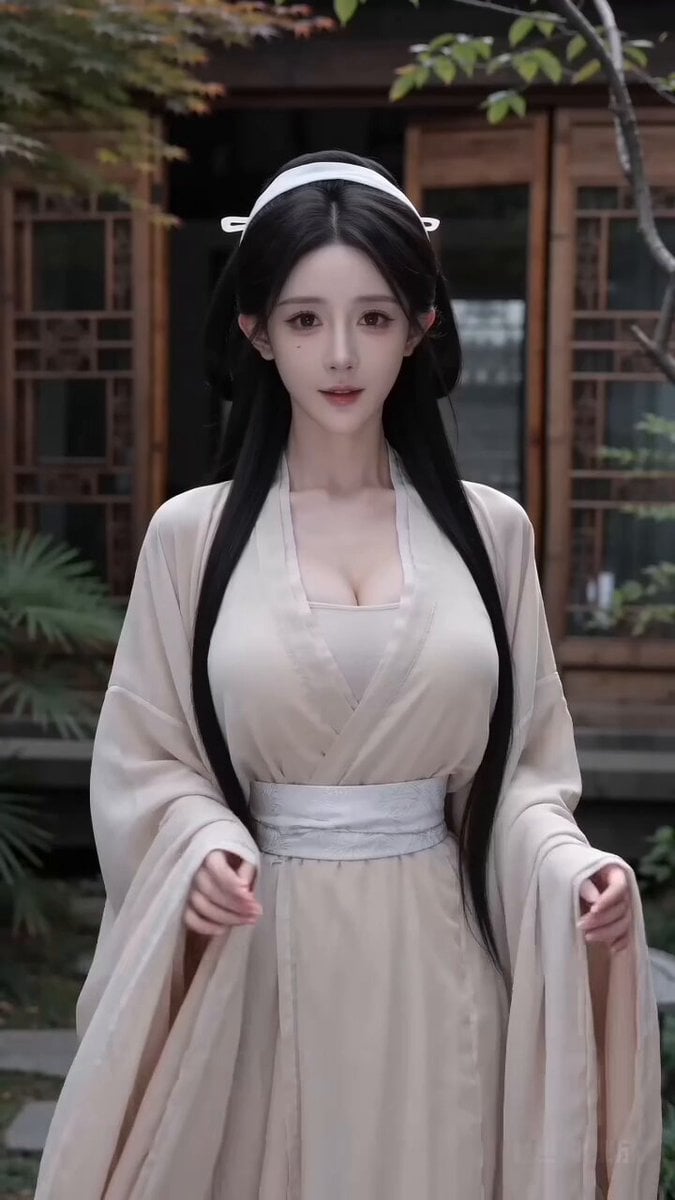
Second Ancient Chinese Costume Quick Change Video

OLLY Gummy Vitamin Product Commercial
Browse template categories
Cosmic Zoom to Café One-Take questions
How do I use the Cosmic Zoom to Café One-Take template?
Add your photo if the template asks for one, edit the prompt if you like — the template's model and format are already selected — and press Generate. Your version opens in PicX Studio.
Can I customize the Cosmic Zoom to Café One-Take template?
Yes. You can change the subject, setting, lighting, mood, format, and available model controls before creating your video.
Is the Cosmic Zoom to Café One-Take template free?
Opening and editing this template is free. Generating uses credits, shown on the Generate button when you are signed in.
Which AI model should I use?
Start with Seedance 2.0, which is the model associated with this template. You can compare another compatible model for a different finish.
Looking for something else? Browse all templates.

Your photo, any look
Thousands of ready templates for every top image and video model, from one credit balance.