
Japanese Cinematic Style Video Montage
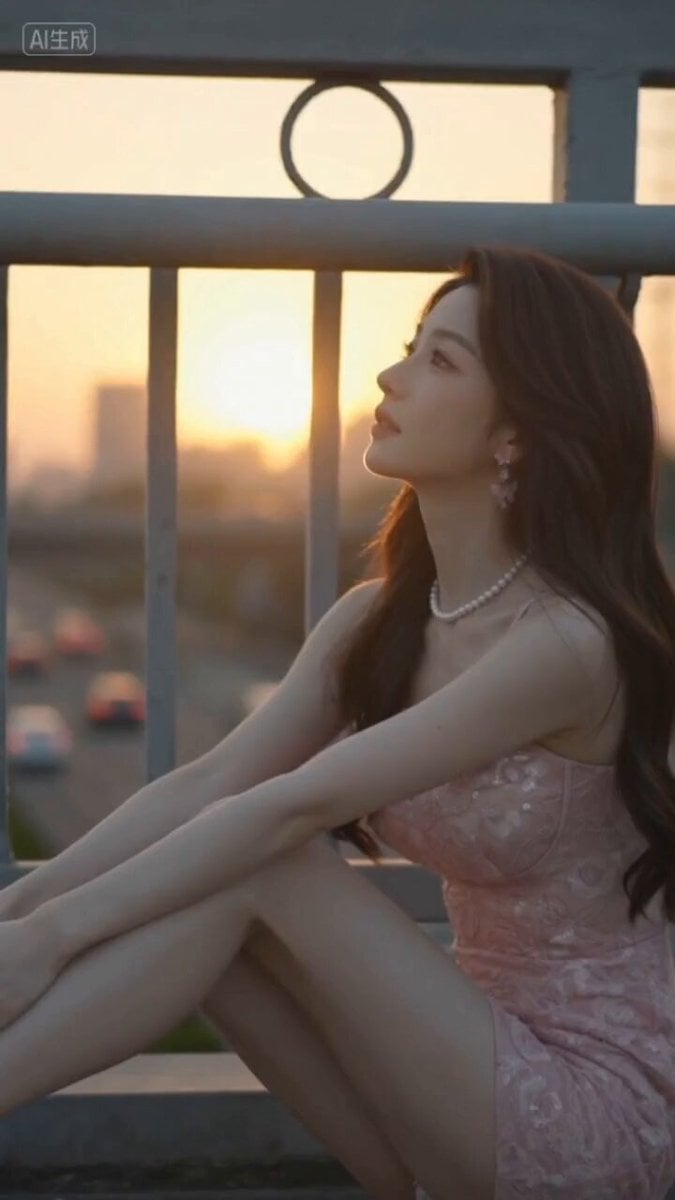
An extensive, 15-shot prompt for generating a 15-second handheld video in a Japanese cinematic style, featuring a model with specific physical attributes (@Image 1) in a real-person realistic style.
- Prompt included
- Model and format preset
- Free template
The prompt behind this video
Copy the exact prompt behind Japanese Cinematic Style Video Montage, or open it in the studio and make it yours.
人物参考@【@图1】,转真人实拍风格。模特身材,冷白皮,纤细手臂,前凸后翘 15秒手持呼吸感视频,日系电影风格,黄昏暖橙逆光,轻微胶片颗粒,低饱和色调,无字幕无台词 环境:夕阳西下,水泥的立交桥桥洞下,车道偶尔有车辆驶过,人行天桥、高架桥、主干道车流,黄昏暖橙逆光,车流光影流动 运镜:全程手持轻微晃动、呼吸感、自然跟拍、无稳定器、真实电影感 分镜(15秒内15个镜头): 00:00|第1秒 手持全身固定,少女侧身倚靠混凝土栏杆,一手搭栏;前景为倚靠的全身姿态,背景是模糊车流与暖黄黄昏,氛围松弛。 00:01|第2秒 手持全身微推,少女起身向上伸展手臂,嘴角浅笑眼底空落;前景为逆光发丝与舒展动作,背景是虚化钢架与流动光斑,轻快又怅然。 00:02|第3秒 手持全身跟拍,少女轻跳前行;前景为跳跃动态,背景是天桥地面与模糊车流,青春轻松。 00:03|第4秒 手持近景特写,少女侧逆光拨乱刘海,睫毛染金;前景为侧脸与手部,背景是虚化栏杆与车流,慵懒温柔。 00:04|第5秒 手持手部特写,指尖轻划粗糙栏杆;前景为指尖与纹理,背景是密集车流与暖橙黄昏,动作细腻。 00:05|第6秒 手持全身横移,少女席地而坐低头望车流,眼神放空;前景为坐姿全身,背景是移动车灯与钢架,情绪微沉。 00:06|第7秒 手持近景慢推,少女抬头望天空,笑意淡去显伤感;前景为安静面部,背景是黄昏云层与建筑,情绪克制。 00:07|第8秒 手持全身固定,少女起身伸展腰背,逆光勾勒轮廓;前景为伸展姿态,背景是混凝土结构与车流,孤独干净。 00:08|第9秒 手持近景特写;前景为领带与手部,背景是虚化栏杆,温柔脆弱。 00:09|第10秒 手持眼部特写,睫毛逆光分明,眼神藏心事;前景为眼部光影,背景是虚化黄昏,情绪细腻。 00:10|第11秒 手持全身跟拍,少女转身轻快奔跑;前景为奔跑姿态,背景是天桥转角,重回轻松。 00:11|第12秒 手持全身侧移,少女跑过转角,身影被光影切割;前景为明暗轮廓,背景是流动光斑,真实手持感。 00:12|第13秒 手持近景特写,少女低头短暂轻笑;前景为唇间光影,背景是虚化栏杆,情绪明亮。 00:13|第14秒 手持全身慢推,少女走向桥端伸展手臂指远方;前景为逆光全身,背景是城市黄昏,安静治愈。 00:14|第15秒 手持全身定格,少女背对镜头望向城市,轻松与伤感交织;前景为飘动裙摆背影,背景是广阔黄昏与车河,留白收尾。
How to use Japanese Cinematic Style Video Montage in 3 steps
- 1
Open
The prompt is already in the box next to the preview, with the template's model and format selected.
- 2…a portrait of your subject in softgolden-hour light, 85mm…
Personalize
Edit the subject and creative details for your destination.
- 3Generate
Generate
Press Generate — your video is created in PicX Studio, so you can compare it with the original and refine one variable at a time.
More like this
Templates with the same subject, style or setup. Open one to see its prompt.
Fighter Jet Aerial Combat Montage — Seedance 2.5
Rushed Morning Routine Montage
Japanese Pure Love Short Film
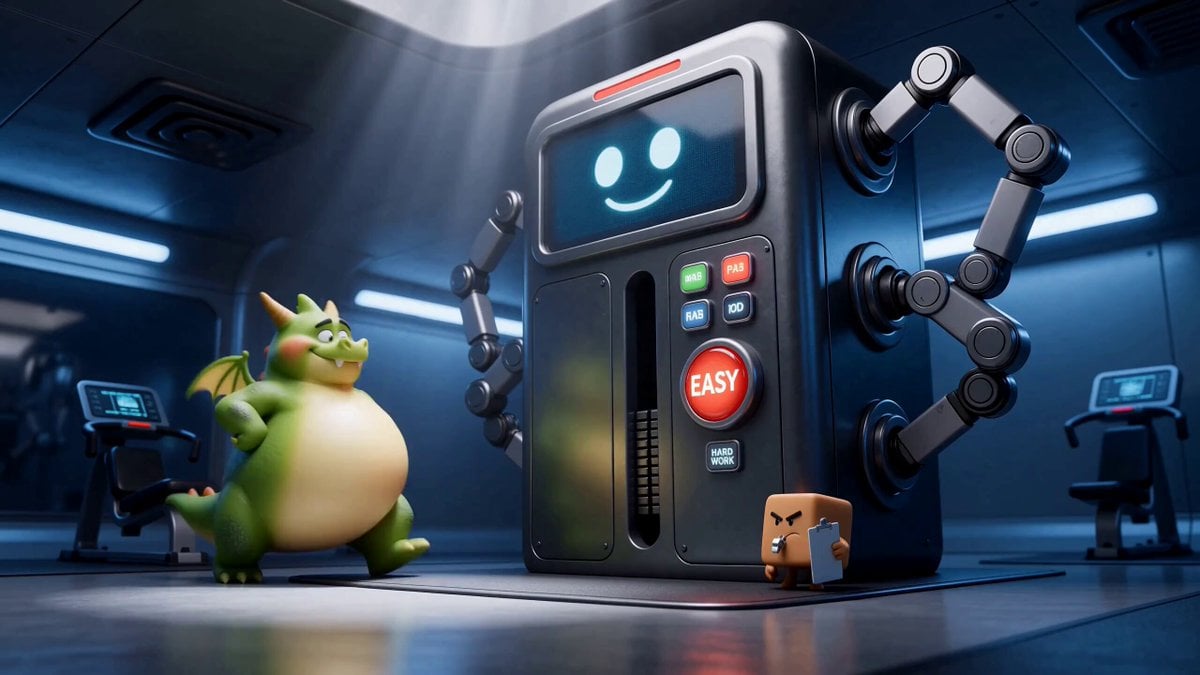
Green Dragon Training Short
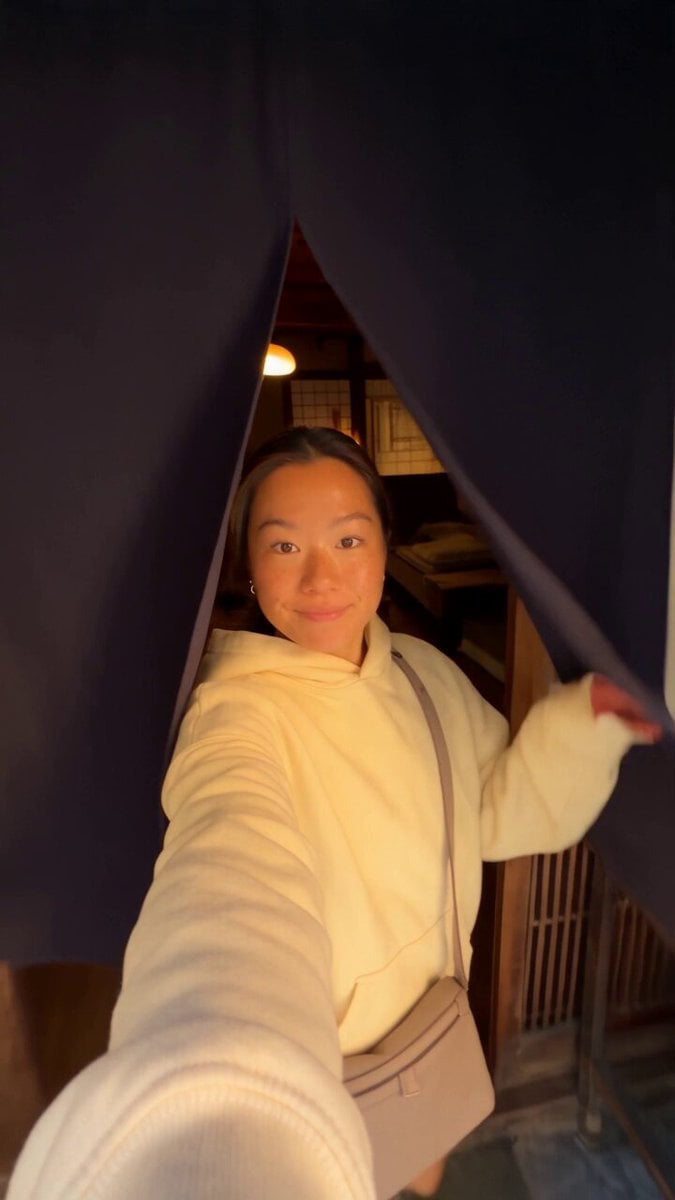
Kyoto Morning Selfie Vlog
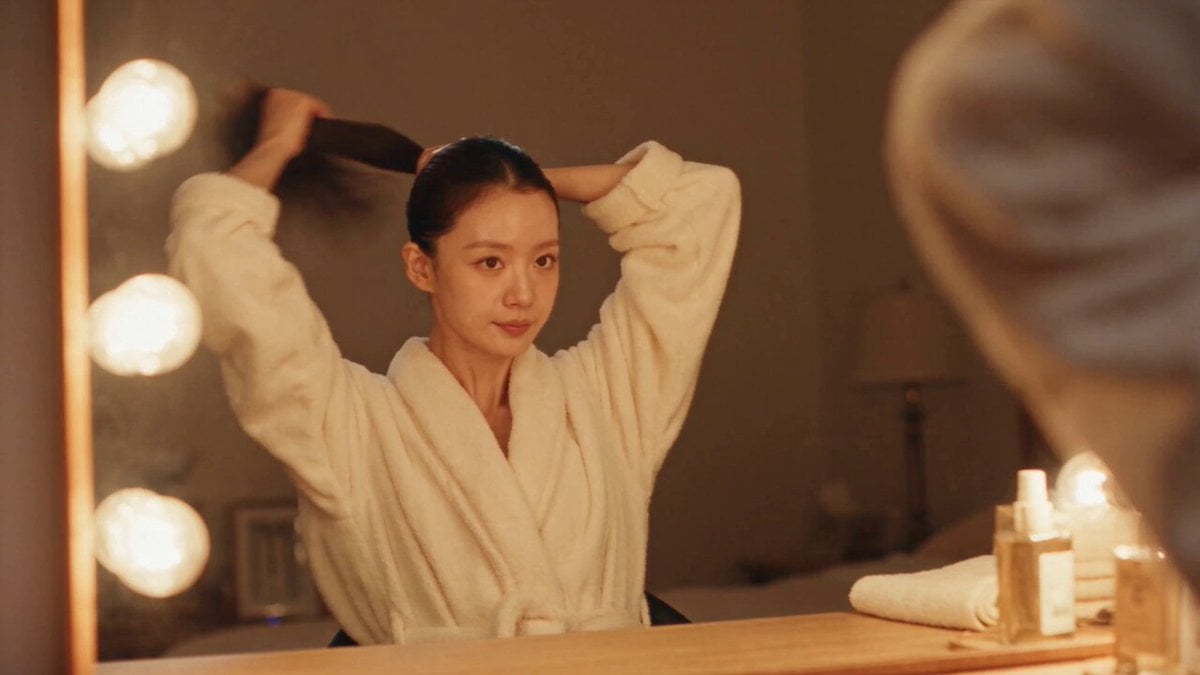
DV Camcorder POV Gym Montage — Seedance 2.5
DV Camcorder POV Gym Montage — Seedance 2.5
Misa Time Freeze Japanese
Luxury Handbag Commercial — Hollywood VFX Ad

Japanese Summer Festival Travel Vlog

Rural Japanese Slice of Life Journey
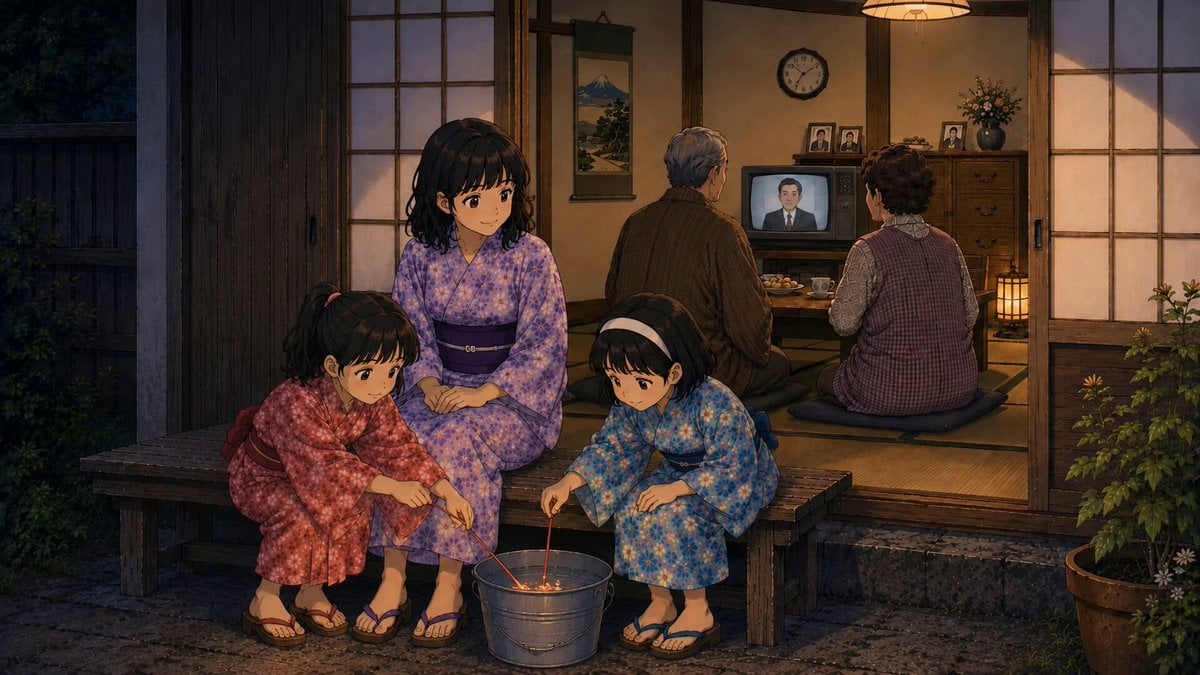
Retro Japanese Family Home Scene
Make it yours
Japanese Cinematic Style Video Montage works as-is. These are the safest ways to change it without losing the look.
Change one field
Copy a single group, rewrite it, and generate again so you can see what that field is doing.
Keep the frame, change the subject
Hold the composition and light of Japanese Cinematic Style Video Montage, then swap wardrobe, props or the person for a new take.
| If the result… | Why | Fix |
|---|---|---|
| The result drifts from the preview | Too many fields changed at once. | Reuse Japanese Cinematic Style Video Montage as-is first, then change one group — subject, light, or setting. |
| The model over-stylizes the scene | The prose prompt leaves finish and camera underspecified. | Add one camera or lighting sentence and stay on Seedance 2.0. |
More Seedance 2.0 templates
Other prompts made for Seedance 2.0.

Comical Martial Arts Punch Scene

Maglev Train Action Sequence

Martial Arts Fight Sequence

Wuxia Protection and Trust Script

Vintage Korean Arcade MiniDV Vlog

Mercedes 190 SL Luxury Ad

Rainy Night Supernatural Reverse Comedy Video Script

Amazon Civilization Discovery

Futuristic South Asian City Transformation

Cozy Luxury Cafe Commercial
More video prompts
Fresh picks from across the catalog.
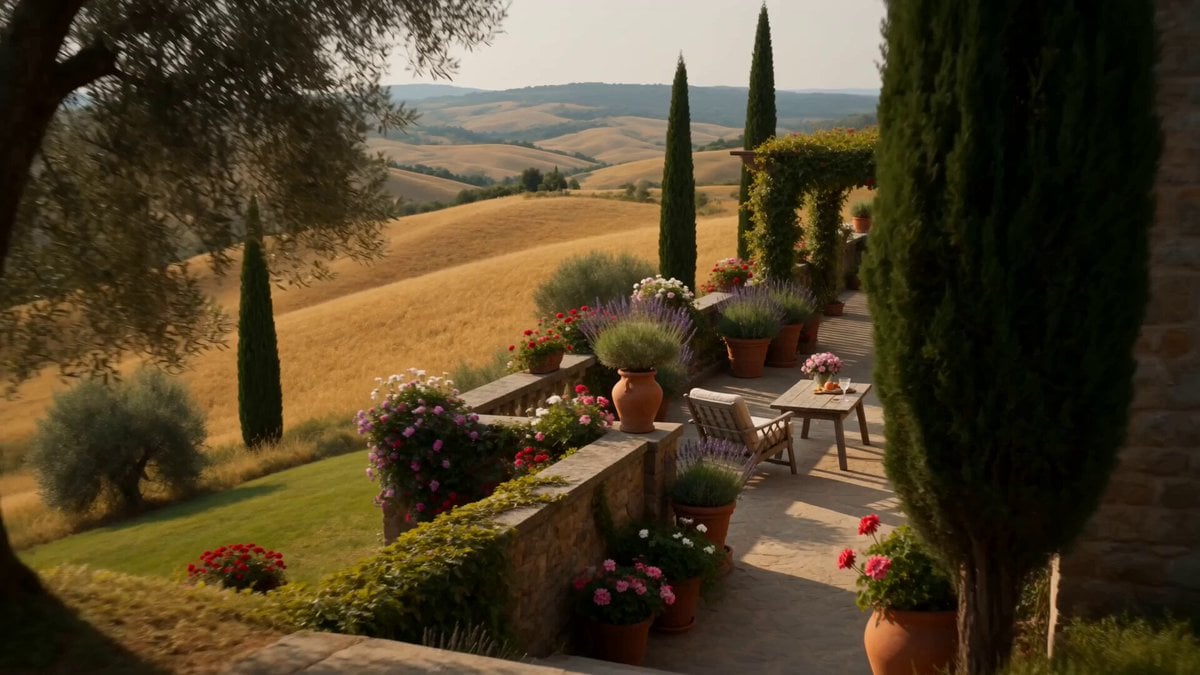
Tuscany Villa Vacation Cinematic

Explorer discovering a hidden valley in the snow
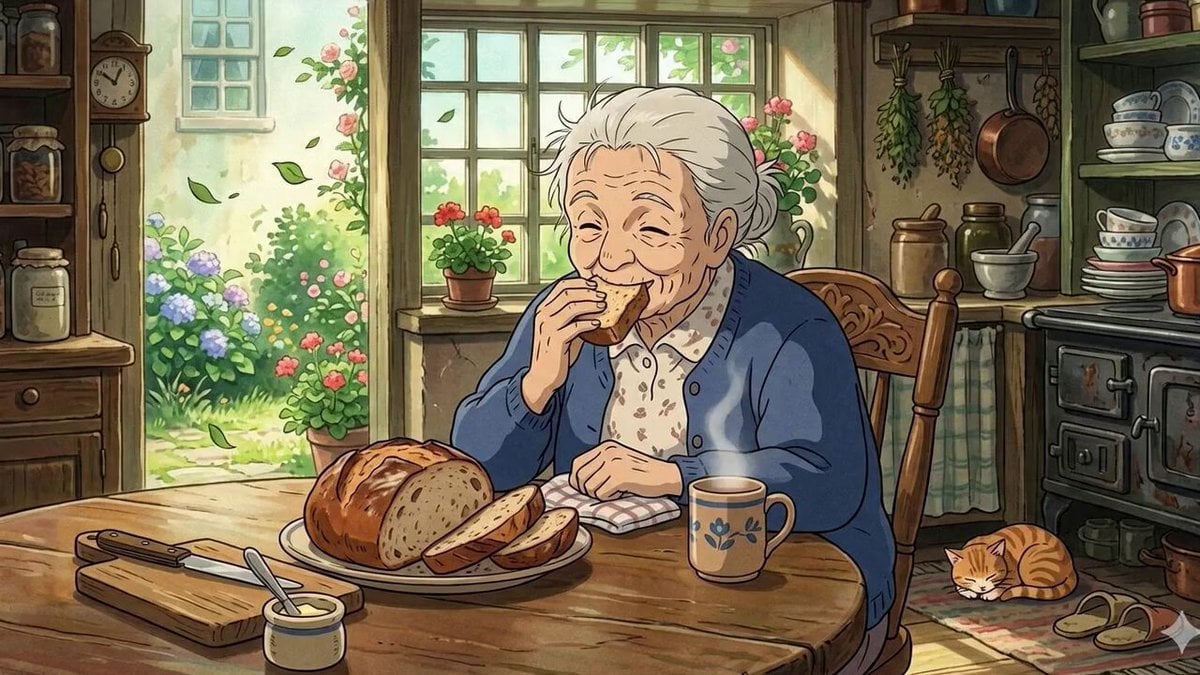
Ghibli Style Elderly Woman Kitchen Scene
Futuristic Gladiator Arena Battle
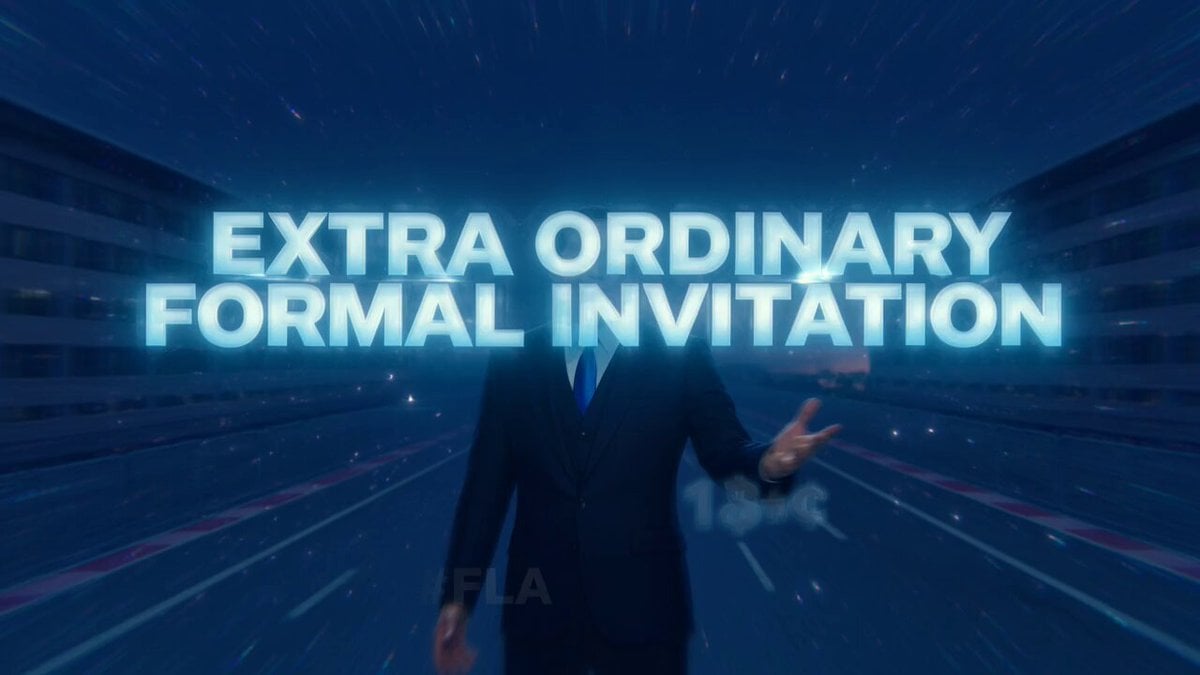
Satoshi Nakamoto Fast & Furious Invitation Video Prompt
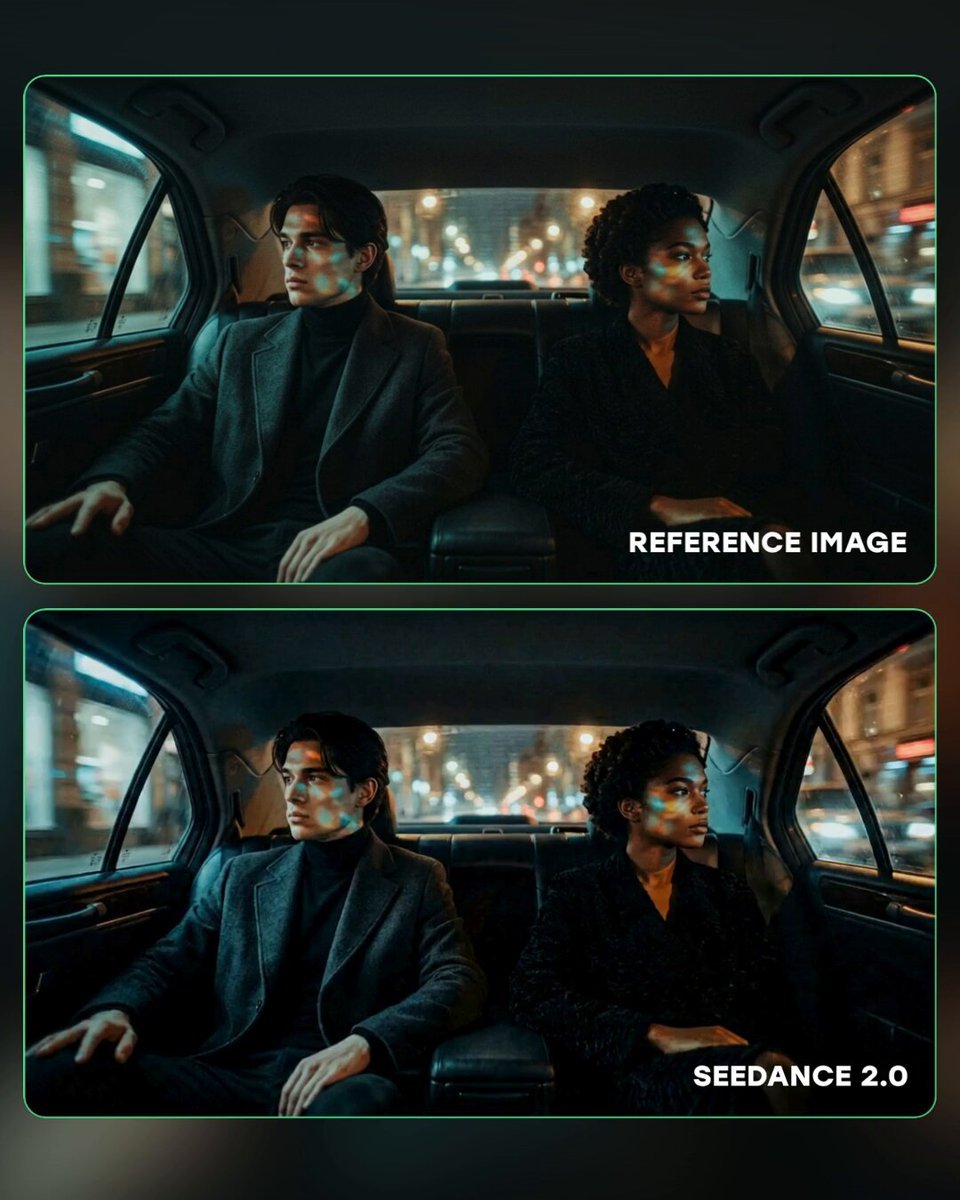
Cinematic Car Conversation Lip Sync
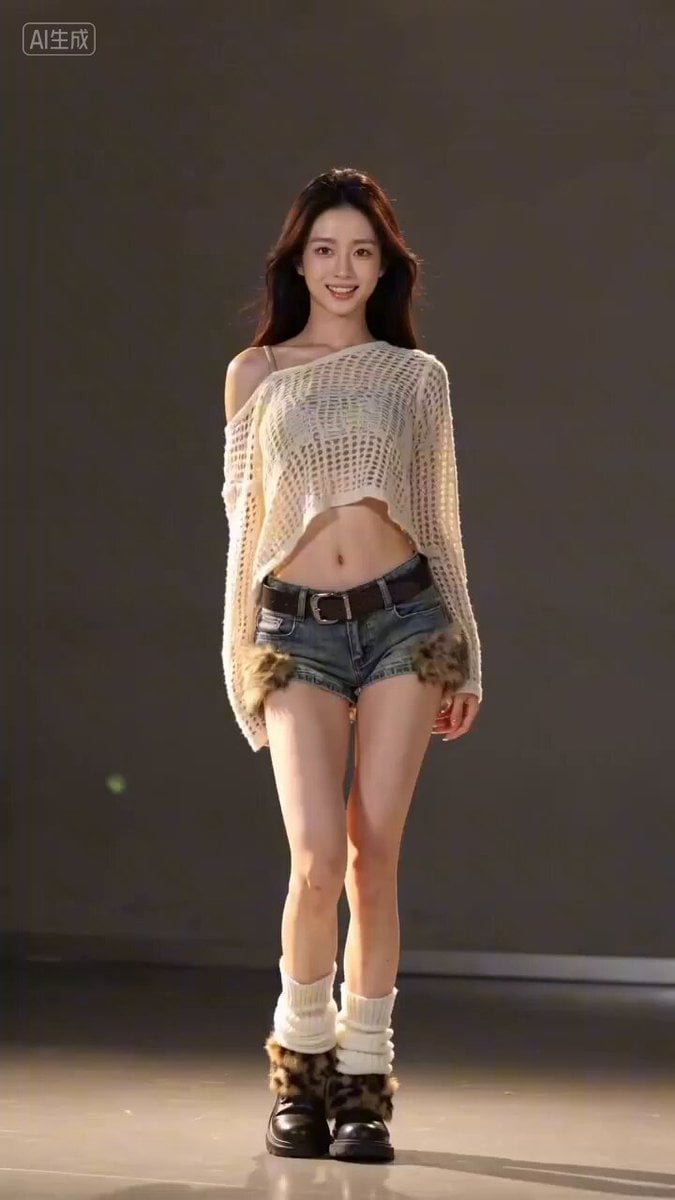
Seedance 2.0 K-pop Dance Video Generation Prompt
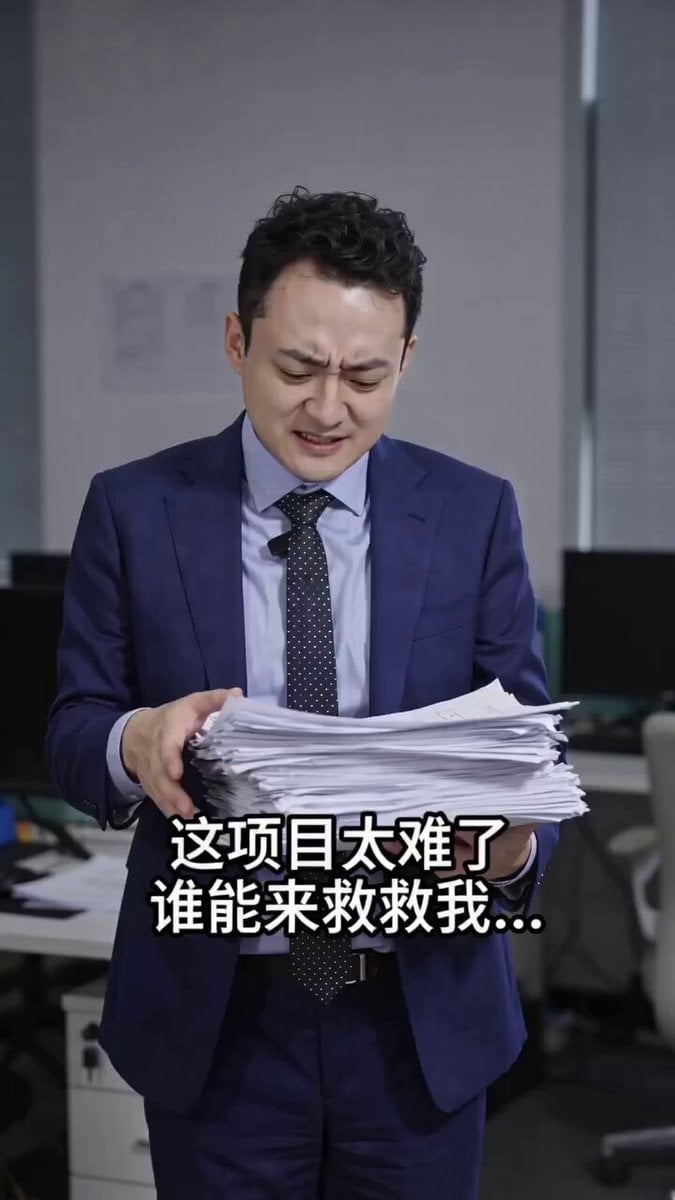
Fantasy Romance Short Drama Script: 'Good Luck Descends'
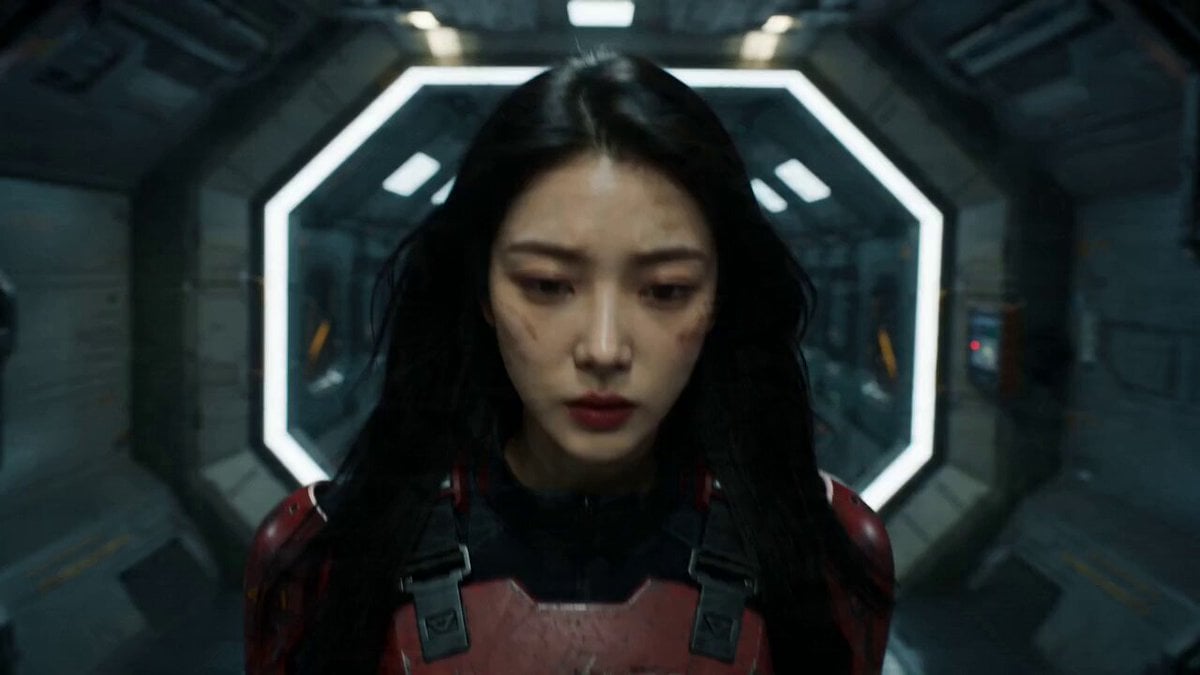
Gundam Transformation Video Prompt (Seedance 2.0)
Viral Optical Illusion Challenge
Browse template categories
Japanese Cinematic Style Video Montage questions
How do I use the Japanese Cinematic Style Video Montage template?
Add your photo if the template asks for one, edit the prompt if you like — the template's model and format are already selected — and press Generate. Your version opens in PicX Studio.
Can I customize the Japanese Cinematic Style Video Montage template?
Yes. You can change the subject, setting, lighting, mood, format, and available model controls before creating your video.
Is the Japanese Cinematic Style Video Montage template free?
Opening and editing this template is free. Generating uses credits, shown on the Generate button when you are signed in.
Which AI model should I use?
Start with Seedance 2.0, which is the model associated with this template. You can compare another compatible model for a different finish.
Looking for something else? Browse all templates.

Your photo, any look
Thousands of ready templates for every top image and video model, from one credit balance.