
Viral Optical Illusion Challenge
A creative video prompt for a double-image optical illusion featuring an elegant woman and a hidden lion, designed for high social media engagement.
- Prompt included
- Model and format preset
- Premium template
The prompt behind this video
Copy the exact prompt behind Viral Optical Illusion Challenge, or open it in the studio and make it yours.
A highly detailed, mysterious optical illusion personality test image designed to go massively viral on X/Twitter. The text at the top in bold, eye-catching white font with black outline reads: "This image knows your personality — What did you see first?" Create a complex double-image optical illusion in a dark, moody, cinematic style with high contrast and rich colors. Show two completely different clear interpretations that compete for attention: - One prominent figure: a beautiful elegant woman in a flowing dress looking over her shoulder (mysterious and alluring) - Hidden in the negative space and lines: a fierce roaring lion or wolf staring directly at the viewer Make both interpretations equally strong and obvious once noticed, but the brain flips between them. Dramatic lighting, subtle smoke/fog elements, intricate patterns in the hair/dress that form the animal features. Dark fantasy aesthetic, deep purples, blacks, golds and crimson accents. Cinematic composition, perfect for social media. Ultra-detailed, 8k, trending on X, maximum engagement style, mysterious and intriguing atmosphere.
How to use Viral Optical Illusion Challenge in 3 steps
- 1Upload ImagePNG, JPG or paste
Add your photo
Upload the photo the template builds on. The prompt, model and format are already set.
- 2…a portrait of your subject in softgolden-hour light, 85mm…
Personalize
Edit the subject and creative details for your destination.
- 3Generate
Generate
Press Generate — your video is created in PicX Studio, so you can compare it with the original and refine one variable at a time.
More like this
Templates with the same subject, style or setup. Open one to see its prompt.
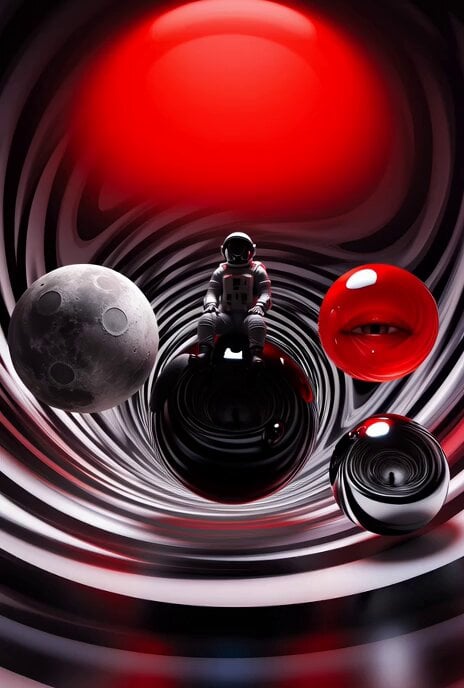
Surreal Optical Illusion Tunnel
Ankitpatel Time Freeze Viral
Duttasomrat Time Freeze Viral V2
Johnnywang Tokyo Time Freeze
Duttasomrat Time Freeze Viral
Elevencreative Time Freeze
Mayorking Time Freeze Higgsfield
Misa Time Freeze Japanese
Lillyli Time Freeze Avatar
Cuchocapilla Time Freeze
Monetizationdon Time Freeze Higgsfield
Rovvmut Time Freeze Nsketchai
Make it yours
Viral Optical Illusion Challenge works as-is. These are the safest ways to change it without losing the look.
Change one field
Copy a single group, rewrite it, and generate again so you can see what that field is doing.
Keep the frame, change the subject
Hold the composition and light of Viral Optical Illusion Challenge, then swap wardrobe, props or the person for a new take.
| If the result… | Why | Fix |
|---|---|---|
| The result drifts from the preview | Too many fields changed at once. | Reuse Viral Optical Illusion Challenge as-is first, then change one group — subject, light, or setting. |
| The model over-stylizes the scene | The prose prompt leaves finish and camera underspecified. | Add one camera or lighting sentence and stay on Seedance 2.0. |
More Seedance 2.0 templates
Other prompts made for Seedance 2.0.

Comical Martial Arts Punch Scene

Maglev Train Action Sequence

Martial Arts Fight Sequence

Wuxia Protection and Trust Script

Vintage Korean Arcade MiniDV Vlog

Mercedes 190 SL Luxury Ad

Rainy Night Supernatural Reverse Comedy Video Script

Amazon Civilization Discovery

Futuristic South Asian City Transformation

Cozy Luxury Cafe Commercial
More video prompts
Fresh picks from across the catalog.
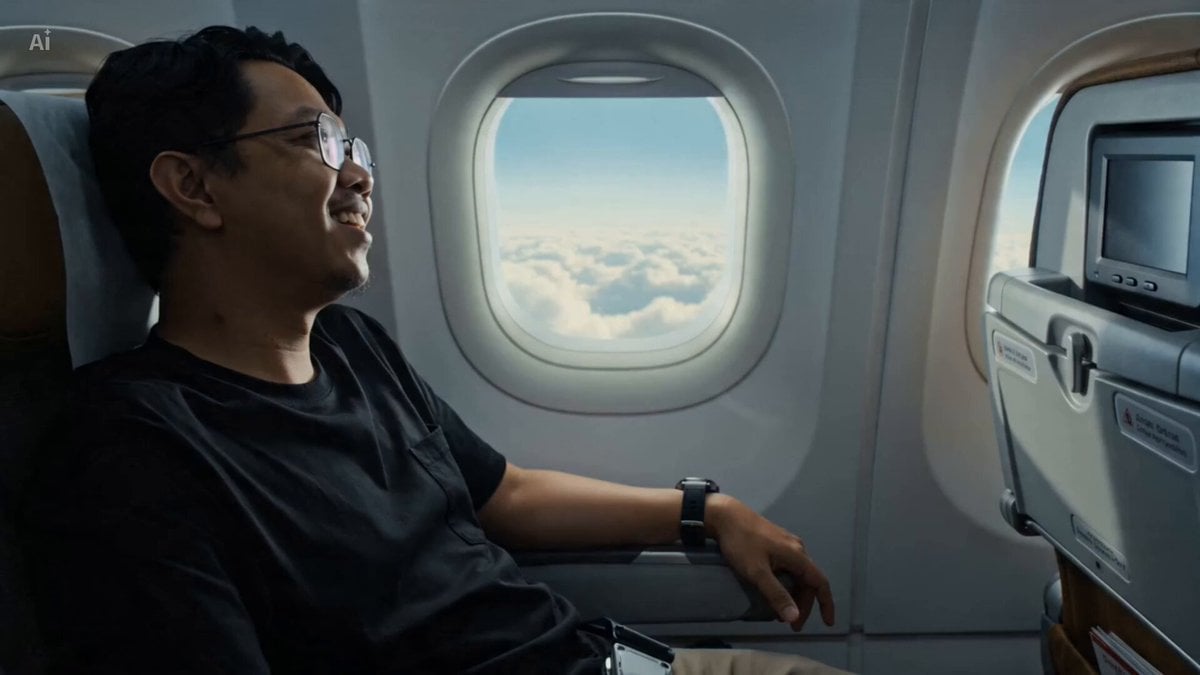
Airplane Window Dragon Attack
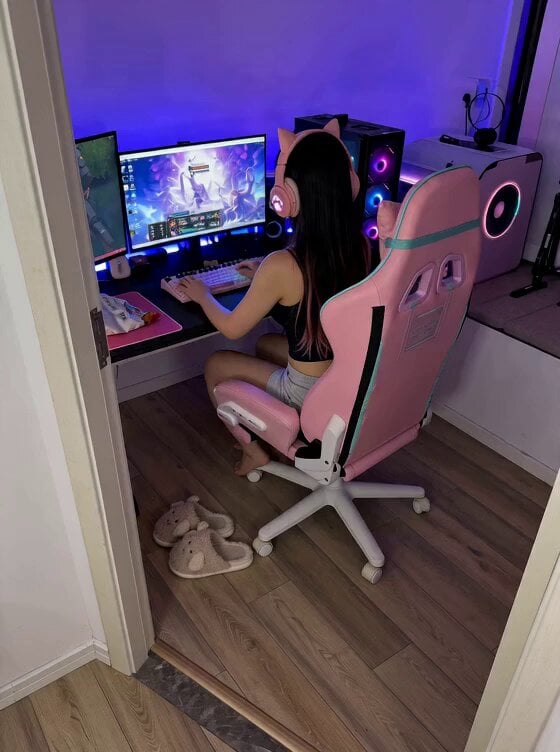
Cute Clingy Girlfriend POV Interaction

Pure Hand-Drawn 2D Cartoon Witch Flight Prompt for Seedance 2.0
80s Fantasy Wizard and Lady

Cinematic Tractor Tire Prank Video
California Girl SpaceX Commentary
Lonely Crowd One-Shot Through Seasons
iPhone Handheld Street Encounter Video

Mysterious Home Exploration Vlog - Seedance 2.5
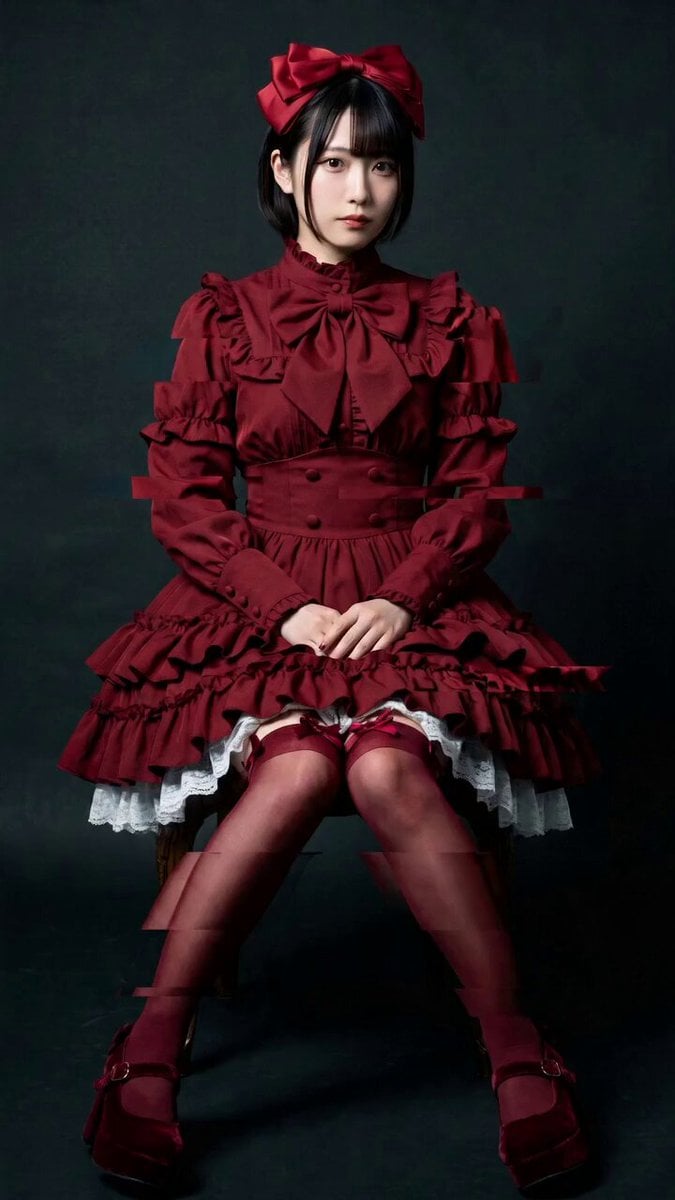
Elegant Camera Orbit for Seated Woman
Browse template categories
Viral Optical Illusion Challenge questions
How do I use the Viral Optical Illusion Challenge template?
Add your photo if the template asks for one, edit the prompt if you like — the template's model and format are already selected — and press Generate. Your version opens in PicX Studio.
Can I customize the Viral Optical Illusion Challenge template?
Yes. You can change the subject, setting, lighting, mood, format, and available model controls before creating your video.
Is the Viral Optical Illusion Challenge template free?
Opening and editing this template is free. Generating uses credits, shown on the Generate button when you are signed in.
Which AI model should I use?
Start with Seedance 2.0, which is the model associated with this template. You can compare another compatible model for a different finish.
Looking for something else? Browse all templates.

Your photo, any look
Thousands of ready templates for every top image and video model, from one credit balance.