How do I use the Airplane Window Dragon Attack template?
Edit the prompt in the box under the preview — the template's model and format are already selected — and press Generate. Your version appears right on this page.
A detailed video script for a scene involving a character in an airplane cabin who experiences turbulence and a sudden dragon encounter.
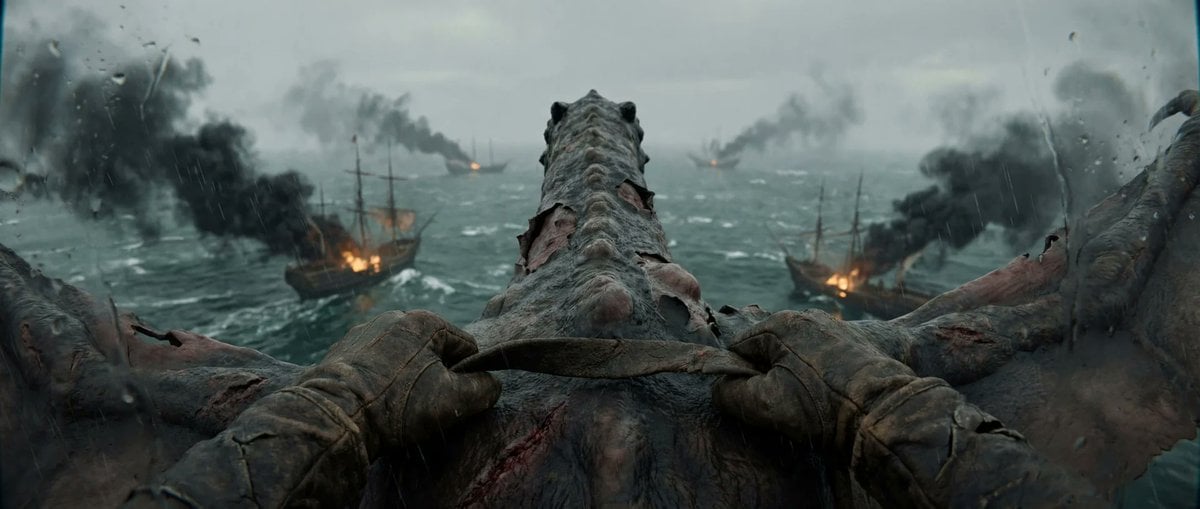
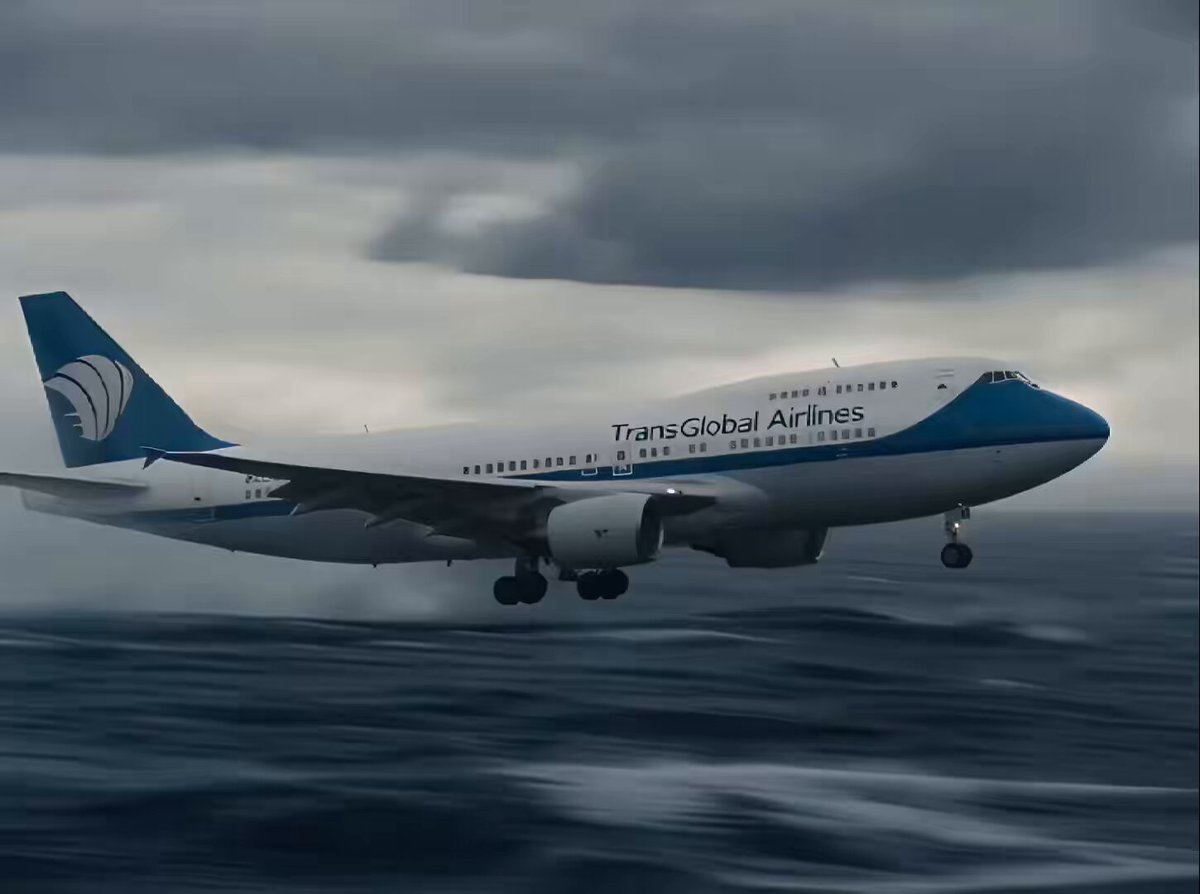
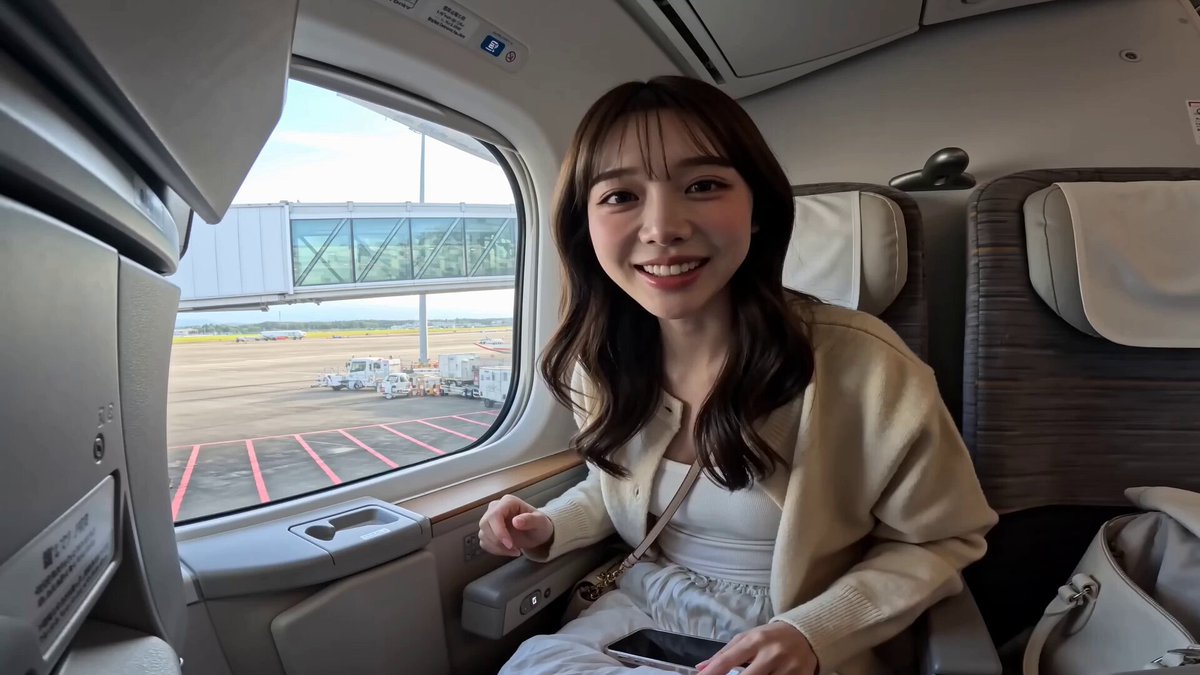
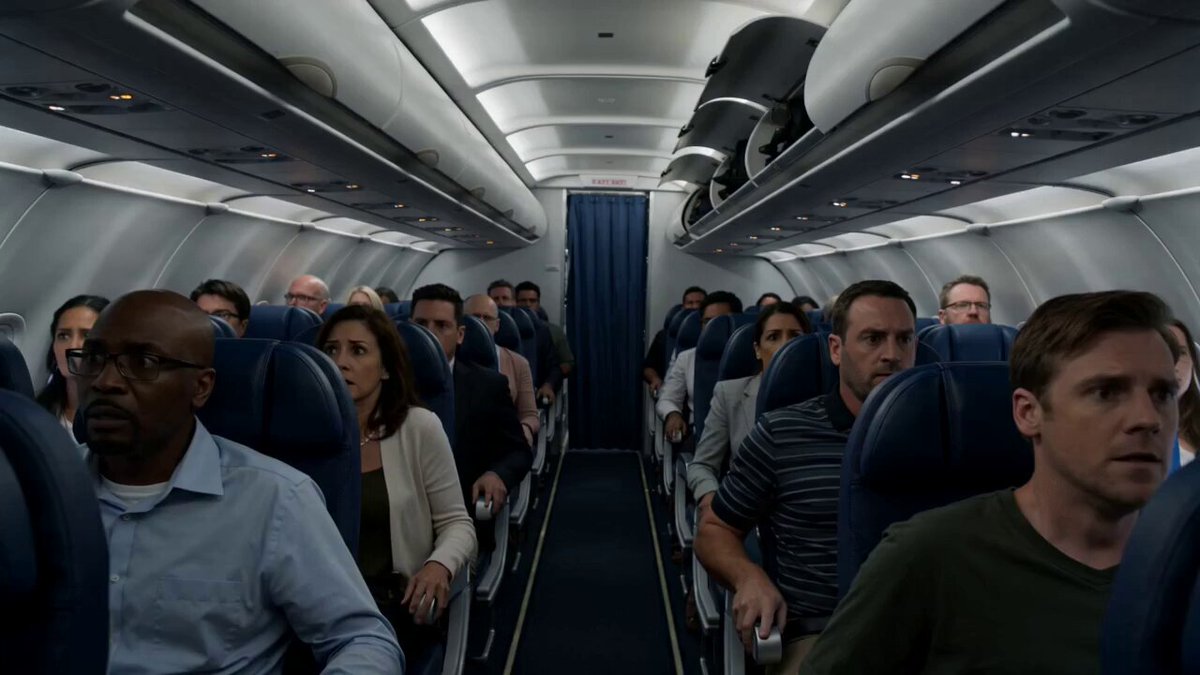
CHARACTER : [REFERENCE IMAGE] wearing casual clothes, seated relaxed, natural expression LOCATION Inside an airplane cabin during flight, the camera positioned inside the cabin facing toward a passenger window, the character seated in the window seat beside it, soft diffused daylight coming through the window, muted cabin interior tones, outside the window a vast bright sea of clouds stretching to the horizon as the plane cruises high above the cloud layer STYLE Cinematic single continuous shot, mostly static handheld feel from inside the cabin framing the character and the window, ARRI Alexa Mini LF, Cooke S7/i anamorphic prime, shallow cinematic depth, desaturated cool palette, Kodak Vision3 250D grade, fine natural 35mm grain, deep shadow falloff, photorealistic SHOT Shot 1 Character sits relaxed in the window seat laughing warmly, glancing out at the bright sea of clouds, at ease and enjoying the flight. Shot 2 Suddenly the plane hits violent turbulence, the whole cabin jolts and shakes hard, the character's laugh drops into panic, gripping the armrest and looking around alarmed. Shot 3 Out through the window beside the character, flocks of birds burst upward out of the cloud layer flying up and away, the character turns their head to face the window at their side, leans in close to the glass wide-eyed, and extends their arm sideways toward the window pressing a finger toward the glass at the birds outside while shouting "hey what is that", their gaze and pointing hand both aimed at the window and the sky beyond it. Shot 4 The sky outside the window rapidly darkens as heavy storm clouds roll in and forks of lightning flash across the gloom, and from the clouds an enormous dragon head bursts upward very close alongside the aircraft, rising and gliding up just outside the window at close range, followed by several more dragons breaking up out of the cloud layer nearby and flying tight beside the plane, their massive scaled bodies filling the view outside the glass, the camera slowly zooming in past the character toward the window. Shot 5 One of the dragons suddenly lunges at the aircraft, rocketing in fast and slamming its enormous open jaws straight at the passenger window, the whole plane pitching and rocking violently from the impact, the cabin shaking hard as the character and other passengers scream in terror voicing "that dragon", the gaping maw driving in against the glass until the dark interior of the mouth completely fills and swallows the entire frame, the image going fully black from the inside of the dragon's jaws. AUDIO Steady muffled airplane cabin drone and engine hum throughout. Shot 1 light and calm with the character's warm laughter. Shot 2 a sudden deep turbulence rumble, rat
CHARACTER : [REFERENCE IMAGE] wearing casual clothes, seated relaxed, natural expression LOCATION Inside an airplane cabin during flight, the camera positioned inside the cabin facing toward a passenger window, the character seated in the window seat beside it, soft diffused daylight coming through the window, muted cabin interior tones, outside the window a vast bright sea of clouds stretching to the horizon as the plane cruises high above the cloud layer STYLE Cinematic single continuous shot, mostly static handheld feel from inside the cabin framing the character and the window, ARRI Alexa Mini LF, Cooke S7/i anamorphic prime, shallow cinematic depth, desaturated cool palette, Kodak Vision3 250D grade, fine natural 35mm grain, deep shadow falloff, photorealistic SHOT Shot 1 Character sits relaxed in the window seat laughing warmly, glancing out at the bright sea of clouds, at ease and enjoying the flight. Shot 2 Suddenly the plane hits violent turbulence, the whole cabin jolts and shakes hard, the character's laugh drops into panic, gripping the armrest and looking around alarmed. Shot 3 Out through the window beside the character, flocks of birds burst upward out of the cloud layer flying up and away, the character turns their head to face the window at their side, leans in close to the glass wide-eyed, and extends their arm sideways toward the window pressing a finger toward the glass at the birds outside while shouting "hey what is that", their gaze and pointing hand both aimed at the window and the sky beyond it. Shot 4 The sky outside the window rapidly darkens as heavy storm clouds roll in and forks of lightning flash across the gloom, and from the clouds an enormous dragon head bursts upward very close alongside the aircraft, rising and gliding up just outside the window at close range, followed by several more dragons breaking up out of the cloud layer nearby and flying tight beside the plane, their massive scaled bodies filling the view outside the glass, the camera slowly zooming in past the character toward the window. Shot 5 One of the dragons suddenly lunges at the aircraft, rocketing in fast and slamming its enormous open jaws straight at the passenger window, the whole plane pitching and rocking violently from the impact, the cabin shaking hard as the character and other passengers scream in terror voicing "that dragon", the gaping maw driving in against the glass until the dark interior of the mouth completely fills and swallows the entire frame, the image going fully black from the inside of the dragon's jaws. AUDIO Steady muffled airplane cabin drone and engine hum throughout. Shot 1 light and calm with the character's warm laughter. Shot 2 a sudden deep turbulence rumble, rat
Edit the prompt in the box under the preview — the template's model and format are already selected — and press Generate. Your version appears right on this page.
Yes. You can change the subject, setting, lighting, mood, format, and available model controls before creating your video.
Opening and editing this template is free. Generating uses credits, shown on the Generate button when you are signed in.
Start with Seedance 2.0, which is the model associated with this template. You can compare another compatible model for a different finish.
Follow a topic to a crawlable collection of related PicX Studio templates.