
Night Flashlight Hippo Attack POV
A high-intensity, horror-style POV sequence capturing a sudden hippo attack from a small boat at night, featuring chaotic camera movements and dramatic lighting.
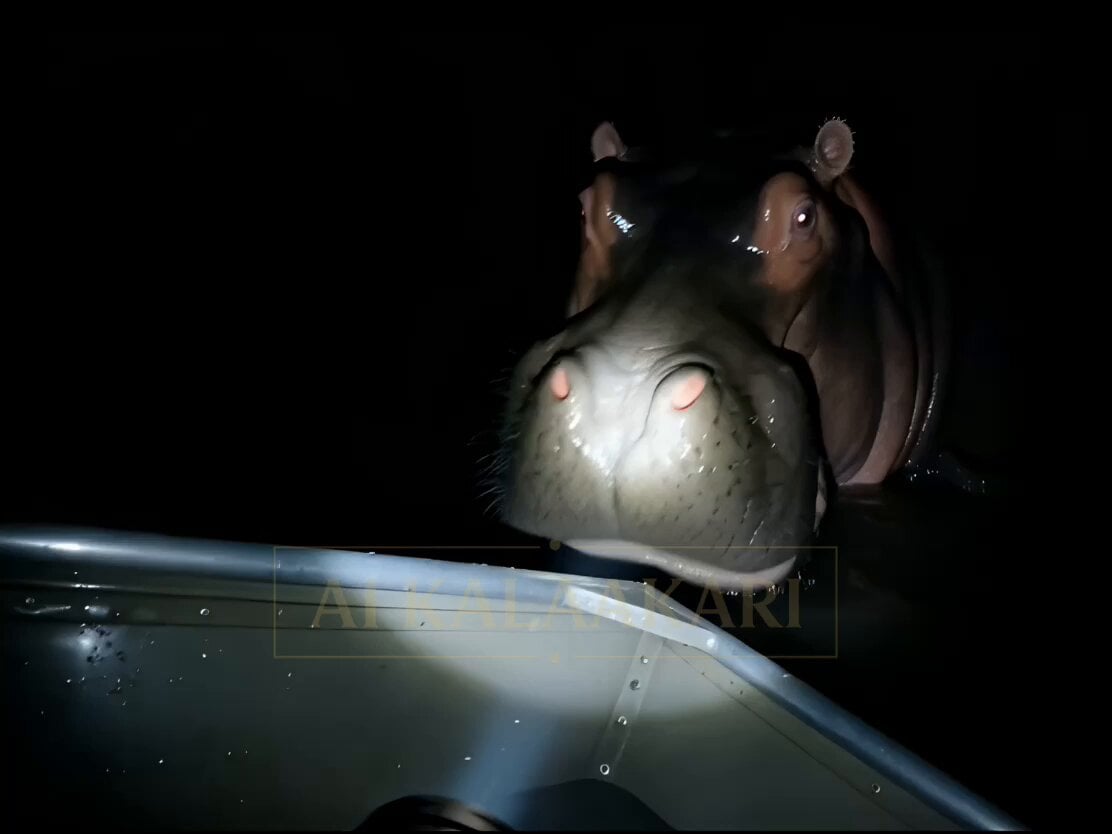
- Prompt included
- Model and format preset
- Premium template
The prompt behind this video
Copy the exact prompt behind Night Flashlight Hippo Attack POV, or open it in the studio and make it yours.
0s–2s (HOOK — FACE FIRST) POV flashlight already LOCKED on a MASSIVE HIPPO FACE right beside a small boat. Too close. Eyes reflecting hard. Water dripping off its mouth. Someone screams: “BACK! BACK! BACK!” The hippo SNAPS forward instantly — jaws filling frame. Camera jerks violently. 2s–5s Camera falls sideways into the boat. Flashlight drops — spinning beam chaos. Light flashes: metal railing water splashing in someone slipping Screams overlapping: “MOVE! MOVE!” The boat rocks violently. 5s–8s (SCRAMBLE — NO CONTROL) Camera grabs the flashlight again — shaky beam. Points toward water — Nothing there. Just ripples. Too quiet for half a second. Heavy breathing. 8s–11s (SECOND PROXIMITY SHOCK) Beam swings right — HIPPO already THERE again, closer than before. Mouth open. Someone screams right next to camera: “IT’S RIGHT HERE!” Water blasts up as it surges forward. Light flickers from the splash. 11s–14s (CHAOS PEAK) Camera gets knocked backward — half off the boat. Flashlight beam now angled low across water. We see: thrashing water part of the head nothing fully clear Sound carries it: SPLASHES + SCREAMS + WOOD HITTING WATER 14s–15s (PAYOFF) Flashlight flickers once… Then cuts out. Complete darkness. One final HEAVY SPLASH right next to camera. Cut. Key Visual Hook Hippo face already in flashlight beam in frame one — no search, no buildup — immediate attack.
How to use Night Flashlight Hippo Attack POV in 3 steps
- 1
Open
The prompt is already in the box next to the preview, with the template's model and format selected.
- 2…a portrait of your subject in softgolden-hour light, 85mm…
Personalize
Edit the subject and creative details for your destination.
- 3Generate
Generate
Press Generate — your video is created in PicX Studio, so you can compare it with the original and refine one variable at a time.
More like this
Templates with the same subject, style or setup. Open one to see its prompt.

Cinematic Istanbul Night Fight - Seedance 2.5
Late Night Kitchen Phone Recording - Seedance 2.5

Korean Night Market Bullet-Time Scene - Seedance 2.5

Forest Fantasy Girl Short Film

DV Camcorder POV Gym Montage — Seedance 2.5
DV Camcorder POV Gym Montage — Seedance 2.5

Live-Action Firefighter Rescue Night Scene
Bayou Hippo Surge Attack
Swamp Hippo Breach POV
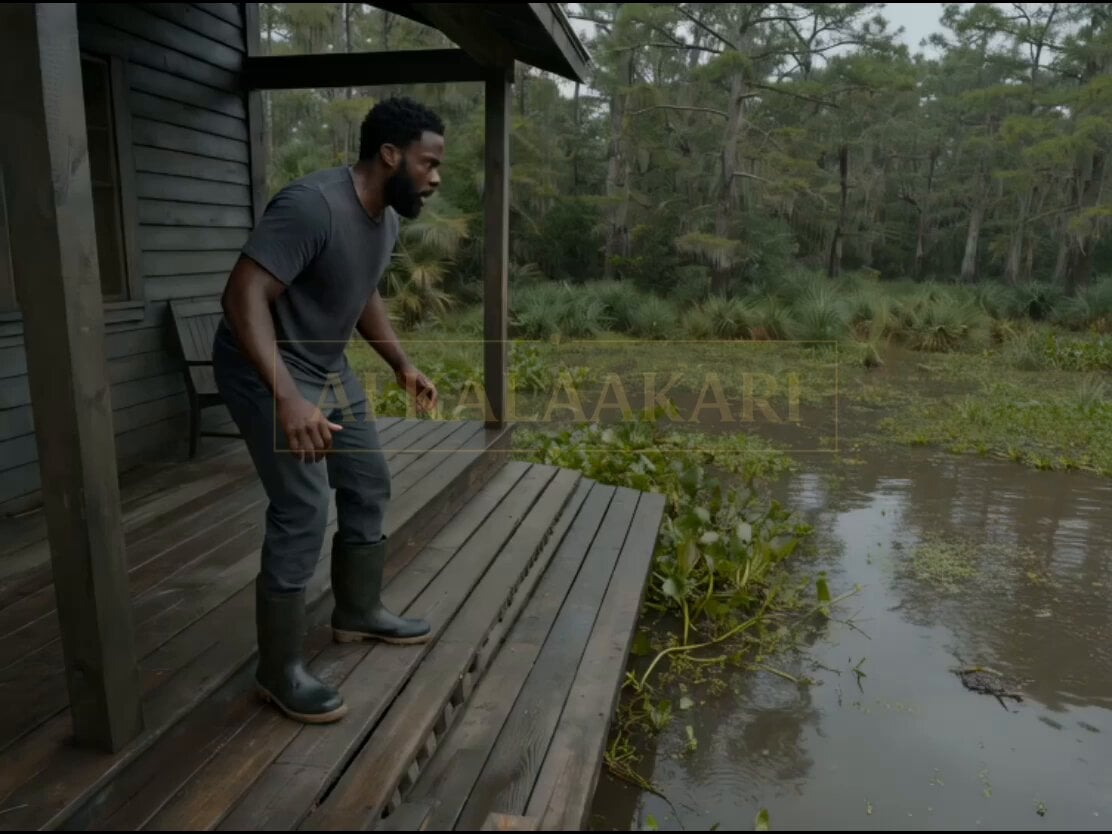
Swamp House Hippo Attack Sequence
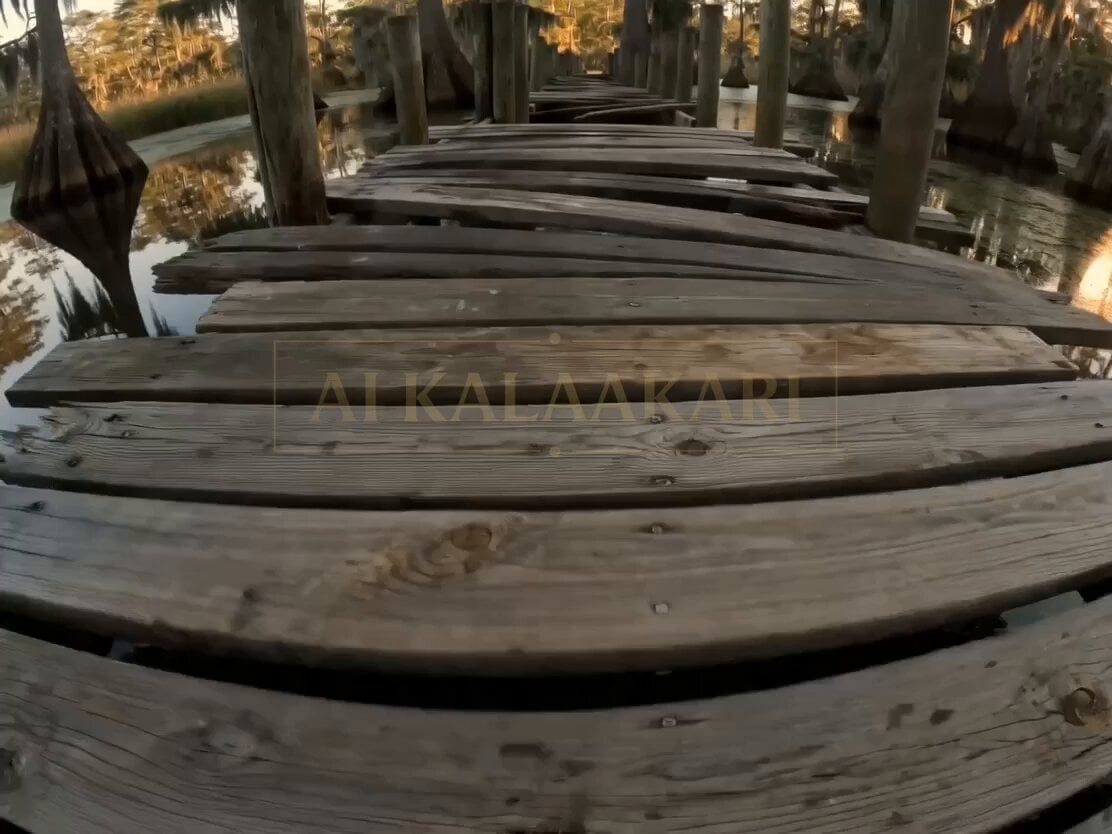
Bayou Dock Hippo Collapse Attack
Ice Queen — Frozen Battlefield Time Control (Seedance)
Make it yours
Night Flashlight Hippo Attack POV works as-is. These are the safest ways to change it without losing the look.
Change one field
Copy a single group, rewrite it, and generate again so you can see what that field is doing.
Keep the frame, change the subject
Hold the composition and light of Night Flashlight Hippo Attack POV, then swap wardrobe, props or the person for a new take.
| If the result… | Why | Fix |
|---|---|---|
| The result drifts from the preview | Too many fields changed at once. | Reuse Night Flashlight Hippo Attack POV as-is first, then change one group — subject, light, or setting. |
| The model over-stylizes the scene | The prose prompt leaves finish and camera underspecified. | Add one camera or lighting sentence and stay on Seedance 2.0. |
More Seedance 2.0 templates
Other prompts made for Seedance 2.0.

Comical Martial Arts Punch Scene

Maglev Train Action Sequence

Martial Arts Fight Sequence

Wuxia Protection and Trust Script

Vintage Korean Arcade MiniDV Vlog

Mercedes 190 SL Luxury Ad

Amazon Civilization Discovery

Futuristic South Asian City Transformation

Cozy Luxury Cafe Commercial

Cyber Ronin Nanotech Transformation Video
More video prompts
Fresh picks from across the catalog.
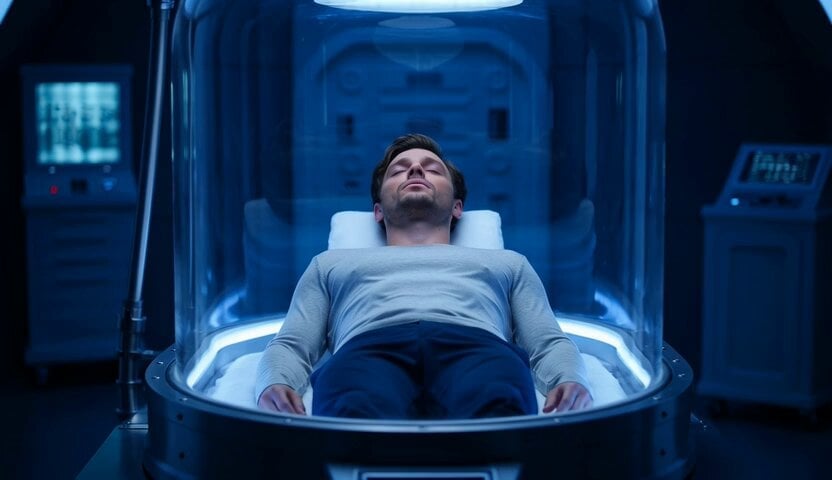
Video prompt of a man in deep cryosleep
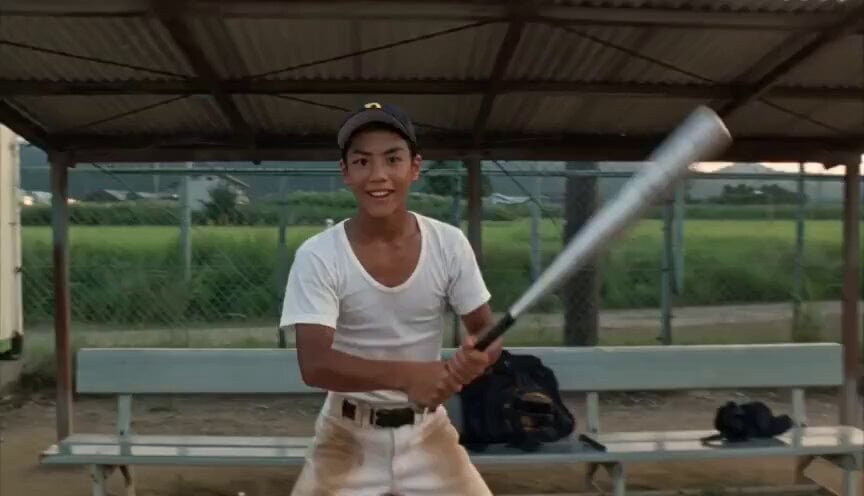
Baseball Practice Vlog Style Video
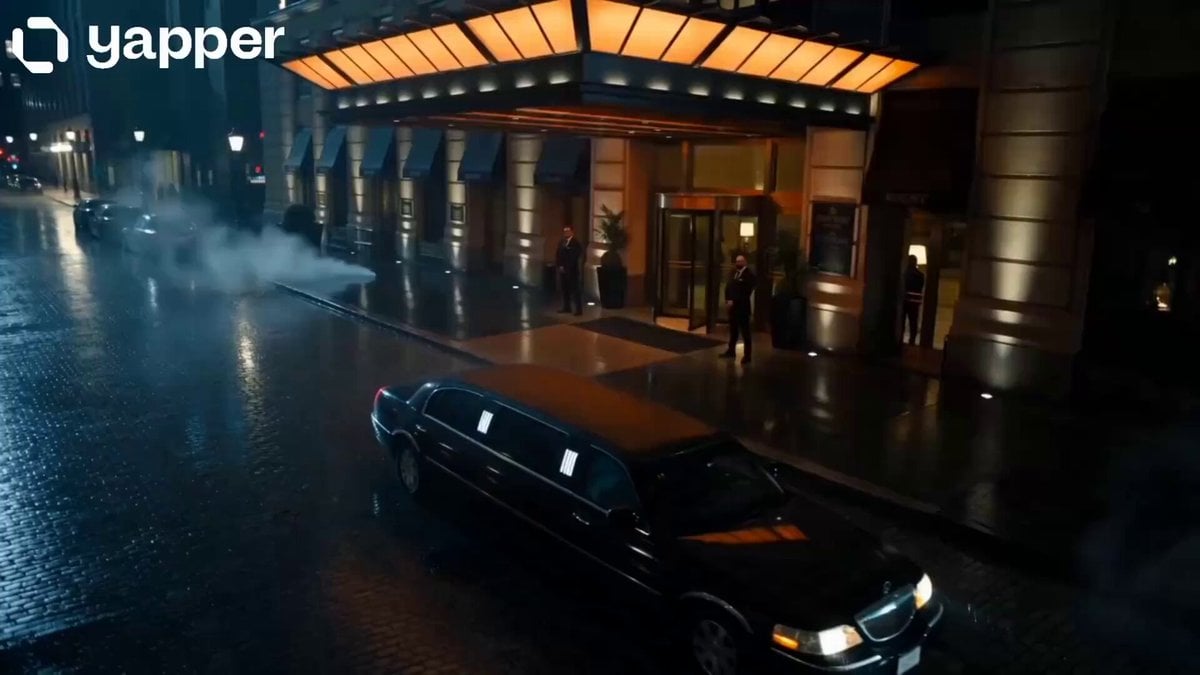
Midnight Arrival Luxury Hotel Prompt
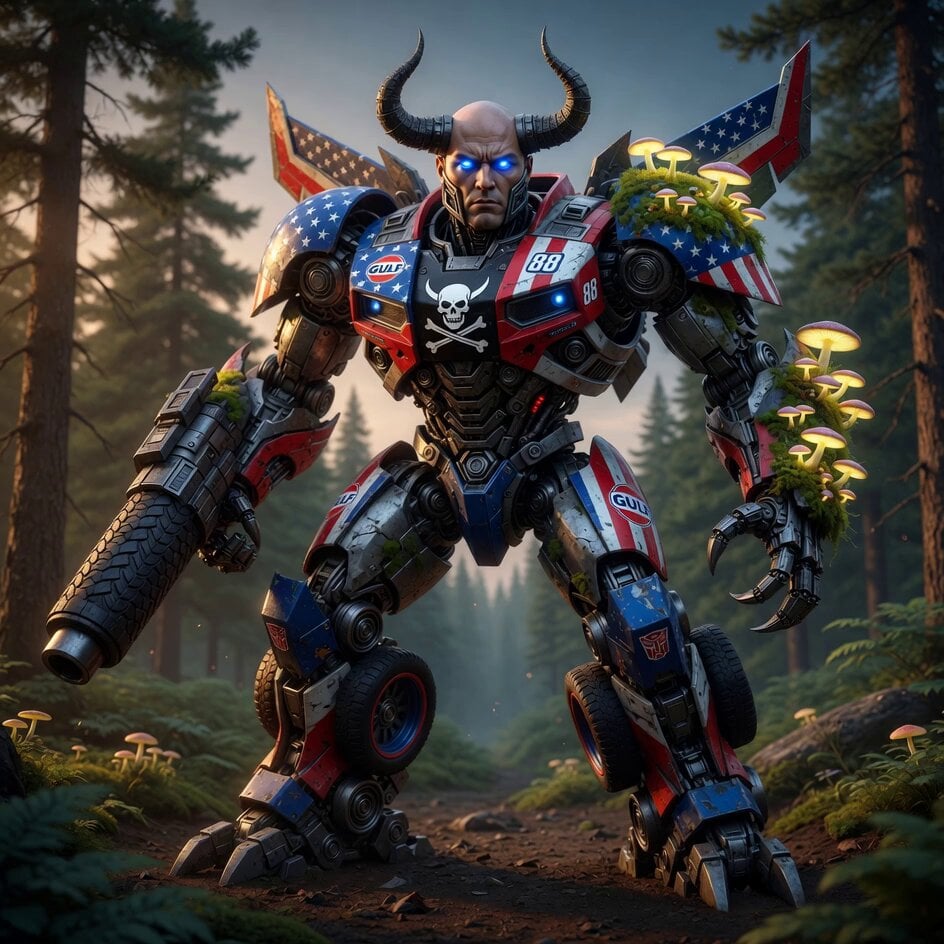
NASCAR Transformer Robot Composite
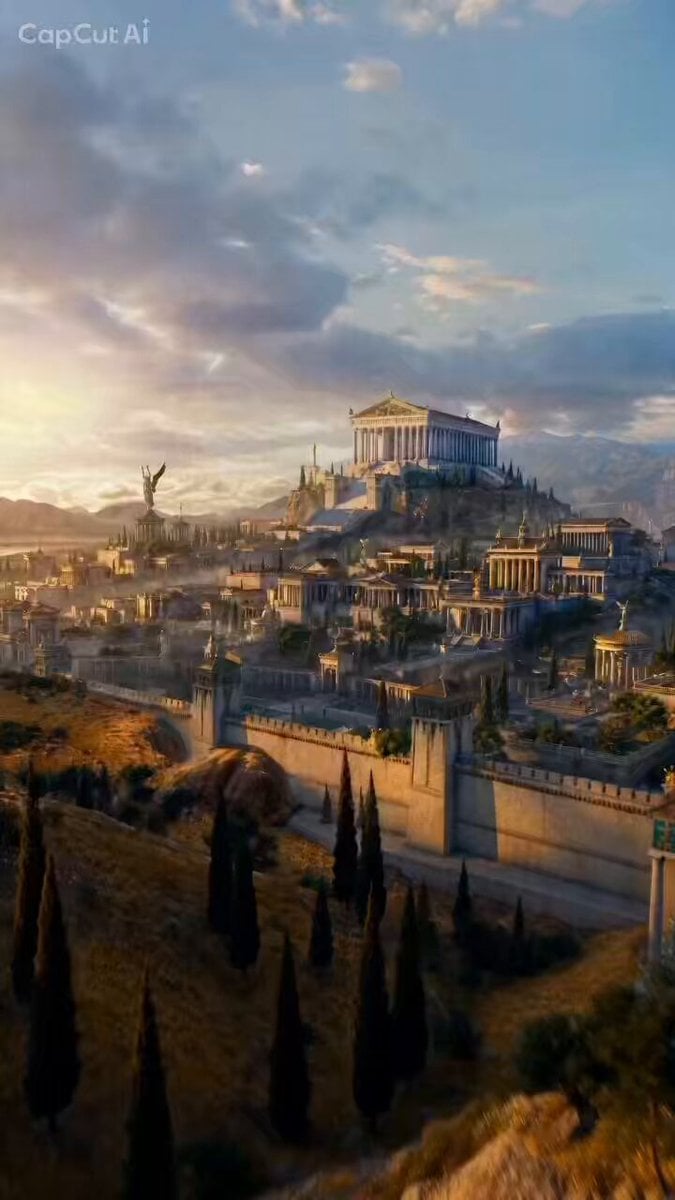
FPV Camera Path Guide

Enchanting Forest Grok Imagine Video Prompt
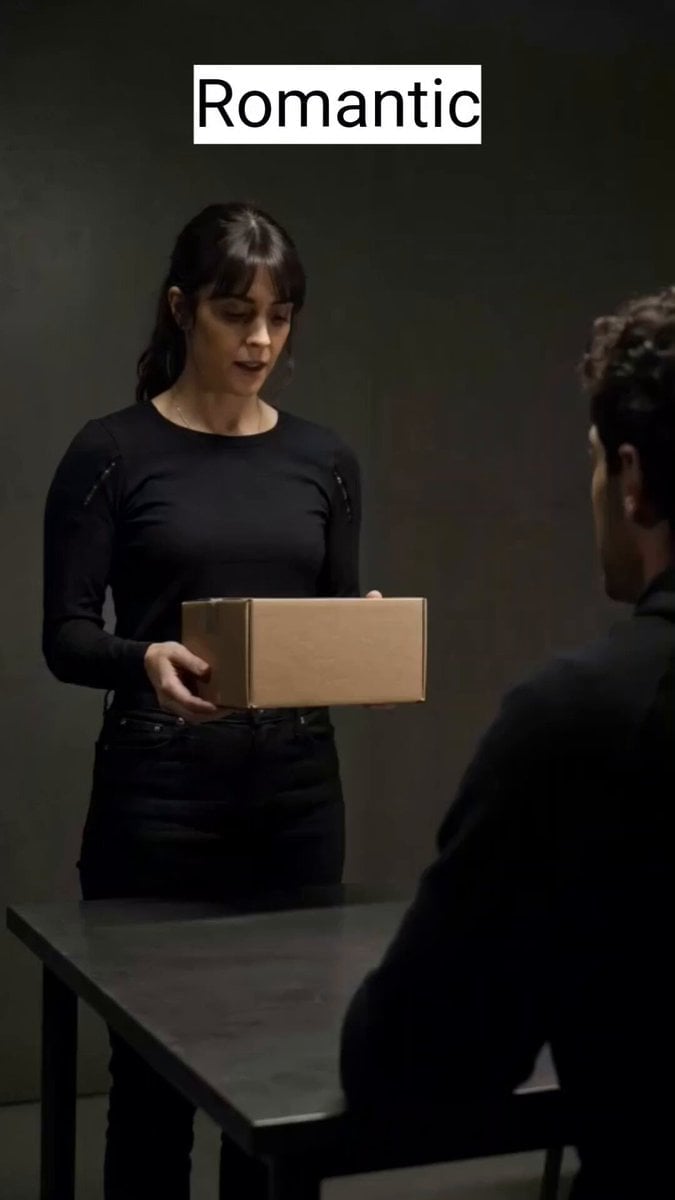
Delivery Scene Multi-Style Script
Martial Arts Gym Battle

Mafia Cat Meeting
Mother's Day Atmosphere Video Prompt
Browse template categories
Night Flashlight Hippo Attack POV questions
How do I use the Night Flashlight Hippo Attack POV template?
Add your photo if the template asks for one, edit the prompt if you like — the template's model and format are already selected — and press Generate. Your version opens in PicX Studio.
Can I customize the Night Flashlight Hippo Attack POV template?
Yes. You can change the subject, setting, lighting, mood, format, and available model controls before creating your video.
Is the Night Flashlight Hippo Attack POV template free?
Opening and editing this template is free. Generating uses credits, shown on the Generate button when you are signed in.
Which AI model should I use?
Start with Seedance 2.0, which is the model associated with this template. You can compare another compatible model for a different finish.
Looking for something else? Browse all templates.

Your photo, any look
Thousands of ready templates for every top image and video model, from one credit balance.