
Bayou Dock Hippo Collapse Attack
A structured video prompt for Seedance 2.0 featuring a collapsing swamp dock and a sudden hippo attack with cinematic timing.
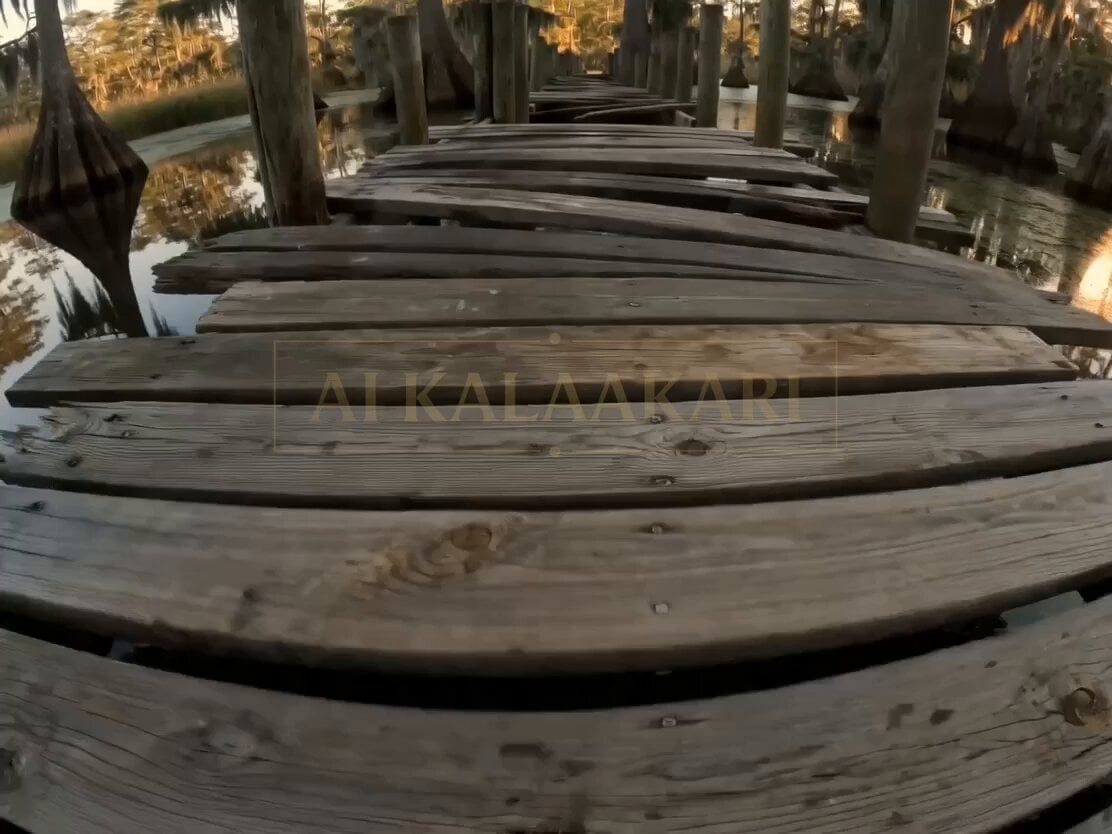
- Prompt included
- Model and format preset
- Premium template
The prompt behind this video
Copy the exact prompt behind Bayou Dock Hippo Collapse Attack, or open it in the studio and make it yours.
A fragile swamp dock becomes a collapsing trap as something massive moves beneath it. The danger isn’t just the creature — it’s the ground giving way in pieces, forcing constant repositioning. SETTING (LOCKED) Louisiana bayou, late afternoon golden light, still dark water reflecting trees, Spanish moss hanging low, thick humidity, old wooden dock stretching over shallow swamp water, worn planks, gaps between boards, algae and mud below. ⸻ 0s–2s (HOOK) Camera already handheld on the dock, slightly off-balance. A loud CRACK — the wooden planks beneath the lens suddenly split open. Through the gap — dark water churns violently and a massive shape passes just below. The camera jerks back as water splashes upward through the broken boards. ⸻ 2s–5s The dock starts failing in sections. Planks ahead buckle and drop one by one. Camera runs forward but has to stop — a gap opens suddenly. Someone jumps across. Camera follows, barely making it. Behind, another section collapses into the water. ⸻ 5s–8s Low angle — camera turns. The water below isn’t still anymore — it’s tracking movement. A huge back or head briefly breaks just beneath the surface between dock supports. The dock lifts slightly from underneath — then SLAMS back down. ⸻ 8s–11s (CHAOS PEAK) Everything destabilizes. The dock tilts sideways. Camera slides across wet wood, grabbing a post to stop. One of the vertical support posts snaps loose and falls, sending a splash upward. The structure is no longer flat — it’s angled and breaking in segments. ⸻ 11s–15s (PAYOFF) Camera regains footing for half a second. Wood creaks underfoot. Suddenly — a massive hippo ERUPTS upward from the water right in front, mouth wide open. Impact — camera gets knocked backward, falling into murky water. ⸻ Key Visual Hook The dock cracking open under the camera with something massive moving directly beneath the planks.
How to use Bayou Dock Hippo Collapse Attack in 3 steps
- 1
Open
The prompt is already in the box next to the preview, with the template's model and format selected.
- 2…a portrait of your subject in softgolden-hour light, 85mm…
Personalize
Edit the subject and creative details for your destination.
- 3Generate
Generate
Press Generate — your video is created in PicX Studio, so you can compare it with the original and refine one variable at a time.
More like this
Templates with the same subject, style or setup. Open one to see its prompt.
Bayou Hippo Surge Attack
Underground Temple Escape — Seedance 2.0
Skybridge Rescue — Supertall Tower Collapse (Seedance)
Dragon Rescue — Volcanic Kingdom Collapse (Seedance)
Night Flashlight Hippo Attack POV
Swamp House Hippo Attack Sequence

Continuous Planet Collapse Escape Sequence
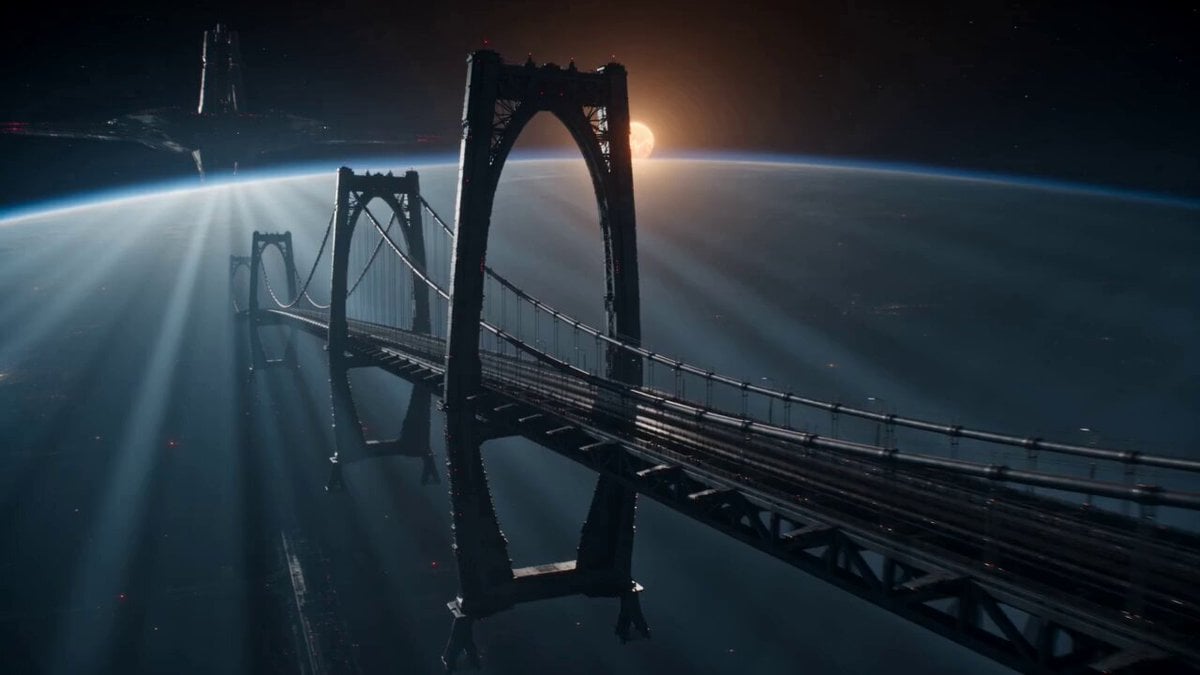
Sci-Fi Space Bridge Collapse
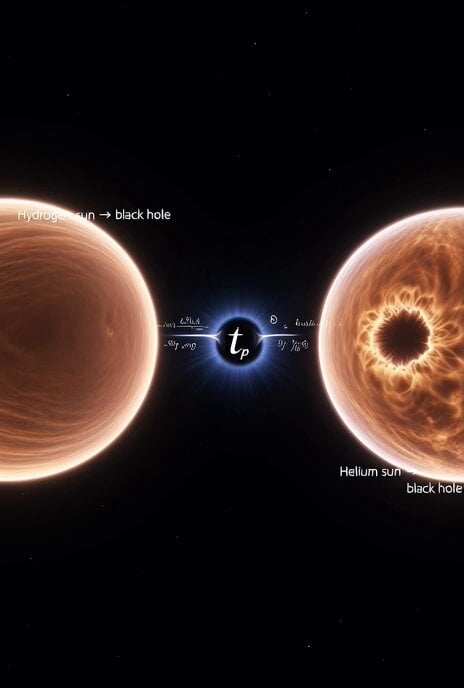
Cosmic Sun Collapse Visualization

Nighttime Dock Silhouette Video Edit
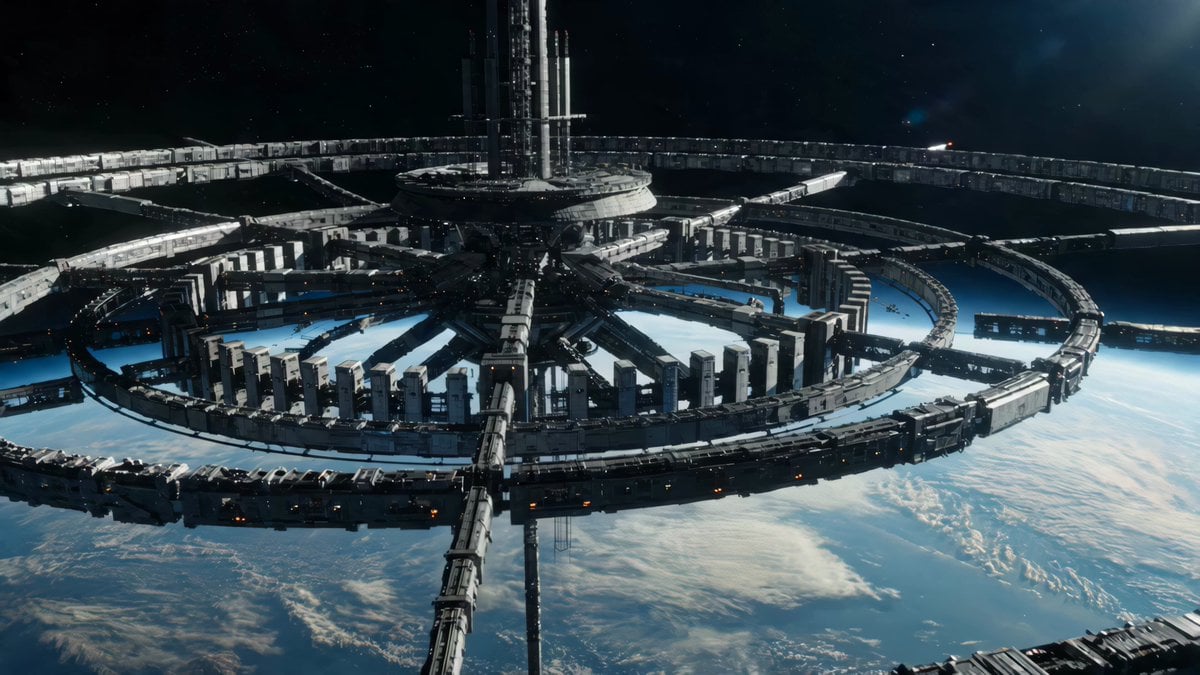
Sci-Fi Orbital Construction Collapse
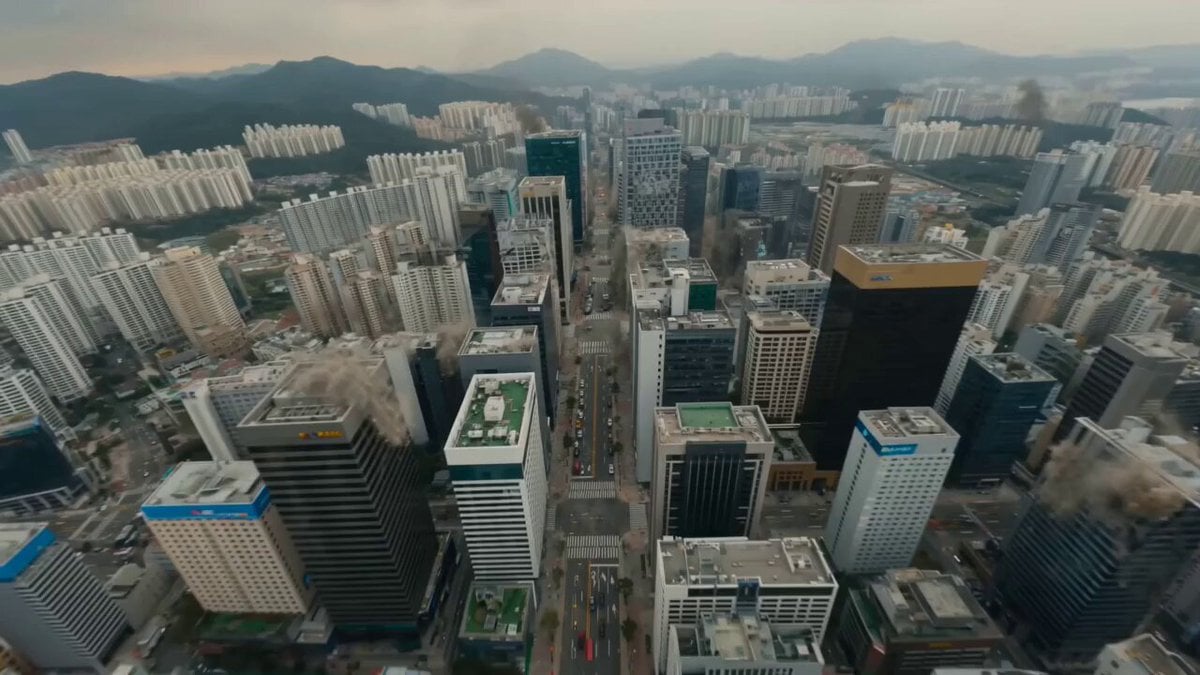
City Collapse FPV Sprint
Make it yours
Bayou Dock Hippo Collapse Attack works as-is. These are the safest ways to change it without losing the look.
Change one field
Copy a single group, rewrite it, and generate again so you can see what that field is doing.
Keep the frame, change the subject
Hold the composition and light of Bayou Dock Hippo Collapse Attack, then swap wardrobe, props or the person for a new take.
| If the result… | Why | Fix |
|---|---|---|
| The result drifts from the preview | Too many fields changed at once. | Reuse Bayou Dock Hippo Collapse Attack as-is first, then change one group — subject, light, or setting. |
| The model over-stylizes the scene | The prose prompt leaves finish and camera underspecified. | Add one camera or lighting sentence and stay on Seedance 2.0. |
More Seedance 2.0 templates
Other prompts made for Seedance 2.0.

Comical Martial Arts Punch Scene

Maglev Train Action Sequence

Martial Arts Fight Sequence

Wuxia Protection and Trust Script

Vintage Korean Arcade MiniDV Vlog

Mercedes 190 SL Luxury Ad

Rainy Night Supernatural Reverse Comedy Video Script

Amazon Civilization Discovery

Futuristic South Asian City Transformation

Cozy Luxury Cafe Commercial
More video prompts
Fresh picks from across the catalog.

1980s Anime Magical Girl Parody

AI Girlfriend POV Interaction Prompt
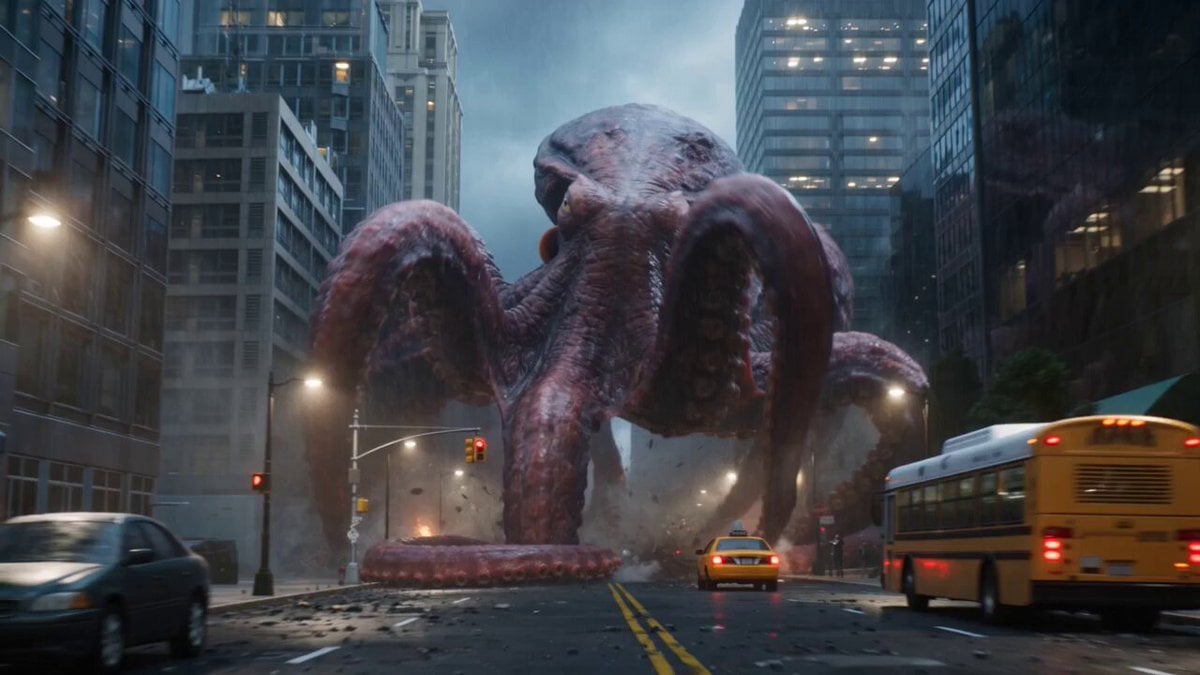
Giant Octopus Kaiju Rampage

Floating Girl with Star Light
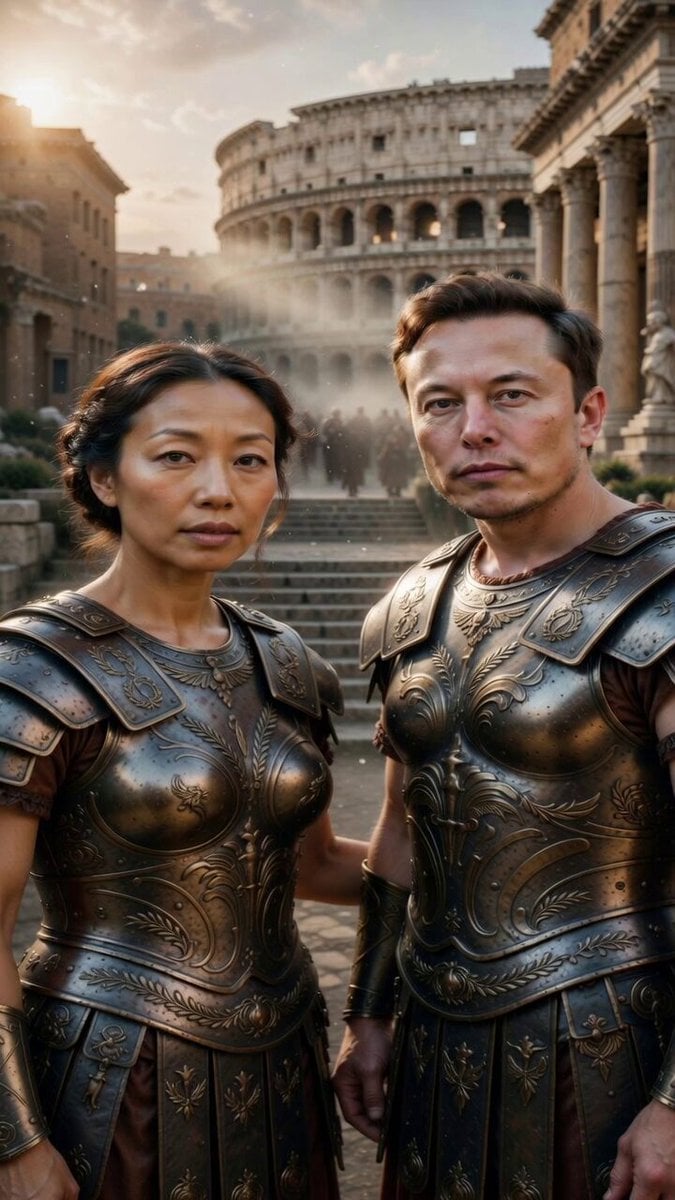
Image-to-Video Transformation: Ancient Roman Epic Scene Prompt
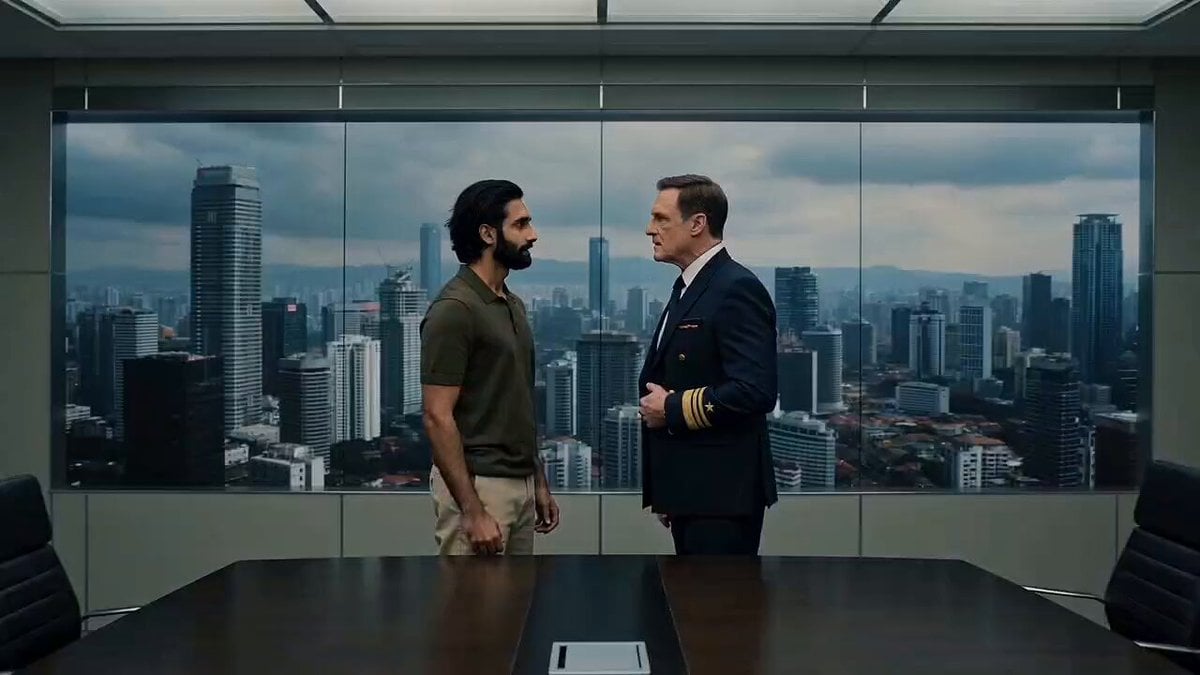
Office Boardroom Tension with Twist
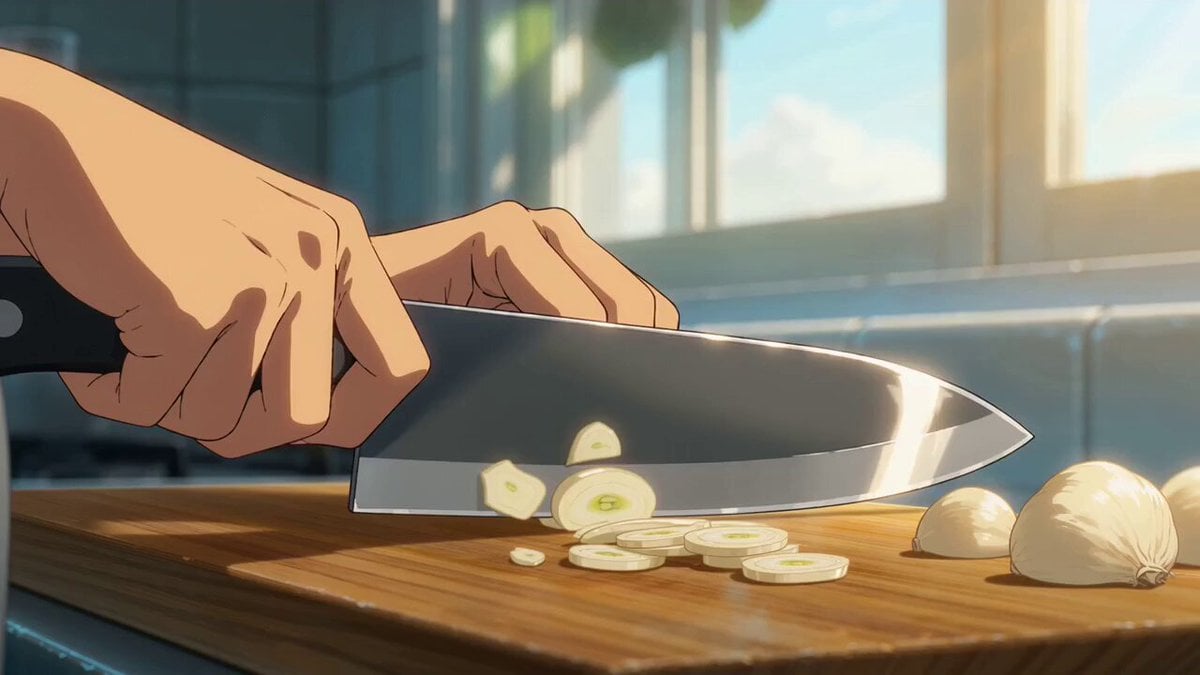
Cinematic Anime Pasta Cooking Sequence
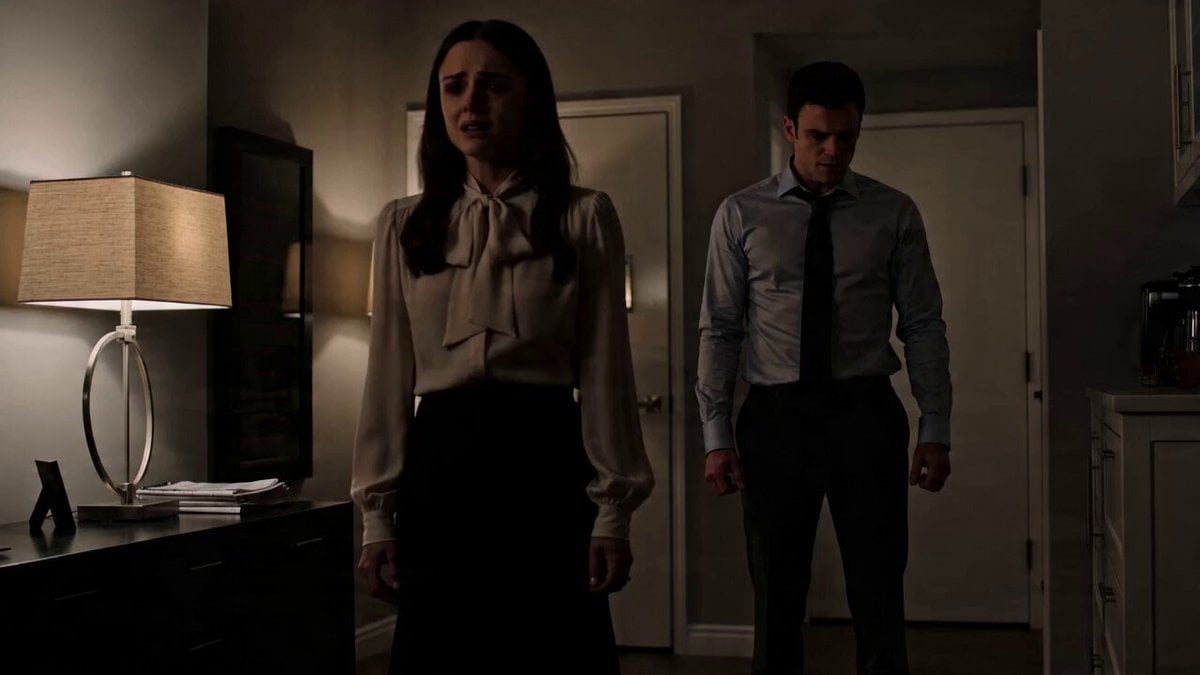
Emotional Drama Scene Prompt

Grok Imagine prompt for claymation leprechaun video
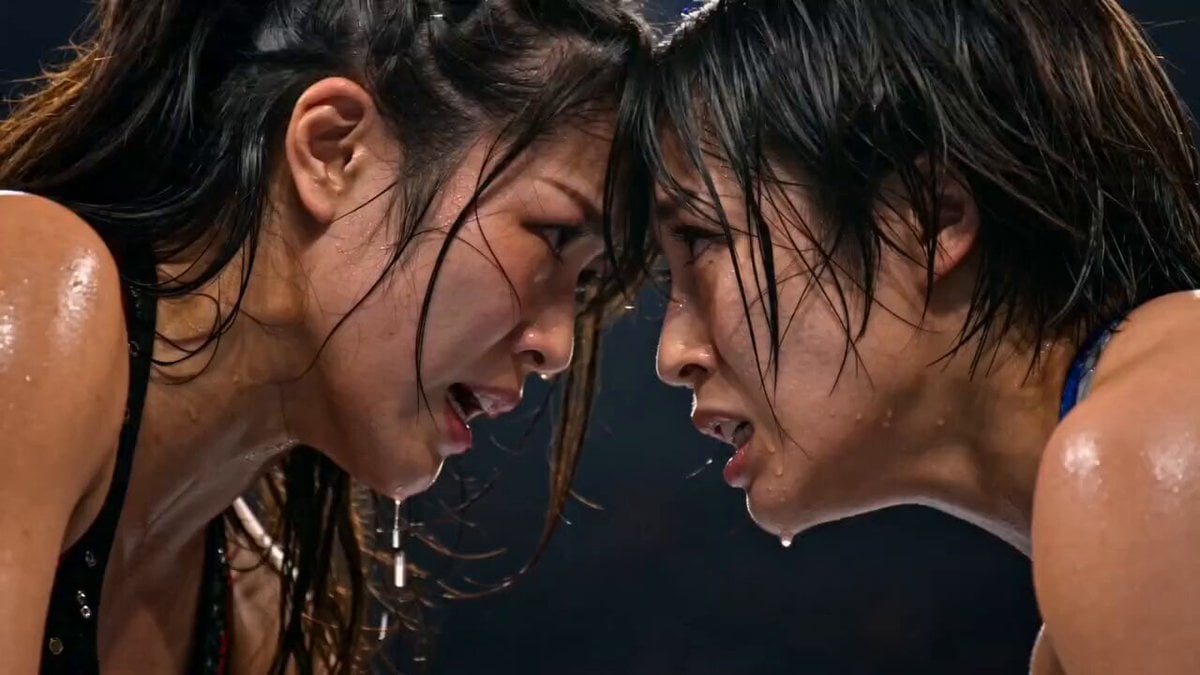
Japanese Female Wrestling Finale
Browse template categories
Bayou Dock Hippo Collapse Attack questions
How do I use the Bayou Dock Hippo Collapse Attack template?
Add your photo if the template asks for one, edit the prompt if you like — the template's model and format are already selected — and press Generate. Your version opens in PicX Studio.
Can I customize the Bayou Dock Hippo Collapse Attack template?
Yes. You can change the subject, setting, lighting, mood, format, and available model controls before creating your video.
Is the Bayou Dock Hippo Collapse Attack template free?
Opening and editing this template is free. Generating uses credits, shown on the Generate button when you are signed in.
Which AI model should I use?
Start with Seedance 2.0, which is the model associated with this template. You can compare another compatible model for a different finish.
Looking for something else? Browse all templates.

Your photo, any look
Thousands of ready templates for every top image and video model, from one credit balance.