
Office Boardroom Tension with Twist
A dramatic 15-second cinematic scene featuring an employee slapping his boss during a simulated apocalypse in a high-tech boardroom.
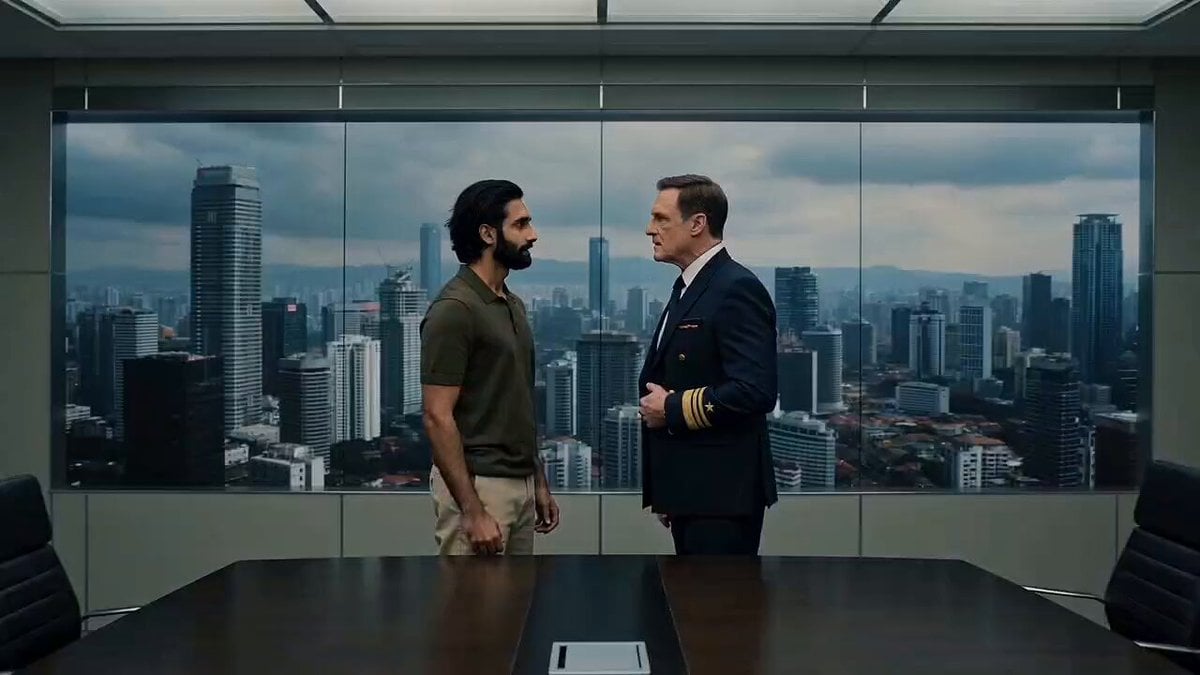
- Prompt included
- Model and format preset
- Free template
The prompt behind this video
Copy the exact prompt behind Office Boardroom Tension with Twist, or open it in the studio and make it yours.
Photorealistic cinematic 16:9 live-action, 15s. Sleek high-rise boardroom, long dark conference table, black leather chairs, coffee cup, papers, cool LED lighting. Entire back wall is a seamless floor-to-ceiling LED display perfectly disguised as a glass window overlooking a hyper-realistic Southeast Asian megacity skyline under grey skies. Two men confront each other: young South Asian employee (olive polo, beige chinos), tense; older executive (navy suit), calm and authoritative. Slow push-in. At 2s, a massive distant city explosion erupts on the wall, flooding the room with orange light. Employee notices first, becomes terrified. At 4s, convinced the world is ending, he turns and delivers a hard open-palm slap to the boss. Sharp impact, slight camera shake. Boss slowly turns back, completely emotionless. Employee calmly lights a cigarette and watches as a gigantic tsunami with shadowy monster claws rises over the skyline, cold blue-grey light filling the room. He exhales smoke in total resignation. Boss slowly pulls a small black remote from his jacket, raises it. Employee notices and freezes. Boss presses one button. Instantly the entire wall cuts to pure black—explosion, tsunami, monsters, city all gone in one frame. Harsh fluorescent office lighting reveals an ordinary conference room and a matte-black LED wall. Slow dolly-out. Employee stands motionless, cigarette burning, staring at the blank wall, then slowly looks at the boss. Boss quietly straightens his tie and jacket, expression unchanged. Hold on the silent two-shot for 2 seconds. Deadpan dark comedy, realistic lighting transitions, ultra-photorealistic cinematic grading.
How to use Office Boardroom Tension with Twist in 3 steps
- 1
Open
The prompt is already in the box next to the preview, with the template's model and format selected.
- 2…a portrait of your subject in softgolden-hour light, 85mm…
Personalize
Edit the subject and creative details for your destination.
- 3Generate
Generate
Press Generate — your video is created in PicX Studio, so you can compare it with the original and refine one variable at a time.
More like this
Templates with the same subject, style or setup. Open one to see its prompt.
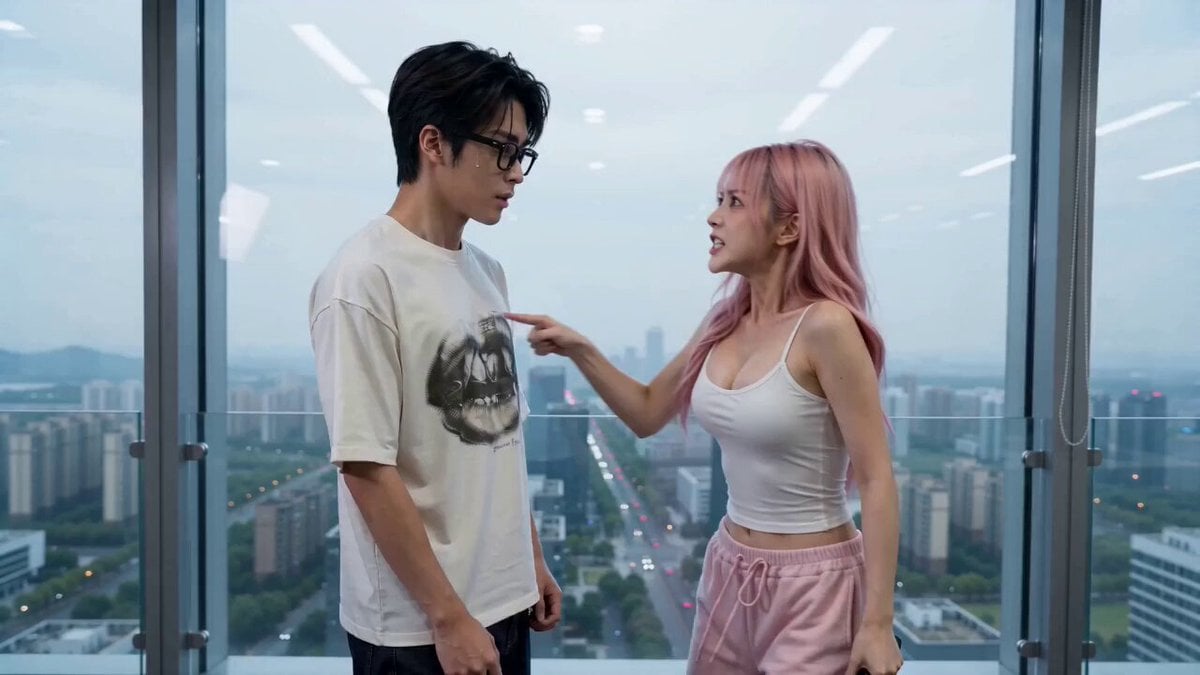
Office Drama with Dramatic Twist
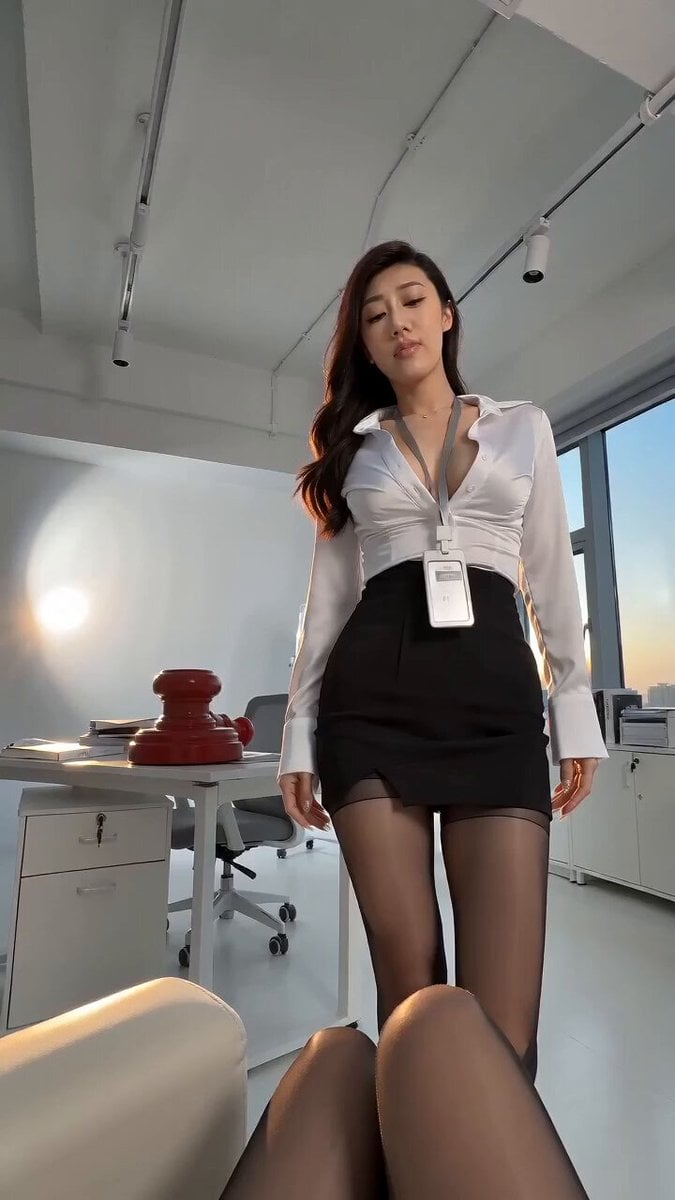
Siren Pose office drama with apocalyptic twist
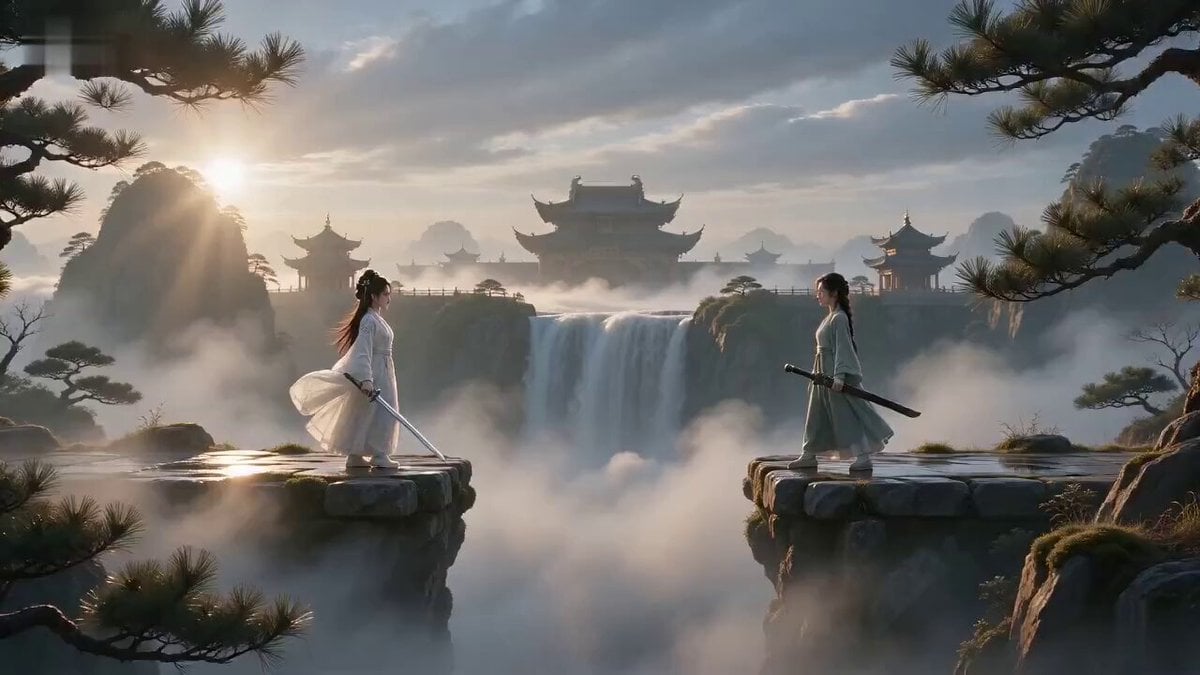
Misty Valley Cinematic Twist Video
Boardroom Fashion Rooftop Sequence
Immortal Sword Master Comedy Twist
Smelly Tofu Wuxia Plot Twist
Anime Transformation Bank with Comedic Twist
Thai Style Comedy Twist Commercial
Dubai CEO Short Drama with Cat Twist

Grok Imagine Prompt: The colossal silhouette of a deity strides through the depths of a twisted, swi
Viral Sketch Comedy Video Prompt: The Car Wash Twist
Hyper-Tension Technician Video Prompt
Make it yours
Office Boardroom Tension with Twist works as-is. These are the safest ways to change it without losing the look.
Change one field
Copy a single group, rewrite it, and generate again so you can see what that field is doing.
Keep the frame, change the subject
Hold the composition and light of Office Boardroom Tension with Twist, then swap wardrobe, props or the person for a new take.
| If the result… | Why | Fix |
|---|---|---|
| The result drifts from the preview | Too many fields changed at once. | Reuse Office Boardroom Tension with Twist as-is first, then change one group — subject, light, or setting. |
| The model over-stylizes the scene | The prose prompt leaves finish and camera underspecified. | Add one camera or lighting sentence and stay on Seedance 2.0. |
More Seedance 2.0 templates
Other prompts made for Seedance 2.0.

Comical Martial Arts Punch Scene

Maglev Train Action Sequence

Martial Arts Fight Sequence

Wuxia Protection and Trust Script

Vintage Korean Arcade MiniDV Vlog

Mercedes 190 SL Luxury Ad

Rainy Night Supernatural Reverse Comedy Video Script

Amazon Civilization Discovery

Futuristic South Asian City Transformation

Cozy Luxury Cafe Commercial
More video prompts
Fresh picks from across the catalog.

Gothic Church Battle Valkyrie Transformation

3D Cartoon Park Scene

Bunny hopping and stamping hearts
Oriental Fantasy Martial Arts Masterpiece

Japanese Summer Garden Shiba Inu

Natural Smartphone Vlogger Product Review
Space Warship Battle
Maa Kali in Disguise (Seedance 2.0)
Shattering and Reforming Smartphone Sequence
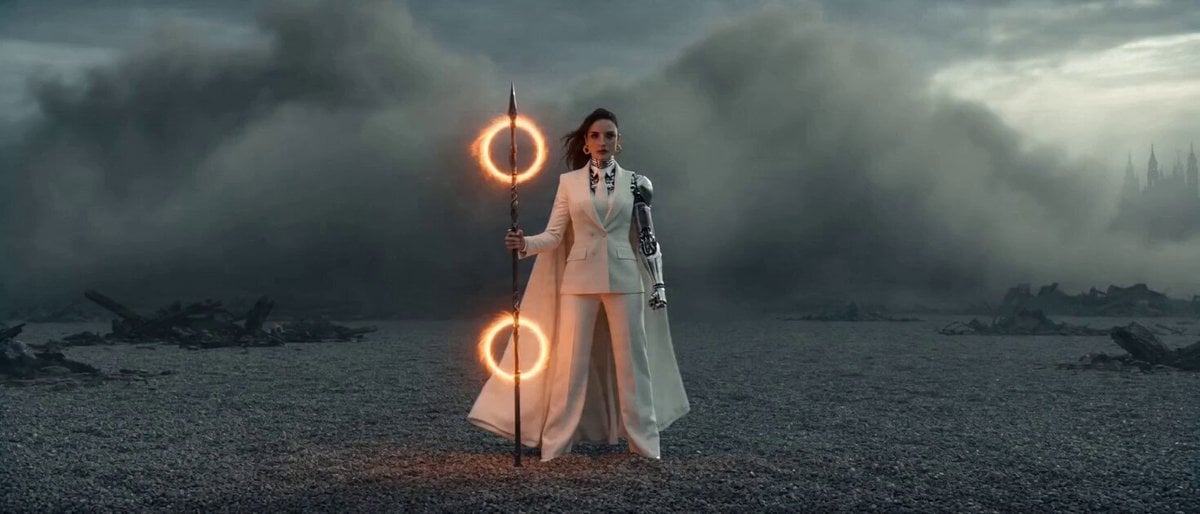
Epic Sci-Fi Action Sequence: Bionic Heroine vs. Giant Mecha
Browse template categories
Office Boardroom Tension with Twist questions
How do I use the Office Boardroom Tension with Twist template?
Add your photo if the template asks for one, edit the prompt if you like — the template's model and format are already selected — and press Generate. Your version opens in PicX Studio.
Can I customize the Office Boardroom Tension with Twist template?
Yes. You can change the subject, setting, lighting, mood, format, and available model controls before creating your video.
Is the Office Boardroom Tension with Twist template free?
Opening and editing this template is free. Generating uses credits, shown on the Generate button when you are signed in.
Which AI model should I use?
Start with Seedance 2.0, which is the model associated with this template. You can compare another compatible model for a different finish.
Looking for something else? Browse all templates.

Your photo, any look
Thousands of ready templates for every top image and video model, from one credit balance.