
Japanese Summer Garden Shiba Inu
A warm summer-themed prompt featuring a Japanese woman and a playful Shiba Inu on a traditional veranda.

- Prompt included
- Model and format preset
- Free template
The prompt behind this video
Copy the exact prompt behind Japanese Summer Garden Shiba Inu, or open it in the studio and make it yours.
Visual style: Cinematic high-quality realistic illustration style, warm natural sunlight, dramatic soft lighting, shallow depth of field, light film grain, golden color grading, no AI artifacts, no glitch, physically accurate human and animal biomechanics\n\nTotal duration: 15s\nAspect ratio: 16:9\nFPS: 24fps\n\nJapanese woman, 24 years old, natural warm appearance, black hair in a loose low ponytail with soft flyaway strands, gentle sun-kissed skin tone, genuine bright smile, light natural makeup, wearing a breezy pastel linen sundress suited for hot summer weather, barefoot on wooden veranda, relaxed candid body language, character remains consistent and fully visible throughout, no disappearing, no morphing, no warping\n\nANIMAL:\nShiba Inu, classic orange-red fur with white chest and face markings, perky upright ears, curled fluffy tail, bright expressive eyes, natural \"shiba smile\", energetic playful movement, physically accurate animal biomechanics, no stiff or robotic motion\n\nSETTING:\nTraditional Japanese home garden with wooden engawa veranda, small green garden with potted plants, wind chime (furin) hanging and swaying gently, bright clear blue sky, midday sunlight, dappled komorebi light through tree leaves, warm summer atmosphere\n\nSCENE BREAKDOWN:\n\n0-1.5s (HOOK): Shiba Inu bursts joyfully into frame running toward girl, ears flopping, tail wagging fast, motion blur on legs - girl turns and laughs genuinely, caught mid-motion\n\n1.5-4s: Girl crouches down laughing, dog jumps up excitedly, playful nose-nudge and paw-tap interaction, warm sunlight glinting on fur\n\n4-6.5s: Girl playfully tosses a small toy off-frame, dog dashes after it with comedic energy, grass particles kicked up, tracking shot following the chase\n\n6.5-8s (SOUND SPIKE): Dog catches toy, shakes head triumphantly, happy bark quick whip-pan to extreme close-up on dog's joyful face\n\n8-10.5s: Girl sits on veranda, dog runs back and nuzzles into her lap, girl's surprised delighted laugh, close-up on this warm connection moment\n\n10.5-13s: Dog tilts head endearingly, girl scratches behind its ears, wind chime rings softly in the breeze, brief slow-motion (1s) on the eye-contact moment between them\n\n13-15s (ENDING): Freeze frame girl and dog looking toward camera together, warm genuine smile, golden natural light, soft fade to black\n\nVISUAL EFFECTS:\nmotion blur trailing on fast dog movement, dust/grass particles catching sunlight, lens flare through tree leaves, fabric of dress billowing naturally in breeze, light film grain, shallow depth of field on close-ups\n\nAUDIO DESIGN:\n\n0-1.5s: ambient garden birds + cicada (semi) sound + sudden excited dog bark (sound anchor)\n\n1.5-6.5s: light acoustic/ukulele background music building + genuine laughter + dog panting\n\n6.5-8s: sound spike triumphant bark / toy squeak\n\n8-13s: music softens, warm tone, gentle furin wind
How to use Japanese Summer Garden Shiba Inu in 3 steps
- 1
Open
The prompt is already in the box next to the preview, with the template's model and format selected.
- 2…a portrait of your subject in softgolden-hour light, 85mm…
Personalize
Edit the subject and creative details for your destination.
- 3Generate
Generate
Press Generate — your video is created in PicX Studio, so you can compare it with the original and refine one variable at a time.
More like this
Templates with the same subject, style or setup. Open one to see its prompt.

Japanese Summer Festival Travel Vlog
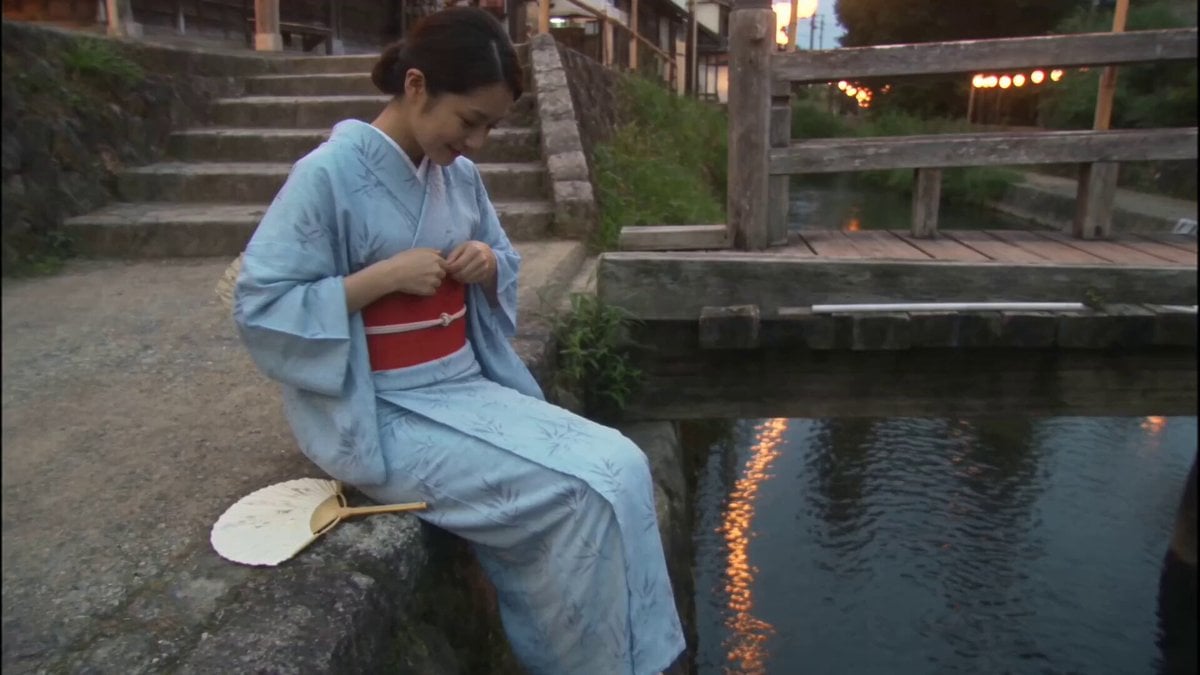
Japanese Summer Evening Candid

Japanese Summer Beer Commercial

Shiba Inu London Sunset

Japanese Pure Love Short Film

Kyoto Morning Selfie Vlog
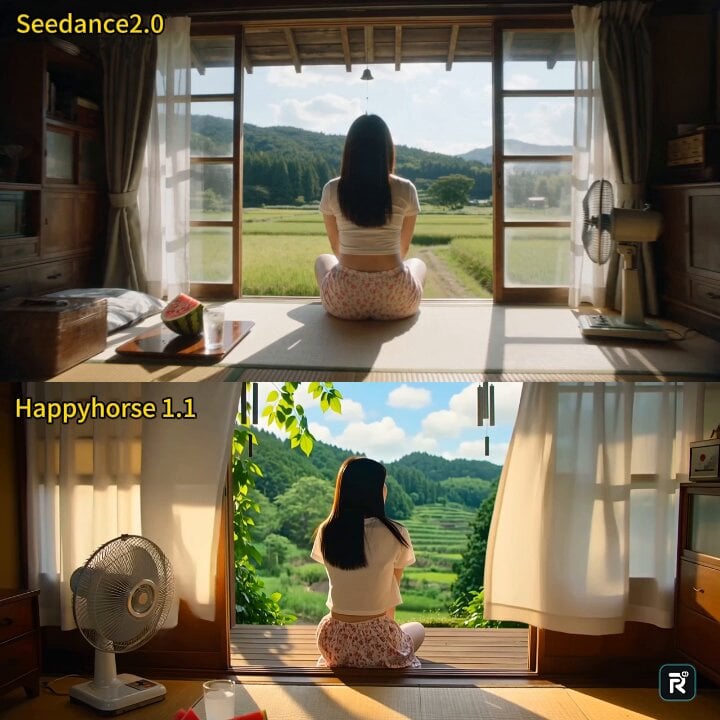
Cinematic Japanese Countryside Summer Short Film
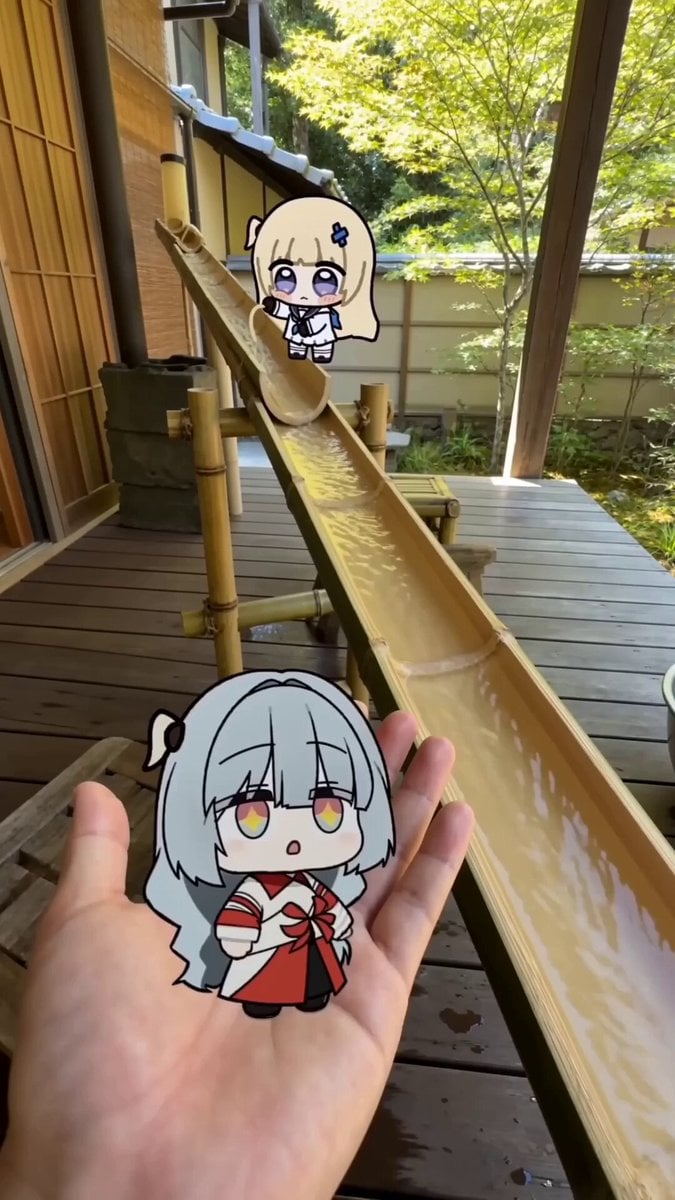
POV Japanese Garden Nagashi Somen Lunch
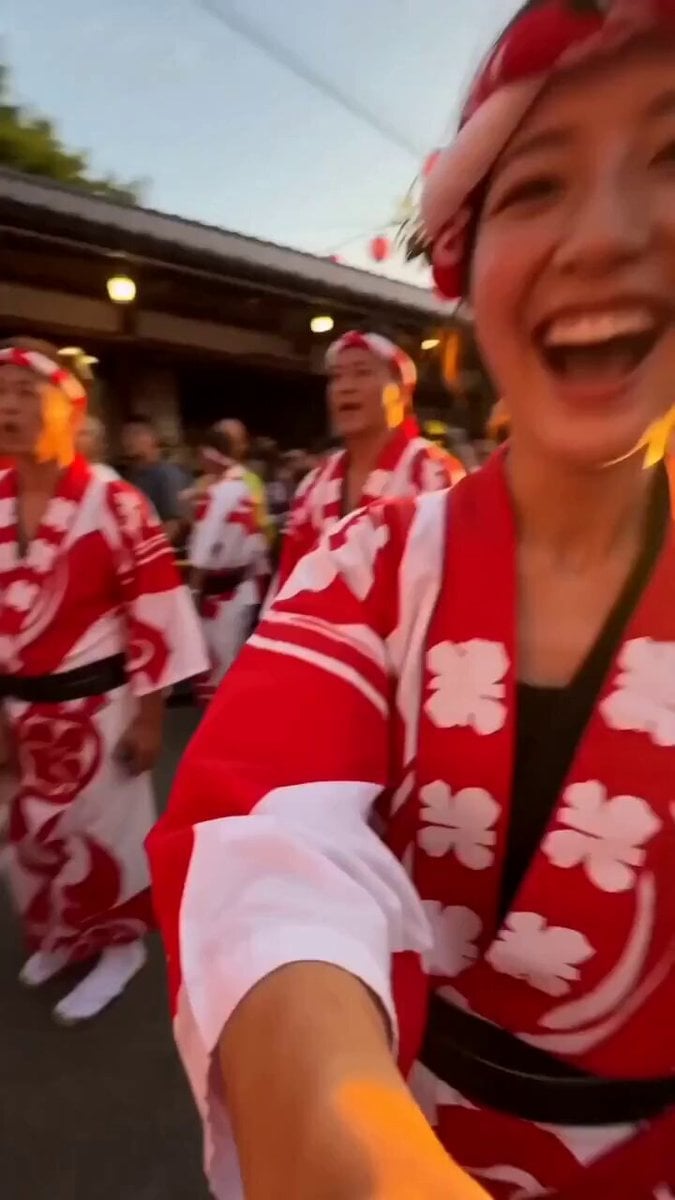
Japanese Summer Festival Selfie Vlog
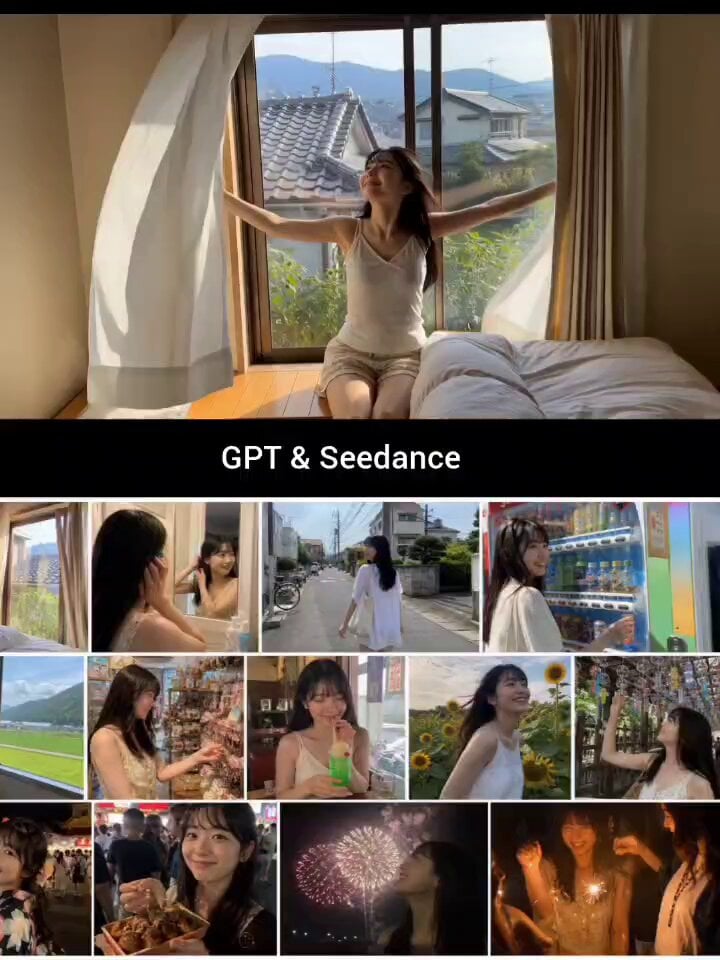
Japanese Summer Life Storyboard Collage
Nostalgic Japanese Summer Path

Shiba Inu Girl in Space Outfit Video
Make it yours
Japanese Summer Garden Shiba Inu works as-is. These are the safest ways to change it without losing the look.
Change one field
Copy a single group, rewrite it, and generate again so you can see what that field is doing.
Keep the frame, change the subject
Hold the composition and light of Japanese Summer Garden Shiba Inu, then swap wardrobe, props or the person for a new take.
| If the result… | Why | Fix |
|---|---|---|
| The result drifts from the preview | Too many fields changed at once. | Reuse Japanese Summer Garden Shiba Inu as-is first, then change one group — subject, light, or setting. |
| The model over-stylizes the scene | The prose prompt leaves finish and camera underspecified. | Add one camera or lighting sentence and stay on Seedance 2.0. |
More Seedance 2.0 templates
Other prompts made for Seedance 2.0.

Comical Martial Arts Punch Scene

Maglev Train Action Sequence

Martial Arts Fight Sequence

Wuxia Protection and Trust Script

Vintage Korean Arcade MiniDV Vlog

Mercedes 190 SL Luxury Ad

Rainy Night Supernatural Reverse Comedy Video Script

Amazon Civilization Discovery

Futuristic South Asian City Transformation

Cozy Luxury Cafe Commercial
More video prompts
Fresh picks from across the catalog.

Realistic Cinematic Jungle Horror Short

Slow Motion Office Flood Chaos

Tesla Diner Astronauts Video Prompt

Serene Ethereal Angel Animation
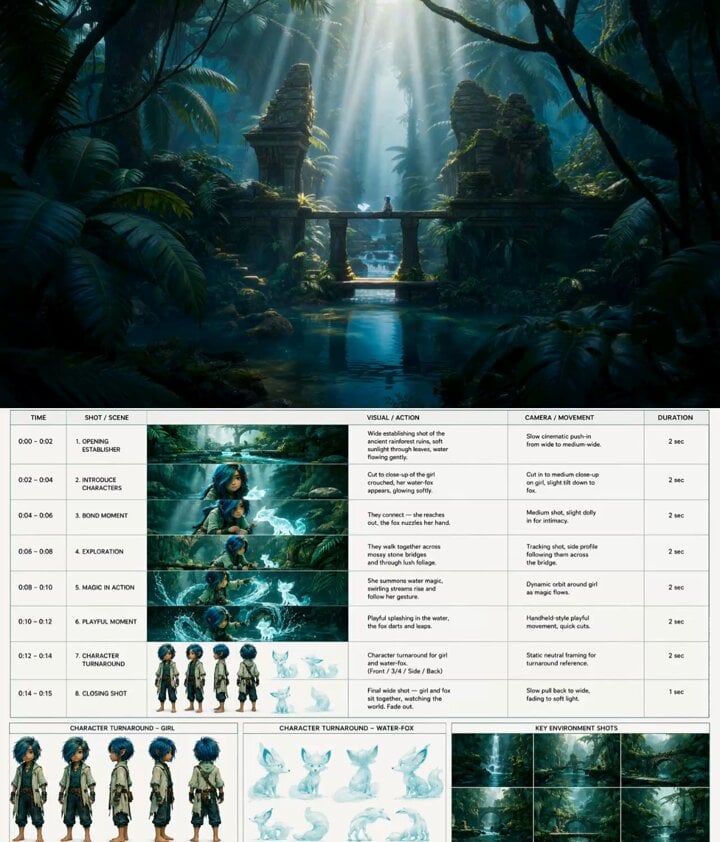
Fantasy Animation Jungle Adventure
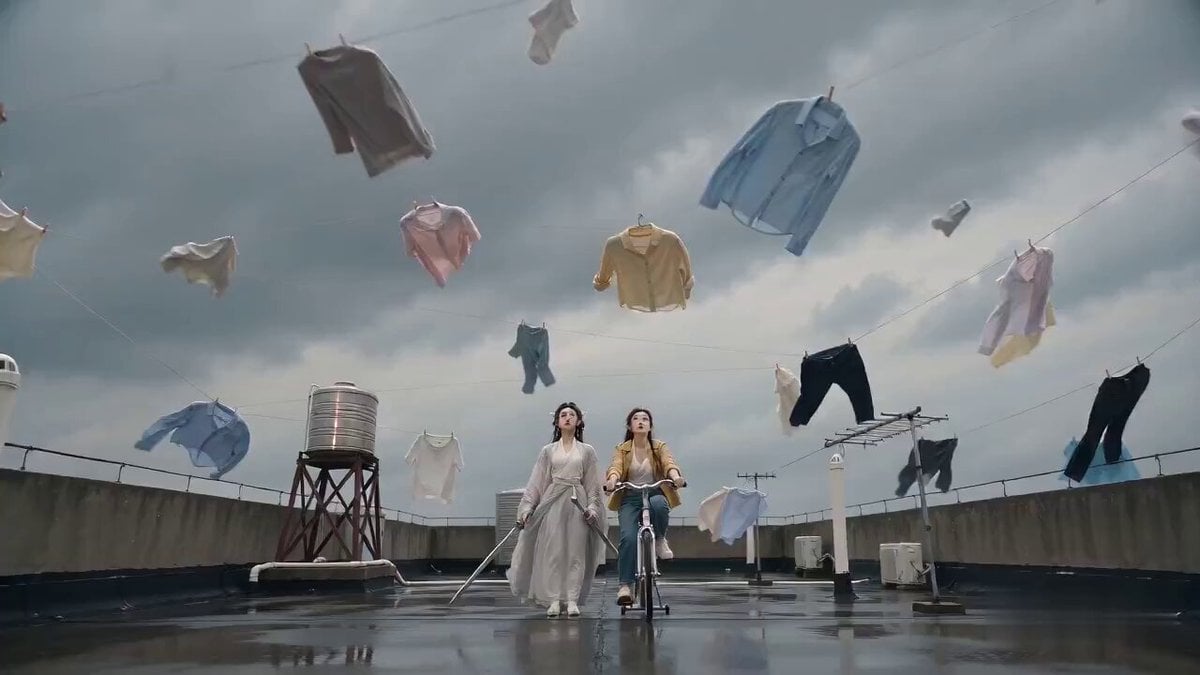
Seedance 2.0 Sword Formation Laundry Comedy Video Prompt

Grok Imagine Running Character Animation

Cyber-Ninja Teleport in Rain-Soaked Neon City
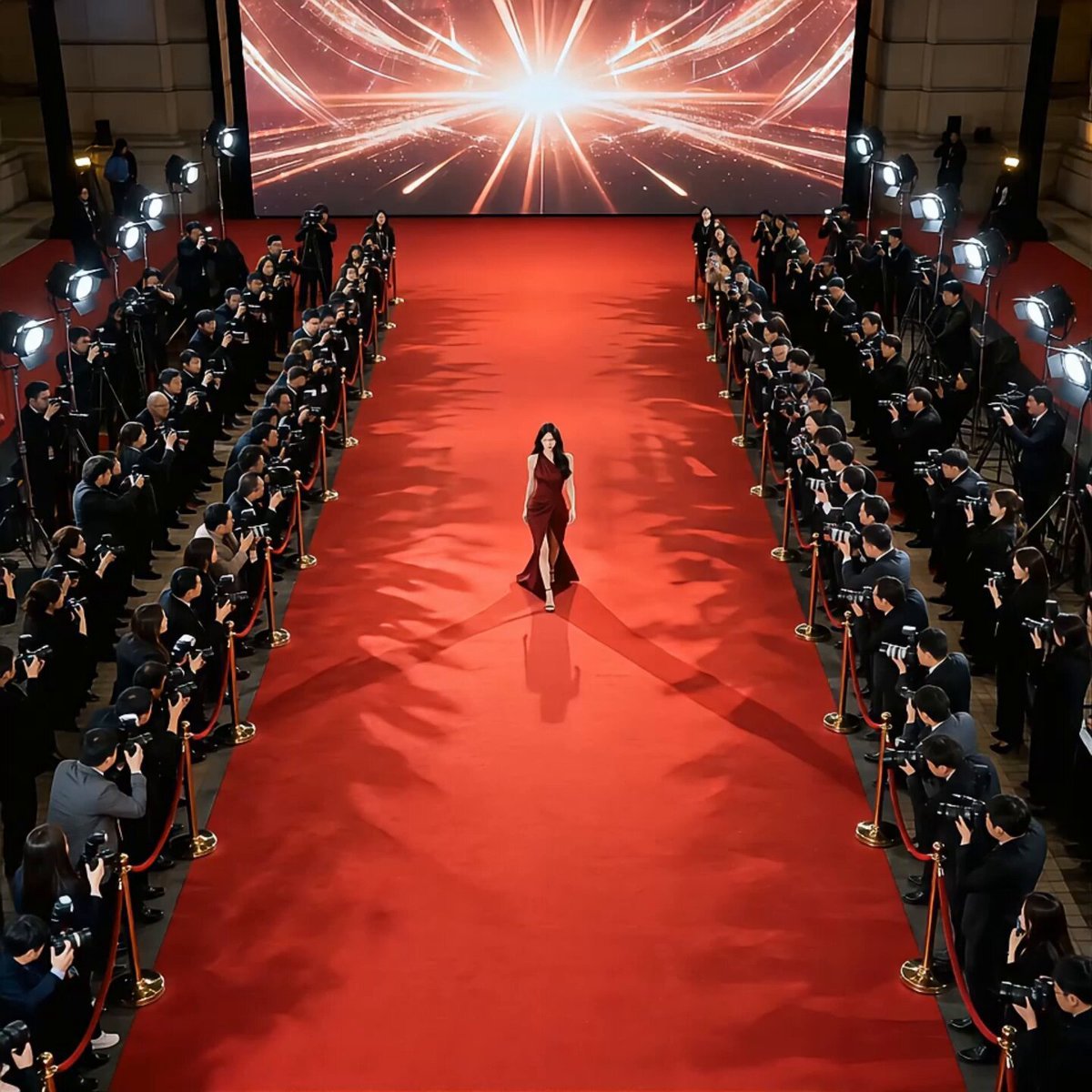
Red Carpet Movie Star Entrance
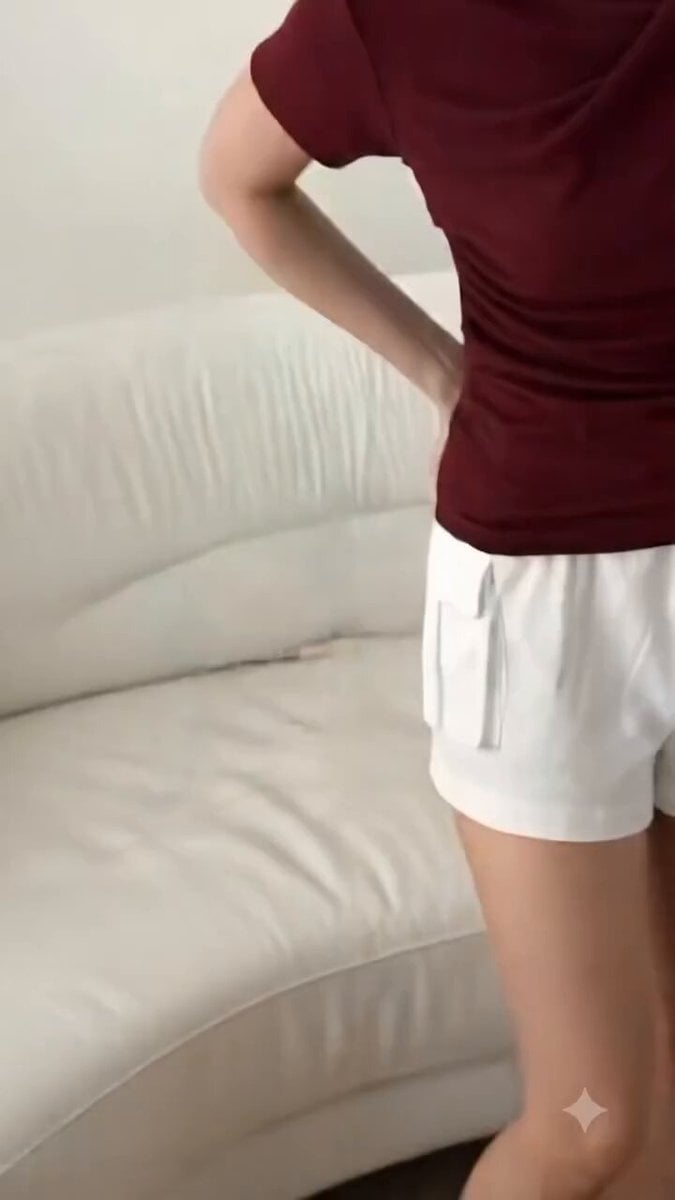
High-End Fashion UGC Campaign
Browse template categories
Japanese Summer Garden Shiba Inu questions
How do I use the Japanese Summer Garden Shiba Inu template?
Add your photo if the template asks for one, edit the prompt if you like — the template's model and format are already selected — and press Generate. Your version opens in PicX Studio.
Can I customize the Japanese Summer Garden Shiba Inu template?
Yes. You can change the subject, setting, lighting, mood, format, and available model controls before creating your video.
Is the Japanese Summer Garden Shiba Inu template free?
Opening and editing this template is free. Generating uses credits, shown on the Generate button when you are signed in.
Which AI model should I use?
Start with Seedance 2.0, which is the model associated with this template. You can compare another compatible model for a different finish.
Looking for something else? Browse all templates.

Your photo, any look
Thousands of ready templates for every top image and video model, from one credit balance.