
Realistic Cinematic Jungle Horror Short
A complete horror sequence prompt featuring a multi-act structure from a jungle chase to an underground reveal, designed for high-tension cinematic output.
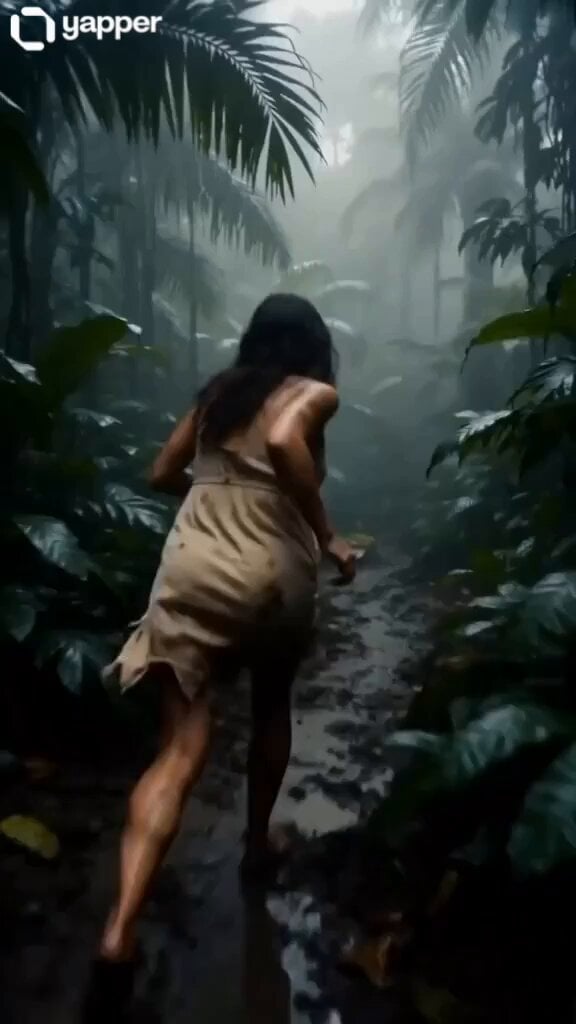
- Prompt included
- Model and format preset
- Premium template
The prompt behind this video
Copy the exact prompt behind Realistic Cinematic Jungle Horror Short, or open it in the studio and make it yours.
Title Scene Concept ‘Pregnant Woman Trapped in a Jungle… But Something Worse Lives Underground’ 🌿 SCENE 1: JUNGLE INTRO (0:00 – 0:06) 🖥 Prompt: Ultra-realistic cinematic 8K footage, dense tropical rainforest during heavy fog, wet mud ground, dripping leaves, cinematic natural lighting, handheld shaky camera. A pregnant woman in a torn beige dress running barefoot through jungle, exhausted, sweating, fear expression, realistic skin pores, mud splashes on body, dynamic motion blur, high detail environment, survival horror mood. 🎵 Background Music: Low ambient jungle drones Slow heartbeat bass Distant tribal wind sounds 🔊 Sound Effects: Heavy breathing Footsteps squelching in mud Jungle insects buzzing loudly 🕳️ SCENE 2: THE HIDDEN ENTRANCE (0:06 – 0:12) 🖥 Prompt: Cinematic close-up shot, woman suddenly stopping in jungle clearing, discovering a partially hidden underground metal hatch covered in moss and roots, rain dripping, dramatic lighting through trees, ultra-realistic textures, slow zoom-in camera, suspense atmosphere. 🎵 Music: Bass tone deepens Subtle rising tension sound Low metallic hum 🔊 Sound Effects: Metal creaking Distant underground rumble Wind suddenly stopping (silence tension) 🪜 SCENE 3: DESCENT INTO DARKNESS (0:12 – 0:18) 🖥 Prompt: Ultra-realistic POV shot descending rusty metal ladder into underground tunnel, darkness swallowing light, flickering emergency bulb below, wet concrete walls, water dripping, cinematic horror lighting, grainy film texture, claustrophobic framing. 🎵 Music: Deep drone increasing intensity Slow pulse heartbeat sound 🔊 Sound Effects: Metal ladder creaking Water dripping echo Echoing distant growl (very faint) 🧤 SCENE 4: WHAT LIVES BELOW (0:18 – 0:26) 🖥 Prompt: Dark underground cave system revealed, massive organic tunnels merging with concrete bunker, faint glowing eyes in darkness, grotesque humanoid shadow movement in distance, hyper-realistic horror CGI style, flickering yellow light, heavy mist underground. 🎵 Music: Sudden low bass drop Distorted ambient horror tone Rising tension synth wave 🔊 Sound Effects: Unknown creature breathing Rock cracking Distant screaming echoes 😱 SCENE 5: FINAL REVEAL (0:26 – 0:35) 🖥 Prompt: Extreme close-up of pregnant woman terrified face, turning slowly toward camera, behind her a MASSIVE shadow moves in darkness underground, barely visible humanoid monster structure, ultra-realistic skin detail, cinematic lighting flicker, high tension horror climax. 🎵 Music: Sudden silence for 1 second Then loud bass hit High-pitched horror sound rising 🔊 Sound Effects: Whispering voices (unintelligible) Deep underground roar Hard heartbeat pounding ⚫️ FINAL SHOT (0:35 – END) 🖥 Prompt: Total darkness underground, only faint flickering light, woman screaming silently (no audio visible scream), shadow rapidly approaching camera, screen glitch effect, cinematic horror ending fade to black, ultra-realistic film grain. 🎵 Music: Sharp horror sting Sudden cut to silence Low echo decay
How to use Realistic Cinematic Jungle Horror Short in 3 steps
- 1
Open
The prompt is already in the box next to the preview, with the template's model and format selected.
- 2…a portrait of your subject in softgolden-hour light, 85mm…
Personalize
Edit the subject and creative details for your destination.
- 3Generate
Generate
Press Generate — your video is created in PicX Studio, so you can compare it with the original and refine one variable at a time.
More like this
Templates with the same subject, style or setup. Open one to see its prompt.
Rainforest Thriller — Searching the Unseen

3D Animated Newspaper Delivery Short - Seedance 2.5

Horror Short Guesthouse Box
Energy Bow Jungle Edit
Youth Racing Short Film
Ghost Lore Horror Short Film
Seedance 2.0 Short Horror Drama Prompt: 'Echo Program'
Digital Claustrophobia: The Shining Horror Short
Horror Short Film Concept
Tiger vs Gorilla — Jungle Canyon Clash
Chibi Cave Adventure — He Doesn't Know What's Coming
Tribal Warrior Shapeshift Jungle
Make it yours
Realistic Cinematic Jungle Horror Short works as-is. These are the safest ways to change it without losing the look.
Change one field
Copy a single group, rewrite it, and generate again so you can see what that field is doing.
Keep the frame, change the subject
Hold the composition and light of Realistic Cinematic Jungle Horror Short, then swap wardrobe, props or the person for a new take.
| If the result… | Why | Fix |
|---|---|---|
| The result drifts from the preview | Too many fields changed at once. | Reuse Realistic Cinematic Jungle Horror Short as-is first, then change one group — subject, light, or setting. |
| The model over-stylizes the scene | The prose prompt leaves finish and camera underspecified. | Add one camera or lighting sentence and stay on Seedance 2.0. |
More Seedance 2.0 templates
Other prompts made for Seedance 2.0.

Comical Martial Arts Punch Scene

Maglev Train Action Sequence

Martial Arts Fight Sequence

Wuxia Protection and Trust Script

Vintage Korean Arcade MiniDV Vlog

Mercedes 190 SL Luxury Ad

Rainy Night Supernatural Reverse Comedy Video Script

Amazon Civilization Discovery

Futuristic South Asian City Transformation

Cozy Luxury Cafe Commercial
More video prompts
Fresh picks from across the catalog.

3D Animated Cat and Old Man - Seedance
Mecha Armor Transformation Video Prompt for Seedance 2.0
Korean Idol Gym Vlog
Chalkboard Stick Figure Karate Battle

Director-Level Camera Movement Prompt
Pixel Art Animation Attempt with Seedance 2.0

Astronaut Cosmic Horror Space Scene
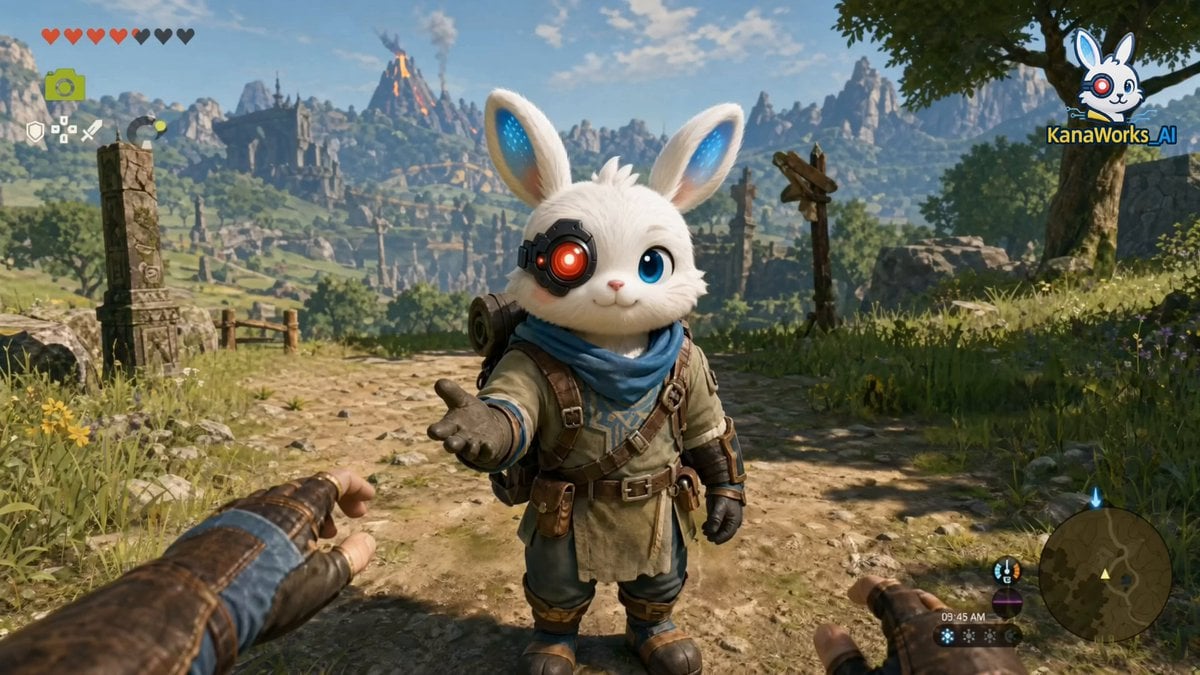
First-Person RPG Dialogue and Exploration Video Prompt
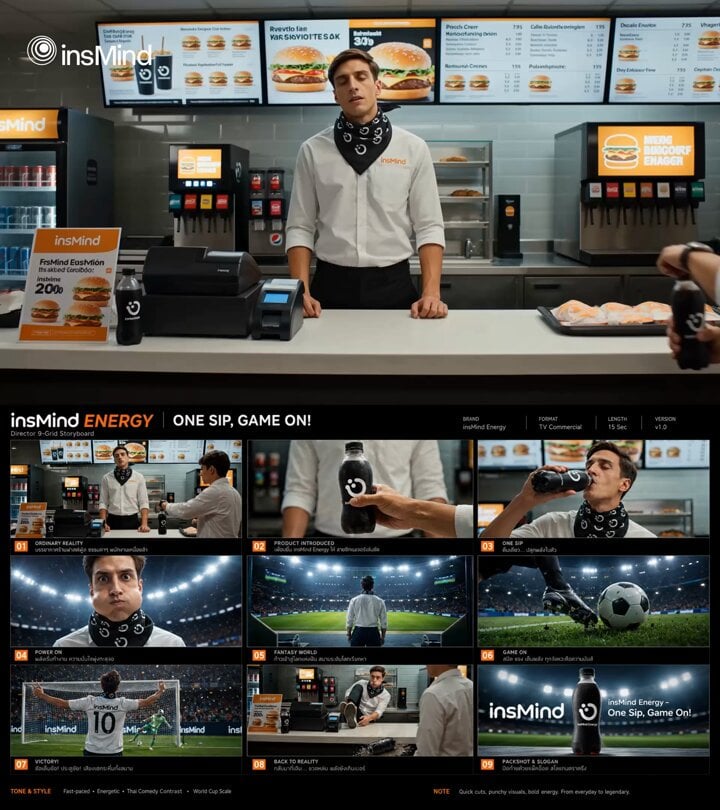
Energy Drink Commercial Storyboard Video
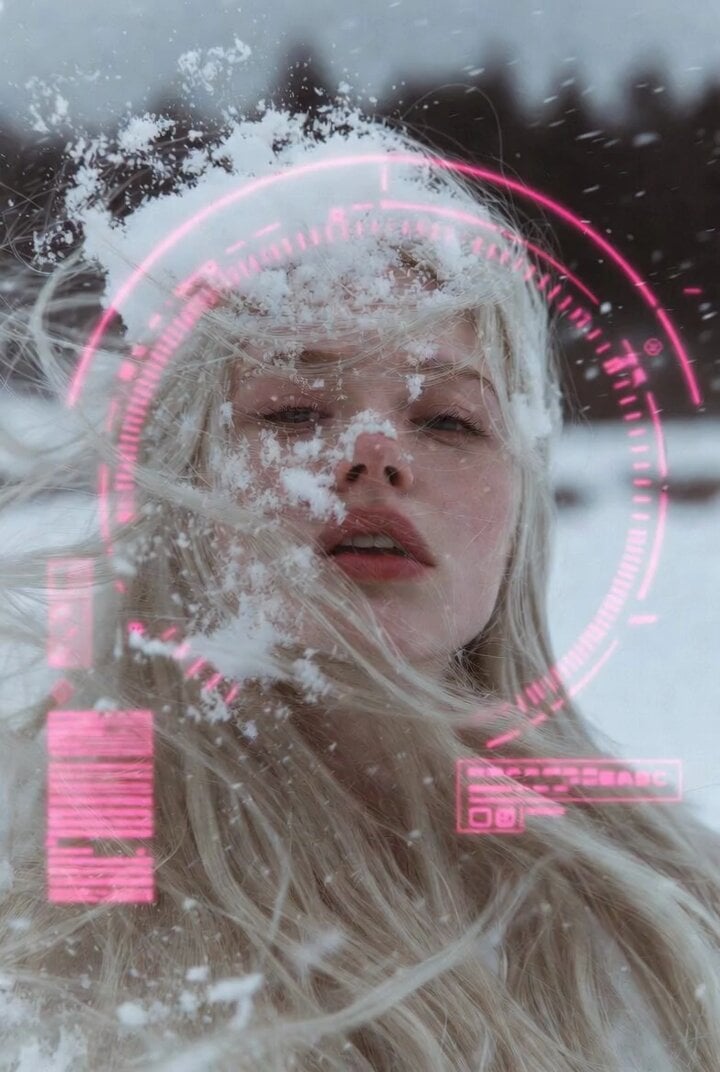
Woman in Winter Storm with HUD Overlay
Browse template categories
Realistic Cinematic Jungle Horror Short questions
How do I use the Realistic Cinematic Jungle Horror Short template?
Add your photo if the template asks for one, edit the prompt if you like — the template's model and format are already selected — and press Generate. Your version opens in PicX Studio.
Can I customize the Realistic Cinematic Jungle Horror Short template?
Yes. You can change the subject, setting, lighting, mood, format, and available model controls before creating your video.
Is the Realistic Cinematic Jungle Horror Short template free?
Opening and editing this template is free. Generating uses credits, shown on the Generate button when you are signed in.
Which AI model should I use?
Start with Seedance 2.0, which is the model associated with this template. You can compare another compatible model for a different finish.
Looking for something else? Browse all templates.

Your photo, any look
Thousands of ready templates for every top image and video model, from one credit balance.