How do I use the Chalkboard Stick Figure Karate Battle template?
Edit the prompt in the box under the preview — the template's model and format are already selected — and press Generate. Your version appears right on this page.
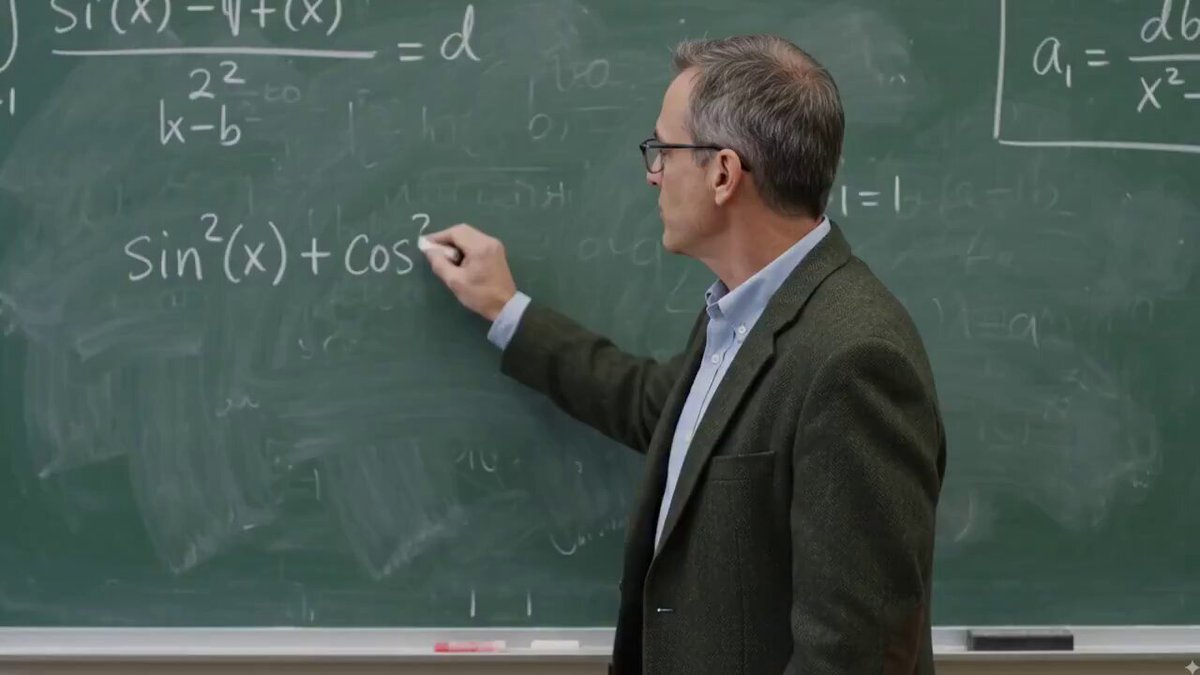
A detailed 2D animation prompt for a chalkboard scene where stick figures transition from sharing a flower to an intense martial arts fight.
15-second 2D animated video. Camera is completely steady and static the entire time. On the large green chalkboard in a elementary classroom, two simple white chalk stick figures are drawn facing each other (male on the left, female on the right with a ponytail). Sequence: 0–5 seconds: The male stick figure (left) reaches behind his back and pulls out a white chalk-drawn flower. He gently offers the flower to the female stick figure. Small white chalk hearts appear around them. The female stick figure becomes shy and kilig, covering her face slightly with one hand while little hearts float up. All hearts and effects stay strictly inside the green chalkboard. 5–7 seconds: Sudden pause. Both stick figures freeze for a moment. 7–15 seconds: They suddenly drop into intense karate fighting stances. The two stick figures start a very intense chalk-drawn karate fight — fast punches, high kicks, spins, and dramatic poses. White chalk motion lines, impact stars, and dust effects appear with every hit. All motion lines, stars, dust, and graphic effects remain completely inside the green chalkboard and never go outside the board edges. Everything stays as white chalk drawings on the green board. The classroom background, desks, chairs, and posters remain completely still and unchanged. No camera movement. Clean 2D animation style, simple chalk line art, white chalk only, highly detailed motion, 15 seconds. Negative prompt: 3D, realistic people, moving camera, colored chalk, effects going outside the board, changing background, blurry, low quality
15-second 2D animated video. Camera is completely steady and static the entire time. On the large green chalkboard in a elementary classroom, two simple white chalk stick figures are drawn facing each other (male on the left, female on the right with a ponytail). Sequence: 0–5 seconds: The male stick figure (left) reaches behind his back and pulls out a white chalk-drawn flower. He gently offers the flower to the female stick figure. Small white chalk hearts appear around them. The female stick figure becomes shy and kilig, covering her face slightly with one hand while little hearts float up. All hearts and effects stay strictly inside the green chalkboard. 5–7 seconds: Sudden pause. Both stick figures freeze for a moment. 7–15 seconds: They suddenly drop into intense karate fighting stances. The two stick figures start a very intense chalk-drawn karate fight — fast punches, high kicks, spins, and dramatic poses. White chalk motion lines, impact stars, and dust effects appear with every hit. All motion lines, stars, dust, and graphic effects remain completely inside the green chalkboard and never go outside the board edges. Everything stays as white chalk drawings on the green board. The classroom background, desks, chairs, and posters remain completely still and unchanged. No camera movement. Clean 2D animation style, simple chalk line art, white chalk only, highly detailed motion, 15 seconds. Negative prompt: 3D, realistic people, moving camera, colored chalk, effects going outside the board, changing background, blurry, low quality
Edit the prompt in the box under the preview — the template's model and format are already selected — and press Generate. Your version appears right on this page.
Yes. You can change the subject, setting, lighting, mood, format, and available model controls before creating your video.
Opening and editing this template is free. Generating uses credits, shown on the Generate button when you are signed in.
Start with Seedance 2.0, which is the model associated with this template. You can compare another compatible model for a different finish.
Follow a topic to a crawlable collection of related PicX Studio templates.