
Cinematic Cyberpunk Parkour Sequence
An action-packed prompt for a futuristic parkour scene featuring neon rain, shifting rooftops, and dynamic camera movements.
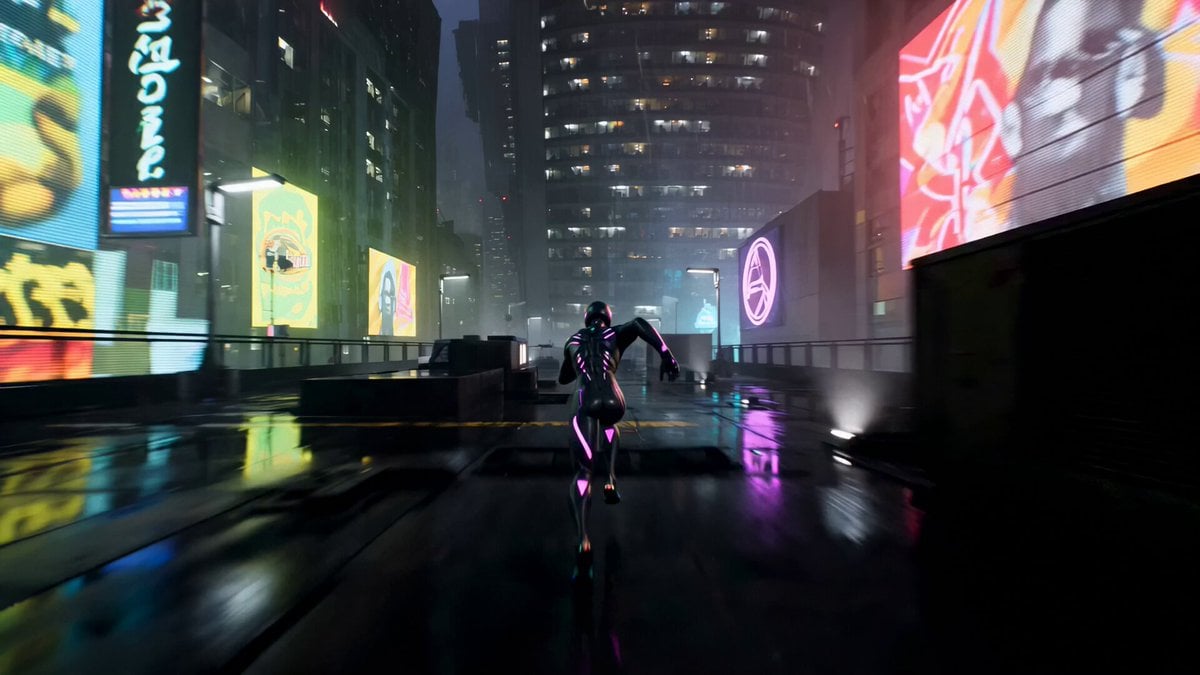
- Prompt included
- Model and format preset
- Premium template
The prompt behind this video
Copy the exact prompt behind Cinematic Cyberpunk Parkour Sequence, or open it in the studio and make it yours.
Cinematic cyberpunk video game cutscene, high-speed parkour across collapsing futuristic city rooftops, neon rain, dramatic night lighting, intense and fluid movement. 0-4s: Hero parkouring at high speed across neon-lit rooftops. Camera follows with dynamic tracking. Buildings start tilting and warping. 4-8s: Extreme vertigo sequence — multiple combined dolly zooms and fast orbital spins as the hero leaps between rooftops that are shifting and rotating. Camera spins with each jump, background warps. 8-12s: Hero runs along the side of a tilting skyscraper (wall becomes floor). Camera does continuous rolling rotations and sudden drops following the character’s movement. Strong disorienting perspective changes. 12-15s: Final desperate sequence — hero sprints across a collapsing glass walkway that is folding in on itself. Camera spins and tilts wildly with the structure. Ends with a massive leap into the void followed by a slow-motion spinning fall that resolves into a controlled landing on a lower rooftop as the upper city collapses behind him. Photorealistic 8K, ultra-detailed neon reflections and glass destruction, cinematic lighting, perfect motion blur, coherent physics, high dynamic range, stable character
How to use Cinematic Cyberpunk Parkour Sequence in 3 steps
- 1
Open
The prompt is already in the box next to the preview, with the template's model and format selected.
- 2…a portrait of your subject in softgolden-hour light, 85mm…
Personalize
Edit the subject and creative details for your destination.
- 3Generate
Generate
Press Generate — your video is created in PicX Studio, so you can compare it with the original and refine one variable at a time.
More like this
Templates with the same subject, style or setup. Open one to see its prompt.

Cyberpunk Parkour Anime Script

Cyberpunk Holographic Dance Performance - Seedance 2.5
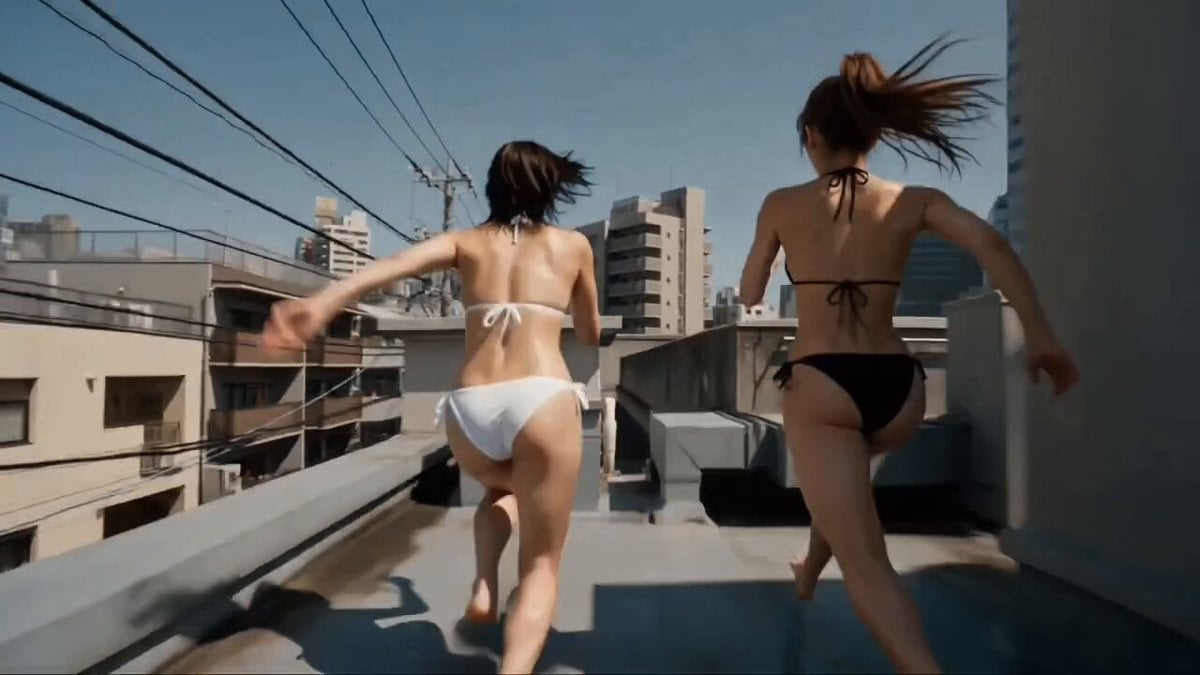
Multi-Character Parkour Action Sequence
Rooftop Parkour Motion Control

RX-7 to Mech Transformation Cyberpunk

YAML Parkour Cinematic Sequence
São Paulo Parkour Action Sequence
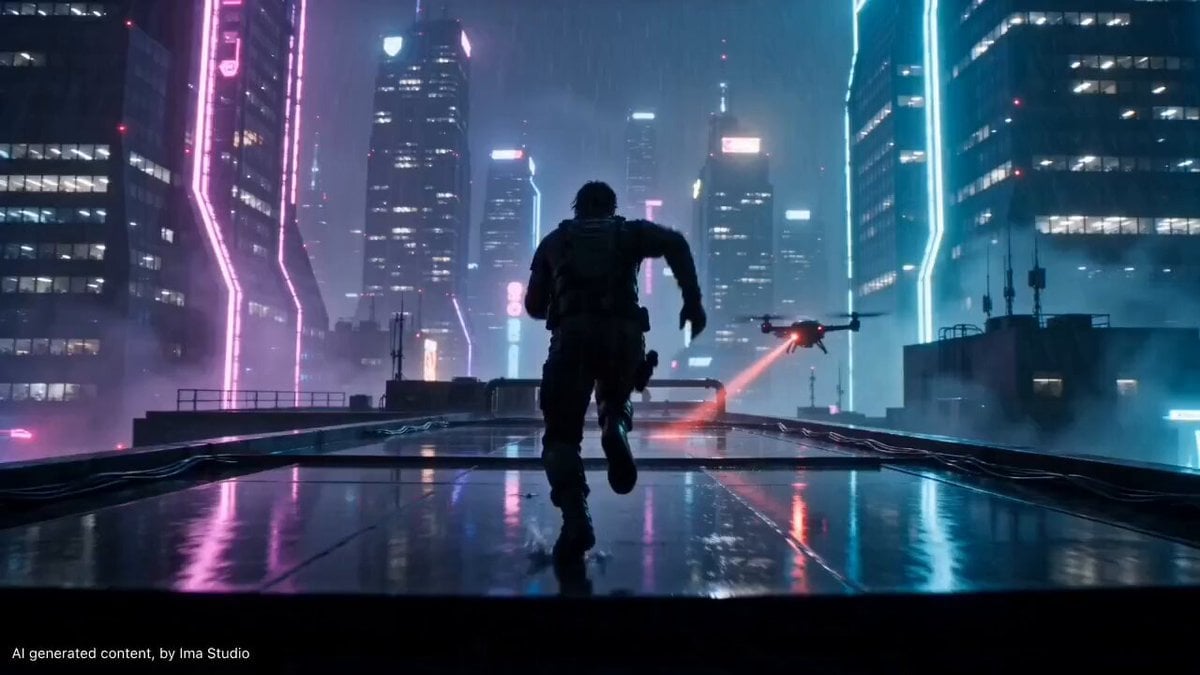
Cyberpunk Rooftop Parkour Chase
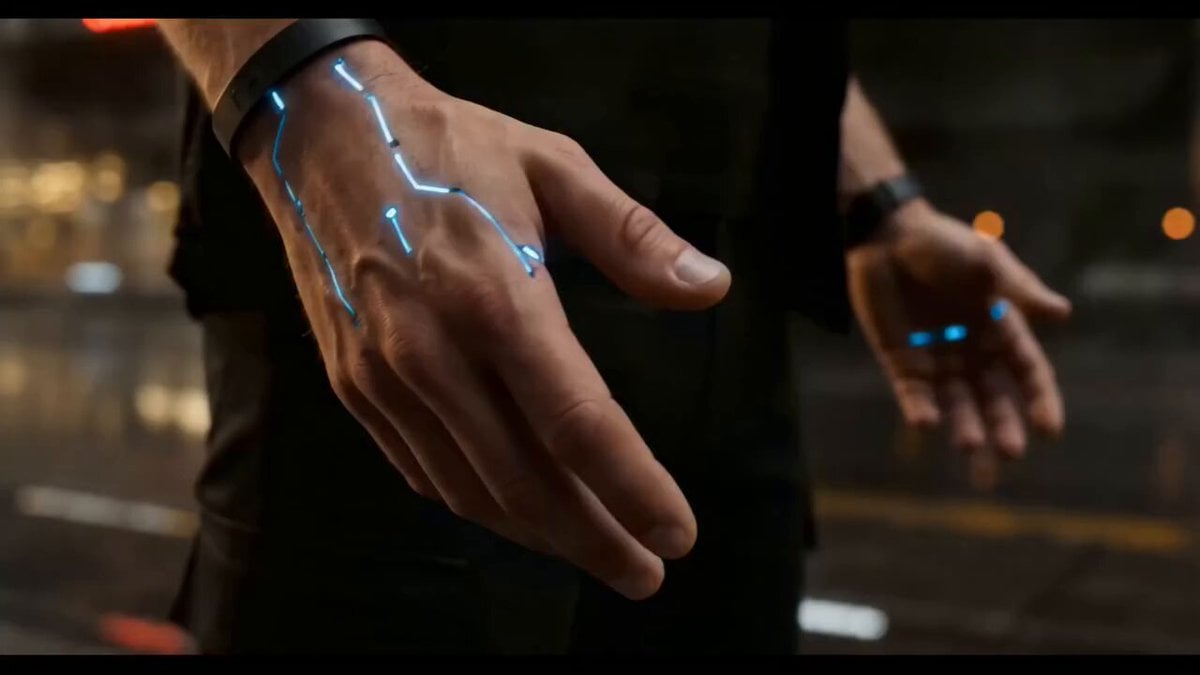
Cyberpunk Exosuit Transformation Sequence
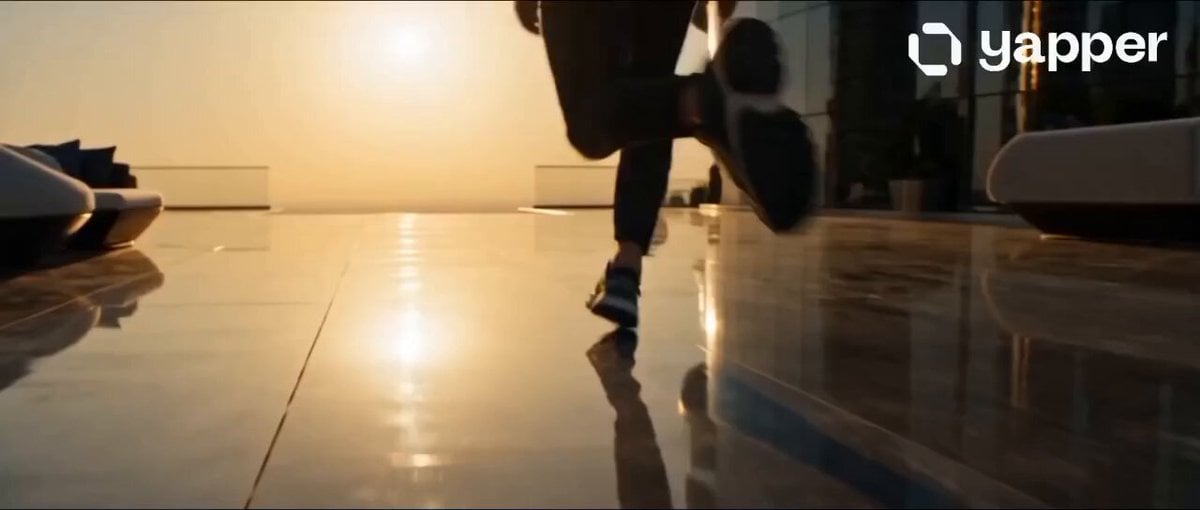
Dubai Rooftop Parkour Action Sequence
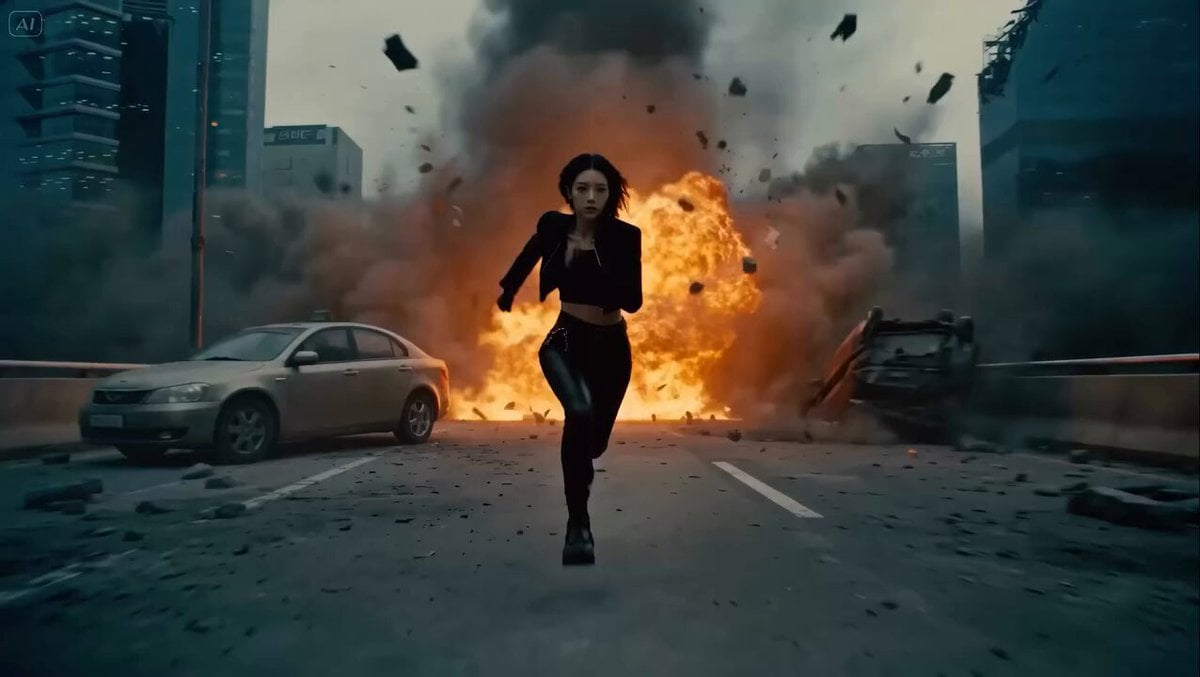
Cyberpunk Parkour Bridge Escape
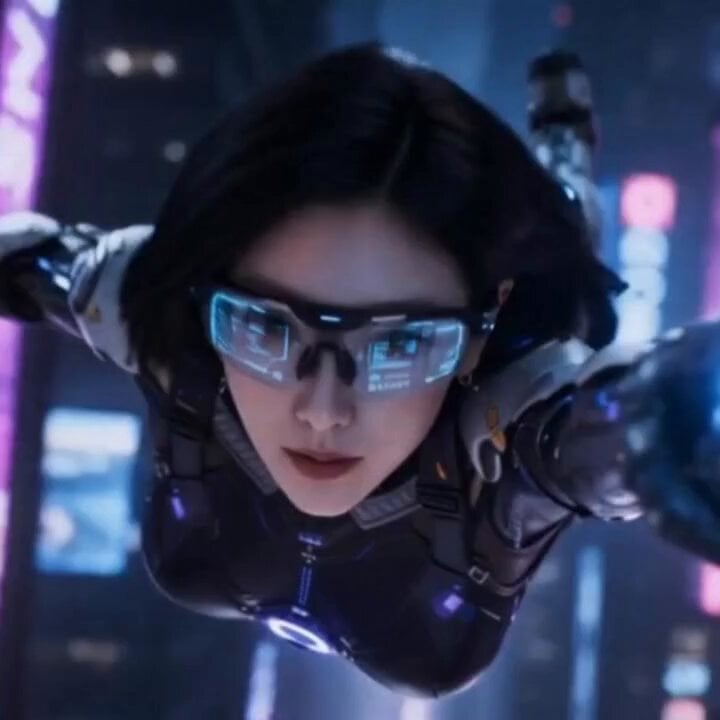
Cyberpunk Parkour Female Operative
Make it yours
Cinematic Cyberpunk Parkour Sequence works as-is. These are the safest ways to change it without losing the look.
Change one field
Copy a single group, rewrite it, and generate again so you can see what that field is doing.
Keep the frame, change the subject
Hold the composition and light of Cinematic Cyberpunk Parkour Sequence, then swap wardrobe, props or the person for a new take.
| If the result… | Why | Fix |
|---|---|---|
| The result drifts from the preview | Too many fields changed at once. | Reuse Cinematic Cyberpunk Parkour Sequence as-is first, then change one group — subject, light, or setting. |
| The model over-stylizes the scene | The prose prompt leaves finish and camera underspecified. | Add one camera or lighting sentence and stay on Seedance 2.0. |
More Seedance 2.0 templates
Other prompts made for Seedance 2.0.

Comical Martial Arts Punch Scene

Wuxia Protection and Trust Script

Vintage Korean Arcade MiniDV Vlog

Mercedes 190 SL Luxury Ad

Rainy Night Supernatural Reverse Comedy Video Script

Amazon Civilization Discovery

Futuristic South Asian City Transformation

Cozy Luxury Cafe Commercial

Cyber Ronin Nanotech Transformation Video

Desert Courier and Sandstorm Leviathan Chase
More video prompts
Fresh picks from across the catalog.
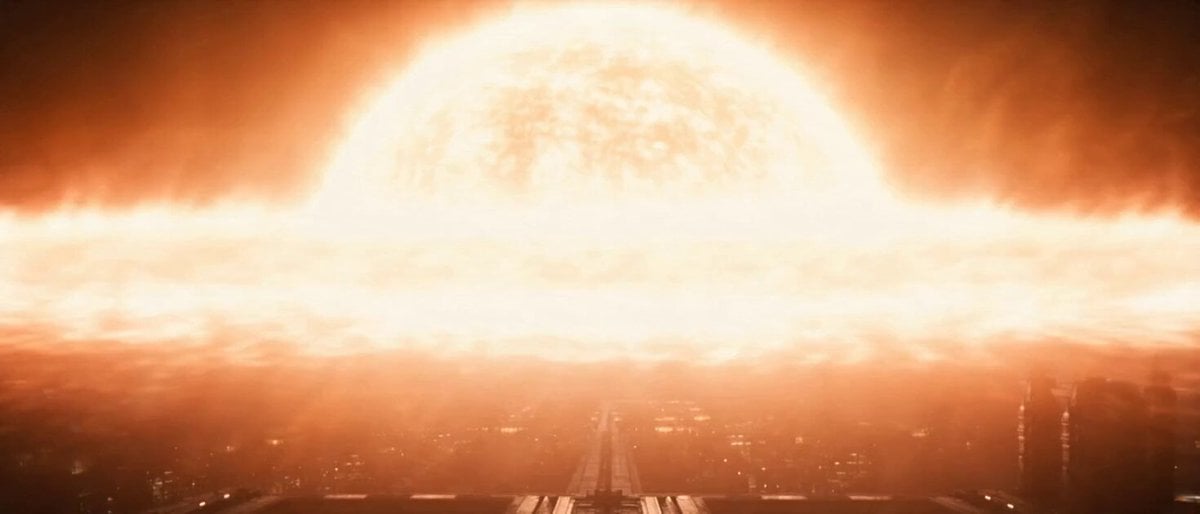
Space Station Solar Flare Emergency
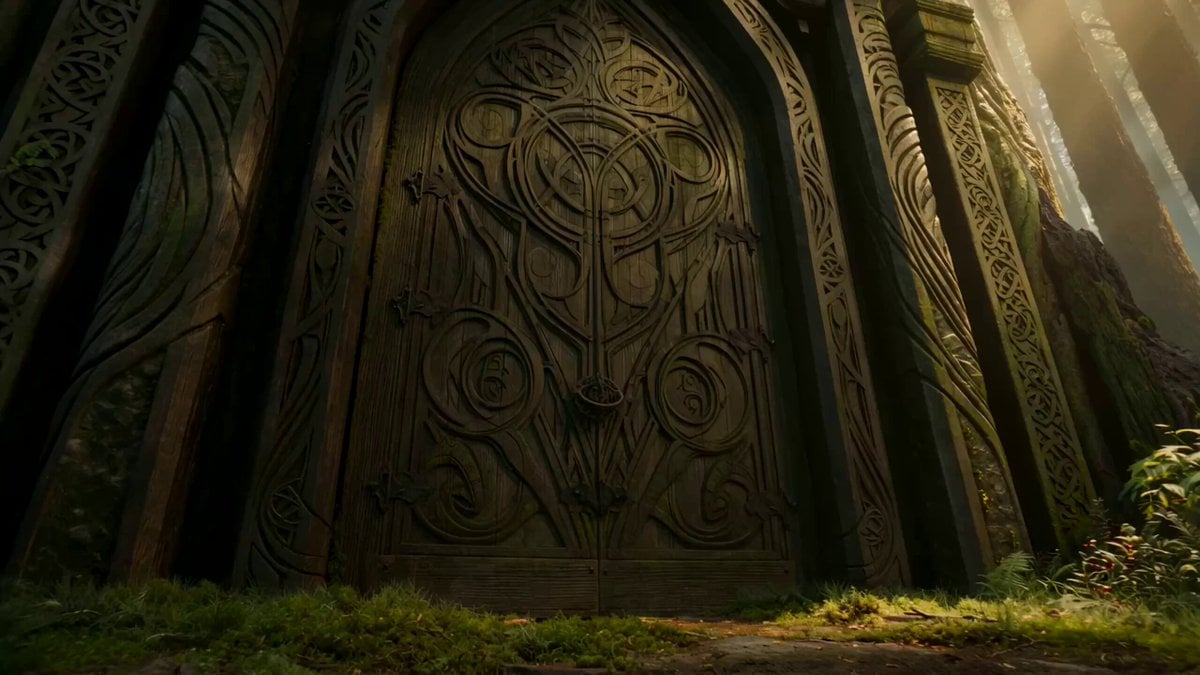
Dark Fairytale Chase-Battle Cinematic Storyboard
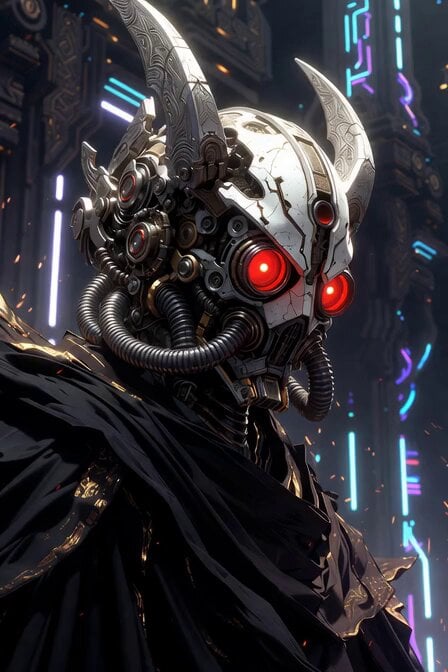
Sacred Cyber Warrior Transformation

Mutant Horse and Wolf Transformation
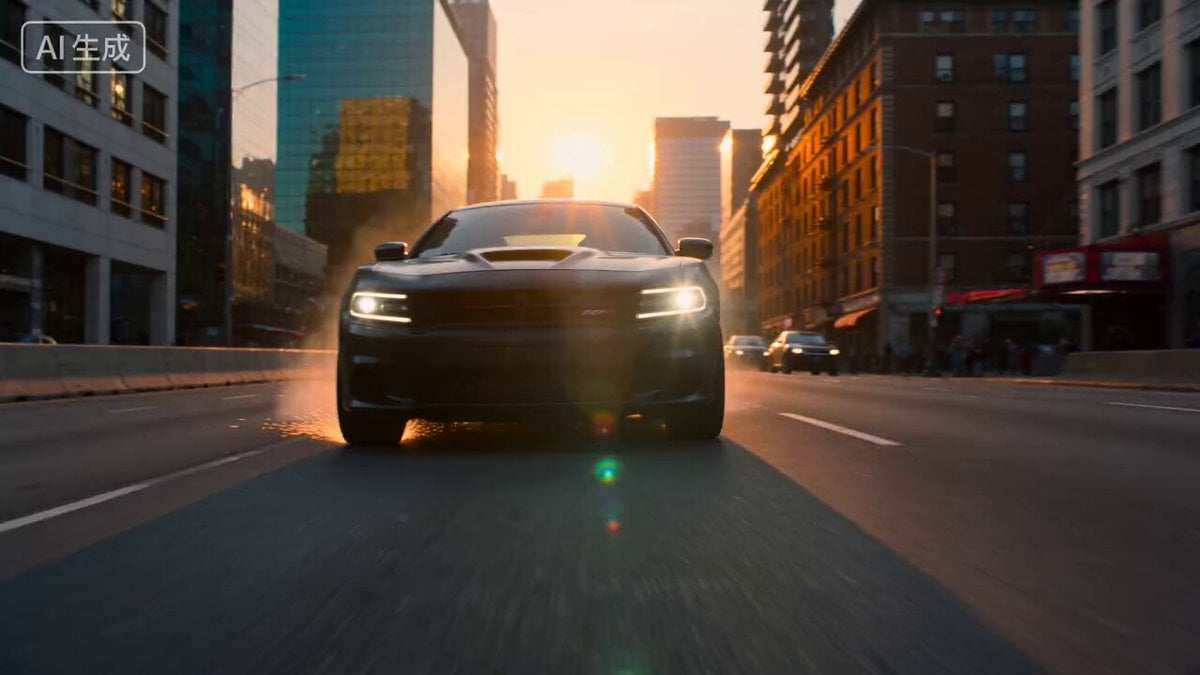
Action Scene Shot 1: Low-Angle Charger

Poetic Martial Arts Comedy: Zither and Cranes
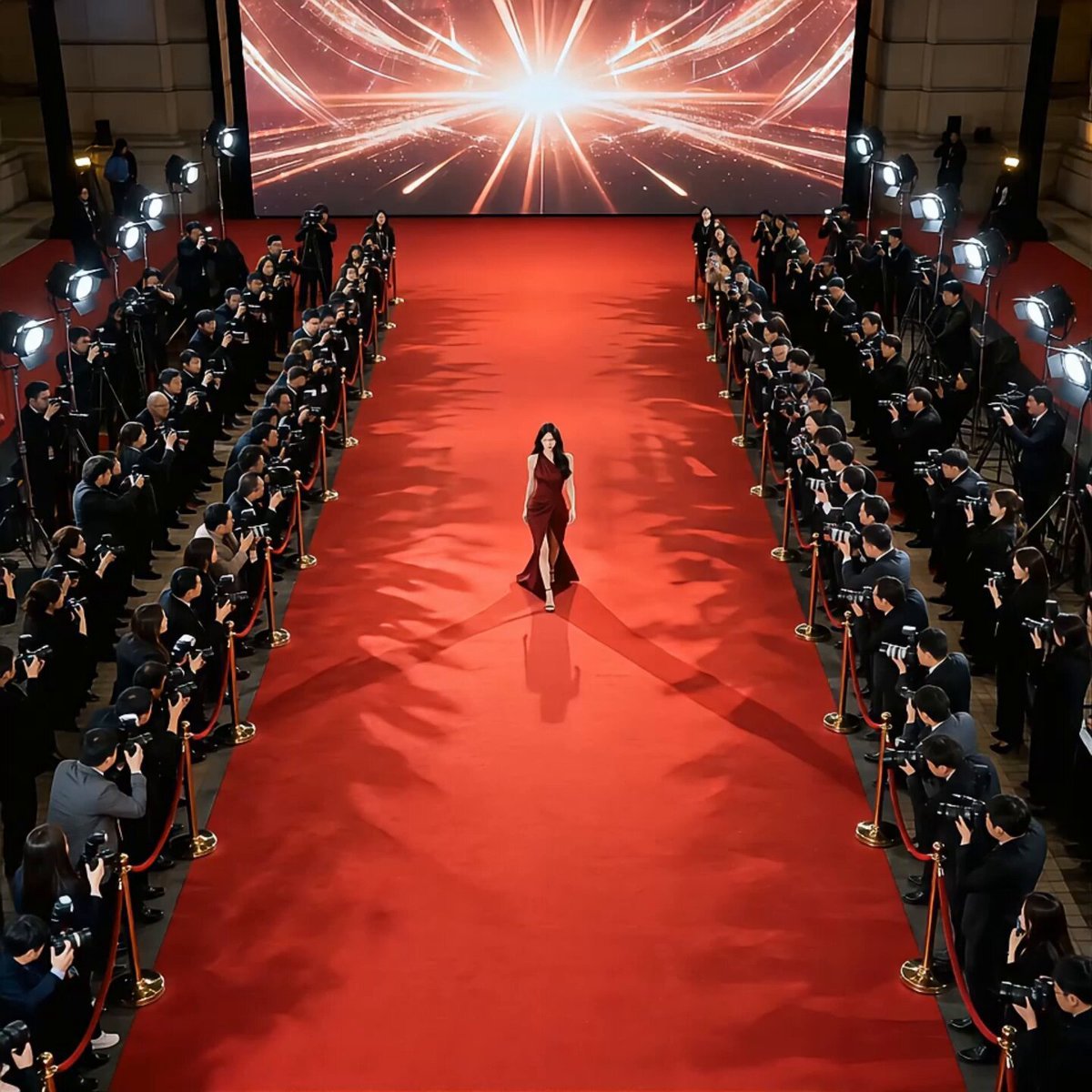
Red Carpet Movie Star Entrance
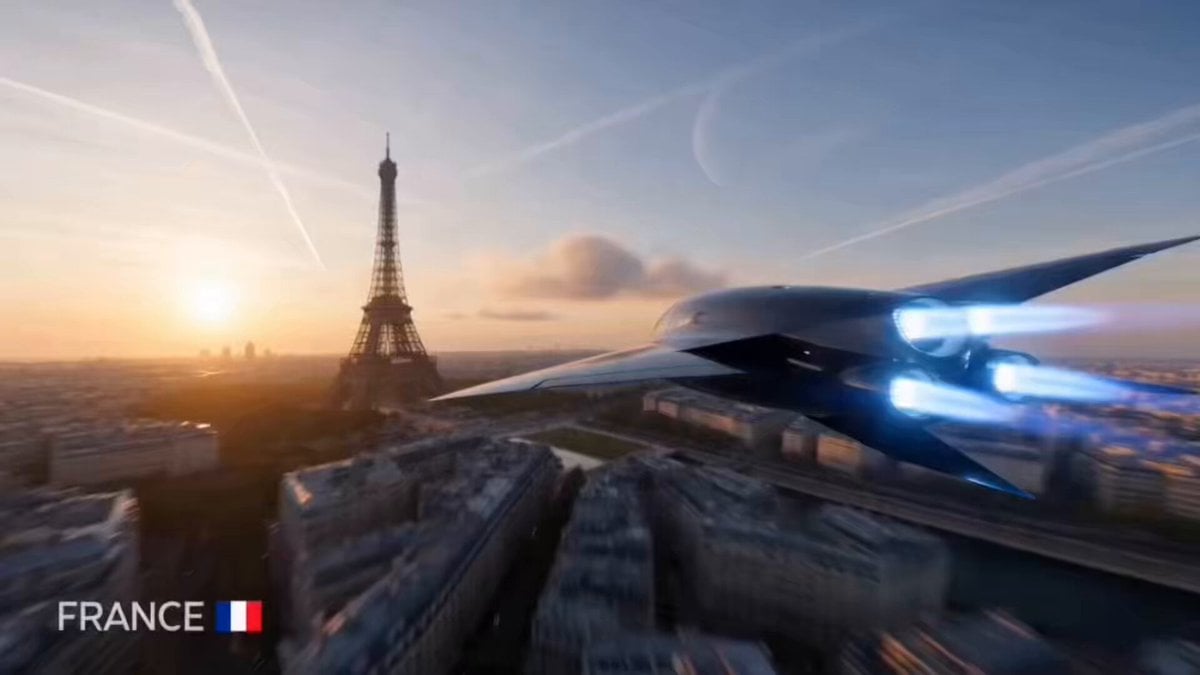
Cinematic Hyperspeed Global Tracking Shot
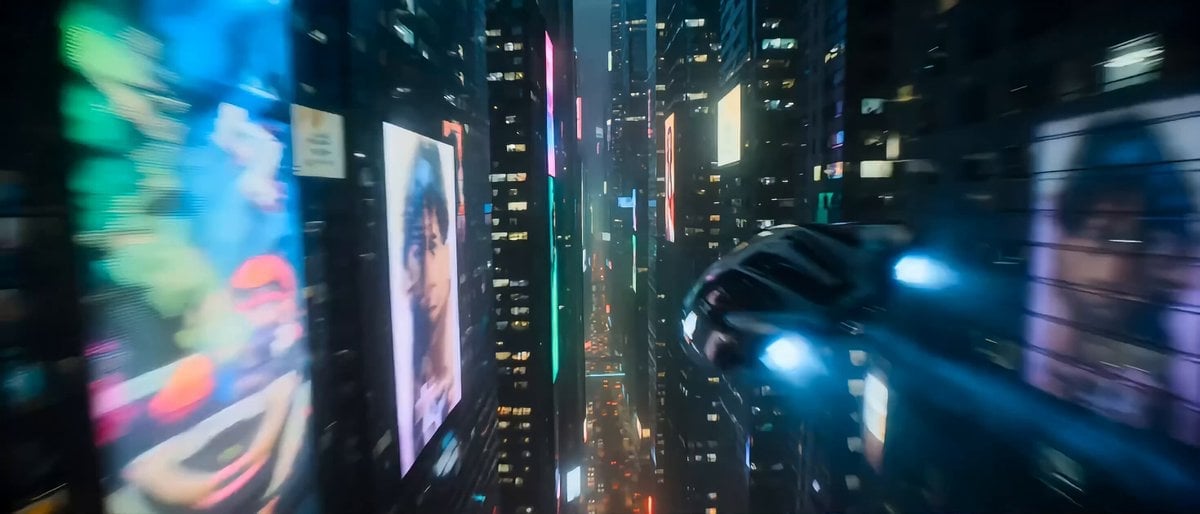
Hollywood Sci-Fi Cyberpunk Chase Scene
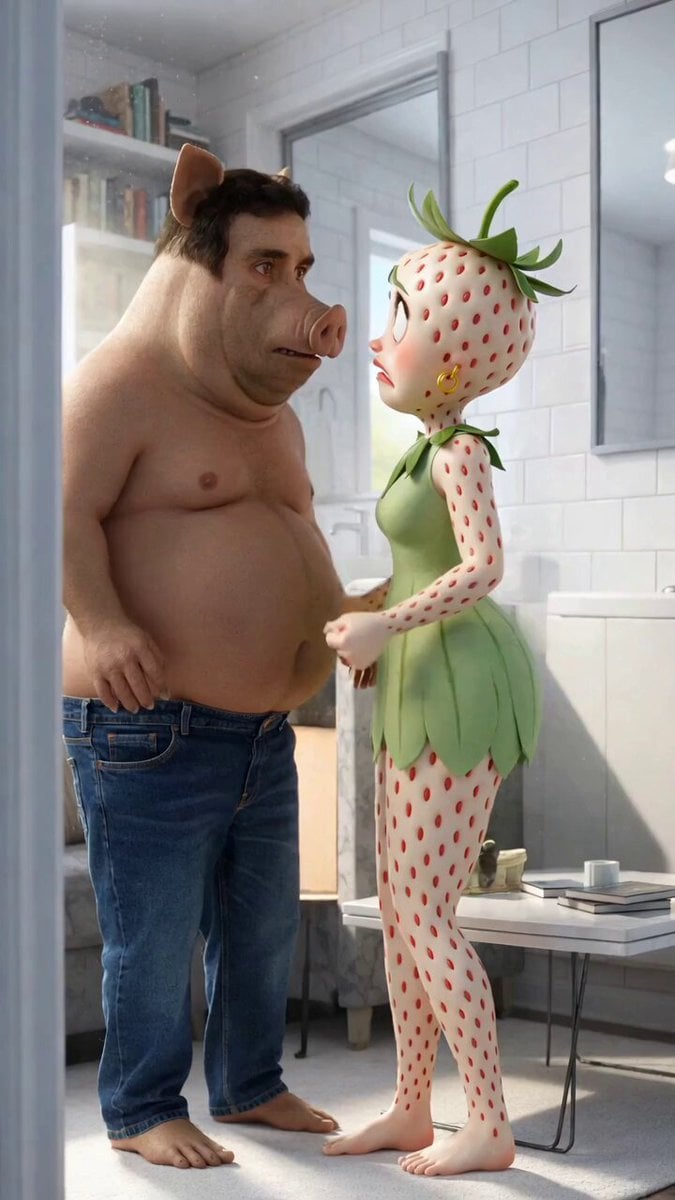
Nikita Boar and the Eggplant Child Video
Browse template categories
Cinematic Cyberpunk Parkour Sequence questions
How do I use the Cinematic Cyberpunk Parkour Sequence template?
Add your photo if the template asks for one, edit the prompt if you like — the template's model and format are already selected — and press Generate. Your version opens in PicX Studio.
Can I customize the Cinematic Cyberpunk Parkour Sequence template?
Yes. You can change the subject, setting, lighting, mood, format, and available model controls before creating your video.
Is the Cinematic Cyberpunk Parkour Sequence template free?
Opening and editing this template is free. Generating uses credits, shown on the Generate button when you are signed in.
Which AI model should I use?
Start with Seedance 2.0, which is the model associated with this template. You can compare another compatible model for a different finish.
Looking for something else? Browse all templates.

Your photo, any look
Thousands of ready templates for every top image and video model, from one credit balance.