
Cyberpunk Parkour Bridge Escape
A high-octane cinematic action prompt featuring urban parkour and a mecha suit transformation during a bridge explosion.
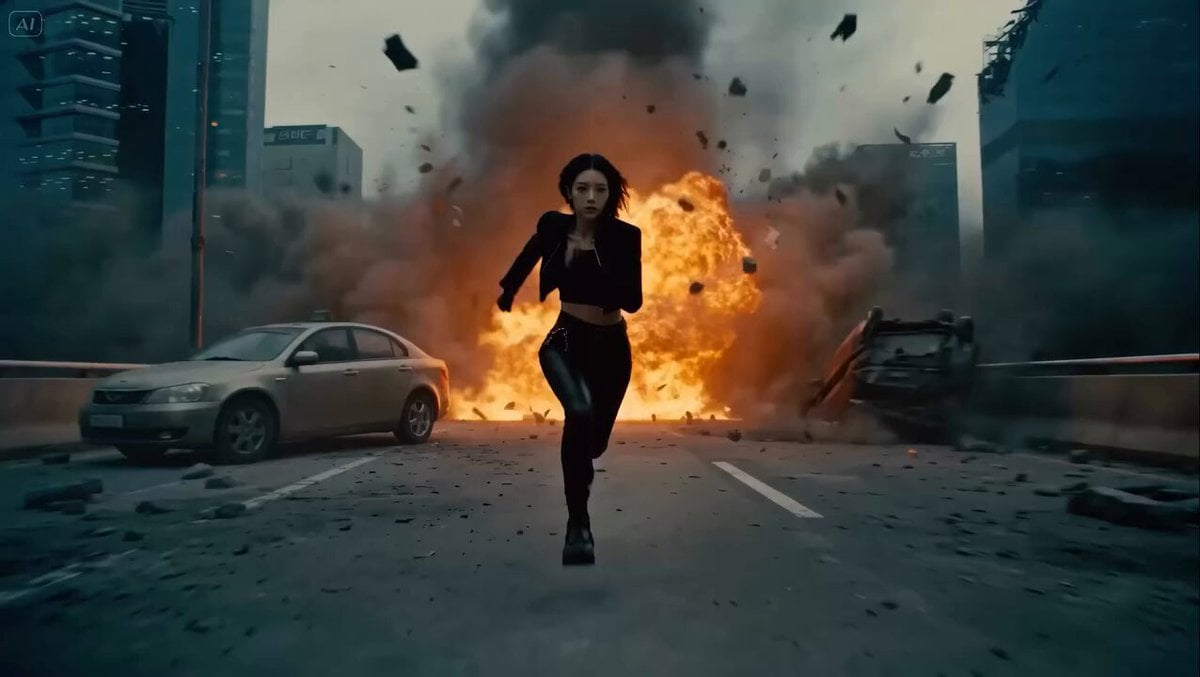
- Prompt included
- Model and format preset
- Free template
The prompt behind this video
Copy the exact prompt behind Cyberpunk Parkour Bridge Escape, or open it in the studio and make it yours.
Cinematic high-octane action sequence: A futuristic protagonist in sleek black tactical gear performs intense urban parkour across a modern city at dusk — leaping between rooftops, sliding down rails, wall-running, and jumping across gaps with fluid, athletic motion. Suddenly, during a daring run across a massive suspension bridge, the bridge begins exploding dramatically behind him/her — massive fireballs, flying debris, structural collapse, sparks and smoke filling the air. In the chaos, the character triggers a high-tech biometric mecha transformation. Biometric armor deploys in real-time: metallic plates, glowing energy lines, and heavy mechanical segments rapidly snap, unfold, and lock onto the body mid-sprint and mid-jump. The suit assembles seamlessly from limbs to torso to helmet with satisfying mechanical sounds and glowing effects. The transformation enhances power — the character leaps even farther, lands with superhuman impact, and continues the high-speed escape as the bridge fully collapses. Dynamic camera work: fast tracking shots following the runner from behind and side angles, dramatic low-angle hero shots during transformation, orbiting camera during jumps, quick cuts on explosions. Intense slow-motion on key moments (armor snapping into place, massive leaps, debris impacts). Style: Hyper-realistic, Hollywood blockbuster action (like Transformers meets Mirror's Edge or John Wick), cinematic lighting with golden hour/dusk tones turning to fiery oranges and dramatic shadows, volumetric smoke, particle effects, high detail on metal textures, reflections, and fabric-to-armor transition. Perfect physics, momentum, and temporal consistency. 8-12 seconds, high motion coherence.
How to use Cyberpunk Parkour Bridge Escape in 3 steps
- 1
Open
The prompt is already in the box next to the preview, with the template's model and format selected.
- 2…a portrait of your subject in softgolden-hour light, 85mm…
Personalize
Edit the subject and creative details for your destination.
- 3Generate
Generate
Press Generate — your video is created in PicX Studio, so you can compare it with the original and refine one variable at a time.
More like this
Templates with the same subject, style or setup. Open one to see its prompt.

Cyberpunk Parkour Anime Script

Cyberpunk Holographic Dance Performance - Seedance 2.5
Rooftop Parkour Motion Control

RX-7 to Mech Transformation Cyberpunk
Cyberpunk Rooftop Parkour Chase
Fantasy Dragon Bridge Escape Sequence
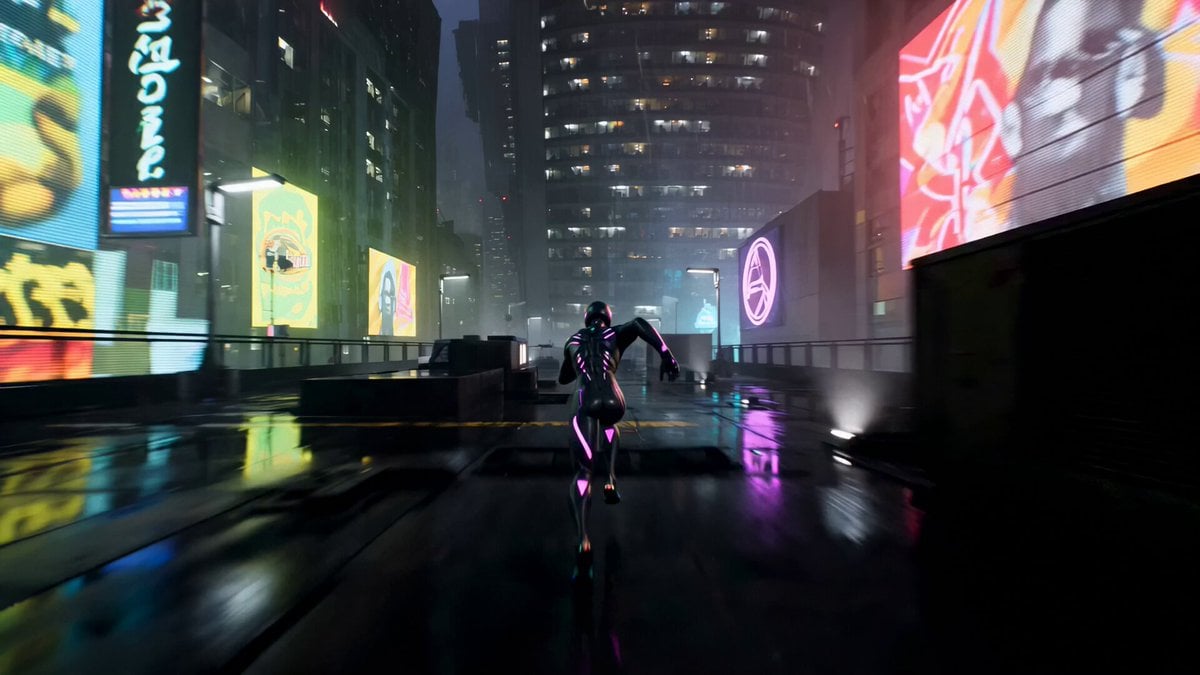
Cinematic Cyberpunk Parkour Sequence
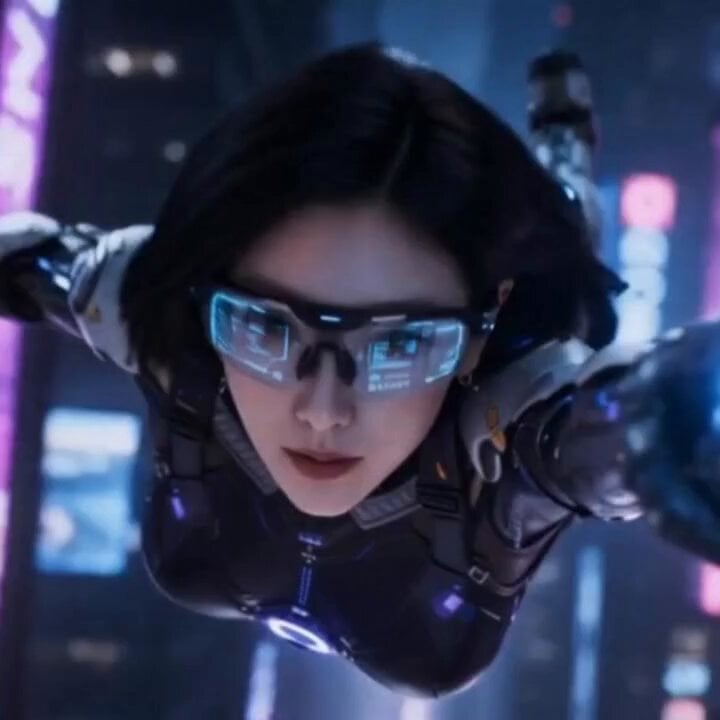
Cyberpunk Parkour Female Operative
Vertical City — São Paulo Parkour at Sunset
Sci-fi action sequence escape prompt

Asha and Arjun Bridge Survival

Stormy Rope Bridge Forced Cooperation Video
Make it yours
Cyberpunk Parkour Bridge Escape works as-is. These are the safest ways to change it without losing the look.
Change one field
Copy a single group, rewrite it, and generate again so you can see what that field is doing.
Keep the frame, change the subject
Hold the composition and light of Cyberpunk Parkour Bridge Escape, then swap wardrobe, props or the person for a new take.
| If the result… | Why | Fix |
|---|---|---|
| The result drifts from the preview | Too many fields changed at once. | Reuse Cyberpunk Parkour Bridge Escape as-is first, then change one group — subject, light, or setting. |
| The model over-stylizes the scene | The prose prompt leaves finish and camera underspecified. | Add one camera or lighting sentence and stay on Seedance 2.0. |
More Seedance 2.0 templates
Other prompts made for Seedance 2.0.

Comical Martial Arts Punch Scene

Maglev Train Action Sequence

Martial Arts Fight Sequence

Wuxia Protection and Trust Script

Vintage Korean Arcade MiniDV Vlog

Mercedes 190 SL Luxury Ad

Rainy Night Supernatural Reverse Comedy Video Script

Amazon Civilization Discovery

Futuristic South Asian City Transformation

Cozy Luxury Cafe Commercial
More video prompts
Fresh picks from across the catalog.

Grok Imagine Prompt: Zoom and transform map of Jerusalem
Seedance 2.0 Prompt for Cinematic City Promotional Video
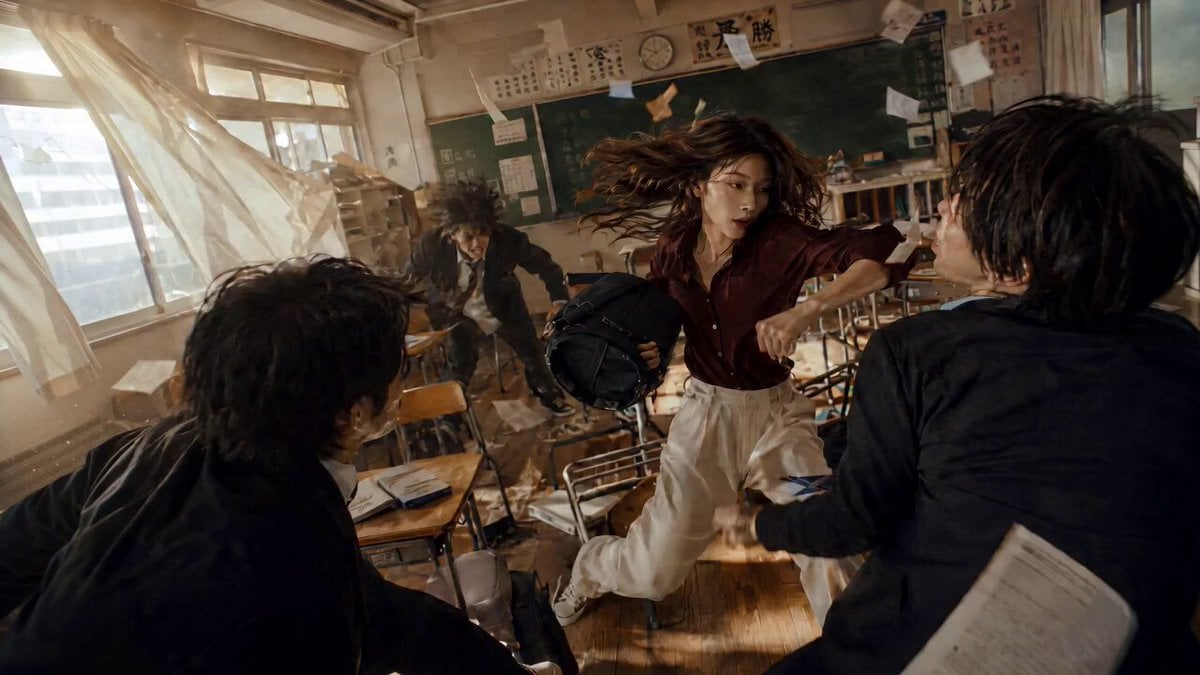
High School Martial Arts One-Shot
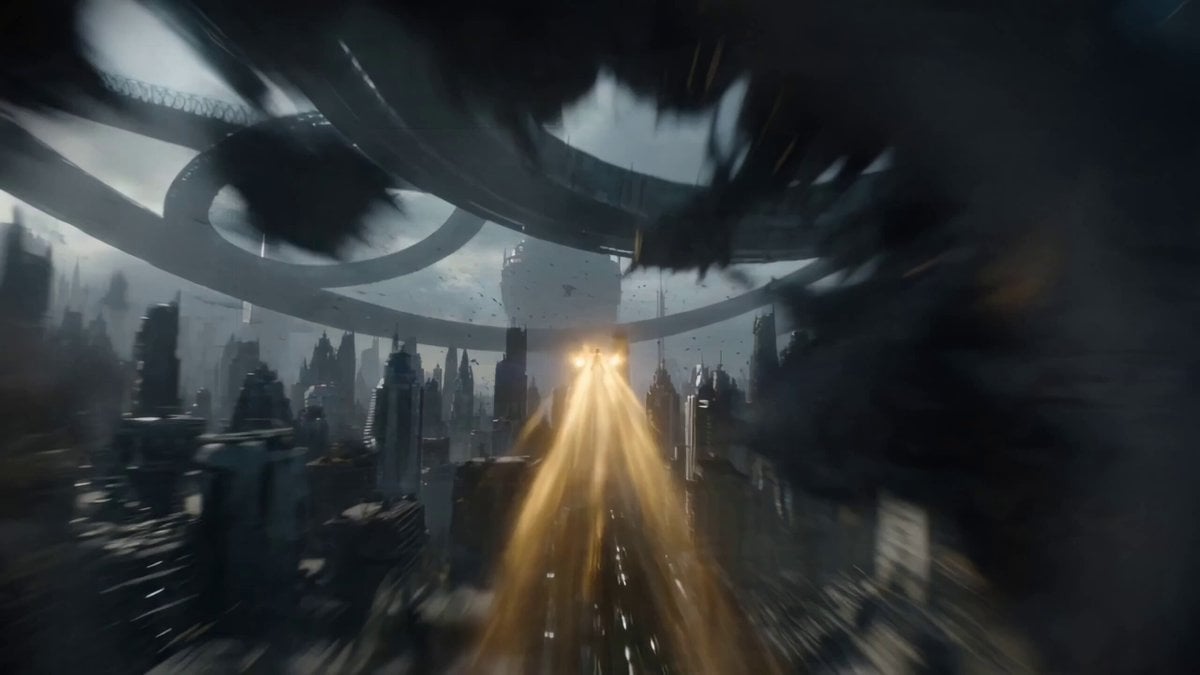
One-Shot Continuous Fall Through Four Layers of Reality
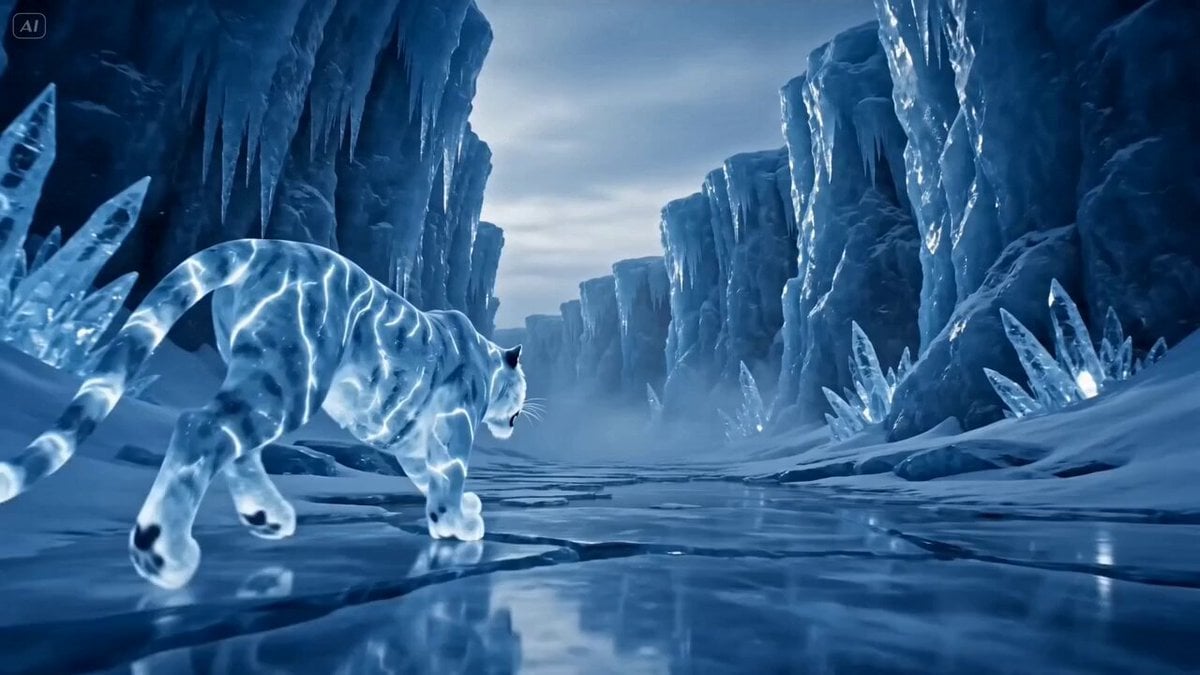
Glacial Canyon Frost Battle
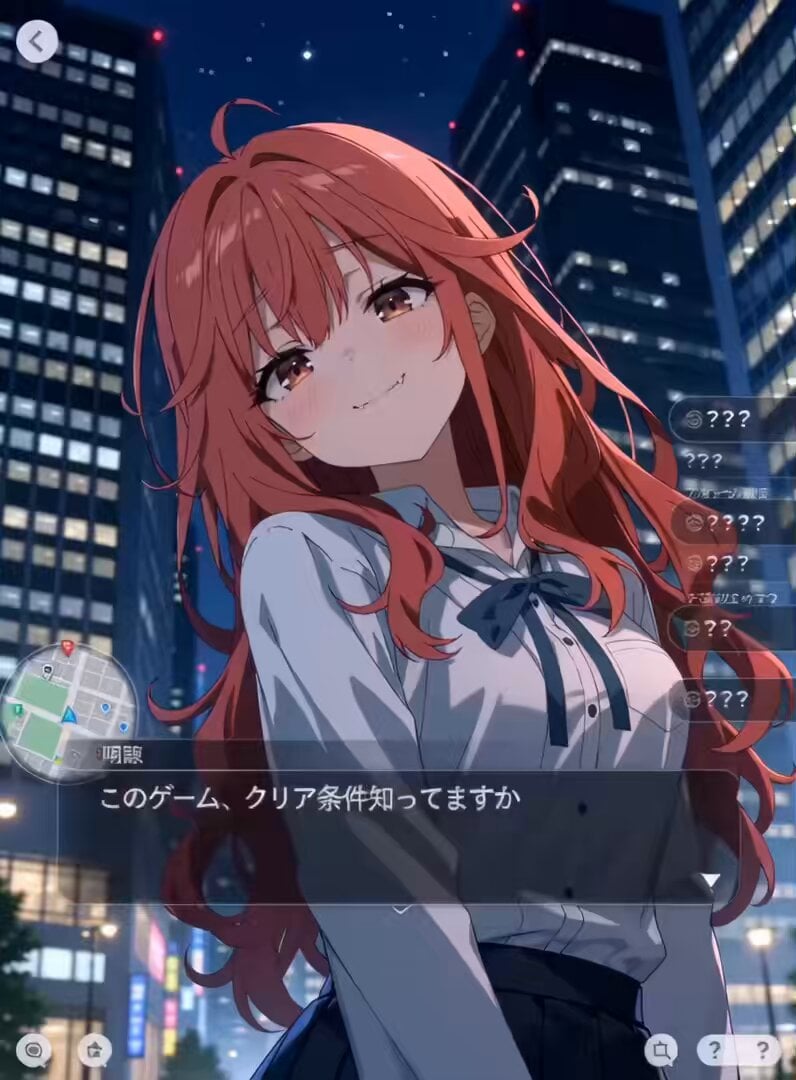
Urban RPG Gameplay Animation
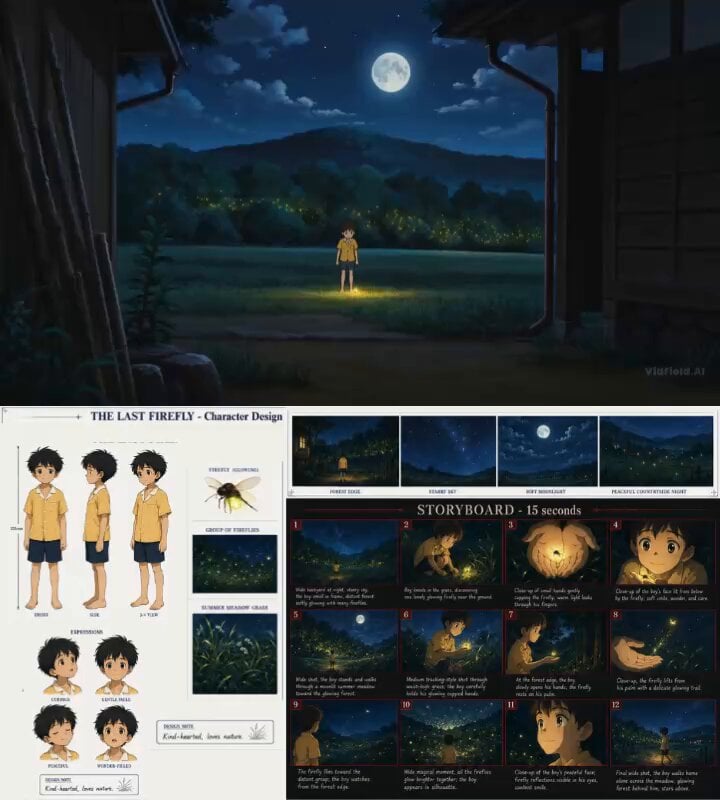
Cinematic Anime Storyboard Video Prompt
Coastal City Evolution 10,000-Year Timelapse
Kaiju Highway Rampage
Analog Fitness Vlog Gym Diary
Browse template categories
Cyberpunk Parkour Bridge Escape questions
How do I use the Cyberpunk Parkour Bridge Escape template?
Add your photo if the template asks for one, edit the prompt if you like — the template's model and format are already selected — and press Generate. Your version opens in PicX Studio.
Can I customize the Cyberpunk Parkour Bridge Escape template?
Yes. You can change the subject, setting, lighting, mood, format, and available model controls before creating your video.
Is the Cyberpunk Parkour Bridge Escape template free?
Opening and editing this template is free. Generating uses credits, shown on the Generate button when you are signed in.
Which AI model should I use?
Start with Seedance 2.0, which is the model associated with this template. You can compare another compatible model for a different finish.
Looking for something else? Browse all templates.

Your photo, any look
Thousands of ready templates for every top image and video model, from one credit balance.