
One-Shot Continuous Fall Through Four Layers of Reality
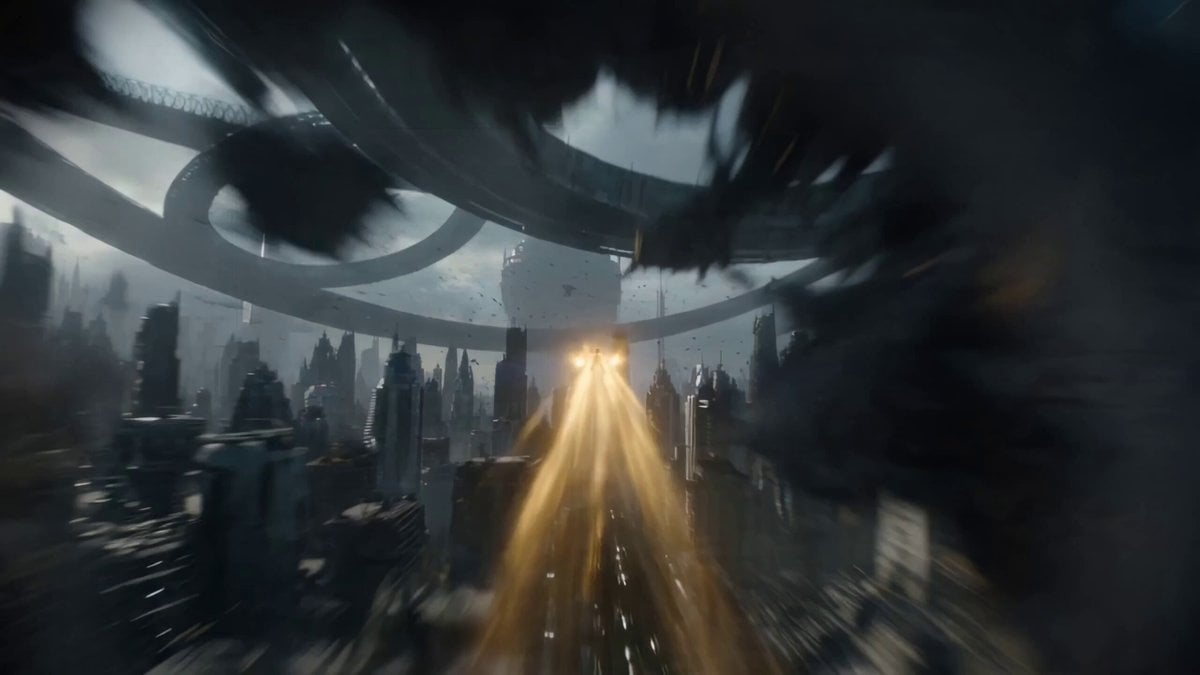
A highly complex, multi-lingual prompt for Seedance 2.0 generating a continuous, one-shot video of a young man falling through four distinct, escalating layers of reality (future city, primeval forest, alien canyons…
- Prompt included
- Model and format preset
- Free template
The prompt behind this video
Copy the exact prompt behind One-Shot Continuous Fall Through Four Layers of Reality, or open it in the studio and make it yours.
one-shot continuous take, on a rooftop at dusk, a young man condenses a golden energy core between his hands, the surrounding air is torn open into a rotating spacetime rift. The camera quickly pushes into the rift, following him as he falls together into the first layer world: an abandoned future city, floating wreckage and gigantic ring-shaped motherships hovering in the sky. Continues the high-speed fall into the second layer world: primeval mangrove forest and a sea of mist formed by the breath of ancient giant beasts. Then downward through the third layer: black crystal canyons and an alien surface composed of blue lightning. Finally falls into the fourth layer world: a tranquil cosmic platform surrounded by enormous mechanical spheres. The man is wrapped in golden energy each time the world switches, the lens always maintains the continuous falling sensation, with speed, space, and spectacle escalating layer by layer, strong sense of an original universe.
How to use One-Shot Continuous Fall Through Four Layers of Reality in 3 steps
- 1
Open
The prompt is already in the box next to the preview, with the template's model and format selected.
- 2…a portrait of your subject in softgolden-hour light, 85mm…
Personalize
Edit the subject and creative details for your destination.
- 3Generate
Generate
Press Generate — your video is created in PicX Studio, so you can compare it with the original and refine one variable at a time.
More like this
Templates with the same subject, style or setup. Open one to see its prompt.
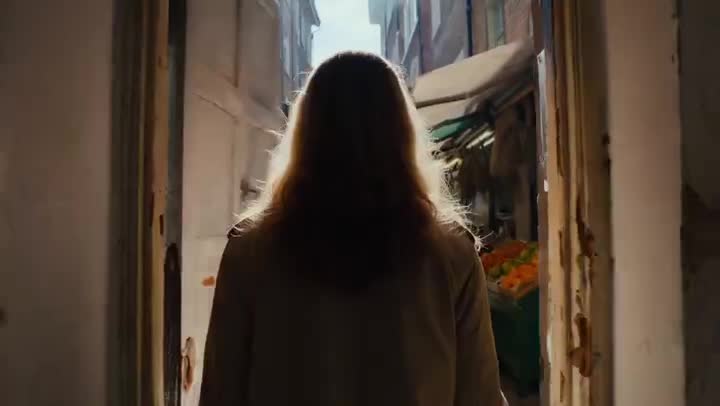
Lonely Crowd One-Shot Through Seasons
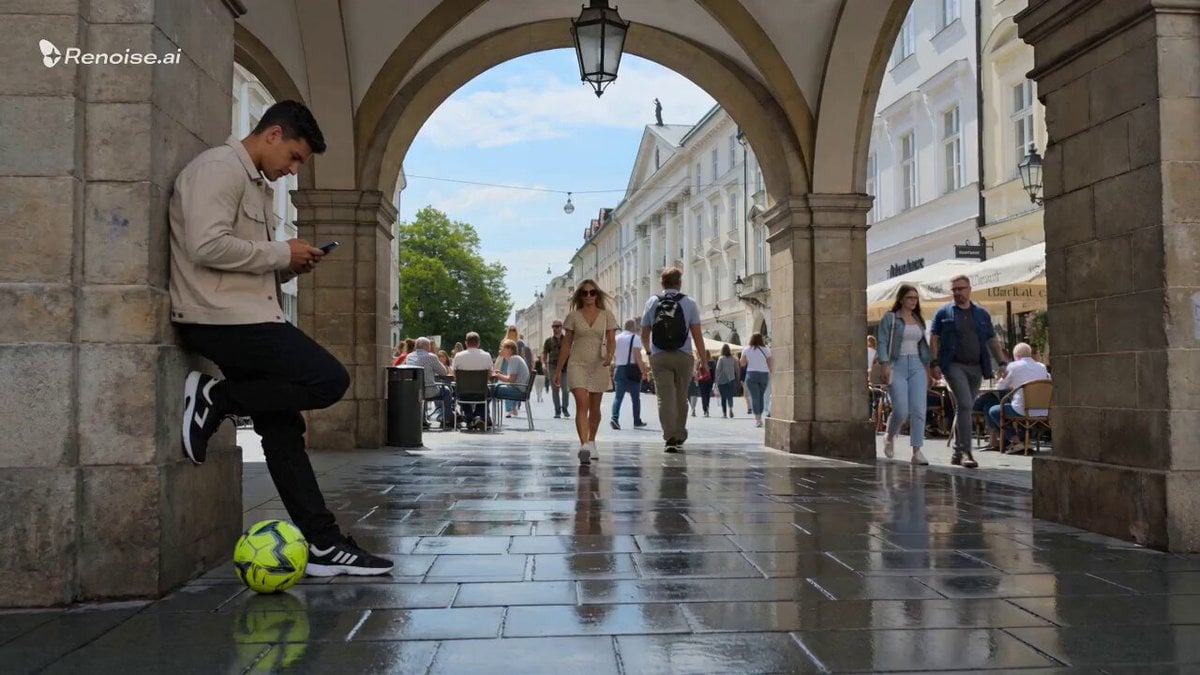
Smartphone Style Slapstick Comedy Fall
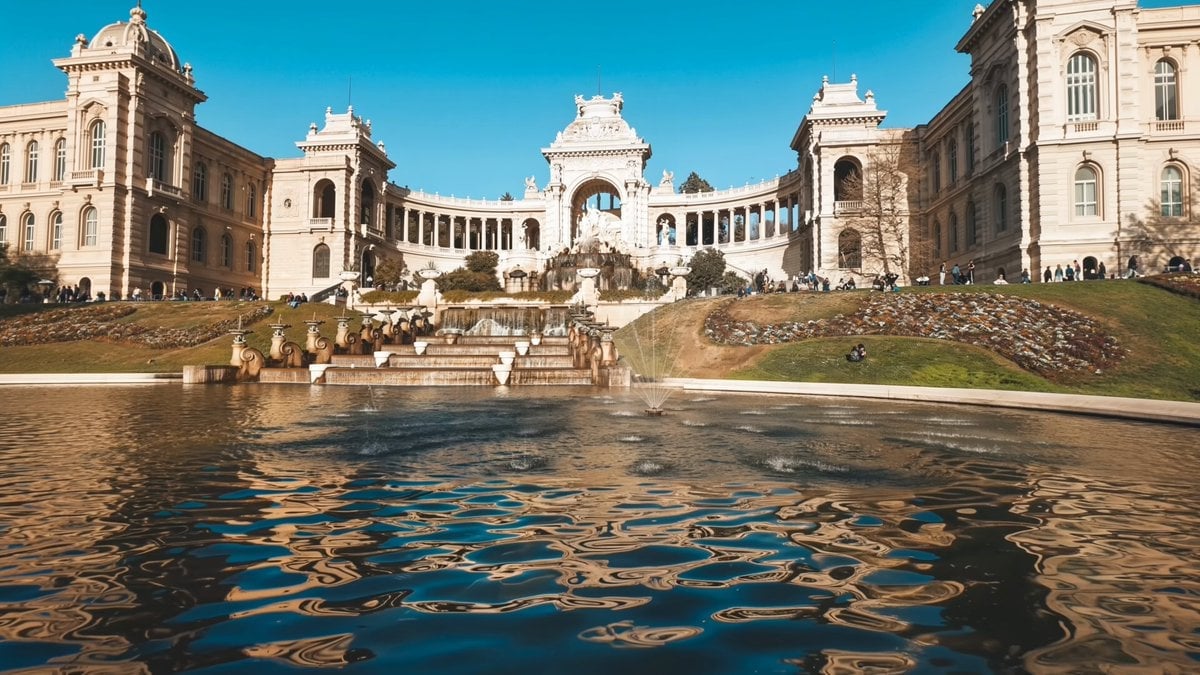
Continuous FPV Drone Architecture Shot

Easter Bunnies Falling Through a Portal
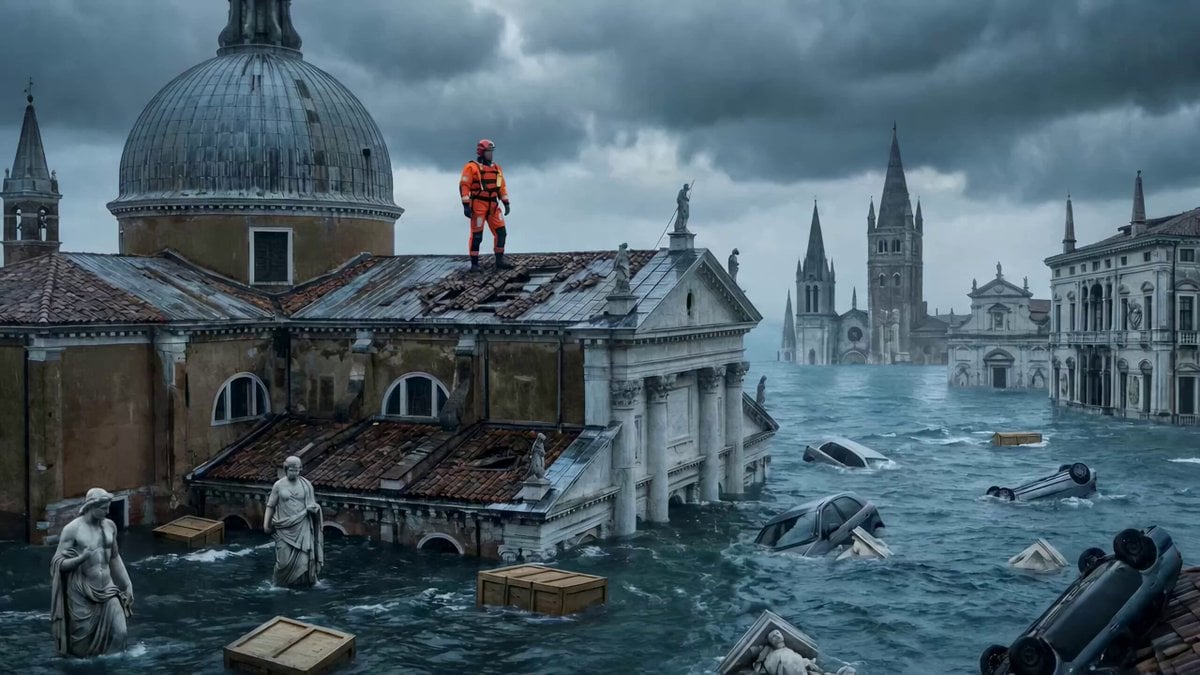
Continuous One-Take Disaster Film Realism

Girl Falling Through Digital Tunnel Video Prompt
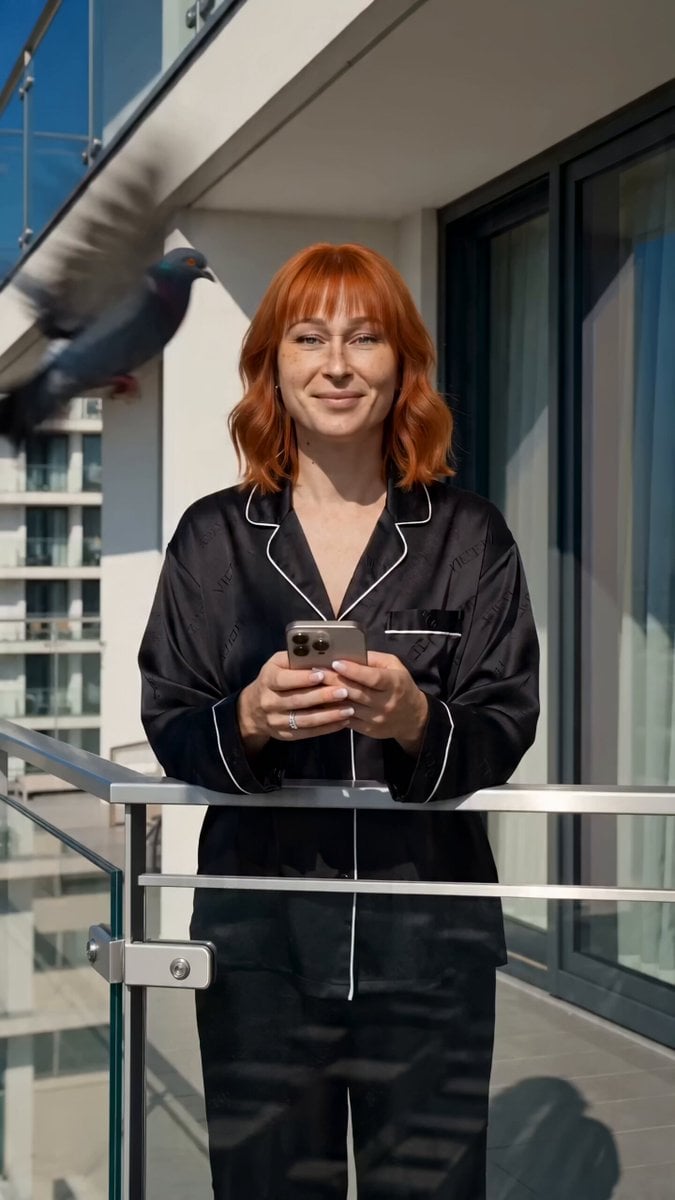
iPhone Free-Fall Multi-Dimensional Chase Video Prompt
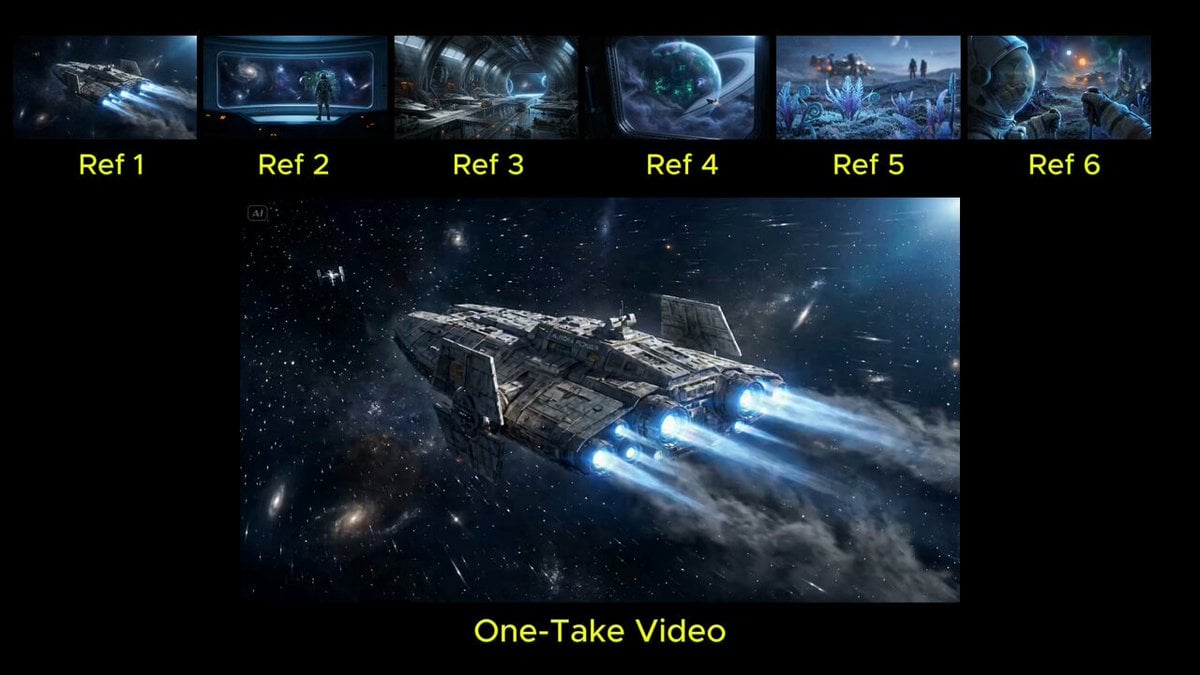
Seamless Continuous One-Take Video Prompt
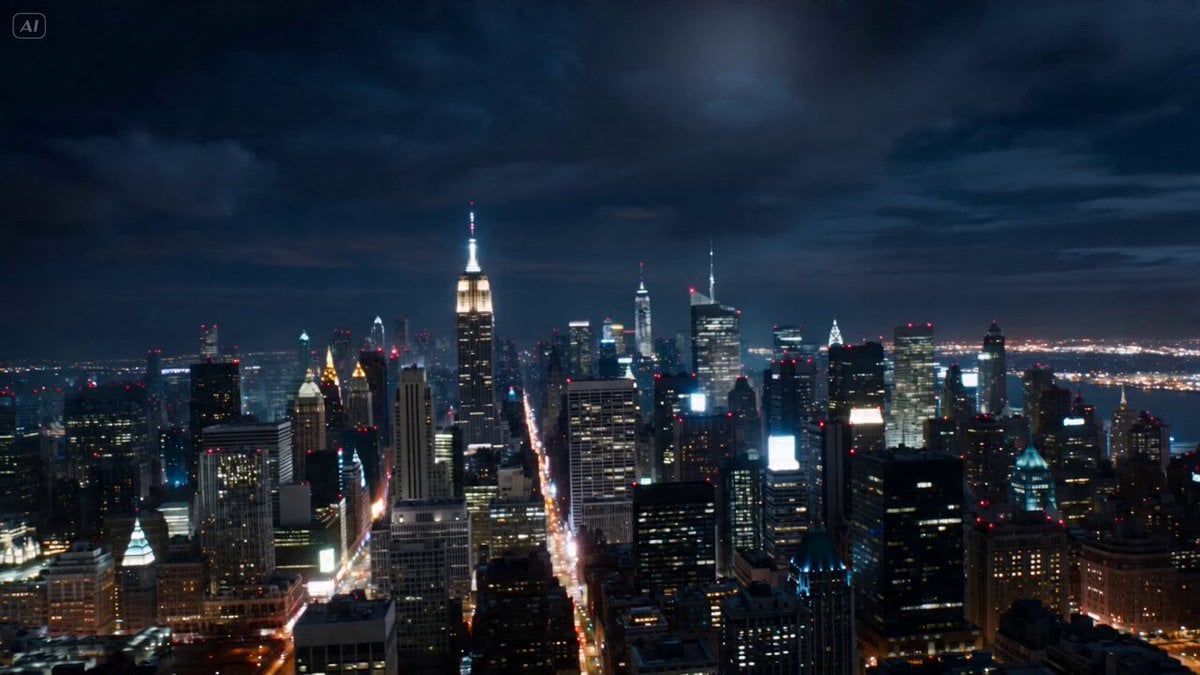
Cinematic Reality Collapse One-Take
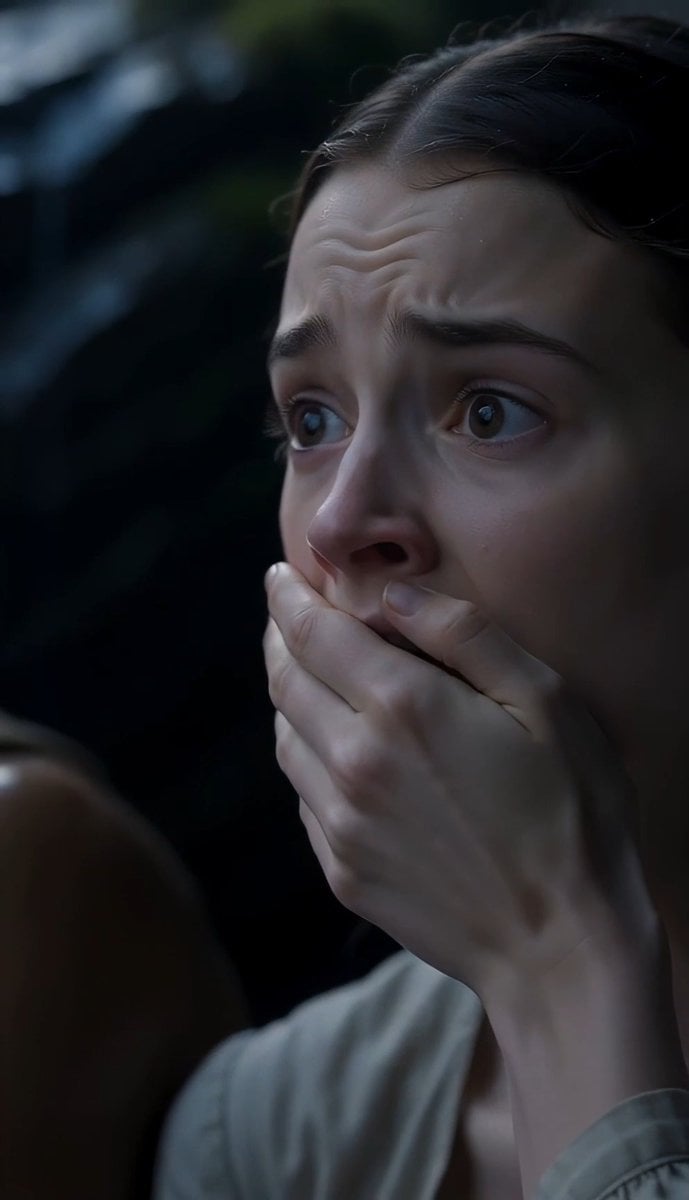
The Last of the Mohicans Waterfall Scene
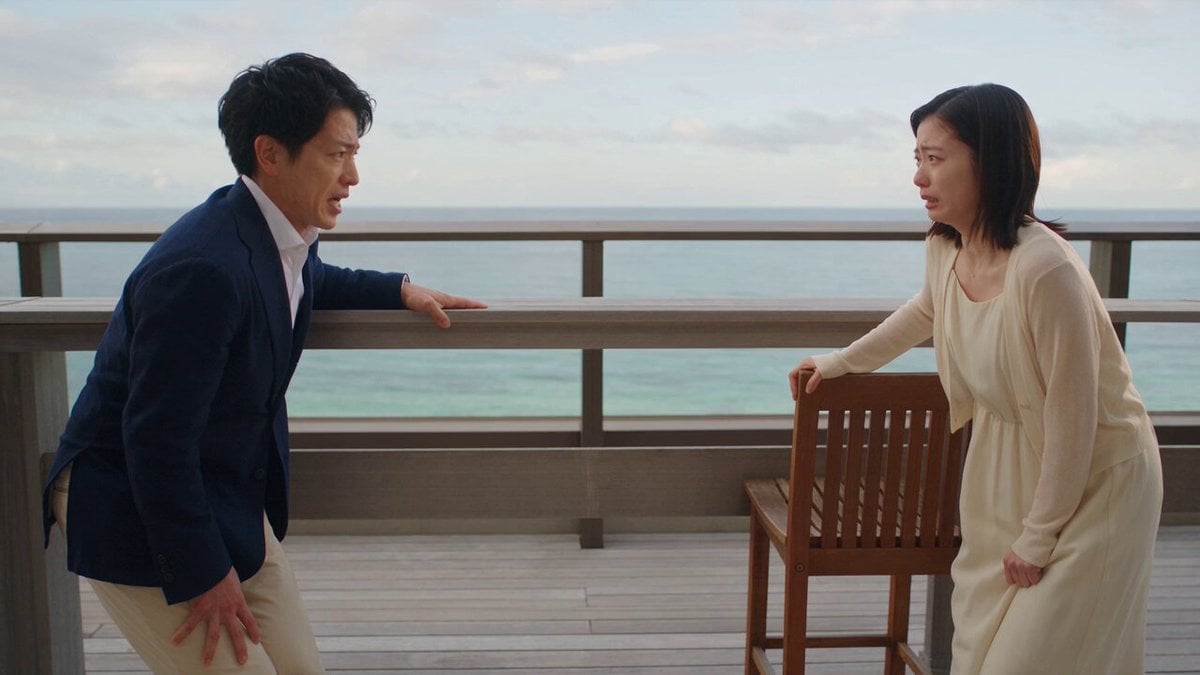
Romance Reality Show Confession

Mixed-Reality Stop-Motion Transformation
Make it yours
One-Shot Continuous Fall Through Four Layers of Reality works as-is. These are the safest ways to change it without losing the look.
Change one field
Copy a single group, rewrite it, and generate again so you can see what that field is doing.
Keep the frame, change the subject
Hold the composition and light of One-Shot Continuous Fall Through Four Layers of Reality, then swap wardrobe, props or the person for a new take.
| If the result… | Why | Fix |
|---|---|---|
| The result drifts from the preview | Too many fields changed at once. | Reuse One-Shot Continuous Fall Through Four Layers of Reality as-is first, then change one group — subject, light, or setting. |
| The model over-stylizes the scene | The prose prompt leaves finish and camera underspecified. | Add one camera or lighting sentence and stay on Seedance 2.0. |
More Seedance 2.0 templates
Other prompts made for Seedance 2.0.

Comical Martial Arts Punch Scene

Maglev Train Action Sequence

Martial Arts Fight Sequence

Wuxia Protection and Trust Script

Vintage Korean Arcade MiniDV Vlog

Mercedes 190 SL Luxury Ad

Rainy Night Supernatural Reverse Comedy Video Script

Amazon Civilization Discovery

Futuristic South Asian City Transformation

Cozy Luxury Cafe Commercial
More video prompts
Fresh picks from across the catalog.

Airplane to Rocket Mechanical Transformation
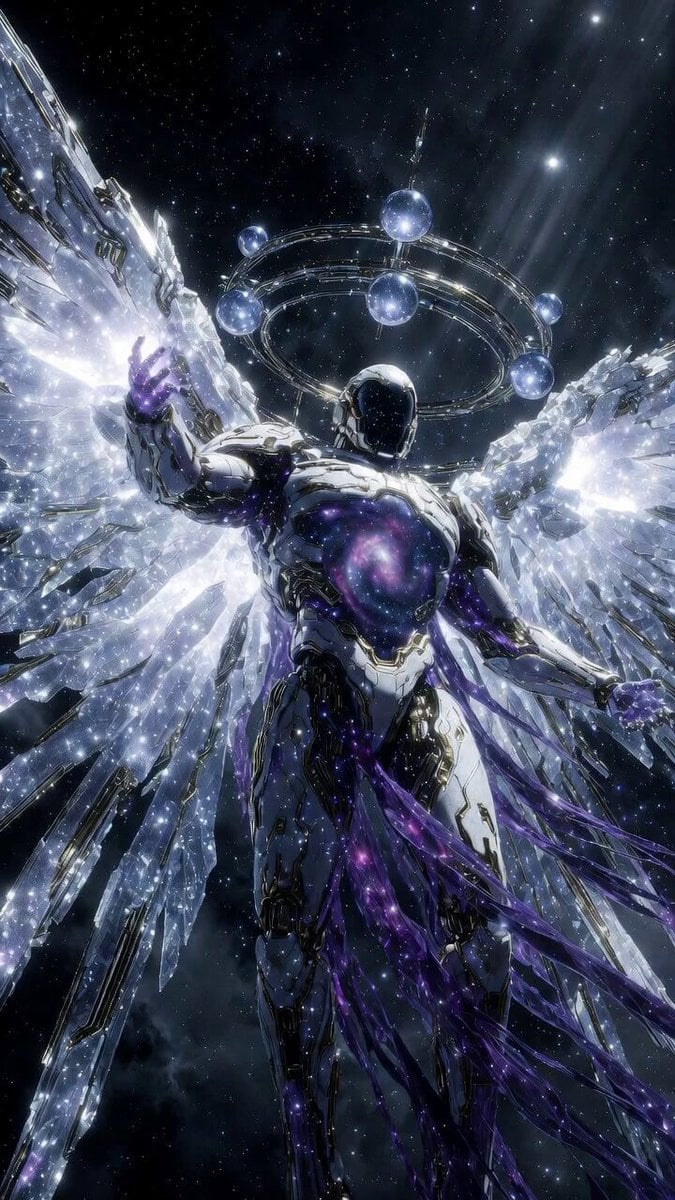
Hyperrealistic Cosmic-Mechanical Celestial Being
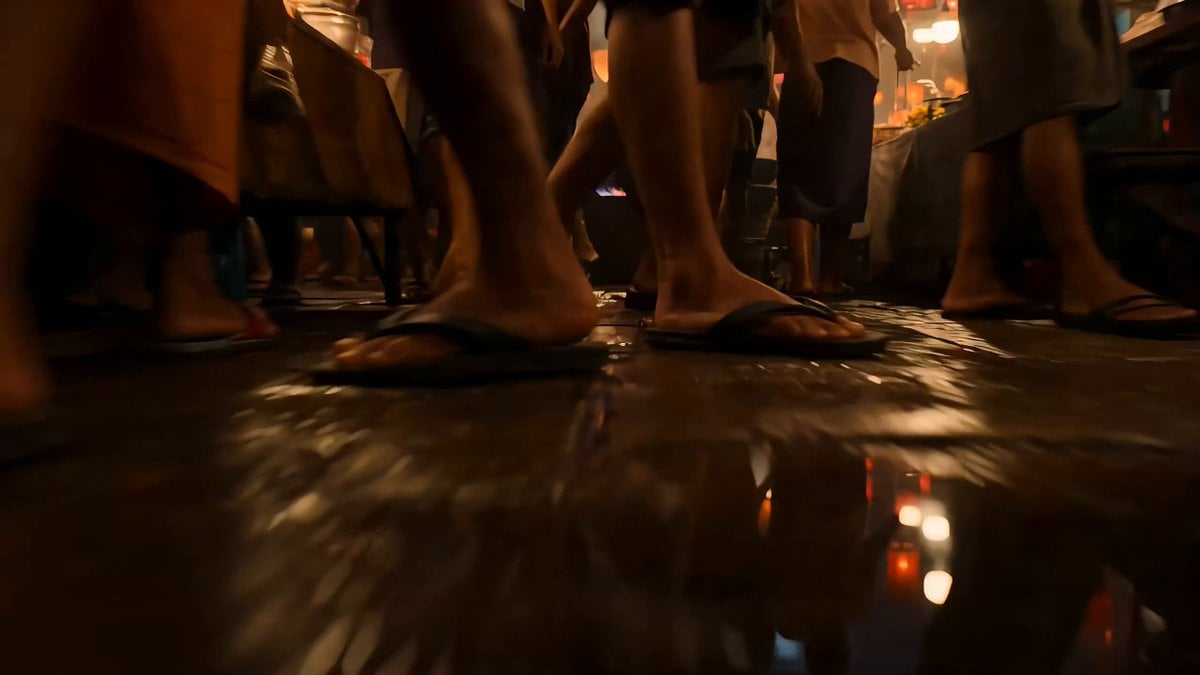
Cinematic 8K Video Prompt for Southeast Asian Night Market
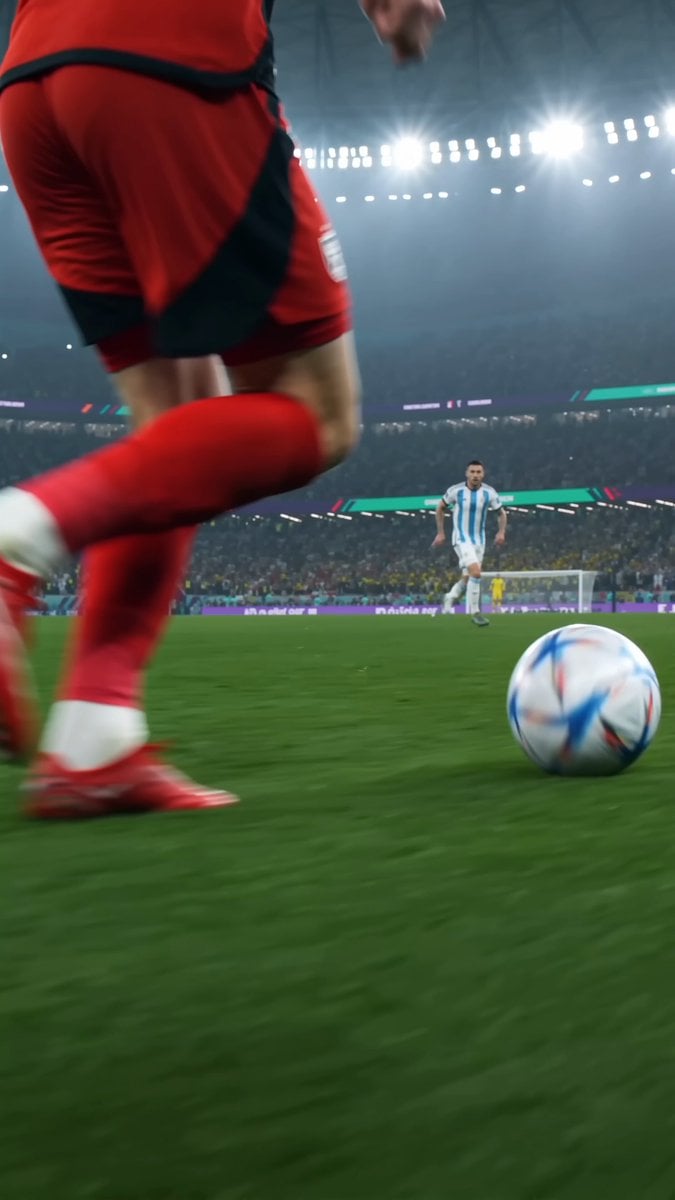
Realistic Soccer Match 4K Highlight
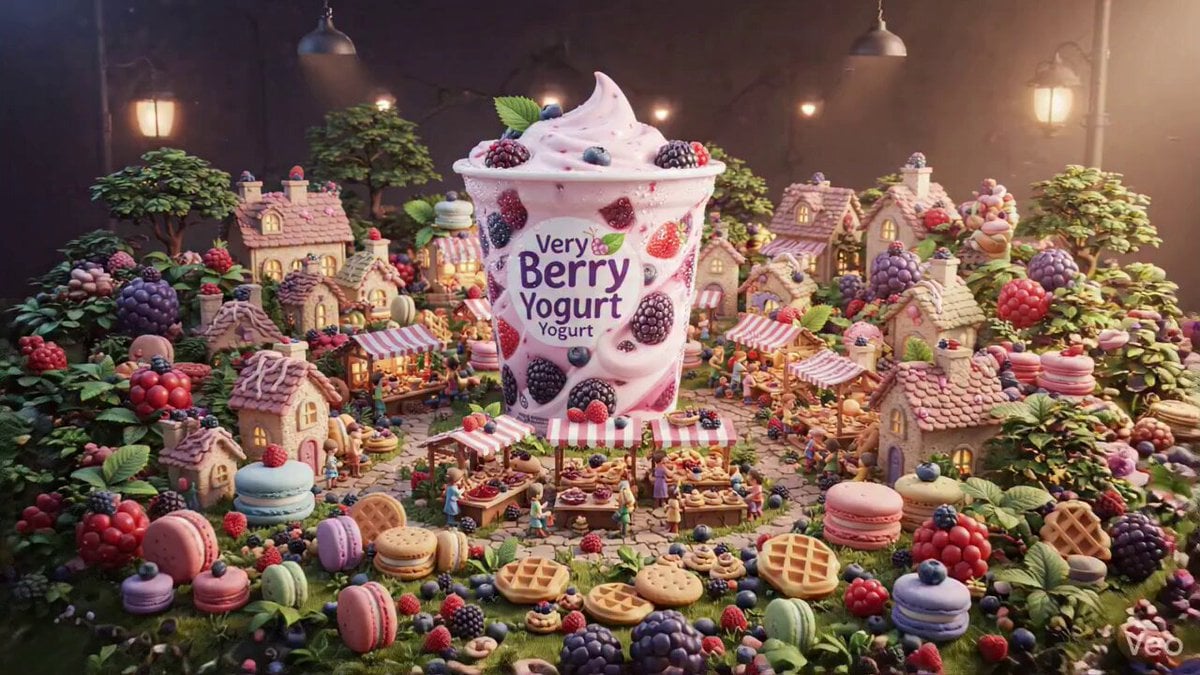
3D Miniature Pastry Village Animation

Premium Chocolate Dessert Advertisement
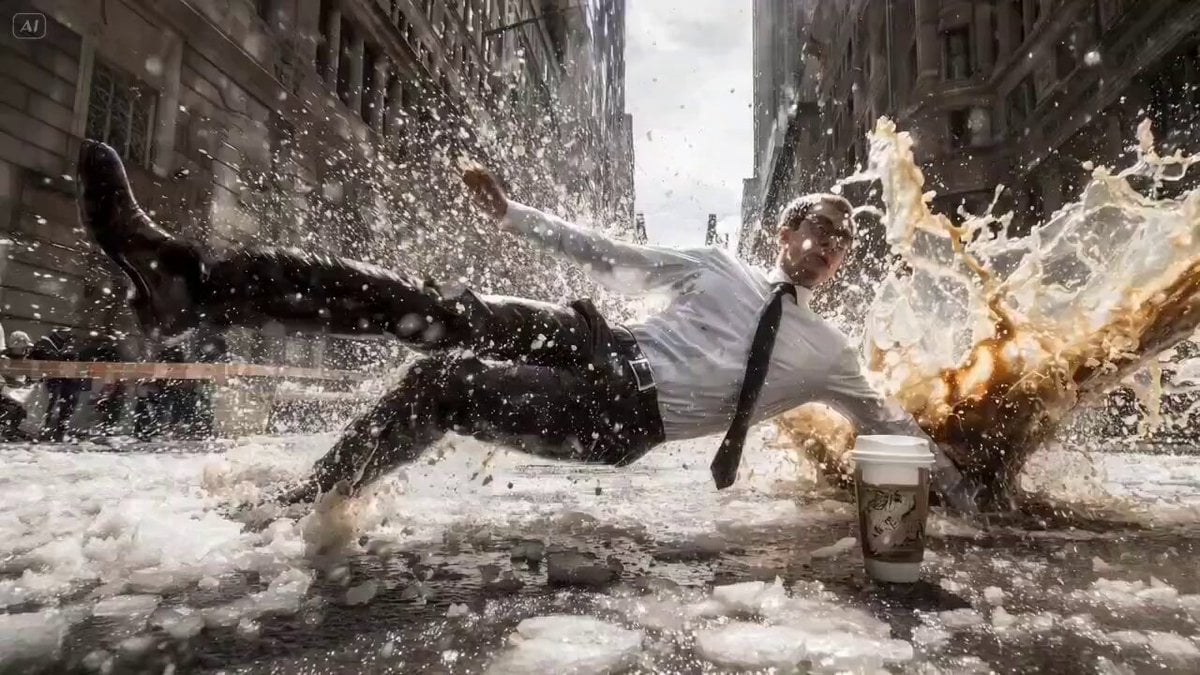
Bullet Time Cinematic Prompt
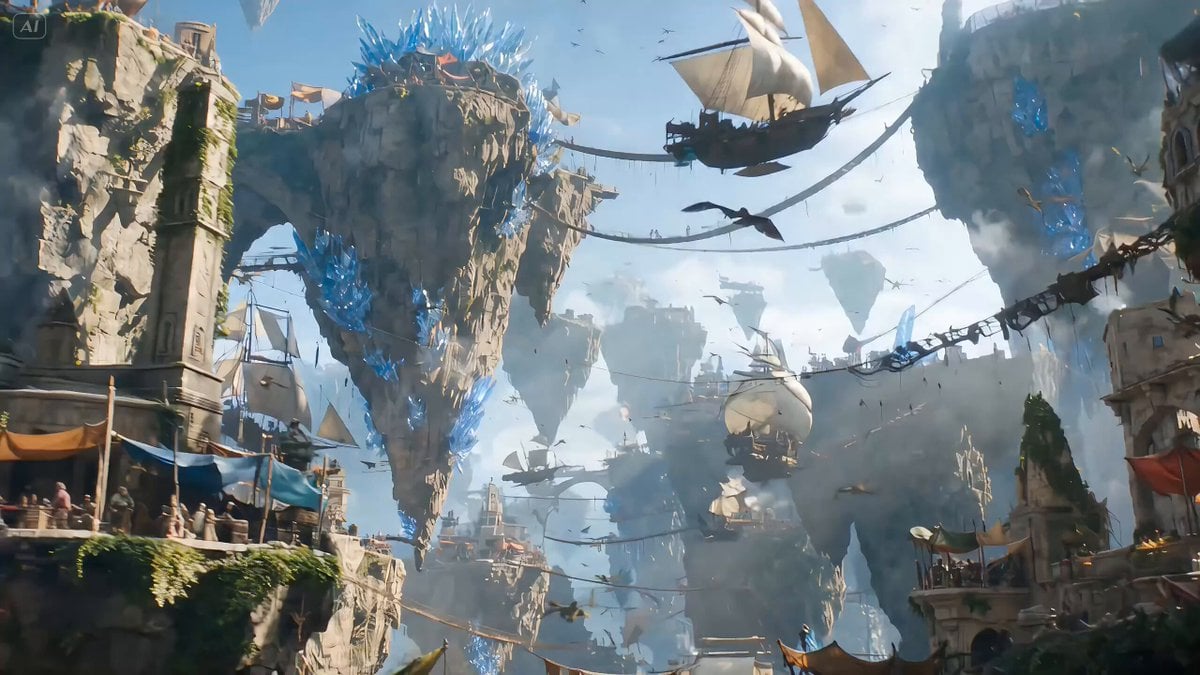
High-fantasy action video generation prompt for Seedance 2.0
Asteroid Impact City Destruction
TERAFAB Galactic Civilization 10-Second Video Script
Browse template categories
One-Shot Continuous Fall Through Four Layers of Reality questions
How do I use the One-Shot Continuous Fall Through Four Layers of Reality template?
Add your photo if the template asks for one, edit the prompt if you like — the template's model and format are already selected — and press Generate. Your version opens in PicX Studio.
Can I customize the One-Shot Continuous Fall Through Four Layers of Reality template?
Yes. You can change the subject, setting, lighting, mood, format, and available model controls before creating your video.
Is the One-Shot Continuous Fall Through Four Layers of Reality template free?
Opening and editing this template is free. Generating uses credits, shown on the Generate button when you are signed in.
Which AI model should I use?
Start with Seedance 2.0, which is the model associated with this template. You can compare another compatible model for a different finish.
Looking for something else? Browse all templates.

Your photo, any look
Thousands of ready templates for every top image and video model, from one credit balance.