How do I use the Girl Falling Through Digital Tunnel Video Prompt template?
Edit the prompt in the box under the preview — the template's model and format are already selected — and press Generate. Your version appears right on this page.
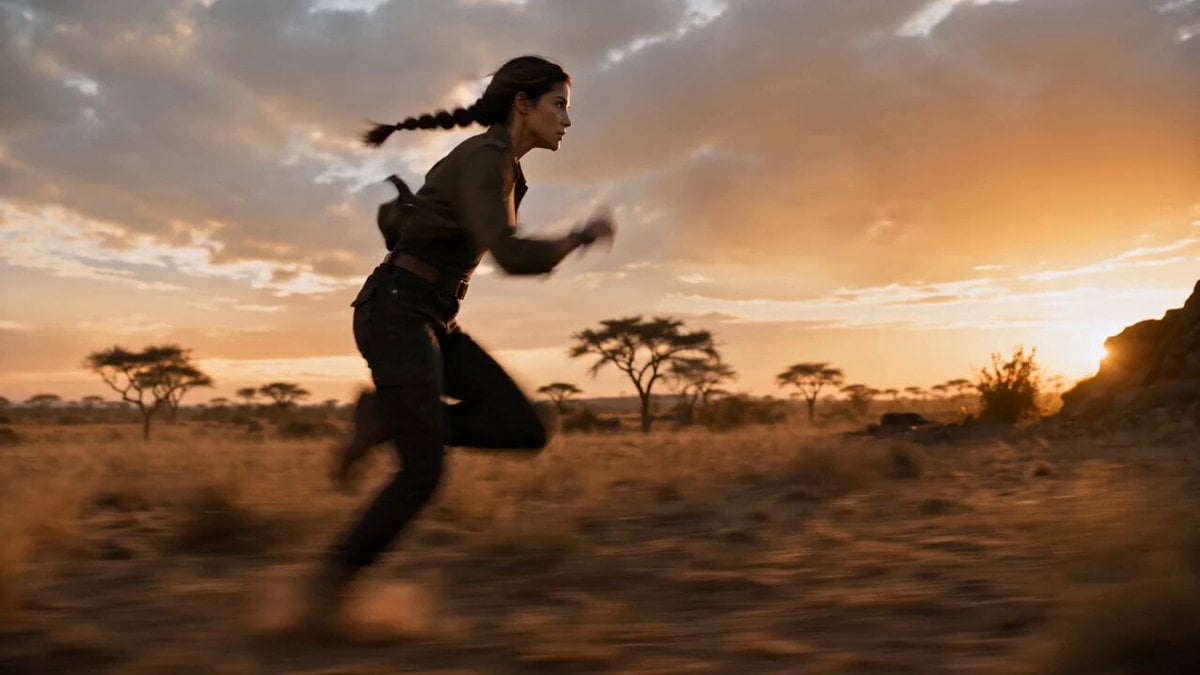
A detailed video generation prompt describing a girl falling rapidly through a winding digital tunnel, panicking, and finally landing softly on a rainbow cloud in a fantasy world with a glowing sun.
少女がデジタルのトンネルを高速で落下していく。少女は焦ってジタバタしている。上下左右にグネグネと曲がっているトンネルの中をくぐっていくと真下に落下していく。光があふれるファンシーな世界の虹色の雲の上に落下してボワンと着地する。顔を上げると虹色に輝く大きな太陽が空に光っている。逆光
少女がデジタルのトンネルを高速で落下していく。少女は焦ってジタバタしている。上下左右にグネグネと曲がっているトンネルの中をくぐっていくと真下に落下していく。光があふれるファンシーな世界の虹色の雲の上に落下してボワンと着地する。顔を上げると虹色に輝く大きな太陽が空に光っている。逆光
Edit the prompt in the box under the preview — the template's model and format are already selected — and press Generate. Your version appears right on this page.
Yes. You can change the subject, setting, lighting, mood, format, and available model controls before creating your video.
Opening and editing this template is free. Generating uses credits, shown on the Generate button when you are signed in.
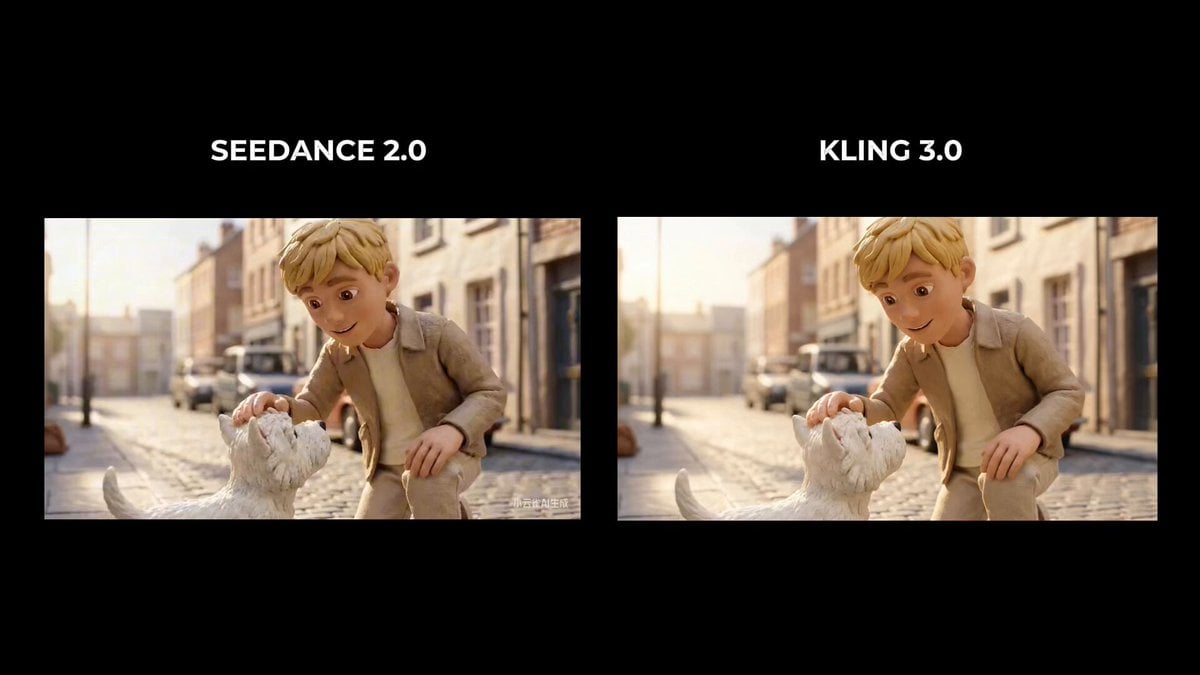
Start with Seedance 2.0, which is the model associated with this template. You can compare another compatible model for a different finish.
Follow a topic to a crawlable collection of related PicX Studio templates.