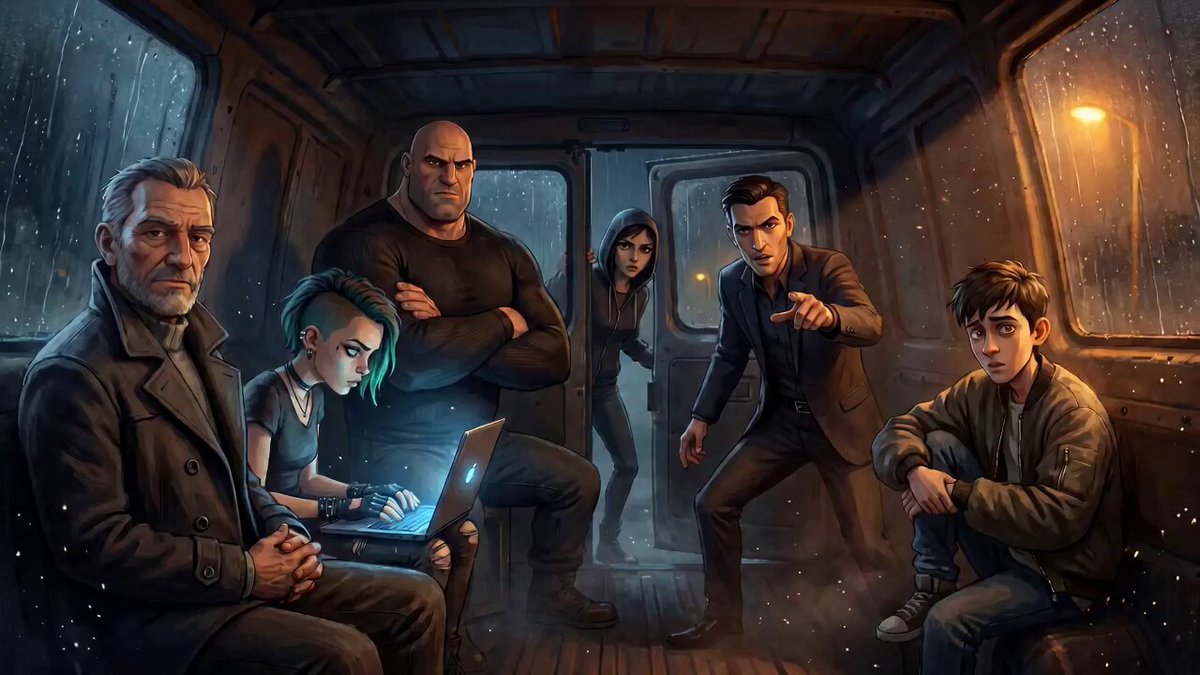
How do I use the Dialogue Scene in a Van template?
Edit the prompt in the box under the preview — the template's model and format are already selected — and press Generate. Your version appears right on this page.
A detailed prompt for a scene involving three characters inside a moving Hiace van.
登場人物は3人。助手席に座っている黒髪男性はクロック、運転席に座っている白髪の男性はヴァイス、後部座席の女性はレイナという名前。 セリフの内容に合わせて表情の変化や演技をさせる。フォトリアルで高精細な2.5Dアニメーション。 走行中のハイエースの車内。カメラはレイナのバストショット。
登場人物は3人。助手席に座っている黒髪男性はクロック、運転席に座っている白髪の男性はヴァイス、後部座席の女性はレイナという名前。 セリフの内容に合わせて表情の変化や演技をさせる。フォトリアルで高精細な2.5Dアニメーション。 走行中のハイエースの車内。カメラはレイナのバストショット。
Edit the prompt in the box under the preview — the template's model and format are already selected — and press Generate. Your version appears right on this page.
Yes. You can change the subject, setting, lighting, mood, format, and available model controls before creating your video.
Opening and editing this template is free. Generating uses credits, shown on the Generate button when you are signed in.
Start with Seedance 2.0, which is the model associated with this template. You can compare another compatible model for a different finish.
Follow a topic to a crawlable collection of related PicX Studio templates.