
Video prompt for a character transitioning from cool to shy
A detailed, multi-stage video prompt for Grok Imagine, describing a character's emotional transition from cool and mysterious to shy and playfully embarrassed over a 10-second sequence, emphasizing cinematic composition…
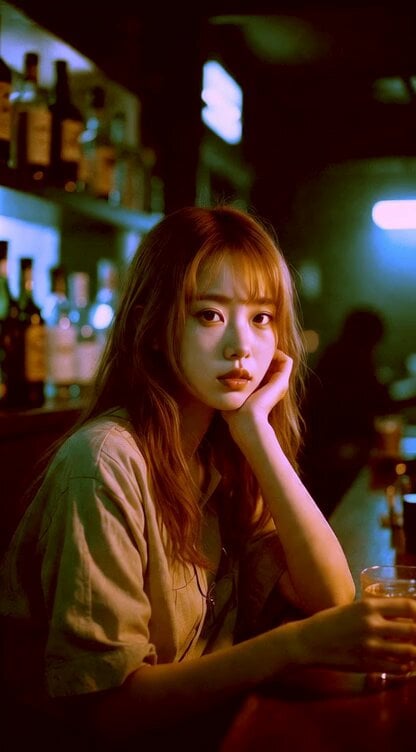
- Prompt included
- Model and format preset
- Free template
The prompt behind this video
Copy the exact prompt behind Video prompt for a character transitioning from cool to shy, or open it in the studio and make it yours.
0〜3秒:顔と肩のタイトなクローズアップ、クールで落ち着いた表情でカメラから少し外した遠くを見つめる — 鋭く内省的で静かにミステリアス。非常にゆっくりしたプッシュイン、柔らかい呼吸、暖かい光で髪がわずかに揺れる。ゆっくりグラスを軽く持ち上げる。 3〜6秒:視線がスッとカメラへ、表情がわずかに柔らかくなる。少し照れた自意識、下唇を軽く噛んで笑みを抑える、グラスを一度軽く回す — 氷が小さくカチン。 6〜8秒: クールぶりが可愛く崩れる。少し恥ずかしそうに頭を下げ、目を細めて遊び心。 8〜10秒:恥ずかしそうな喜び、— 肩が軽く揺れ、無防備な喜びと照れ。タイト顔クローズアップ、少しスローモーション(30〜40%速度)で可愛さ強調。最後は片手まだ小さくくすくす笑う。 高精細、映画的構図、フィルムルック、感情の流れ:クールミステリアス → 脆い柔らかさ → 恥ずかしがりながらの笑み。言葉は喋らない。
How to use Video prompt for a character transitioning from cool to shy in 3 steps
- 1
Open
The prompt is already in the box next to the preview, with the template's model and format selected.
- 2…a portrait of your subject in softgolden-hour light, 85mm…
Personalize
Edit the subject and creative details for your destination.
- 3Generate
Generate
Press Generate — your video is created in PicX Studio, so you can compare it with the original and refine one variable at a time.
More like this
Templates with the same subject, style or setup. Open one to see its prompt.
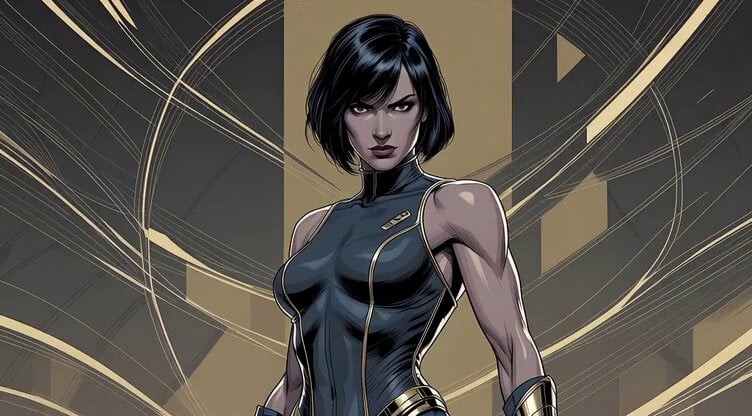
Cool, strong woman in American comic style

Hollywood color grading test: Cool Blue / Low-Key Moody
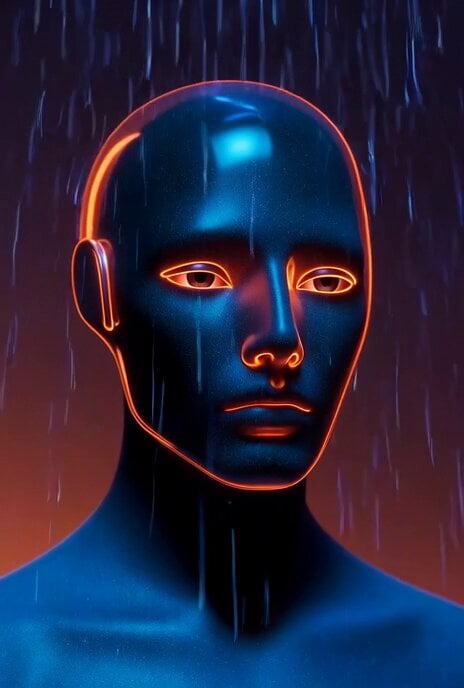
Grok Imagine Video Prompt: Cool Colors and Lightning

Kaleidoscopic Cosmic Dolphin Video

Horror Daffy Duck Video Transition

America 250th Anniversary Celebration

Glowing Water Forest Night Prompt

Soft Pink Roses Dreamer Prompt

Ninja Wizard Levitation Jump

Coffee Cup Interaction Motion

Voice Controlled Water Animation

Pterodactyl Transformation Journey
Make it yours
Video prompt for a character transitioning from cool to shy works as-is. These are the safest ways to change it without losing the look.
Change one field
Copy a single group, rewrite it, and generate again so you can see what that field is doing.
Keep the frame, change the subject
Hold the composition and light of Video prompt for a character transitioning from cool to shy, then swap wardrobe, props or the person for a new take.
| If the result… | Why | Fix |
|---|---|---|
| The result drifts from the preview | Too many fields changed at once. | Reuse Video prompt for a character transitioning from cool to shy as-is first, then change one group — subject, light, or setting. |
| The model over-stylizes the scene | The prose prompt leaves finish and camera underspecified. | Add one camera or lighting sentence and stay on Grok Imagine. |
More Grok Imagine templates
Other prompts made for Grok Imagine.

Mecha Runway Tap Dance Video Prompt

Emotional Angry Couple Drama

Utopian World of Harmony and Peace
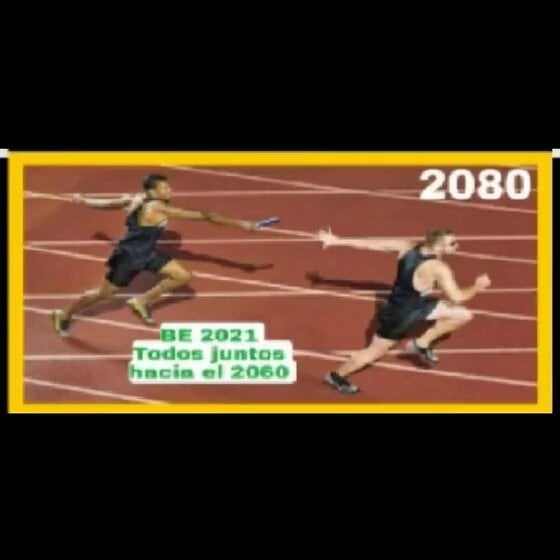
Runner with BE 2060 i inscription passing through sequential doors video prompt
Wind Blows Paper, Camera Follows
Watercolor Painting of Gypsy Woman and White Horse
Video Generation Prompt: Mech in Aircraft Hangar
Cute Kitty on Soap Bubble Video Prompt

Transform image into Art Deco metropolis scene

Chinese Xianxia Goddess Twin Statue Video
More video prompts
Fresh picks from across the catalog.
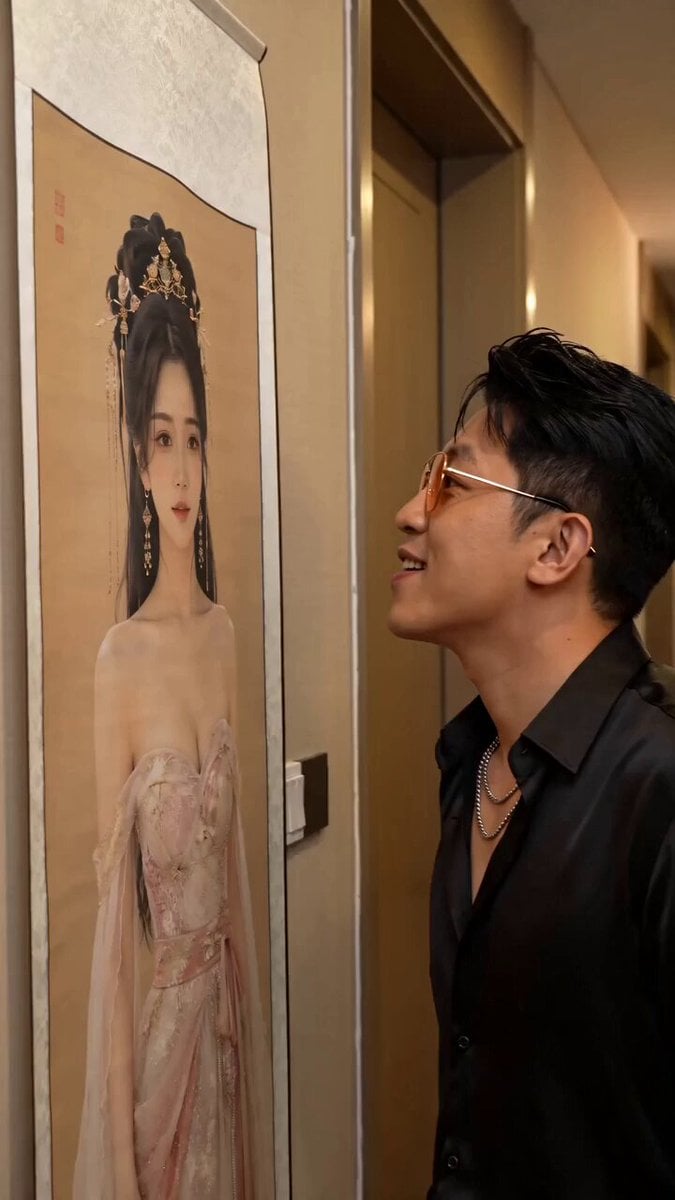
Fantasy Comedy Slap From Painting
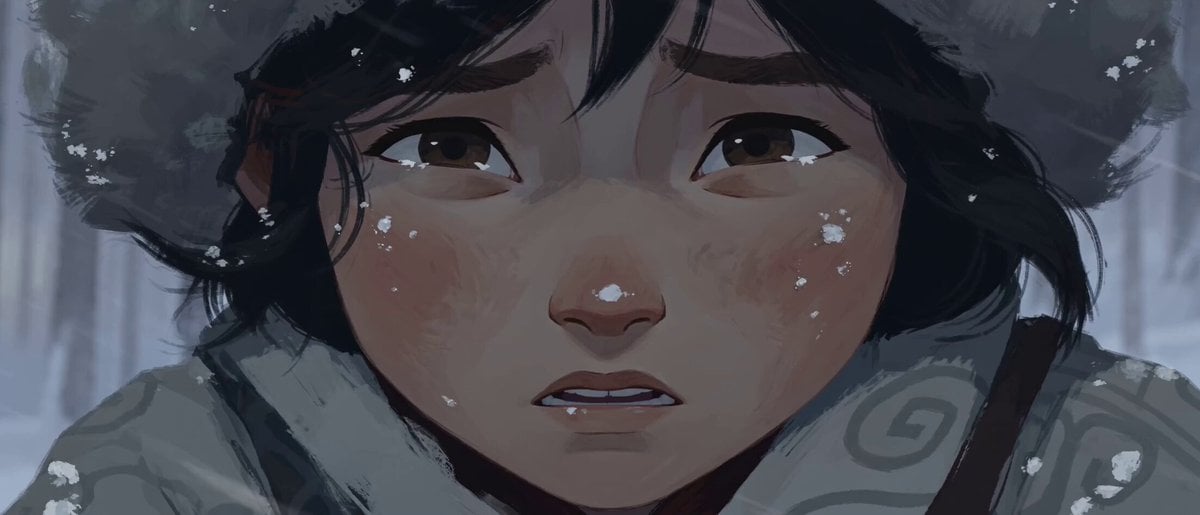
Hand-Drawn 2D Snowstorm Animation
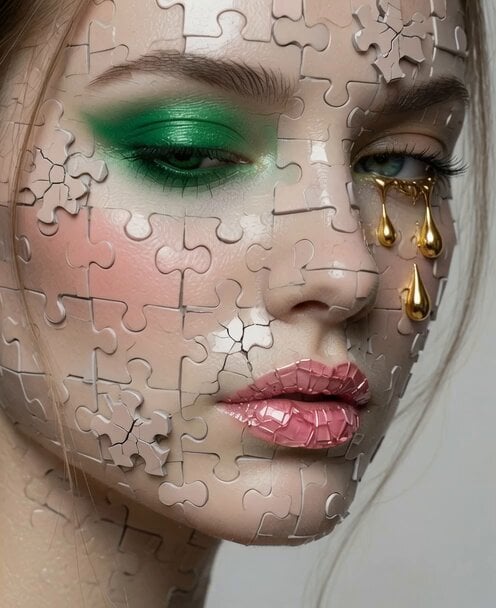
Video Editing and Animation Prompt
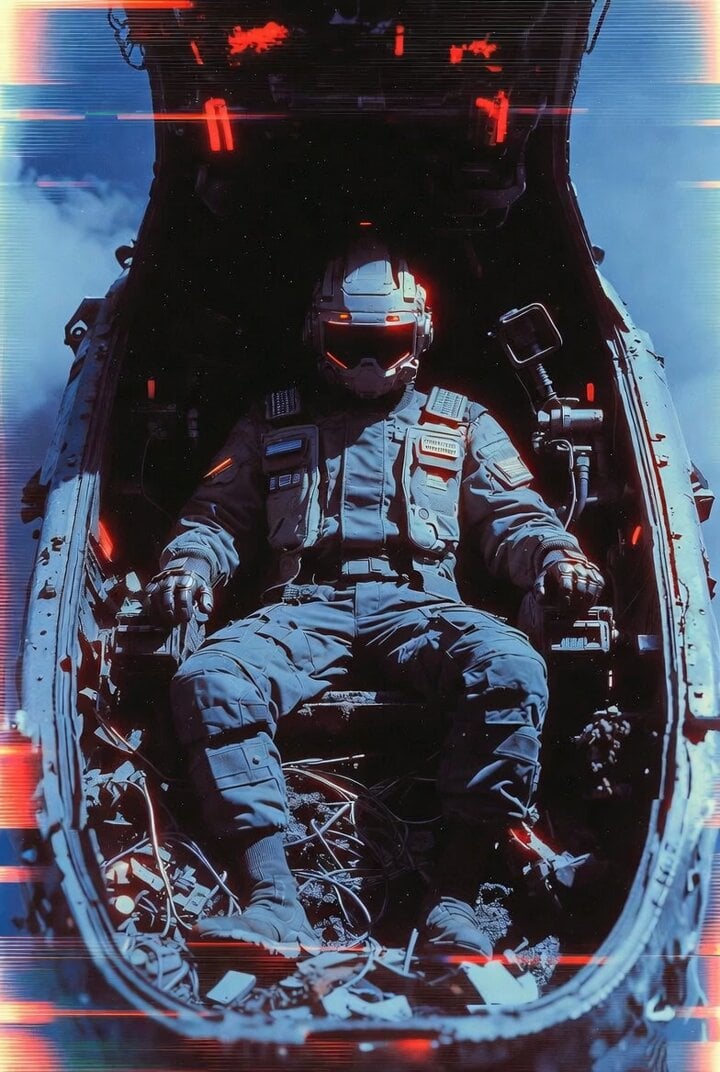
VHS Glitch Cyberpunk Girl Video Prompt
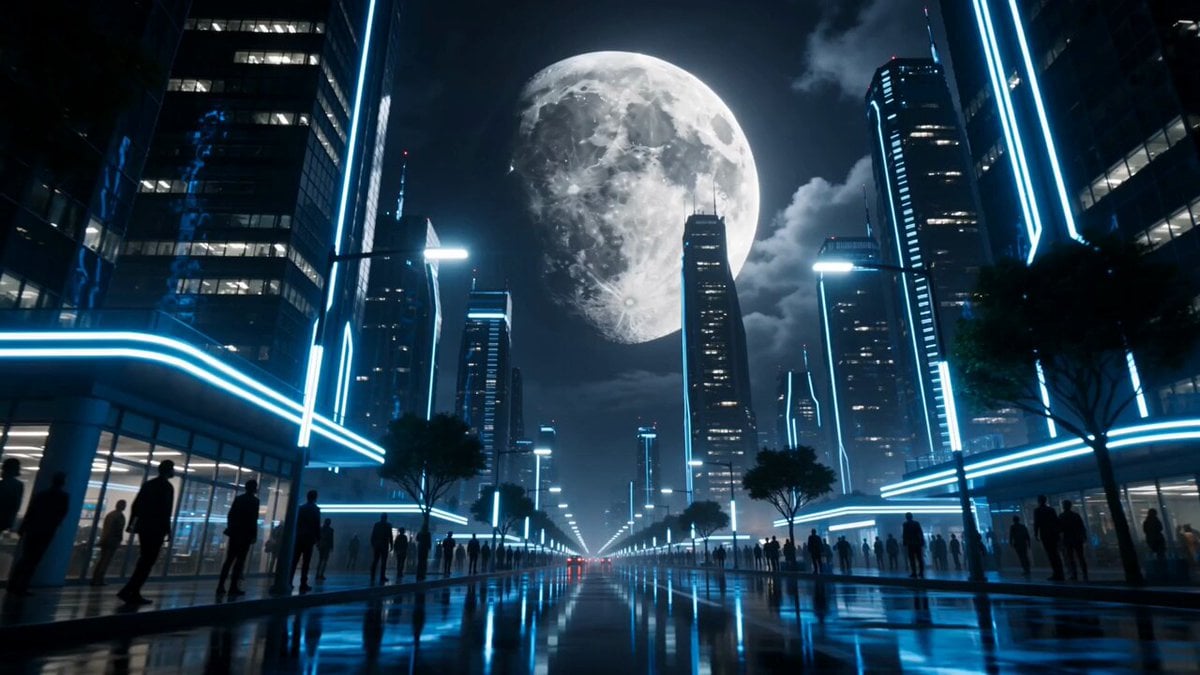
Lunar Catastrophe Sequence
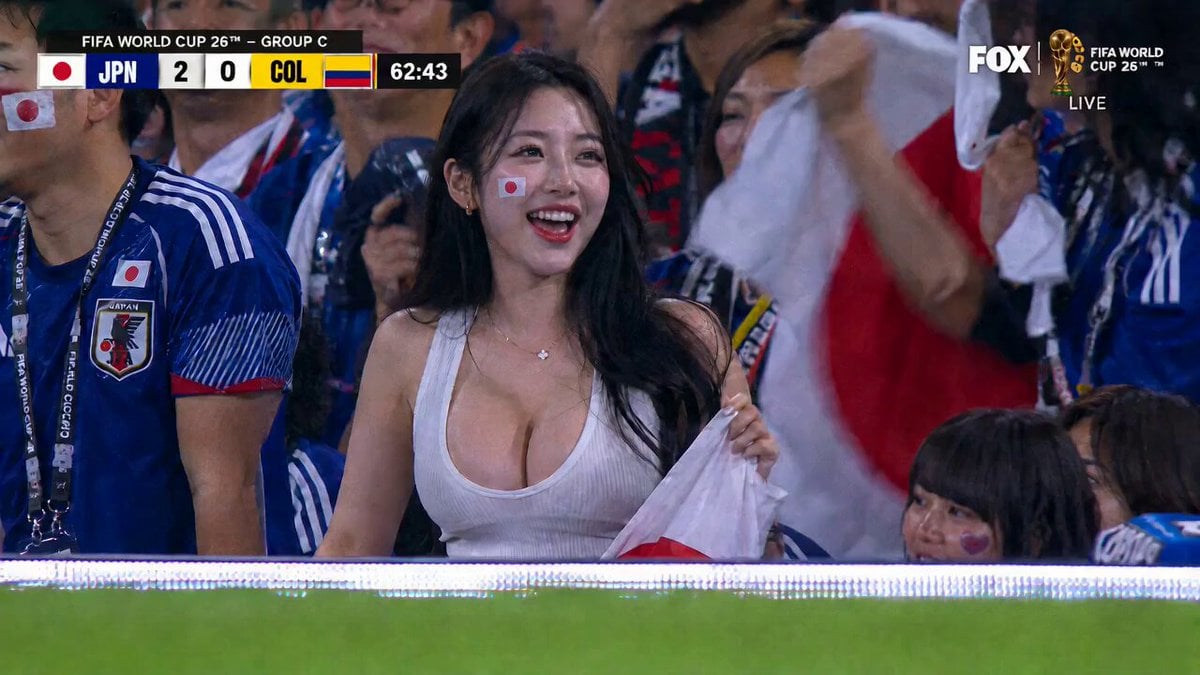
Live Soccer TV Broadcast Simulation
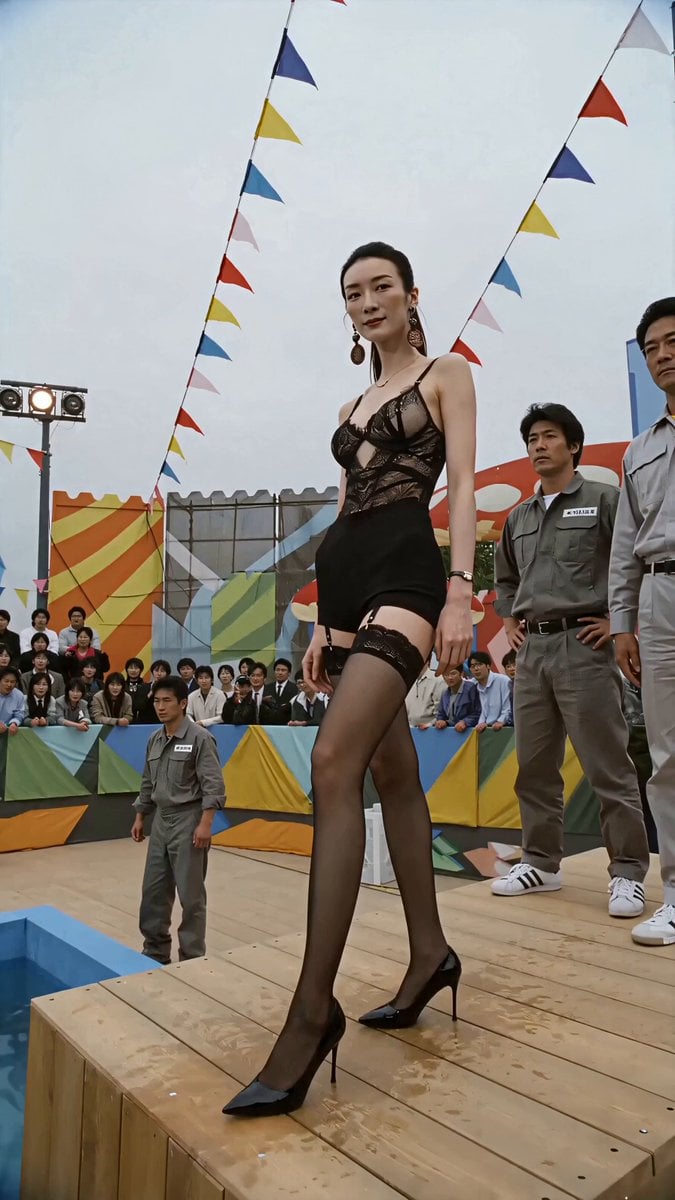
1980s Retro Japanese Game Show Challenge
Mrdasonx Quantum Missile Bullet Time
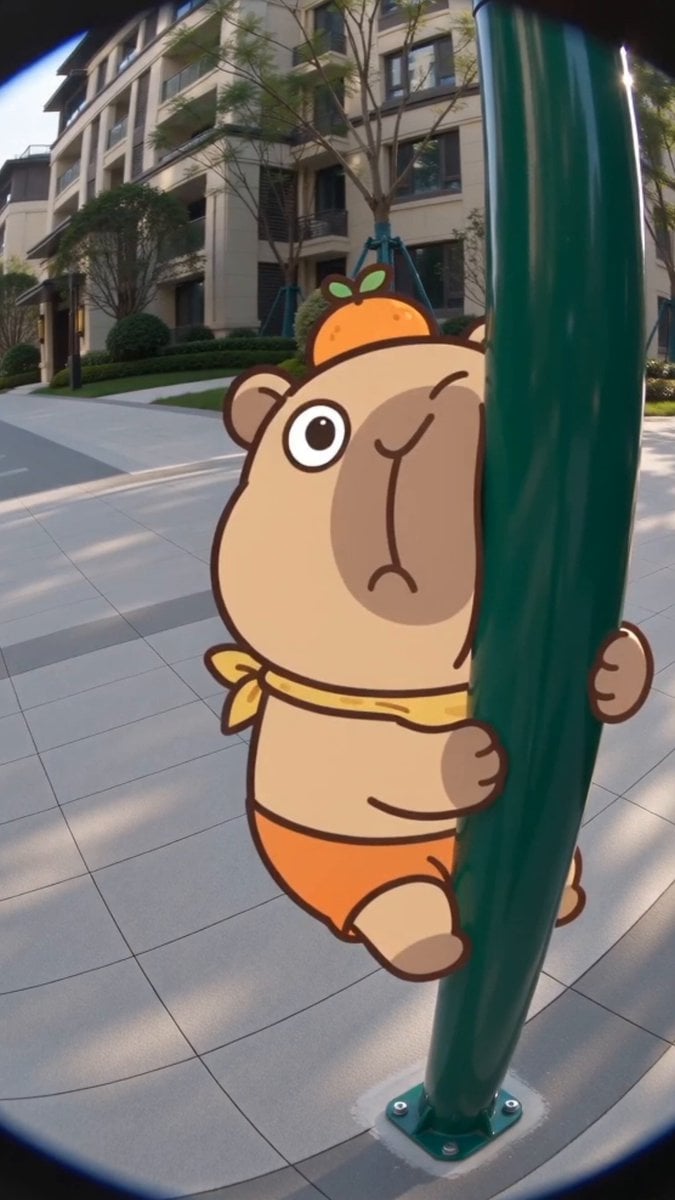
Seedance 2.0 Capybara Lulu Fisheye Interaction
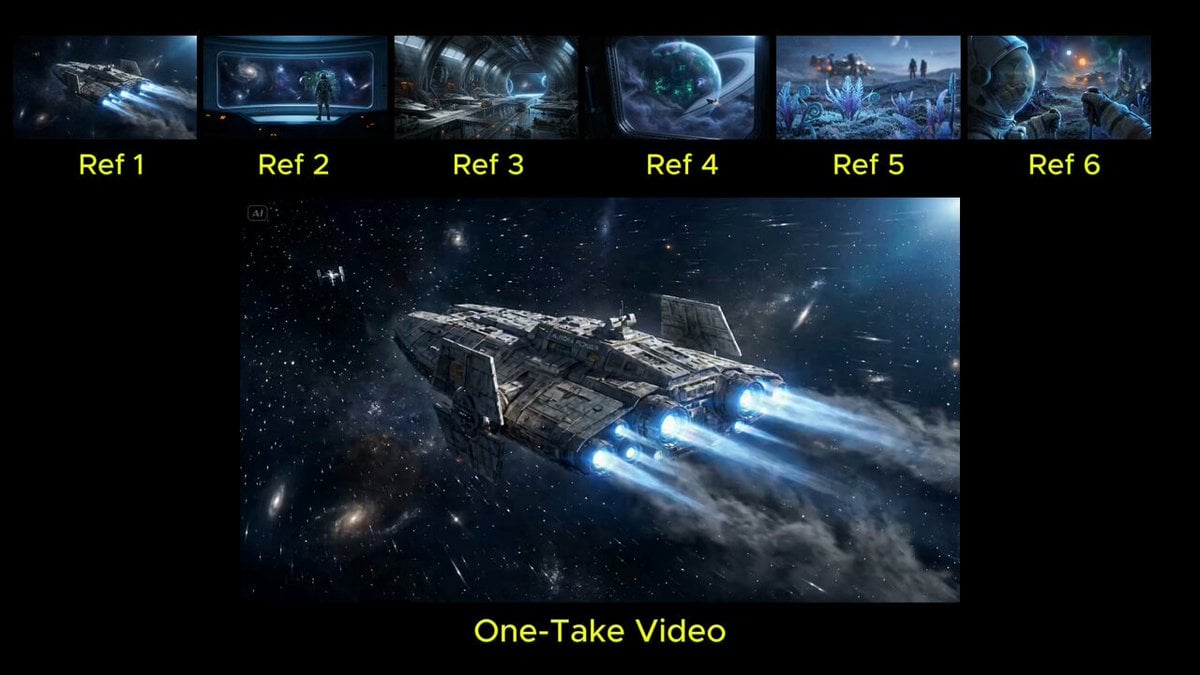
Seamless Continuous One-Take Video Prompt
Browse template categories
Video prompt for a character transitioning from cool to shy questions
How do I use the Video prompt for a character transitioning from cool to shy template?
Add your photo if the template asks for one, edit the prompt if you like — the template's model and format are already selected — and press Generate. Your version opens in PicX Studio.
Can I customize the Video prompt for a character transitioning from cool to shy template?
Yes. You can change the subject, setting, lighting, mood, format, and available model controls before creating your video.
Is the Video prompt for a character transitioning from cool to shy template free?
Opening and editing this template is free. Generating uses credits, shown on the Generate button when you are signed in.
Which AI model should I use?
Start with Grok Imagine, which is the model associated with this template. You can compare another compatible model for a different finish.
Looking for something else? Browse all templates.

Your photo, any look
Thousands of ready templates for every top image and video model, from one credit balance.