
Live Soccer TV Broadcast Simulation
A sophisticated multi-shot prompt for Seedance 2.0 designed to generate a realistic 8K sports broadcast.
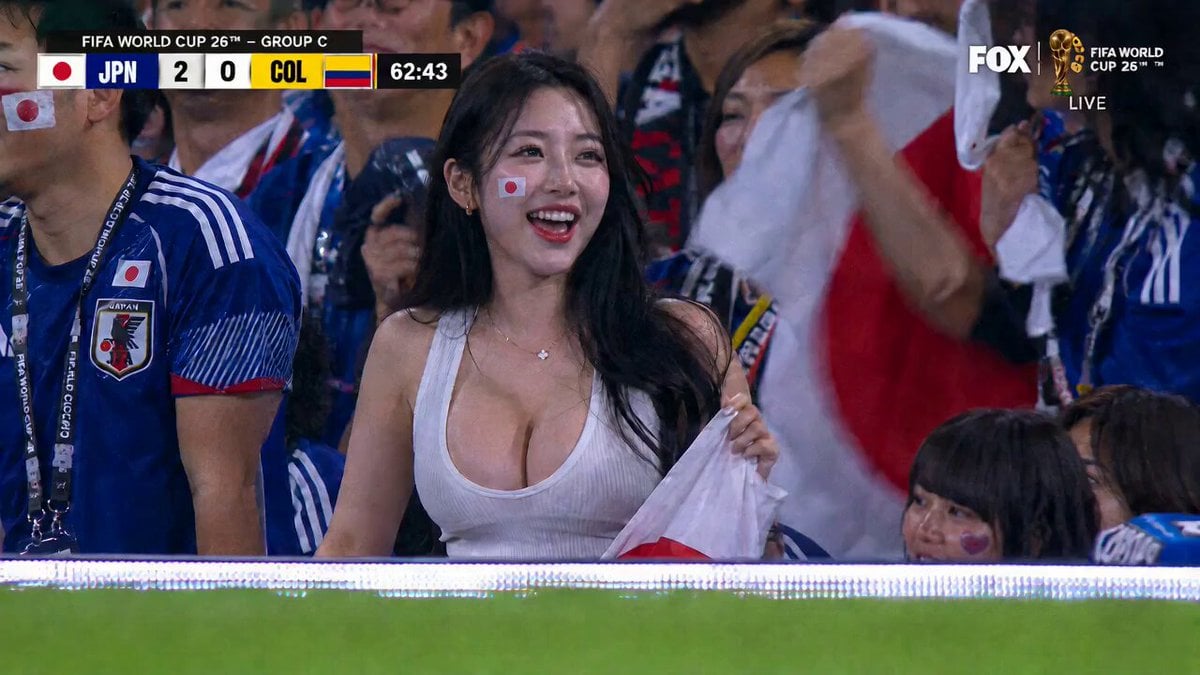
- Prompt included
- Model and format preset
- Free template
The prompt behind this video
Copy the exact prompt behind Live Soccer TV Broadcast Simulation, or open it in the studio and make it yours.
【风格】体育赛事电视直播实拍(Live TV Broadcast Realism),真实摄影(Photorealistic),8K超清,高帧率(High Frame Rate),夜场体育场灯光 【时长】15秒 【场景】以@图片1画面为起点的足球场直播信号:看台蓝色球衣球迷海洋,场内草坪顶光鲜绿 【角色】白色背心的女性观众@图片1(脸颊贴红色圆形贴纸,手持白底红圆旗帜);场上蓝色球衣队 vs 黄色球衣队 【全程保留】画面左上角记分牌(蓝队 2 : 0 黄队 + 比赛计时持续走动)、右上角台标和 LIVE 角标,作为直播信号叠加层(Broadcast Overlay)固定不动、不变形、不消失 [00:00-00:03] 镜头1:直播信号停在她身上(Slow Push-in) 画面从参考图原构图开始,镜头缓慢推近@图片1,她挥舞旗帜开口欢呼,周围球迷举臂呐喊;左上记分牌计时数字从 62:43 继续向上跳动。 [00:03-00:08] 镜头2:切场上攻防(Hard Cut → Broadcast Wide + Tracking) 直播切换硬切到球场高位转播全景,记分牌和台标保持原位:蓝色球衣队快速推进,边路球员高速带球连过两名黄色球衣防守球员,草屑随急停变向溅起。 低角度跟拍(Low Angle Tracking):他大力起脚传中,皮球划出弧线飞向禁区,镜头追球。 [00:08-00:11] 镜头3:飞身头球破门(Super Slow-mo) 极致慢动作:禁区内蓝色球衣前锋横身跃起飞身冲顶,球衣布料绷紧、汗珠四溅,额头撞上皮球;皮球贴草皮窜入死角,球网猛烈鼓起,门将飞身指尖擦空。 破门瞬间,左上记分牌比分从 2 : 0 跳变为 3 : 0,伴随记分牌轻微闪动的换分动画。 配皮球撞网闷响 + 现场欢呼瞬间炸裂。 [00:11-00:15] 镜头4:直播切回她(Hard Cut + Handheld) 硬切回看台原机位:@图片1猛地跳起,双臂高举旗帜用力挥舞,仰头欢呼,发丝飞扬;周围球迷同步跳起拥抱,白底红圆旗帜翻涌。 记分牌定格 3 : 0,计时继续走动,画面在她跳到最高点时轻微升格收束,配欢呼海啸音效。
How to use Live Soccer TV Broadcast Simulation in 3 steps
- 1
Open
The prompt is already in the box next to the preview, with the template's model and format selected.
- 2…a portrait of your subject in softgolden-hour light, 85mm…
Personalize
Edit the subject and creative details for your destination.
- 3Generate
Generate
Press Generate — your video is created in PicX Studio, so you can compare it with the original and refine one variable at a time.
More like this
Templates with the same subject, style or setup. Open one to see its prompt.
Anthropomorphic Rock Band Live Concert - Seedance 2.5
Hyper-realistic Live Football Broadcast
Live NHL Hockey Broadcast
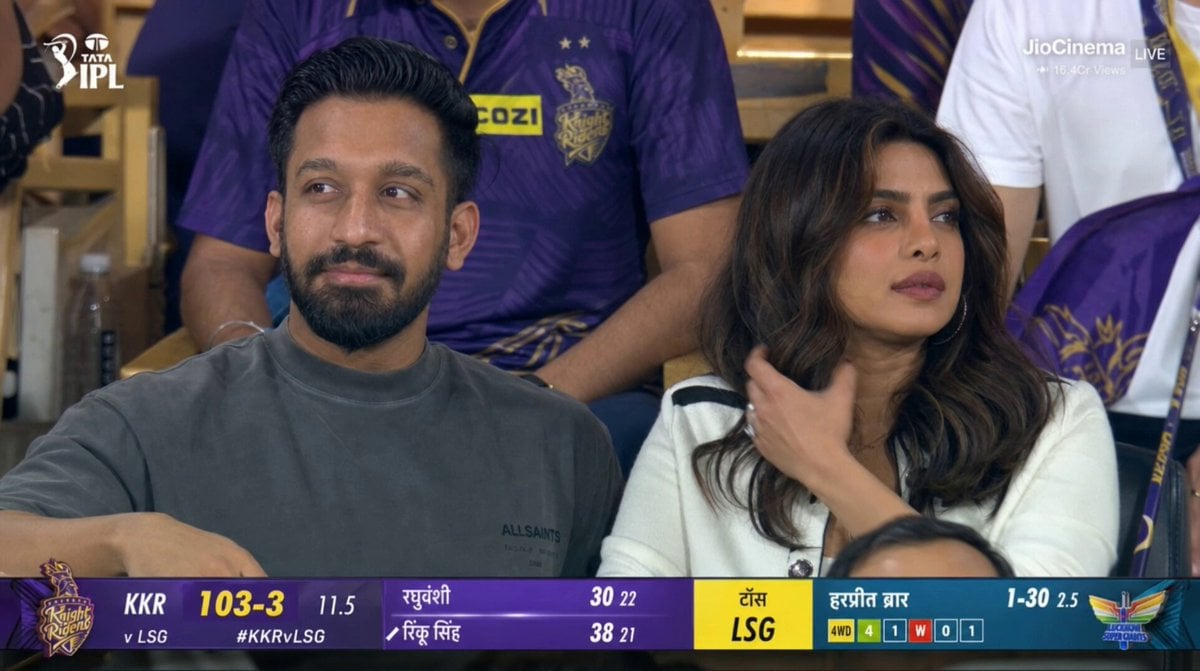
Live IPL Cricket Audience Broadcast
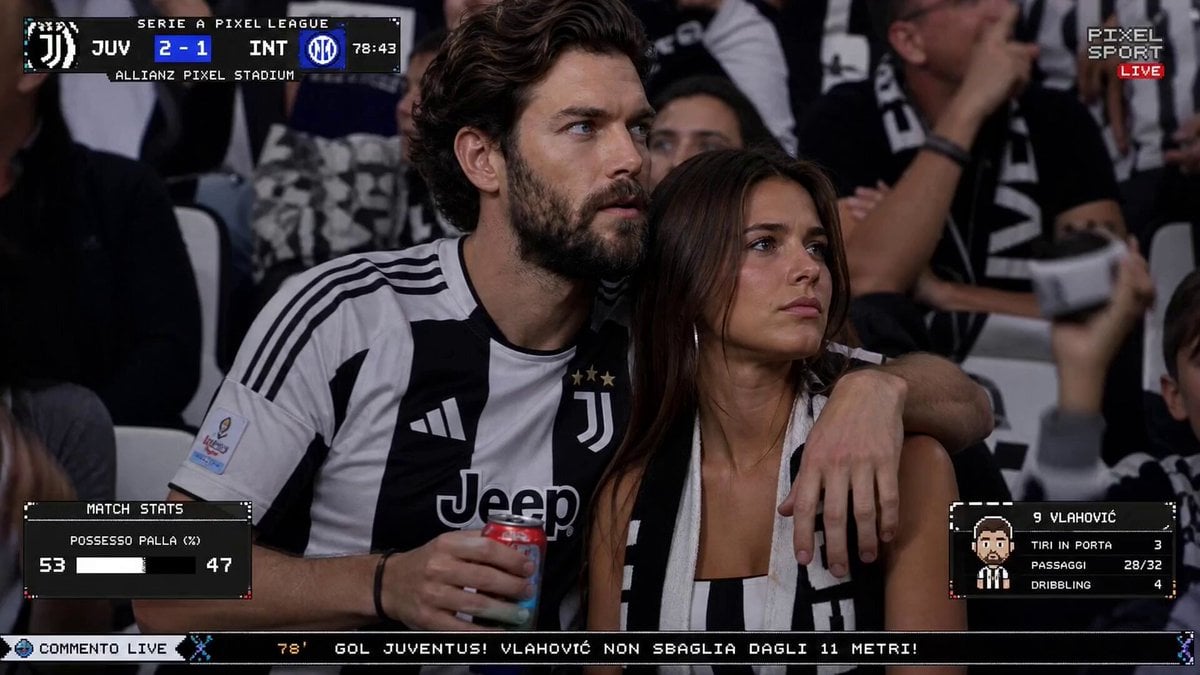
Live TV Football Broadcast Crowd Reaction
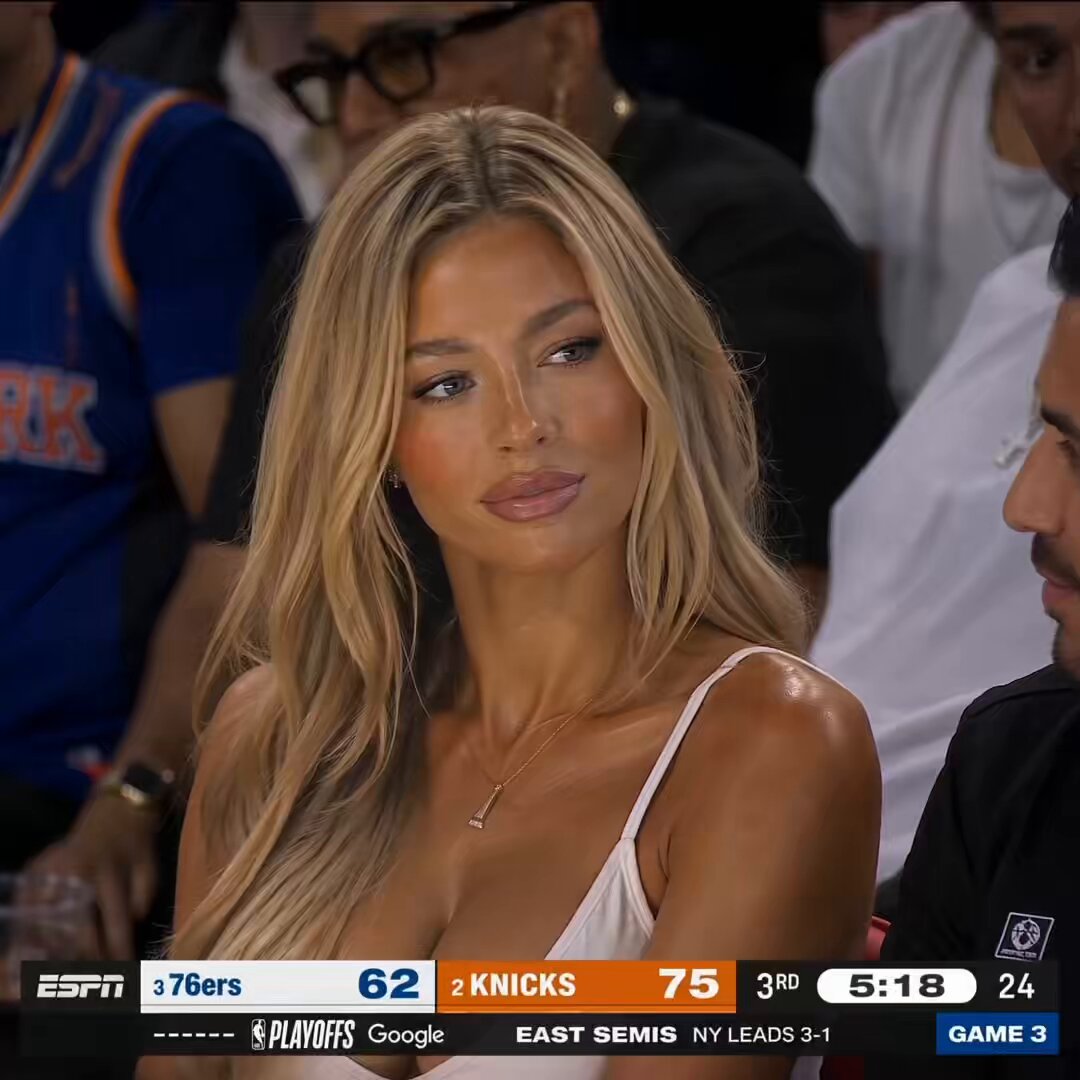
NBA Courtside Live Broadcast
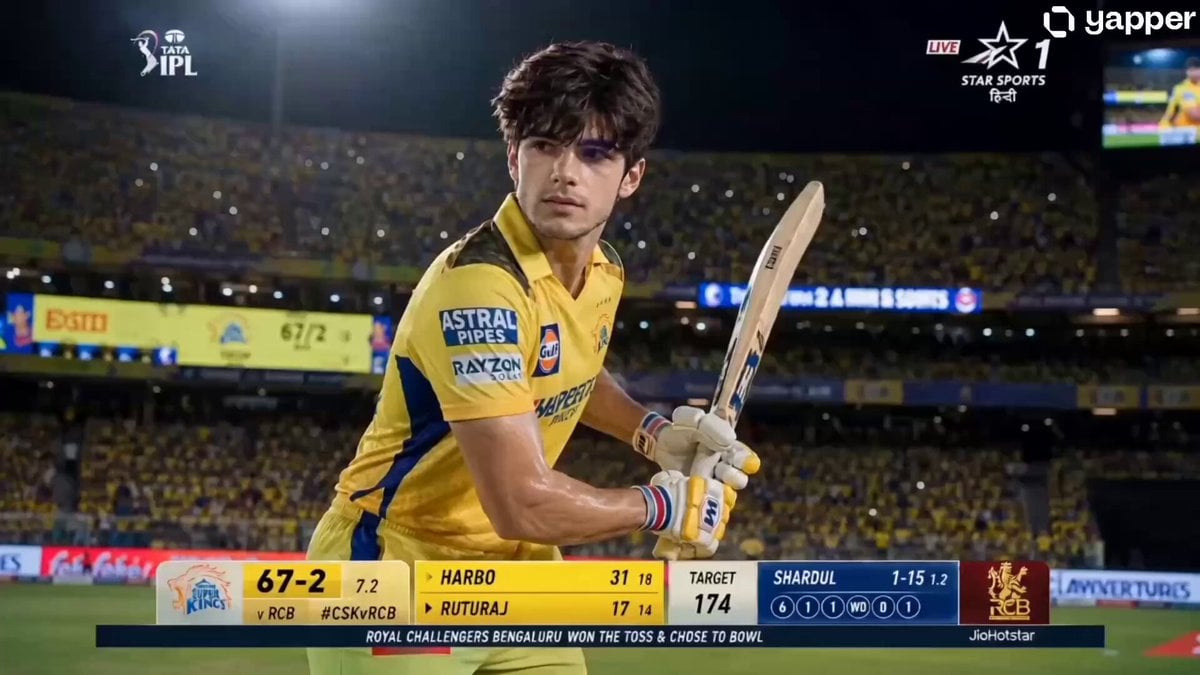
IPL Live Broadcast Scene
Soccer Knuckleball Free Kick Simulation
Live football broadcast video prompt
Olympic Hammer Throw Broadcast Simulation
Nano Banana Seedance Environment Render Walk
Fantasy Martial Arts Live Action
Make it yours
Live Soccer TV Broadcast Simulation works as-is. These are the safest ways to change it without losing the look.
Change one field
Copy a single group, rewrite it, and generate again so you can see what that field is doing.
Keep the frame, change the subject
Hold the composition and light of Live Soccer TV Broadcast Simulation, then swap wardrobe, props or the person for a new take.
| If the result… | Why | Fix |
|---|---|---|
| The result drifts from the preview | Too many fields changed at once. | Reuse Live Soccer TV Broadcast Simulation as-is first, then change one group — subject, light, or setting. |
| The model over-stylizes the scene | The prose prompt leaves finish and camera underspecified. | Add one camera or lighting sentence and stay on Seedance 2.0. |
More Seedance 2.0 templates
Other prompts made for Seedance 2.0.

Comical Martial Arts Punch Scene

Maglev Train Action Sequence

Martial Arts Fight Sequence

Wuxia Protection and Trust Script

Vintage Korean Arcade MiniDV Vlog

Mercedes 190 SL Luxury Ad

Rainy Night Supernatural Reverse Comedy Video Script

Amazon Civilization Discovery

Futuristic South Asian City Transformation

Cozy Luxury Cafe Commercial
More video prompts
Fresh picks from across the catalog.
Multi-Panel Shutter MV Anime
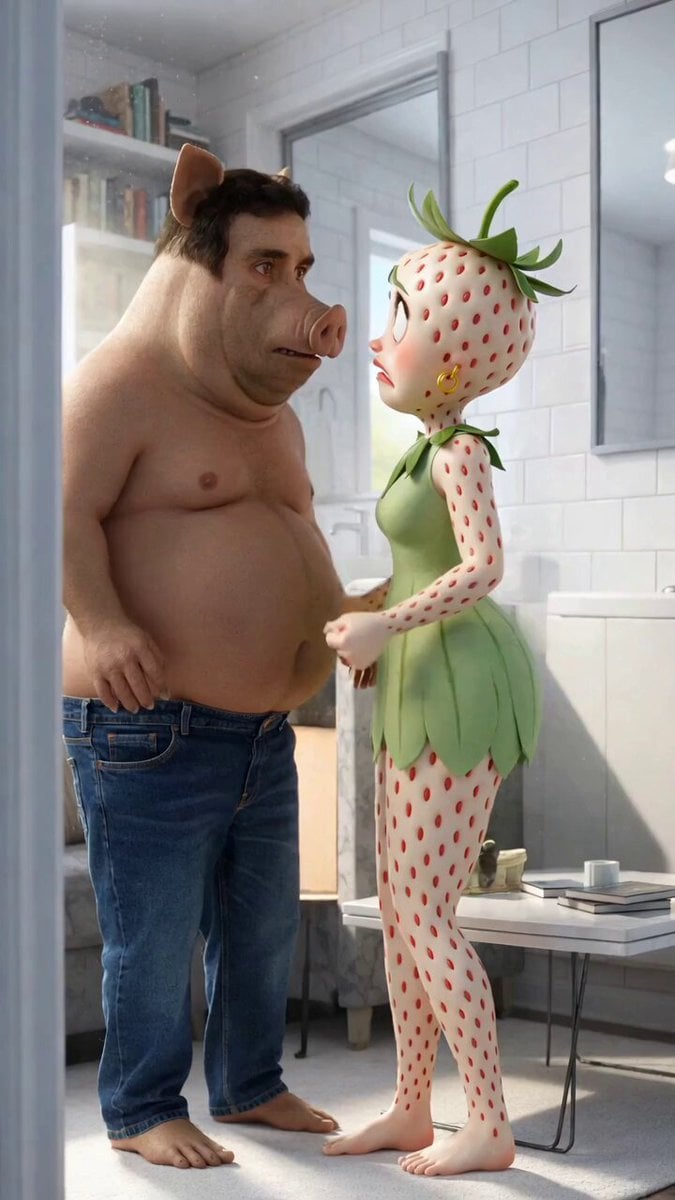
Nikita Boar and the Eggplant Child Video
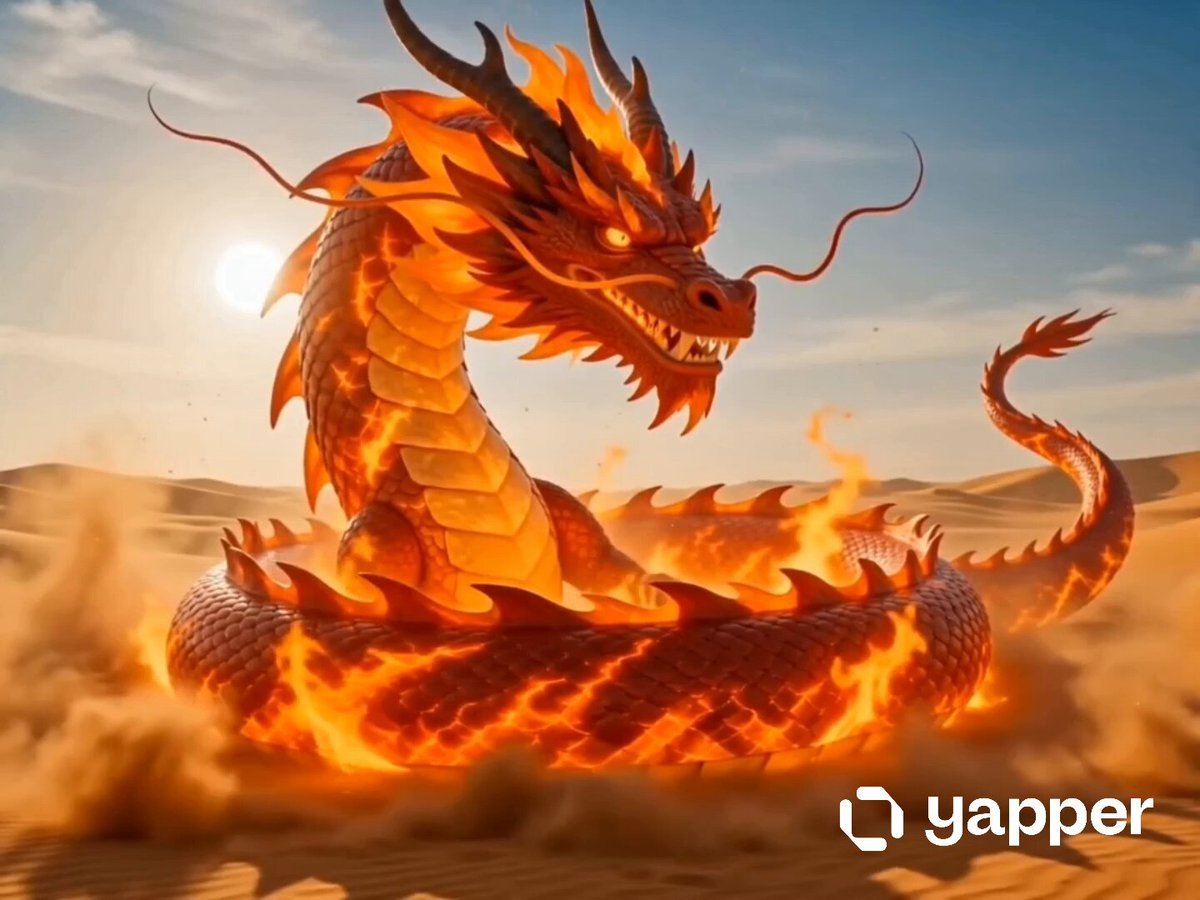
Dragon Fire Boxing Desert Combat
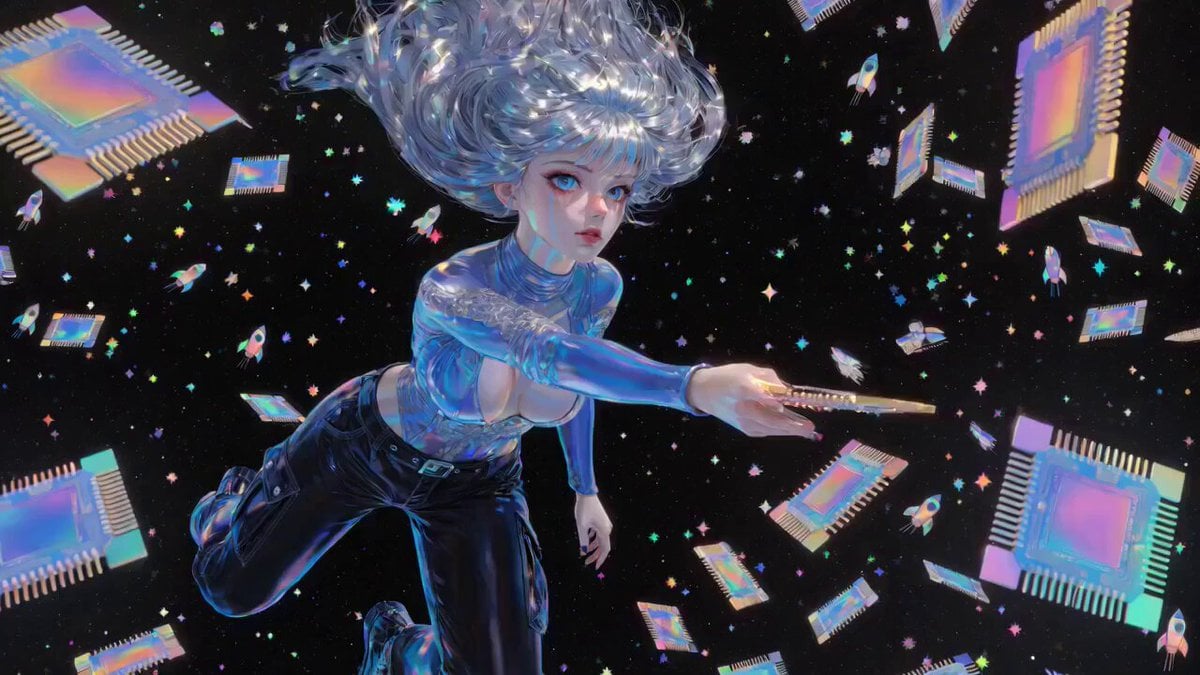
Compute and Communication
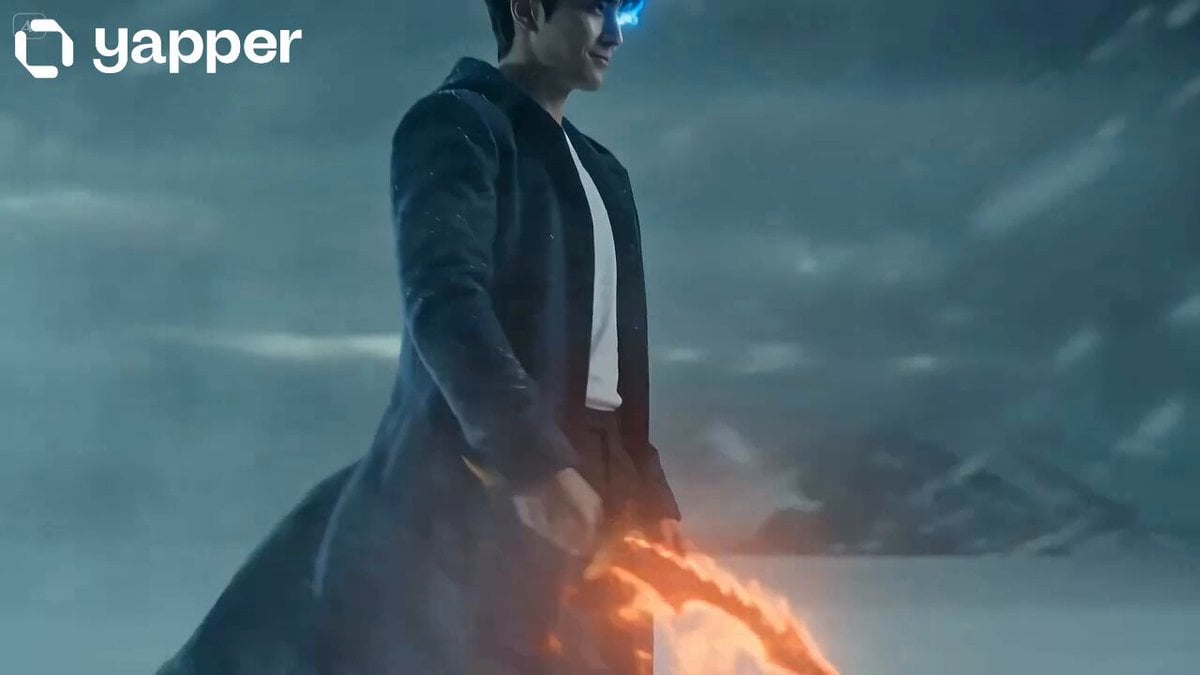
Shadow Monarch Tundra Scene
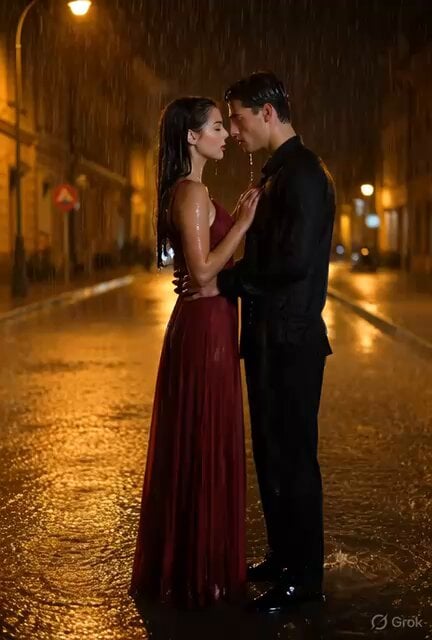
Cinematic Couple Dancing in Rain
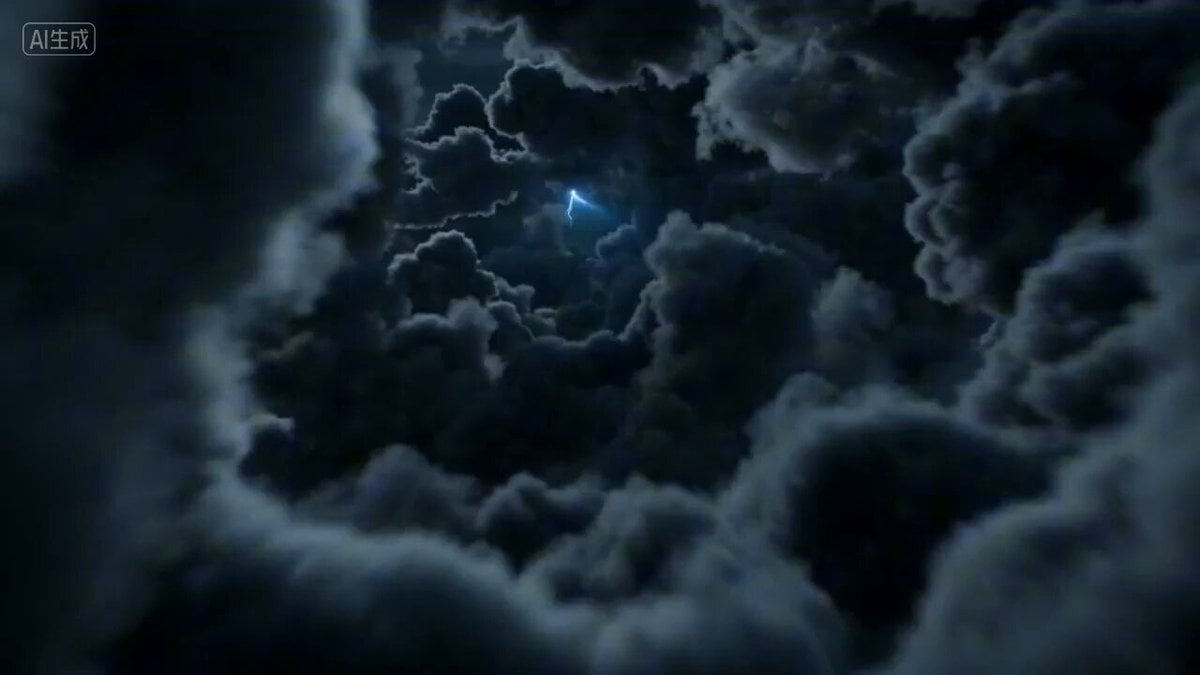
First-person POV of a lightning strike descent
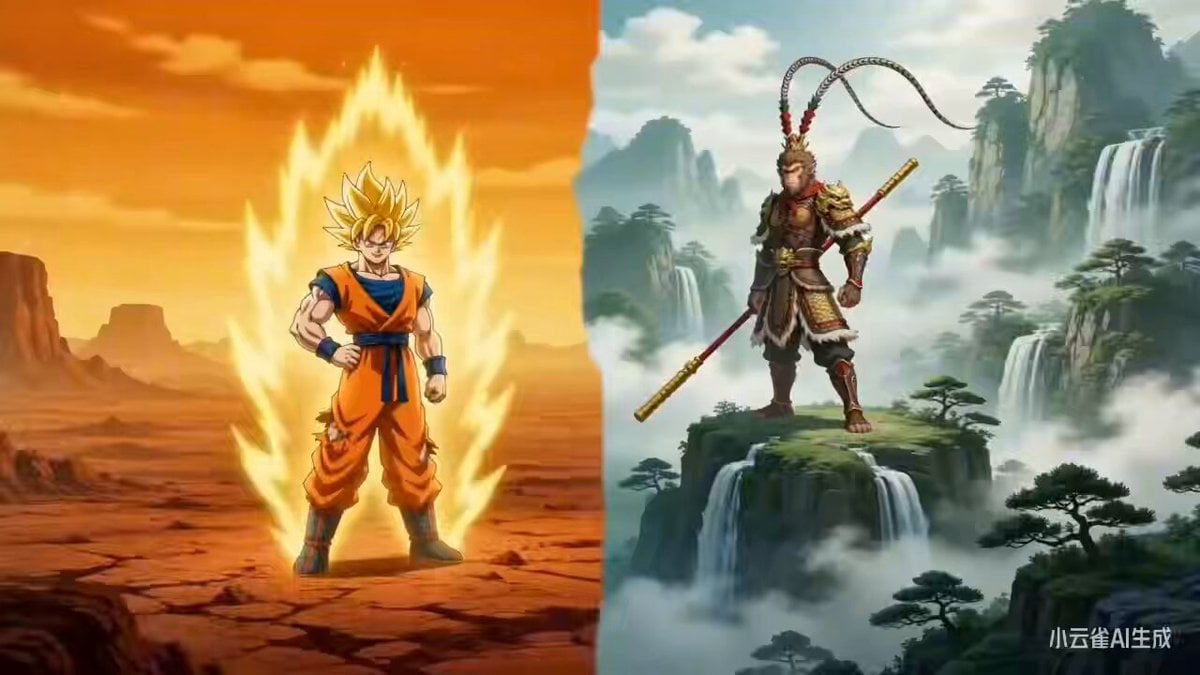
Sun Wukong vs. Son Goku: Cross-Style Dimensional Battle

Cinematic Fantasy Overgrown Ruins Animation
Realistic Chinese Talk Show Prompt
Browse template categories
Live Soccer TV Broadcast Simulation questions
How do I use the Live Soccer TV Broadcast Simulation template?
Add your photo if the template asks for one, edit the prompt if you like — the template's model and format are already selected — and press Generate. Your version opens in PicX Studio.
Can I customize the Live Soccer TV Broadcast Simulation template?
Yes. You can change the subject, setting, lighting, mood, format, and available model controls before creating your video.
Is the Live Soccer TV Broadcast Simulation template free?
Opening and editing this template is free. Generating uses credits, shown on the Generate button when you are signed in.
Which AI model should I use?
Start with Seedance 2.0, which is the model associated with this template. You can compare another compatible model for a different finish.
Looking for something else? Browse all templates.

Your photo, any look
Thousands of ready templates for every top image and video model, from one credit balance.