
Live IPL Cricket Audience Broadcast
A detailed prompt for simulating a live IPL sports broadcast shot of a VIP audience member sitting next to a celebrity.
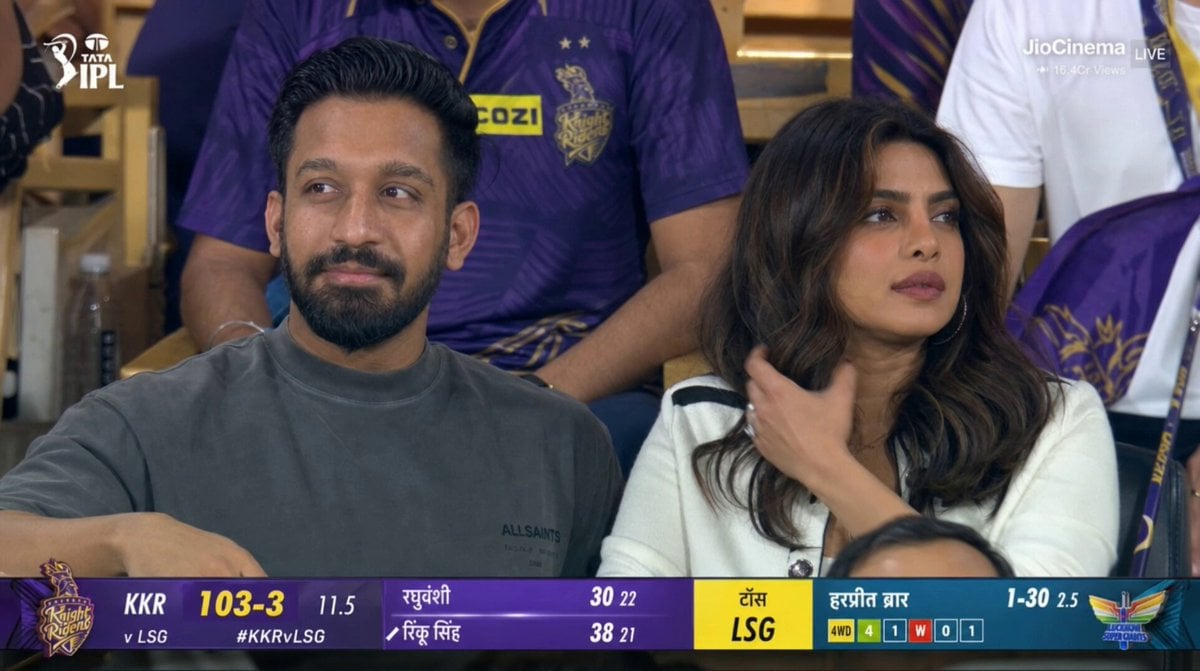
- Prompt included
- Model and format preset
- Premium template
The prompt behind this video
Copy the exact prompt behind Live IPL Cricket Audience Broadcast, or open it in the studio and make it yours.
Live IPL broadcast shot, 16:9, 1080p. Close-up telephoto crowd-cam moment of the person from the attached reference image seated beside Priyanka Chopra Jonas in the VIP audience section of a packed IPL cricket stadium during a live night match. Priyanka wears an elegant luxury stadium outfit while the reference person wears premium modern streetwear. Both sit naturally among the crowd, initially watching the cricket match with calm, focused expressions. After briefly noticing the live stadium camera, both softly look toward the lens and give a subtle natural wave with a gentle smile — minimal facial expressions, no excitement, no exaggerated reactions, maintaining a candid premium broadcast feel. Subtle realistic movements only: Priyanka lightly brushes back a strand of hair and softly raises one hand for a calm wave, while the reference person slightly shifts posture and gives a small relaxed hand wave. Spectators in the background remain naturally engaged with the match atmosphere. Shot on a 150mm live sports broadcast lens with cinematic shallow depth of field, soft stadium bokeh, realistic floodlight illumination, authentic Indian cricket crowd atmosphere, natural skin textures, subtle handheld broadcast micro-shake stabilization, cinematic sports framing, and faint IPL-style scoreboard graphics with Hindi-English sports ticker UI in the corner. High-fidelity live sports broadcast realism, no posing, no dramatic reactions, no cuts.
How to use Live IPL Cricket Audience Broadcast in 3 steps
- 1Upload ImagePNG, JPG or paste
Add your photo
Upload the photo the template builds on. The prompt, model and format are already set.
- 2…a portrait of your subject in softgolden-hour light, 85mm…
Personalize
Edit the subject and creative details for your destination.
- 3Generate
Generate
Press Generate — your video is created in PicX Studio, so you can compare it with the original and refine one variable at a time.
More like this
Templates with the same subject, style or setup. Open one to see its prompt.
Accidental IPL Cricket Comedy Broadcast
Anthropomorphic Rock Band Live Concert - Seedance 2.5
IPL Live Broadcast Scene
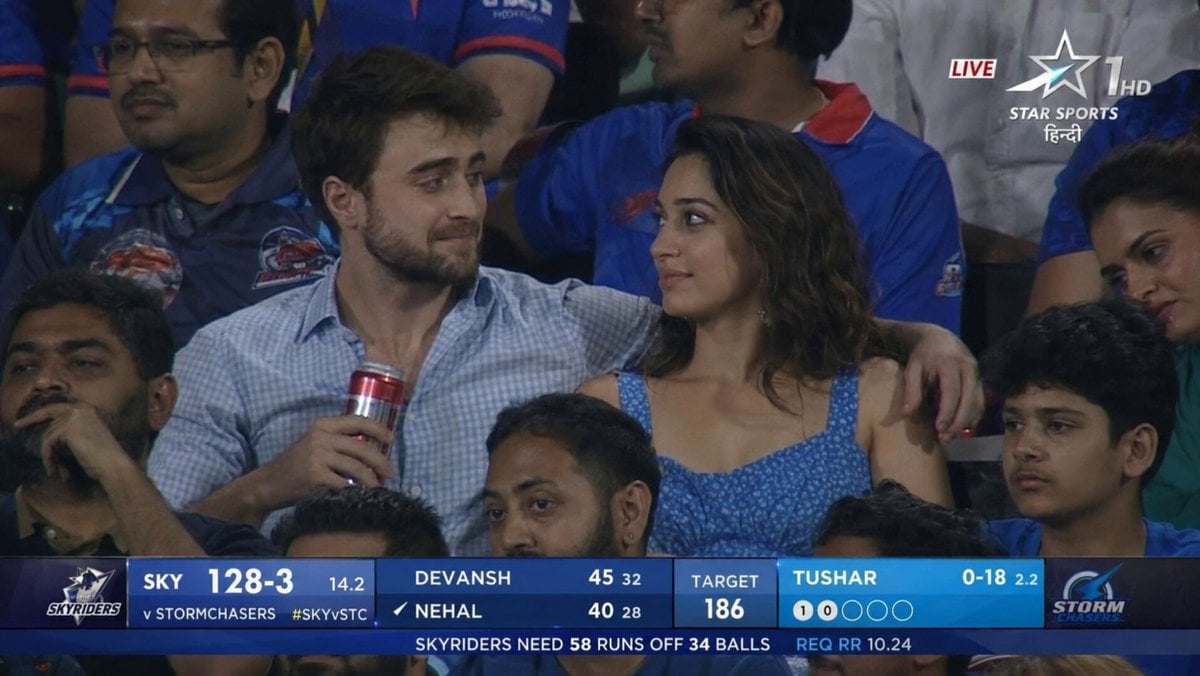
IPL Style Couple Broadcast Photo
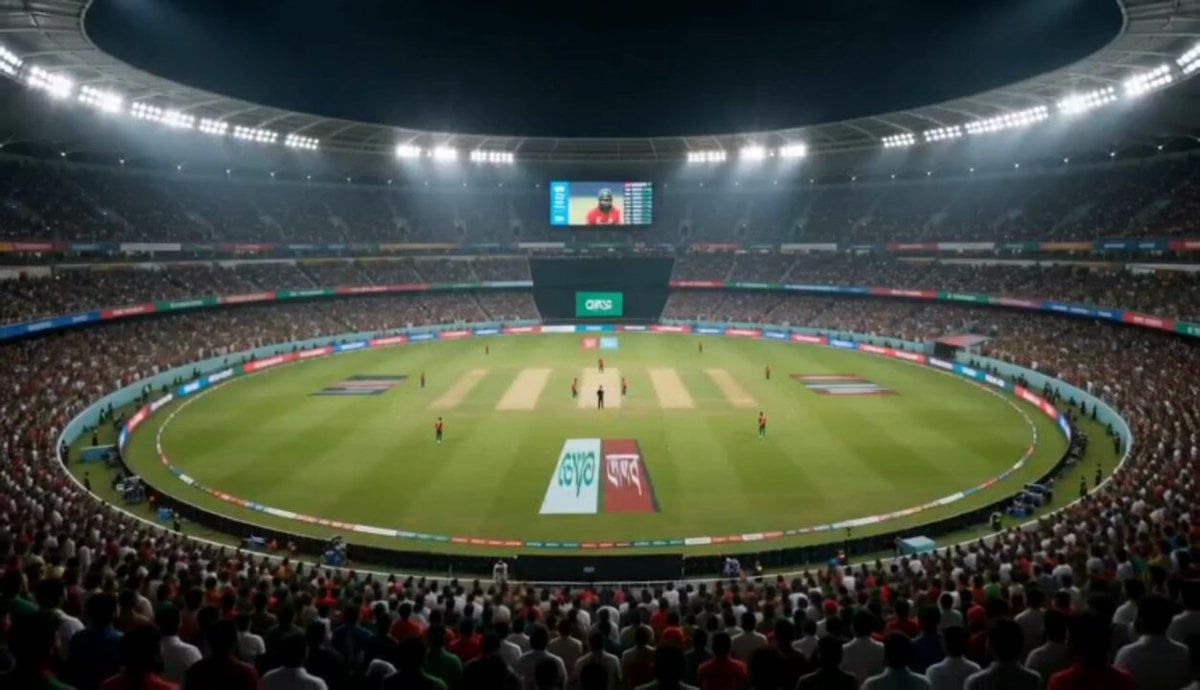
Cricket Stadium Fan Broadcast
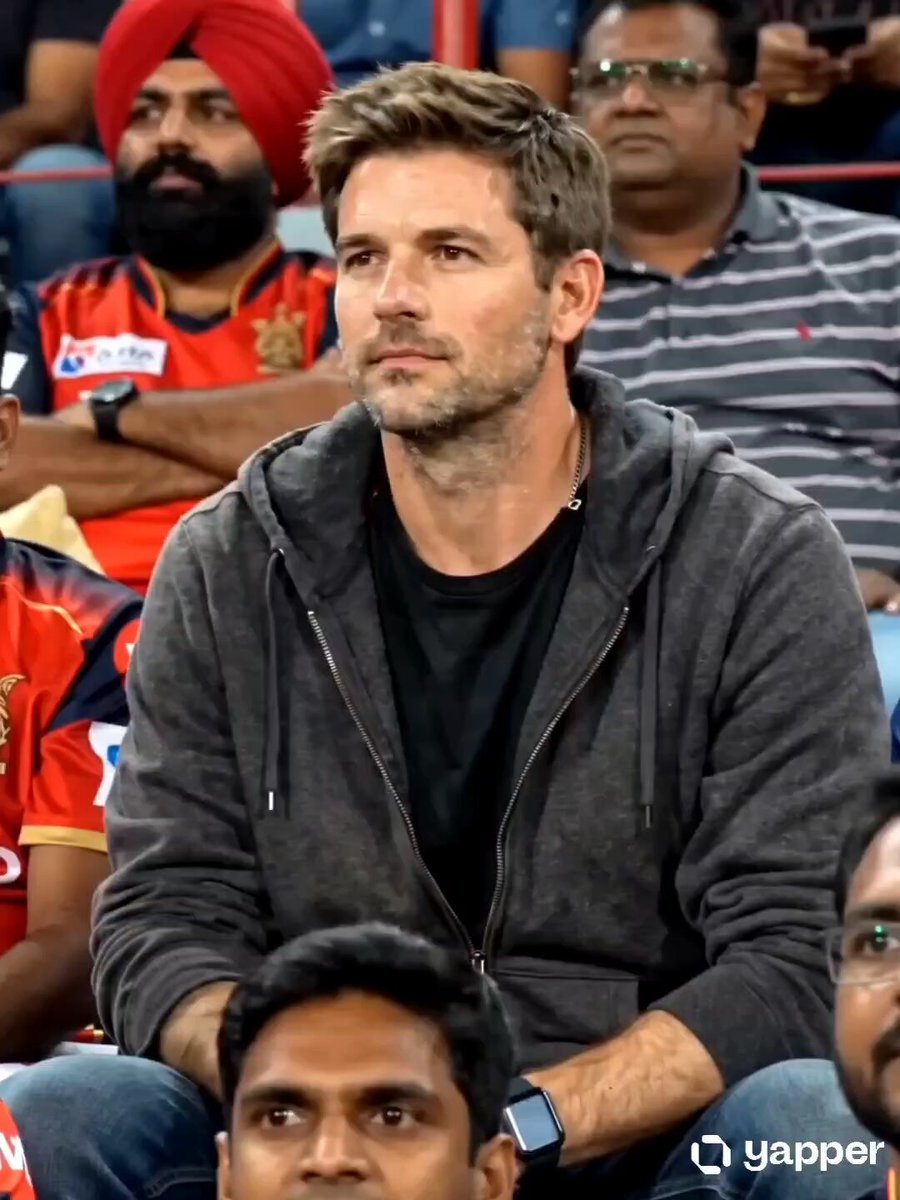
IPL Broadcast Crowd Camera Video
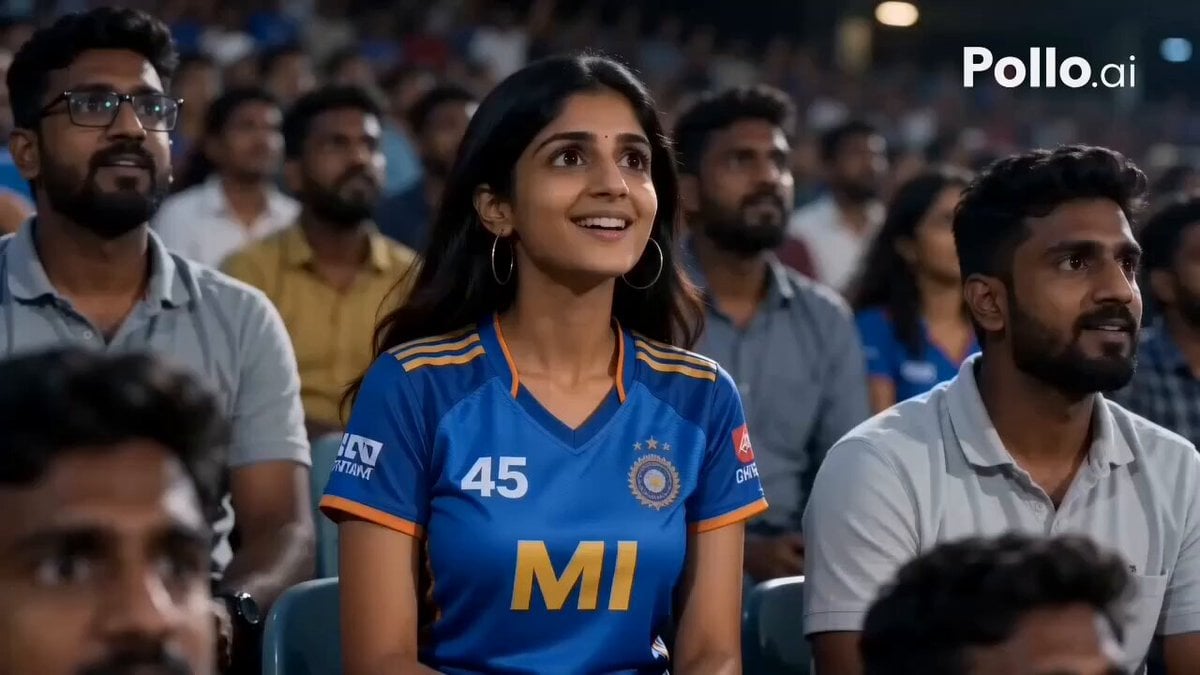
IPL Stadium Catch Broadcast
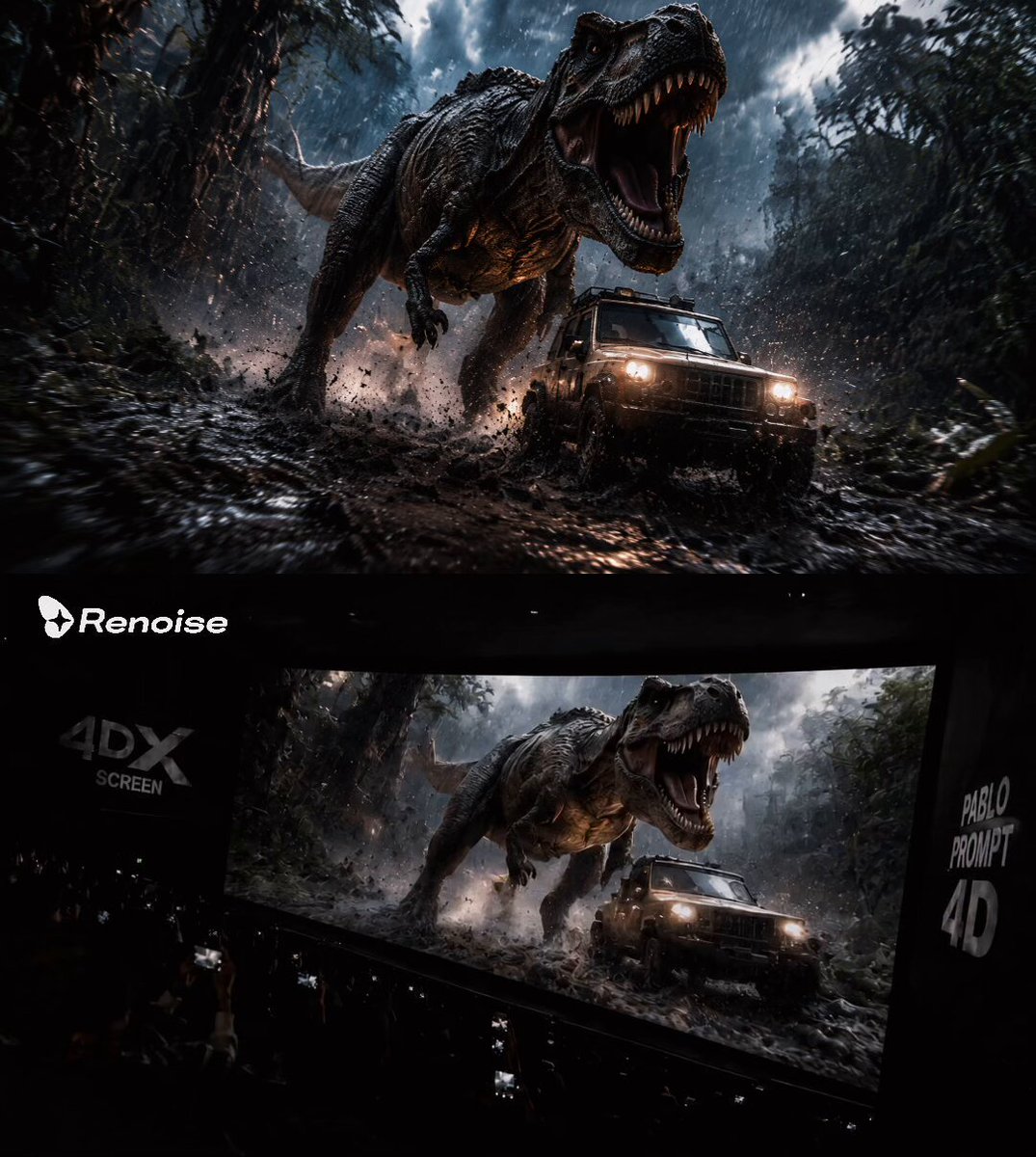
Audience POV Cinema Video
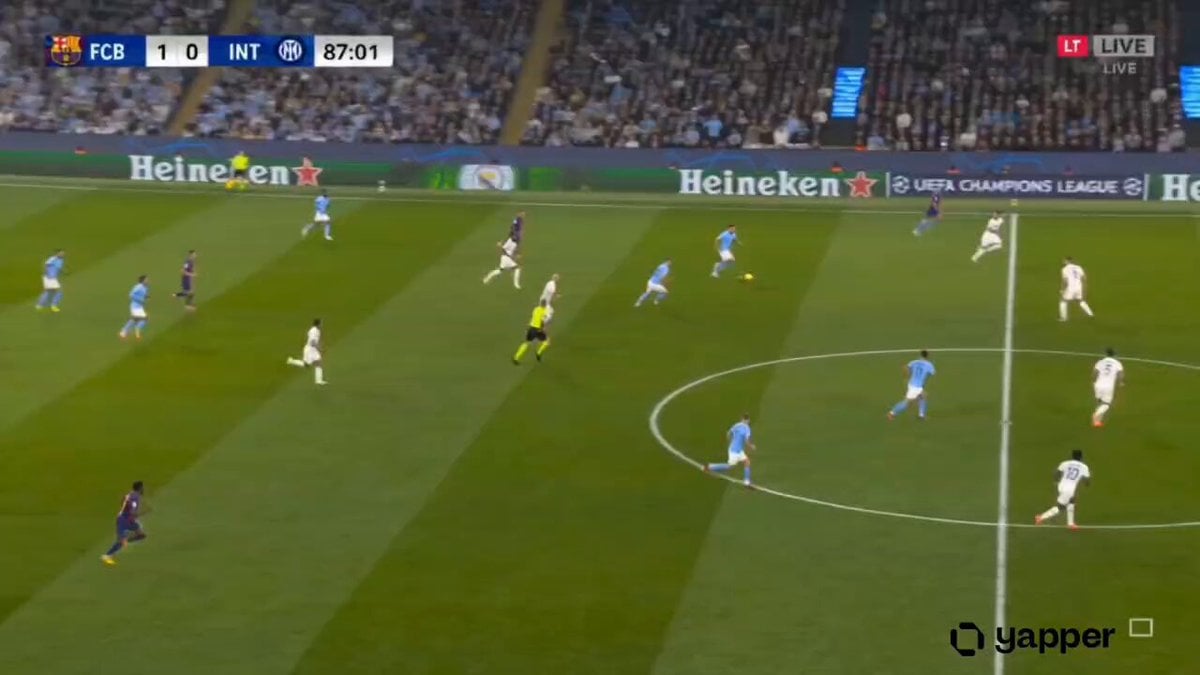
Hyper-realistic Live Football Broadcast
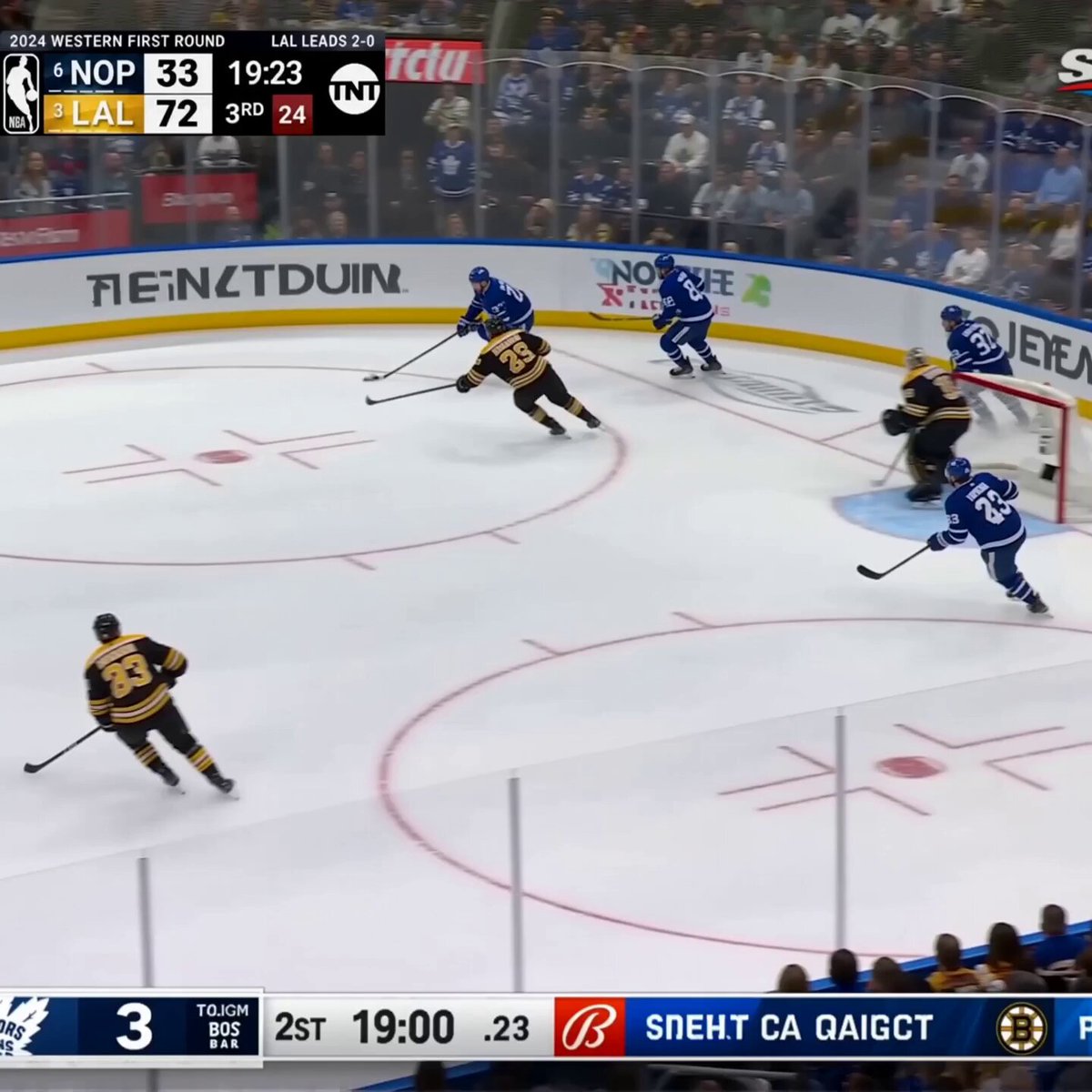
Live NHL Hockey Broadcast
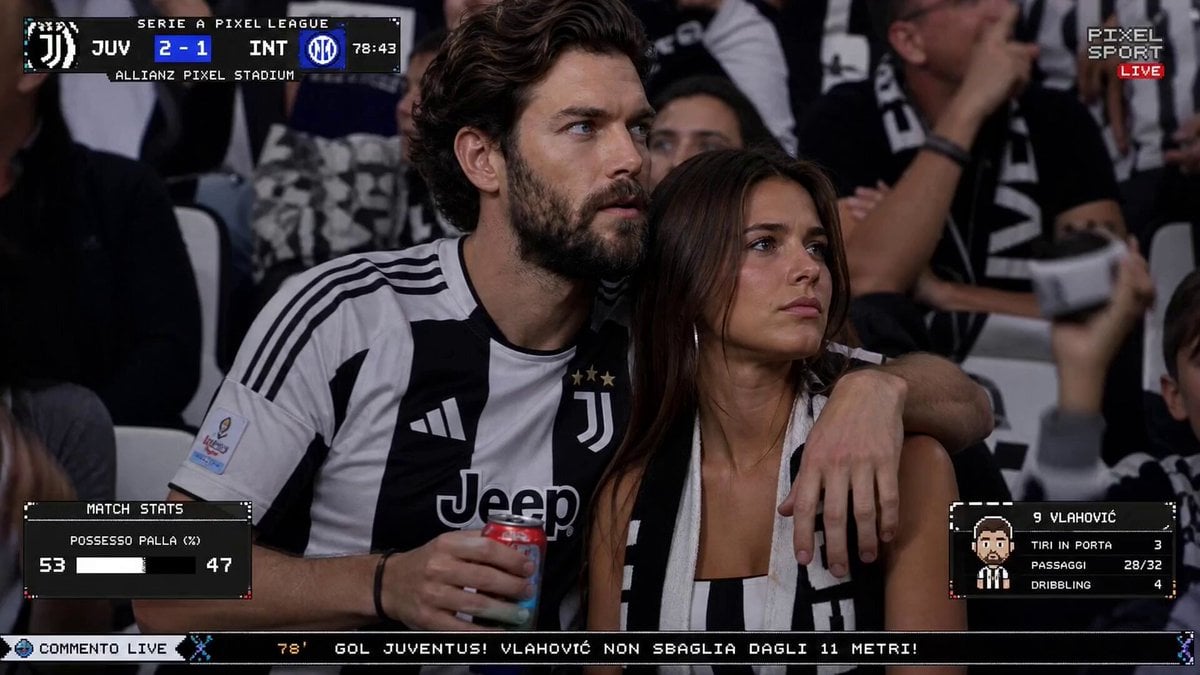
Live TV Football Broadcast Crowd Reaction
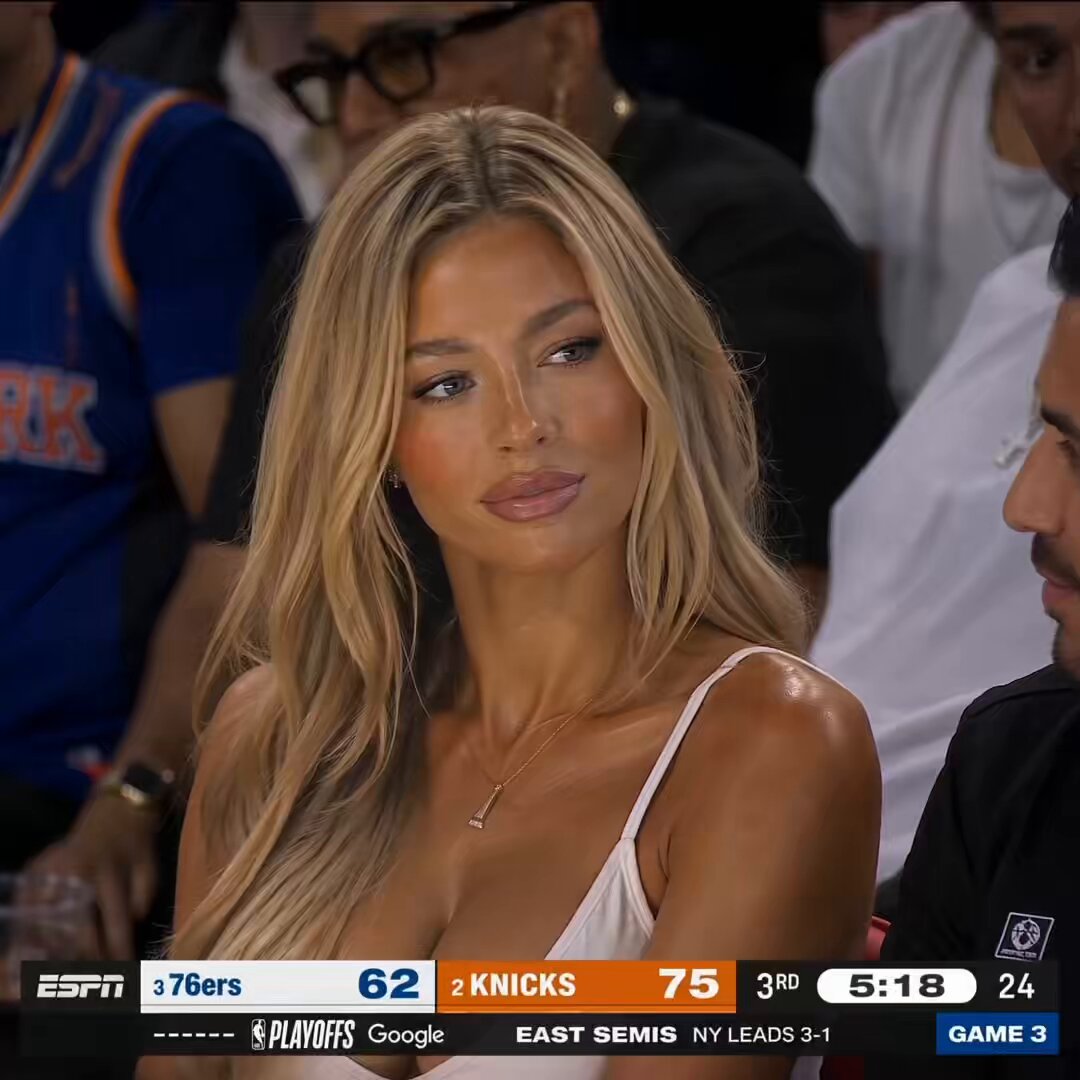
NBA Courtside Live Broadcast
Make it yours
Live IPL Cricket Audience Broadcast works as-is. These are the safest ways to change it without losing the look.
Change one field
Copy a single group, rewrite it, and generate again so you can see what that field is doing.
Keep the frame, change the subject
Hold the composition and light of Live IPL Cricket Audience Broadcast, then swap wardrobe, props or the person for a new take.
| If the result… | Why | Fix |
|---|---|---|
| The result drifts from the preview | Too many fields changed at once. | Reuse Live IPL Cricket Audience Broadcast as-is first, then change one group — subject, light, or setting. |
| The model over-stylizes the scene | The prose prompt leaves finish and camera underspecified. | Add one camera or lighting sentence and stay on Seedance 2.0. |
More Seedance 2.0 templates
Other prompts made for Seedance 2.0.

Comical Martial Arts Punch Scene

Maglev Train Action Sequence

Martial Arts Fight Sequence

Wuxia Protection and Trust Script

Vintage Korean Arcade MiniDV Vlog

Mercedes 190 SL Luxury Ad

Rainy Night Supernatural Reverse Comedy Video Script

Amazon Civilization Discovery

Futuristic South Asian City Transformation

Cozy Luxury Cafe Commercial
More video prompts
Fresh picks from across the catalog.
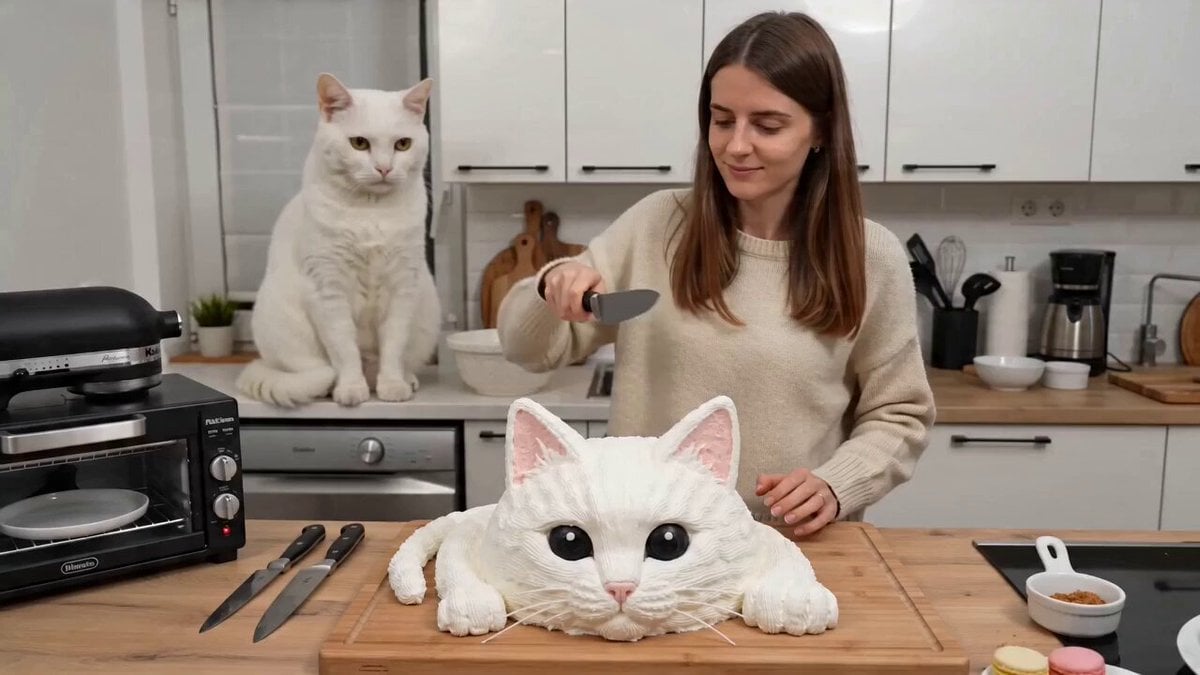
One-take UGC video of a woman cutting a cake and a cat screaming
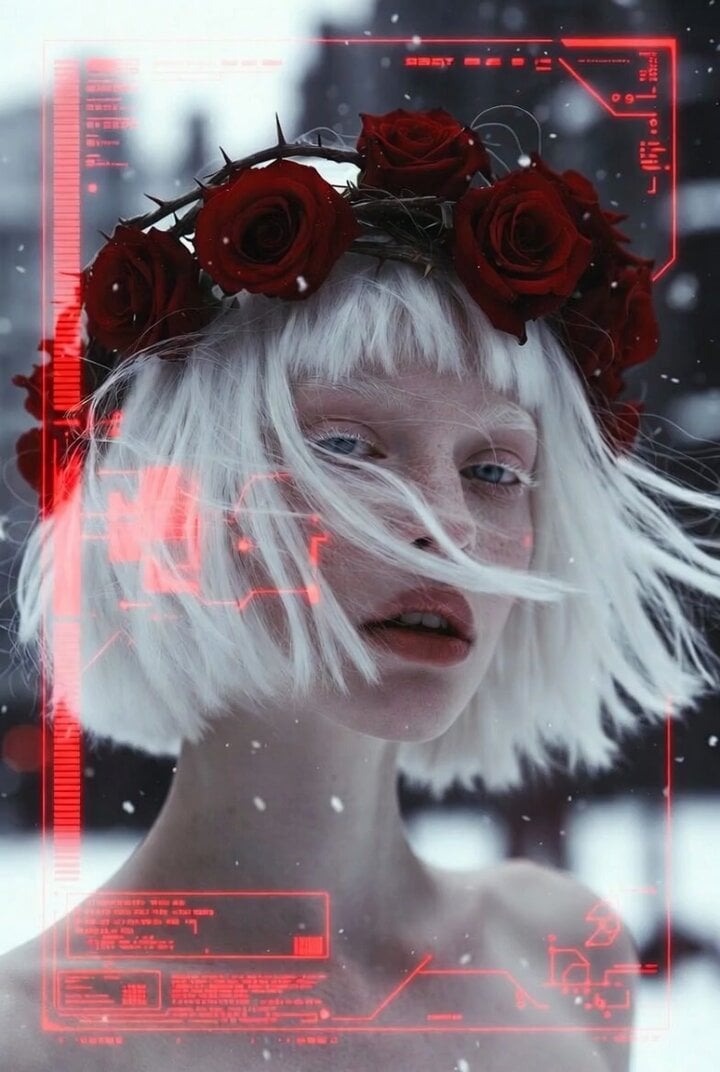
Albino Woman in Winter Storm Close-up
Urban Fantasy RPG Car Chase
Dragon Rescue — Volcanic Kingdom Collapse (Seedance)
Ethereal Lunar Moth Transformation
Arsenal Stadium Crowd Reaction
Anime Music Video Motion Effects
Realistic Korean Fish Market Auction
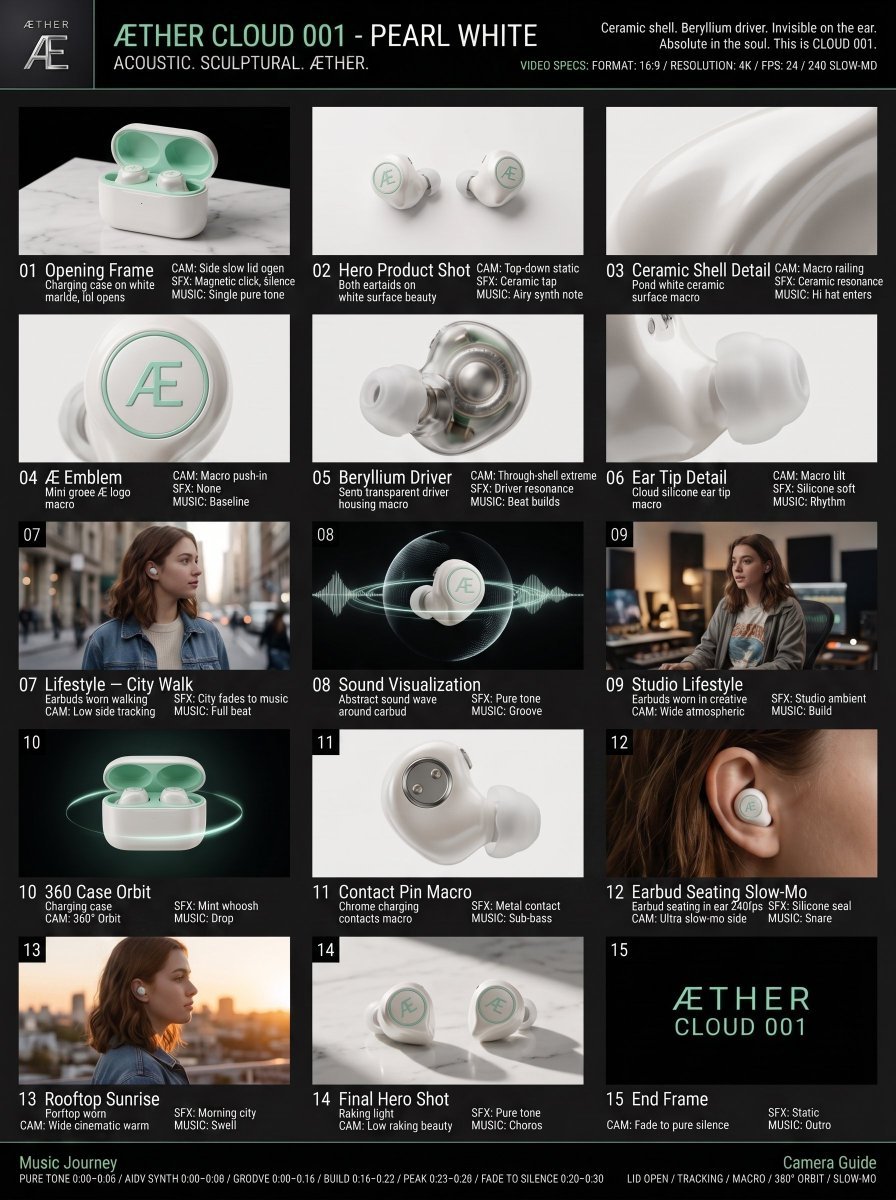
Luxury Audio Product Commercial
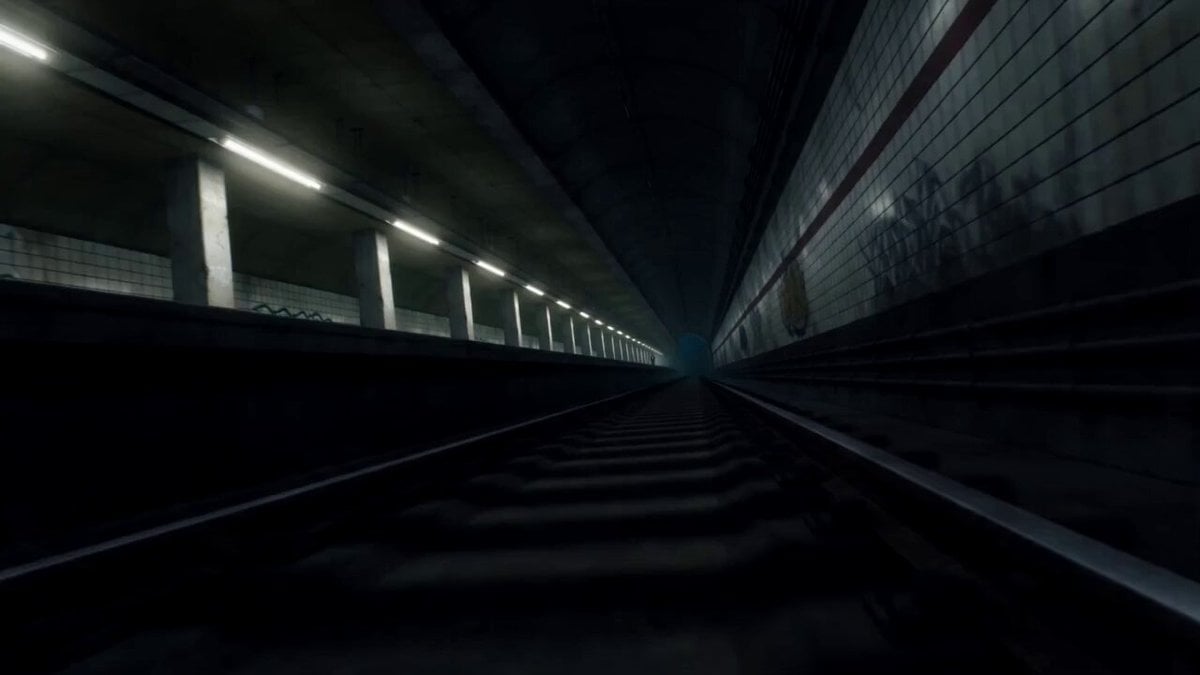
Supernatural Sakuga Anime Combat
Browse template categories
Live IPL Cricket Audience Broadcast questions
How do I use the Live IPL Cricket Audience Broadcast template?
Add your photo if the template asks for one, edit the prompt if you like — the template's model and format are already selected — and press Generate. Your version opens in PicX Studio.
Can I customize the Live IPL Cricket Audience Broadcast template?
Yes. You can change the subject, setting, lighting, mood, format, and available model controls before creating your video.
Is the Live IPL Cricket Audience Broadcast template free?
Opening and editing this template is free. Generating uses credits, shown on the Generate button when you are signed in.
Which AI model should I use?
Start with Seedance 2.0, which is the model associated with this template. You can compare another compatible model for a different finish.
Looking for something else? Browse all templates.

Your photo, any look
Thousands of ready templates for every top image and video model, from one credit balance.