
Accidental IPL Cricket Comedy Broadcast
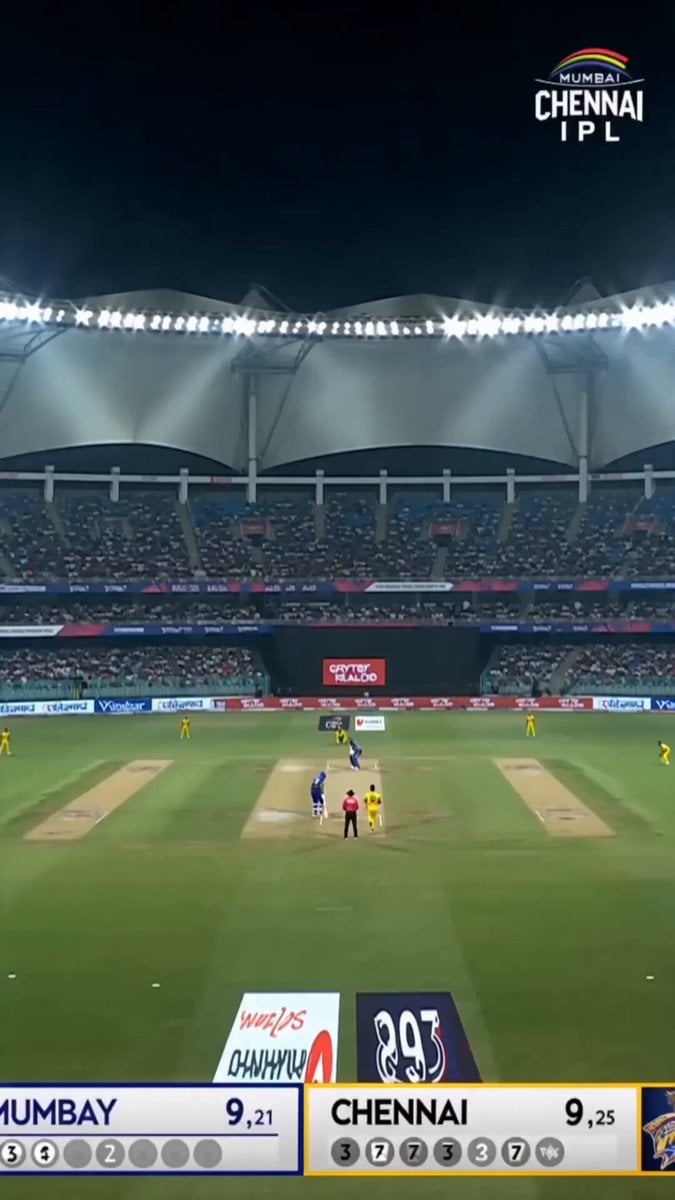
A humorous sports broadcast simulation where a batsman accidentally throws his bat into the crowd during a professional cricket match.
- Prompt included
- Model and format preset
- Free template
The prompt behind this video
Copy the exact prompt behind Accidental IPL Cricket Comedy Broadcast, or open it in the studio and make it yours.
Live IPL television broadcast. Professional cricket coverage with realistic broadcast graphics, crowd noise, stadium atmosphere, commentator audio, multiple camera angles, and authentic sports production quality. The bowler runs in and delivers a fast ball. The batsman attempts a massive six, swinging with full power. But at the moment of impact, he completely loses grip of the bat. The cricket ball travels only a short distance. Meanwhile, the bat launches high into the air like a missile, spinning dramatically over the boundary rope and disappearing into the crowd. For a moment, nobody understands what happened. The crowd gasps, then bursts into laughter. The batsman stands frozen at the crease, embarrassed and confused, staring at his empty hands. Commentator: “He was trying to send the ball out of the stadium… but he’s sent the BAT out of the stadium!” Replay immediately cuts in from multiple angles showing the bat flying farther than the ball. The non-striker bends over laughing. Crowd chants and cheers as the batsman awkwardly smiles and rubs the back of his neck. Authentic live sports broadcast, realistic reactions, believable physics, meme-worthy cricket moment, accidental comedy, no slapstick, no cartoon behavior, looks like genuine viral IPL footage.
How to use Accidental IPL Cricket Comedy Broadcast in 3 steps
- 1
Open
The prompt is already in the box next to the preview, with the template's model and format selected.
- 2…a portrait of your subject in softgolden-hour light, 85mm…
Personalize
Edit the subject and creative details for your destination.
- 3Generate
Generate
Press Generate — your video is created in PicX Studio, so you can compare it with the original and refine one variable at a time.
More like this
Templates with the same subject, style or setup. Open one to see its prompt.
Live IPL Cricket Audience Broadcast
Viking in Modern America Comedy - Seedance 2.5
Comedy Coke Bottle Prank Reel — Kling 3.0 O3 Pro
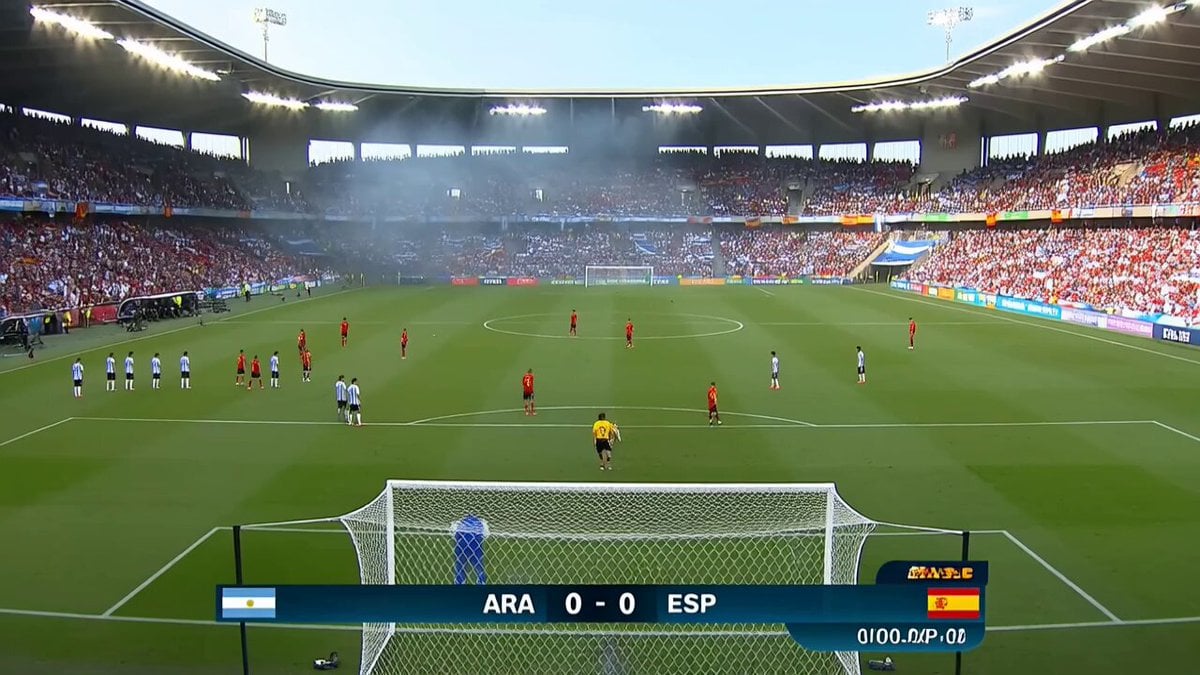
Viral Football Match Comedy Broadcast

Cartoon Donut Heist Bakery Chase
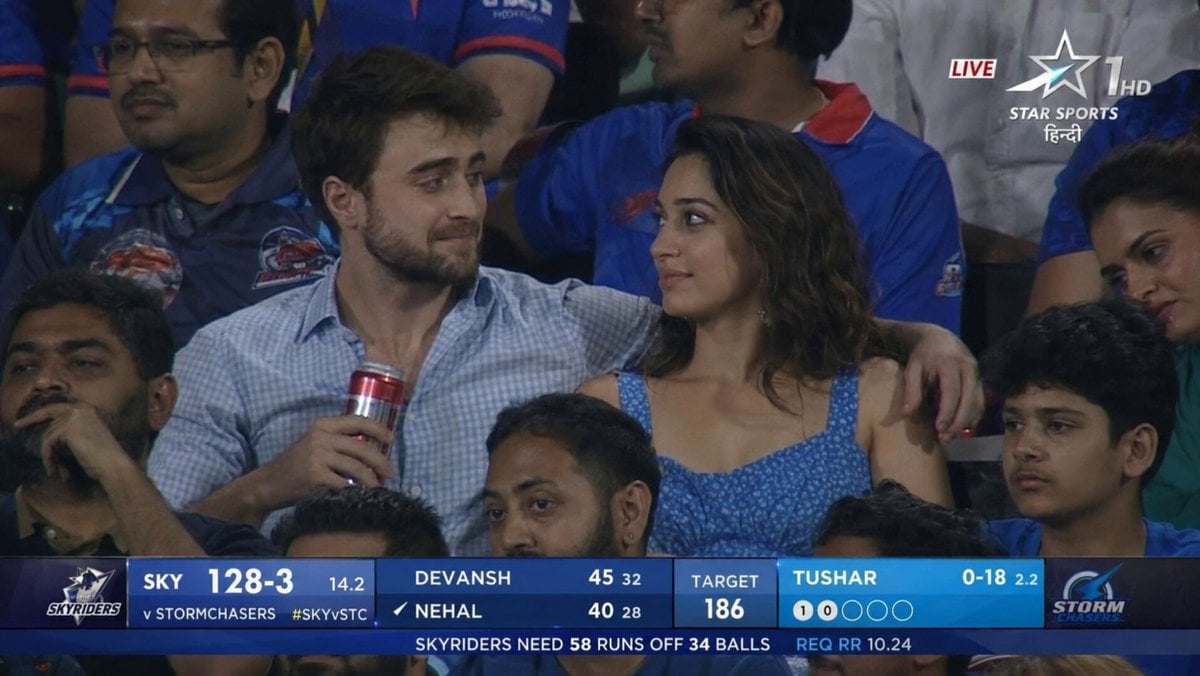
IPL Style Couple Broadcast Photo
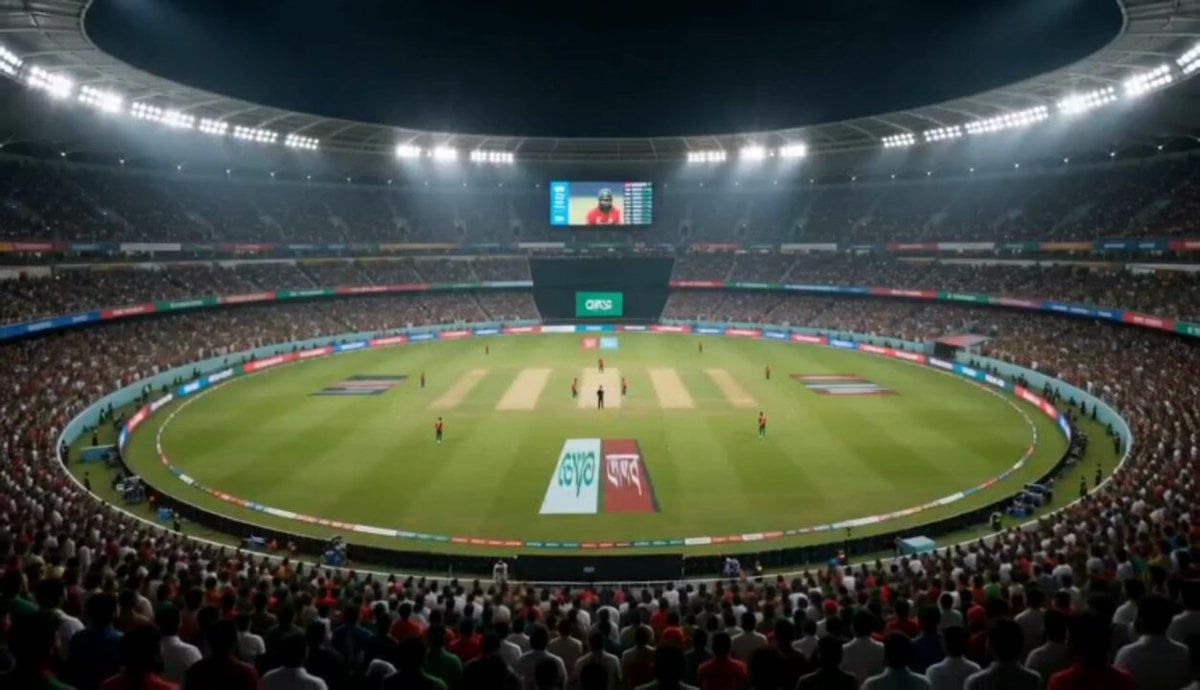
Cricket Stadium Fan Broadcast
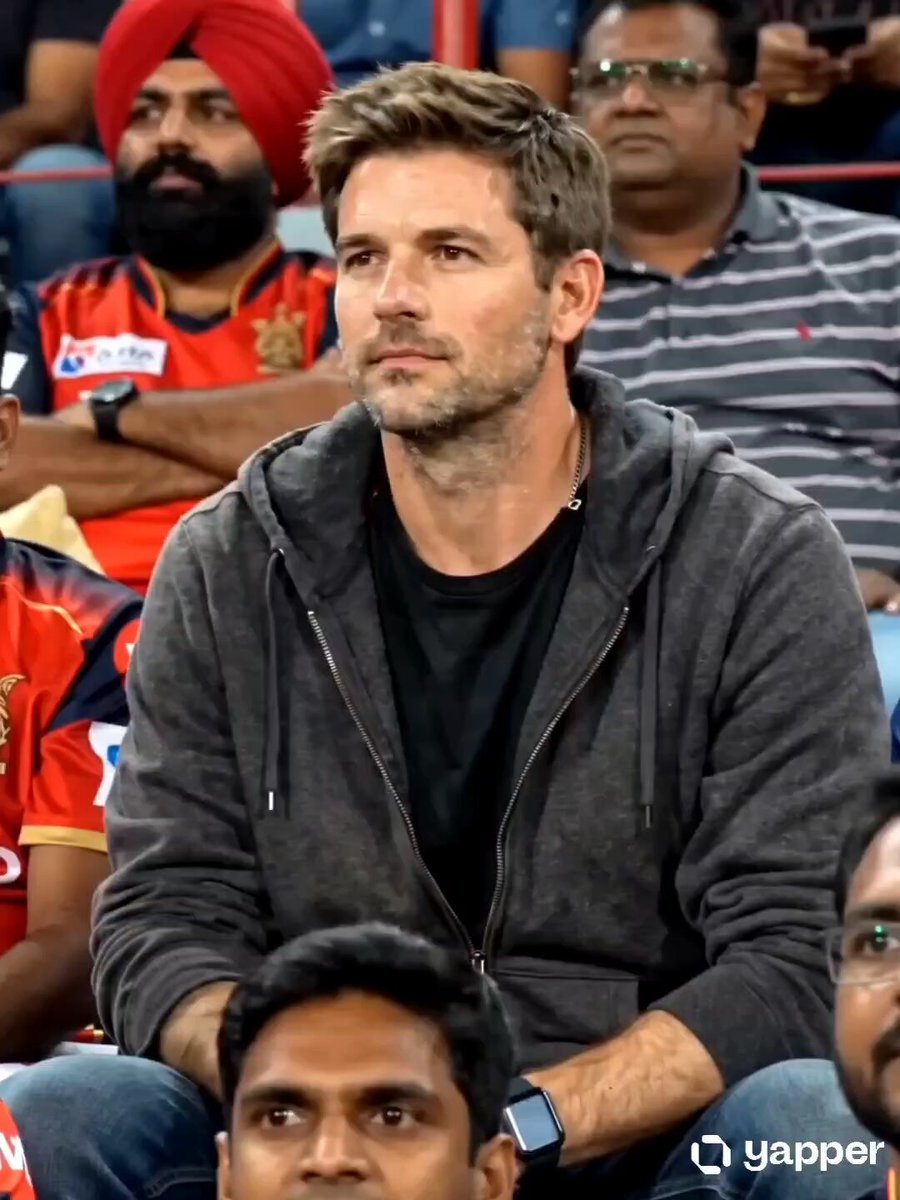
IPL Broadcast Crowd Camera Video
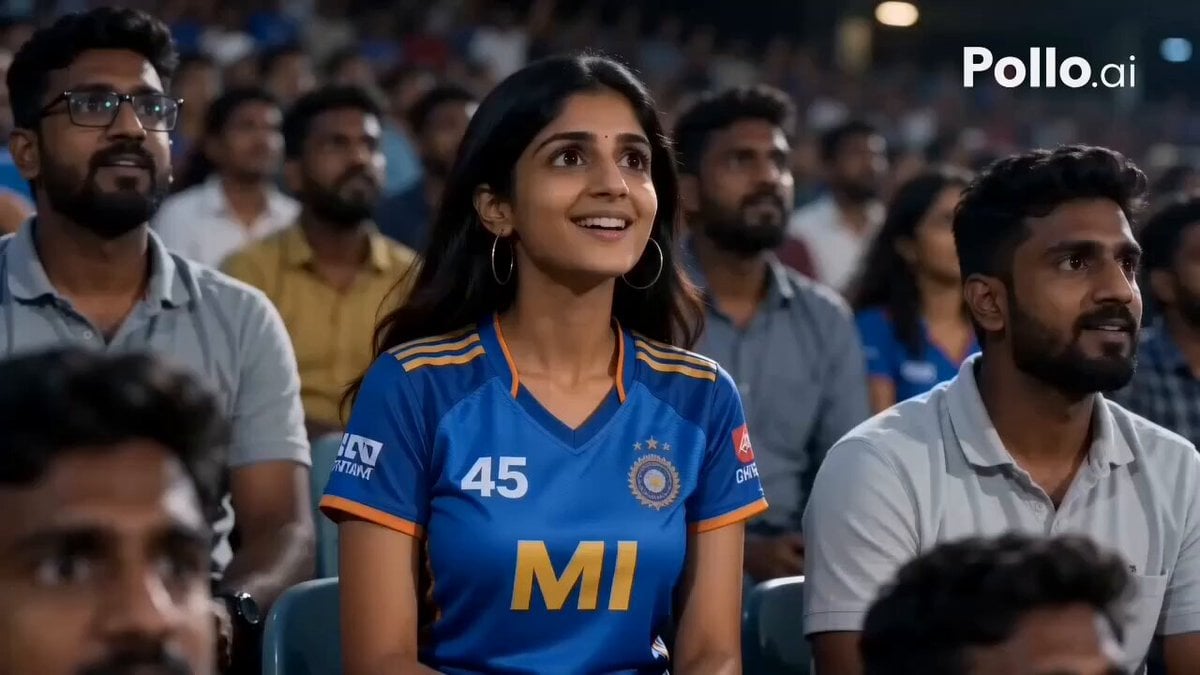
IPL Stadium Catch Broadcast
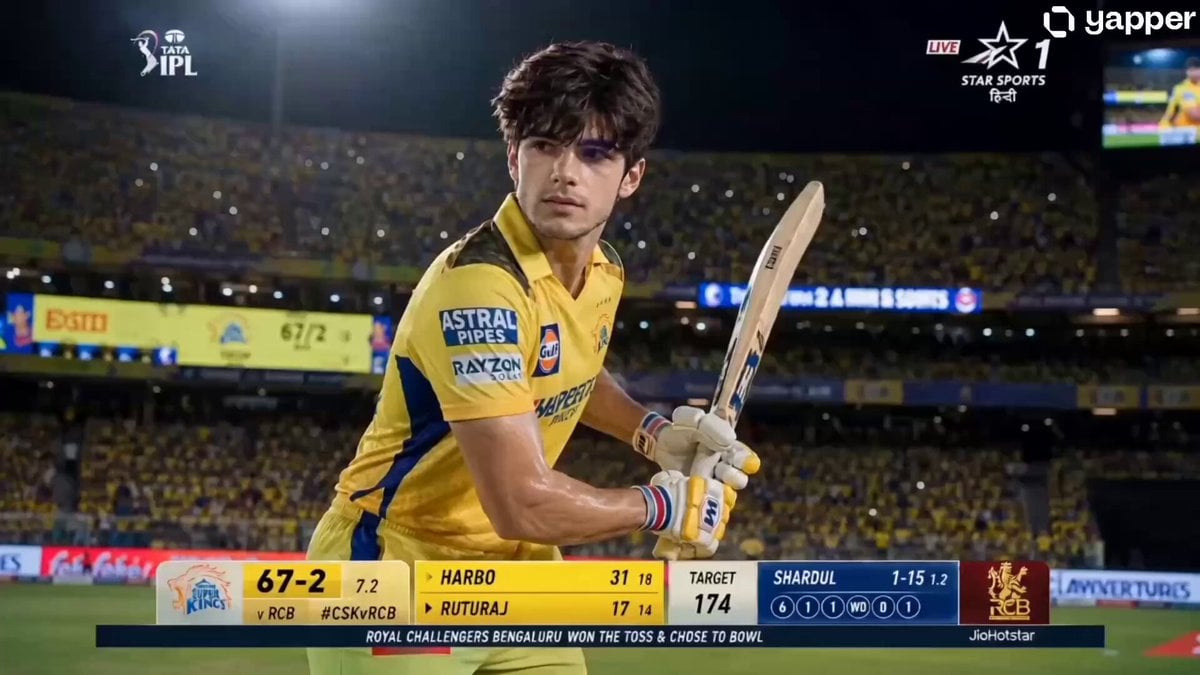
IPL Live Broadcast Scene
Dim Sum Chase — Shrimp Dumpling Monster
Animal Garden Party Bar — Comedy Short
Make it yours
Accidental IPL Cricket Comedy Broadcast works as-is. These are the safest ways to change it without losing the look.
Change one field
Copy a single group, rewrite it, and generate again so you can see what that field is doing.
Keep the frame, change the subject
Hold the composition and light of Accidental IPL Cricket Comedy Broadcast, then swap wardrobe, props or the person for a new take.
| If the result… | Why | Fix |
|---|---|---|
| The result drifts from the preview | Too many fields changed at once. | Reuse Accidental IPL Cricket Comedy Broadcast as-is first, then change one group — subject, light, or setting. |
| The model over-stylizes the scene | The prose prompt leaves finish and camera underspecified. | Add one camera or lighting sentence and stay on Seedance 2.0. |
More Seedance 2.0 templates
Other prompts made for Seedance 2.0.

Comical Martial Arts Punch Scene

Maglev Train Action Sequence

Martial Arts Fight Sequence

Wuxia Protection and Trust Script

Vintage Korean Arcade MiniDV Vlog

Mercedes 190 SL Luxury Ad

Amazon Civilization Discovery

Futuristic South Asian City Transformation

Cozy Luxury Cafe Commercial

Cyber Ronin Nanotech Transformation Video
More video prompts
Fresh picks from across the catalog.
Elegant Terrace Fashion Video
Ontology Recapitulates Phylogeny
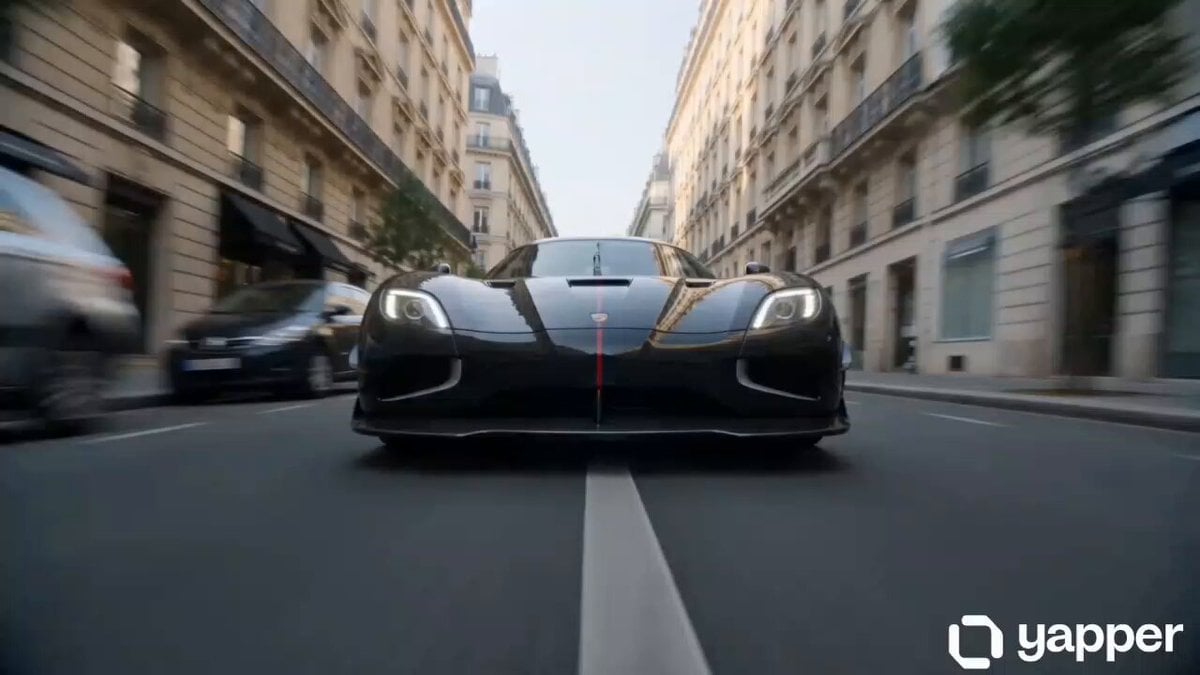
Multi-Shot High Speed Car Chase
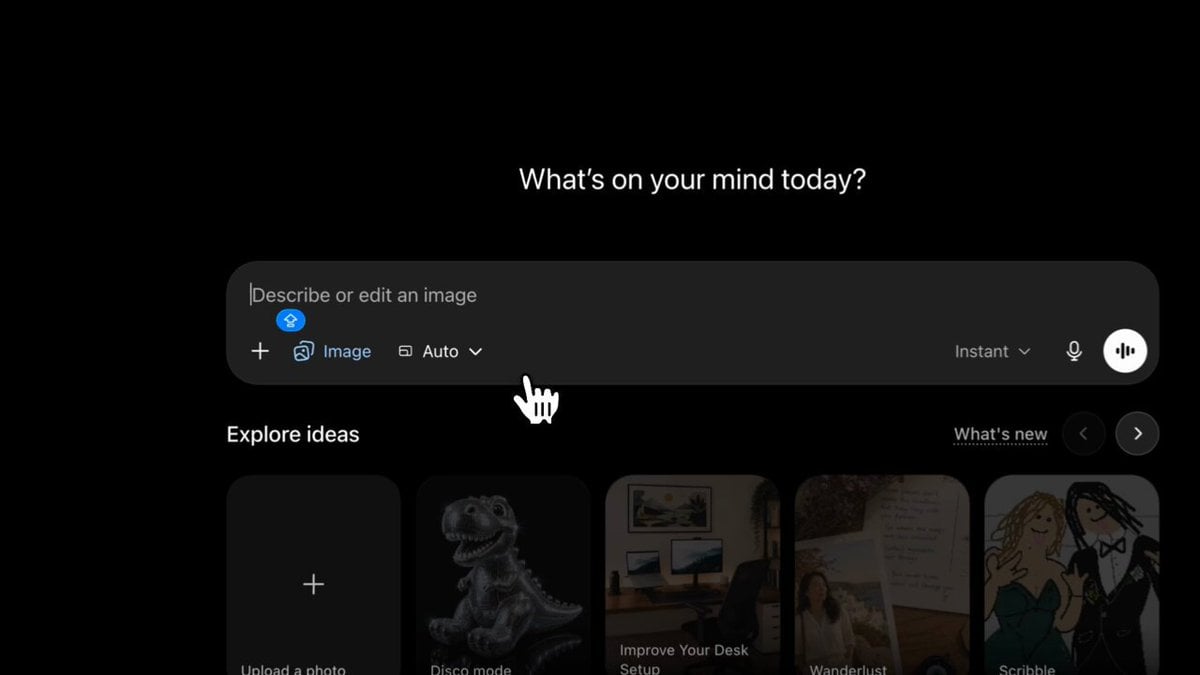
Anime Storyboard Generation with GPT Image 2
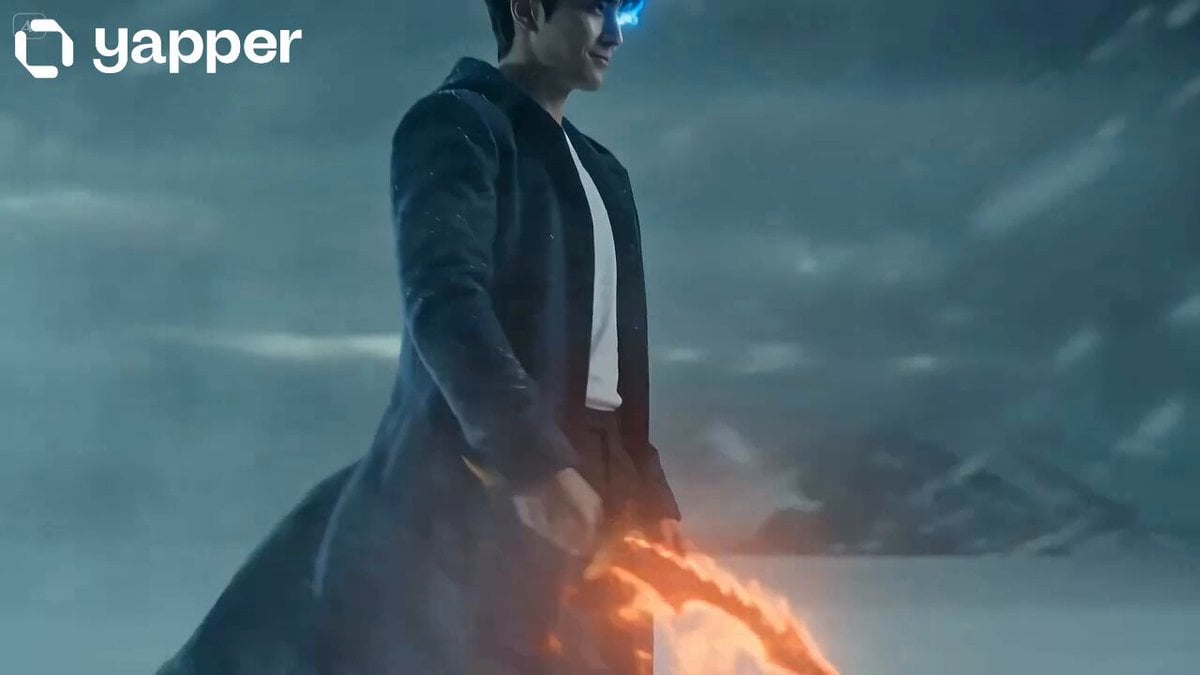
Shadow Monarch Tundra Scene
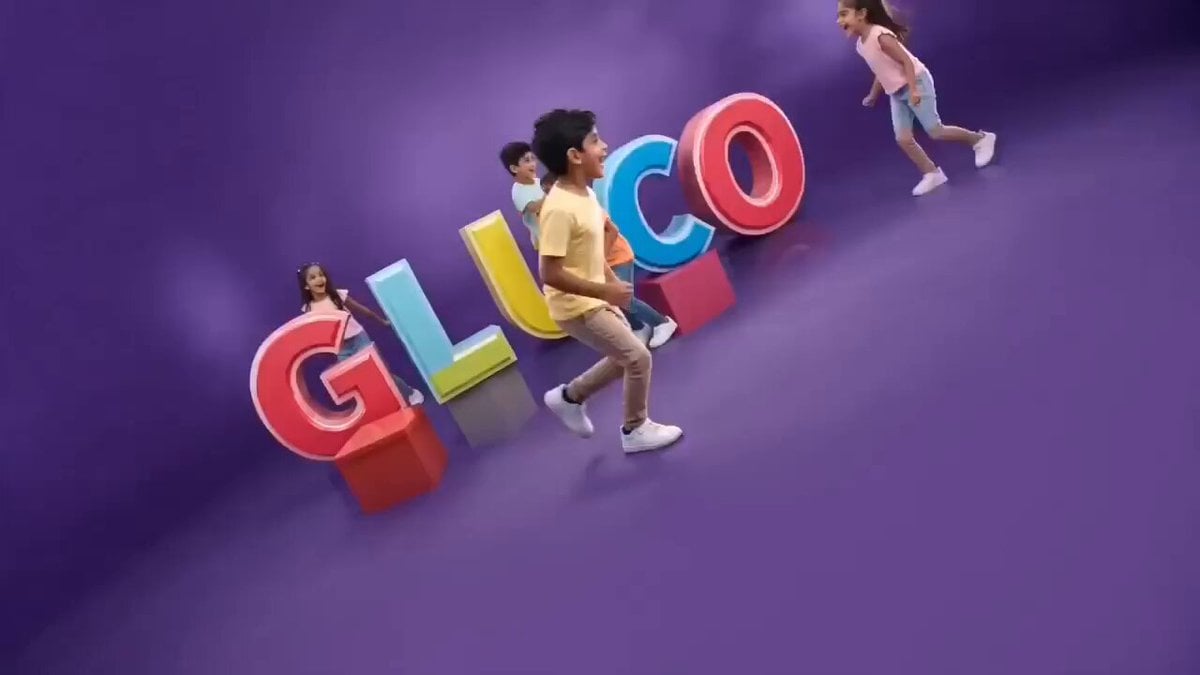
Vibrant Purple Gluco Energy Biscuit Commercial
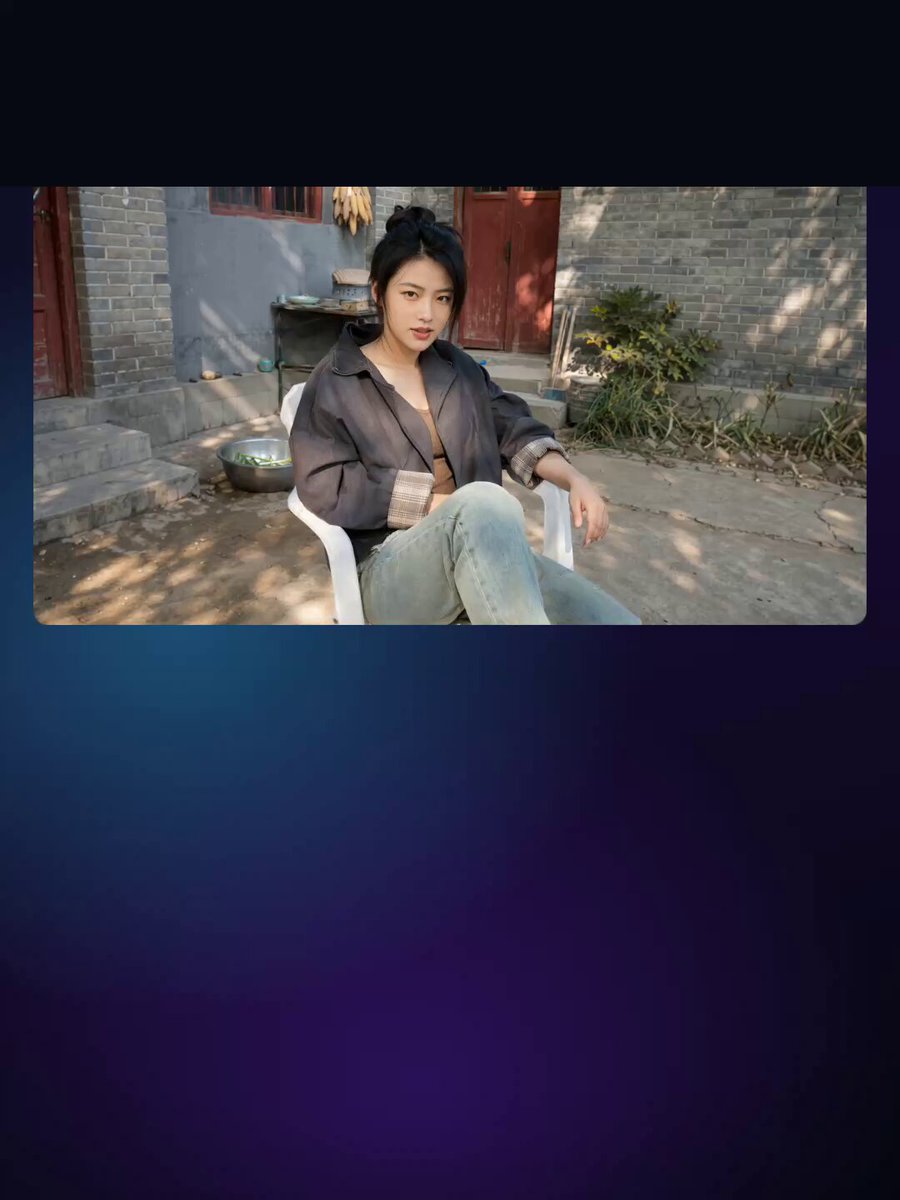
Chinese Deadpan Comedy Short Drama

Ethereal Woods Fairy Video Prompt
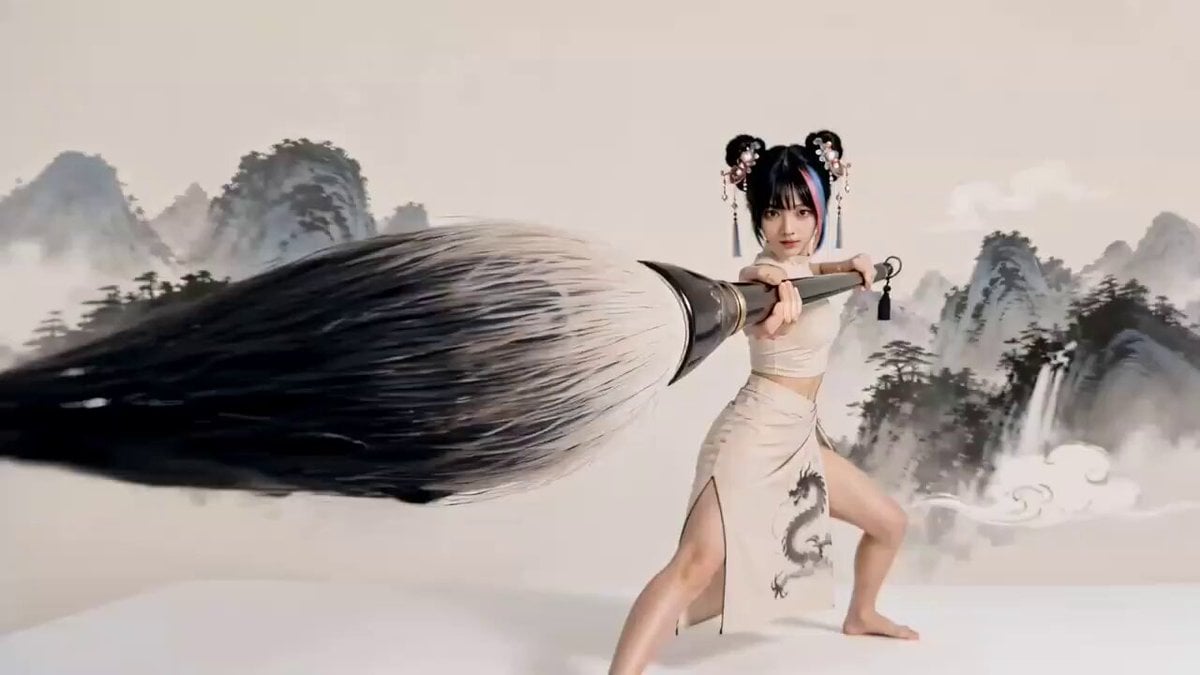
Chinese Ink Wash Martial Arts Dance
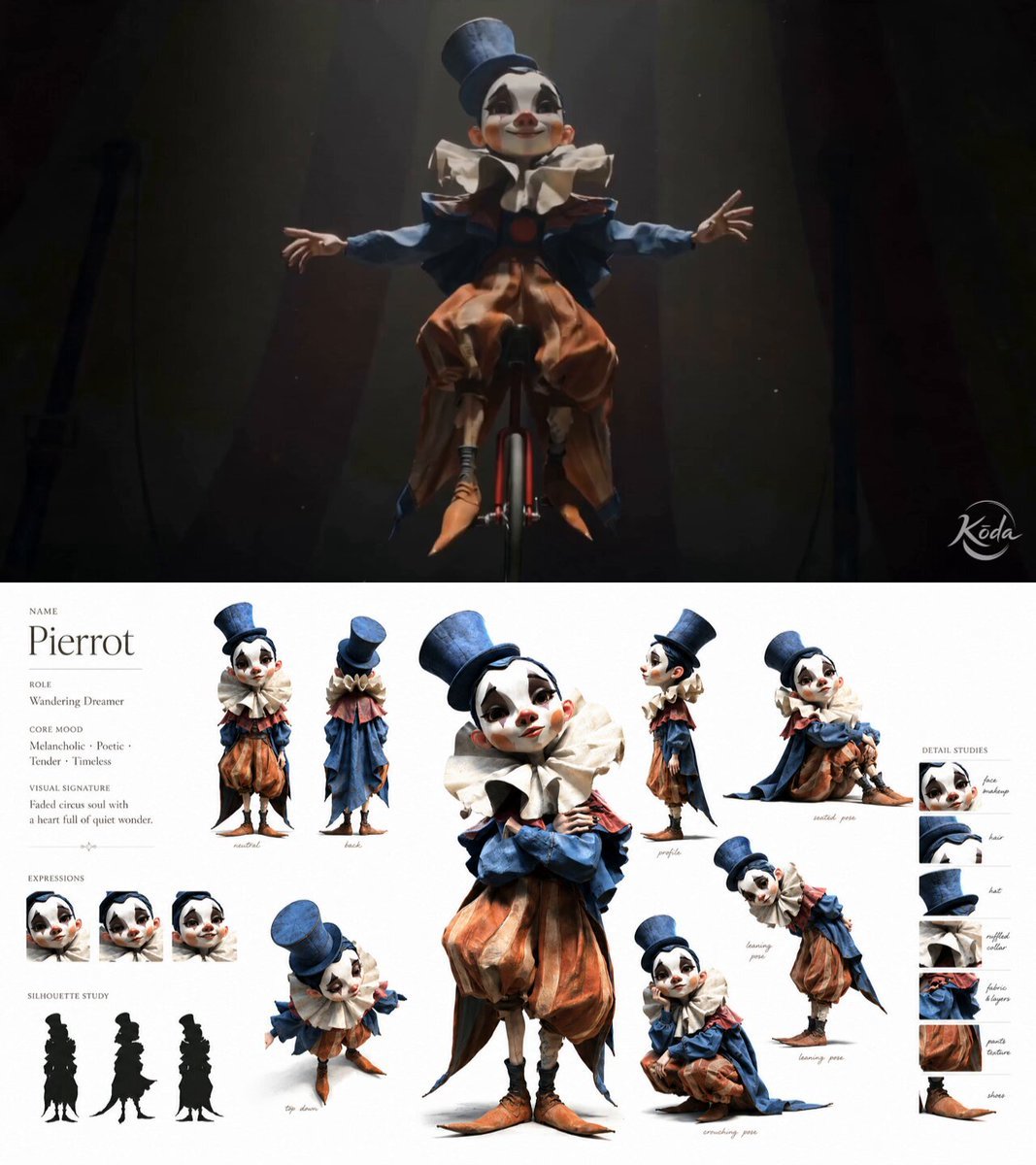
Melancholic Circus Performer Emotional Video
Browse template categories
Accidental IPL Cricket Comedy Broadcast questions
How do I use the Accidental IPL Cricket Comedy Broadcast template?
Add your photo if the template asks for one, edit the prompt if you like — the template's model and format are already selected — and press Generate. Your version opens in PicX Studio.
Can I customize the Accidental IPL Cricket Comedy Broadcast template?
Yes. You can change the subject, setting, lighting, mood, format, and available model controls before creating your video.
Is the Accidental IPL Cricket Comedy Broadcast template free?
Opening and editing this template is free. Generating uses credits, shown on the Generate button when you are signed in.
Which AI model should I use?
Start with Seedance 2.0, which is the model associated with this template. You can compare another compatible model for a different finish.
Looking for something else? Browse all templates.

Your photo, any look
Thousands of ready templates for every top image and video model, from one credit balance.