
Ethereal Lunar Moth Transformation
A cinematic and highly detailed prompt for generating a transformation sequence where the moon fractures to reveal a giant luminous moth over a city rooftop.
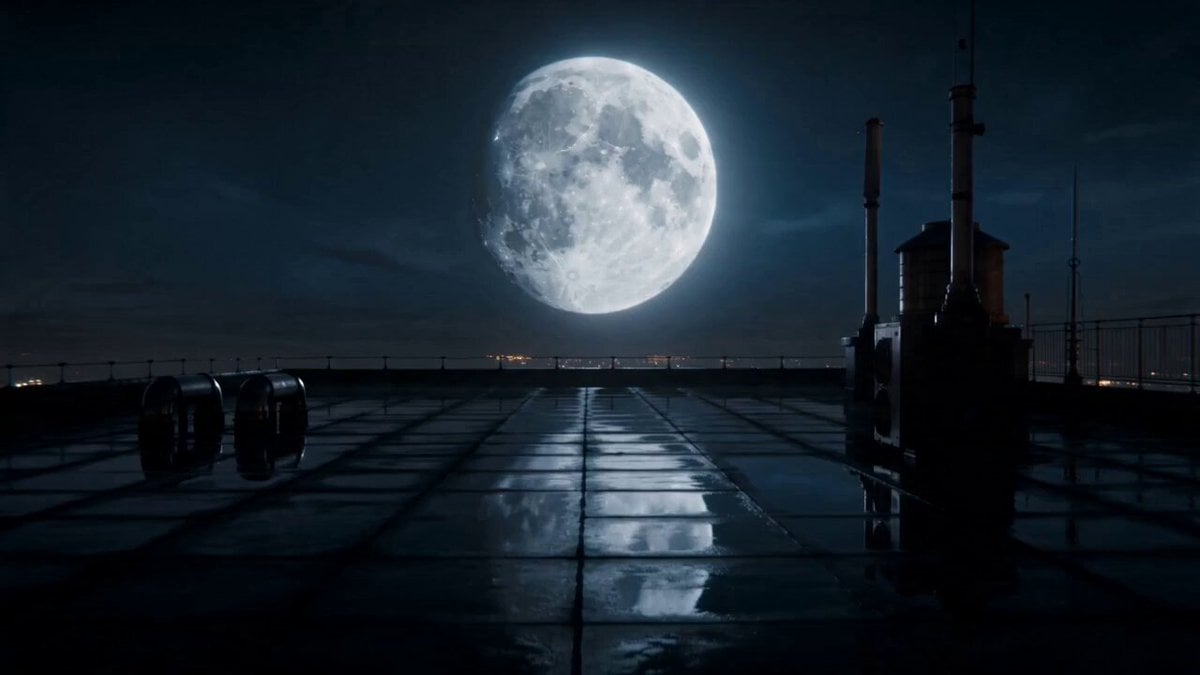
- Prompt included
- Model and format preset
- Premium template
The prompt behind this video
Copy the exact prompt behind Ethereal Lunar Moth Transformation, or open it in the studio and make it yours.
Quiet rooftop at night; full moon hangs unusually low. Soft city ambience, distant wind. 1.0–3.0s Hairline cracks appear across the moon like porcelain. Subtle cracking sound, low drone begins. 3.0–6.0s The moon fractures and opens like an egg; silver light pours out. Rising whoosh, glass-like shards drifting. 6.0–8.5s A gigantic luminous moth emerges and unfurls glowing wings. Deep fluttering wing beats, choir-like swell. 8.5–10.0s The moth flies overhead; the city falls into shimmering moonlight; cut on silhouette. Single thunder-soft impact, then silence. A cinematic 10-second shot on a rainy city rooftop at night. A full moon hangs low in the sky. At 1 second, fine cracks spread across the moon’s surface like porcelain. The moon opens like a gigantic egg, releasing intense silver light and drifting glowing fragments. A colossal luminous moth with translucent wings emerges, hovers briefly, then flies overhead, bathing the city in shimmering moonlight. Photorealistic, ultra-detailed, volumetric lighting, realistic rain droplets, cinematic camera movement, dramatic contrast, subtle lens bloom, HDR, blockbuster atmosphere, no text, no watermark. Camera plan (single continuous shot) Start with a slow push-in toward the moon. As cracks appear, add a slight handheld vibration to imply scale. When the moon opens, transition into a gentle upward tilt. Orbit 15–20° around the moth as it unfolds its wings. End on a wide silhouette frame as the moth passes overhead. Sound design prompt Minimal cinematic soundscape: distant city ambience, wind, porcelain-like cracking, low-frequency rumble, airy whoosh as the moon opens, layered moth wing beats, soft choir swell, final low thunder-like hit, then brief silence. Negative prompt (reduces common AI artifacts) cartoon, anime, low resolution, blurry, low-poly, duplicate wings, extra limbs, malformed anatomy, text, logo, watermark, jitter, flicker, overexposed highlights, muddy shadows, inconsistent moon shape, distorted city perspective, excessive motion blur
How to use Ethereal Lunar Moth Transformation in 3 steps
- 1
Open
The prompt is already in the box next to the preview, with the template's model and format selected.
- 2…a portrait of your subject in softgolden-hour light, 85mm…
Personalize
Edit the subject and creative details for your destination.
- 3Generate
Generate
Press Generate — your video is created in PicX Studio, so you can compare it with the original and refine one variable at a time.
More like this
Templates with the same subject, style or setup. Open one to see its prompt.

Magical Room Transformation - Seedance 2.5

Dark Tokusatsu Transformation - Seedance 2.5

RX-7 to Mech Transformation Cyberpunk
Civilization Timelapse — Centuries in One Shot
Mecha Transformation vs Kaiju — 4-Scene Epic

Ethereal Woman and White Peacock
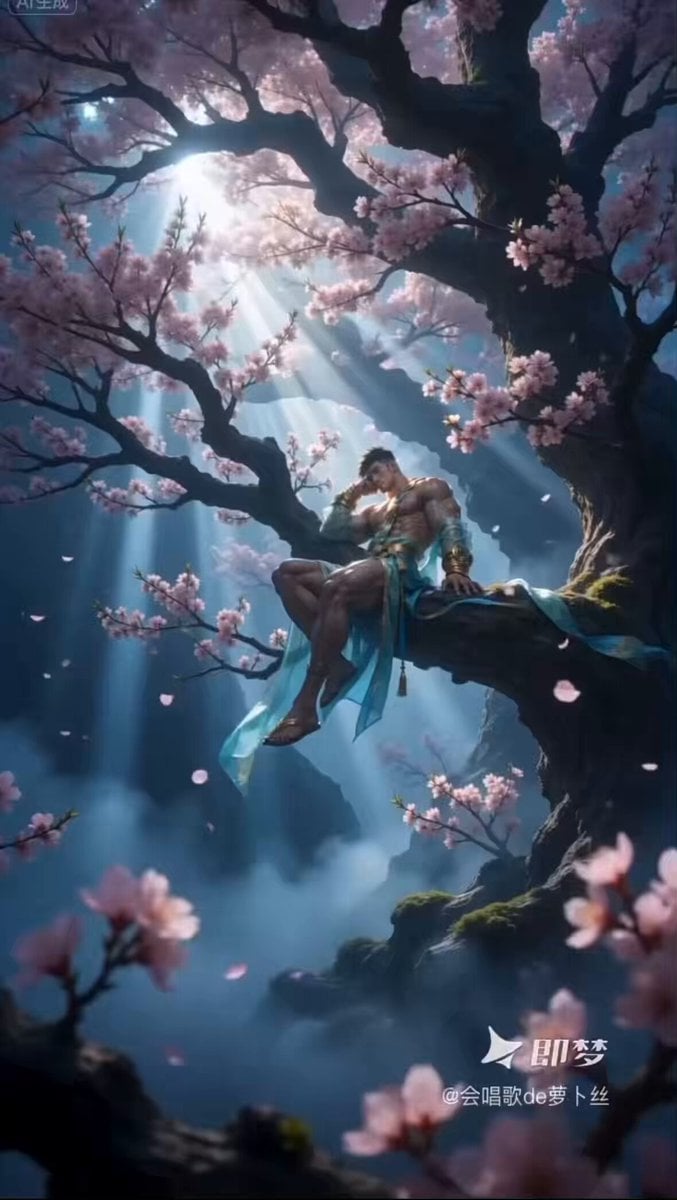
Ethereal Xianxia Immortal resting by Ancient Tree
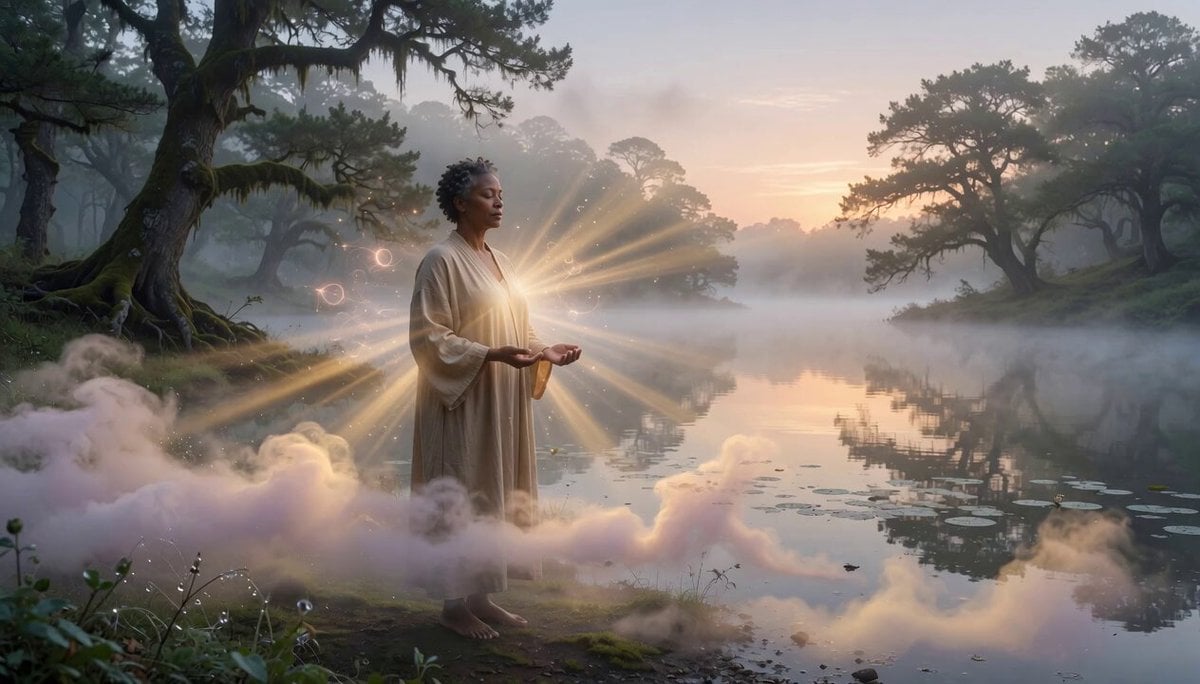
Ethereal Meditating Figure Pan
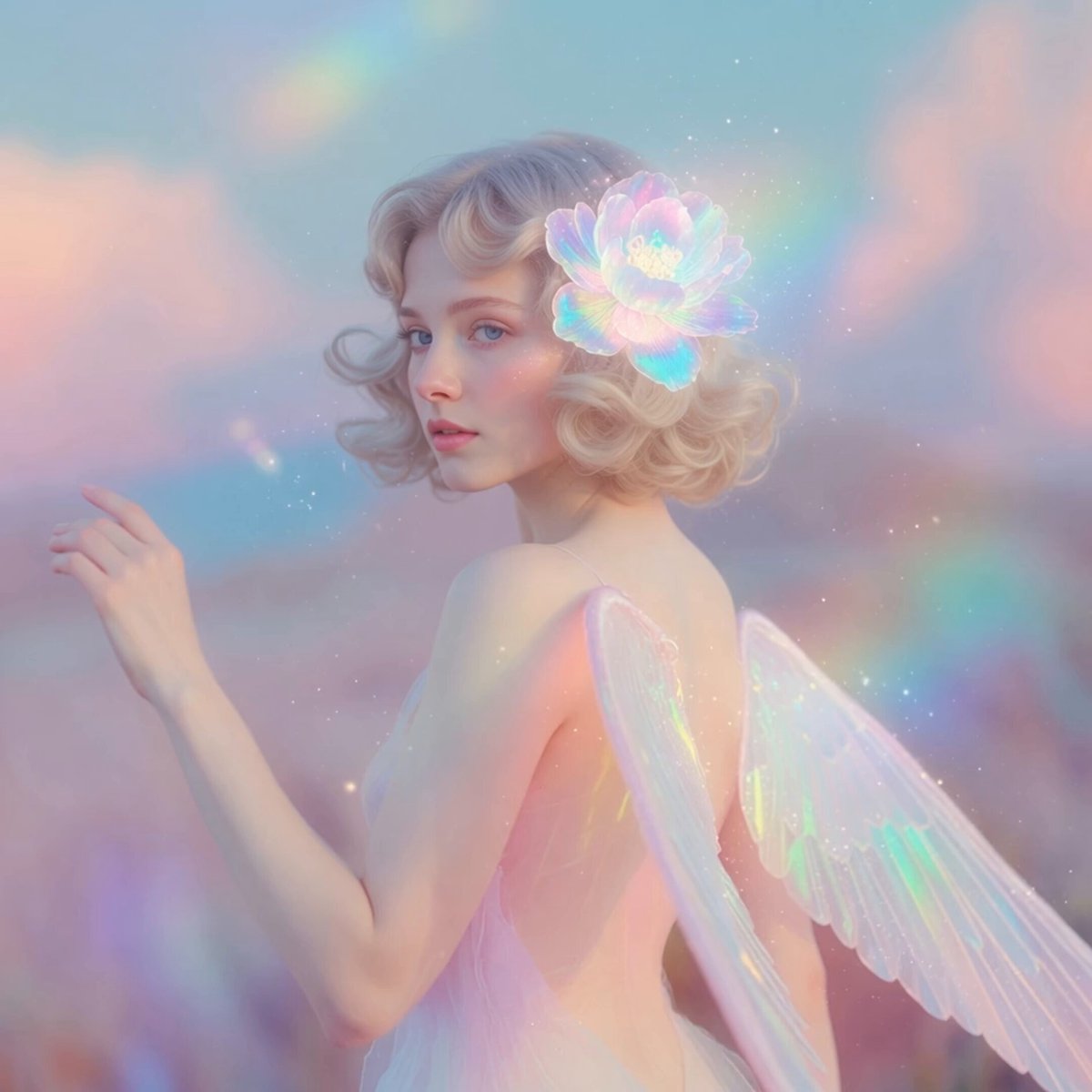
Ethereal Pastel Angelic Wings
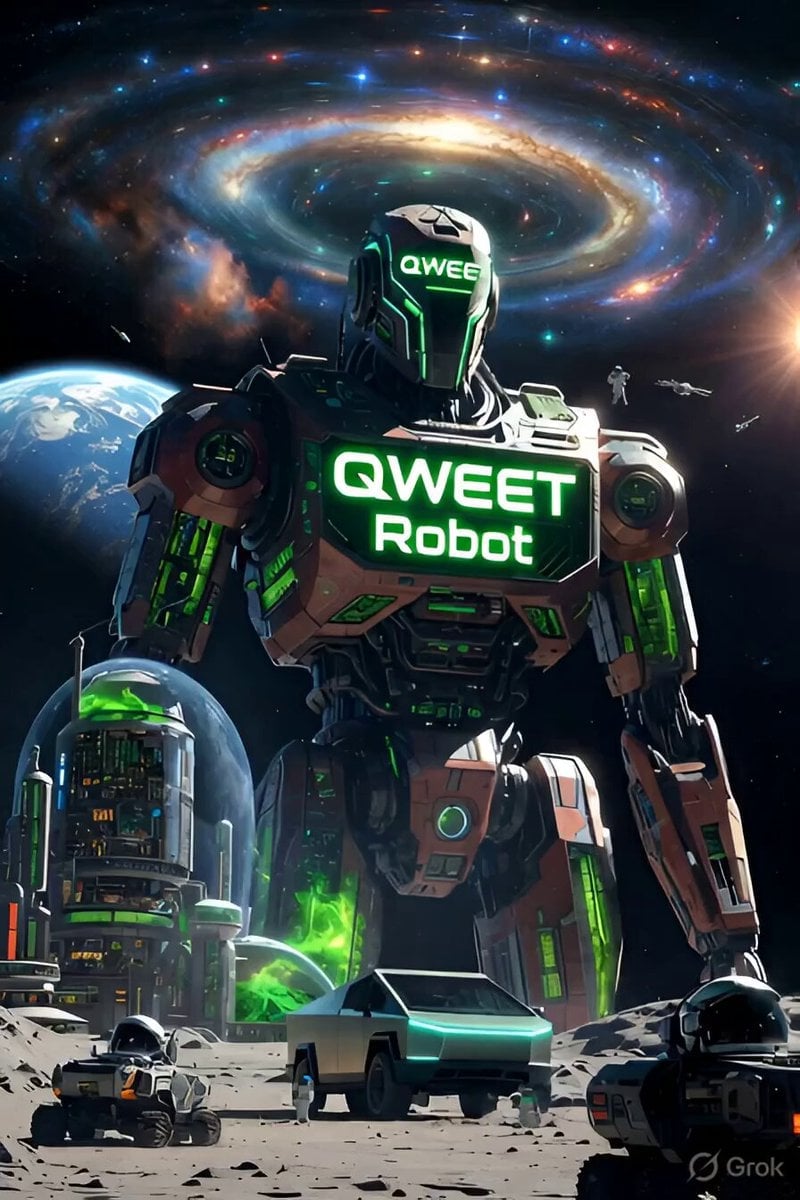
Green Lunar Megacity and Giant Robot

Pterodactyl Transformation Journey
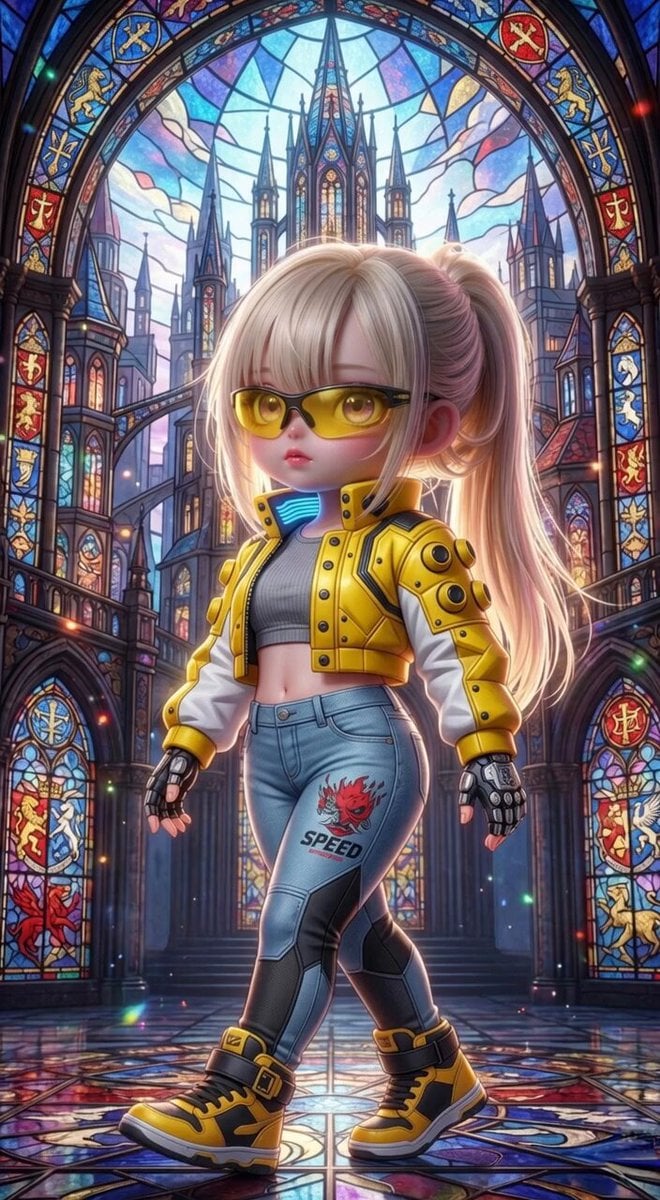
Grok Imagine Mechanical and Ethereal Creature Prompts
Make it yours
Ethereal Lunar Moth Transformation works as-is. These are the safest ways to change it without losing the look.
Change one field
Copy a single group, rewrite it, and generate again so you can see what that field is doing.
Keep the frame, change the subject
Hold the composition and light of Ethereal Lunar Moth Transformation, then swap wardrobe, props or the person for a new take.
| If the result… | Why | Fix |
|---|---|---|
| The result drifts from the preview | Too many fields changed at once. | Reuse Ethereal Lunar Moth Transformation as-is first, then change one group — subject, light, or setting. |
| The model over-stylizes the scene | The prose prompt leaves finish and camera underspecified. | Add one camera or lighting sentence and stay on Seedance 2.0. |
More Seedance 2.0 templates
Other prompts made for Seedance 2.0.

Comical Martial Arts Punch Scene

Maglev Train Action Sequence

Martial Arts Fight Sequence

Wuxia Protection and Trust Script

Vintage Korean Arcade MiniDV Vlog

Mercedes 190 SL Luxury Ad

Rainy Night Supernatural Reverse Comedy Video Script

Amazon Civilization Discovery

Futuristic South Asian City Transformation

Cozy Luxury Cafe Commercial
More video prompts
Fresh picks from across the catalog.
Fashion Outfit Transformation Office Vlog
Man Walking on Stormy Cliff

Anime Bounty Hunter Fight Sequence

4DX Cinema Shark Attack Simulation
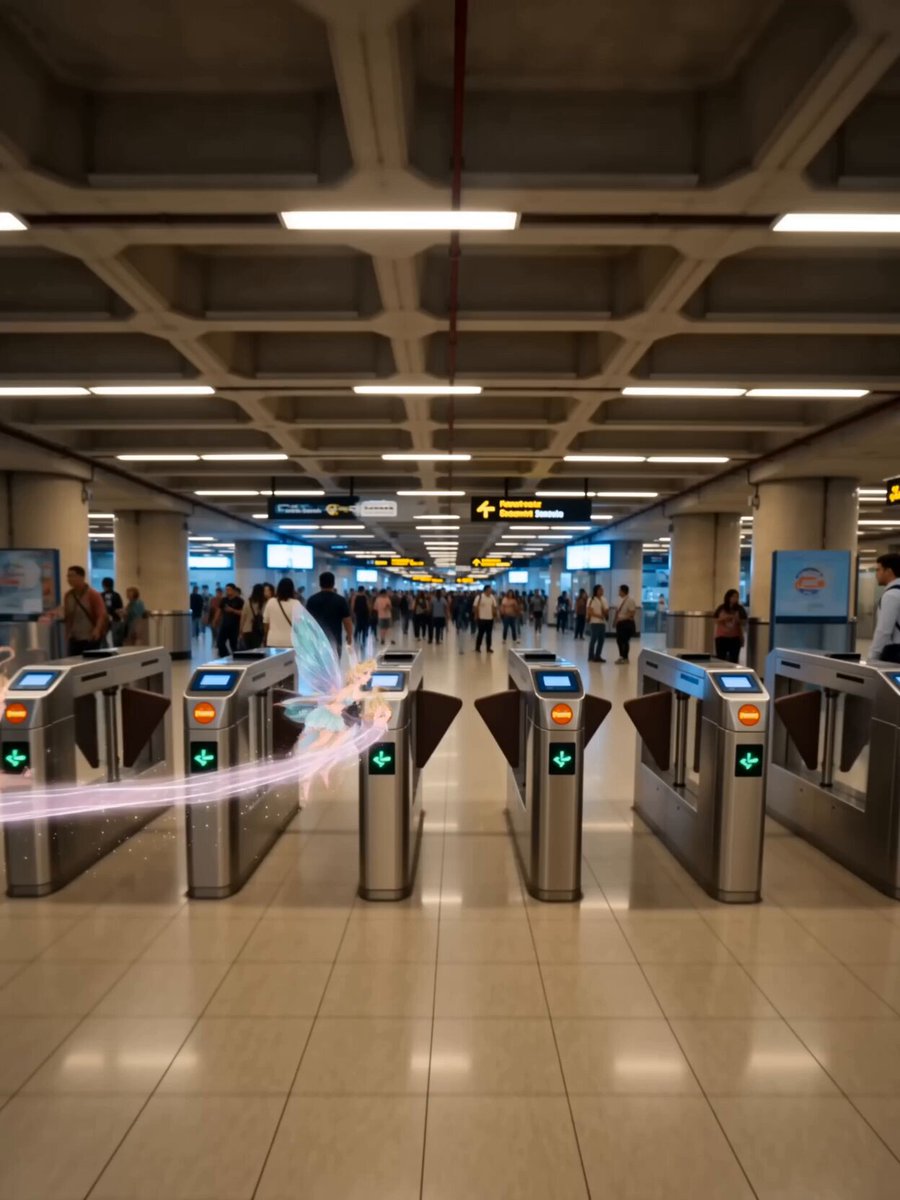
Kuala Lumpur Urban Fantasy
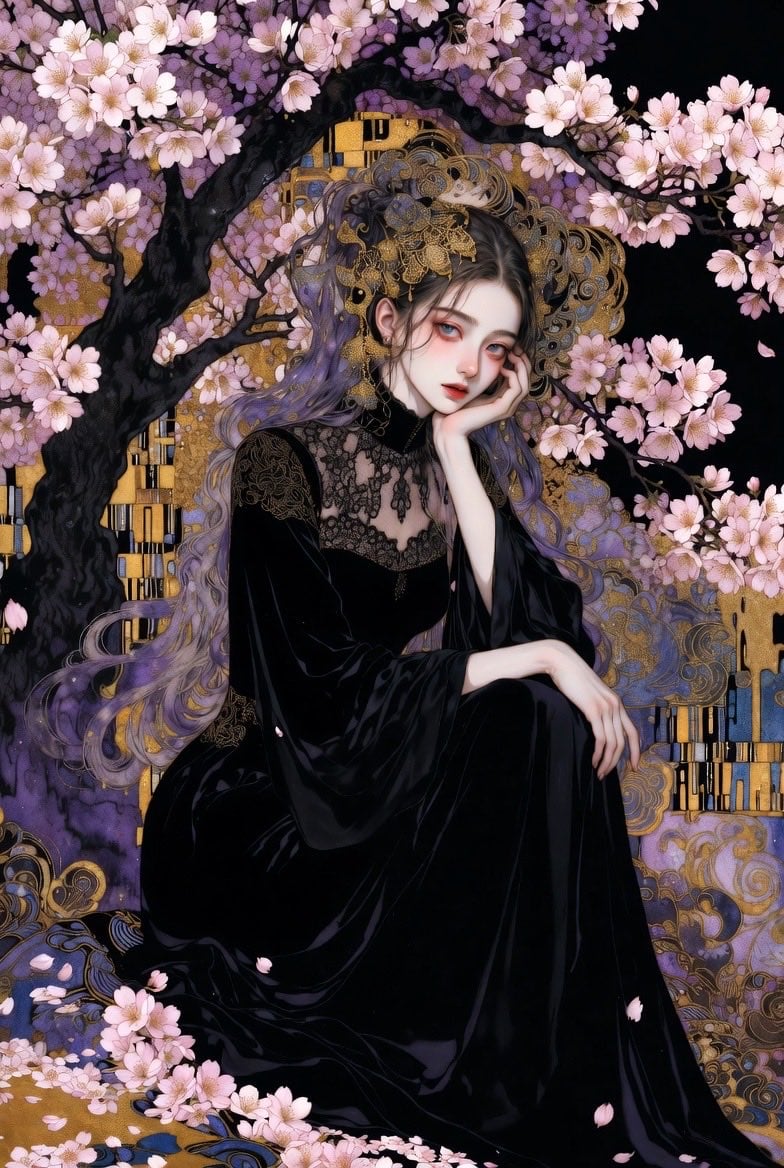
Ethereal Woman in Gothic Art Nouveau Style
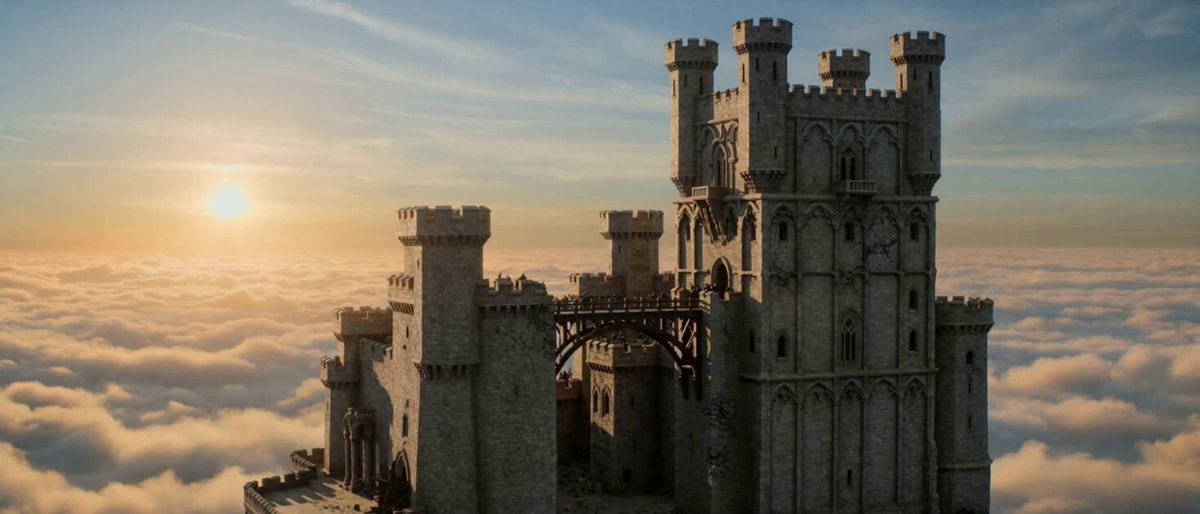
Floating Dragon Castle Sunrise
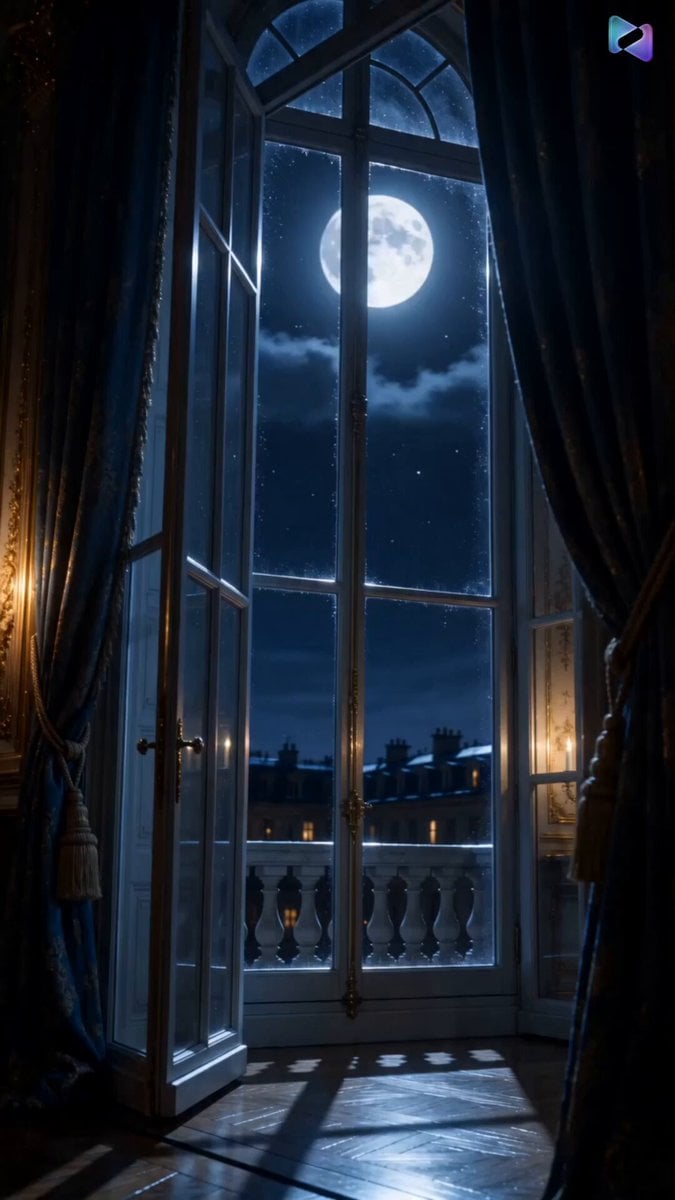
Versailles Palace Period Drama Script
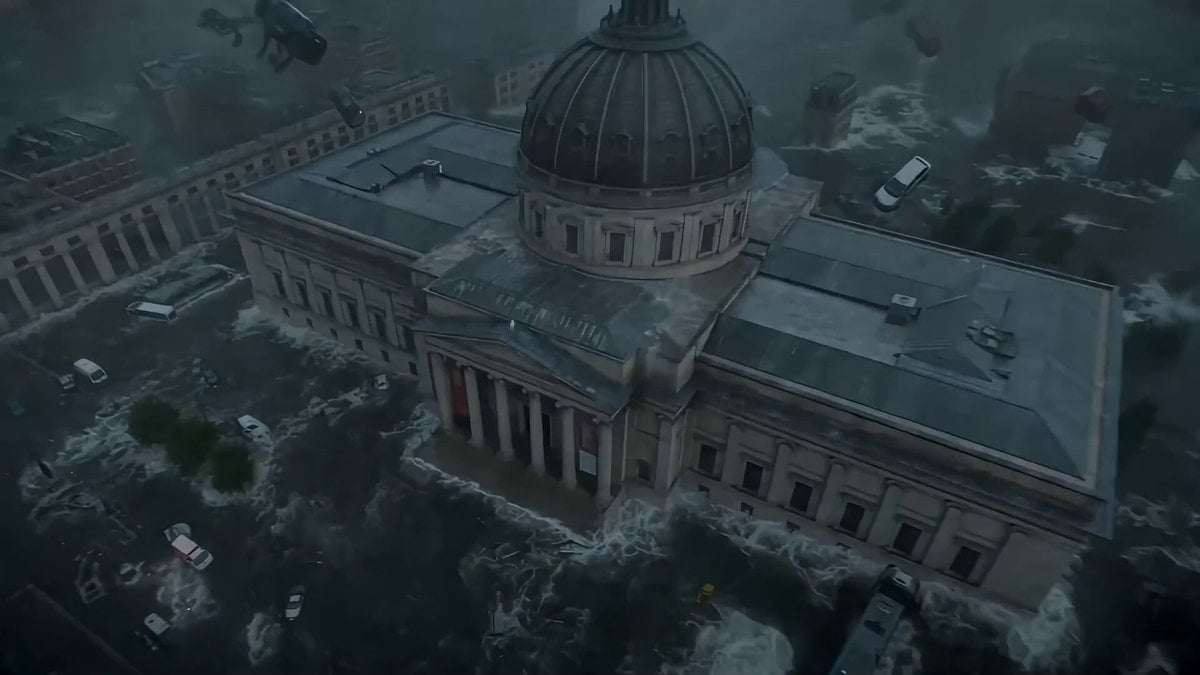
Seedance 2.0 Prompt: Cyberpunk Time Travel from Disaster to Ancient Market
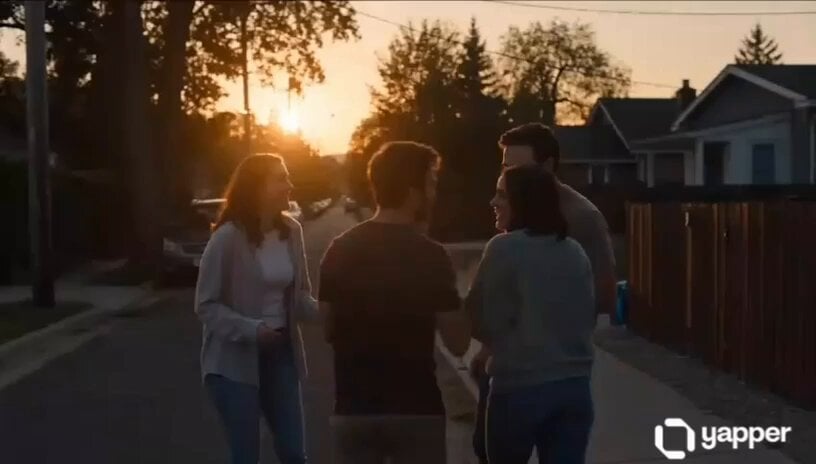
Emotional Neighborhood Short Film
Browse template categories
Ethereal Lunar Moth Transformation questions
How do I use the Ethereal Lunar Moth Transformation template?
Add your photo if the template asks for one, edit the prompt if you like — the template's model and format are already selected — and press Generate. Your version opens in PicX Studio.
Can I customize the Ethereal Lunar Moth Transformation template?
Yes. You can change the subject, setting, lighting, mood, format, and available model controls before creating your video.
Is the Ethereal Lunar Moth Transformation template free?
Opening and editing this template is free. Generating uses credits, shown on the Generate button when you are signed in.
Which AI model should I use?
Start with Seedance 2.0, which is the model associated with this template. You can compare another compatible model for a different finish.
Looking for something else? Browse all templates.

Your photo, any look
Thousands of ready templates for every top image and video model, from one credit balance.