
4DX Cinema Shark Attack Simulation
A detailed video prompt for a chaotic 4DX cinema experience where a giant shark bursts out of the screen onto the audience, filmed in a handheld iPhone style.

- Prompt included
- Model and format preset
- Premium template
The prompt behind this video
Copy the exact prompt behind 4DX Cinema Shark Attack Simulation, or open it in the studio and make it yours.
Realistic iPhone audience recording inside a crowded 4DX-style cinema. The first seconds look like a normal movie screening, with many people seated, watching a giant underwater movie screen, some holding phones. By second 3, a huge great white shark suddenly bursts out of the screen, followed by several smaller sharks. A massive wave of water explodes outward from the screen and splashes over the front and middle rows. Audience members scream, duck, stand up, raise their hands, and keep filming as water hits them and droplets land on the phone lens. The giant shark remains partly out of the screen while smaller sharks and water keep bursting into the theater. Single continuous handheld iPhone-style shot, vertical framing, chaotic but readable, realistic crowd panic, dark cinema lighting, blue underwater screen glow, no gore, no blood, no subtitles, no watermark.
How to use 4DX Cinema Shark Attack Simulation in 3 steps
- 1
Open
The prompt is already in the box next to the preview, with the template's model and format selected.
- 2…a portrait of your subject in softgolden-hour light, 85mm…
Personalize
Edit the subject and creative details for your destination.
- 3Generate
Generate
Press Generate — your video is created in PicX Studio, so you can compare it with the original and refine one variable at a time.
More like this
Templates with the same subject, style or setup. Open one to see its prompt.
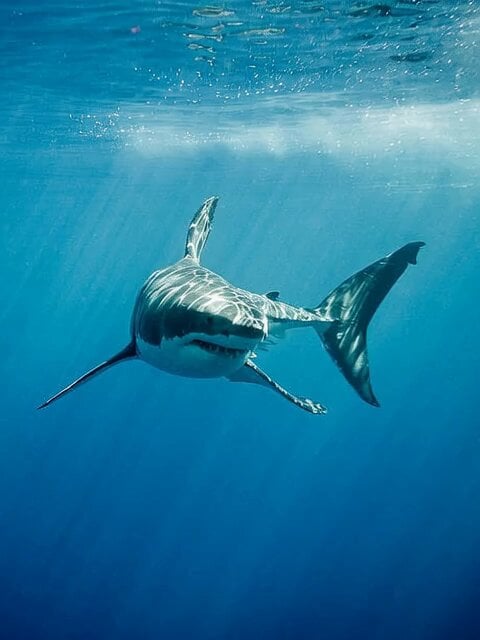
POV Shark Attack
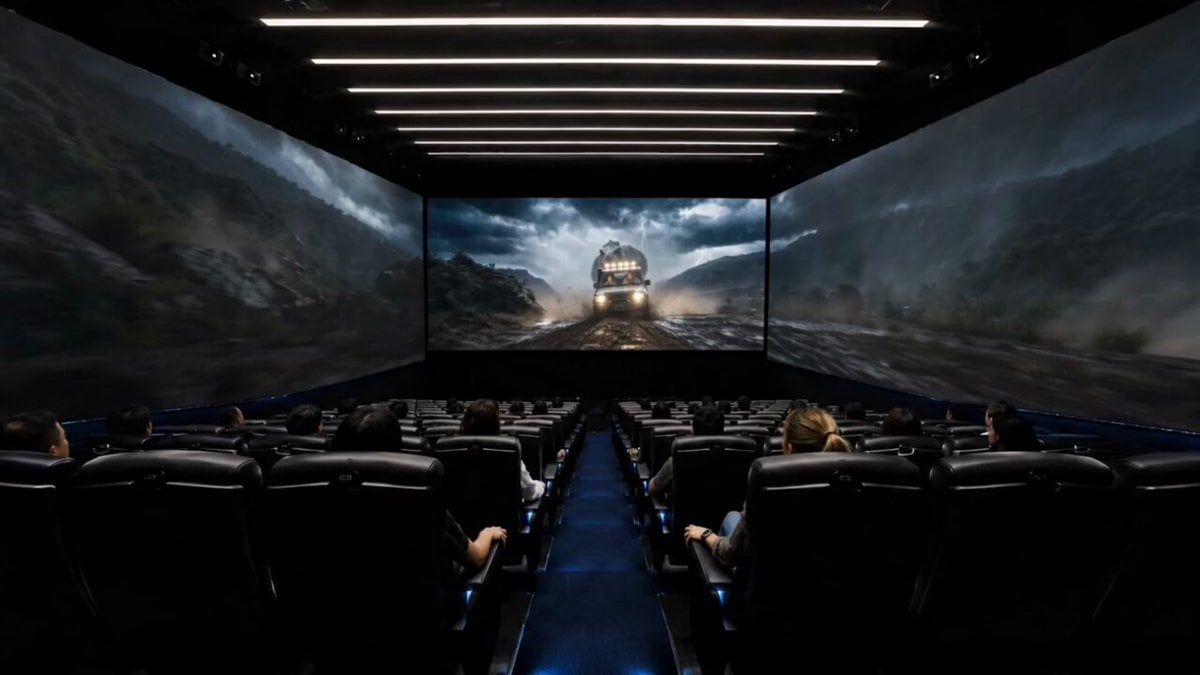
4DX Cinema ScreenX Master Prompt
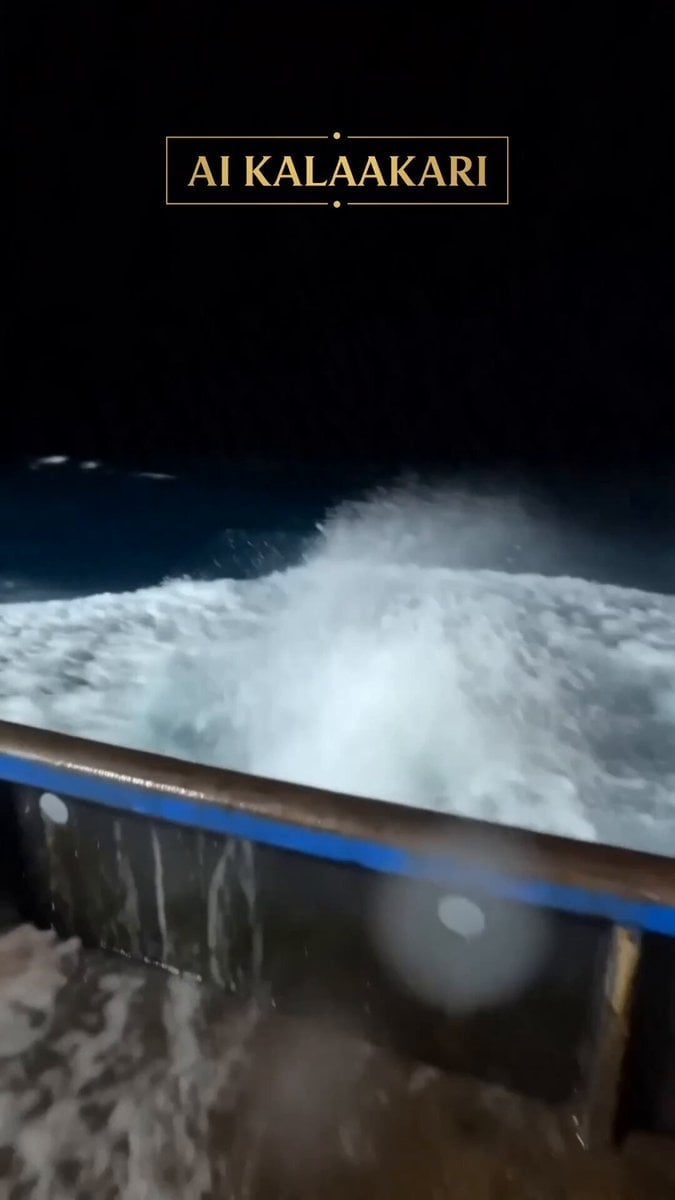
Viral Shark Attack Fishing Boat
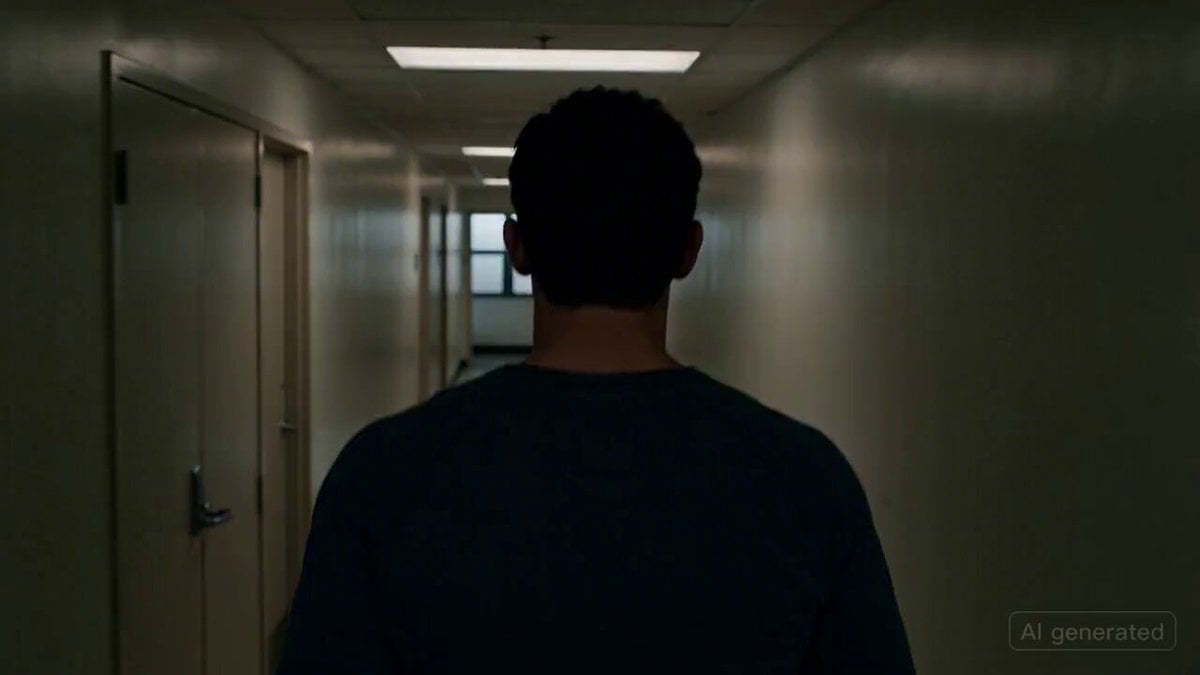
Cinematic horror scene with creature attack
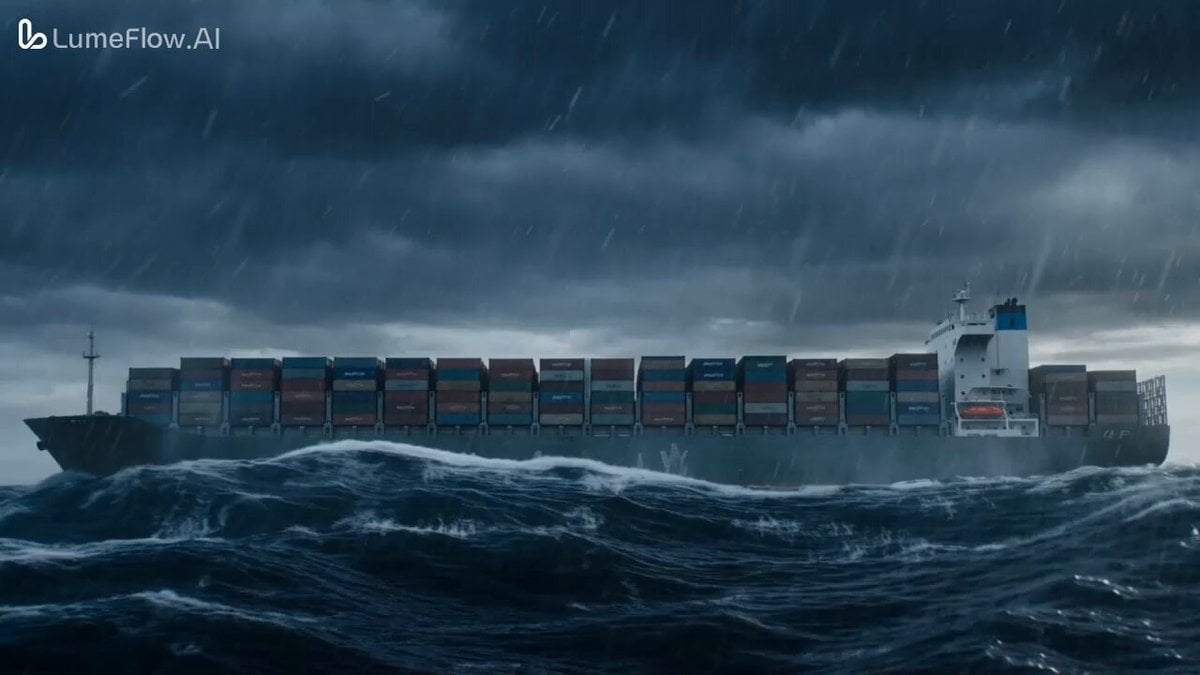
Colossal Prehistoric Shark Attack Video Prompt

Alien Attack FPV Cinematic Video
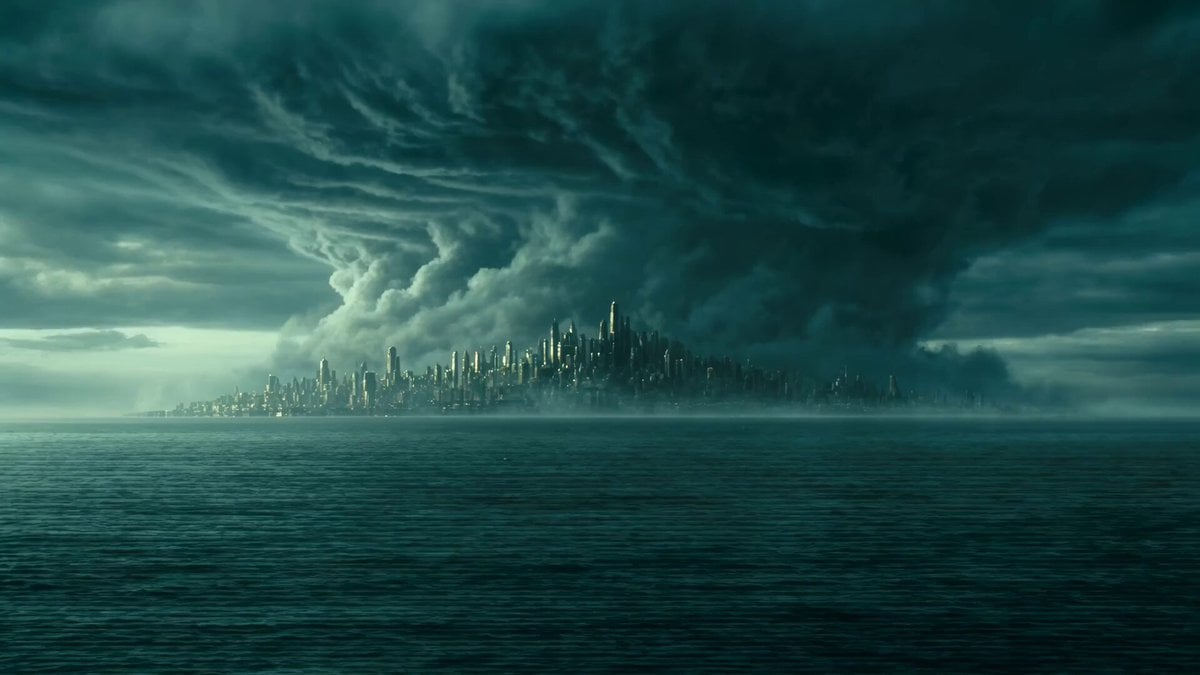
Ocean Colossus vs Storm Cinematic Simulation
Nano Banana Seedance Environment Render Walk
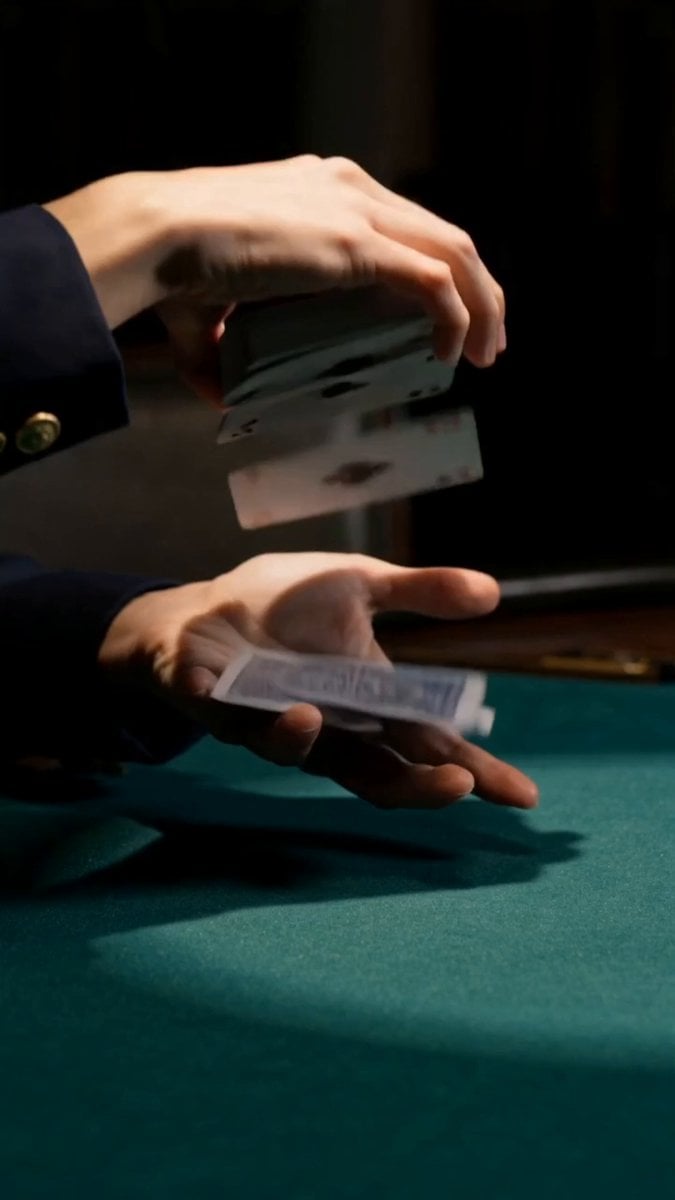
Cinematic Casino Card Handling
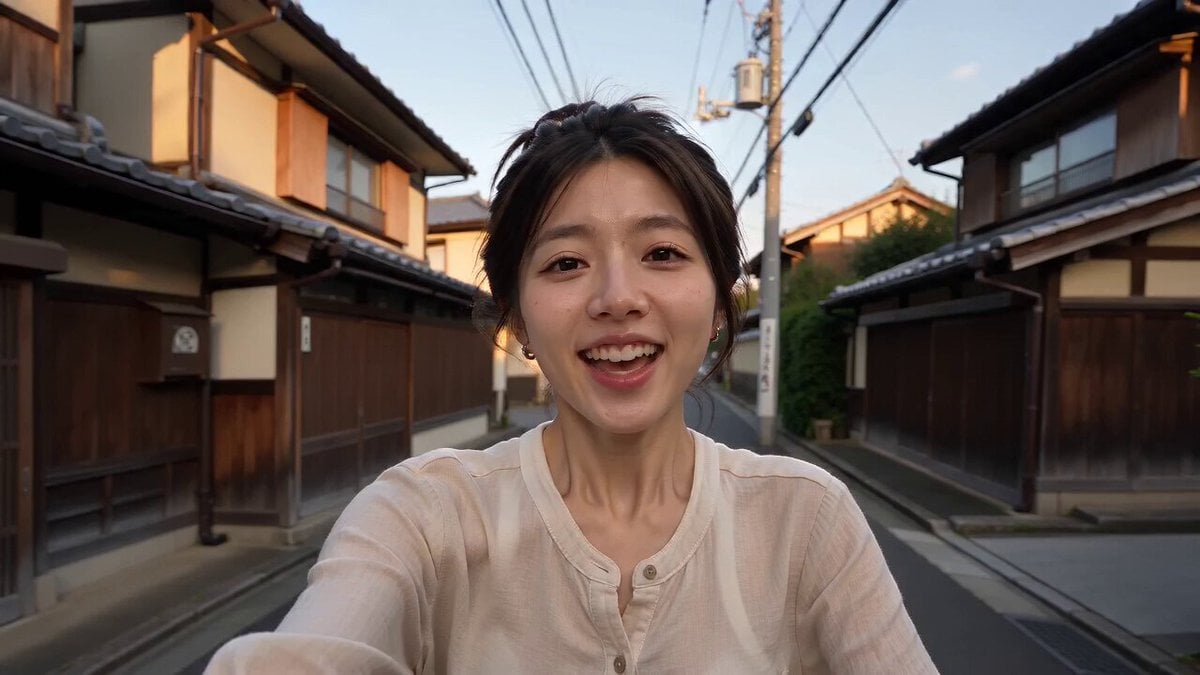
Kyoto Smartphone Vlog Simulation

T-Rex Dashcam Jungle Attack
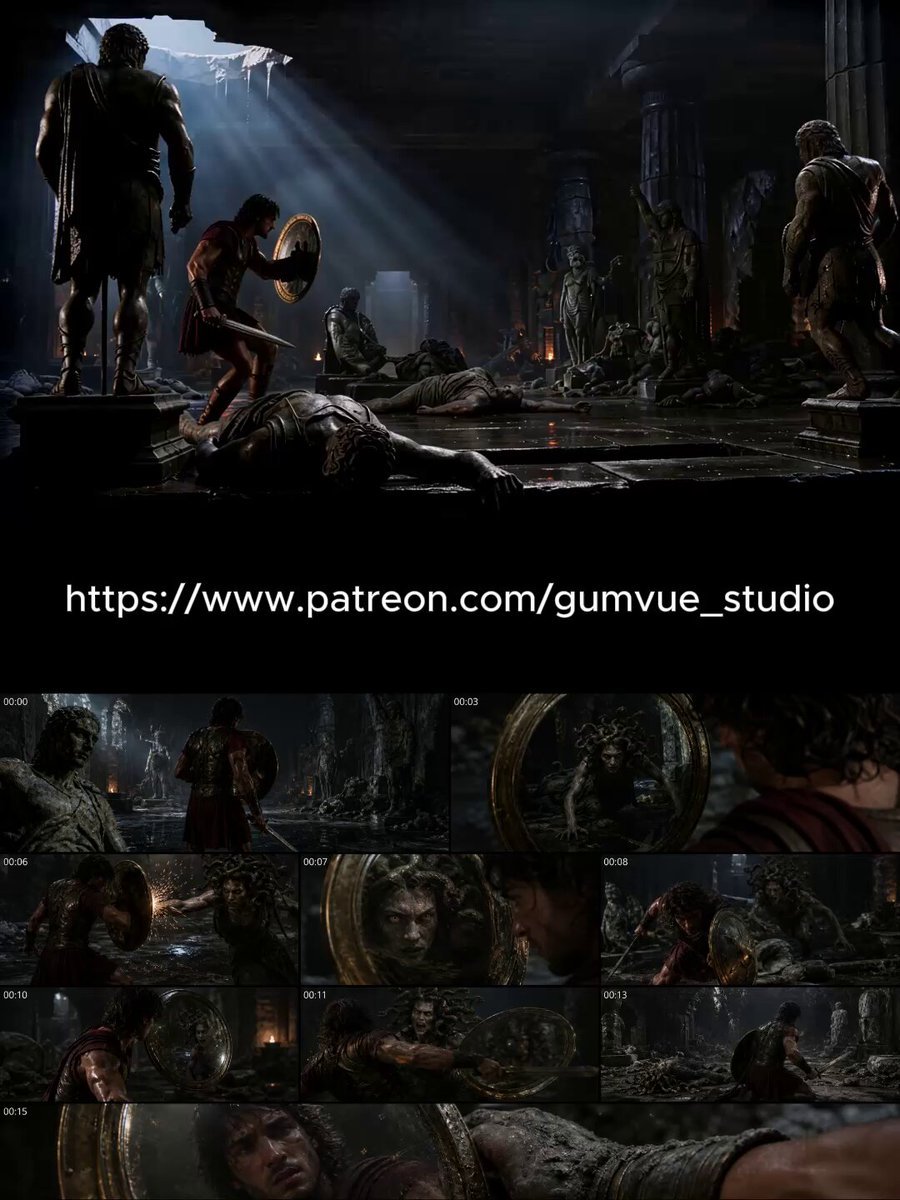
Dark Cinematic Greek Myth Epic
Make it yours
4DX Cinema Shark Attack Simulation works as-is. These are the safest ways to change it without losing the look.
Change one field
Copy a single group, rewrite it, and generate again so you can see what that field is doing.
Keep the frame, change the subject
Hold the composition and light of 4DX Cinema Shark Attack Simulation, then swap wardrobe, props or the person for a new take.
| If the result… | Why | Fix |
|---|---|---|
| The result drifts from the preview | Too many fields changed at once. | Reuse 4DX Cinema Shark Attack Simulation as-is first, then change one group — subject, light, or setting. |
| The model over-stylizes the scene | The prose prompt leaves finish and camera underspecified. | Add one camera or lighting sentence and stay on Seedance 2.0. |
More Seedance 2.0 templates
Other prompts made for Seedance 2.0.

Comical Martial Arts Punch Scene

Maglev Train Action Sequence

Martial Arts Fight Sequence

Wuxia Protection and Trust Script

Vintage Korean Arcade MiniDV Vlog

Mercedes 190 SL Luxury Ad

Rainy Night Supernatural Reverse Comedy Video Script

Amazon Civilization Discovery

Futuristic South Asian City Transformation

Cozy Luxury Cafe Commercial
More video prompts
Fresh picks from across the catalog.

Japanese Woman in Wildflower Meadow Video

Cinematic Excalibur Space Knight Opera
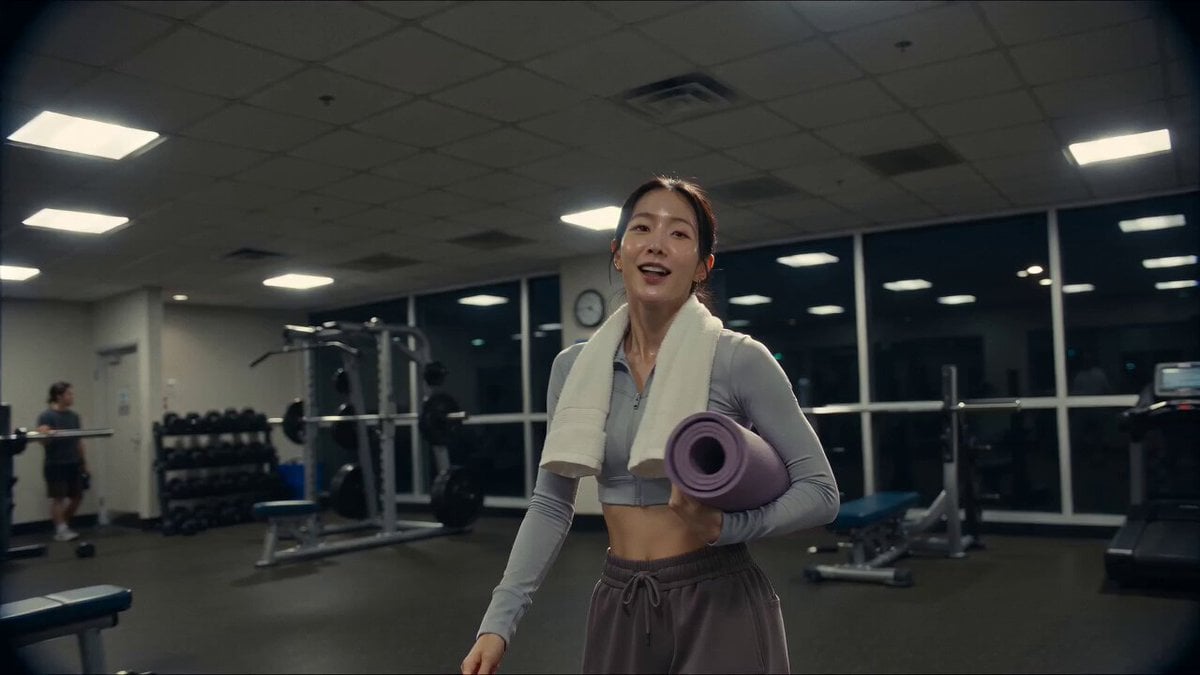
Vintage Camcorder Gym Vlog
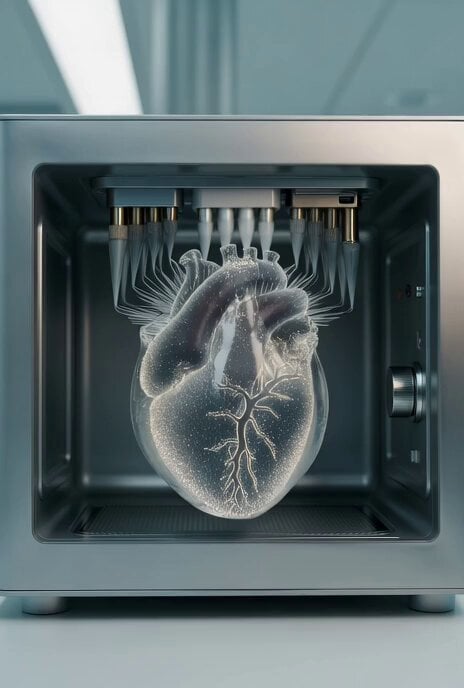
Mars Medical Bay Bioprinting Unit Video

Cyberpunk Anime Video Prompt

Korean Girl Morning Routine Cinematic
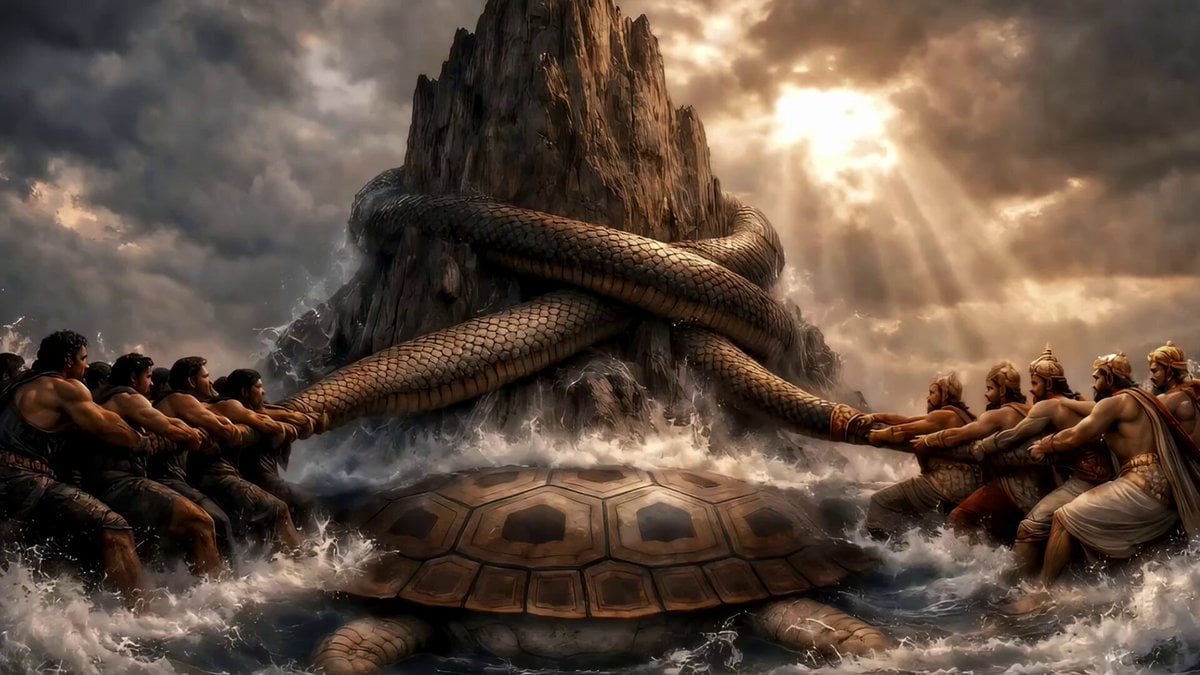
Demons, Demigods, and Elixir of Life
Cinematic Storyboard Animation

Vinyl Record to Sandstone Canyon Transition

Seedance 2.0 Virtual Idol Gossip Video Prompt
Browse template categories
4DX Cinema Shark Attack Simulation questions
How do I use the 4DX Cinema Shark Attack Simulation template?
Add your photo if the template asks for one, edit the prompt if you like — the template's model and format are already selected — and press Generate. Your version opens in PicX Studio.
Can I customize the 4DX Cinema Shark Attack Simulation template?
Yes. You can change the subject, setting, lighting, mood, format, and available model controls before creating your video.
Is the 4DX Cinema Shark Attack Simulation template free?
Opening and editing this template is free. Generating uses credits, shown on the Generate button when you are signed in.
Which AI model should I use?
Start with Seedance 2.0, which is the model associated with this template. You can compare another compatible model for a different finish.
Looking for something else? Browse all templates.

Your photo, any look
Thousands of ready templates for every top image and video model, from one credit balance.