
Kyoto Smartphone Vlog Simulation
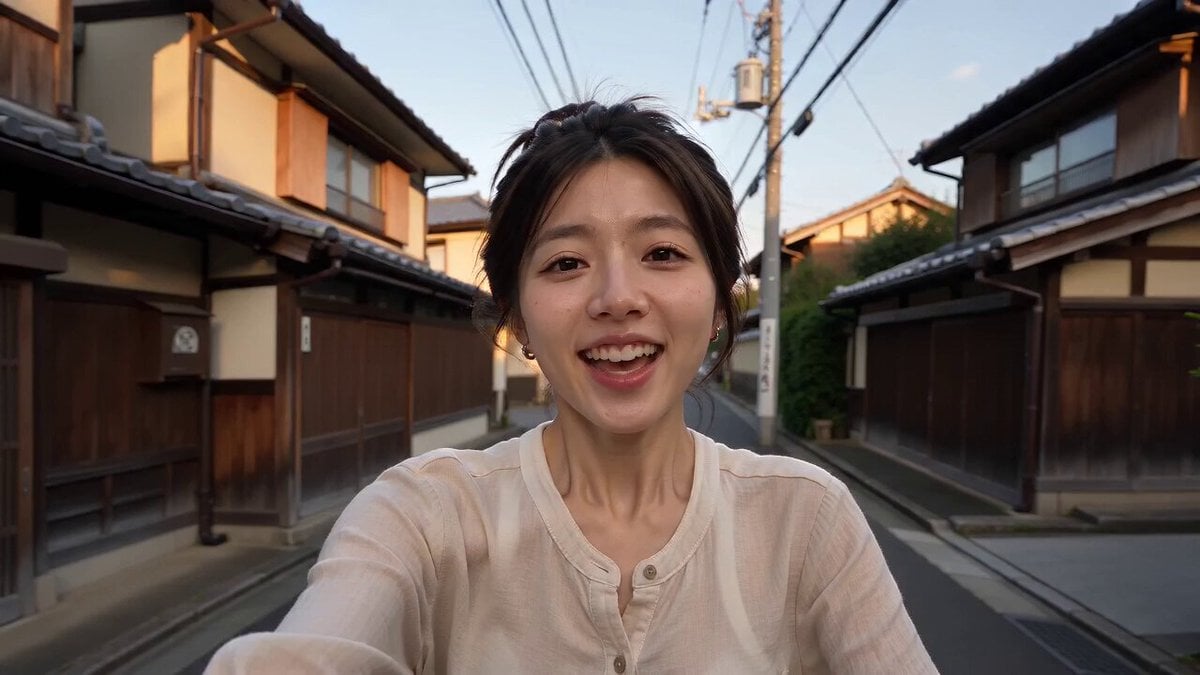
A photorealistic video prompt for a 15-second smartphone selfie vlog, featuring natural movement, authentic stabilization, and realistic urban exploring in Kyoto.
- Prompt included
- Model and format preset
- Free template
The prompt behind this video
Copy the exact prompt behind Kyoto Smartphone Vlog Simulation, or open it in the studio and make it yours.
A 15-second photorealistic smartphone selfie vlog that looks exactly like a real mobile phone recording. A young woman (image = her face and hair) is exploring the quiet streets of Kyoto, Japan on a bicycle during a sunny afternoon. She films herself in selfie mode with natural handheld movement, subtle hand shake, realistic smartphone autofocus, authentic stabilization, and true-to-life colors. Smiling at the camera, she says, "Let's explore Kyoto today!" She happily rides through narrow traditional streets lined with wooden houses, then notices she's taken a wrong turn and laughs, saying, "I think I'm lost!" Continuing down a peaceful path, she unexpectedly discovers a beautiful hidden Japanese shrine surrounded by tall trees and red torii gates. She parks her bicycle, walks toward the shrine with a surprised smile, captures a few quick shots of the peaceful scenery, then turns the camera back to herself and says, "Getting lost was worth it!" She gives a warm wave, smiles brightly, and says, "See you next time. Bye!" before reaching toward the phone to end the recording. The video should feel exactly like a genuine smartphone vlog with natural human movement, consistent facial features, realistic bicycle riding, authentic Kyoto atmosphere, no beauty filters, no CGI, no AI-plastic appearance, no subtitles, no logos, no watermark, and no background music—only birds, bicycle sounds, soft wind, footsteps, and natural outdoor ambience.
How to use Kyoto Smartphone Vlog Simulation in 3 steps
- 1
Open
The prompt is already in the box next to the preview, with the template's model and format selected.
- 2…a portrait of your subject in softgolden-hour light, 85mm…
Personalize
Edit the subject and creative details for your destination.
- 3Generate
Generate
Press Generate — your video is created in PicX Studio, so you can compare it with the original and refine one variable at a time.
More like this
Templates with the same subject, style or setup. Open one to see its prompt.
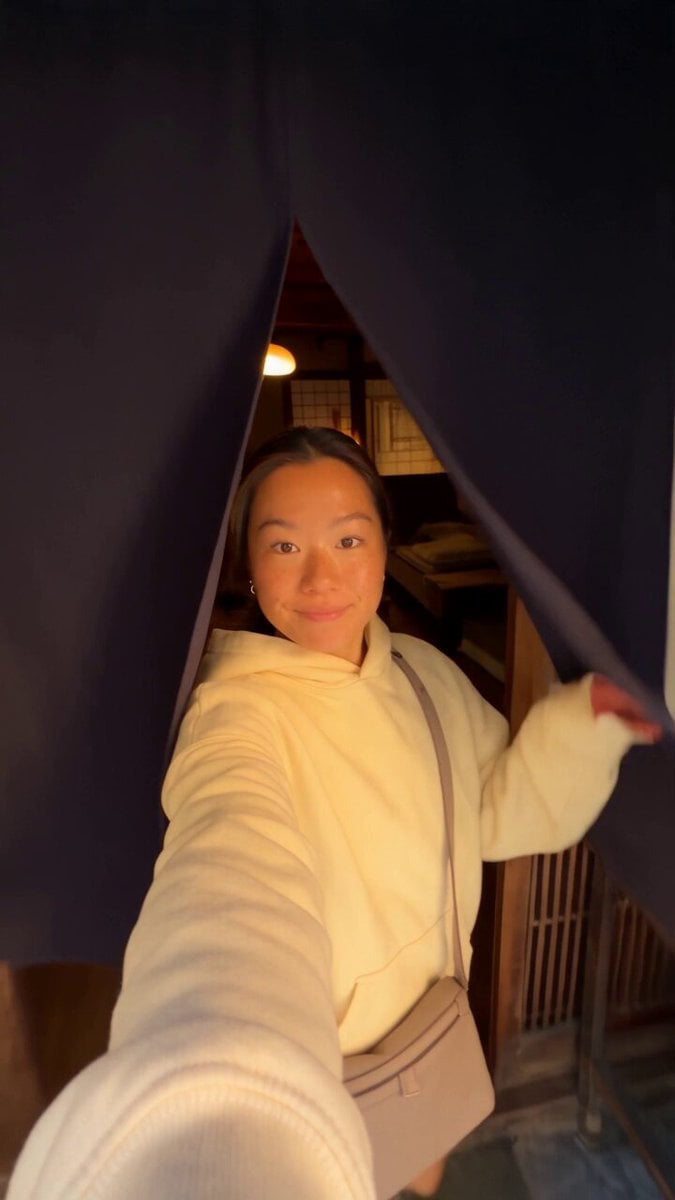
Kyoto Morning Selfie Vlog
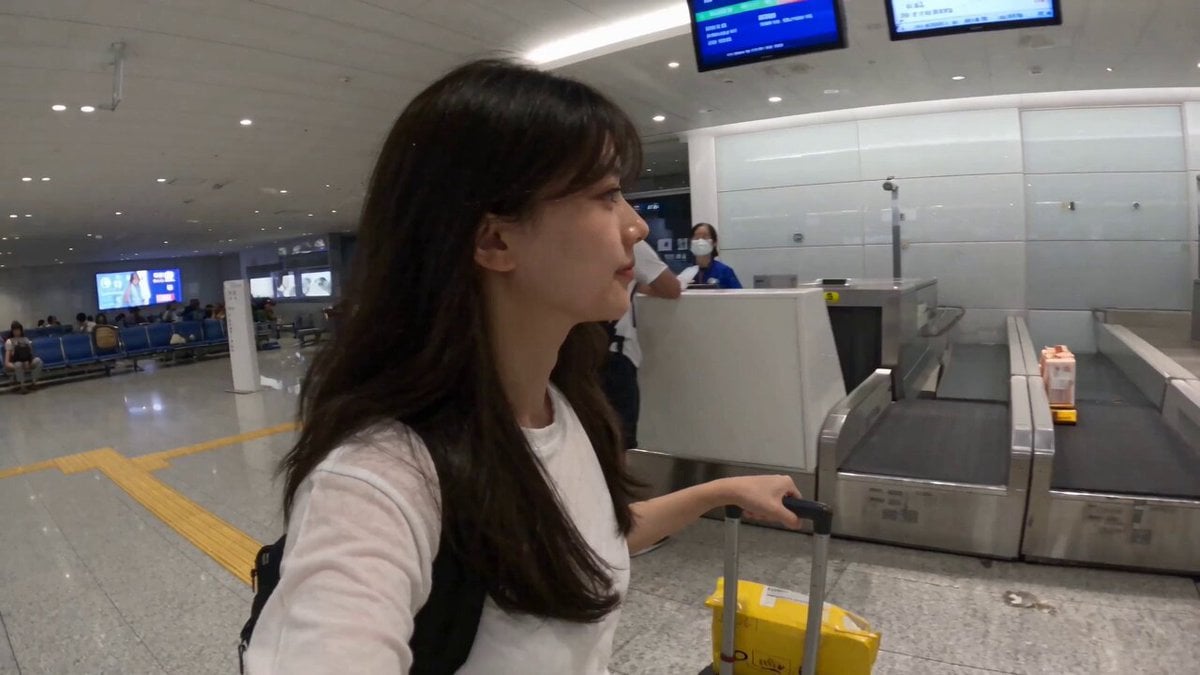
Smartphone Travel Vlog Tokyo Trip Identity Preserved
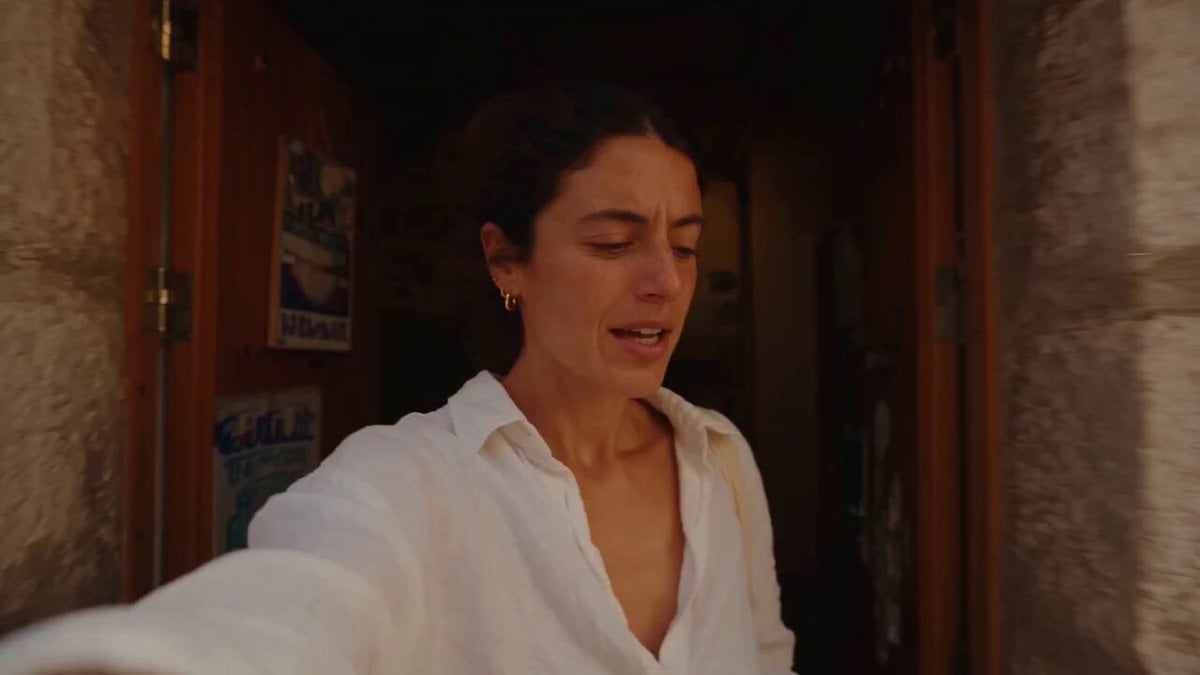
Mediterranean Coffee Run Vlog - Seedance 2.5

Mysterious Home Exploration Vlog - Seedance 2.5

Realistic Morning Routine Lifestyle Vlog - Seedance 2.5

Handheld Tokyo Travel Vlog - Seedance 2.5

Nostalgic MiniDV Convenience Store Vlog - Seedance 2.5
Mediterranean Morning Coffee Run Vlog (Seedance 2.5)

Luxury Lifestyle Day Vlog

Luxury Airport Travel Vlog
Kenting Lifestyle Travel Vlog
Sunny Morning Laundry Vlog
Make it yours
Kyoto Smartphone Vlog Simulation works as-is. These are the safest ways to change it without losing the look.
Change one field
Copy a single group, rewrite it, and generate again so you can see what that field is doing.
Keep the frame, change the subject
Hold the composition and light of Kyoto Smartphone Vlog Simulation, then swap wardrobe, props or the person for a new take.
| If the result… | Why | Fix |
|---|---|---|
| The result drifts from the preview | Too many fields changed at once. | Reuse Kyoto Smartphone Vlog Simulation as-is first, then change one group — subject, light, or setting. |
| The model over-stylizes the scene | The prose prompt leaves finish and camera underspecified. | Add one camera or lighting sentence and stay on Seedance 2.0. |
More Seedance 2.0 templates
Other prompts made for Seedance 2.0.

Comical Martial Arts Punch Scene

Maglev Train Action Sequence

Martial Arts Fight Sequence

Wuxia Protection and Trust Script

Vintage Korean Arcade MiniDV Vlog

Mercedes 190 SL Luxury Ad

Rainy Night Supernatural Reverse Comedy Video Script

Amazon Civilization Discovery

Futuristic South Asian City Transformation

Cozy Luxury Cafe Commercial
More video prompts
Fresh picks from across the catalog.
Luxury Product Showcase Transition
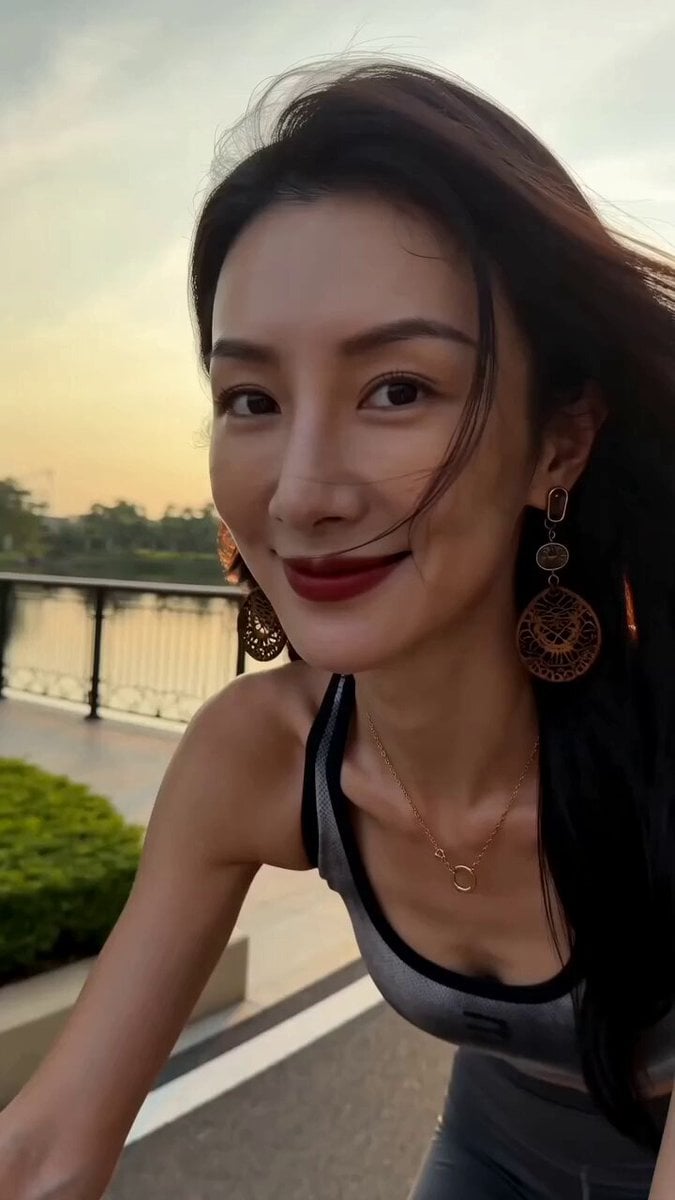
Handheld iPhone Style Cycling Video

Concentric Rings Flowing Around a Black Void
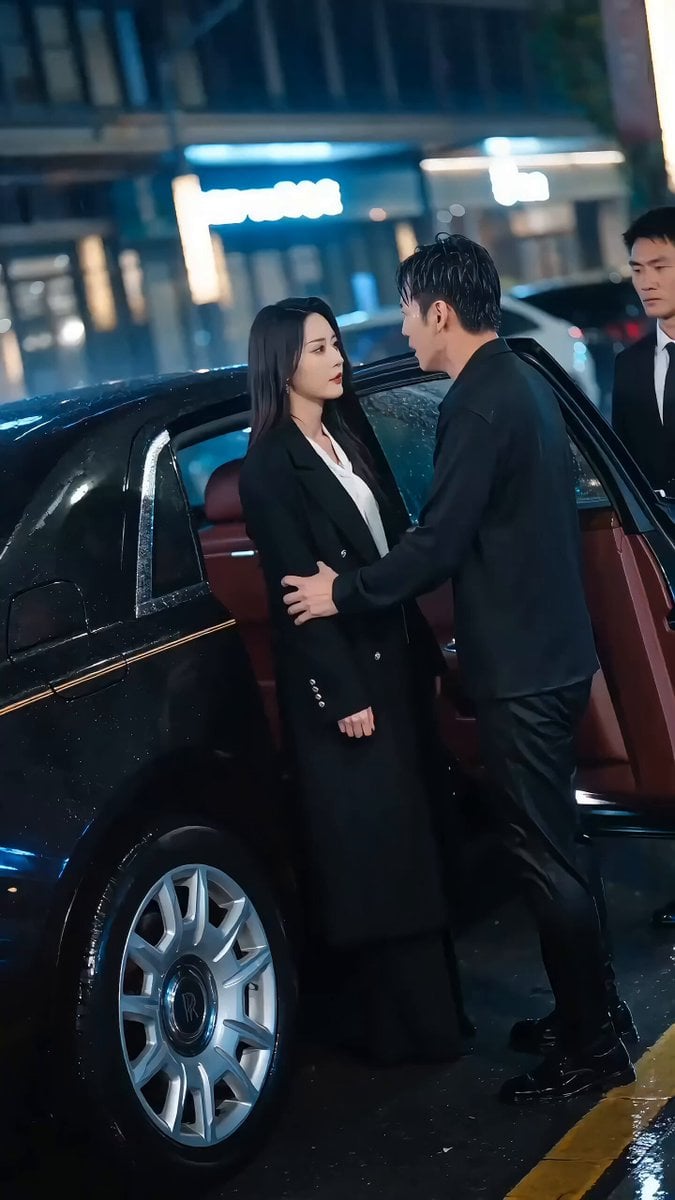
Viral Short Drama: Heartbreak and Rain Prompt
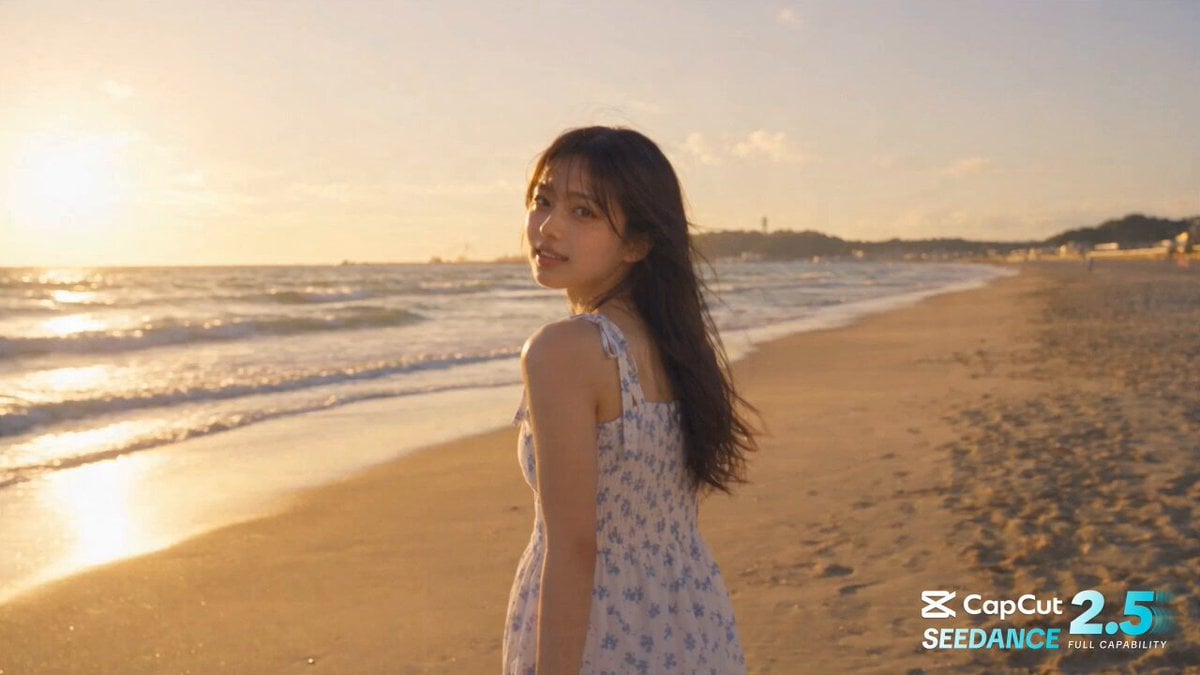
Cinematic One-Shot Beach to Space Video Loop

Cinematic Night Rescue Scene
Victorian Female Basilisk
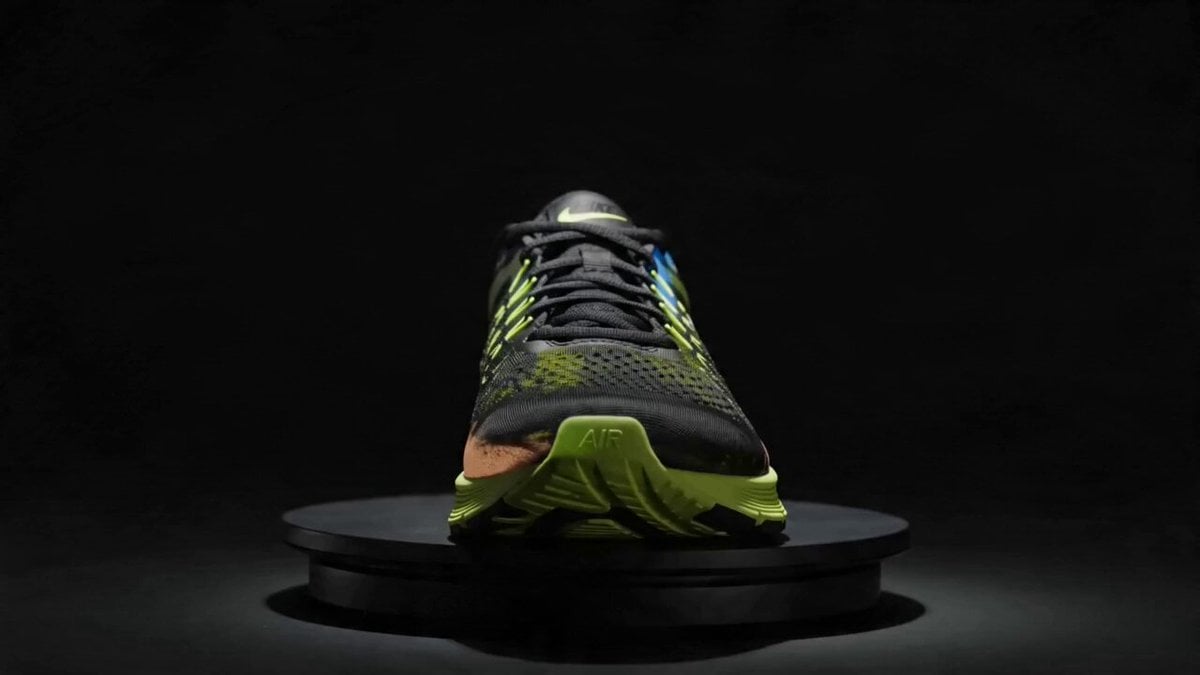
Rotating Sneaker Ad Sequence

Rainbow Dance Animation

Desert Wasteland Robotic Angel
Browse template categories
Kyoto Smartphone Vlog Simulation questions
How do I use the Kyoto Smartphone Vlog Simulation template?
Add your photo if the template asks for one, edit the prompt if you like — the template's model and format are already selected — and press Generate. Your version opens in PicX Studio.
Can I customize the Kyoto Smartphone Vlog Simulation template?
Yes. You can change the subject, setting, lighting, mood, format, and available model controls before creating your video.
Is the Kyoto Smartphone Vlog Simulation template free?
Opening and editing this template is free. Generating uses credits, shown on the Generate button when you are signed in.
Which AI model should I use?
Start with Seedance 2.0, which is the model associated with this template. You can compare another compatible model for a different finish.
Looking for something else? Browse all templates.

Your photo, any look
Thousands of ready templates for every top image and video model, from one credit balance.