How do I use the Cinematic Excalibur Space Knight Opera template?
Edit the prompt in the box under the preview — the template's model and format are already selected — and press Generate. Your version appears right on this page.
A highly detailed cinematic prompt combining 1980s epic film style with hard sci-fi aesthetics and space knights.
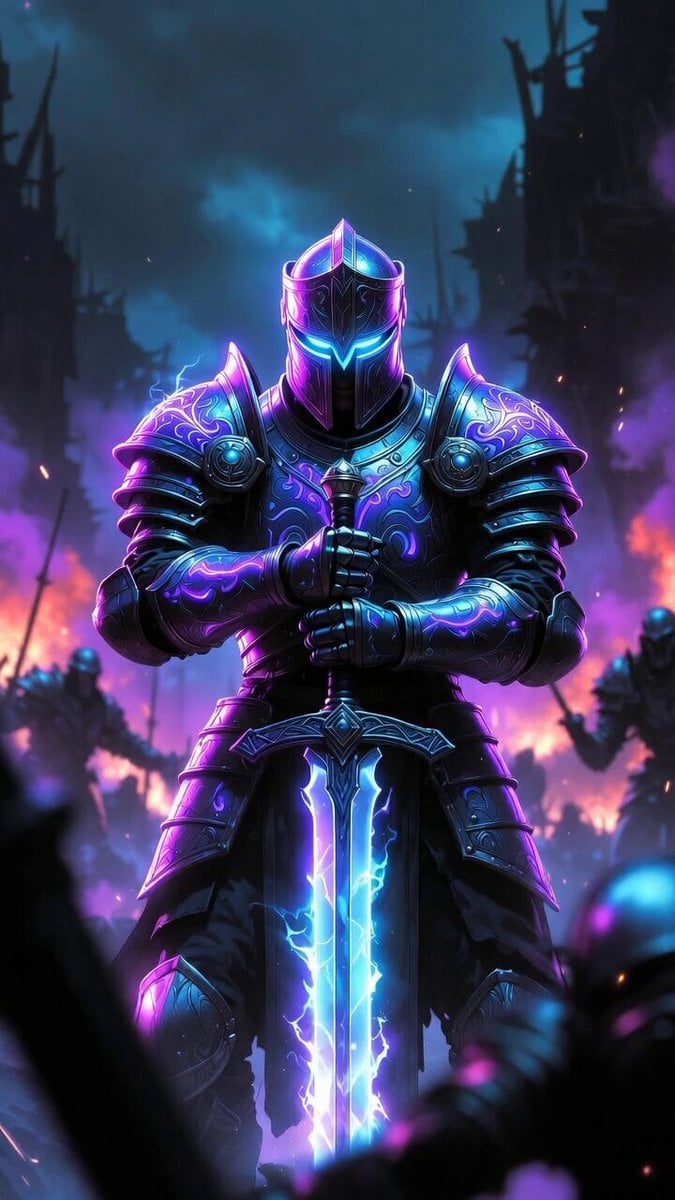
A majestic wide cinematic shot in the epic 1981 Excalibur film style by John Boorman reimagined as hard sci-fi space opera, dramatic chiaroscuro lighting with intense rim light and glowing energy accents. A noble space knight stands center in gleaming polished silver-white power armor with intricate medieval-inspired plate detailing, glowing blue energy lines, and a futuristic greatsword with plasma blade planted in the cracked alien ground. He wears a crowned helmet with glowing visor, intense heroic expression. Beside him stands a regal space queen in ornate white-gold futuristic gown with flowing energy-embroidered fabric, jeweled crystalline accents, and elegant sci-fi veil headdress, hands on hips, ethereal and commanding. Flanking them are armored space knights in shining metallic armor, hooded tech-mystics, and a crowd of lords, warriors, and alien courtiers in rich robes on the steps of a ruined ancient alien temple. Dramatic cosmic background with starry nebula sky, atmospheric haze, deep space blacks mixed with rich gold and electric blue highlights, metallic reflections, filmic grain, anamorphic lens feel, epic mythic sci-fi atmosphere, masterpiece, 8k cinematic still
A majestic wide cinematic shot in the epic 1981 Excalibur film style by John Boorman reimagined as hard sci-fi space opera, dramatic chiaroscuro lighting with intense rim light and glowing energy accents. A noble space knight stands center in gleaming polished silver-white power armor with intricate medieval-inspired plate detailing, glowing blue energy lines, and a futuristic greatsword with plasma blade planted in the cracked alien ground. He wears a crowned helmet with glowing visor, intense heroic expression. Beside him stands a regal space queen in ornate white-gold futuristic gown with flowing energy-embroidered fabric, jeweled crystalline accents, and elegant sci-fi veil headdress, hands on hips, ethereal and commanding. Flanking them are armored space knights in shining metallic armor, hooded tech-mystics, and a crowd of lords, warriors, and alien courtiers in rich robes on the steps of a ruined ancient alien temple. Dramatic cosmic background with starry nebula sky, atmospheric haze, deep space blacks mixed with rich gold and electric blue highlights, metallic reflections, filmic grain, anamorphic lens feel, epic mythic sci-fi atmosphere, masterpiece, 8k cinematic still
Edit the prompt in the box under the preview — the template's model and format are already selected — and press Generate. Your version appears right on this page.
Yes. You can change the subject, setting, lighting, mood, format, and available model controls before creating your video.
Opening and editing this template is free. Generating uses credits, shown on the Generate button when you are signed in.
Start with Grok Imagine, which is the model associated with this template. You can compare another compatible model for a different finish.
Follow a topic to a crawlable collection of related PicX Studio templates.