
Cyberpunk Tokyo Alley Fight Sequence
An ultra-realistic cinematic video prompt for a cyberpunk fight scene in a rainy Tokyo alley, utilizing handheld camera work and neon atmospheric lighting.

- Prompt included
- Model and format preset
- Premium template
The prompt behind this video
Copy the exact prompt behind Cyberpunk Tokyo Alley Fight Sequence, or open it in the studio and make it yours.
STYLE BRIEF: Ultra realistic cinematic cyberpunk. Nighttime Tokyo alley. Heavy rain. The camera doesn't watch the fight it survives it. Handheld, urgent, imperfect. Neon bleeds through rain like open wounds in the dark. Every frame feels stolen. CHARACTER & ENVIRONMENT CONTINUITY: Both fighters maintain dark tactical hoods and black protective face masks throughout all four shots no exceptions, including during impact. The alley, rainfall intensity, and neon color palette remain locked across the entire sequence. [00:00–00:04] SHOT 1 | THE CIRCLING CAMERA: Extreme low-angle handheld nearly flush with the wet asphalt. The lens skims just above the surface of a shimmering puddle. The camera pushes forward slowly, predatorially, between two sets of boots. ACTION: The two fighters circle one another in tight, measured steps. No wasted movement. No aggression yet only the terrible patience of two people who already know how this ends. Water ripples outward from each footfall like a heartbeat. Then one fighter's weight shifts. A half-second of stillness. Then a savage forward lunge, the first punch thrown like a decision that cannot be undone. EFFECTS: Rain hammers the pavement in continuous sheets. Each footstep detonates a small explosion of water. Neon reflections red, blue, violet fracture and reassemble across the surface of every puddle. The lens catches a scatter of rain droplets mid-air, backlit against a glowing ramen sign. [00:04–00:08] — SHOT 2 | THE EXCHANGE CAMERA: Aggressive shoulder-level handheld, orbiting the fighters in a tight, broken arc the camera operator in the fight, not beside it. The frame cuts and tilts with each impact. Nothing is clean. Everything is alive. ACTION: The exchange erupts. Fast hands, faster counters. Defensive slips, sharp body strikes, the ugly geometry of two trained fighters in a space too small for comfort. The camera stays inside the action close enough that fighters occasionally eclipse the frame entirely. The fight is not choreographed for the lens. The lens chases it. EFFECTS: Every footstep detonates water. Rain streaks horizontally across the lens in blurred silver lines. Neon light catches the wet surface of tactical jackets and turns them into mirrors red on black, blue on black. The air is thick with mist and motion. [00:08–00:12] SHOT 3 | THE MOMENT CAMERA: Time fractures. The camera swings wide around the attacking fighter in a smooth, almost tender arc and then the world stops. Ultra slow motion descends like a held breath. The camera completes its orbit at eye level, holding on the moment of impact. ACTION: A single punch. Thrown with everything. It connects and in slow motion, the consequence is enormous. The opponent's head snaps sideways. The hood shifts but holds. The black mask stays sealed to the face unmoved, unbroken even as the skull beneath it absorbs something catastrophic.
How to use Cyberpunk Tokyo Alley Fight Sequence in 3 steps
- 1
Open
The prompt is already in the box next to the preview, with the template's model and format selected.
- 2…a portrait of your subject in softgolden-hour light, 85mm…
Personalize
Edit the subject and creative details for your destination.
- 3Generate
Generate
Press Generate — your video is created in PicX Studio, so you can compare it with the original and refine one variable at a time.
More like this
Templates with the same subject, style or setup. Open one to see its prompt.
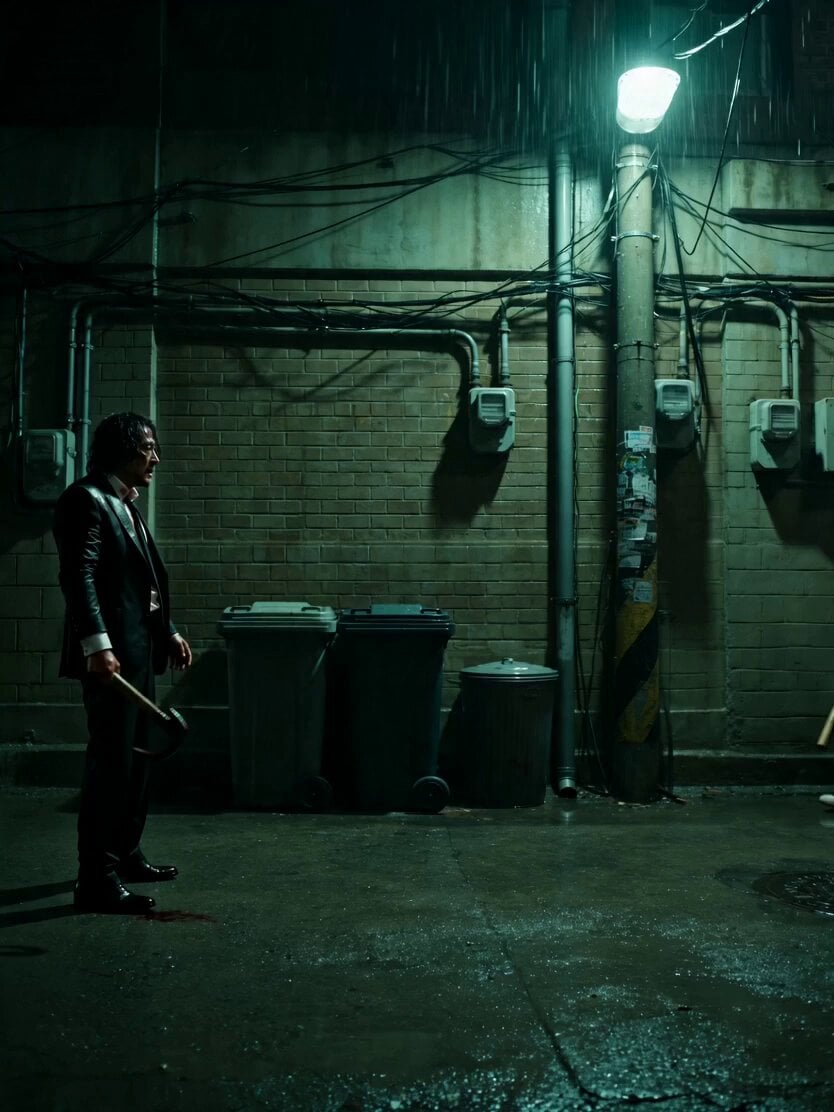
Neo-Noir Alleyway Fight Sequence
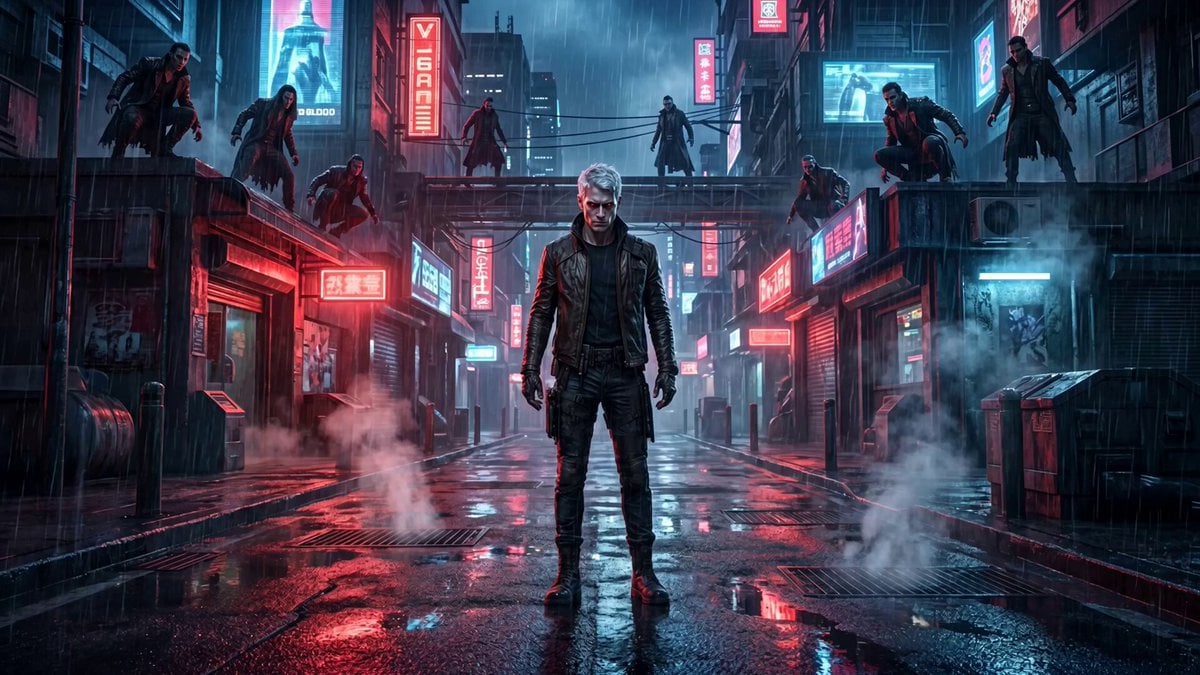
Cinematic vampire alley fight sequence
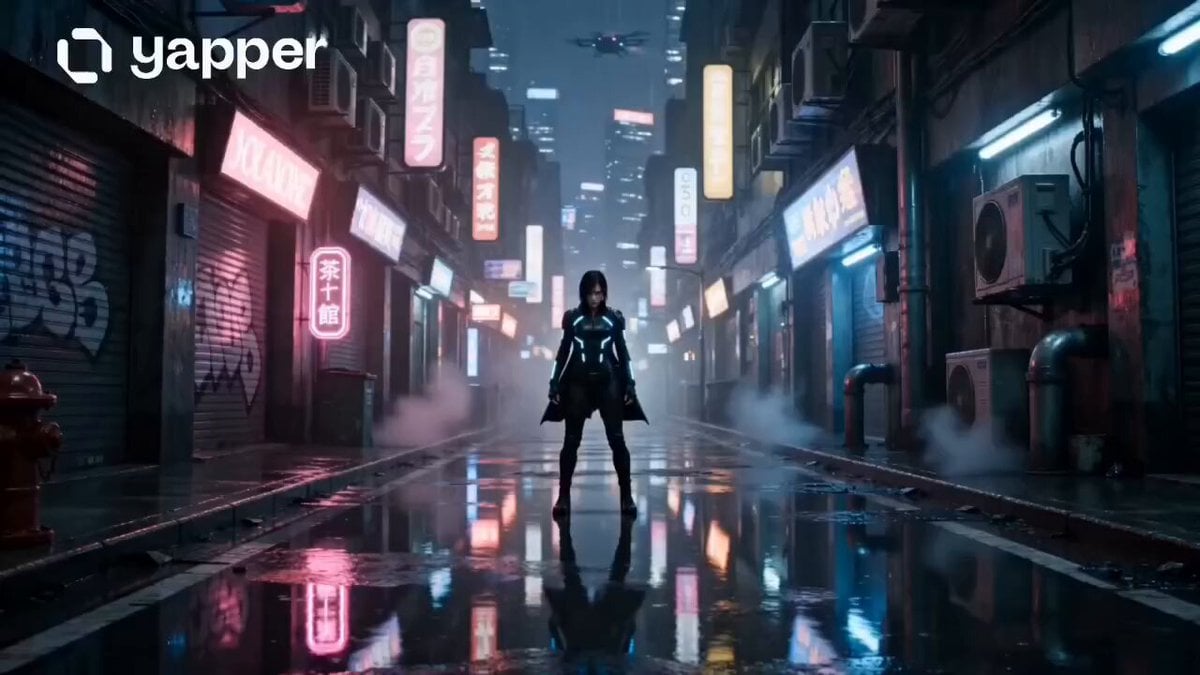
Neon Tokyo Cyberpunk Action Sequence
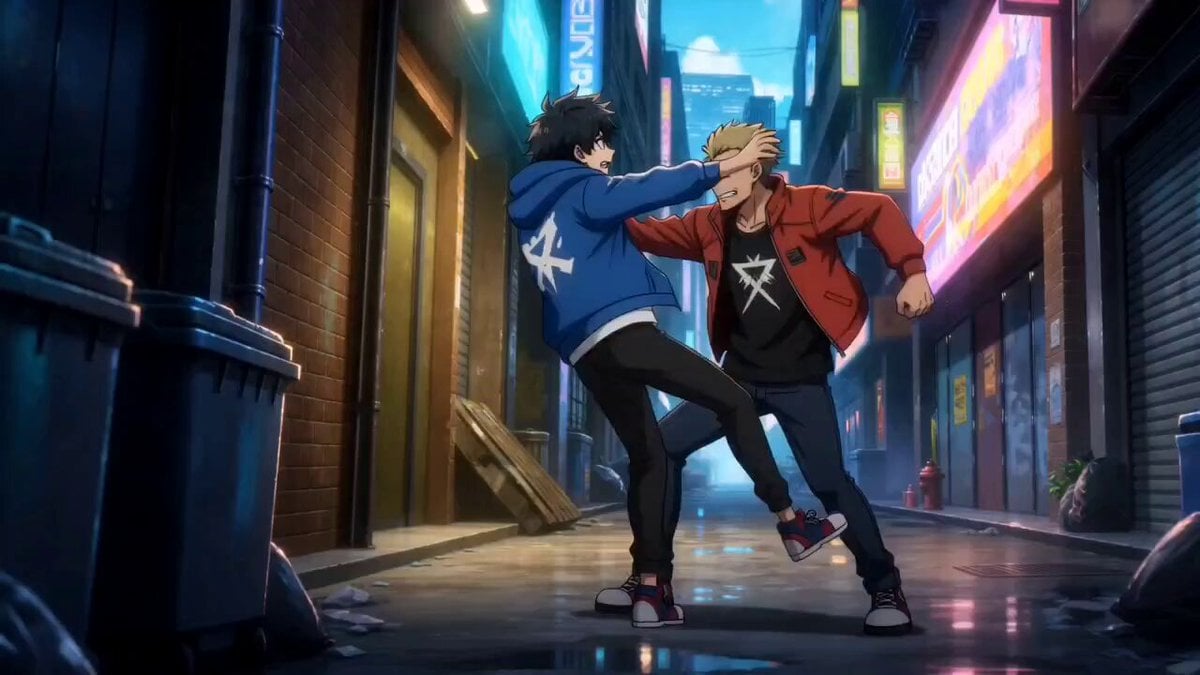
Anime Urban Alley Fight Sequence

Martial Arts Fight Sequence

Cinematic Istanbul Night Fight - Seedance 2.5

Cyberpunk Holographic Dance Performance - Seedance 2.5

Handheld Tokyo Travel Vlog - Seedance 2.5
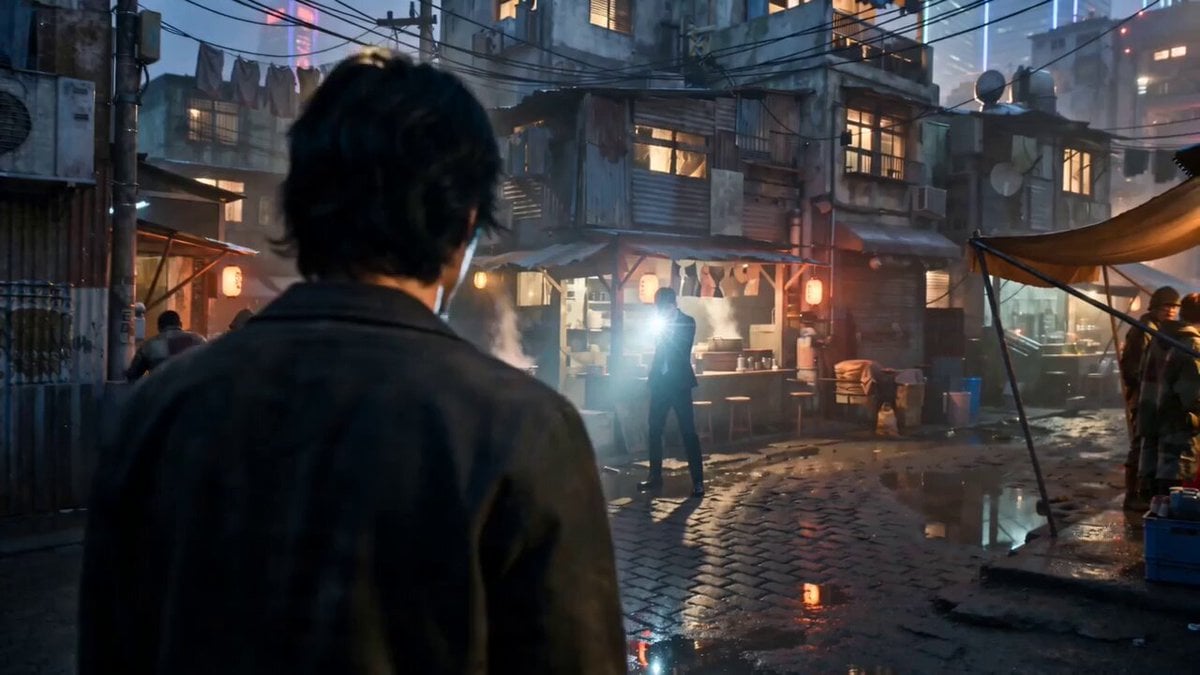
Gritty Cyber-Noir Alley Fight

Handheld Vlog Alley Cat Sequence

RX-7 to Mech Transformation Cyberpunk

Smartphone Travel Vlog Tokyo Trip Identity Preserved
Make it yours
Cyberpunk Tokyo Alley Fight Sequence works as-is. These are the safest ways to change it without losing the look.
Change one field
Copy a single group, rewrite it, and generate again so you can see what that field is doing.
Keep the frame, change the subject
Hold the composition and light of Cyberpunk Tokyo Alley Fight Sequence, then swap wardrobe, props or the person for a new take.
| If the result… | Why | Fix |
|---|---|---|
| The result drifts from the preview | Too many fields changed at once. | Reuse Cyberpunk Tokyo Alley Fight Sequence as-is first, then change one group — subject, light, or setting. |
| The model over-stylizes the scene | The prose prompt leaves finish and camera underspecified. | Add one camera or lighting sentence and stay on Seedance 2.0. |
More Seedance 2.0 templates
Other prompts made for Seedance 2.0.

Comical Martial Arts Punch Scene

Maglev Train Action Sequence

Wuxia Protection and Trust Script

Vintage Korean Arcade MiniDV Vlog

Mercedes 190 SL Luxury Ad

Rainy Night Supernatural Reverse Comedy Video Script

Amazon Civilization Discovery

Futuristic South Asian City Transformation

Cozy Luxury Cafe Commercial

Cyber Ronin Nanotech Transformation Video
More video prompts
Fresh picks from across the catalog.

Mixed-Media Culinary Stylus Morph

Product Reveal: Ice Thaw and Seasonal Transition
Cinematic Morning Coffee Ritual
Tesla mom wagon concept video prompt
Industrial Ring Battle Environment
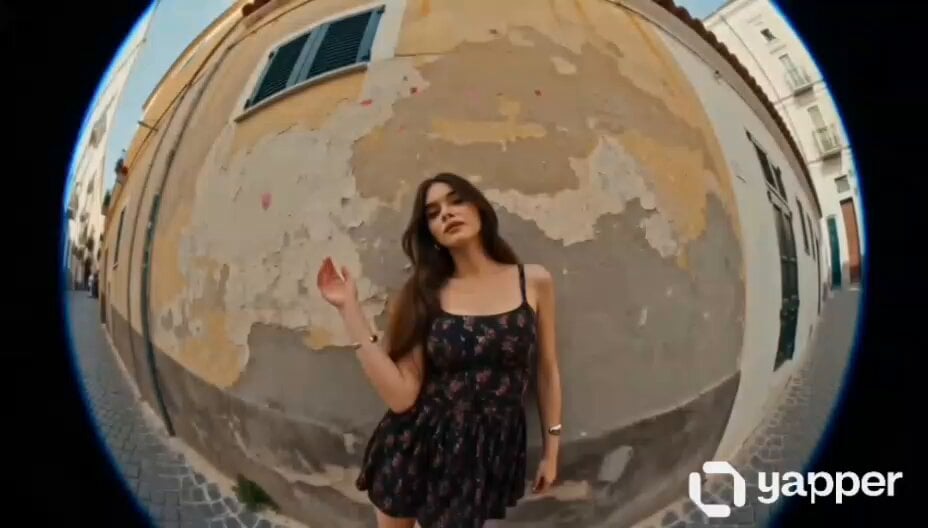
European Street Dance Sequence
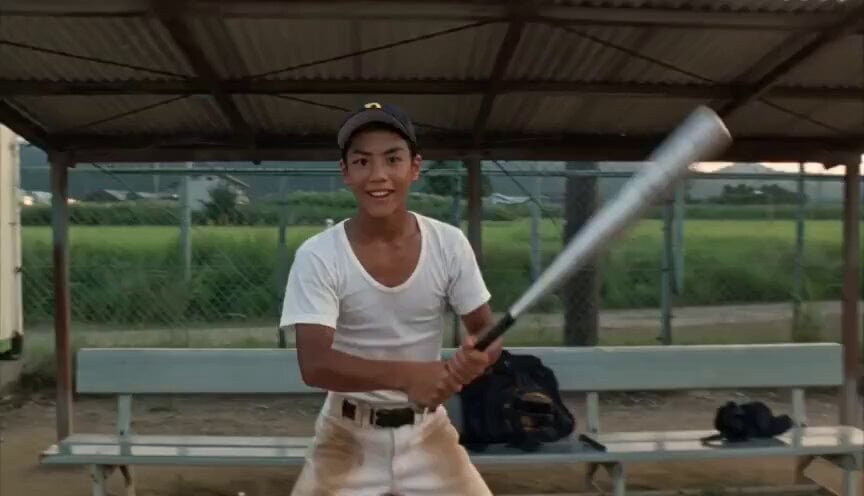
Baseball Practice Vlog Style Video

Iced Latte Coffee Commercial
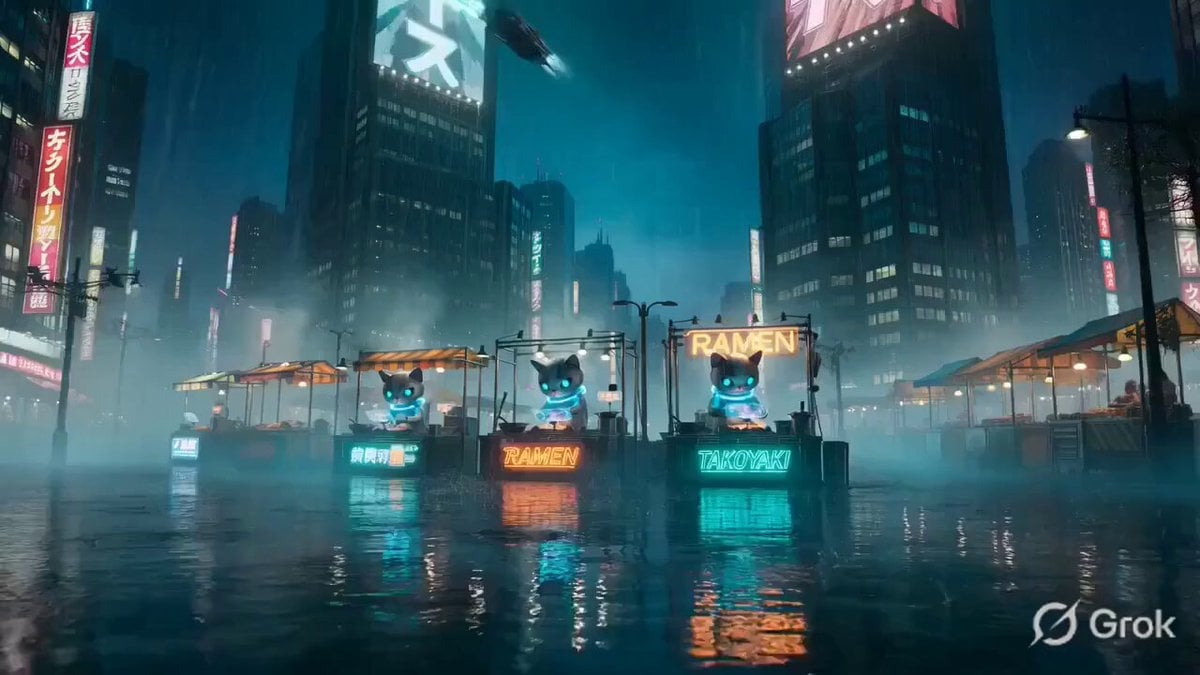
Cinematic Cyberpunk Neo-Tokyo Street Market

Scrolling Kitten Storyboard
Browse template categories
Cyberpunk Tokyo Alley Fight Sequence questions
How do I use the Cyberpunk Tokyo Alley Fight Sequence template?
Add your photo if the template asks for one, edit the prompt if you like — the template's model and format are already selected — and press Generate. Your version opens in PicX Studio.
Can I customize the Cyberpunk Tokyo Alley Fight Sequence template?
Yes. You can change the subject, setting, lighting, mood, format, and available model controls before creating your video.
Is the Cyberpunk Tokyo Alley Fight Sequence template free?
Opening and editing this template is free. Generating uses credits, shown on the Generate button when you are signed in.
Which AI model should I use?
Start with Seedance 2.0, which is the model associated with this template. You can compare another compatible model for a different finish.
Looking for something else? Browse all templates.

Your photo, any look
Thousands of ready templates for every top image and video model, from one credit balance.