How do I use the Korean Documentary Style Video template?
Edit the prompt in the box under the preview — the template's model and format are already selected — and press Generate. Your version appears right on this page.
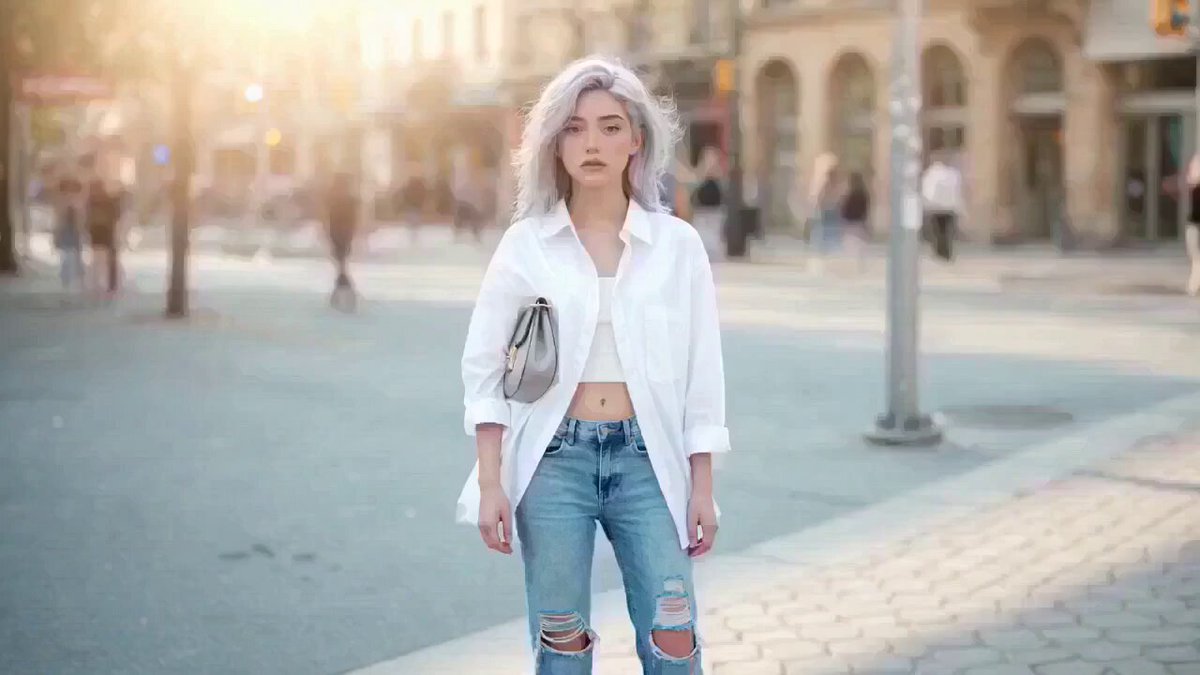
A highly detailed, multi-scene video prompt using a 2000s DV camcorder aesthetic to capture a slice-of-life moment in a Korean neighborhood.
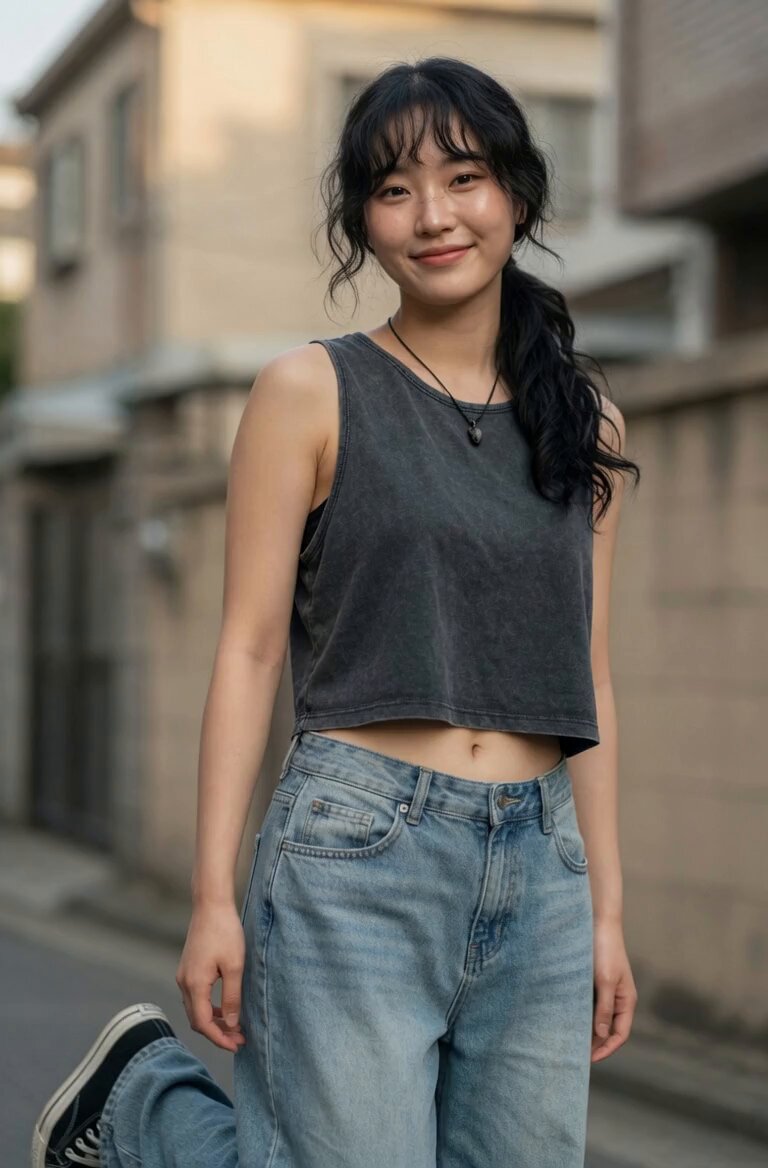
Main subject: young Korean woman, early 20s, natural everyday appearance, faded charcoal-grey sleeveless crop top, loose high-waisted light-wash jeans, black canvas sneakers, black cord necklace, black wavy hair in a messy side ponytail with wispy bangs. Realistic skin texture, minimal makeup, warm and approachable personality. Maintain consistent identity, clothing, hairstyle, and appearance throughout the entire video. Location: Authentic Korean residential neighborhood during a calm late morning. Narrow concrete alleys, low-rise homes, small terraces, potted plants, laundry lines, bicycles, utility poles, overhead wires, mature trees casting moving shadows, quiet residential atmosphere. No stores, advertisements, cafés, crowds, or commercial activity. Visual Style: Ultra-realistic documentary realism. Genuine candid behavior. Natural body language. Unscripted slice-of-life feeling. Strong environmental authenticity. Rich real-world details and believable human motion. Camera Style: Early-2000s consumer DV camcorder aesthetic. Friend casually recording everyday moments. Heavy handheld shake, imperfect framing, frequent autofocus hunting, lens breathing, exposure pumping when moving between sun and shade, occasional motion blur, subtle rolling shutter, mild digital compression artifacts, faded colors, soft contrast, slight sensor noise. No stabilization. No cinematic camera moves. No modern color grading. 00:00–00:02 Outside a small house entrance. She sits on a low concrete wall adjusting her ponytail with both hands raised. A light breeze moves loose strands of hair. She smiles naturally while the camera struggles to hold focus. 00:02–00:04 The camera follows her into a narrow alley lined with potted plants and concrete walls. She notices a stray cat approaching and crouches down. Framing drifts off-center as the operator tries to keep up. 00:04–00:06 She gently pets and feeds the cat. Autofocus repeatedly shifts between her face and the animal. Morning sunlight flickers through leaves overhead. 00:06–00:08 Small front yard beside her house. She hangs laundry on a clothesline while fabrics sway in the breeze. Exposure changes as clouds briefly pass overhead. 00:08–00:10 On a quiet terrace with a ceramic coffee cup. She sits comfortably watching the neighborhood, occasionally brushing hair behind her ear. Loose handheld side angle with natural camera drift. 00:10–00:12 Close side profile. Someone off-camera greets her. She turns, raises her hand, smiles warmly, and casually says, “Annyeong.” The camera catches the moment slightly late. 00:12–00:15 Walking slowly down a tree-lined residential lane holding her coffee cup. She notices the camera, gives a small genuine smile, then looks away and continues walking. Recording cuts abruptly to black mid-motion as if the camcorder was switched off. Audio: Natural ambient sound only — morning birds, distant motorcycles, light
Main subject: young Korean woman, early 20s, natural everyday appearance, faded charcoal-grey sleeveless crop top, loose high-waisted light-wash jeans, black canvas sneakers, black cord necklace, black wavy hair in a messy side ponytail with wispy bangs. Realistic skin texture, minimal makeup, warm and approachable personality. Maintain consistent identity, clothing, hairstyle, and appearance throughout the entire video. Location: Authentic Korean residential neighborhood during a calm late morning. Narrow concrete alleys, low-rise homes, small terraces, potted plants, laundry lines, bicycles, utility poles, overhead wires, mature trees casting moving shadows, quiet residential atmosphere. No stores, advertisements, cafés, crowds, or commercial activity. Visual Style: Ultra-realistic documentary realism. Genuine candid behavior. Natural body language. Unscripted slice-of-life feeling. Strong environmental authenticity. Rich real-world details and believable human motion. Camera Style: Early-2000s consumer DV camcorder aesthetic. Friend casually recording everyday moments. Heavy handheld shake, imperfect framing, frequent autofocus hunting, lens breathing, exposure pumping when moving between sun and shade, occasional motion blur, subtle rolling shutter, mild digital compression artifacts, faded colors, soft contrast, slight sensor noise. No stabilization. No cinematic camera moves. No modern color grading. 00:00–00:02 Outside a small house entrance. She sits on a low concrete wall adjusting her ponytail with both hands raised. A light breeze moves loose strands of hair. She smiles naturally while the camera struggles to hold focus. 00:02–00:04 The camera follows her into a narrow alley lined with potted plants and concrete walls. She notices a stray cat approaching and crouches down. Framing drifts off-center as the operator tries to keep up. 00:04–00:06 She gently pets and feeds the cat. Autofocus repeatedly shifts between her face and the animal. Morning sunlight flickers through leaves overhead. 00:06–00:08 Small front yard beside her house. She hangs laundry on a clothesline while fabrics sway in the breeze. Exposure changes as clouds briefly pass overhead. 00:08–00:10 On a quiet terrace with a ceramic coffee cup. She sits comfortably watching the neighborhood, occasionally brushing hair behind her ear. Loose handheld side angle with natural camera drift. 00:10–00:12 Close side profile. Someone off-camera greets her. She turns, raises her hand, smiles warmly, and casually says, “Annyeong.” The camera catches the moment slightly late. 00:12–00:15 Walking slowly down a tree-lined residential lane holding her coffee cup. She notices the camera, gives a small genuine smile, then looks away and continues walking. Recording cuts abruptly to black mid-motion as if the camcorder was switched off. Audio: Natural ambient sound only — morning birds, distant motorcycles, light
Edit the prompt in the box under the preview — the template's model and format are already selected — and press Generate. Your version appears right on this page.
Yes. You can change the subject, setting, lighting, mood, format, and available model controls before creating your video.
Opening and editing this template is free. Generating uses credits, shown on the Generate button when you are signed in.
Start with Grok Imagine, which is the model associated with this template. You can compare another compatible model for a different finish.
Follow a topic to a crawlable collection of related PicX Studio templates.