
Cinematic Meadow Path and FPV Flight
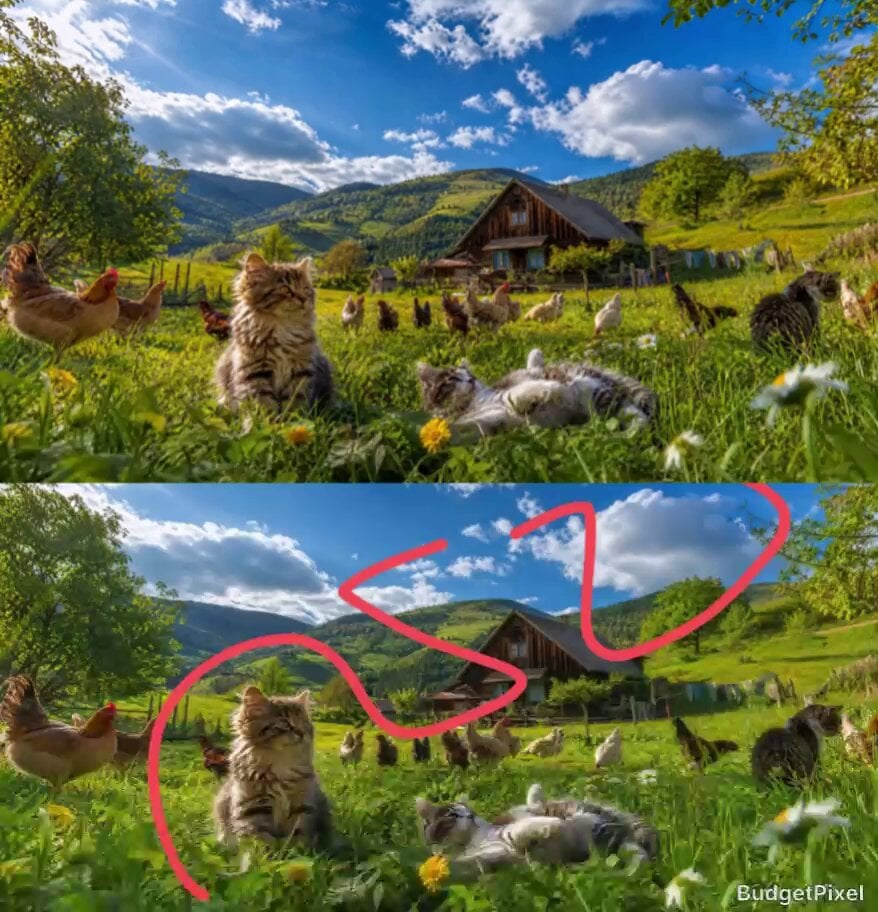
A high-speed first-person perspective video following a specific path through a meadow with cats and livestock, leading into a mountain ascent.
- Prompt included
- Model and format preset
- Premium template
The prompt behind this video
Copy the exact prompt behind Cinematic Meadow Path and FPV Flight, or open it in the studio and make it yours.
remove the arrows immediately while starting the video. The camera generates footage in a first-person, ultra-high-speed perspective, faithfully following the exact path of the red line marked on the reference image. Cinematic presentation. Low-angle ground-level shot racing across the lush green meadow filled with wildflowers and tall grass, following the exact curving path shown in the reference image. Pass smoothly right beside the large fluffy long-haired cat sitting alert on the left foreground, its fur detailed and catching warm sunlight. A second cat lies playfully on its back in the grass nearby. Scattered throughout the vibrant field are numerous hens and chickens grazing and moving naturally in the same positions as the reference photo. A rustic wooden farmhouse sits nestled in the midground among the greenery. The camera then continues the smooth ascent following the curving path upward along the gentle stream area, soaring through the dense trees toward the towering rocky mountain peaks. It dramatically circles the central mountain before pulling back into a breathtaking bird’s-eye panoramic view of the entire valley, showcasing the full scale of the river, forests, fields, farmhouse, and animals below. One continuous fluid cinematic shot with no cuts. Photorealistic, ultra-detailed textures on the cats’ fur, chicken feathers, vegetation, water reflections, and rocks. Warm golden hour lighting with soft volumetric god rays, rich atmospheric depth, vibrant natural colors, National Geographic level realism, masterpiece --ar 16:9 --stylize 25 --v 6
How to use Cinematic Meadow Path and FPV Flight in 3 steps
- 1Upload ImagePNG, JPG or paste
Add your photo
Upload the photo the template builds on. The prompt, model and format are already set.
- 2…a portrait of your subject in softgolden-hour light, 85mm…
Personalize
Edit the subject and creative details for your destination.
- 3Generate
Generate
Press Generate — your video is created in PicX Studio, so you can compare it with the original and refine one variable at a time.
More like this
Templates with the same subject, style or setup. Open one to see its prompt.
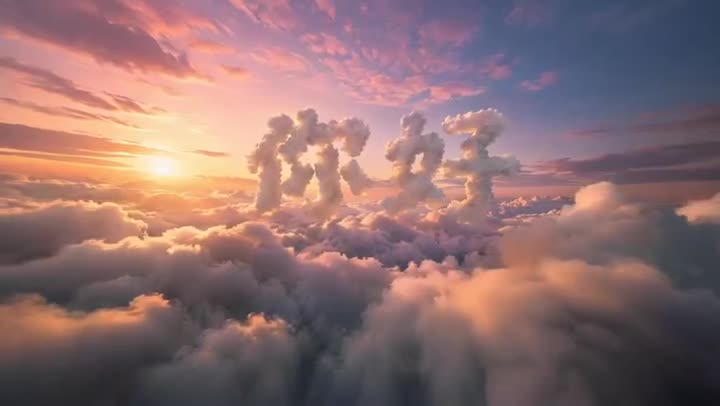
FPV Multilingual Landscape Flight
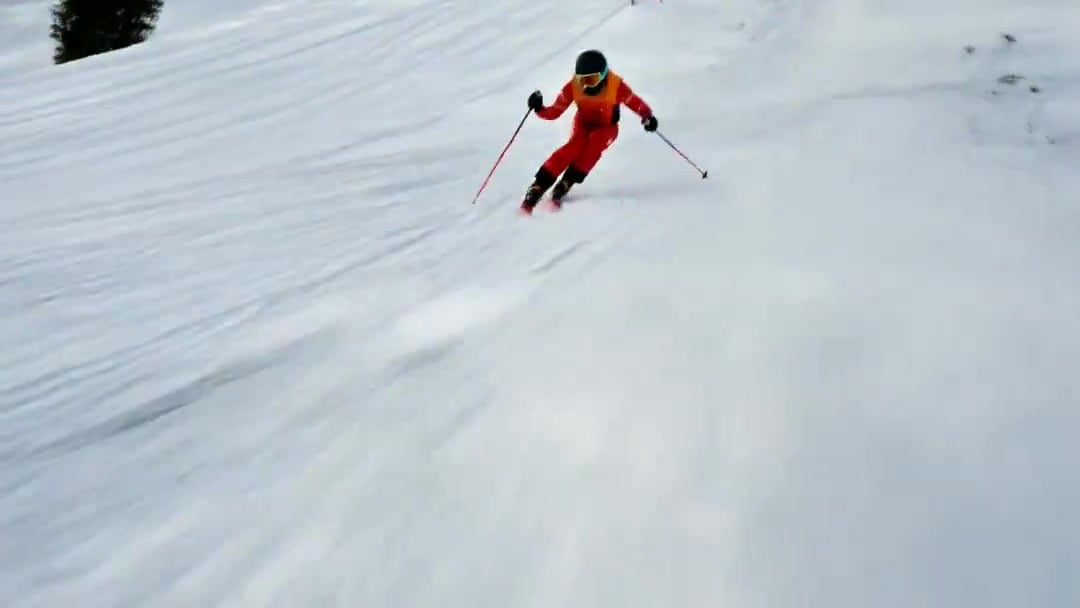
FPV Drone Skier Tracking — Kling 3.0 O3 Pro
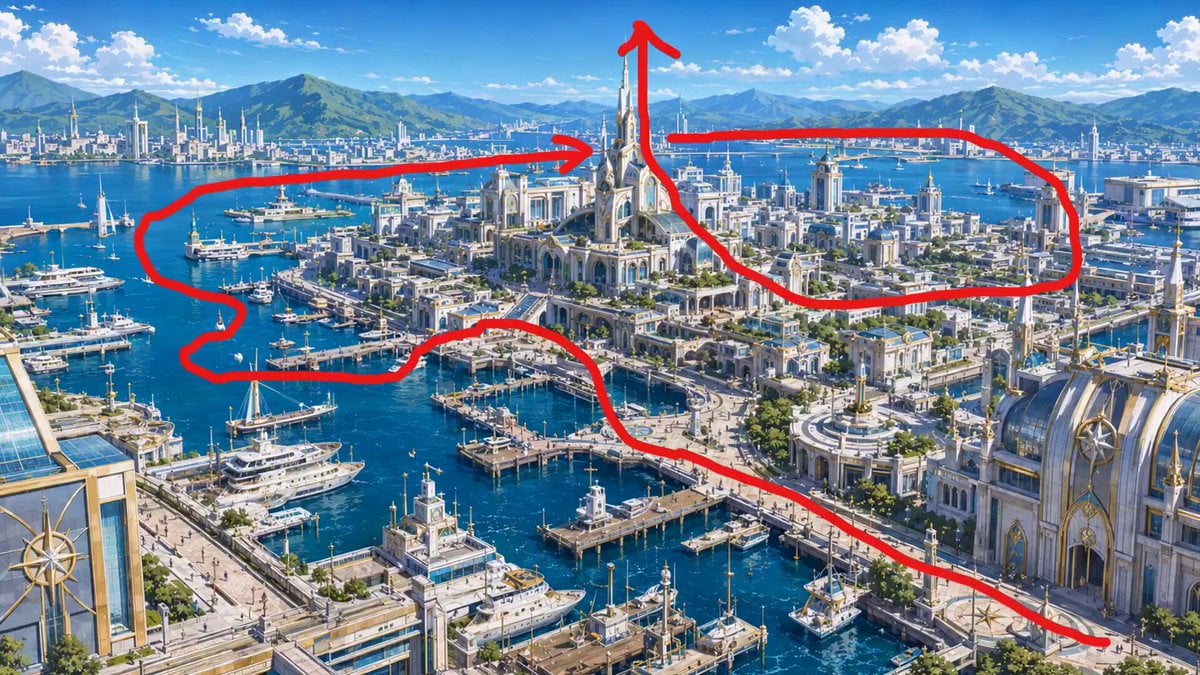
FPV Drone Flight Over Fantasy Port
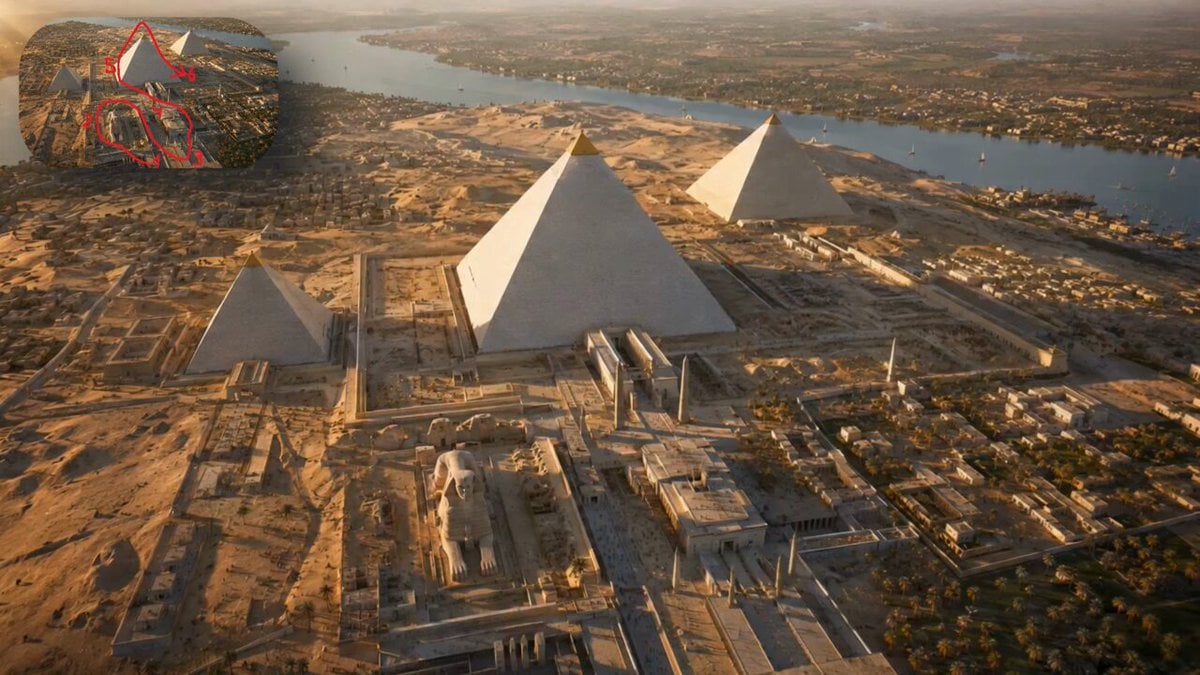
FPV Cinematic Camera Path
FPV Camera Path Guide
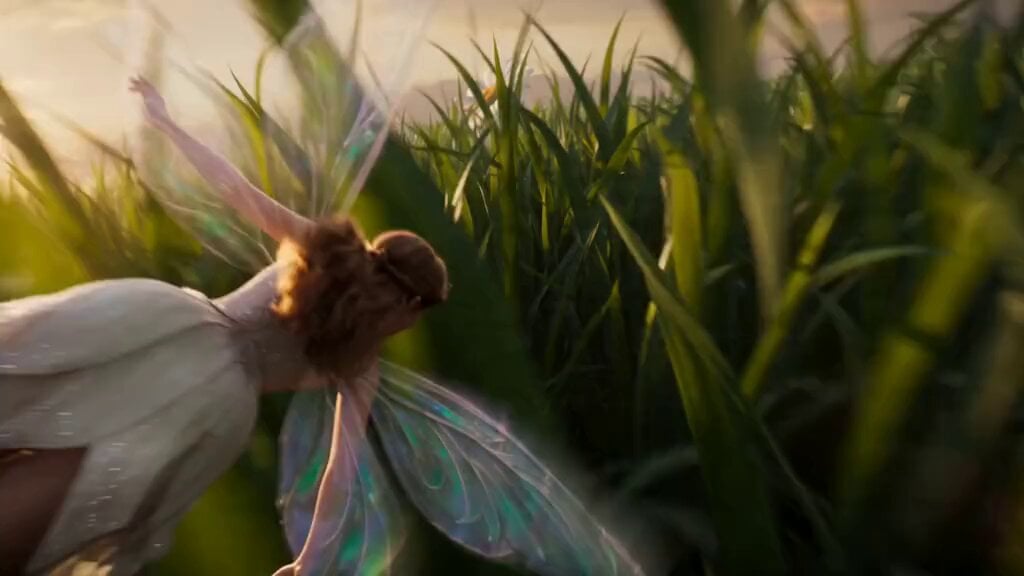
JSON Prompt Structure for Macro FPV Fairy Flight
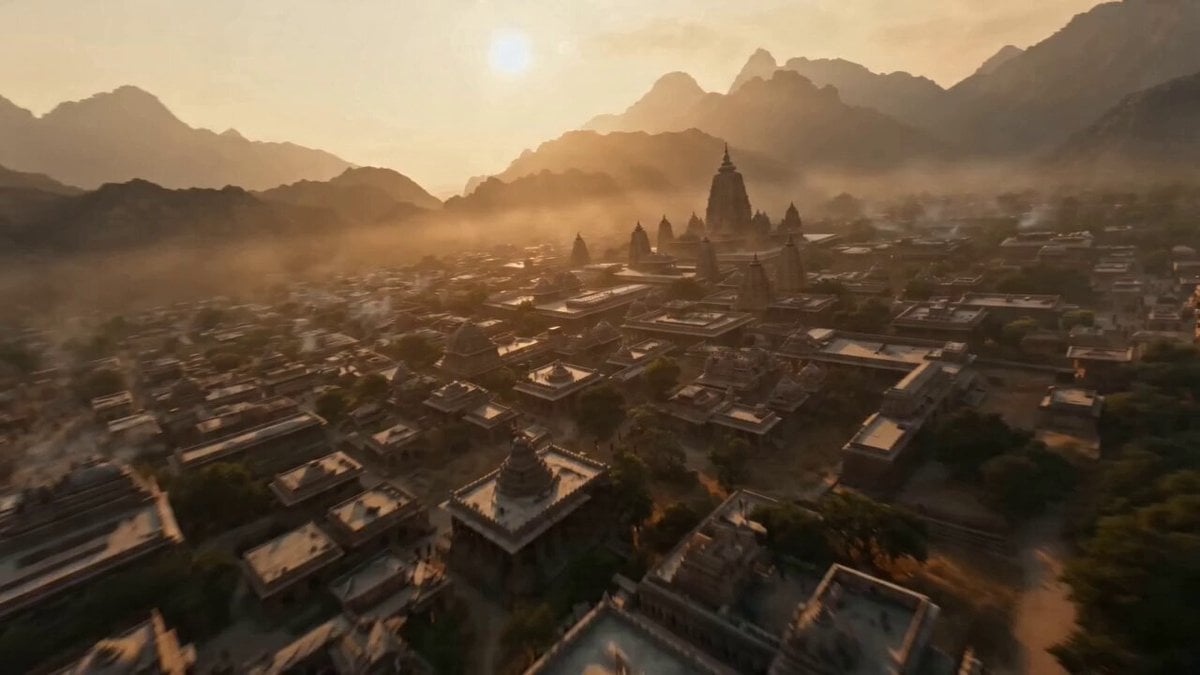
Ancient Kingdom FPV Flight
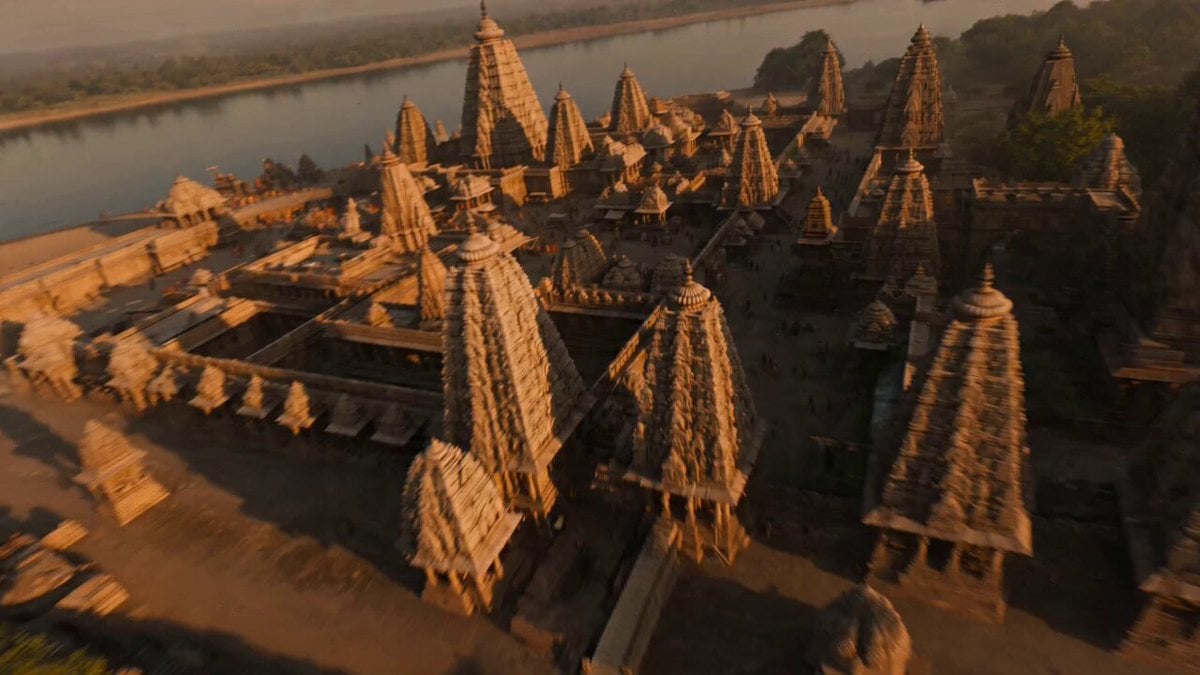
Ancient Indian Kingdom FPV Flight
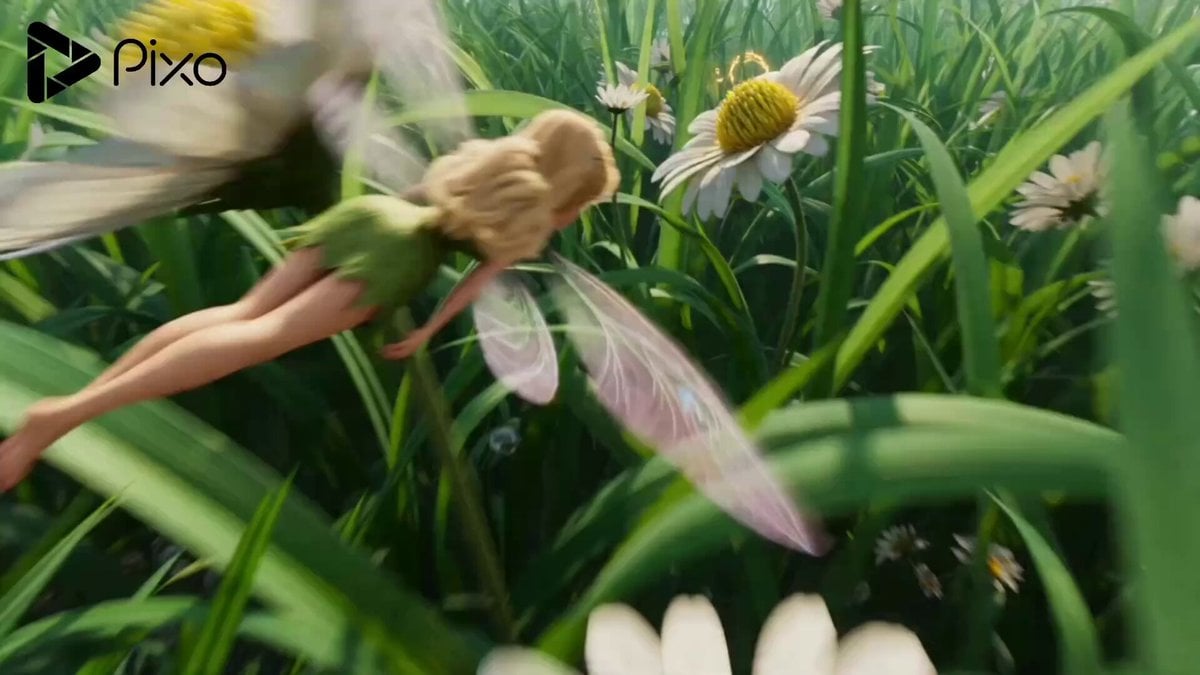
Fairy FPV Flight Macro World
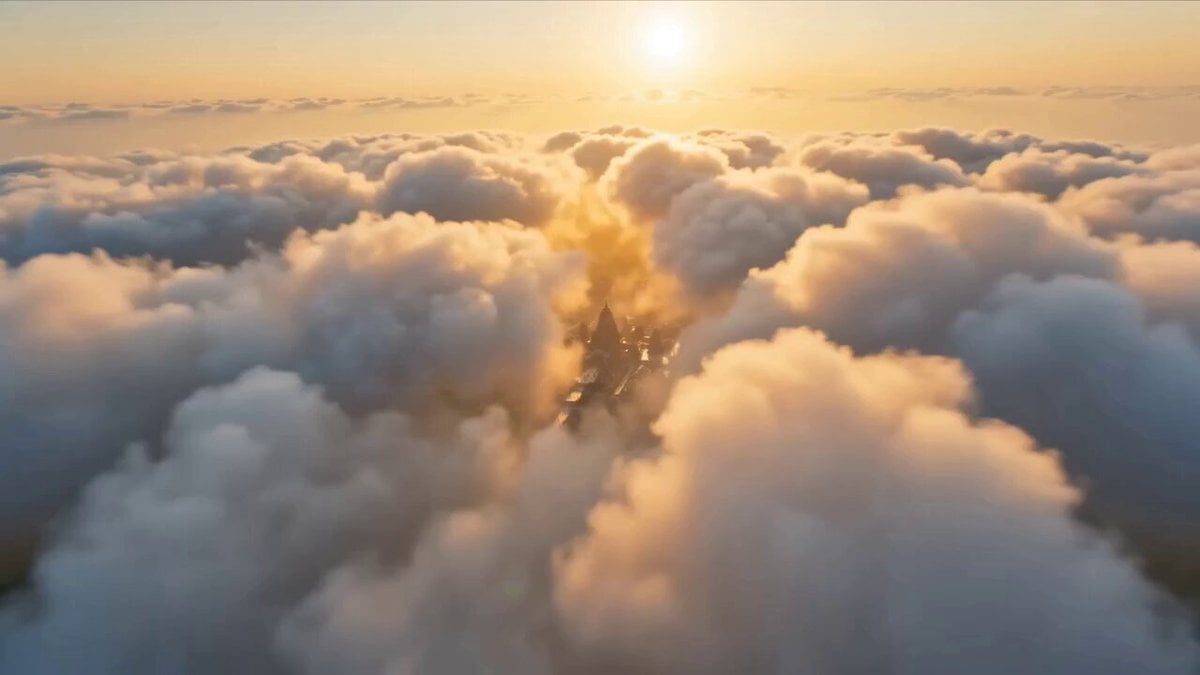
Ancient Indian Kingdom FPV Flight
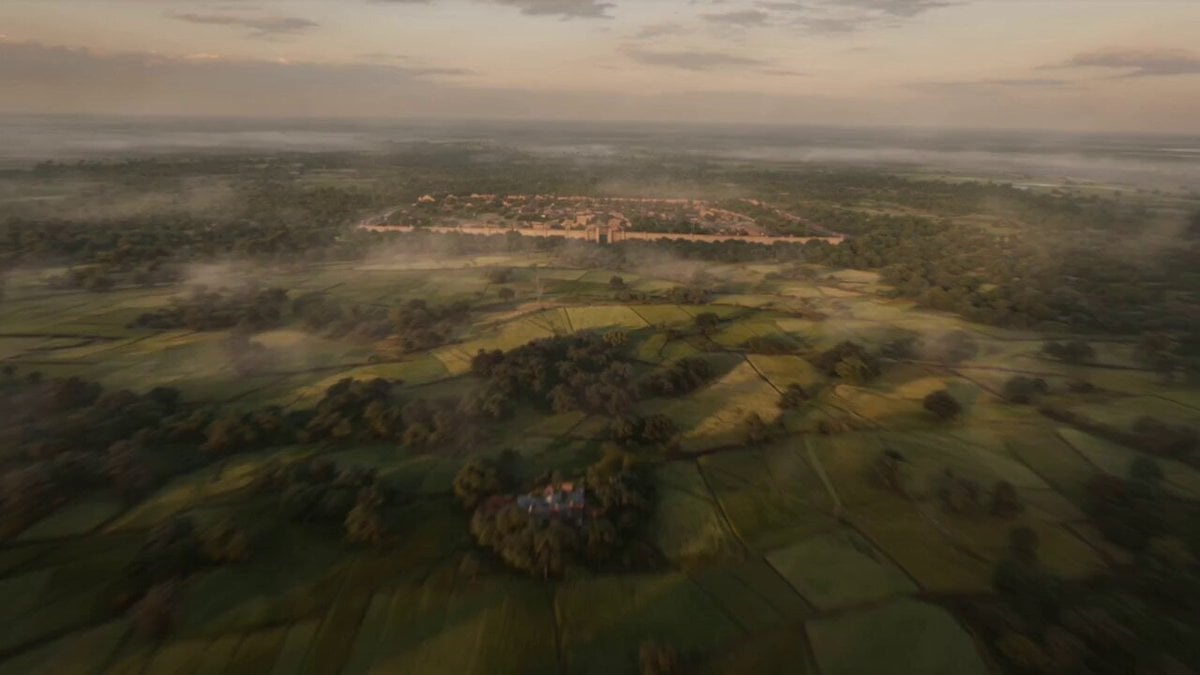
Ancient Indian Kingdom FPV Flight
Pearl Harbor Attack — Seedance 2.0 FPV
Make it yours
Cinematic Meadow Path and FPV Flight works as-is. These are the safest ways to change it without losing the look.
Change one field
Copy a single group, rewrite it, and generate again so you can see what that field is doing.
Keep the frame, change the subject
Hold the composition and light of Cinematic Meadow Path and FPV Flight, then swap wardrobe, props or the person for a new take.
| If the result… | Why | Fix |
|---|---|---|
| The result drifts from the preview | Too many fields changed at once. | Reuse Cinematic Meadow Path and FPV Flight as-is first, then change one group — subject, light, or setting. |
| The model over-stylizes the scene | The prose prompt leaves finish and camera underspecified. | Add one camera or lighting sentence and stay on Seedance 2.0. |
More Seedance 2.0 templates
Other prompts made for Seedance 2.0.

Comical Martial Arts Punch Scene

Maglev Train Action Sequence

Martial Arts Fight Sequence

Wuxia Protection and Trust Script

Vintage Korean Arcade MiniDV Vlog

Mercedes 190 SL Luxury Ad

Rainy Night Supernatural Reverse Comedy Video Script

Amazon Civilization Discovery

Futuristic South Asian City Transformation

Cozy Luxury Cafe Commercial
More video prompts
Fresh picks from across the catalog.
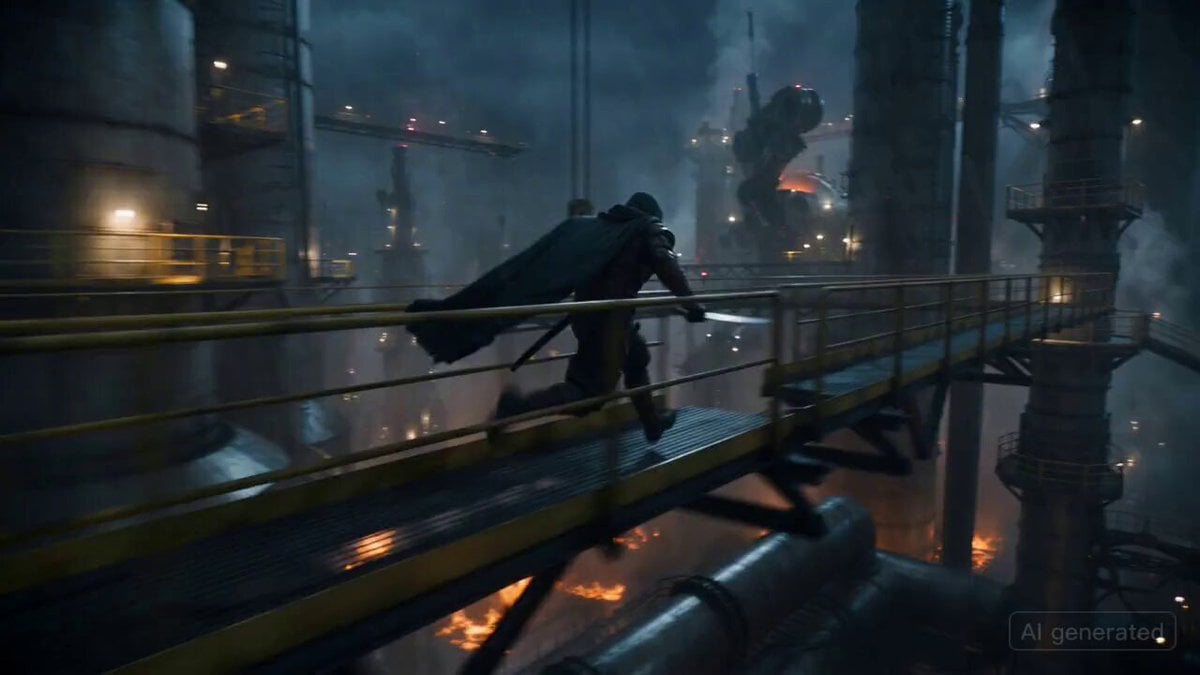
Ronin vs. Mechanical Beast Cinematic Prompt
Video prompt for a convenience store devolving into another dimension
Three-Column Space Shooter Game Comparison

Japanese 2D Anime Ramen Cooking

Soccer Player Ferocious Transformation

Boxers Sparring Cinematic Prompt
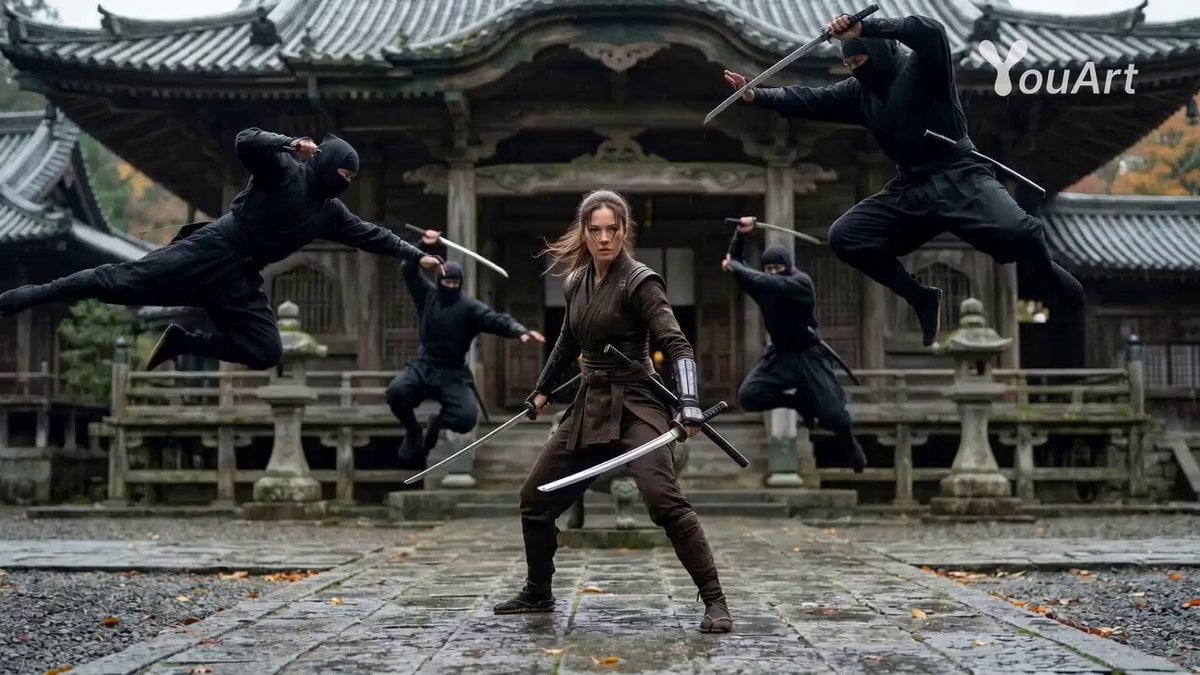
Cinematic Female Ninja Fight Sequence
Mecha Transformation vs Kaiju — 4-Scene Epic

Kaleidoscopic Cosmic Dolphin Video

Pixar Style Churro Maker Animation
Browse template categories
Cinematic Meadow Path and FPV Flight questions
How do I use the Cinematic Meadow Path and FPV Flight template?
Add your photo if the template asks for one, edit the prompt if you like — the template's model and format are already selected — and press Generate. Your version opens in PicX Studio.
Can I customize the Cinematic Meadow Path and FPV Flight template?
Yes. You can change the subject, setting, lighting, mood, format, and available model controls before creating your video.
Is the Cinematic Meadow Path and FPV Flight template free?
Opening and editing this template is free. Generating uses credits, shown on the Generate button when you are signed in.
Which AI model should I use?
Start with Seedance 2.0, which is the model associated with this template. You can compare another compatible model for a different finish.
Looking for something else? Browse all templates.

Your photo, any look
Thousands of ready templates for every top image and video model, from one credit balance.