How do I use the Ronin vs. Mechanical Beast Cinematic Prompt template?
Edit the prompt in the box under the preview — the template's model and format are already selected — and press Generate. Your version appears right on this page.
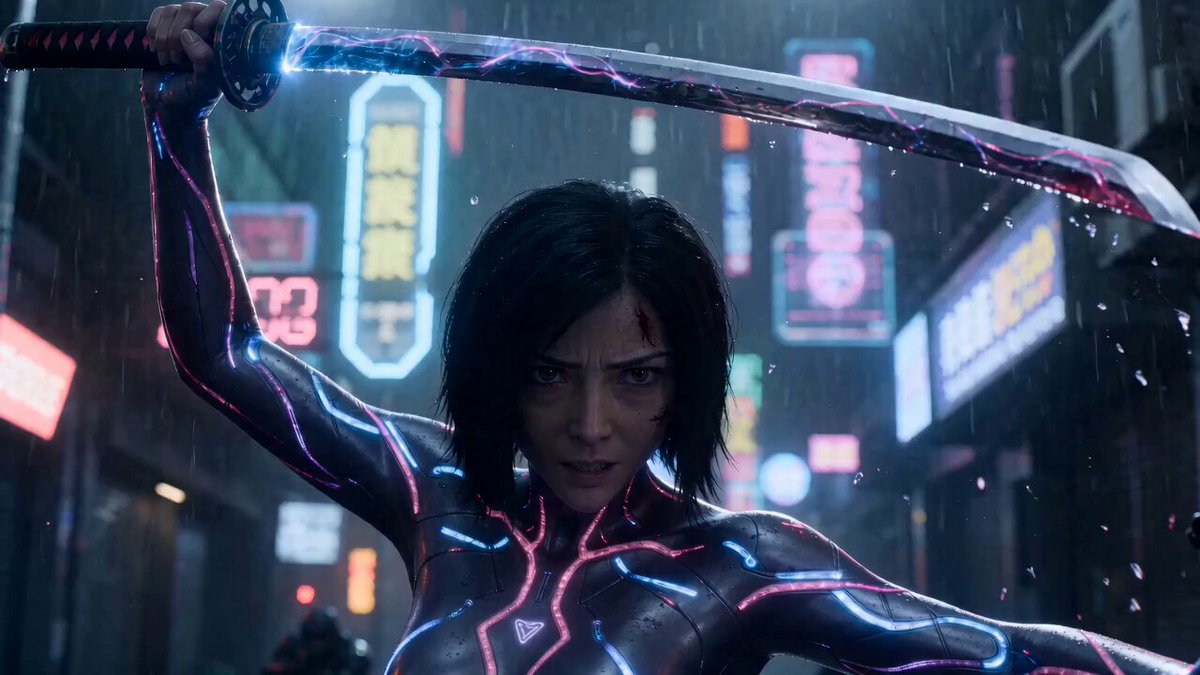
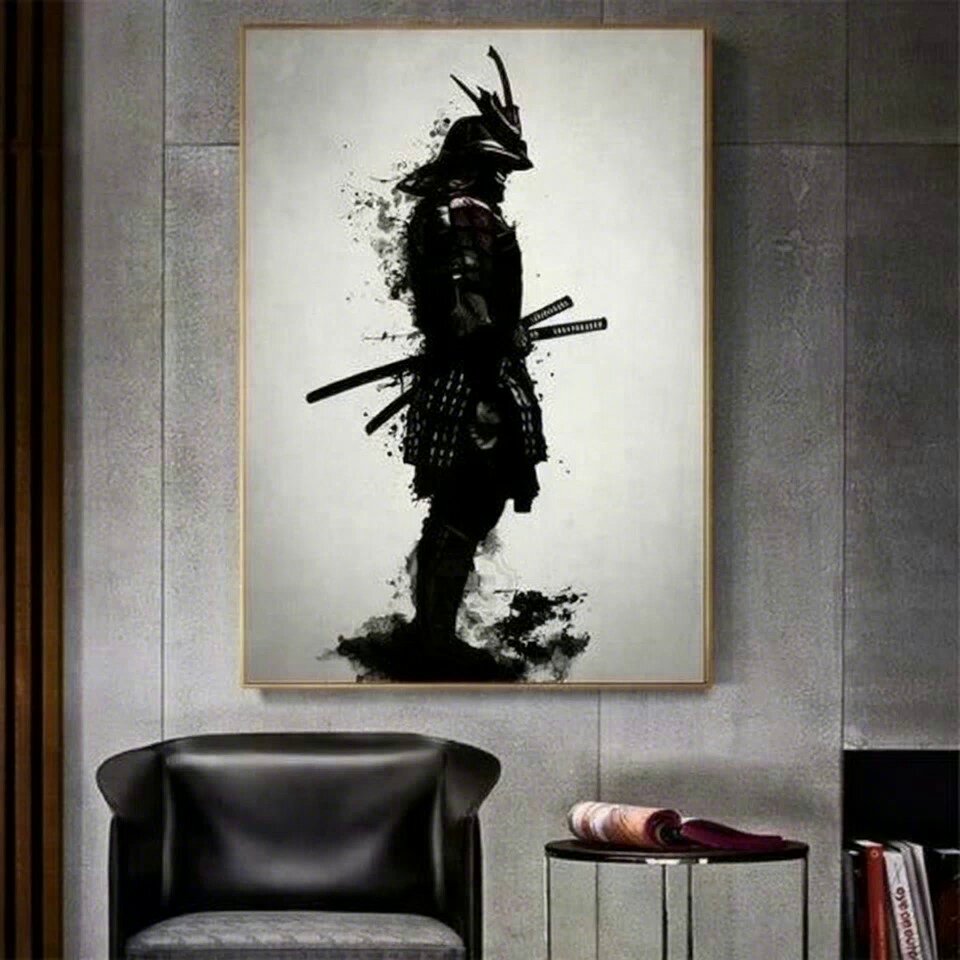
A highly detailed, cinematic prompt for Seedance Pro 2.0 describing a masked ronin fighting a colossal mechanical beast in a dense industrial refinery during a thunderstorm, focusing on dynamic camera work and action…
A dense industrial refinery during a thunderstorm, metal catwalks and pipes forming a maze above a sea of fire and steam. The masked ronin, lit by flashing warning lights, confronts a colossal mechanical beast with hydraulic limbs and a furnace burning in its chest. The camera barrels after the ronin as he sprints along swaying catwalks, the structure groaning and buckling under the monster’s weight. Sparks and steam constantly obscure the frame as the beast’s limbs smash through railings and tanks, causing explosions that hurl the camera off-axis. Quick, shaky close-ups capture the ronin sliding under swinging metal arms and using chains and cables to slingshot himself upward. In the final movement, the camera chases him in a dizzying upward spiral as he climbs the creature’s back, then cuts to a wide but still trembling shot as he plunges his sword into the furnace chest, sending a pillar of flame skyward that silhouettes his figure against the stormy sky.
A dense industrial refinery during a thunderstorm, metal catwalks and pipes forming a maze above a sea of fire and steam. The masked ronin, lit by flashing warning lights, confronts a colossal mechanical beast with hydraulic limbs and a furnace burning in its chest. The camera barrels after the ronin as he sprints along swaying catwalks, the structure groaning and buckling under the monster’s weight. Sparks and steam constantly obscure the frame as the beast’s limbs smash through railings and tanks, causing explosions that hurl the camera off-axis. Quick, shaky close-ups capture the ronin sliding under swinging metal arms and using chains and cables to slingshot himself upward. In the final movement, the camera chases him in a dizzying upward spiral as he climbs the creature’s back, then cuts to a wide but still trembling shot as he plunges his sword into the furnace chest, sending a pillar of flame skyward that silhouettes his figure against the stormy sky.
Edit the prompt in the box under the preview — the template's model and format are already selected — and press Generate. Your version appears right on this page.
Yes. You can change the subject, setting, lighting, mood, format, and available model controls before creating your video.
Opening and editing this template is free. Generating uses credits, shown on the Generate button when you are signed in.
Start with Seedance 2.0, which is the model associated with this template. You can compare another compatible model for a different finish.
Follow a topic to a crawlable collection of related PicX Studio templates.