
Electric Guitar Summoning — White Roses Field
Seedance 2.0 prompt by @MrDavids1 — Orbiting shot of person in black business suit standing in white rose field, electric guitar materializes from electricity, epic guitar solo, roses swirl, suit turns white.
- Prompt included
- Model and format preset
- Free template
The prompt behind this video
Copy the exact prompt behind Electric Guitar Summoning — White Roses Field, or open it in the studio and make it yours.
An orbiting shot shows someone wearing a sleek black business suit, they are standing in a beautiful field of small white roses. The atmosphere is slightly foggy ensuring the person is clearly visible. The scenes starts with the person standing in the center of the frame, their eyes are closed and they quickly exhale. The scene starts with their hands empty and then an electric guitar appears in the persons hands as it transforms from electricity and unfolds in mechanical layers. The person plays the most epic tune and the white roses start swirling around them quickly and the video ends with the person playing the last note. As soon as they play the last note the flower petals get stuck to their suit and turn the suit white, they are still holding the guitar. No Dialogue.
How to use Electric Guitar Summoning — White Roses Field in 3 steps
- 1
Open
The prompt is already in the box next to the preview, with the template's model and format selected.
- 2…a portrait of your subject in softgolden-hour light, 85mm…
Personalize
Edit the subject and creative details for your destination.
- 3Generate
Generate
Press Generate — your video is created in PicX Studio, so you can compare it with the original and refine one variable at a time.
More like this
Templates with the same subject, style or setup. Open one to see its prompt.
Epic Night Battlefield Siege

19th Century Battlefield Cannon Sequence

Field Hospital Medic Breakdown

Florist Arranging Roses Cinematic Scene

Sunflower Field Character Consistency Video Prompt
Starry Night Foggy Movement
Ballerina Among Pink Roses
Dreamy Maiden with Pink Roses
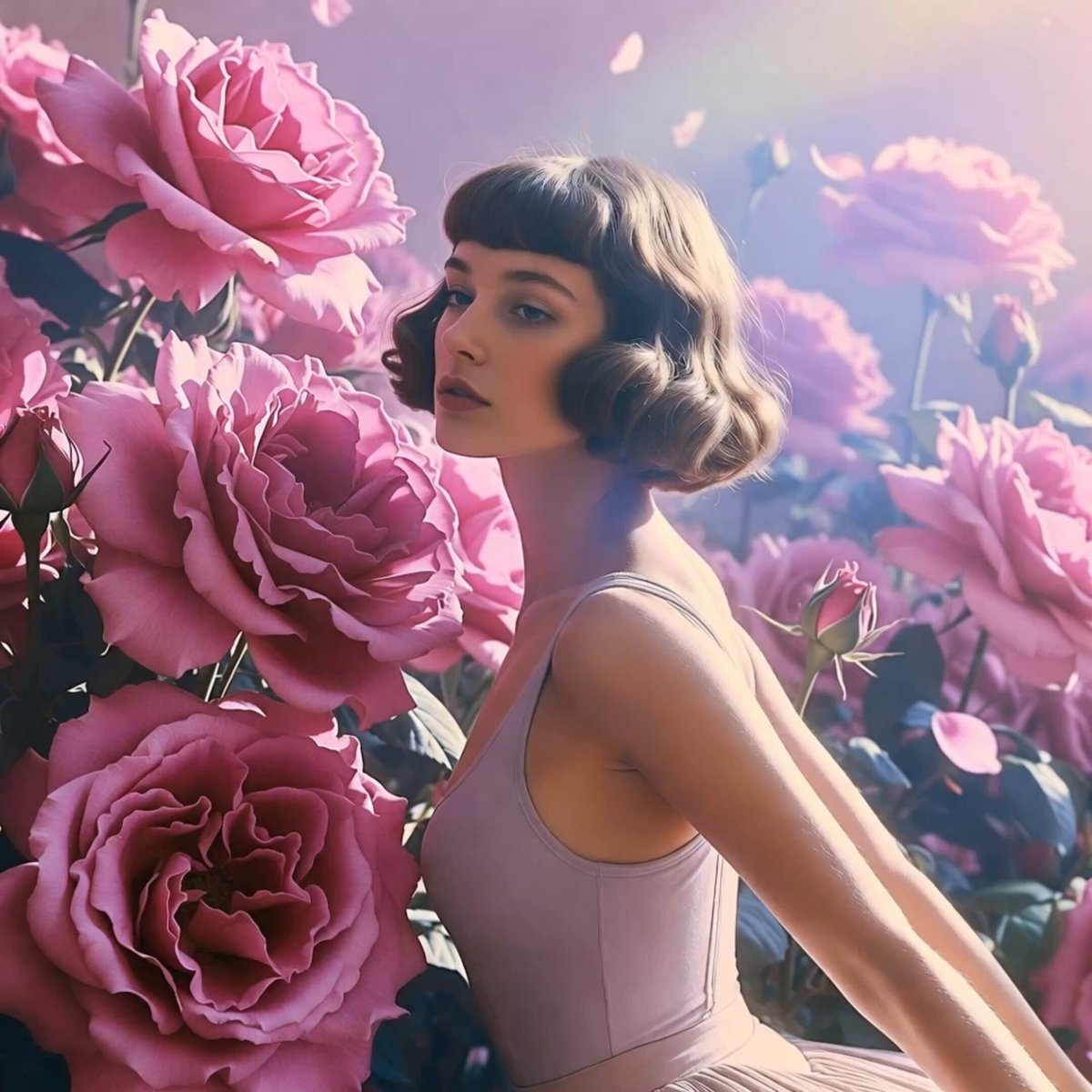
Soft Pink Roses Dreamer Prompt

Pterodactyl Transformation Journey

Professional Designer Suit Business Meeting
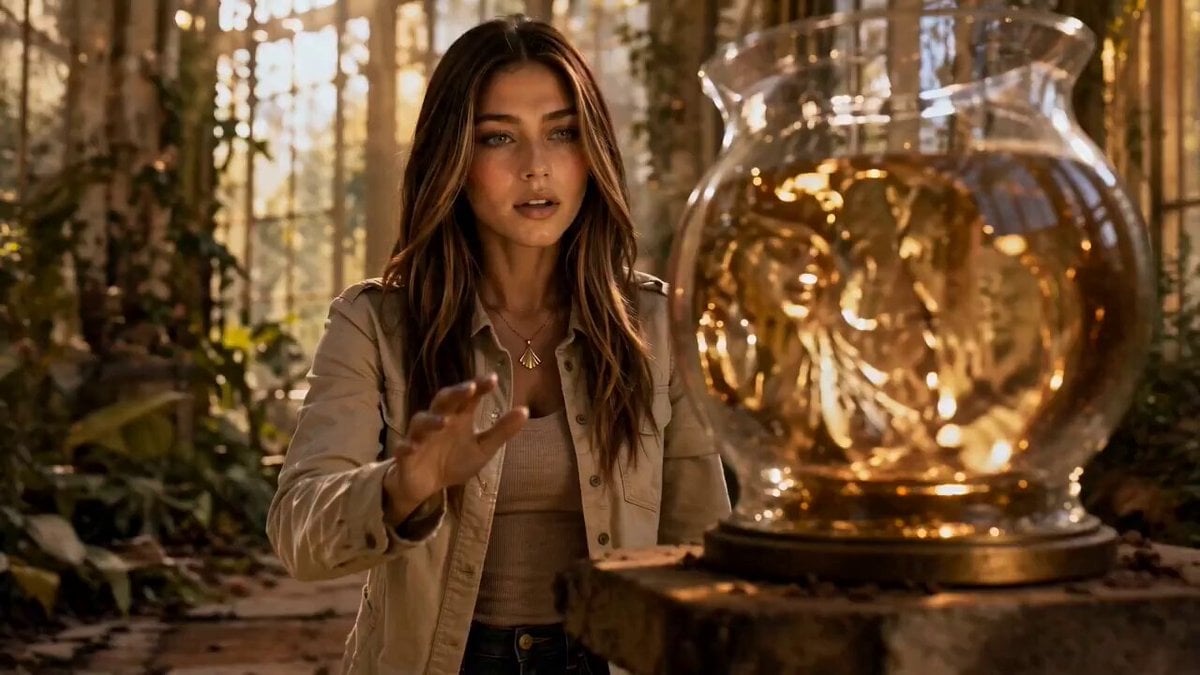
Liquid Gold Cinematic Transformation
Make it yours
Electric Guitar Summoning — White Roses Field works as-is. These are the safest ways to change it without losing the look.
Change one field
Copy a single group, rewrite it, and generate again so you can see what that field is doing.
Keep the frame, change the subject
Hold the composition and light of Electric Guitar Summoning — White Roses Field, then swap wardrobe, props or the person for a new take.
| If the result… | Why | Fix |
|---|---|---|
| The result drifts from the preview | Too many fields changed at once. | Reuse Electric Guitar Summoning — White Roses Field as-is first, then change one group — subject, light, or setting. |
| The model over-stylizes the scene | The prose prompt leaves finish and camera underspecified. | Add one camera or lighting sentence and stay on Seedance. |
More Seedance templates
Other prompts made for Seedance.
More video prompts
Fresh picks from across the catalog.

Epic Ink-Wash Fantasy Warrior Scene

Blonde Woman Driving Green 1960s Mustang Golden Hour

Wuxia Warrior Fire Phoenix Blade

Sith Green Goblin Spider-Man Crossover
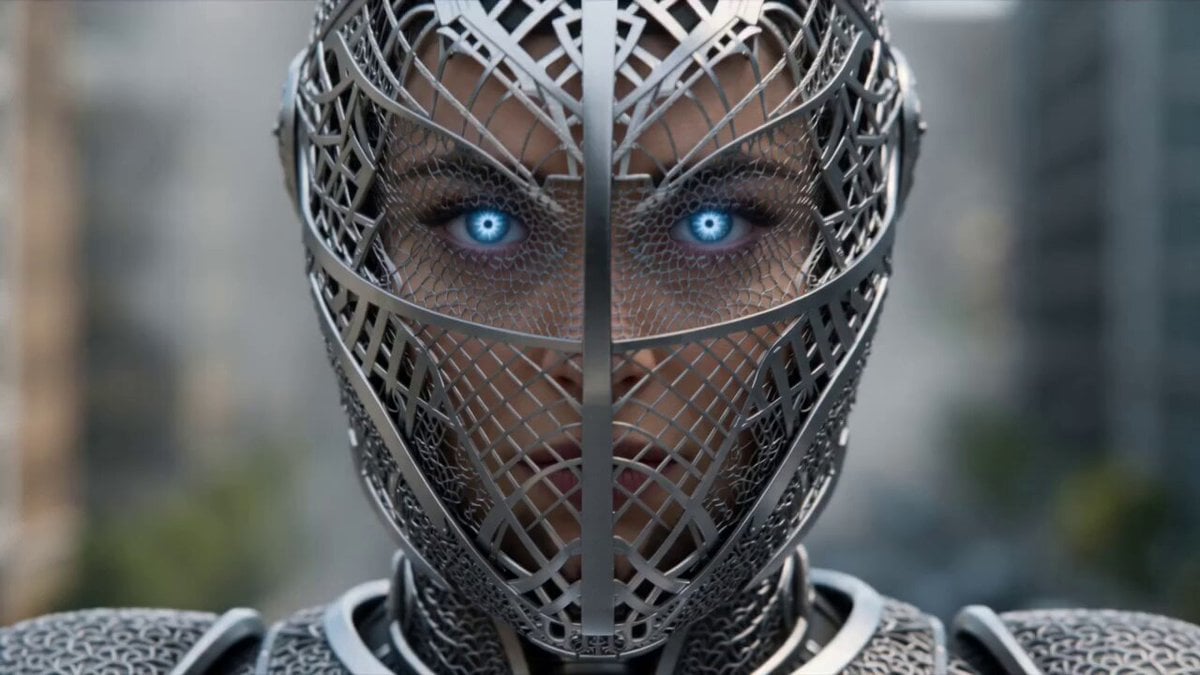
Cinematic Sci-Fi Superhero Action

Candid Late-Night Pizza Moment with Handheld Camcorder Aesthetic

Seedance 2.0 Ancient Chinese Mythology Epic Scene

Dolphin Marine Documentary Footage

Cyberpunk Skyfall Cinematic Video
Sci-Fi Anime Floating City Cinematic
Browse template categories
Electric Guitar Summoning — White Roses Field questions
How do I use the Electric Guitar Summoning — White Roses Field template?
Add your photo if the template asks for one, edit the prompt if you like — the template's model and format are already selected — and press Generate. Your version opens in PicX Studio.
Can I customize the Electric Guitar Summoning — White Roses Field template?
Yes. You can change the subject, setting, lighting, mood, format, and available model controls before creating your video.
Is the Electric Guitar Summoning — White Roses Field template free?
Opening and editing this template is free. Generating uses credits, shown on the Generate button when you are signed in.
Which AI model should I use?
Start with Seedance, which is the model associated with this template. You can compare another compatible model for a different finish.
Looking for something else? Browse all templates.

Your photo, any look
Thousands of ready templates for every top image and video model, from one credit balance.