
Sci-Fi Anime Floating City Cinematic
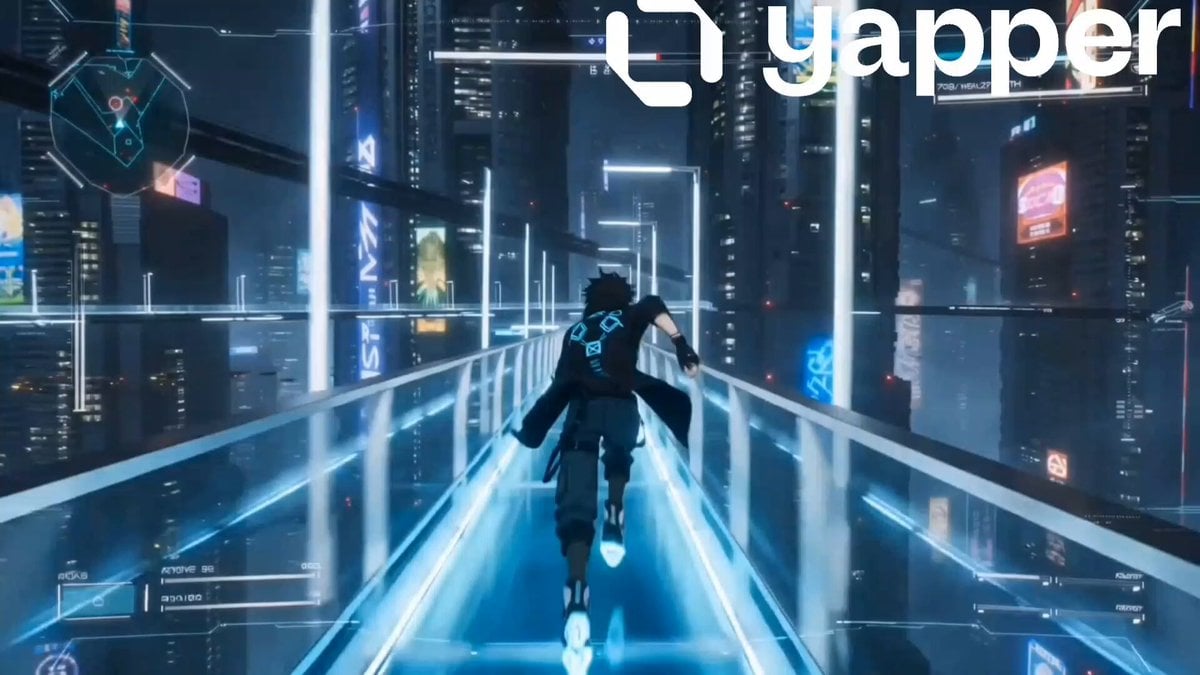
A detailed cinematic anime sequence featuring a character in a floating futuristic city, complete with high-tech HUD elements and fluid motion.
- Prompt included
- Model and format preset
- Premium template
The prompt behind this video
Copy the exact prompt behind Sci-Fi Anime Floating City Cinematic, or open it in the studio and make it yours.
Vertical cinematic anime sci-fi sequence, 9:16 aspect ratio, ultra-fluid animation, premium anime movie quality, highly detailed futuristic world design, cinematic lighting, atmospheric depth, smooth realistic motion, immersive next-generation anime game aesthetic, 60fps feeling. World Design: A floating futuristic city above the clouds during nighttime. Massive glowing towers, holographic advertisements, transparent sky bridges, flying vehicles, energy rails, floating islands, glowing waterfalls, and massive moonlight reflections. The environment feels alive with moving lights, rain particles, mist, and distant traffic in the sky. Main Character: A futuristic anime boy with messy black hair and glowing cyan eyes, wearing a long techwear coat with illuminated blue patterns, fingerless gloves, dark cargo pants, and magnetic sneakers. His outfit reacts naturally to wind and movement. Hair physics and facial consistency are highly realistic anime quality. Camera Style: Cinematic third-person tracking camera with smooth motion and dynamic angle changes. Slight handheld realism during movement scenes. Soft motion blur during fast actions. Advanced anime HUD visible with holographic interface elements, energy bar, radar system, and glowing objectives. Sequence: 0–3s The character runs across a glowing sky bridge high above the city while flying vehicles rush past beneath him. Rain particles and neon reflections move naturally across the environment. 3–6s He jumps from the bridge toward a floating platform while activating glowing energy blades from his arms. Time slows briefly during the mid-air movement as holographic particles surround him. 6–8s The character lands smoothly on a floating rooftop and slides forward while avoiding security drones scanning the area with red laser lights. 8–10s Massive cinematic reveal shot. The camera pulls far back showing the endless floating cyber city while the character stands calmly at the edge looking over the glowing skyline beneath the moonlight. Wind moves his coat dramatically as neon lights flicker across the environment. Style & Quality: Premium anime film rendering, futuristic sci-fi atmosphere, cinematic action trailer quality, detailed environmental storytelling, realistic anime movement, advanced lighting, immersive world depth, polished AAA anime aesthetic. Negative Prompt: blurry animation, distorted anatomy, extra limbs, stiff movement, broken hands, low detail, ugly lighting, floating objects, low fps, clipping, bad textures, shaky camera, unrealistic physics, oversaturated colors, poor face consistency
How to use Sci-Fi Anime Floating City Cinematic in 3 steps
- 1
Open
The prompt is already in the box next to the preview, with the template's model and format selected.
- 2…a portrait of your subject in softgolden-hour light, 85mm…
Personalize
Edit the subject and creative details for your destination.
- 3Generate
Generate
Press Generate — your video is created in PicX Studio, so you can compare it with the original and refine one variable at a time.
More like this
Templates with the same subject, style or setup. Open one to see its prompt.

Sci-Fi Disaster Movie Scene - Seedance 2.5

Realistic City Street Story Cinematic Video - Seedance
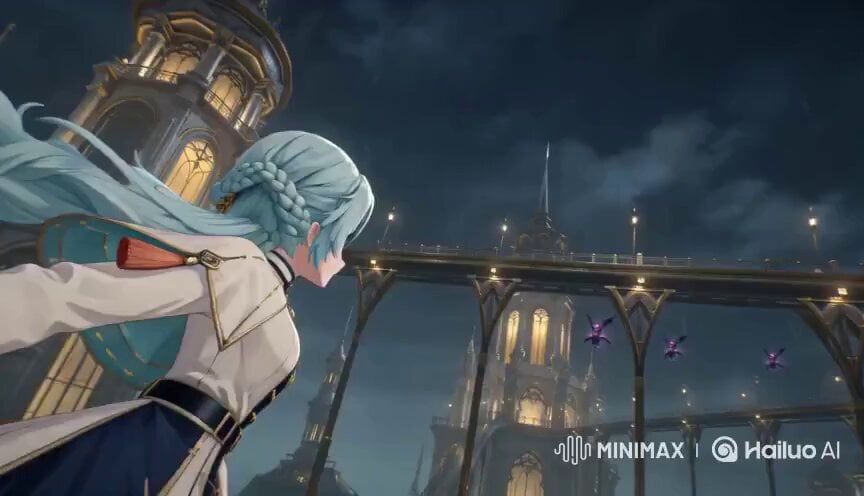
Floating Magic City Aerial Combat

MiniMax H3 Character Introduction

Floating Desert Museum Cinematic Film

Luxury Lifestyle Day Vlog

Japanese Pure Love Short Film

NYC Wingsuit Hot Dog Landing

Luxury Airport Travel Vlog

Iced Coffee Dog Good-News Montage

Italian Old-Town Time-Freeze Walk
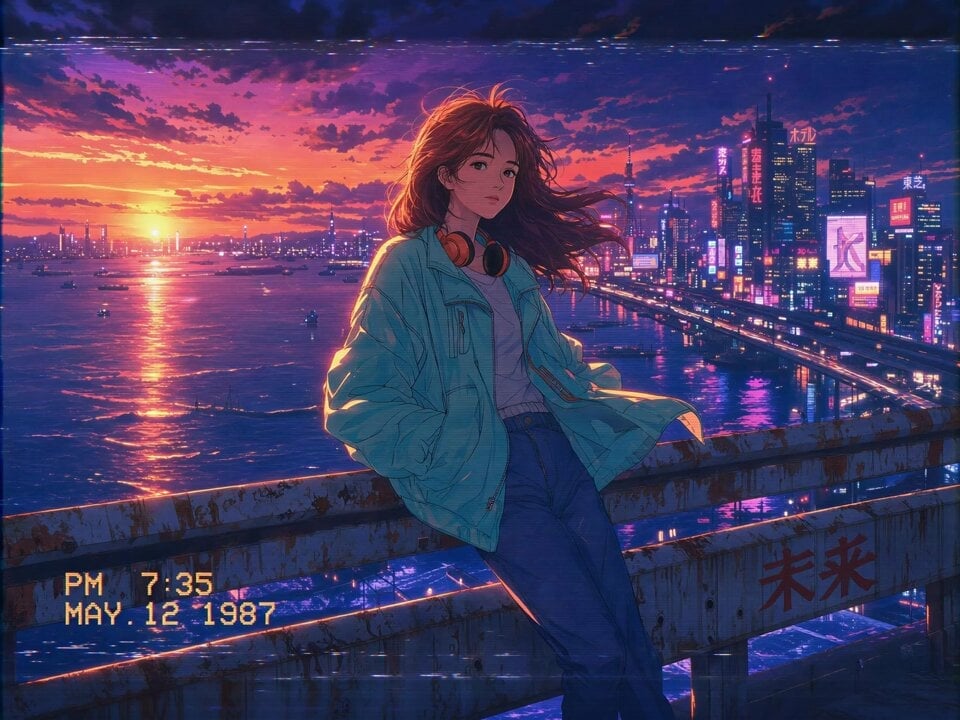
80s Anime Retro Cityscape
Make it yours
Sci-Fi Anime Floating City Cinematic works as-is. These are the safest ways to change it without losing the look.
Change one field
Copy a single group, rewrite it, and generate again so you can see what that field is doing.
Keep the frame, change the subject
Hold the composition and light of Sci-Fi Anime Floating City Cinematic, then swap wardrobe, props or the person for a new take.
| If the result… | Why | Fix |
|---|---|---|
| The result drifts from the preview | Too many fields changed at once. | Reuse Sci-Fi Anime Floating City Cinematic as-is first, then change one group — subject, light, or setting. |
| The model over-stylizes the scene | The prose prompt leaves finish and camera underspecified. | Add one camera or lighting sentence and stay on Seedance 2.0. |
More Seedance 2.0 templates
Other prompts made for Seedance 2.0.

Comical Martial Arts Punch Scene

Maglev Train Action Sequence

Martial Arts Fight Sequence

Wuxia Protection and Trust Script

Vintage Korean Arcade MiniDV Vlog

Mercedes 190 SL Luxury Ad

Rainy Night Supernatural Reverse Comedy Video Script

Amazon Civilization Discovery

Futuristic South Asian City Transformation

Cozy Luxury Cafe Commercial
More video prompts
Fresh picks from across the catalog.
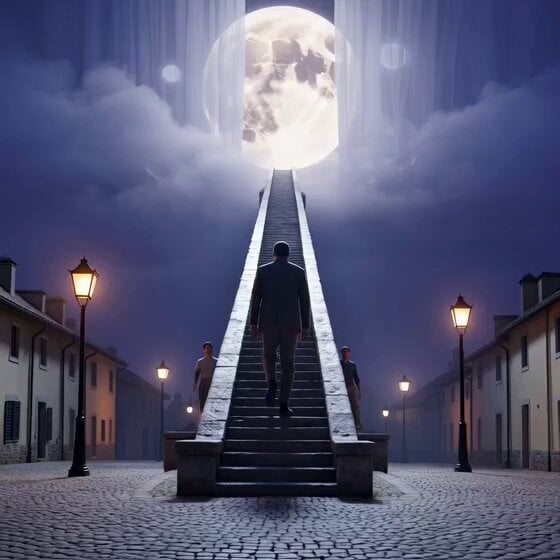
Cinematic Night Reveal of Endless Stone Staircase
Young Woman Under Cherry Blossoms (Extended Video)

Football Trailer Cinematic Transitions
Pixar-style 3D animation of iridescent fabric on a marble pedestal
Superhuman Throw and Punch Scene
Adventurous Girl Leaf Parachute Flight
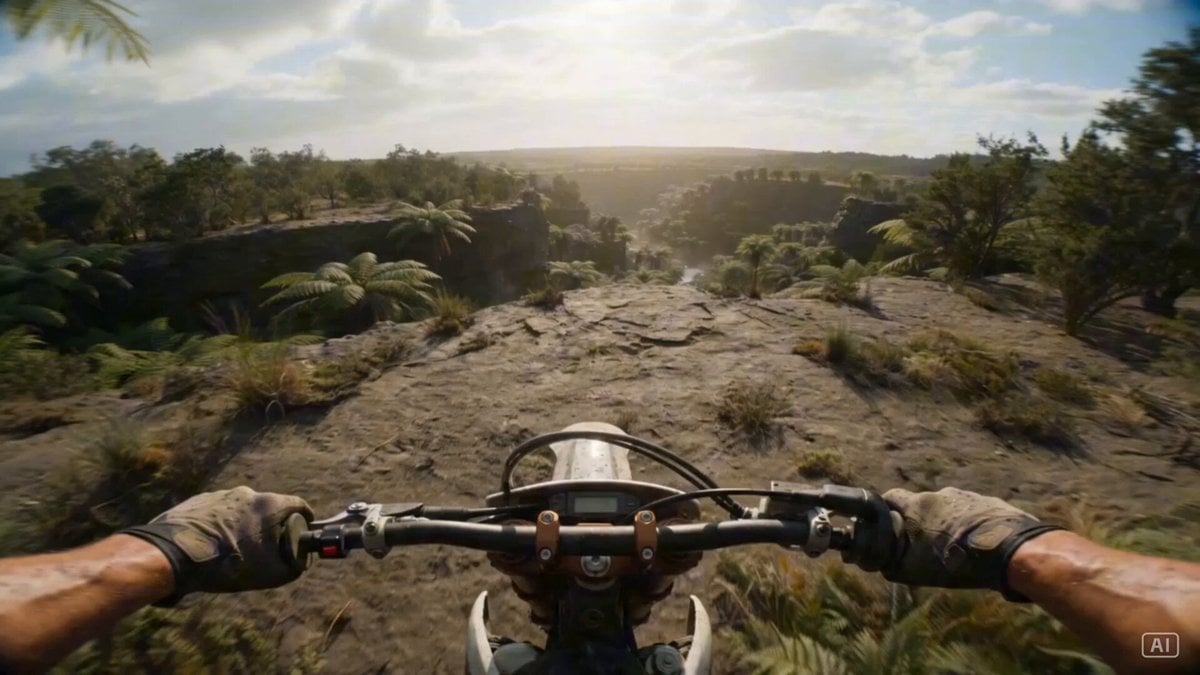
Prehistoric Dirt Bike POV: Racing Against Dinosaurs
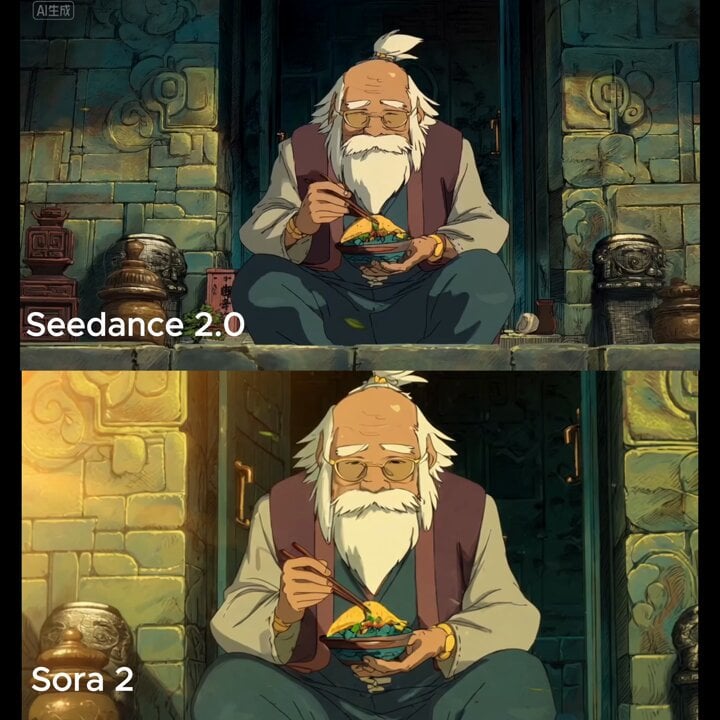
Slow cinematic push-in with leaves passing across the frame
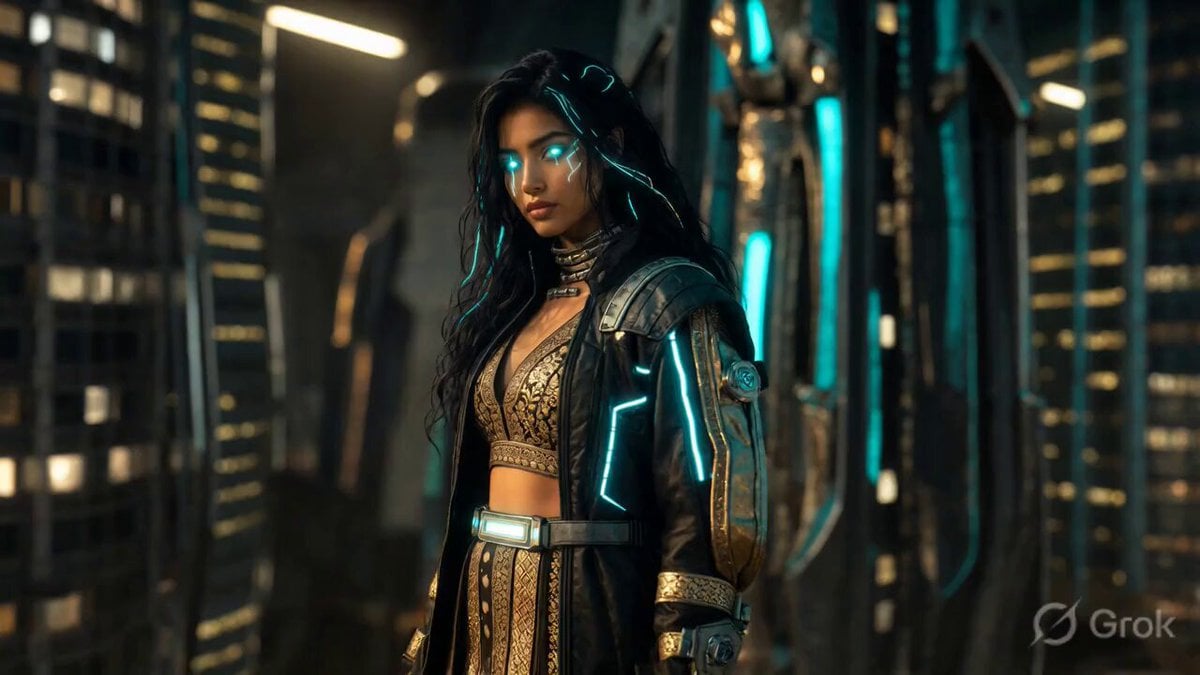
Cyberpunk Alley Cinematic Video Prompt
Shiba Inu in Business Suit Jumps from Car Window
Browse template categories
Sci-Fi Anime Floating City Cinematic questions
How do I use the Sci-Fi Anime Floating City Cinematic template?
Add your photo if the template asks for one, edit the prompt if you like — the template's model and format are already selected — and press Generate. Your version opens in PicX Studio.
Can I customize the Sci-Fi Anime Floating City Cinematic template?
Yes. You can change the subject, setting, lighting, mood, format, and available model controls before creating your video.
Is the Sci-Fi Anime Floating City Cinematic template free?
Opening and editing this template is free. Generating uses credits, shown on the Generate button when you are signed in.
Which AI model should I use?
Start with Seedance 2.0, which is the model associated with this template. You can compare another compatible model for a different finish.
Looking for something else? Browse all templates.

Your photo, any look
Thousands of ready templates for every top image and video model, from one credit balance.