
Luxury House Tour — 15 Shots in 15 Seconds (Seedance)
Seedance 2.0 prompt by @MrDasOnX — 15 dynamic cinematic shots in 15 seconds: full luxury house tour from entrance to sunset.
- Prompt included
- Model and format preset
- Premium template
The prompt behind this video
Copy the exact prompt behind Luxury House Tour — 15 Shots in 15 Seconds (Seedance), or open it in the studio and make it yours.
Cinematic 15-second luxury house tour composed of 15 rapid 1-second shots, each cut cleanly with smooth visual continuity, ultra-realistic interior and exterior architecture, high-end modern luxury home, natural lighting, cinematic color grading, consistent style across all shots. Shot list sequence: 1. Exterior establishing shot of modern luxury villa with landscaping and warm sunlight 2. Slow push through grand entrance doorway 3. Wide living room with floor-to-ceiling windows and designer furniture 4. Close-up of marble coffee table with decor details 5. Pan across double-height ceiling and chandelier 6. Luxury kitchen island with stone countertop and soft daylight 7. Slow slide past premium appliances and cabinetry 8. Dining area with large table and elegant lighting 9. Bedroom wide shot with soft linen bedding and natural light 10. Walk-in closet with warm LED shelf lighting 11. Bathroom with freestanding tub and stone textures 12. Balcony or terrace with outdoor seating and view 13. Staircase with architectural lighting and glass railing 14. Home lounge / media room with ambient lighting 15. Final exterior sunset hero shot of the house Fast cinematic cuts, smooth motion in every shot, micro camera movement per shot (push, pan, slide), physically accurate lighting, realistic reflections, soft shadows, ultra-realistic materials, marble, glass, wood, metal. Consistent exposure, no flicker, stable geometry, real-world motion blur, shallow depth of field where appropriate, HDR, ultra high definition, film-quality luxury real estate cinematography.
How to use Luxury House Tour — 15 Shots in 15 Seconds (Seedance) in 3 steps
- 1
Open
The prompt is already in the box next to the preview, with the template's model and format selected.
- 2…a portrait of your subject in softgolden-hour light, 85mm…
Personalize
Edit the subject and creative details for your destination.
- 3Generate
Generate
Press Generate — your video is created in PicX Studio, so you can compare it with the original and refine one variable at a time.
More like this
Templates with the same subject, style or setup. Open one to see its prompt.

Sneaker Product Commercial
Cinematic Short Film Scene 2
Multi Panel Storyboard Sheet

Skincare Product Commercial 3

Cinematic Portrait Study 3

Product UGC Commercial

Cinematic Portrait Study
Skincare Product Commercial
Ice Queen — Frozen Battlefield Time Control (Seedance)
Skybridge Rescue — Supertall Tower Collapse (Seedance)
Naval Painting Breach — Art Gallery Flood (Seedance)
Dragon Rescue — Volcanic Kingdom Collapse (Seedance)
Make it yours
Luxury House Tour — 15 Shots in 15 Seconds (Seedance) works as-is. These are the safest ways to change it without losing the look.
Change one field
Copy a single group, rewrite it, and generate again so you can see what that field is doing.
Keep the frame, change the subject
Hold the composition and light of Luxury House Tour — 15 Shots in 15 Seconds (Seedance), then swap wardrobe, props or the person for a new take.
| If the result… | Why | Fix |
|---|---|---|
| The result drifts from the preview | Too many fields changed at once. | Reuse Luxury House Tour — 15 Shots in 15 Seconds (Seedance) as-is first, then change one group — subject, light, or setting. |
| The model over-stylizes the scene | The prose prompt leaves finish and camera underspecified. | Add one camera or lighting sentence and stay on Seedance. |
More Seedance templates
Other prompts made for Seedance.
More video prompts
Fresh picks from across the catalog.
Female Golfer Realistic Outdoor Shot
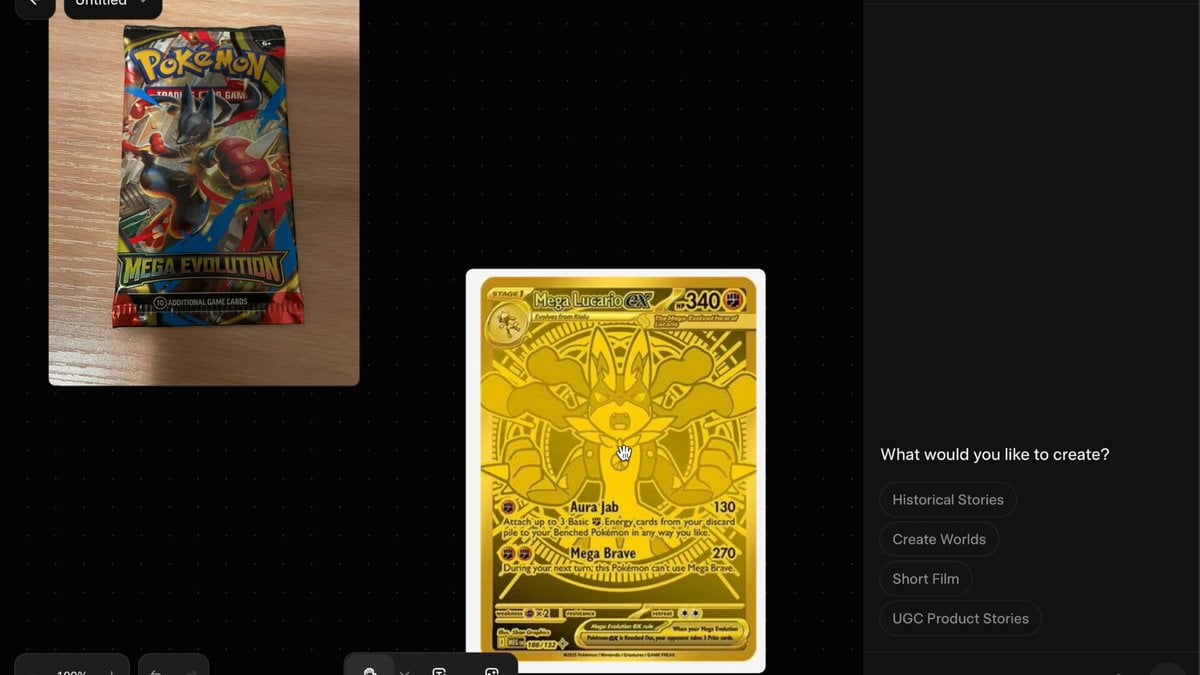
Pokemon Card Unboxing First Person POV
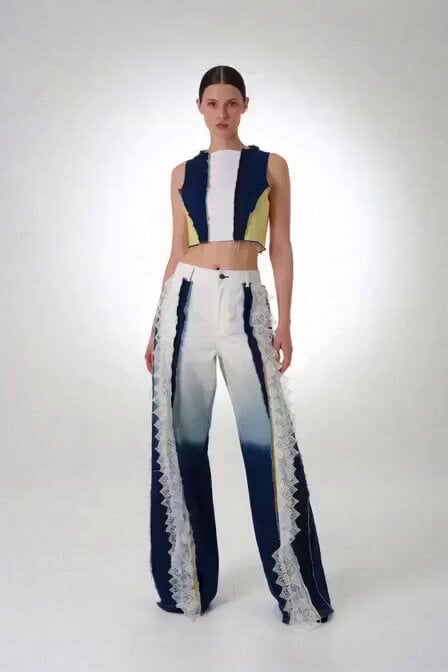
Victoria's Secret Runway Walk
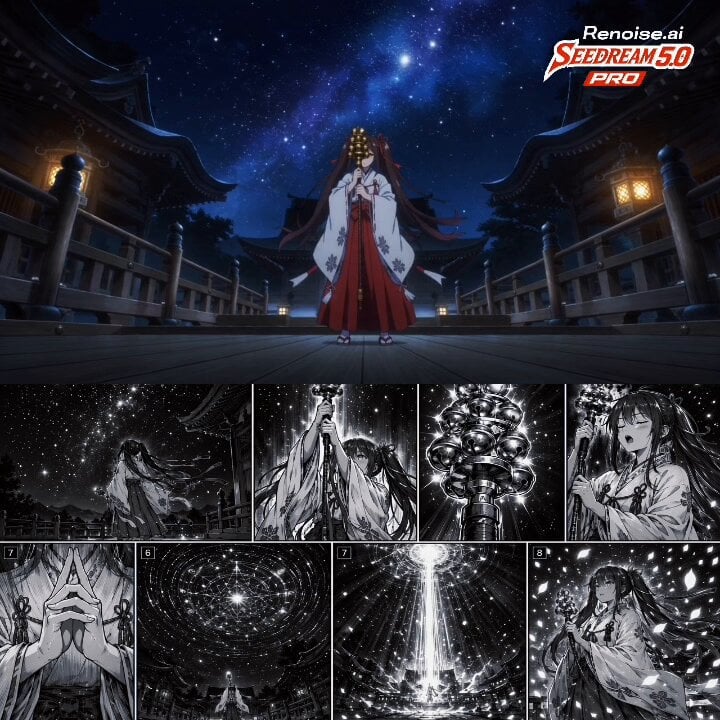
Japanese Anime Cinematic Animation
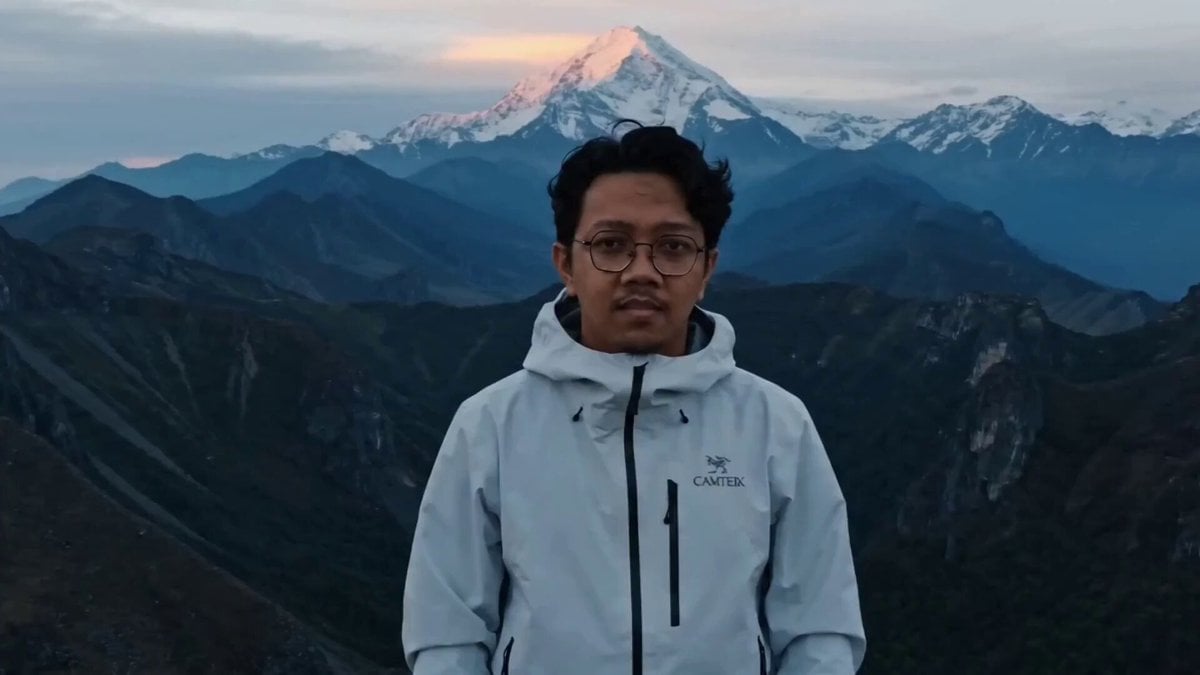
Epic Mountain Dragon Summoning
Seedance 2.0 prompt for a lunar landing scene
Cartoon moose hit by semi truck prompt
Premium Coffee Maker UGC Ad
Rooftop Sunset Fashion Film Prompt
Coastal Highway Sunset Drive
Browse template categories
Luxury House Tour — 15 Shots in 15 Seconds (Seedance) questions
How do I use the Luxury House Tour — 15 Shots in 15 Seconds (Seedance) template?
Add your photo if the template asks for one, edit the prompt if you like — the template's model and format are already selected — and press Generate. Your version opens in PicX Studio.
Can I customize the Luxury House Tour — 15 Shots in 15 Seconds (Seedance) template?
Yes. You can change the subject, setting, lighting, mood, format, and available model controls before creating your video.
Is the Luxury House Tour — 15 Shots in 15 Seconds (Seedance) template free?
Opening and editing this template is free. Generating uses credits, shown on the Generate button when you are signed in.
Which AI model should I use?
Start with Seedance, which is the model associated with this template. You can compare another compatible model for a different finish.
Looking for something else? Browse all templates.

Your photo, any look
Thousands of ready templates for every top image and video model, from one credit balance.