
Rooftop Sunset Fashion Film Prompt
A luxurious and viral-style fashion film prompt featuring a model on a skyscraper rooftop during golden hour.
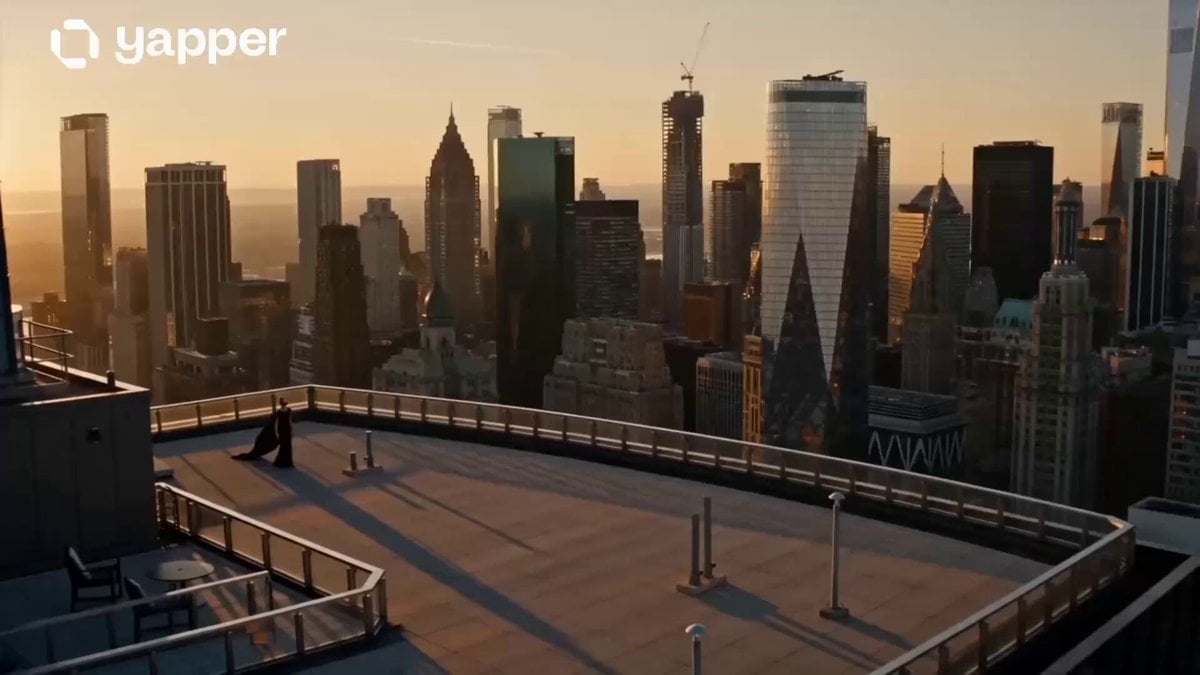
- Prompt included
- Model and format preset
- Premium template
The prompt behind this video
Copy the exact prompt behind Rooftop Sunset Fashion Film Prompt, or open it in the studio and make it yours.
15-second ultra realistic cinematic rooftop fashion film during sunset. Scene 1 (0–4s): A stunning fashion model steps onto a luxury rooftop overlooking a glowing city skyline at golden hour. Soft wind moves her hair and long black outfit naturally, cinematic drone shot approaching slowly, warm orange sunlight reflecting on glass buildings, ultra aesthetic atmosphere. Scene 2 (4–8s): Slow-motion tracking shot as she confidently walks across the rooftop edge in a luxurious designer outfit with sunglasses and silver accessories. Cinematic lens flares, flowing fabric movement, rich old-money aesthetic, shallow depth of field, Vogue editorial vibe. Scene 3 (8–12s): Dramatic side-profile close-up with sunset behind her, hair moving beautifully in wind, emotional “main character” energy, cinematic camera orbit movement, realistic skin texture, luxury perfume advertisement style. Scene 4 (12–15s): Final powerful shot facing the city skyline while city lights begin glowing at blue hour. Camera slowly pulls back revealing the massive skyline and luxury rooftop ambiance. Text fades in: “Some people don’t follow trends… they become them.” Ultra realistic cinematic fashion storytelling, viral Twitter/TikTok aesthetic, luxury lifestyle energy, smooth camera motion, film grain, anamorphic lens flare, highly detailed, emotional cinematic mood, 4K masterpiece.
How to use Rooftop Sunset Fashion Film Prompt in 3 steps
- 1
Open
The prompt is already in the box next to the preview, with the template's model and format selected.
- 2…a portrait of your subject in softgolden-hour light, 85mm…
Personalize
Edit the subject and creative details for your destination.
- 3Generate
Generate
Press Generate — your video is created in PicX Studio, so you can compare it with the original and refine one variable at a time.
More like this
Templates with the same subject, style or setup. Open one to see its prompt.

Luxury Lifestyle Day Vlog
Vertical City — São Paulo Parkour at Sunset

Cinematic Short Film Scene
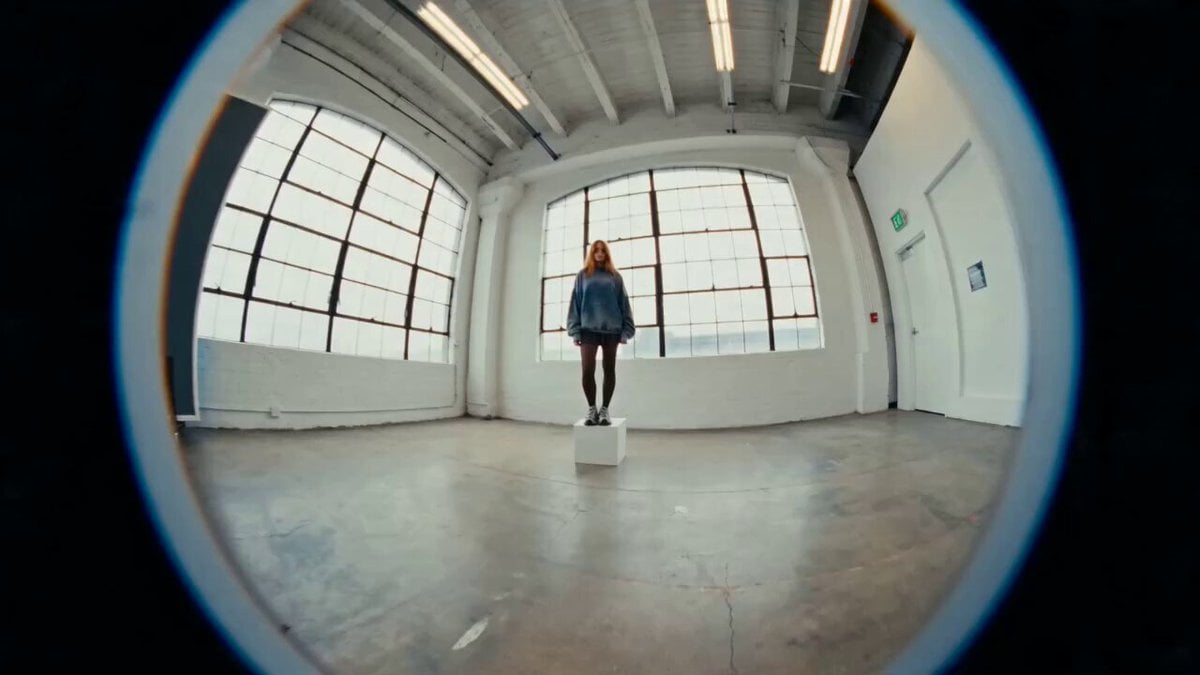
Industrial Loft Fashion Performance Film
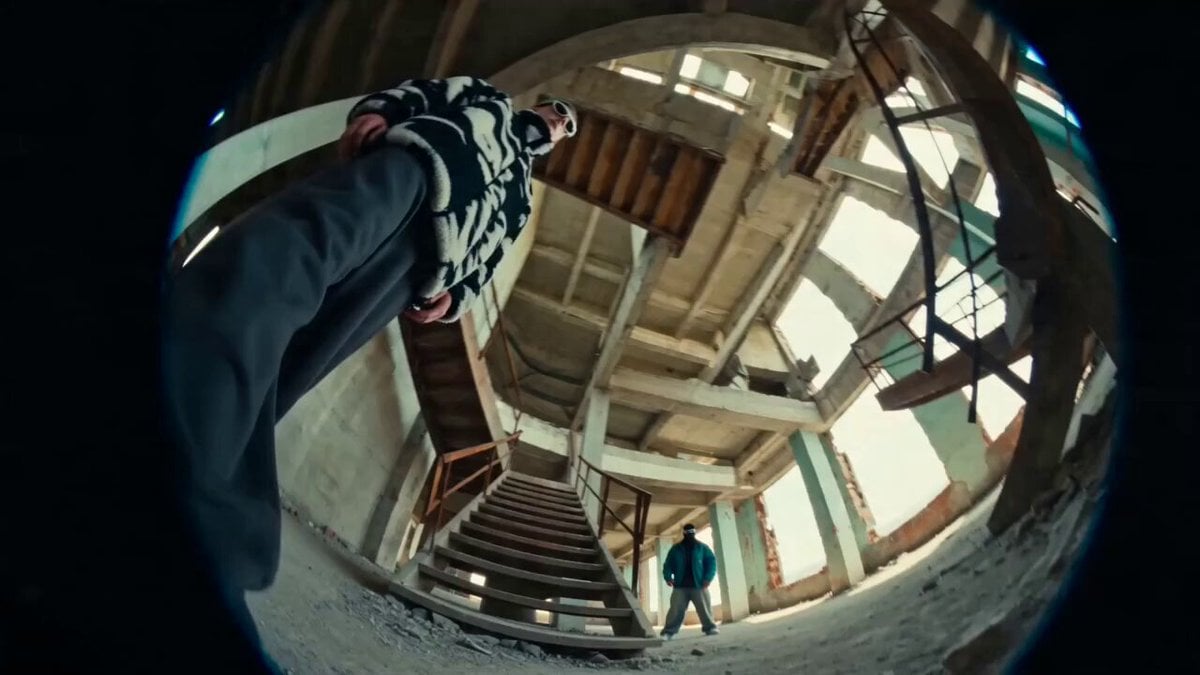
Industrial Underground Fashion Film
Rooftop Parkour Motion Control
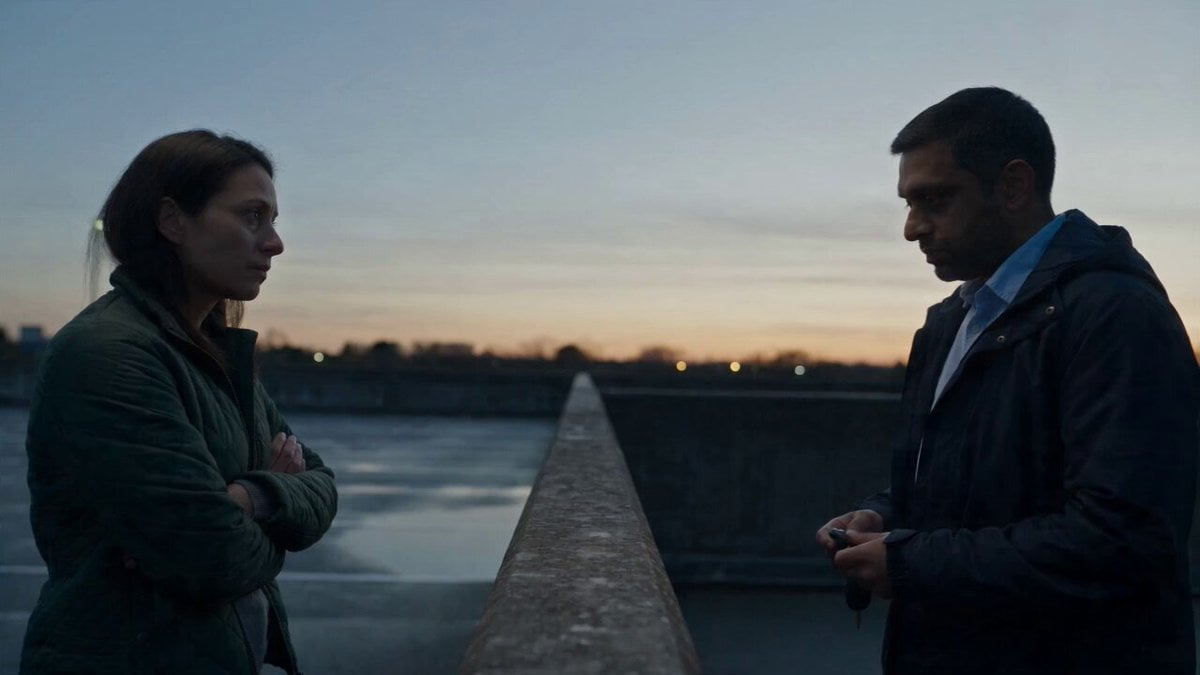
Hospital Car Park Dialogue Lip Sync
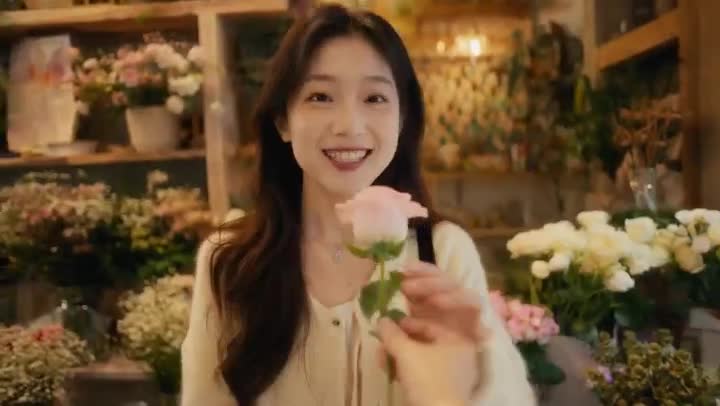
Global Flower Thank-You Film
Youth Racing Short Film

Mechanical Flower Bloom Brand Film

Oceanic Civilization Epic Sci-Fi Film

Floating Desert Museum Cinematic Film
Make it yours
Rooftop Sunset Fashion Film Prompt works as-is. These are the safest ways to change it without losing the look.
Change one field
Copy a single group, rewrite it, and generate again so you can see what that field is doing.
Keep the frame, change the subject
Hold the composition and light of Rooftop Sunset Fashion Film Prompt, then swap wardrobe, props or the person for a new take.
| If the result… | Why | Fix |
|---|---|---|
| The result drifts from the preview | Too many fields changed at once. | Reuse Rooftop Sunset Fashion Film Prompt as-is first, then change one group — subject, light, or setting. |
| The model over-stylizes the scene | The prose prompt leaves finish and camera underspecified. | Add one camera or lighting sentence and stay on Seedance 2.0. |
More Seedance 2.0 templates
Other prompts made for Seedance 2.0.

Comical Martial Arts Punch Scene

Maglev Train Action Sequence

Martial Arts Fight Sequence

Wuxia Protection and Trust Script

Vintage Korean Arcade MiniDV Vlog

Mercedes 190 SL Luxury Ad

Rainy Night Supernatural Reverse Comedy Video Script

Amazon Civilization Discovery

Futuristic South Asian City Transformation

Cozy Luxury Cafe Commercial
More video prompts
Fresh picks from across the catalog.
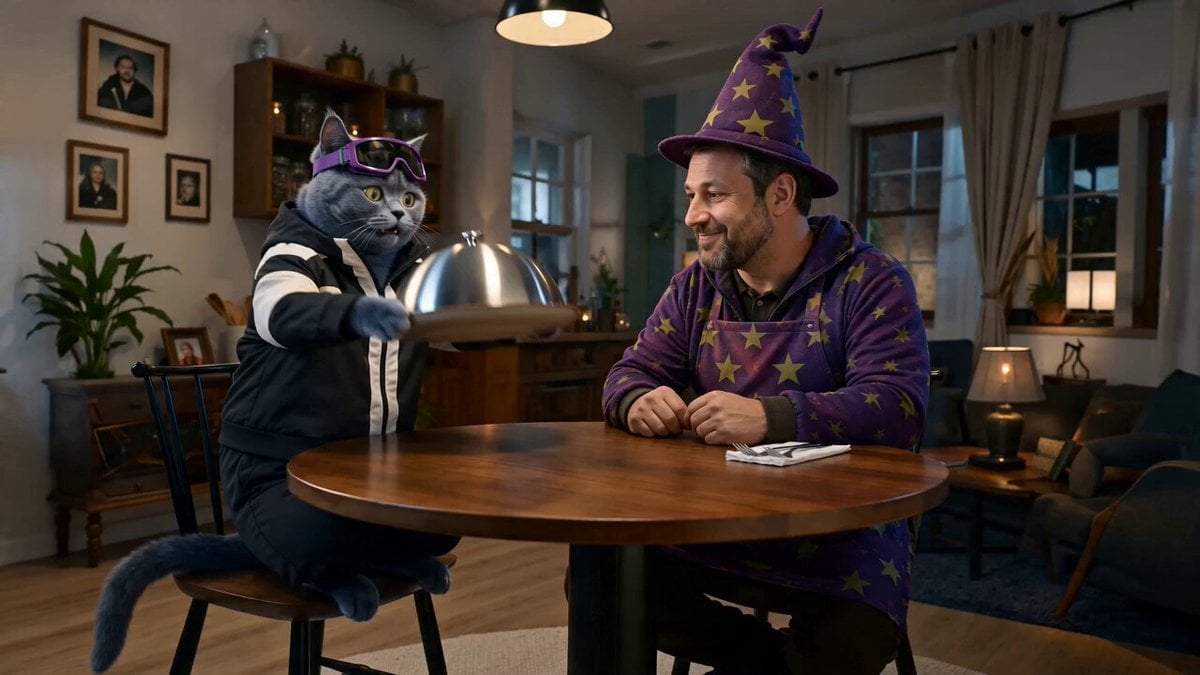
Step 2: Just put your storyboard as refference ima
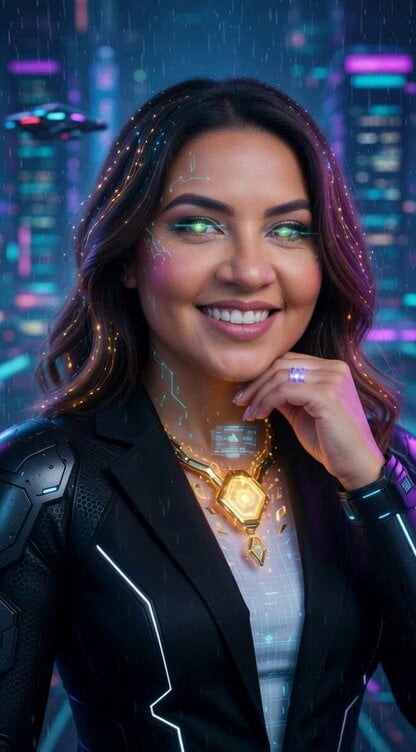
Matrix Phase 1 Complete Prompt
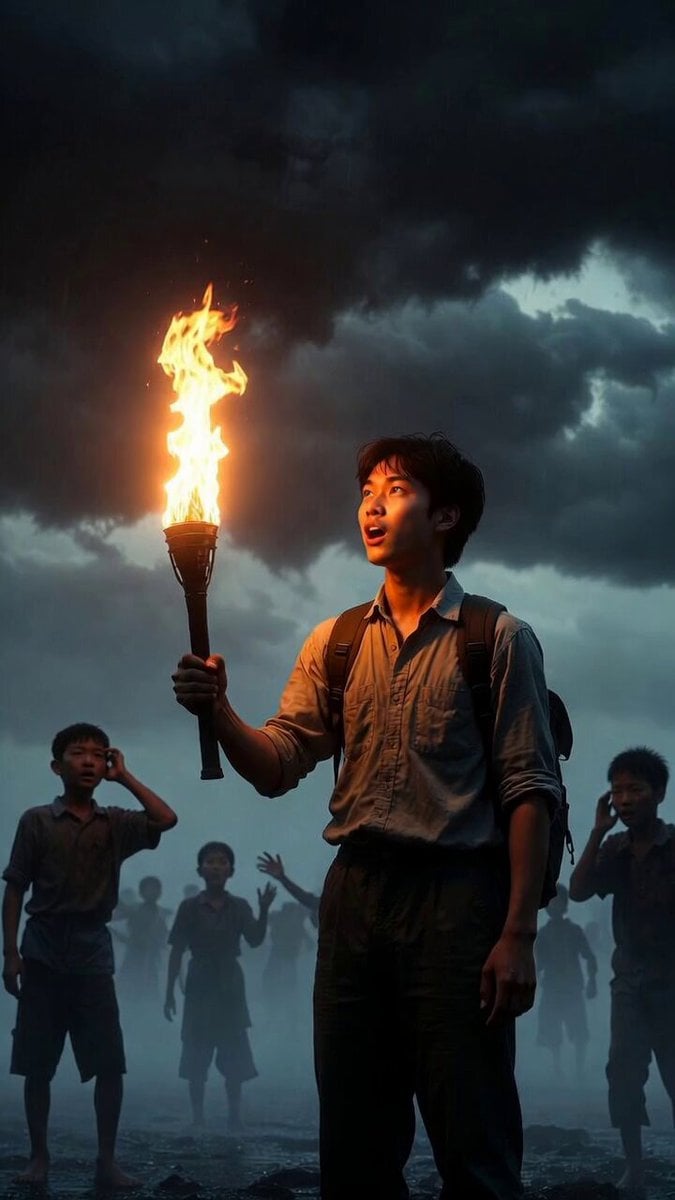
Video prompt about destiny and dreams

Stardust Shoujo Anime Prompt
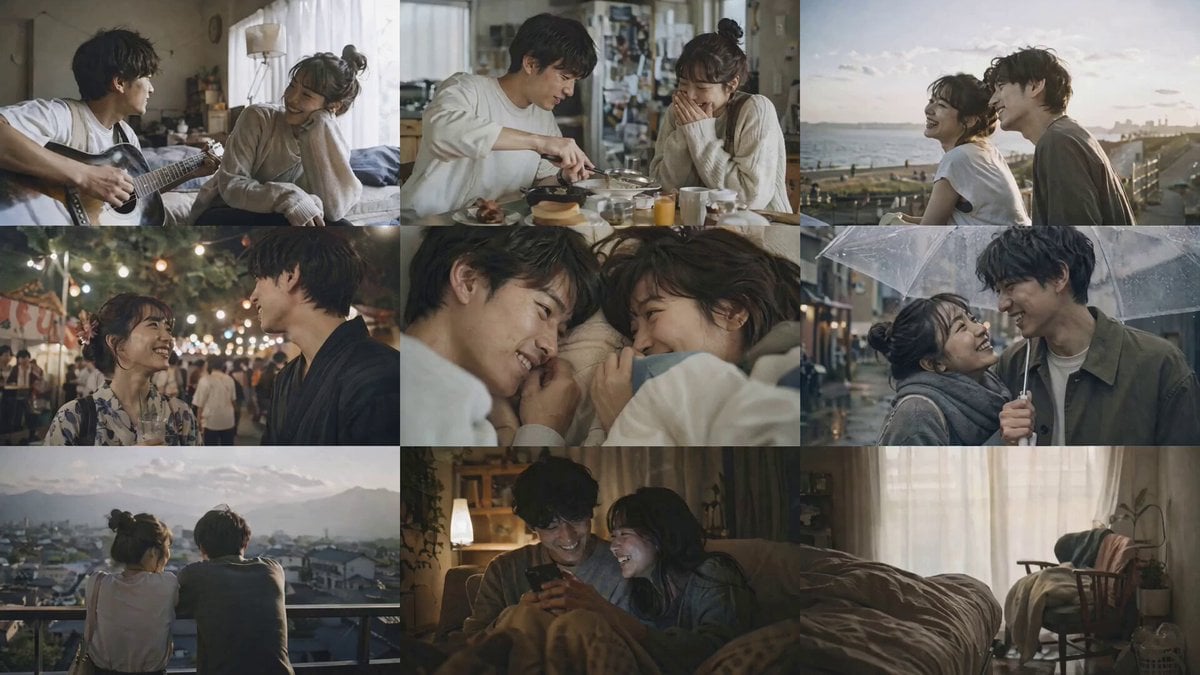
Handheld Realistic Emotional Short Film
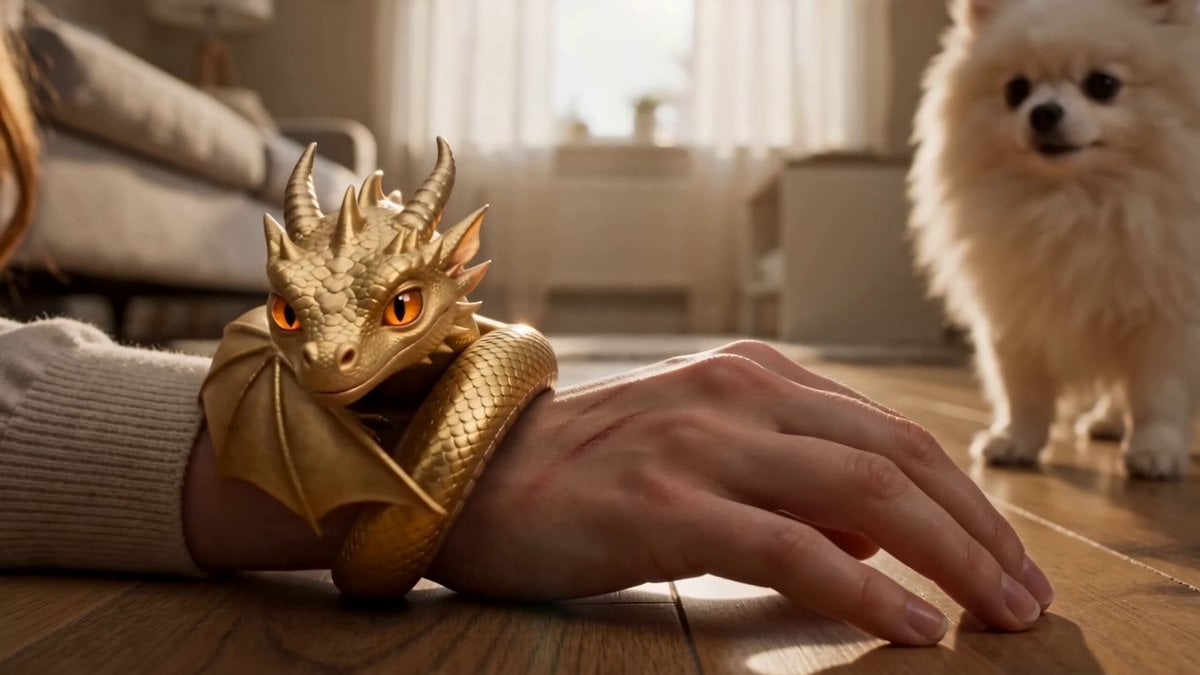
Seedance 2.0 Video Prompt: Golden Tiny Dragon

Futuristic Megacity Heatwave Escape Script
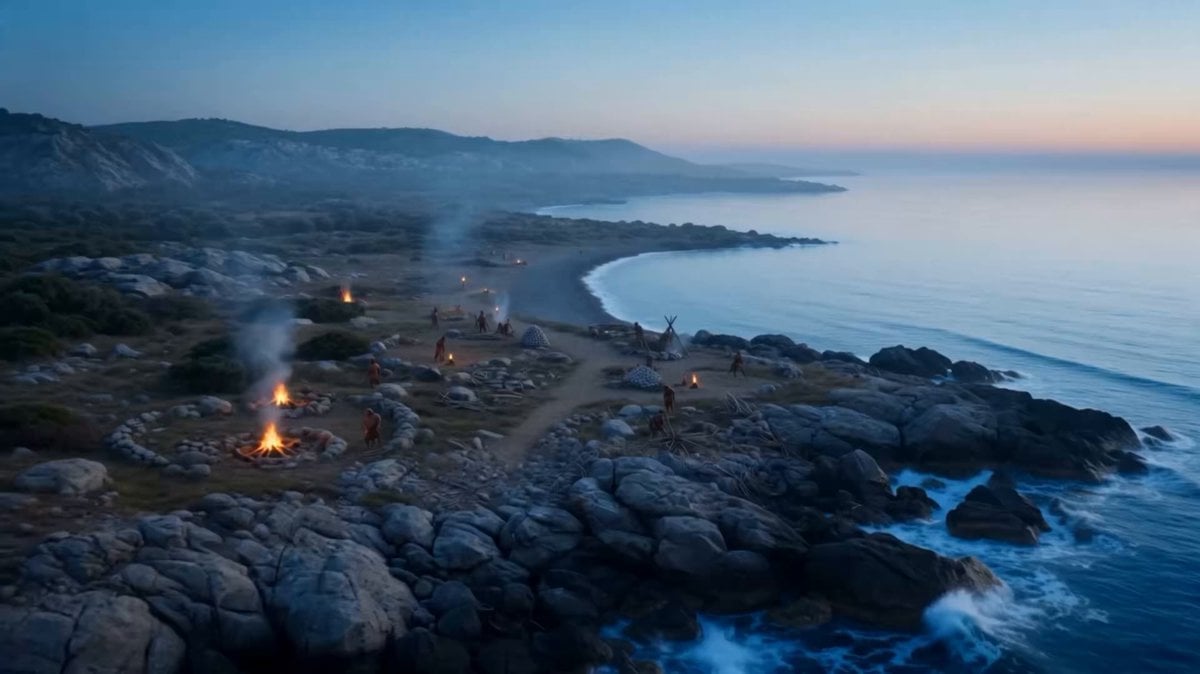
Time-Lapse City Evolution in 8K IMAX
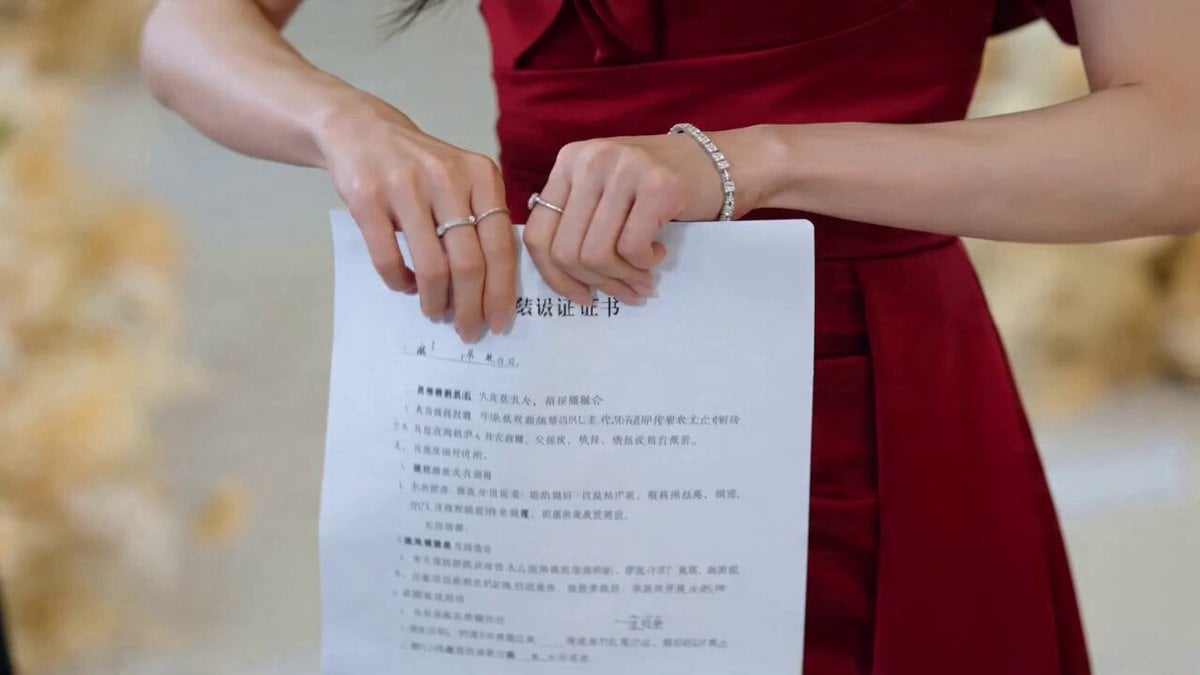
CEO Romance Drama: Contract Breakup (15s)
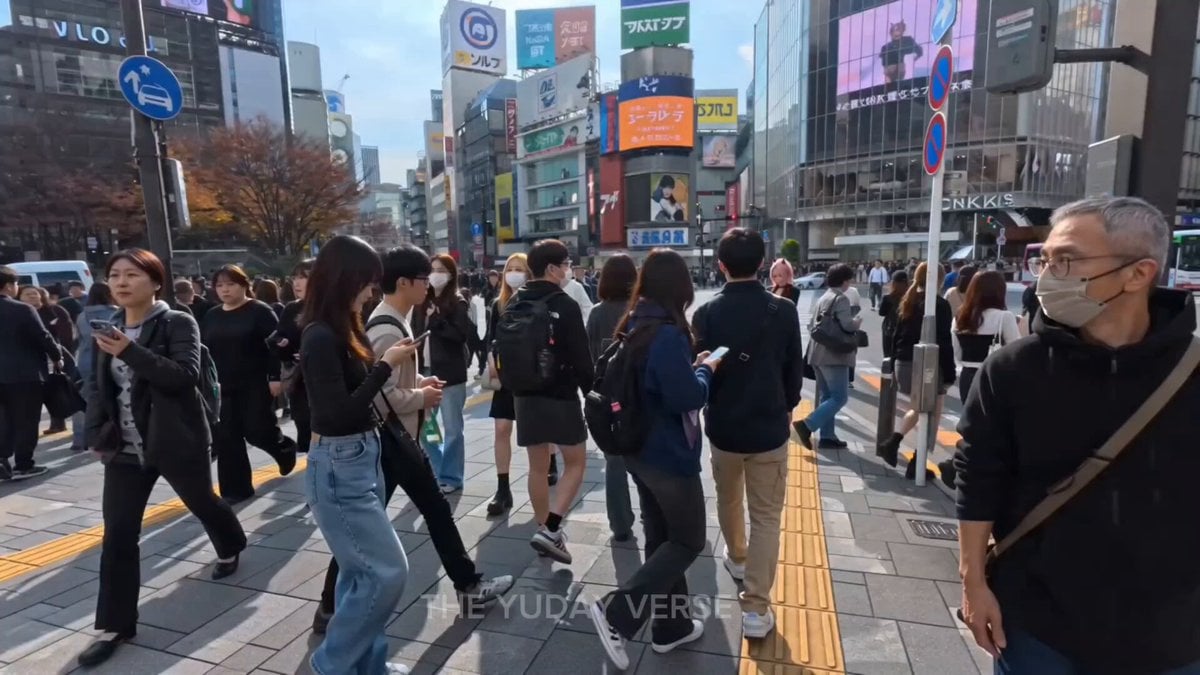
Shibuya Street Photography POV
Browse template categories
Rooftop Sunset Fashion Film Prompt questions
How do I use the Rooftop Sunset Fashion Film Prompt template?
Add your photo if the template asks for one, edit the prompt if you like — the template's model and format are already selected — and press Generate. Your version opens in PicX Studio.
Can I customize the Rooftop Sunset Fashion Film Prompt template?
Yes. You can change the subject, setting, lighting, mood, format, and available model controls before creating your video.
Is the Rooftop Sunset Fashion Film Prompt template free?
Opening and editing this template is free. Generating uses credits, shown on the Generate button when you are signed in.
Which AI model should I use?
Start with Seedance 2.0, which is the model associated with this template. You can compare another compatible model for a different finish.
Looking for something else? Browse all templates.

Your photo, any look
Thousands of ready templates for every top image and video model, from one credit balance.